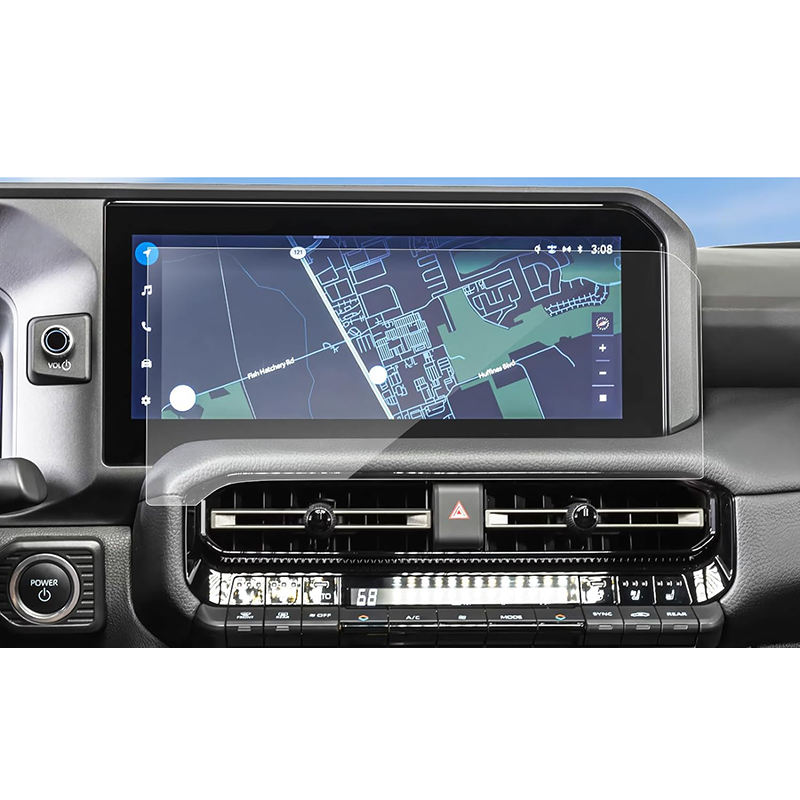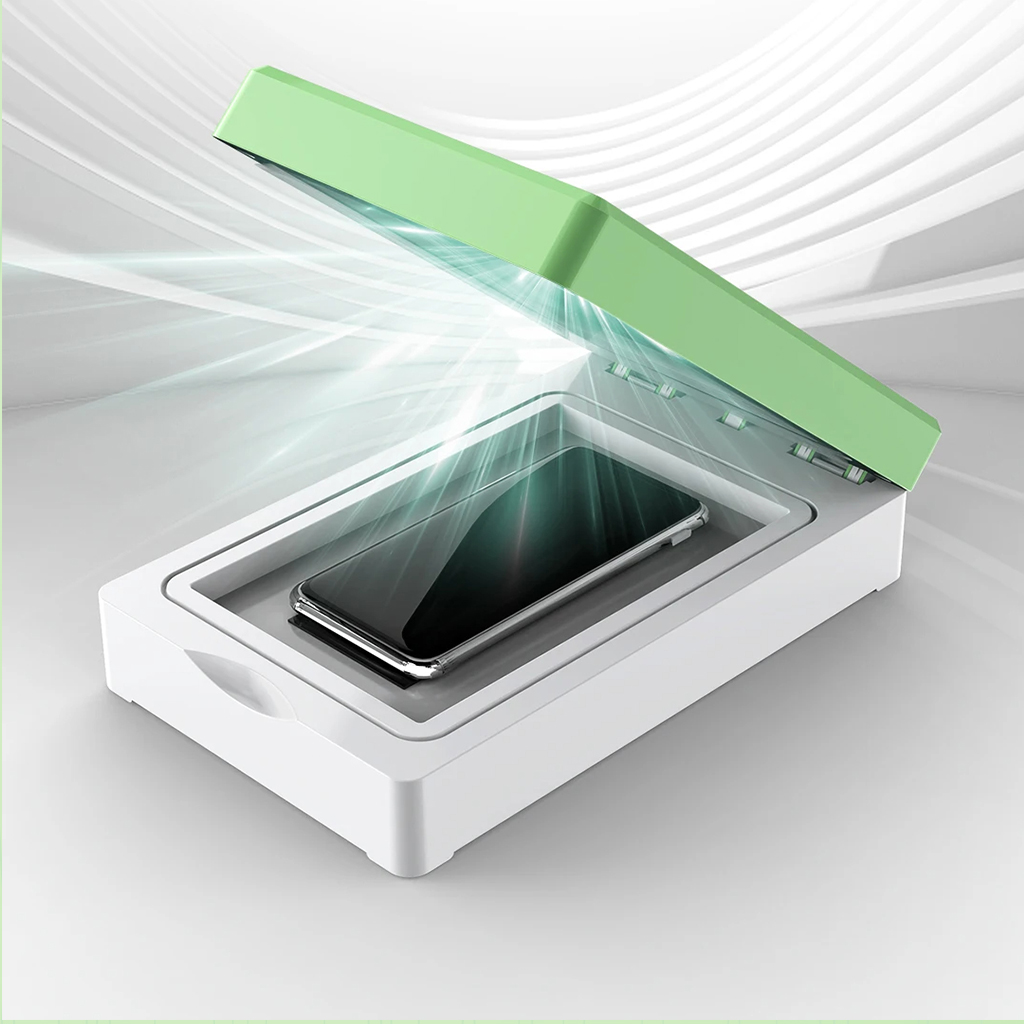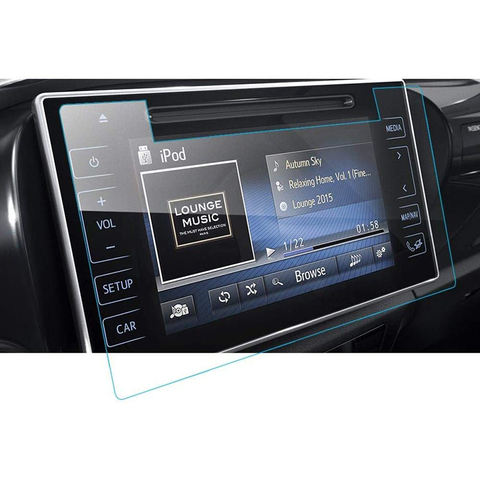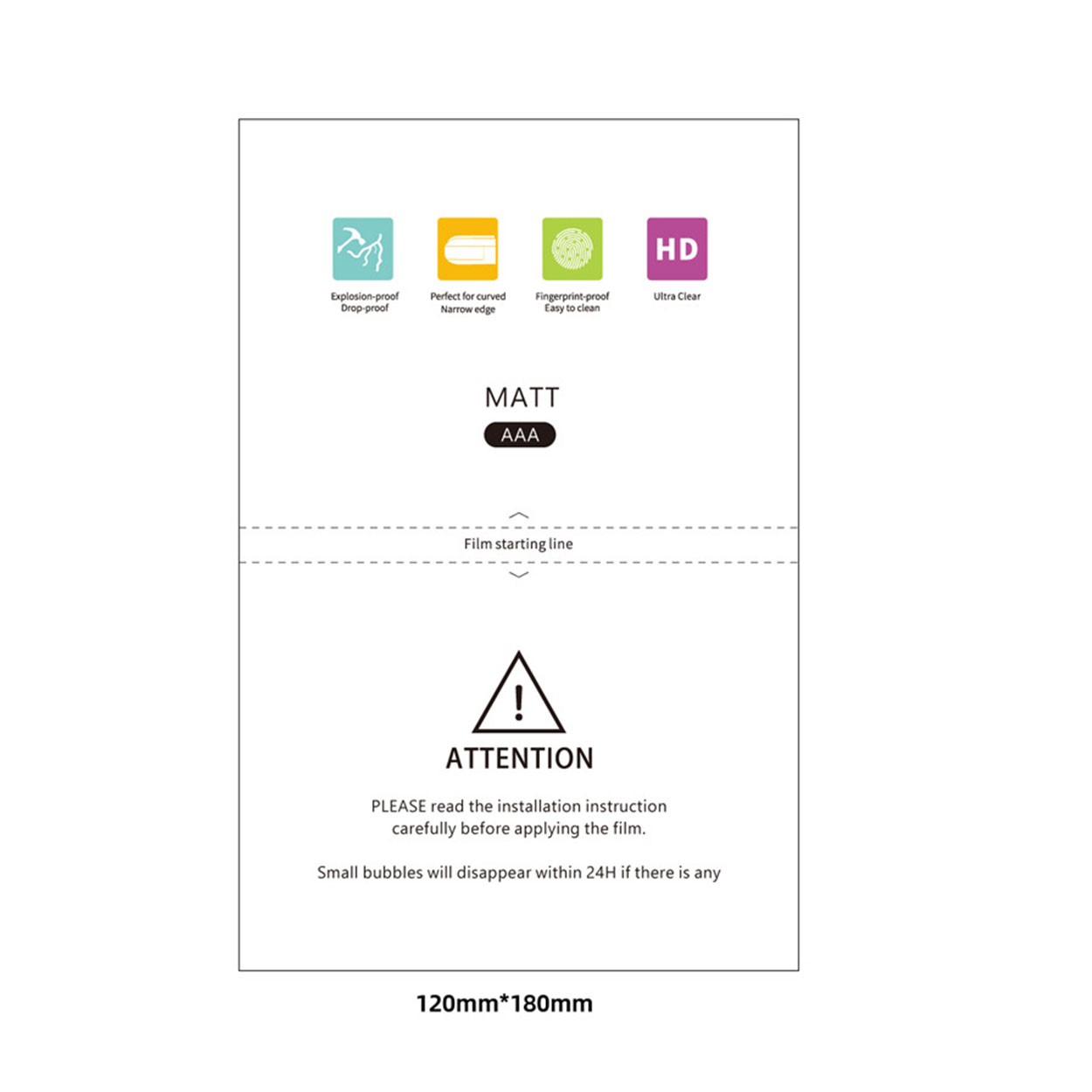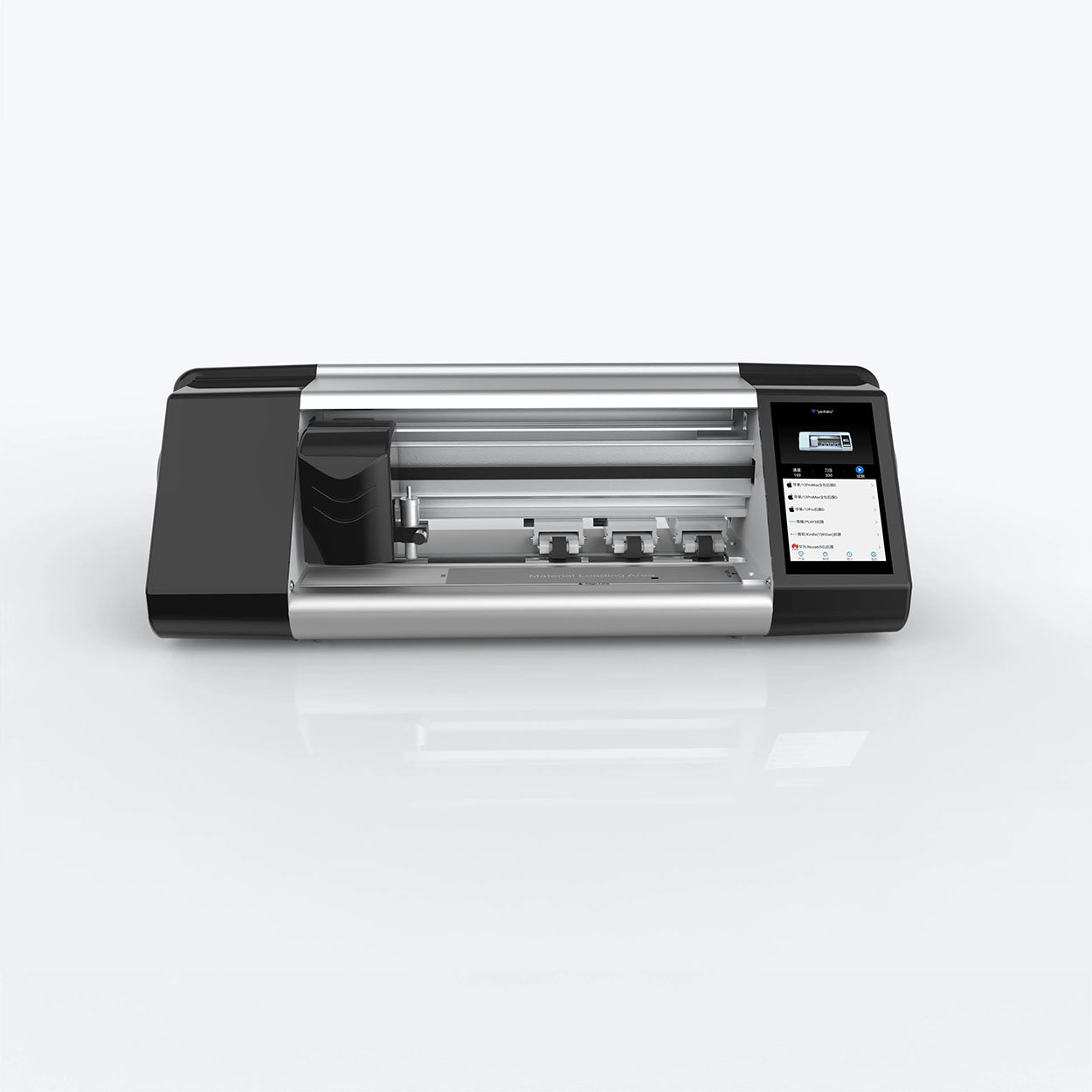
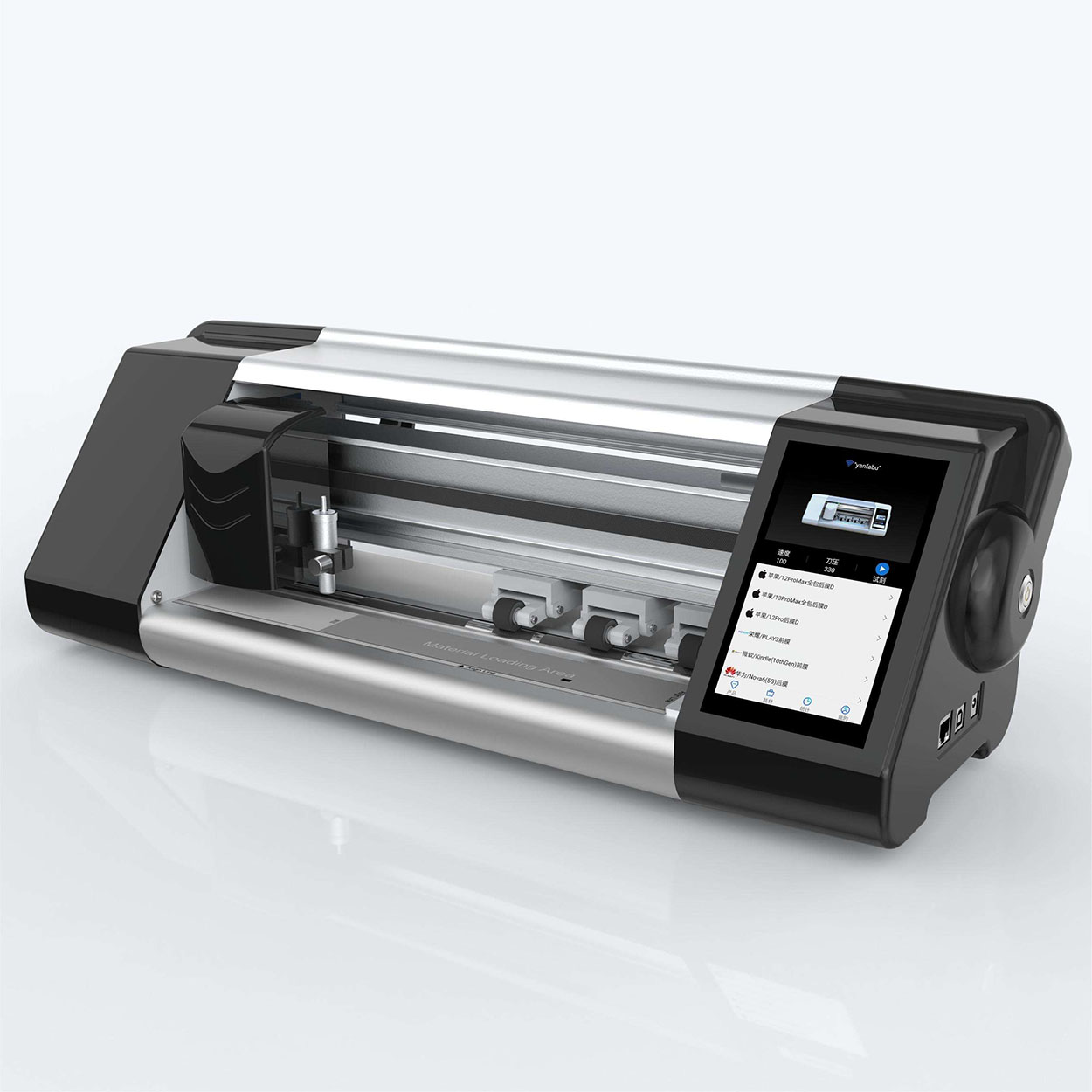
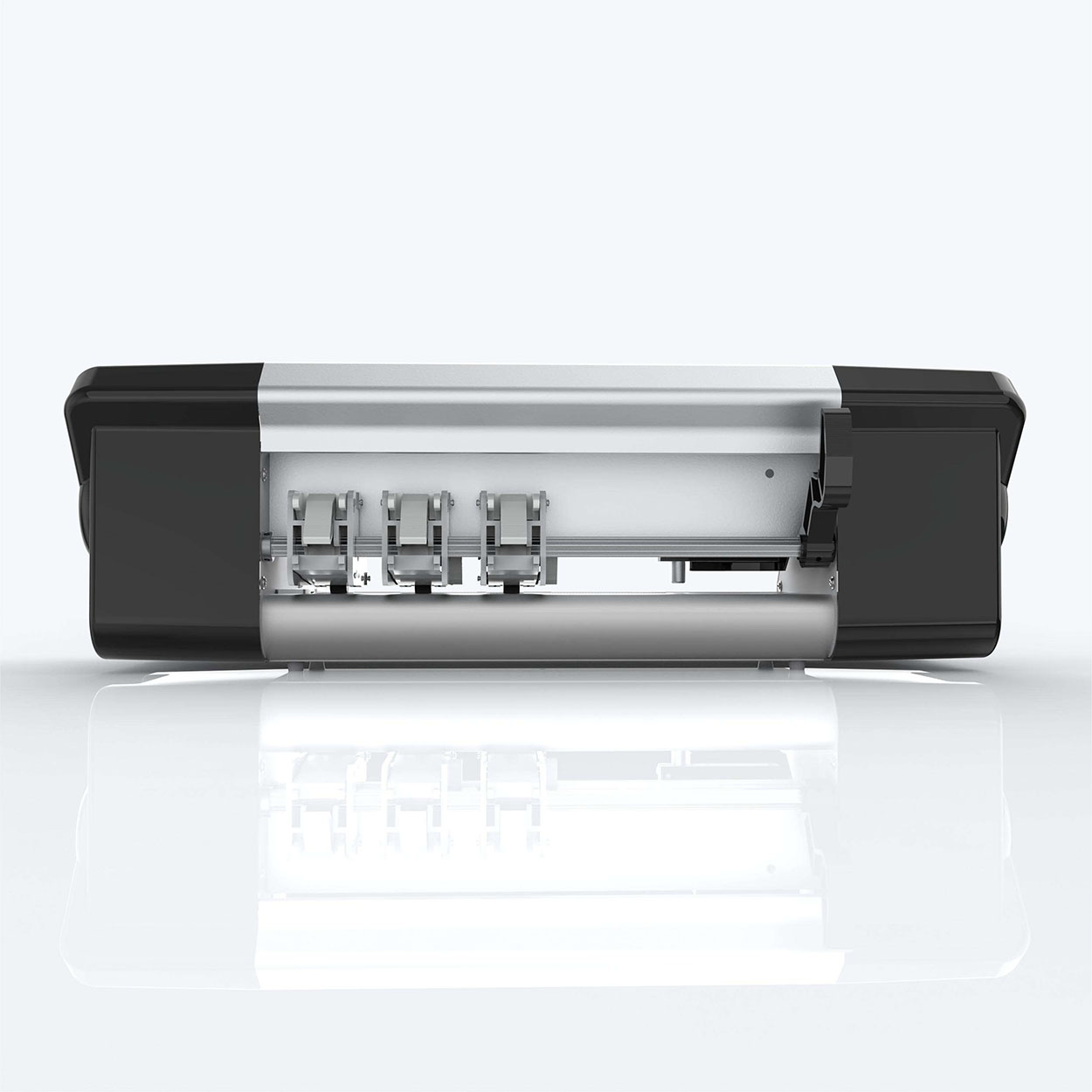
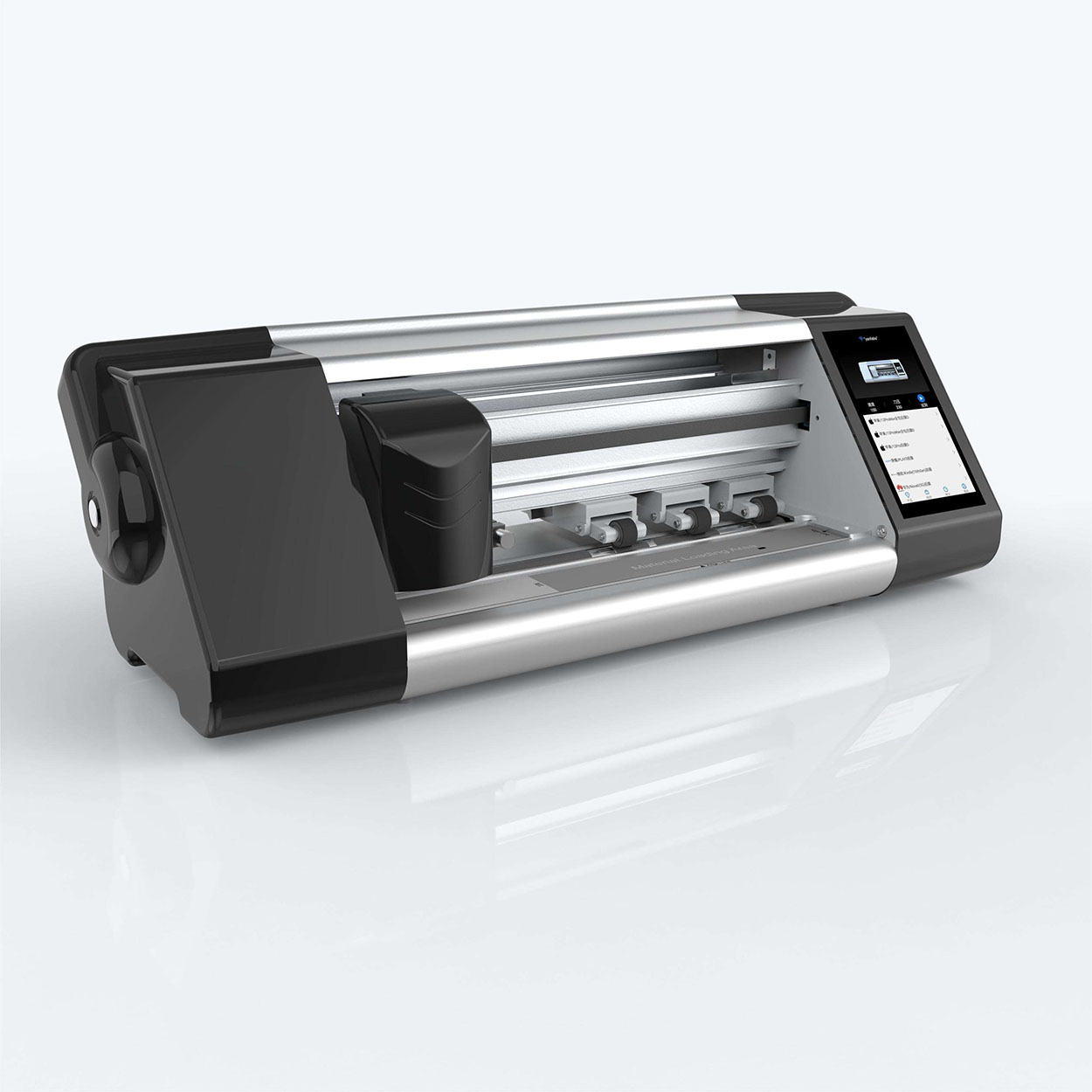
Wholesale Hydrogel Screen Protector Cutting Machine

Product Parameters

  • CONTROL:APP control / Bluetooth
  • LCD TOUCH SCREEN : 5.5″ HD with system
  • CONNECTION : WIFI / Bluetooth
  • CUTTING SPEED:50-500mm/s
  • INPUT:100-240V
  • OUTPUT:24V/DC 2A
  • POWER:<100W
  • WORKING ENVIRONMENT:+5°C – +35°C
  • MAX MEDIA WIDTH : 310mm
  • MAX CUTTING WIDTH:230mm
  • CUTTING ACCURACY: 0.1mm
  • MACHINE SIZE: 570*220*180mm
  • NET WEIGHT:6kg
  • GROSS WEIGHT:8kg
  • PACKAGE SIZE:630*300*320mm
  • COLORS: White / Black

Are you tired of dealing with bubbles, dust, and misalignment when trying to protect your precious smartphone screen? Look no further! This comprehensive guide will walk you through the process of applying a screen protector perfectly, ensuring your device stays safe from scratches and cracks. Whether you’re using a tempered glass or film protector, we’ve got you covered with expert tips, tricks, and step-by-step instructions. Say goodbye to frustration and hello to a flawlessly protected smartphone screen!

Why Is Applying a Screen Protector Important?

Before we dive into the application process, let’s understand why screen protectors are crucial for your smartphone:

  1. Protection from scratches and cracks
  2. Maintains resale value
  3. Enhances touch sensitivity
  4. Reduces glare and fingerprints

Now that we know the importance, let’s get started with the application process!

What Tools Do You Need to Apply a Screen Protector?

To ensure a smooth application process, gather the following items:

  • Screen protector (tempered glass or film)
  • Microfiber cloth
  • Cleaning solution
  • Dust removal stickers
  • Squeegee or credit card
  • Well-lit, dust-free environment

Having these tools ready will make the application process much easier and more effective.

How to Prepare Your Smartphone for Screen Protector Application?

Proper preparation is key to a successful screen protector application. Follow these steps:

  1. Remove any existing screen protector or case
  2. Clean your hands thoroughly
  3. Power off your smartphone
  4. Use the cleaning solution and microfiber cloth to remove dirt, oil, and fingerprints
  5. Use dust removal stickers to pick up any remaining particles

Taking the time to prepare your device properly will significantly improve the chances of a perfect application.

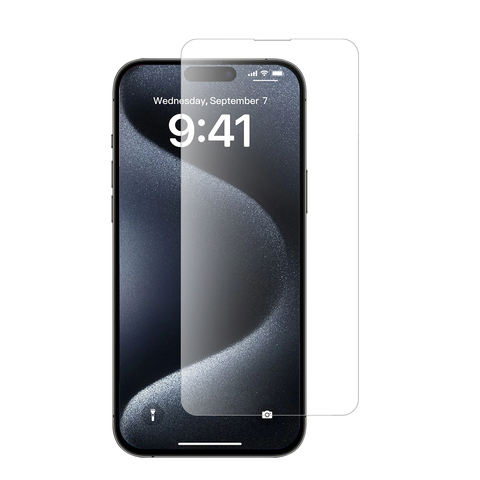
What’s the Best Method to Apply a Tempered Glass Screen Protector?

Tempered glass screen protectors offer superior protection and a smooth feel. Here’s how to apply them:

  1. Align the protector with your phone’s screen, using the camera and speaker cutouts as guides
  2. Gently place one edge of the protector on the screen
  3. Use the squeegee or credit card to slowly push out air bubbles as you lower the protector
  4. Apply firm, even pressure across the entire surface
  5. Use the microfiber cloth to remove any remaining bubbles

Remember, patience is key when applying a tempered glass screen protector. Take your time to ensure proper alignment and bubble-free application.

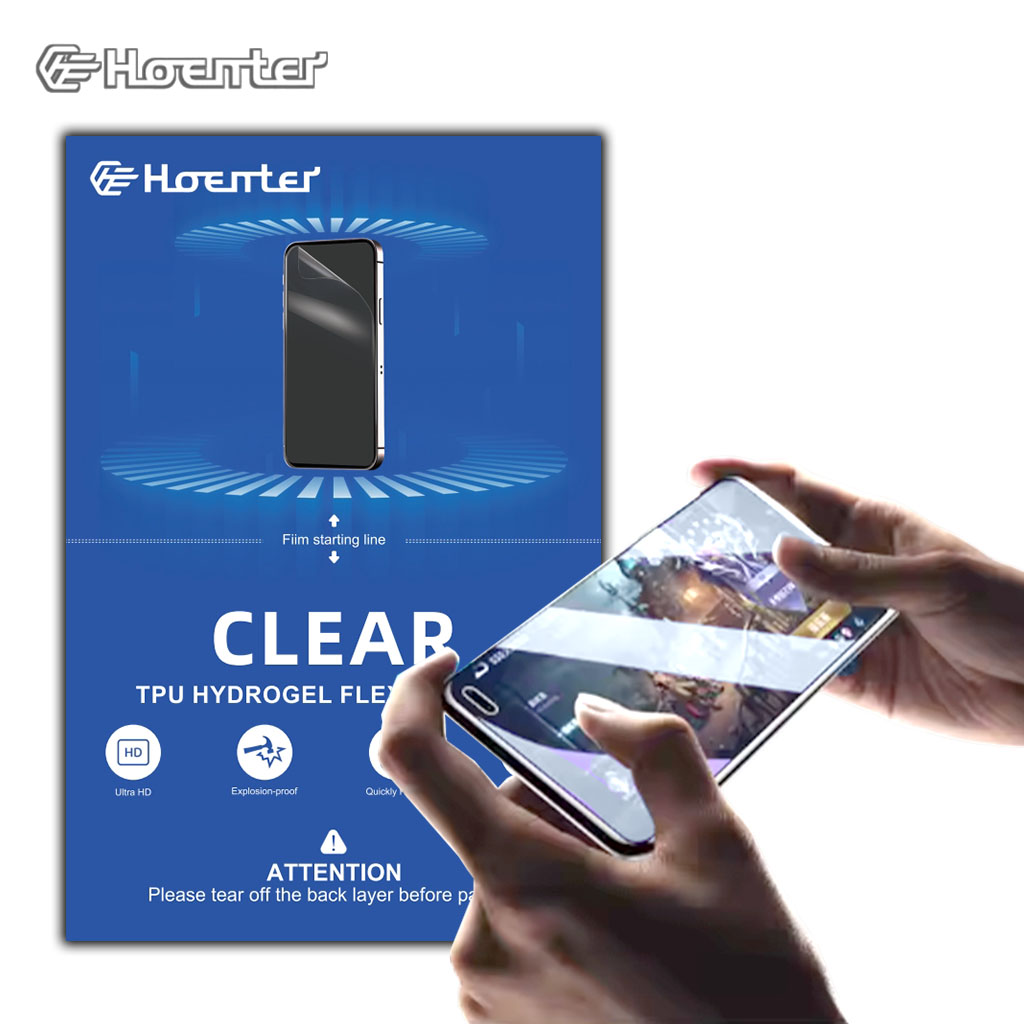
How Can You Apply a Film Screen Protector Without Bubbles?

Film screen protectors can be trickier to apply, but with these steps, you can achieve a bubble-free result:

  1. Peel off the backing of the protector partially
  2. Align the exposed adhesive with the top of your phone screen
  3. Use a squeegee to slowly lower the protector while pushing out bubbles
  4. Once fully applied, use firm, circular motions to remove any remaining bubbles
  5. Trim any excess material if necessary

Film protectors require a bit more finesse, but with practice, you can achieve excellent results.

What Are Some Common Mistakes to Avoid When Applying Screen Protectors?

Even experienced users can make mistakes. Here are some common pitfalls to avoid:

  • Rushing the process
  • Applying in a dusty environment
  • Not cleaning the screen thoroughly
  • Touching the adhesive side of the protector
  • Using too much pressure when removing bubbles

By being aware of these mistakes, you can take steps to avoid them and ensure a better application experience.

How Do You Remove Bubbles After Applying a Screen Protector?

If you end up with bubbles after application, don’t worry! Try these techniques:

  1. Use a credit card wrapped in a microfiber cloth to push bubbles towards the edges
  2. For stubborn bubbles, slightly lift the protector and use a dust removal sticker to clean underneath
  3. Reapply pressure and smooth out the area

Remember, some tiny bubbles may disappear on their own after a few days as the adhesive settles.

Can You Reuse a Screen Protector if You Make a Mistake?

While it’s not ideal, you can sometimes salvage a screen protector if you make a mistake:

  • For tempered glass: Carefully lift it off and clean both sides before reapplying
  • For film protectors: It’s generally not recommended to reuse them, as they can stretch or lose adhesiveness

It’s always best to have a spare protector on hand in case of application errors.

What Are the Benefits of Professional Screen Protector Application?

While DIY application is possible, professional installation offers several advantages:

  • Expertise in handling different types of protectors
  • Access to specialized tools and dust-free environments
  • Guaranteed bubble-free and aligned application
  • Often comes with warranties or free reapplication

Consider professional installation if you’re not confident in your DIY skills or have an expensive device.

How Long Does a Screen Protector Last, and When Should You Replace It?

The lifespan of a screen protector varies depending on usage and quality:

  • Tempered glass: 6 months to 2 years
  • Film protectors: 3 months to 1 year

Signs it’s time to replace your screen protector include:

  • Visible scratches or cracks
  • Peeling edges
  • Reduced touch sensitivity
  • Discoloration or cloudiness

Regularly inspect your screen protector and replace it when necessary to maintain optimal protection for your device.

Key Takeaways for Perfect Screen Protector Application

To wrap up, here are the most important points to remember:

  • Thoroughly clean your device and work in a dust-free environment
  • Take your time and be patient during the application process
  • Use proper alignment techniques and tools to avoid bubbles
  • Consider professional installation for high-end devices or if you lack confidence
  • Replace your screen protector when it shows signs of wear or damage

By following these guidelines, you’ll be well on your way to achieving a perfectly applied screen protector that keeps your smartphone safe and looking great!

Know More About Us

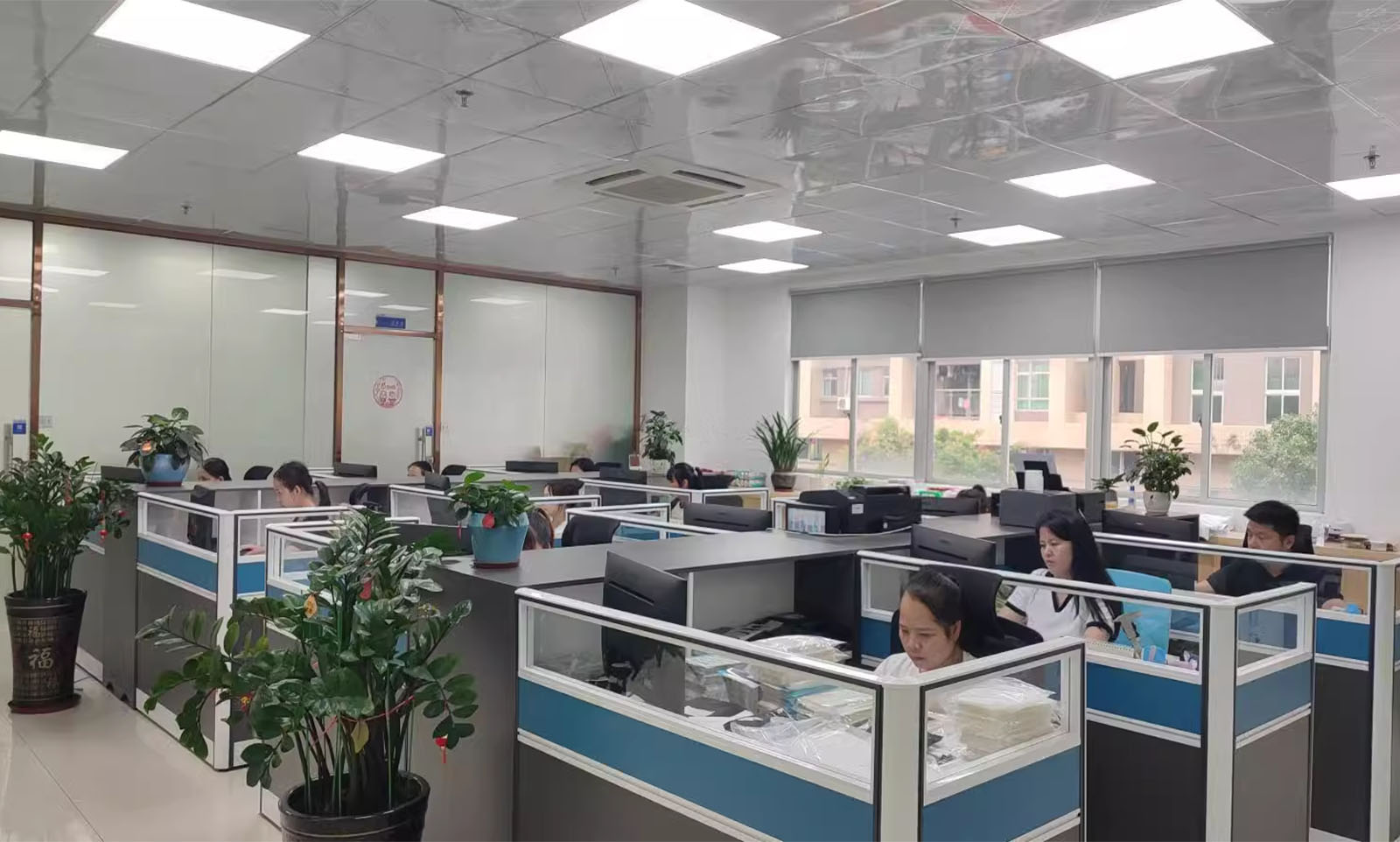
Modern And Dynamic Working Office

Designed with productivity in mind, our office space blends functionality with comfort, creating an environment where creativity thrives. Large windows flood the office with natural light, enhancing the well-being and motivation of our employees. We believe that a positive work environment leads to better results, which is why we’ve also incorporated ergonomic furniture and wellness areas, promoting a healthy work-life balance. Each workstation is equipped with the latest technology, ensuring that our team can operate at peak performance, whether they’re managing projects, coordinating logistics, or developing new strategies.

Working office
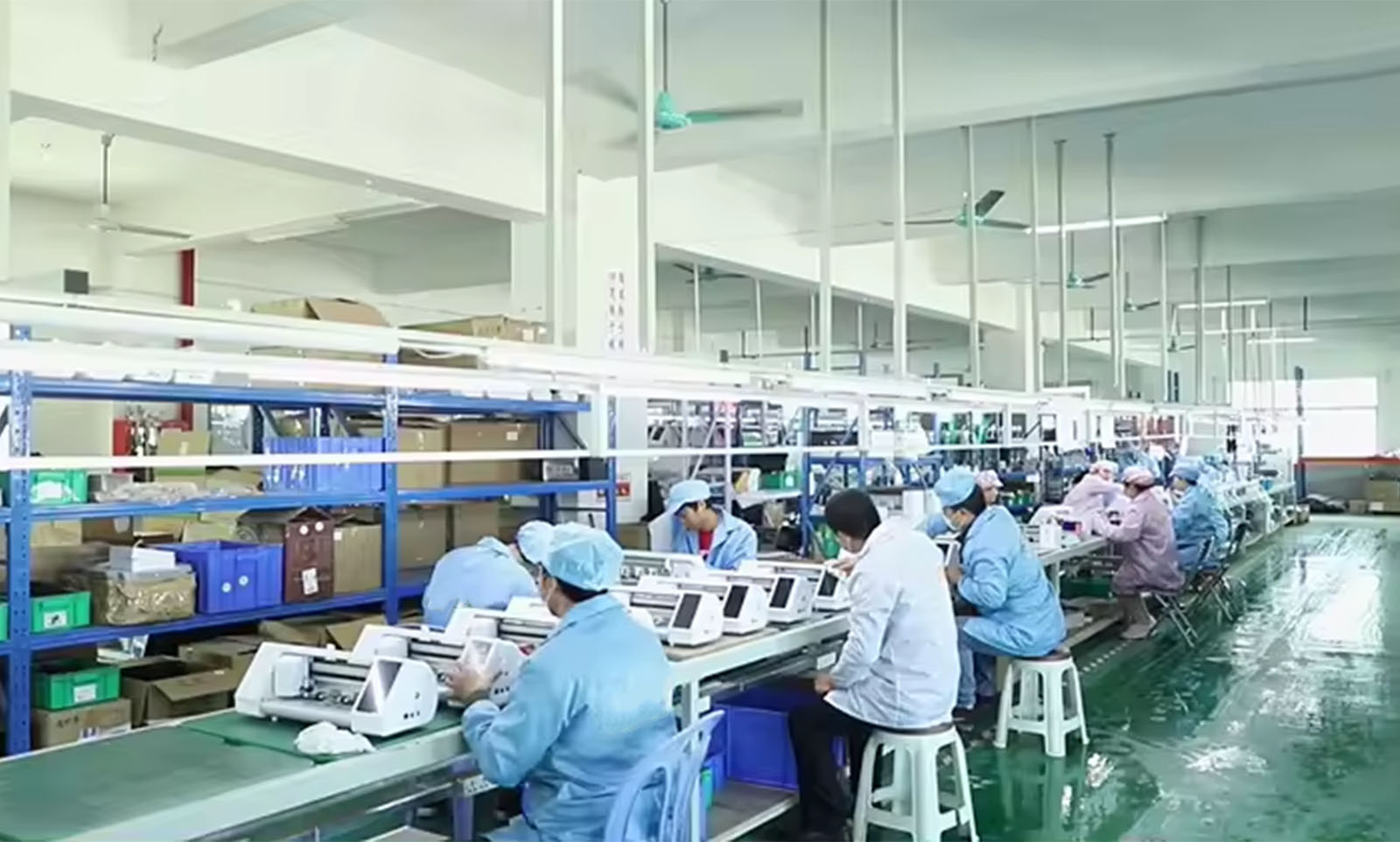
Cutter Factory

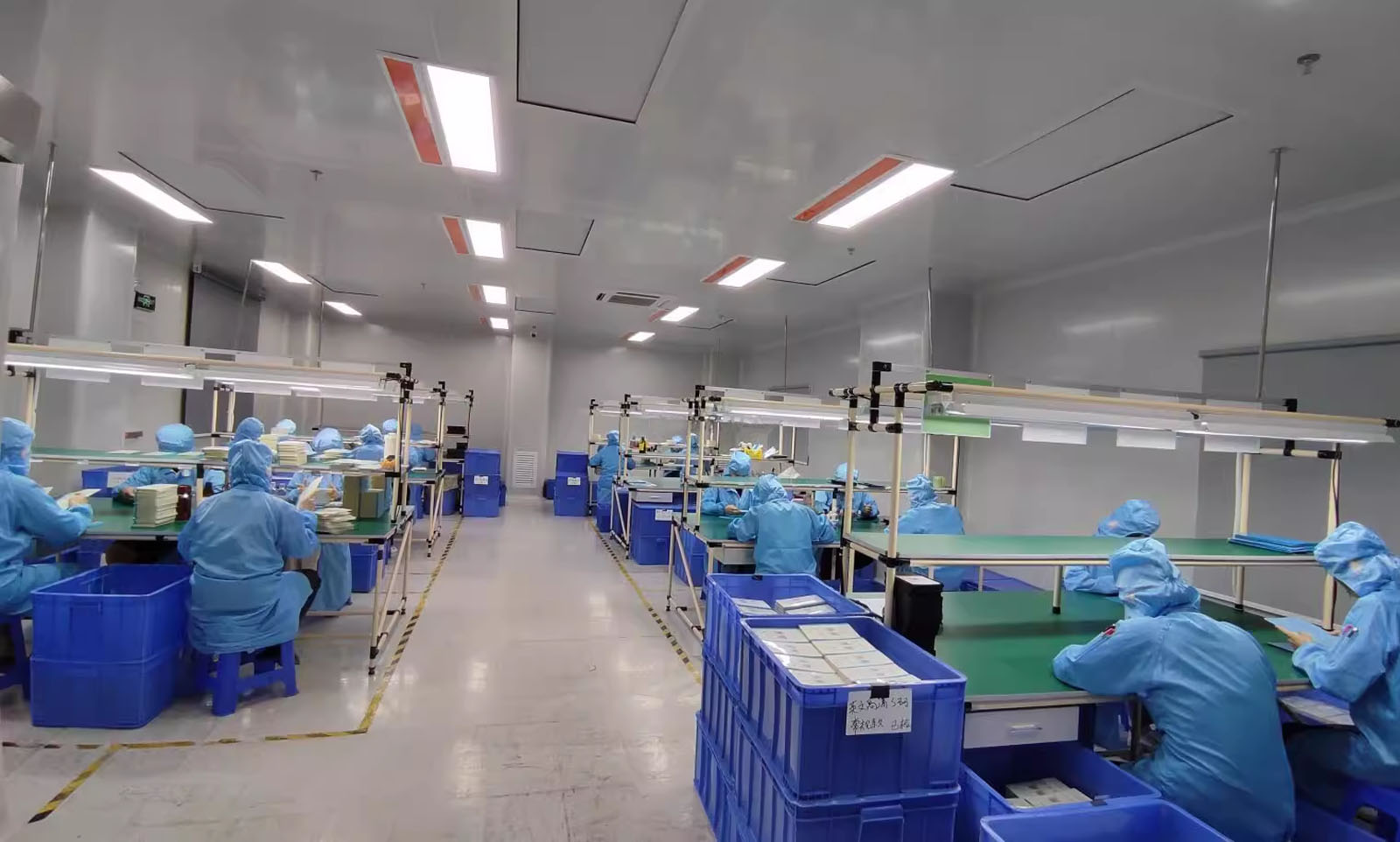
State-of-the-art Clean Room Facility

Equipped with cutting-edge filtration systems, our clean room operates at an ISO Class 5 standard, maintaining an environment with less than 100 particles per cubic meter. This ensures that your products are manufactured in an atmosphere where purity and precision are prioritized. Our facility is staffed by highly trained professionals who adhere to rigorous protocols, ensuring every aspect of production meets or exceeds your quality expectations.Our clean room is meticulously maintained to ensure a controlled environment, free from contaminants such as dust, airborne microbes, and chemical vapors. This stringent control is critical for producing high-quality products that require exacting cleanliness.
Quality Control Department

Our department is equipped with state-of-the-art inspection technology that meticulously examines each screen protector for clarity, thickness, and edge precision. From the raw material stage to the final product, our team of skilled quality control experts performs rigorous tests to detect and eliminate any imperfections, such as bubbles, scratches, or misalignments.We utilize advanced optical testing methods to guarantee that each screen protector provides crystal-clear visibility and seamless touch sensitivity. Additionally, our adherence to stringent industry standards ensures that our products are not only durable but also provide optimal protection for various devices.

hydrogel factory

Frequently Asked Question

Cutter and it's Material

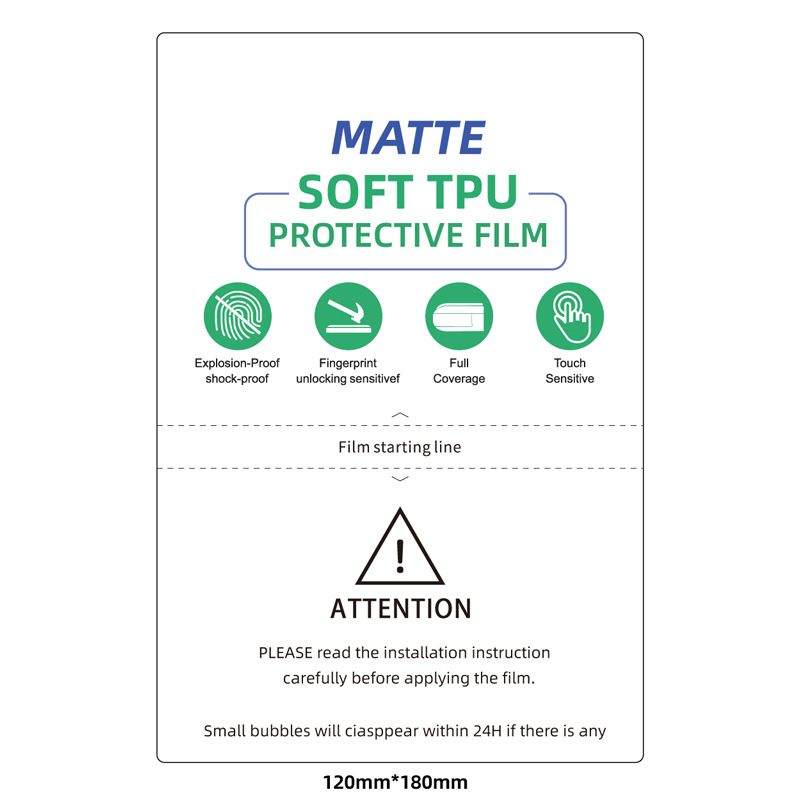
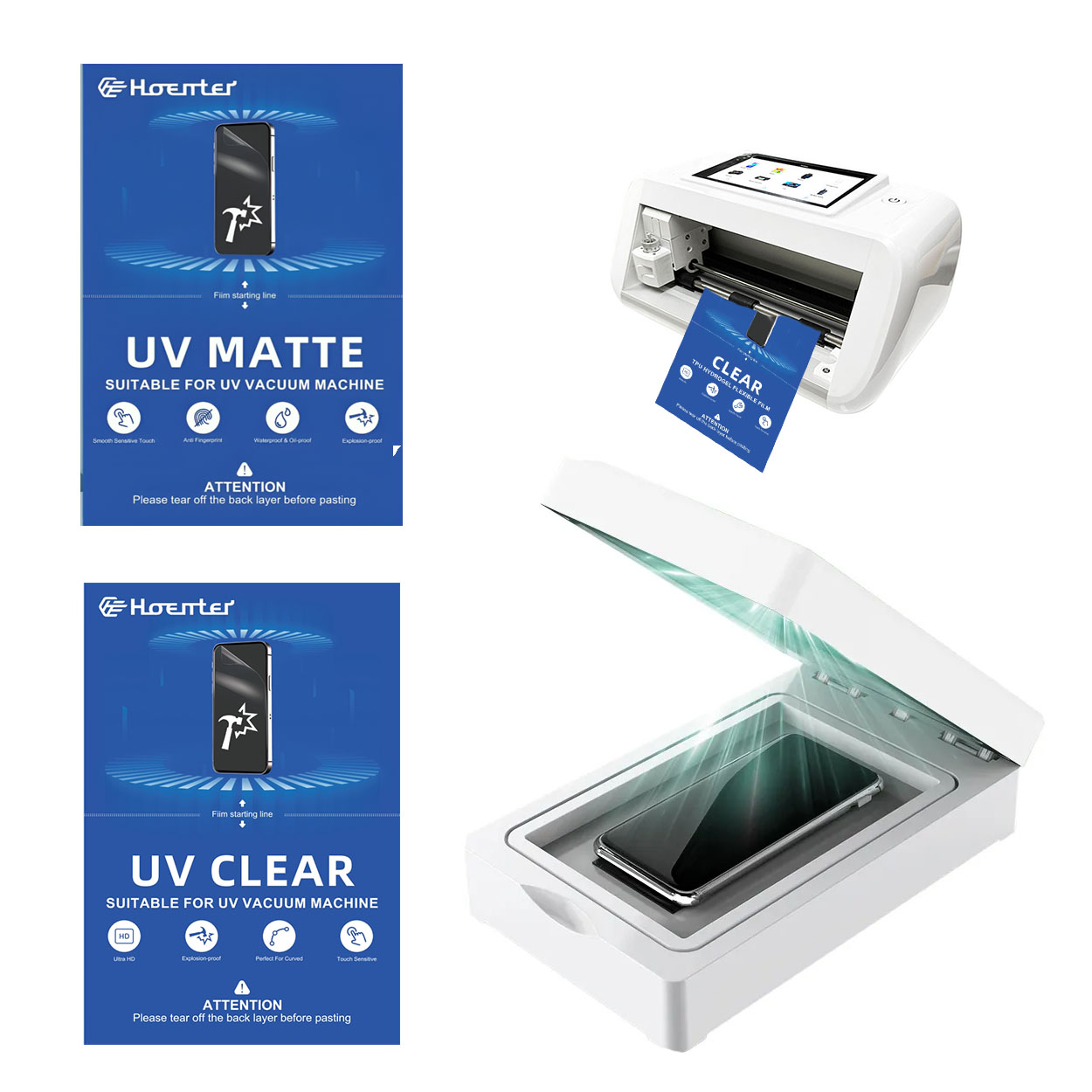
The machine is designed to cut various materials commonly used for screen protectors, such as TPU (Thermoplastic Polyurethane), PET (Polyethylene Terephthalate), and other screen protector films.

The screen protector cutting machine offers a cutting precision of 0.1 mm, ensuring a perfect fit for the screen protectors on different devices.

Yes, the machine is versatile and can cut protectors for a wide range of devices, including mobile phones, tablets, laptops, smartwatches, and camera lenses. Different sizes can be cut into different models. According to different sizes, we divide them into Mini / Phone / Tablet / Laptop screen protector cutting machine.

Absolutely! The machine is user-friendly, with an intuitive interface that allows even beginners to operate it efficiently with minimal training.

The cutting speed varies depending on the material and design, but typically, it can cut a standard phone screen protector in less than 30 seconds.

Yes, the machine allows for customizable settings to cut screen protectors of various sizes, ensuring a perfect fit for each device model.

The screen protectors, particularly those made from TPU, are highly durable, offering excellent protection against scratches, impacts, and other potential damage.

Regular maintenance includes cleaning the cutting blades, checking for software updates, and ensuring the machine is free of dust and debris to maintain optimal performance.

the machine features Wi-Fi and Bluetooth connectivity, allowing for easy, wireless operation from your  smartphone.

Related Products

Scroll to Top

Get oUR oFFER

Fill out the form below, and we will be in touch shortly.

Want to know more?

Leave your email to get more product information and quotes

boss