
1. What Is a Paperlike Screen Protector?
A paperlike screen protector is a thin, matte film designed to give your iPad’s screen the texture and feel of real paper. Unlike traditional glossy or glass screen protectors, these are specially engineered to create friction that mimics the sensation of writing or drawing on paper with a pencil or pen.This type of screen protector is particularly popular among iPad artists, note-takers, and students who want a more tactile experience rather than the slippery feel of the iPad’s glass screen.
2. How Does a Paperlike Screen Protector Work?
The secret behind a paperlike screen protector lies in its matte finish. The matte surface adds just enough resistance to make the screen feel like paper. It works by scattering light reflections, reducing glare, and providing a more comfortable surface for writing or drawing with the Apple Pencil.When you use a Paperlike screen protector, the texture makes it easier to control your strokes. It gives you a sense of precision that glass or glossy protectors can’t replicate.3. Pros and Cons of Using a Paperlike Screen Protector
优点
- Enhanced Writing and Drawing Experience: The matte surface provides a natural feel, making it ideal for artists and students.
- Reduced Glare: The anti-reflective properties make it easier to use the iPad outdoors or under bright light.
- Improved Control: The added friction allows for more precise strokes when using an Apple Pencil.
缺点
- Reduced Display Clarity: The matte finish can slightly dull the iPad’s vibrant Retina display.
- Wear on Apple Pencil Tips: The rough texture can wear down your Apple Pencil tips faster than a glass screen protector.
- Tricky Installation: Installing a paperlike screen protector can be challenging and may result in bubbles if not done carefully.
4. Paperlike vs Matte Screen Protectors: What’s the Difference?
Although paperlike screen protectors 和 matte screen protectors look similar, they serve different purposes.FeaturePaperlike Screen ProtectorMatte Screen ProtectorTextureMimics paper’s textureSmooth, non-slipperyTarget UsersArtists, note-takersGeneral iPad usersApple Pencil UseOptimized for precisionLess focus on drawing
The key difference is that paperlike screen protectors are specifically designed to recreate the paper-like feel, while matte screen protectors primarily reduce glare and fingerprints.
5. Is a Paperlike Screen Protector Good for Artists and Creatives?
Absolutely! For artists, designers, and creatives, a paperlike screen protector can completely transform the iPad drawing experience. Many users report that it makes drawing feel more natural, similar to sketching on paper with a pencil.If you’re using apps like Procreate or Adobe Fresco, the added resistance helps you achieve better control over your strokes. Additionally, the texture reduces hand fatigue during long drawing sessions, making it a favorite among professionals.6. Do Paperlike Screen Protectors Affect the iPad’s Display Quality?
One common concern about paperlike screen protectors is how they affect the display quality of an iPad. Since they use a matte finish, the screen’s brightness and sharpness might appear slightly reduced, especially when compared to a glossy or tempered glass protector.However, many users find this tradeoff acceptable due to the enhanced functionality for writing, drawing, and glare reduction. If you prioritize a tactile experience over perfect display clarity, a paperlike protector is worth considering.7. How to Install a Paperlike Screen Protector on Your iPad
Installing a paperlike screen protector requires precision and patience. Follow these steps for a bubble-free application:- Clean Your Screen: Use a microfiber cloth and alcohol wipes to remove dust and smudges from your iPad screen.
- Align the Protector: Carefully align the screen protector with your iPad screen before peeling off the adhesive backing.
- 慢慢申請: Peel back the adhesive side little by little, pressing out air bubbles as you go.
- Smooth Out Bubbles: Use a squeegee or credit card to eliminate any remaining bubbles.
8. Paperlike vs Tempered Glass Screen Protectors: Which Is Better?
Key Differences
FeaturePaperlike Screen ProtectorTempered Glass Protector耐用性Less durableHighly durableWriting ExperienceMimics paperSmooth, slippery feel屏幕保护Scratch-resistantShatter-resistant
虽然 钢化玻璃屏幕保护膜 offer superior protection against cracks and scratches, they lack the tactile benefits of a paperlike protector. If you’re an artist or writer, the paperlike option is better suited to your needs.9. Can You Use a Magnetic Screen Protector Instead of Paperlike?
Magnetic screen protectors are a relatively new option in the market. Unlike adhesive protectors, they attach magnetically to the iPad screen, making them easy to remove and reapply.While magnetic protectors are convenient, they don’t offer the same paper-like texture as dedicated paperlike screen protectors. If you’re specifically looking to enhance your writing or drawing experience, stick with the paperlike option.10. Tips for Choosing the Best Paperlike Screen Protector
When shopping for a paperlike screen protector, keep these factors in mind:- 兼容性: Ensure the protector is designed for your specific iPad model.
- 厚度: Opt for a protector that balances durability with a realistic paper feel.
- Brand Reputation: Popular brands like Paperlike 或 XP-Pen are known for their quality.
- Installation Tools: Choose a product that includes application tools like a squeegee or dust-removal stickers.
Final Thoughts
Paperlike screen protectors are an excellent investment for iPad users who want a more natural writing or drawing experience. While they may slightly affect display quality and wear down Apple Pencil tips faster, their benefits for artists, students, and professionals far outweigh these minor drawbacks.
如何移除屏幕保护膜?iPhone 用户分步指南
您是否正在为 iPhone 的屏幕保护膜刮花、起泡或磨损而烦恼?别担心!本综合指南将指导你安全地卸下旧的屏幕保护膜,无论它是标准薄膜还是钢化玻璃。从准备工作区到贴上新的保护膜,我们将为你一一介绍,确保你的 iPhone 屏幕保持完好无损。请继续阅读,了解专家提示、需要避免的常见陷阱,以及为什么正确拆卸屏幕保护贴对设备的使用寿命至关重要。
如何卸下钢化玻璃屏幕保护膜?分步指南
您是否正在为钢化玻璃屏幕保护膜破裂或起泡而烦恼?别担心!本综合指南将指导您安全地移除旧的屏幕保护膜,让您的设备焕然一新。无论您使用的是智能手机、平板电脑还是其他任何小工具,我们都能帮您搞定。请继续阅读,了解专家提示、需要避免的常见误区,以及您需要了解的有关拆卸和更换钢化玻璃屏幕保护膜的一切信息。
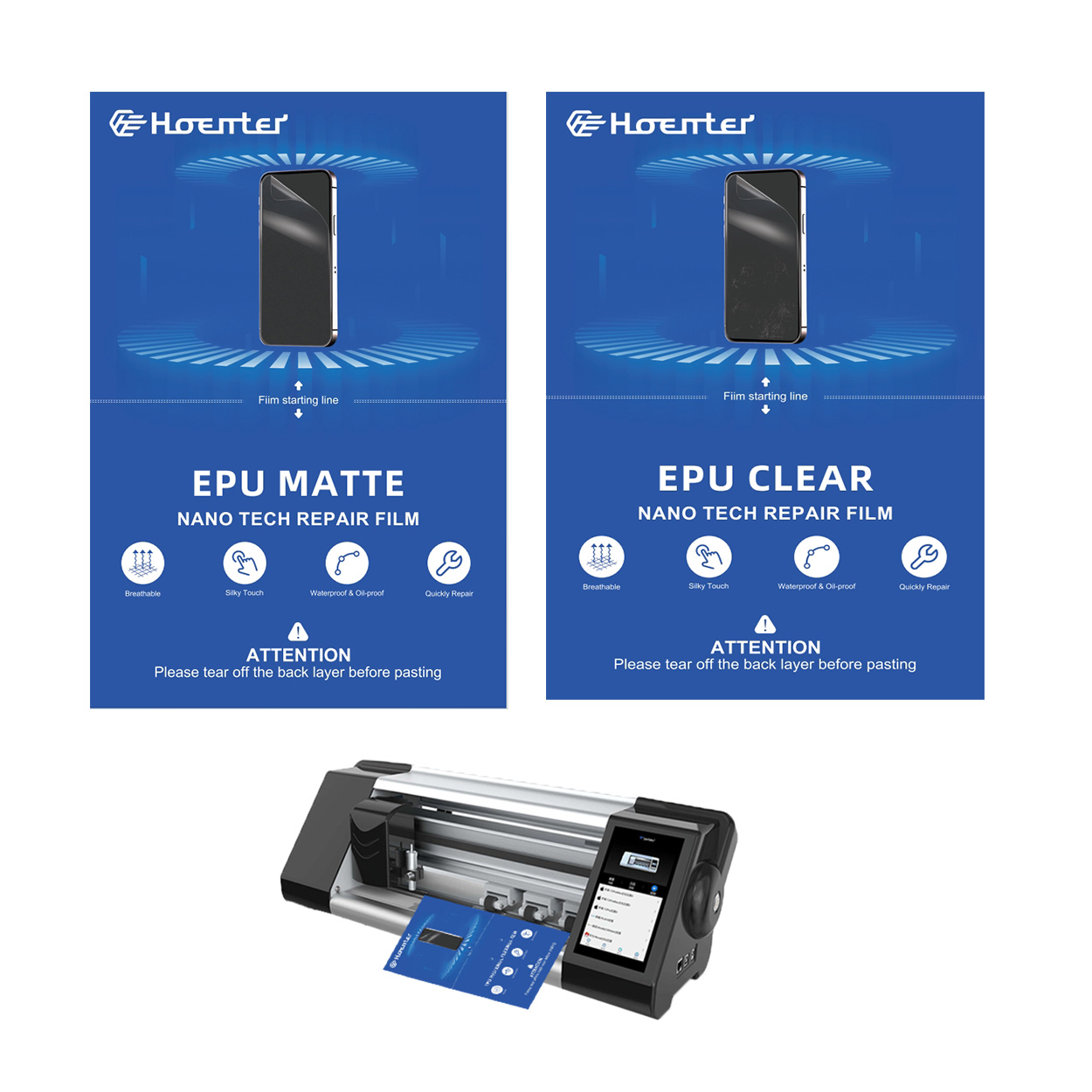
Fingerprint-Free Glare-Free Matte EPU Screen Protector
The ultimate screen protector battle: Matte EPU vs Glossy TPU! We compare fingerprint resistance, glare reduction, and more.






