
Understanding Samsung Financing
Samsung Financing is a convenient payment option that allows customers to purchase Samsung products and services, including repairs, through manageable monthly payments. This service is designed to make high-quality Samsung products more accessible by spreading the cost over time.Samsung Financing works similarly to a credit card. Once approved, you receive a credit line that can be used for purchases on the Samsung website or at Samsung stores. This flexibility makes it easier to manage expenses, especially when unexpected repairs arise.
Benefits of Using Samsung Financing for Repairs
Choosing Samsung Financing for phone repairs offers several advantages. Firstly, it allows you to spread the cost of repairs over several months, reducing the immediate financial burden. This can be particularly beneficial if your phone requires extensive repairs that are costly upfront.Additionally, Samsung Financing often comes with promotional offers, such as interest-free periods, which can further reduce the cost of repairs. This makes it a competitive option compared to traditional credit cards or personal loans.Eligibility for Samsung Financing
To apply for Samsung Financing, you must meet certain eligibility criteria. Typically, applicants need to be at least 18 years old and have a valid Social Security number. A good credit score is also important, as it influences the approval decision and the credit limit offered.The application process is straightforward. You can apply online through the Samsung website, where you’ll need to provide personal and financial information. Once approved, you can start using your credit line immediately for repairs or other purchases.
Steps to Use Samsung Financing for Phone Repairs
Using Samsung Financing for phone repairs involves a few simple steps. First, determine the repair service you need, whether it’s a screen replacement or battery repair. Next, visit the Samsung Store or website to initiate the repair process.When checking out, select Samsung Financing as your payment method. You’ll be prompted to log into your Samsung account and confirm your financing details. Once confirmed, your repair will be scheduled, and you’ll receive instructions on how to proceed.Samsung Care and Repair Options
Samsung Care is a comprehensive service plan that offers additional protection for your Samsung devices. It includes benefits like extended warranty coverage, accidental damage protection, and priority customer support.When combined with Samsung Financing, Samsung Care provides a robust solution for managing repair costs. You can use your financing credit line to pay for Samsung Care plans, ensuring your device is covered against future issues.Mail-In Repair Services
Samsung’s mail-in repair service is a convenient option for those unable to visit a physical store. To use this service, you simply need to package your device securely and send it to Samsung’s repair center. Once repaired, your phone will be mailed back to you.Mail-in repairs are particularly useful for minor issues or when you live far from a Samsung store. They offer the same quality of service as in-store repairs, with the added convenience of not having to leave your home.Contacting Samsung Support for Repairs
If you encounter issues with your device, contacting Samsung Support is a crucial step. You can reach them via phone, email, or live chat. When contacting support, be prepared to provide details about your device and the issue you’re experiencing.Effective communication with Samsung Support can expedite the repair process. Be clear and concise in your descriptions, and follow any instructions provided by the support team to ensure a smooth experience.
Managing Your Samsung Account for Financing
Your Samsung account is central to managing your financing options. Ensure your account is set up correctly, with up-to-date personal and payment information. This will streamline the process when using Samsung Financing for repairs.Linking your financing options to your Samsung account allows for easy access and management of your credit line. You can view your balance, make payments, and track your spending directly through your account dashboard.Alternatives to Samsung Financing
While Samsung Financing is a great option, it’s not the only one available. Other financing options include credit cards, personal loans, or third-party financing services. Each has its pros and cons, depending on your financial situation and needs.Comparing these alternatives with Samsung Financing can help you make an informed decision. Consider factors like interest rates, repayment terms, and any additional fees when evaluating your options.常見問題解答
Can I use Samsung Financing for all types of repairs?Yes, Samsung Financing can be used for a wide range of repairs, from screen replacements to battery issues. However, it’s always best to confirm with Samsung Support if your specific repair is eligible.What happens if I miss a payment on my Samsung Financing account?Missing a payment can result in late fees and may affect your credit score. It’s important to stay on top of your payments to avoid these consequences. Setting up automatic payments can help ensure you never miss a due date.Is Samsung Financing available for international customers?Samsung Financing is primarily available to customers in the United States. International customers should check with their local Samsung branches for similar financing options.



How to Clean Screen Protector Sticky Side?
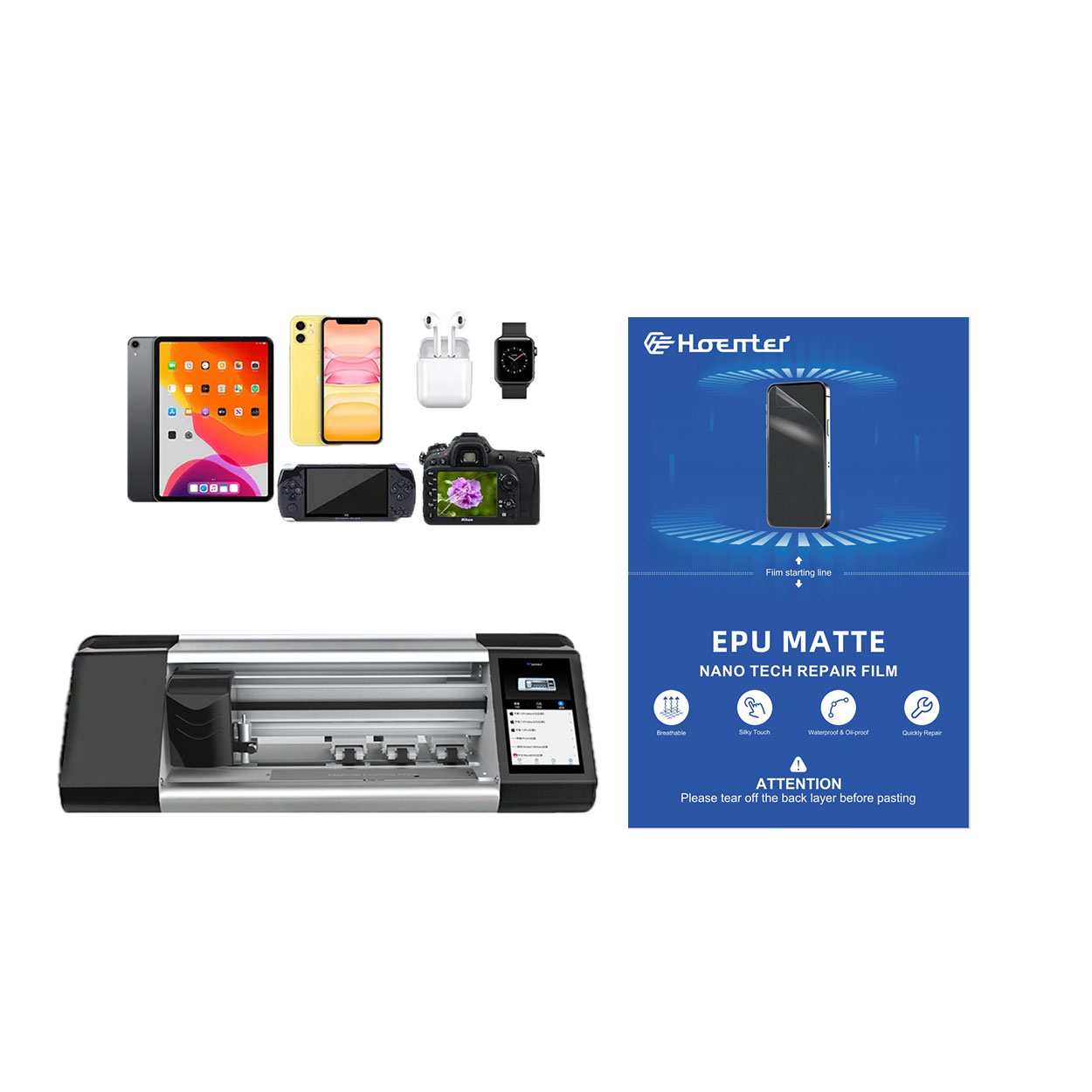
By following these steps, you can extend the life of your screen protector and keep your device looking brand new. Happy cleaning!

定制柔性水凝胶薄膜,实现独特的设备形状
定制柔性水凝胶薄膜以适应独特的设备形状,可提供高水平的保护和美感提升,满足了市场对可适应的屏幕保护膜的需求,而市场上的设备设计多种多样、不断创新。通过利用先进的切割技术并保持水凝胶薄膜的柔韧性和自愈合特性,用户可以为他们的设备提供完美的贴合、更好的功能和更强的视觉吸引力,同时还能应对与设计复杂性、成本和可用性相关的挑战。


水凝胶屏幕保护膜切割机
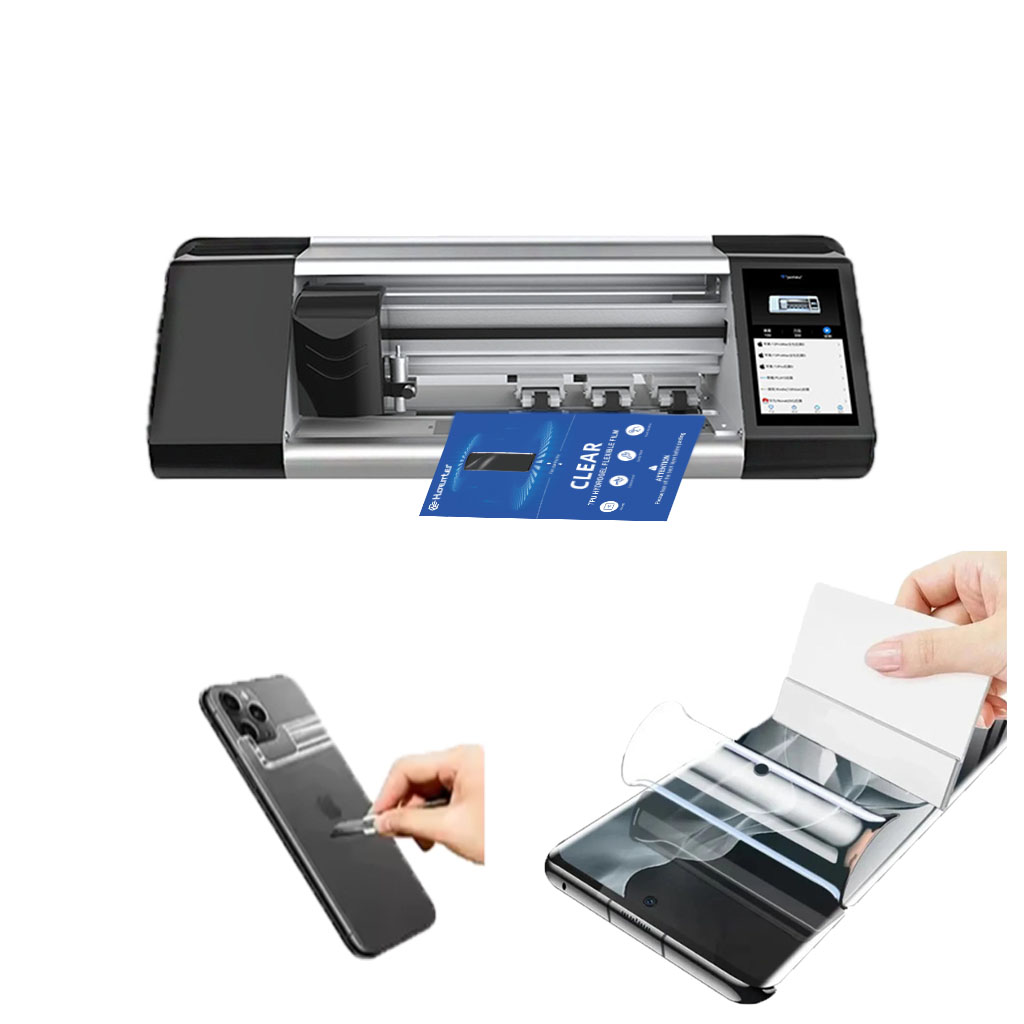
水凝胶切割机擅长处理柔软、有弹性的材料,对于简单的设计而言,通常更具成本效益。
激光切割机精度极高,尤其适用于复杂的切割,而且材料通用性更强。
在水凝胶和激光切割之间做出选择取决于生产量、材料类型和设计复杂性等因素。
在做决定时要考虑长期成本,包括维护和能耗。
这两种技术都在不断发展,未来的趋势将集中在人工智能集成和生态友好型解决方案上。





