
1. What is a Screen Protector and Why Do You Need One?
A screen protector is a thin layer of material that adheres to the screen of your smartphone. Its primary role is to shield the screen from scratches, dirt, and even minor impacts. With smartphones becoming a central part of our lives, protecting their screens is more critical than ever.There are various types of screen protectors available, including tempered glass, plastic, and liquid screen protectors. Tempered glass is known for its durability and better touch sensitivity, while plastic screen protectors are often more affordable and easier to install. Choosing the right screen protector depends on your usage and personal preference.2. Preparing Your Smartphone for a Screen Protector
Why Cleanliness is Key
Before you start applying a screen protector, it’s essential to clean your smartphone’s screen thoroughly. Any dust or fingerprints can create bubbles or cause the protector to not adhere properly. Use a microfiber cloth and alcohol-based cleaner to wipe the screen, ensuring it’s spotless.Gathering Your Tools
Having the right tools on hand makes the process smoother. You’ll need:- A microfiber cloth
- An alcohol-based cleaning solution
- A dust remover sticker or tape
- The screen protector kit, which usually includes an applicator card
3. How to Apply a Screen Protector Without Bubbles
Step-by-Step Guide to Bubble-Free Application
- 徹底清潔螢幕: As mentioned, start with a clean surface.
- Align the Screen Protector: Take time to position the protector accurately before peeling off the backing.
- Apply the Protector: Starting from one edge, slowly lay the protector on the screen, smoothing it out with an applicator card to remove air bubbles as you go.
Common Mistakes to Avoid When Installing a Screen Protector
Avoid touching the sticky side of the protector with your fingers. Ensure that the environment is dust-free; even a small particle can cause significant issues.4. Dealing with Air Bubbles: Tips and Tricks
Why Do Air Bubbles Happen?
Air bubbles are often caused by dust particles, improper alignment, or uneven application pressure. Understanding these causes can help you prevent them.
How to Remove Bubbles from Screen Protectors
Use the applicator card or a credit card to push bubbles towards the edge of the screen. For stubborn bubbles, gently lift the screen protector to the bubble and reapply, smoothing it out.5. Frequently Asked Questions About Screen Protectors
您应该多久更换一次屏幕保护膜?
Typically, screen protectors should be replaced every 6-12 months or if they become significantly scratched or damaged.Can a Screen Protector Affect Touch Sensitivity?
While most modern protectors are designed to maintain touch sensitivity, some thicker protectors might impact it slightly. Testing different brands can help you find the best fit for your device.6. Understanding Different Types of Screen Protectors
Comparing Tempered Glass and Plastic Screen Protectors
Tempered glass screen protectors offer better protection against impacts and scratches, while plastic protectors are lighter and more flexible. Consider your lifestyle when choosing between these options.Which Screen Protector is Best for Your Needs?
For everyday users, tempered glass is often recommended for its durability. However, if you frequently change protectors or prefer a thinner feel, plastic might be more suitable.
7. Advanced Techniques for Pro-Level Screen Protector Application
Wet vs. Dry Application Methods
Wet application involves using a spray solution to position the protector, while dry application simply involves aligning and sticking. Wet methods can allow for repositioning, but dry methods are generally quicker and less messy.The Role of Alignment Tools
Many screen protector kits come with alignment frames or tabs. These tools help ensure perfect placement and are especially useful for those new to screen protector applications.8. Troubleshooting Common Screen Protector Issues
What to Do When Your Screen Protector Doesn’t Stick
If the protector doesn’t adhere properly, it might be due to dust or incorrect application. Re-clean the screen and try reapplying in a dust-free environment.Fixing Misalignment and Other Installation Problems
For misalignment, carefully lift the protector and realign. Use a dust remover sticker to lift any particles causing issues.9. Caring for Your Screen Protector
How to Maintain a Screen Protector for Longevity
Avoid using abrasive materials to clean your screen protector. 定期保養 with a microfiber cloth will keep it clear and effective.Cleaning Tips to Keep Your Screen Protector Clear and Effective
Use a gentle cleaning solution designed for electronics to prevent any residue build-up that can affect screen visibility.10. The Future of Screen Protectors: Innovations and Trends
What’s Next in Screen Protector Technology?
The industry is seeing innovations in self-healing materials and antimicrobial coatings. These advancements could lead to more durable and hygienic options.
Eco-Friendly Options for the Conscious Consumer
With increasing environmental awareness, some brands are offering biodegradable or recyclable screen protectors. Choosing these options can help reduce your ecological footprint.
How to Remove Invisible Shield Screen Protector?
By following these steps, you can confidently remove and replace your Zagg InvisibleShield screen protector, ensuring your device stays protected and looking its best!
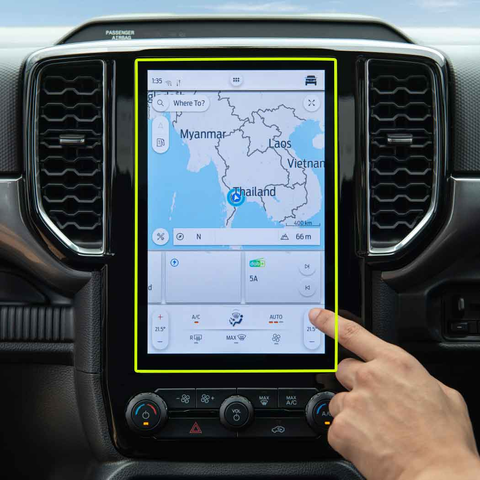
DONGFENG T5 EVO 2023 Navigator Tempered Glass
Get the best 2023 DONGFENG T5 EVO Tempered Glass screen protector. Ultra-clear and designed to maintain the touch sensitivity of your navigation display.
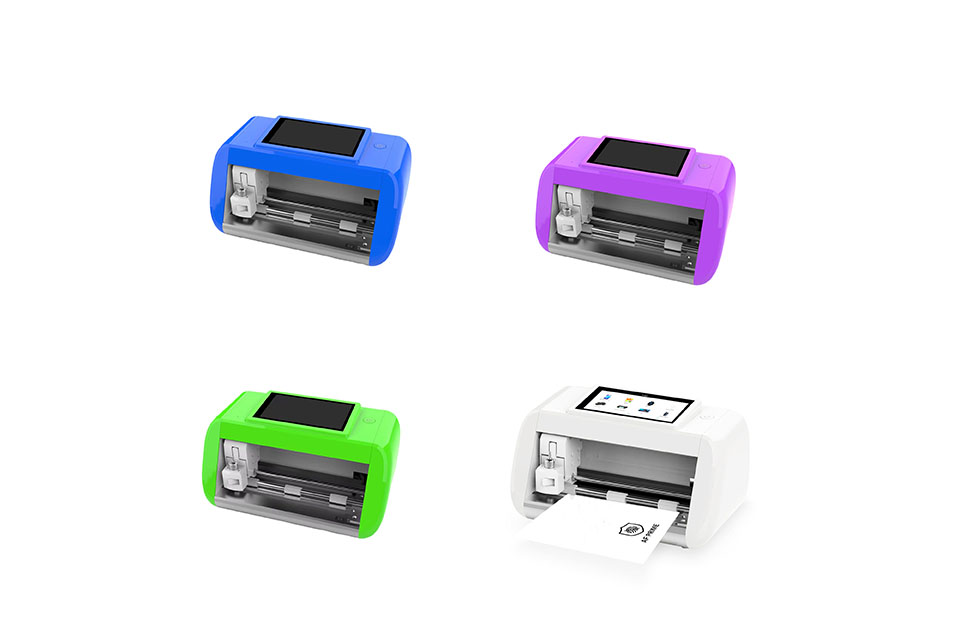
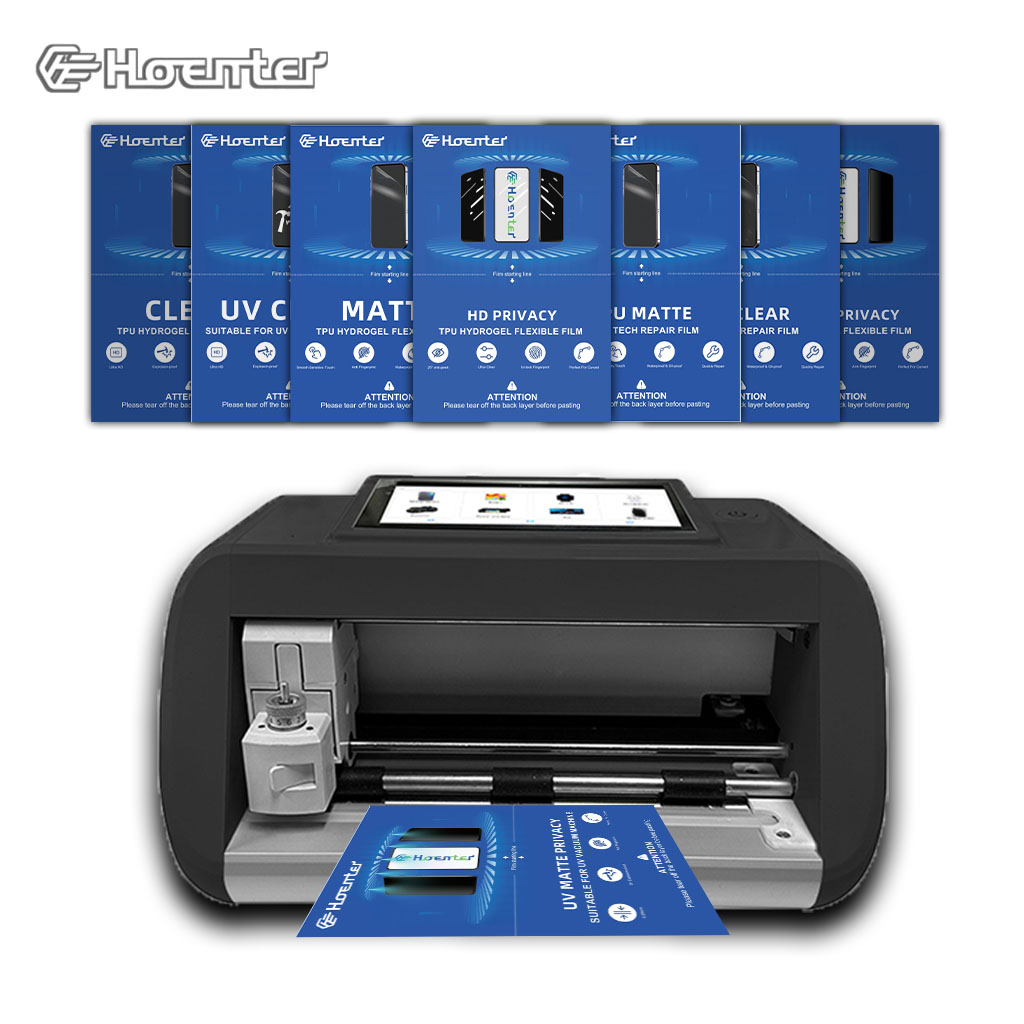
選擇合適的水凝膠薄膜切割機的完整指南
投資水凝膠薄膜切割機可以徹底改變您為各種設備製作客製化螢幕保護貼的方式。本指南將幫助您了解是否需要專用的水凝膠切割機、如何處理模型可用性問題以及有關軟體更新和材料限制的預期。我們還討論了選擇合適機器以及如何確保購買時的長期盈利能力的關鍵建議。






