
What is a Screen Protector and Why Use One?
Screen protectors are thin layers of material placed over your device’s screen to protect it from scratches, cracks, and other damage. They are essential for maintaining the longevity and resale value of your phone. Tempered glass screen protectors are particularly popular due to their durability and clarity.Using a screen protector can save you from costly repairs. A cracked screen can impair your phone’s functionality and aesthetics, making a screen protector a wise investment.Types of Screen Protectors: Glass vs. Liquid
There are several types of screen protectors available, each with its own advantages:- Protectores de pantalla de cristal templado: These are made from toughened glass and offer excellent protection against impacts and scratches. They are easy to apply and remove.
- Protectores de pantalla líquida: These are applied as a liquid and harden to form a protective layer. They are less visible but may not offer the same level of protection as glass.
When Should You Remove Your Screen Protector?
Knowing when to remove your screen protector is crucial. Here are some signs that it might be time for a change:- Cracks or Chips: If your screen protector is cracked, it can compromise the protection of your phone screen.
- Reduced Touch Sensitivity: Over time, a screen protector can affect the touch sensitivity of your device.
- Visible Wear and Tear: Scratches and scuffs can accumulate, making it difficult to see your screen clearly.
How to Remove a Screen Protector from an iPhone
Removing a screen protector from an iPhone requires care to avoid damaging the device. Here’s a simple method:- Start at the Corners: Use your fingernail or a thin plastic card to gently lift the screen protector from one corner.
- Peel Slowly: Once a corner is lifted, slowly peel the protector away from the screen. Be patient to avoid leaving adhesive residue.
- Limpiar la pantalla: After removal, clean your screen with a microfiber cloth to remove any remaining adhesive.
Step-by-Step Guide to Remove a Cracked Screen Protector
Removing a cracked screen protector can be tricky. Follow these steps to do it safely:- Gather Your Tools: You’ll need a hairdryer, a plastic card, and a microfiber cloth.
- Heat the Protector: Use a hairdryer on low heat to warm the screen protector. This softens the adhesive, making removal easier.
- Lift the Edges: Use a plastic card to gently lift the edges of the protector.
- Peel Off: Slowly peel the protector away from the screen, starting from the edges.
- Limpiar la pantalla: Use a microfiber cloth to clean any adhesive residue.
Removing a Screen Protector from an OtterBox Case
OtterBox cases are known for their robust protection, which can make removing a screen protector a bit challenging. Here’s how to do it:- Remove the Case: Take off the OtterBox case to access the screen protector.
- Use a Plastic Card: Insert a plastic card under the edge of the screen protector.
- Peel Carefully: Gently peel the protector away, ensuring you don’t damage the screen.
How to Handle a Tempered Glass Screen Protector
Tempered glass screen protectors are durable but require careful handling during removal:- Check for Cracks: If the protector is cracked, proceed with caution to avoid glass shards.
- Lift with a Card: Use a plastic card to lift the edges.
- Peel Slowly: Slowly peel the protector away, ensuring it doesn’t break further.
What to Do After Removing Your Screen Protector
Once you’ve removed your screen protector, it’s important to prepare your phone for a new one:- Limpiar la pantalla: Use a microfiber cloth and a screen cleaning solution to remove any adhesive residue.
- Inspect for Damage: Check your phone screen for any scratches or cracks that may have occurred.
- Prepare for a New Protector: Ensure the screen is completely dry and free of dust before applying a new protector.
How to Apply a New Screen Protector
Applying a new screen protector can be done easily with these steps:- Limpiar la pantalla: Ensure the screen is free of dust and fingerprints.
- Alinear el protector: Carefully align the new protector with your phone screen.
- Apply Evenly: Press down gently, starting from the center and moving outward to remove air bubbles.
Common Mistakes to Avoid When Removing a Screen Protector
Evite estos errores comunes para garantizar un proceso de eliminación sin problemas:- Rushing the Process: Take your time to avoid damaging your phone.
- Using Sharp Objects: Avoid using metal tools that can scratch your screen.
- Ignoring Residue: Clean any adhesive residue to prevent it from affecting your new protector.
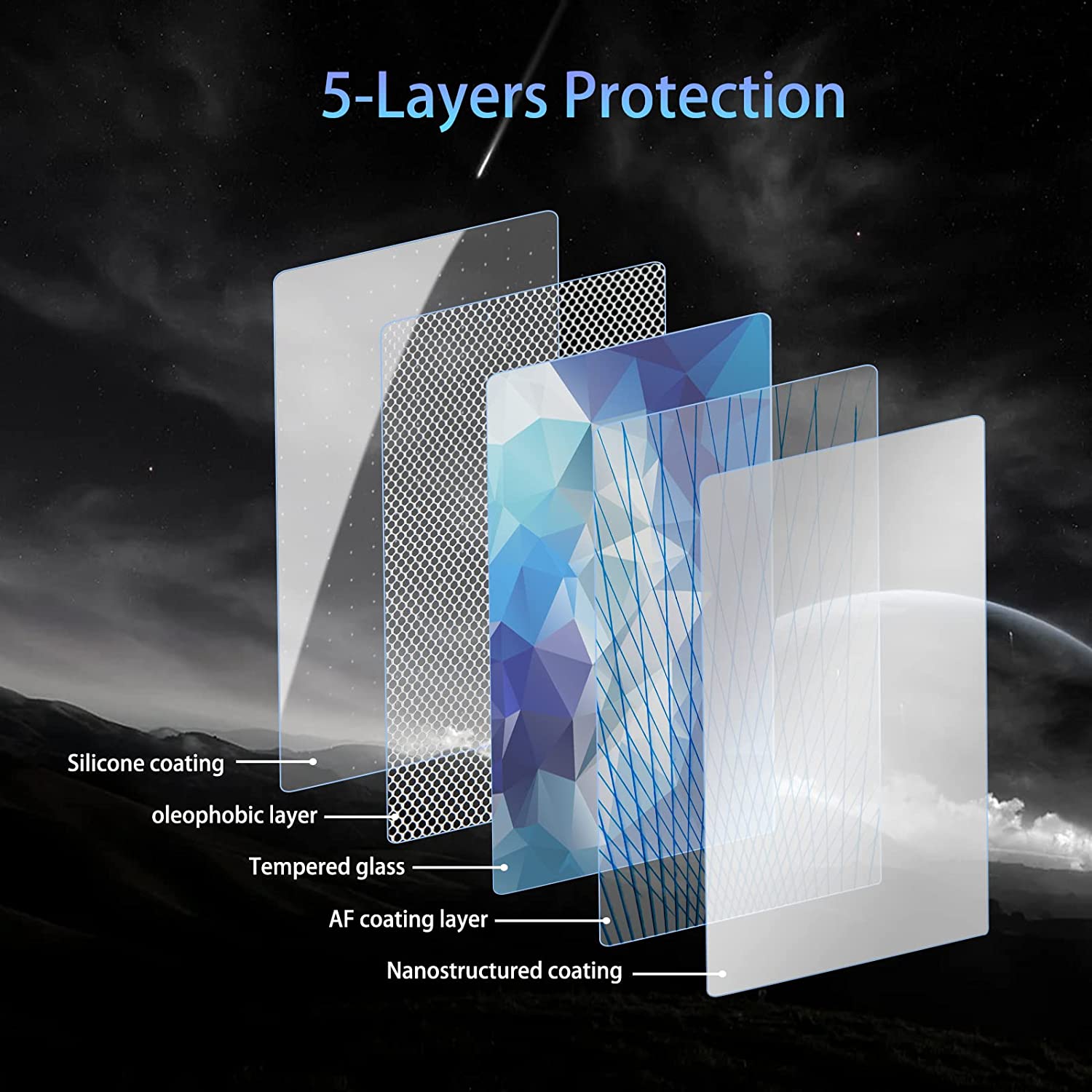
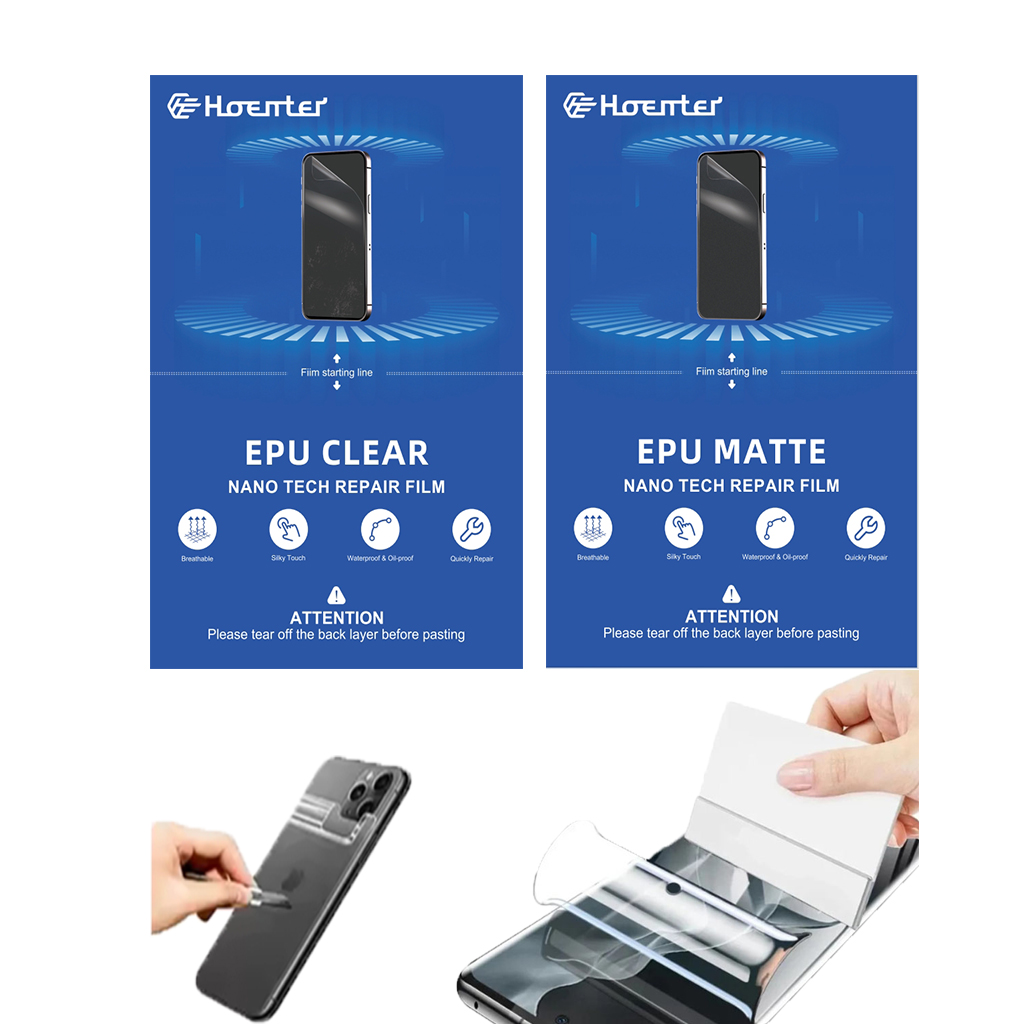
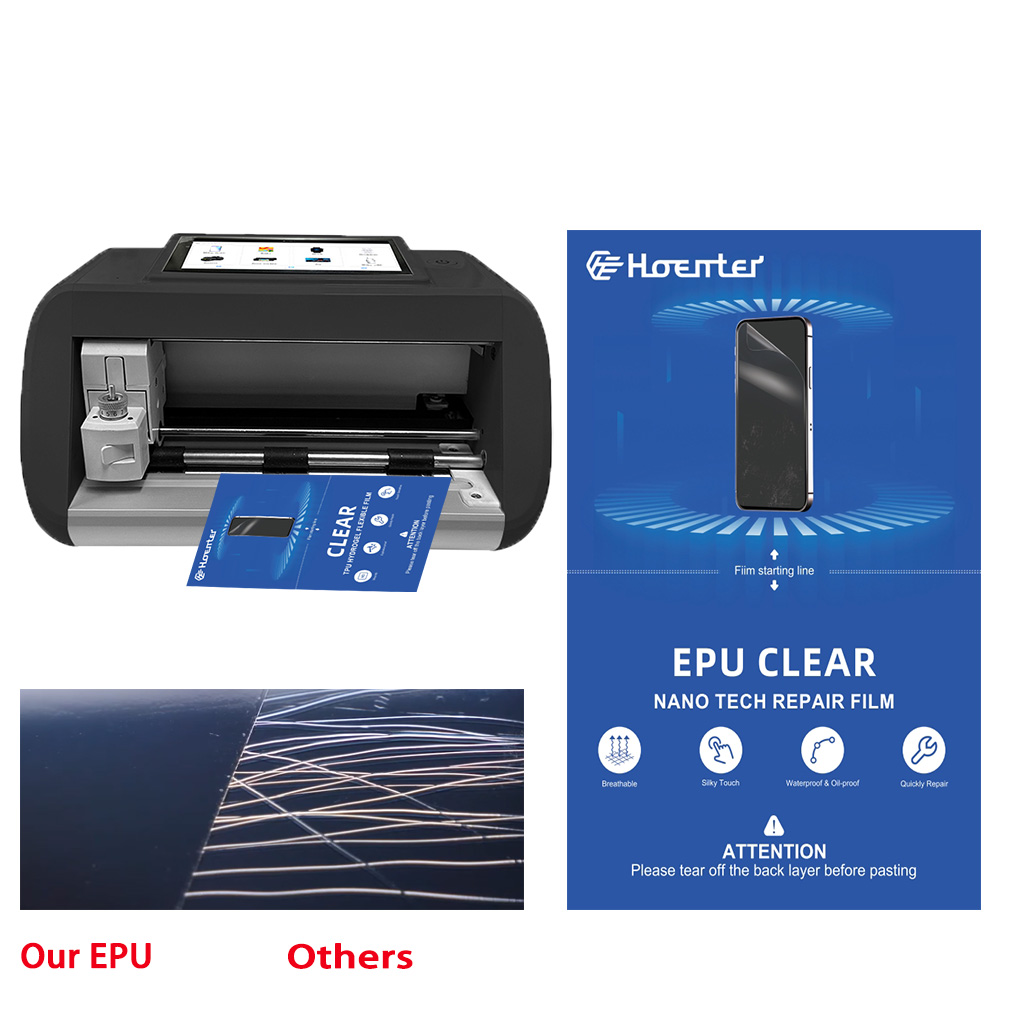
Wholesale Best Self Healing Cell Phone Screen Protector
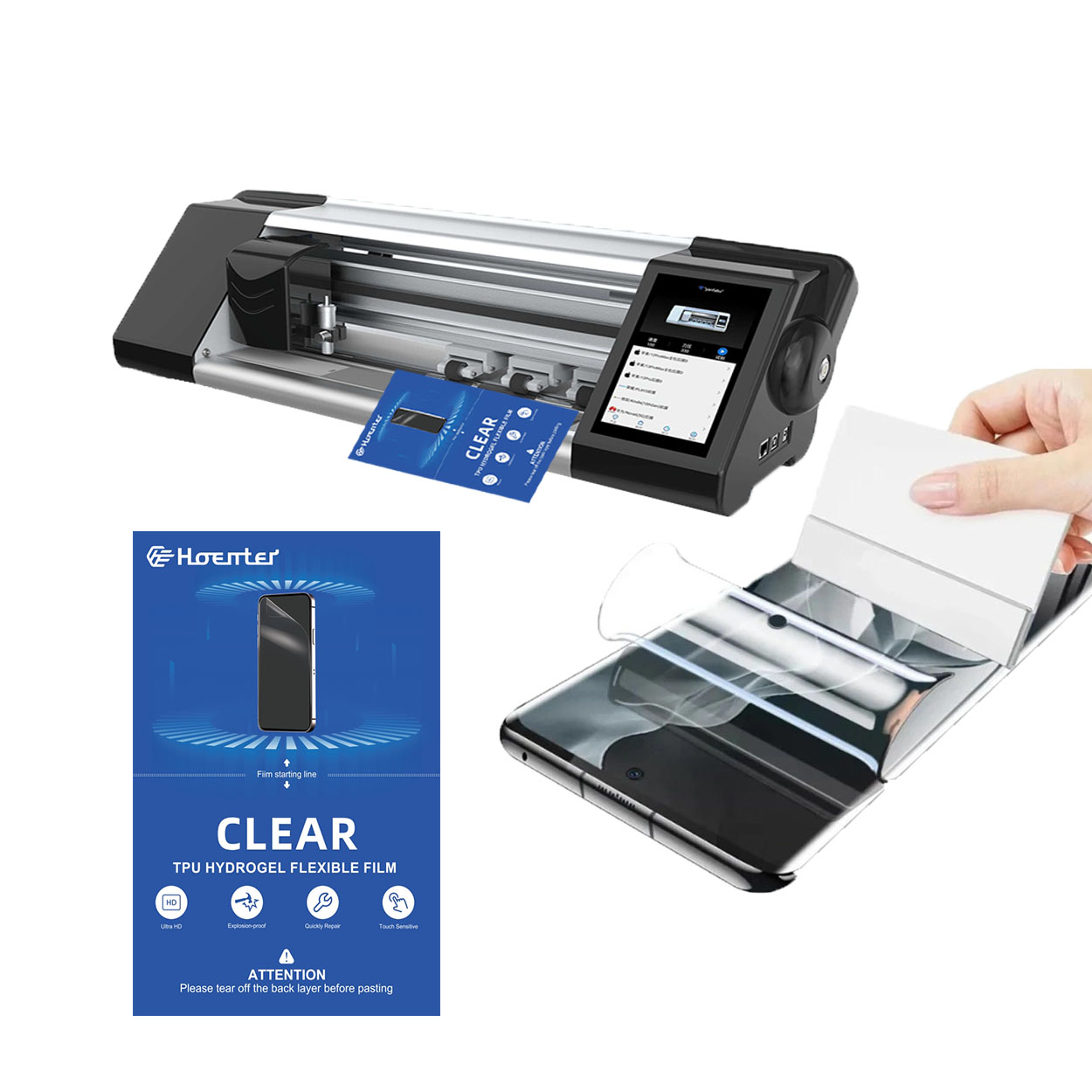
Provide your customers with the ultimate in screen protection. Our Wholesale Self Healing Screen Protectors offer unmatched durability and clarity.
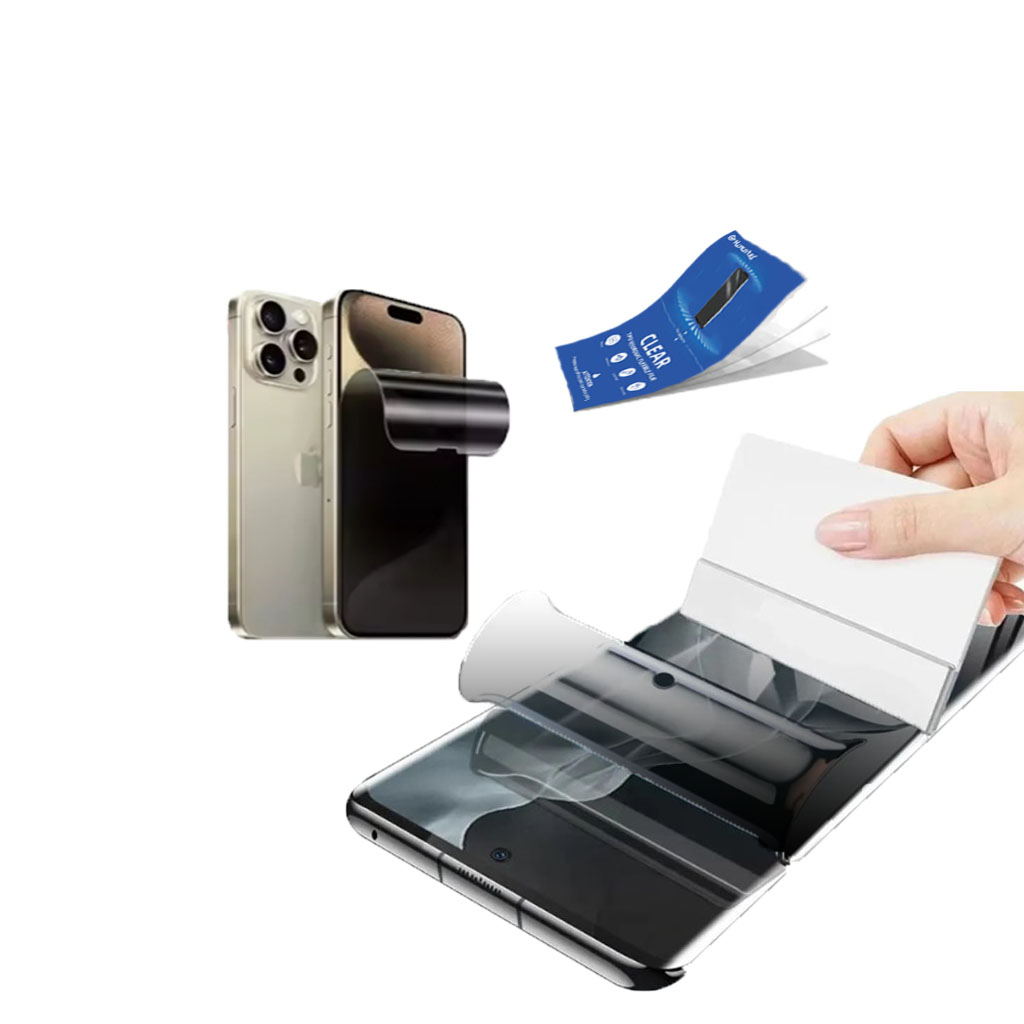
Protector de pantalla de privacidad con película de hidrogel
El protector de pantalla ofrece 30° de privacidad real con encriptación de rejilla avanzada, lo que garantiza un uso seguro en espacios públicos a la vez que mantiene una visión frontal clara para el usuario. Fabricado con TPU de calidad óptica, preserva la calidad de la pantalla y permite desbloquear el dispositivo sin problemas, siendo compatible con pantallas curvas 3D y planas. Gracias a la tecnología de grabado AG, elimina las líneas diagonales y las imágenes fantasma, reduciendo la fatiga visual. El protector es fácil de poner y quitar, y no deja residuos.
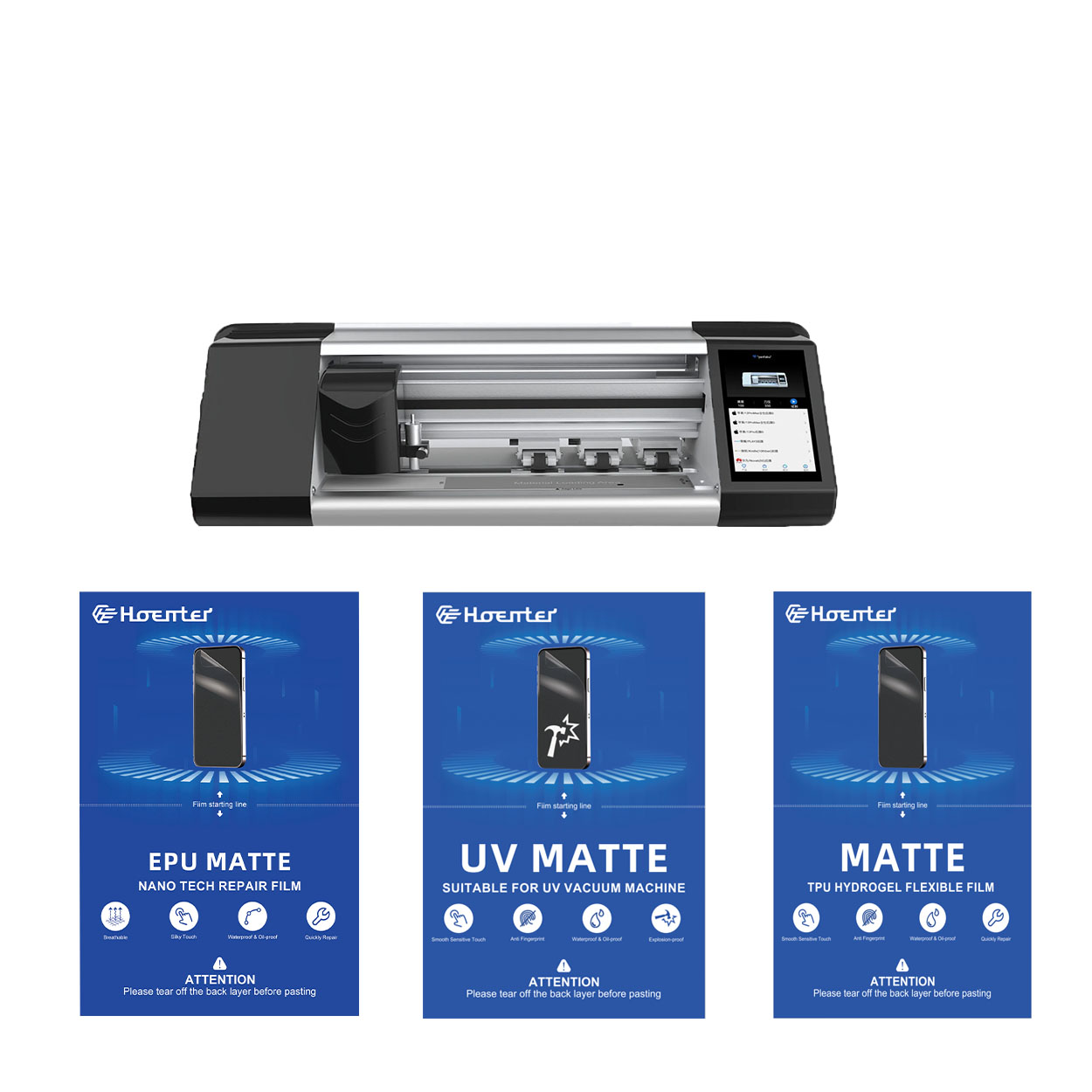
Protector de pantalla EPU mate antihuellas Película de hidrogel
El protector de pantalla de película de hidrogel EPU ofrece una protección versátil y de alto rendimiento para una amplia gama de dispositivos, incluidos smartphones, tabletas y smartwatches. Su compatibilidad universal con las máquinas de corte de películas para teléfonos lo convierte en la opción ideal para varios modelos, ya que garantiza una aplicación perfecta y una cobertura total de los bordes. Con funciones avanzadas como antihuellas dactilares, resistencia al agua y tecnología de autorreparación, este protector de pantalla no sólo mantiene una pantalla impecable, sino que también proporciona una protección duradera contra arañazos, reflejos y el desgaste diario. Tanto para uso personal como profesional, esta película de hidrogel ofrece un rendimiento fiable y una claridad de pantalla duradera.
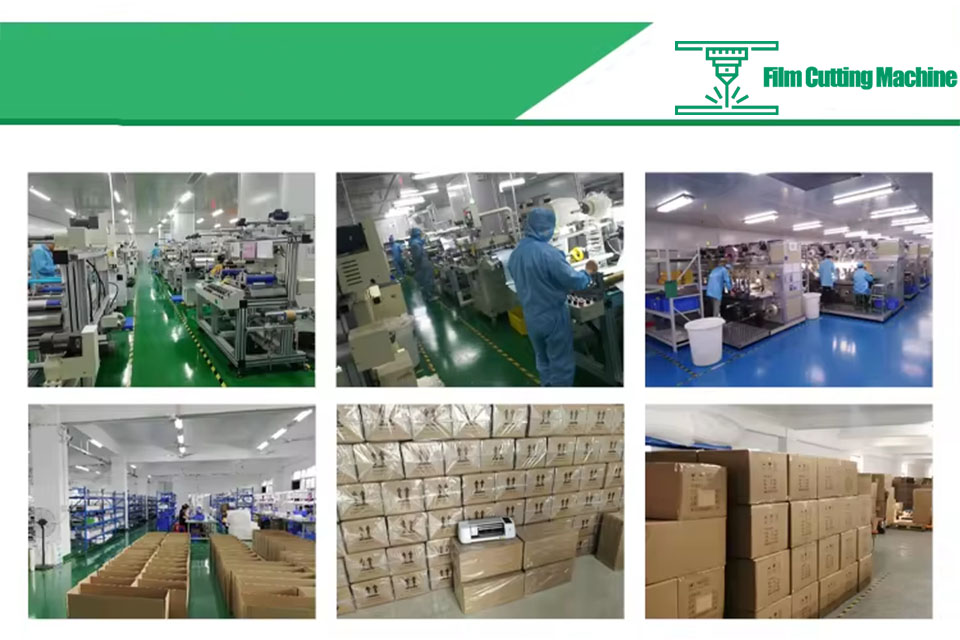
Por qué todos los talleres móviles necesitan una cortadora de película inteligente
El uso de cortadoras de película inteligentes es cada vez más importante en los talleres de reparación móviles modernos, ya que mejora significativamente la eficacia operativa, la precisión y la satisfacción del cliente.
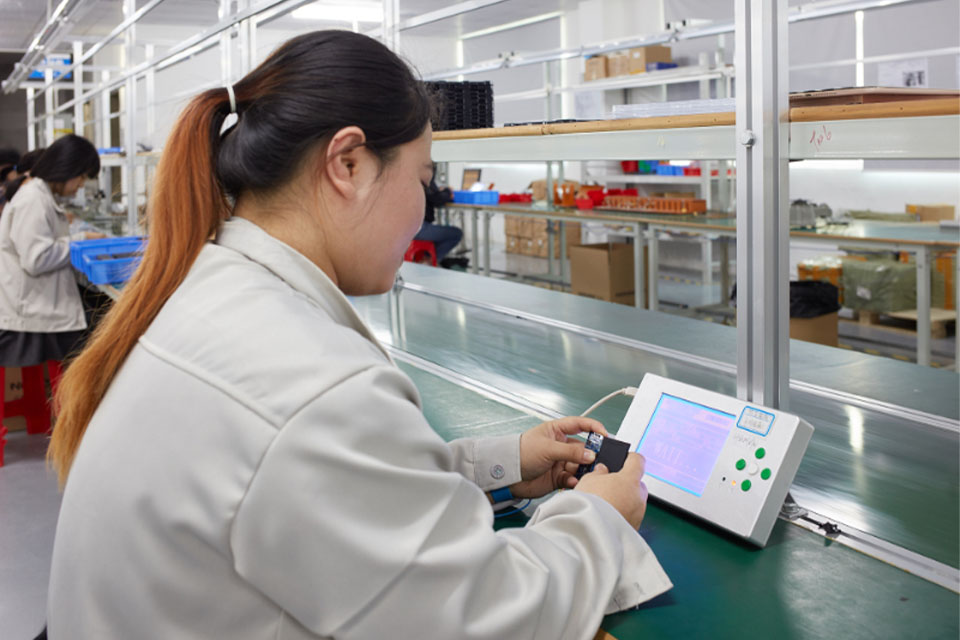
Mejora del control de calidad con máquinas de corte de películas de hidrogel
La llegada de las cortadoras de películas de hidrogel supone un importante salto tecnológico en el sector manufacturero, sobre todo en la producción de películas protectoras para diversas aplicaciones, como la electrónica, los equipos médicos y los componentes de automoción.

Qué máquina de corte de película y su aplicación
Las cortadoras de película han desempeñado un papel crucial en la evolución del cine y de diversos procesos industriales al permitir el corte y empalme precisos de materiales de película.

¿Qué es una máquina cortadora de protectores de pantalla?
Una cortadora de protectores de pantalla es un dispositivo especializado diseñado para producir protectores de pantalla a medida para diversos dispositivos electrónicos, como smartphones, tabletas, smartwatches, portátiles y monitores.

Cómo funciona la máquina de corte de protector de pantalla de teléfono móvil?
Una máquina cortadora de protectores de pantalla para teléfonos móviles es un sofisticado dispositivo diseñado
fabricar protectores de pantalla personalizados para diversos dispositivos digitales con alta preci
y eficiencia.

Características del cristal templado para teléfonos móviles y del protector de pantalla de TPU para teléfonos móviles
Los protectores de pantalla de poliuretano termoplástico (TPU) son flexibles, duraderos y
películas plásticas autorreparadoras diseñadas para proteger las pantallas de los dispositivos electrónicos de
arañazos, golpes y otros posibles daños.

Revolucione la protección de sus dispositivos con la cortadora de protectores de pantalla
Tanto si tienes un smartphone, una tableta o un smartwatch, esta versátil máquina se adapta a una amplia gama de dispositivos. Se adapta perfectamente a las dimensiones de tu gadget, ofreciendo un ajuste personalizado que los protectores genéricos no pueden igualar.

Protector de pantalla Garantía de por vida
La garantía de por vida de un protector de pantalla es una garantía proporcionada por los fabricantes que
se compromete a reparar o sustituir un protector de pantalla durante toda la vida útil del producto, en condiciones específicas.
