
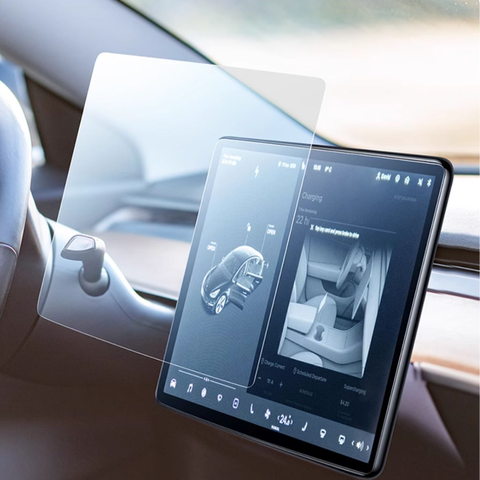
What Is a Screen Protector and Why Is It Important?
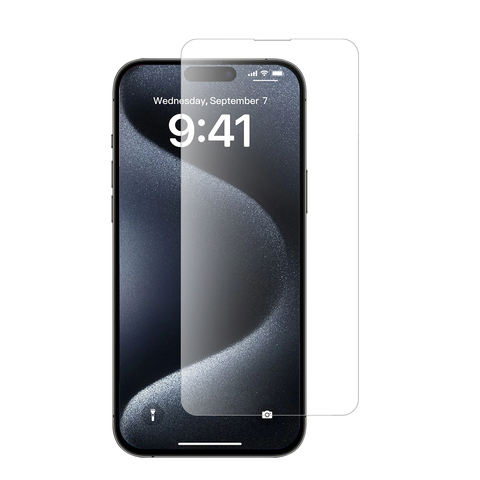
A protecteur d'écran is a thin, durable layer of material—often tempered glass or plastic—designed to shield your device’s screen from scratches, cracks, and dirt. Think of it as the first line of defense for your smartphone, tablet, or other electronic devices.Its importance lies in its ability to take the brunt of daily wear and tear, keeping your screen in pristine condition. However, like any other accessory, screen protectors require maintenance to continue performing well. Cleaning them regularly ensures they remain clear and adhesive.
How Does the Sticky Side of a Screen Protector Work?
Le sticky side of a screen protector is coated with a gentle adhesive that allows it to attach seamlessly to your device’s screen. This adhesive is strong enough to hold the protector in place but delicate enough to avoid leaving residue when removed.Over time, the sticky side can accumulate lint, dust, or oils from your hands, reducing its effectiveness. Cleaning this side carefully is essential to restoring its stickiness and ensuring a proper reapplication.
When Should You Clean a Screen Protector?
You should clean your protecteur d'écran under the following circumstances:
- Dust or dirt appears beneath the protector: Small particles trapped underneath the screen protector can affect touch sensitivity and clarity.
- The sticky side loses adhesion: If your screen protector begins to peel at the edges or no longer sticks well, cleaning the adhesive side can help.
- Smudges or fingerprints accumulate: These marks are common and can be cleaned off with the right tools and methods.
Keeping your screen protector clean not only improves its appearance but also extends its lifespan.
What Cleaning Solutions Can You Use on a Screen Protector?
When cleaning a screen protector, it’s crucial to use solutions that won’t damage the adhesive or the material itself. Here are some safe options:
- Distilled Water: This is the safest choice, especially for minor cleaning jobs.
- Isopropyl Alcohol (70% or less): Ideal for disinfecting and removing oils, but use sparingly.
- Mild Dish Soap: A single drop mixed with water can help remove stubborn grime.
- Specialized Cleaning Solutions: Products designed specifically for electronics are also effective.
Avoid abrasive cleaners, ammonia-based products, or strong solvents as they can damage the screen protector or reduce its adhesive properties.
How to Clean the Sticky Side of a Screen Protector
Cleaning the sticky side of a screen protector requires care and precision to avoid damaging the adhesive layer. Here’s a step-by-step guide:
- Remove the Screen Protector Carefully
Gently peel the protector off your device, starting from one corner. Avoid bending it excessively to prevent cracks or creases. - Rinse with Distilled Water
Hold the sticky side under a light stream of distilled water to remove loose dirt and debris. Avoid using tap water as it can leave mineral deposits. - Clean With a Microfiber Cloth
Dampen a microfiber cloth with distilled water or an alcohol solution and gently wipe the sticky side. Work in circular motions to lift stubborn grime. - Air Dry or Use Compressed Air
Let the screen protector air dry completely before reapplying it. Alternatively, use a can of compressed air to speed up the drying process. - Reapply the Screen Protector
Once dry, carefully align the protector with your screen and press it down from the center outward to remove air bubbles.
How to Clean a Tempered Glass Screen Protector
Tempered glass screen protectors are more durable than plastic ones but still require proper care. Here’s how you can clean them:
- Remove the Protector
Follow the same steps as above to remove the screen protector without bending or cracking it. - Wipe the Glass Side
Use a microfiber cloth dampened with a small amount of isopropyl alcohol to clean the glass side. Avoid getting liquid on the adhesive side. - Clean the Adhesive Side
The sticky side of tempered glass protectors can be wiped gently with a damp microfiber cloth, but avoid scrubbing too hard. - Check for Residual Dust
Use a dust removal sticker or tape to pick up any remaining particles before reapplying the protector.
Can You Reapply a Screen Protector After Cleaning It?
Yes, you can reapply a screen protector after cleaning it, but only if the adhesive side remains intact. Here’s what to keep in mind:
- Ensure the adhesive side is completely dry before reapplication.
- Align the protector carefully to avoid air bubbles.
- If the protector no longer sticks properly, it may be time to replace it.
Common Mistakes to Avoid When Cleaning a Screen Protector
Cleaning a screen protector isn’t difficult, but there are some pitfalls to avoid:
- Using Harsh Chemicals: These can erode the adhesive or damage the protector.
- Scratching the Adhesive Side: Always use soft, non-abrasive materials like microfiber cloths.
- Reapplying While Wet: Ensure the sticky side is completely dry before putting it back on your device.
DIY Cleaning Solutions You Can Use for Your Screen Protector
If you don’t have specialized cleaning products, you can make your own solution at home:
- Simple Soap Solution
Mix one drop of mild dish soap with a cup of distilled water for a gentle but effective cleaner. - Isopropyl Alcohol Mixture
Combine equal parts isopropyl alcohol and distilled water for disinfecting and removing oils. - Vinegar and Water
A 50/50 mix of white vinegar and water can be used for light cleaning, but test on a small area first.
How to Prevent Damage to Your Screen Protector Over Time
Prevention is the best way to maintain your screen protector’s longevity. Follow these tips:
- Keep Your Hands Clean: Avoid transferring oils and grime to the sticky side.
- Store Carefully When Removed: Place the protector adhesive-side up on a clean surface to avoid attracting dust.
- Avoid Harsh Conditions: Extreme heat or cold can weaken the adhesive and cause the protector to crack.
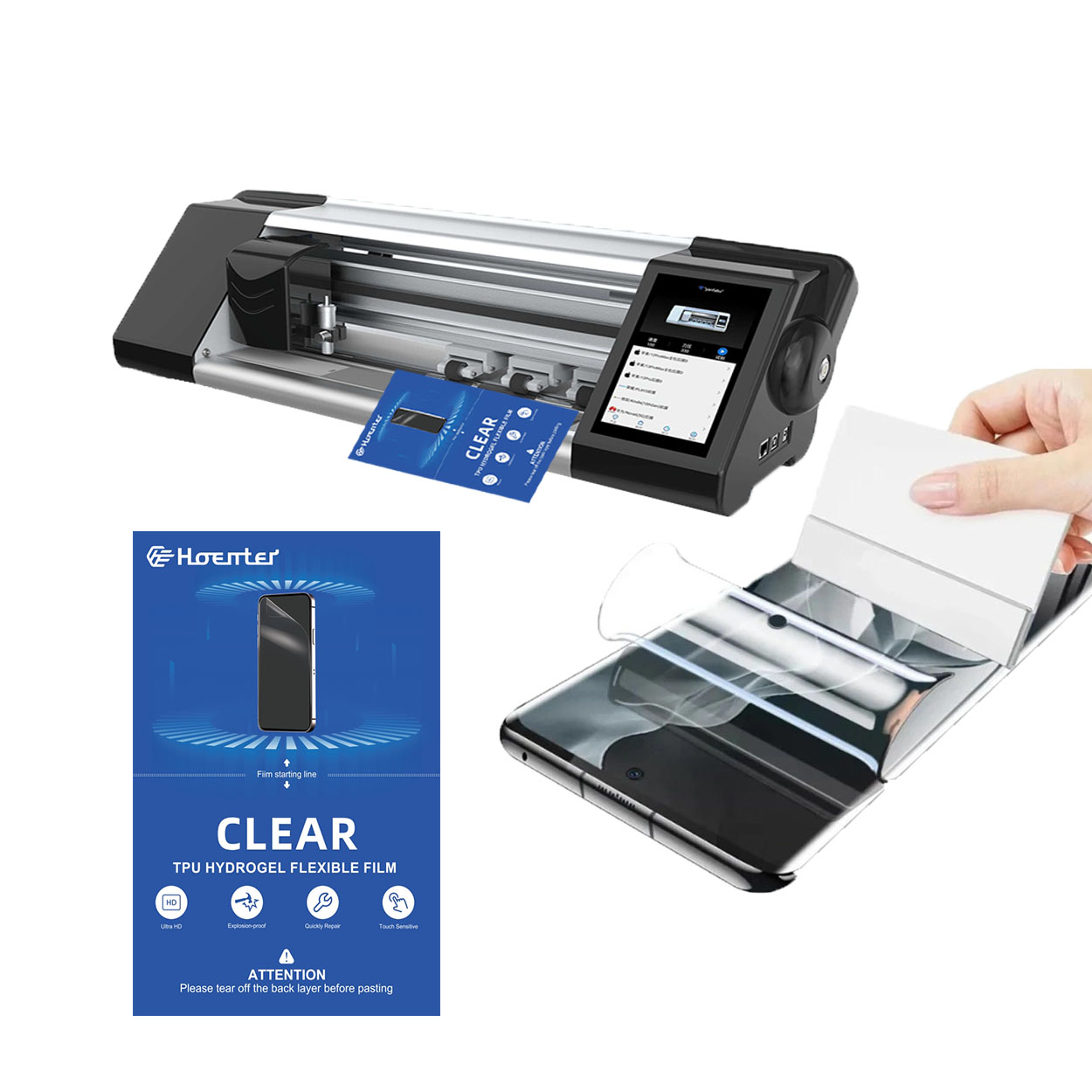
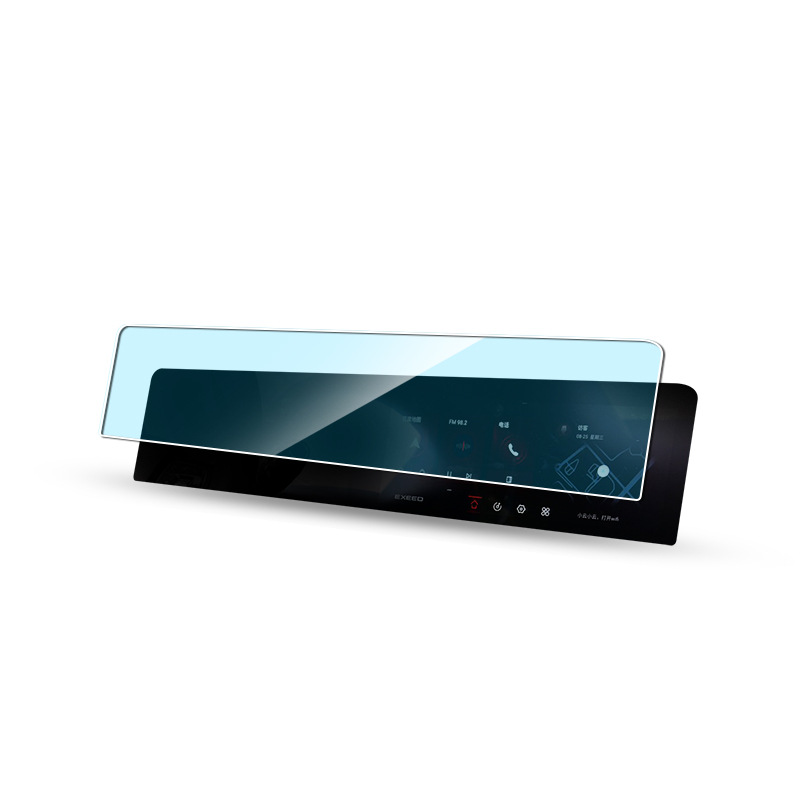
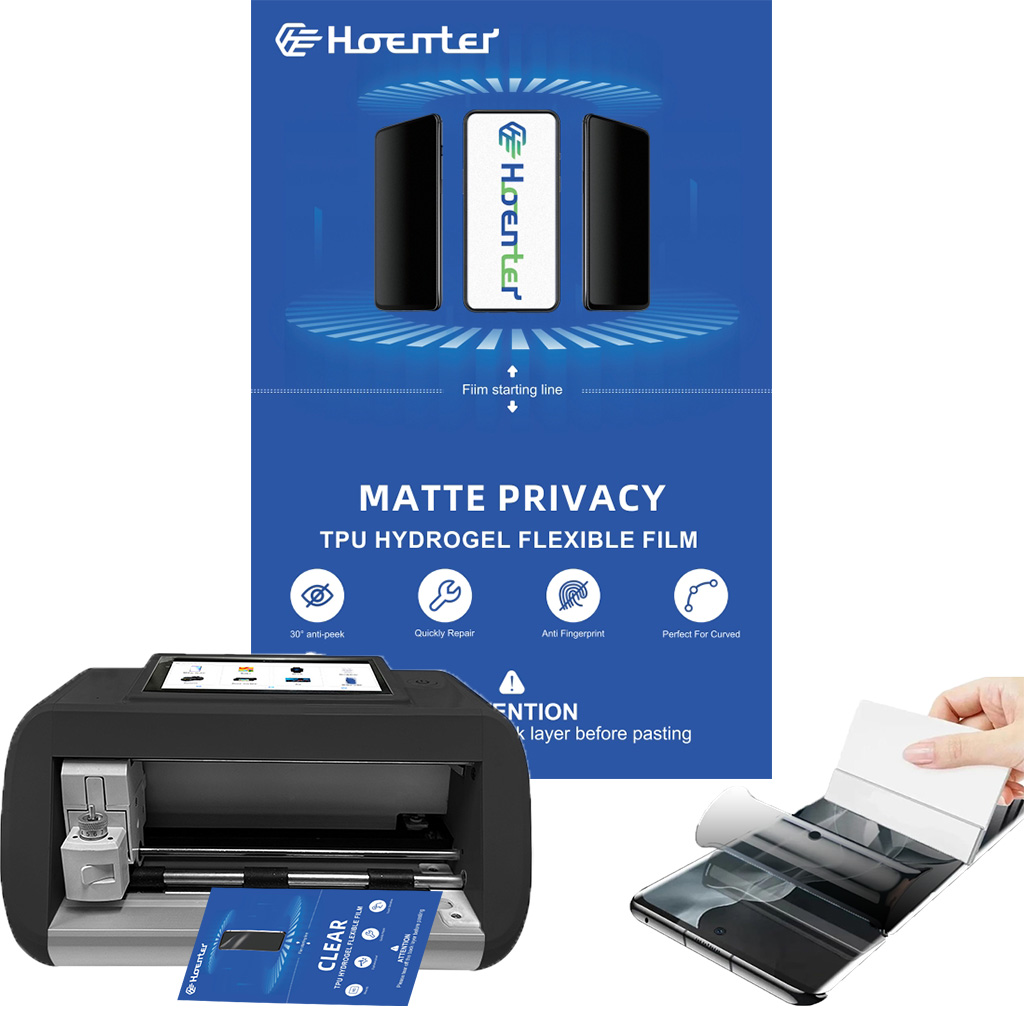
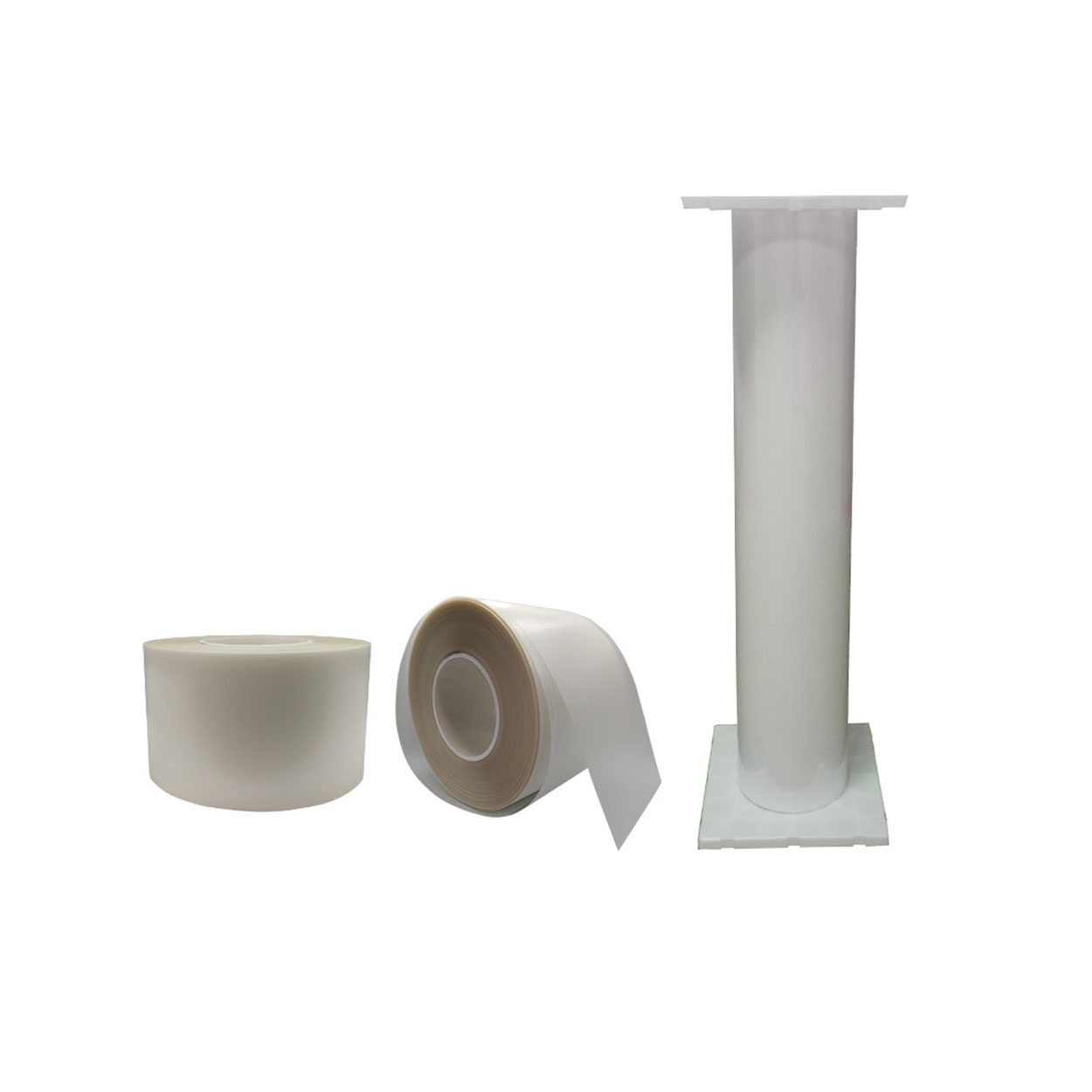
Wholesale Screen Protector Flexible Hydrogel TPU Film Roll
Le film de polyuréthane thermoplastique (TPU) s'est imposé comme un matériau très polyvalent, offrant des avantages distincts par rapport aux films plastiques conventionnels tels que le chlorure de polyvinyle (PVC). Ses caractéristiques exceptionnelles ont fait du TPU un choix incontournable dans des secteurs tels que l'automobile, l'habillement, l'électronique et les applications médicales.
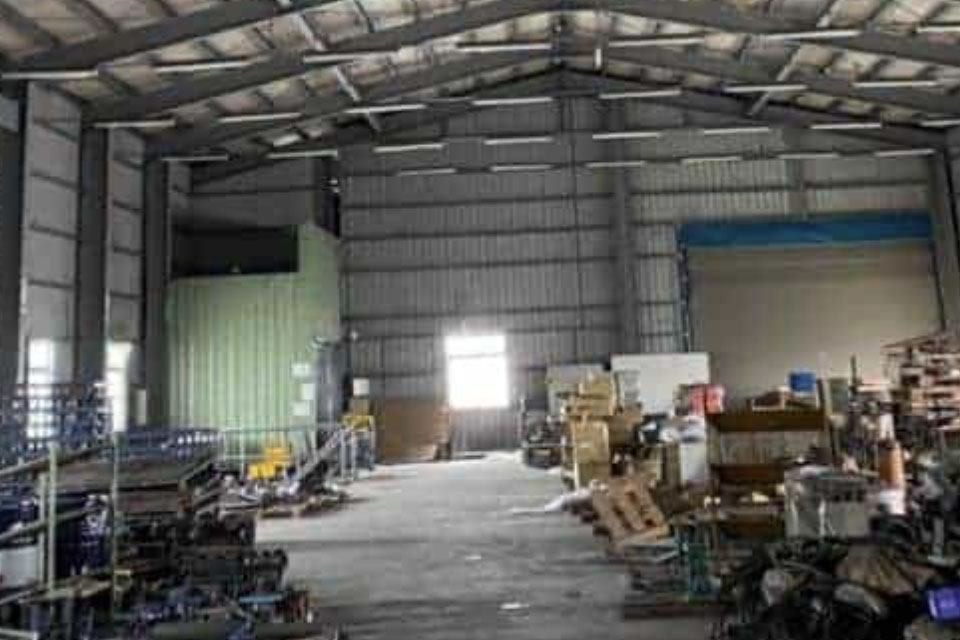
Comment choisir le meilleur protecteur d'écran pour votre smartphone ?
Le choix du meilleur protecteur d'écran pour votre téléphone est une étape cruciale pour assurer la longévité et le parfait état de l'écran de votre appareil. Les différents types de protecteurs d'écran offrent des niveaux de protection différents et des fonctionnalités supplémentaires, ce qui permet aux utilisateurs de faire un choix éclairé en fonction de leurs besoins.
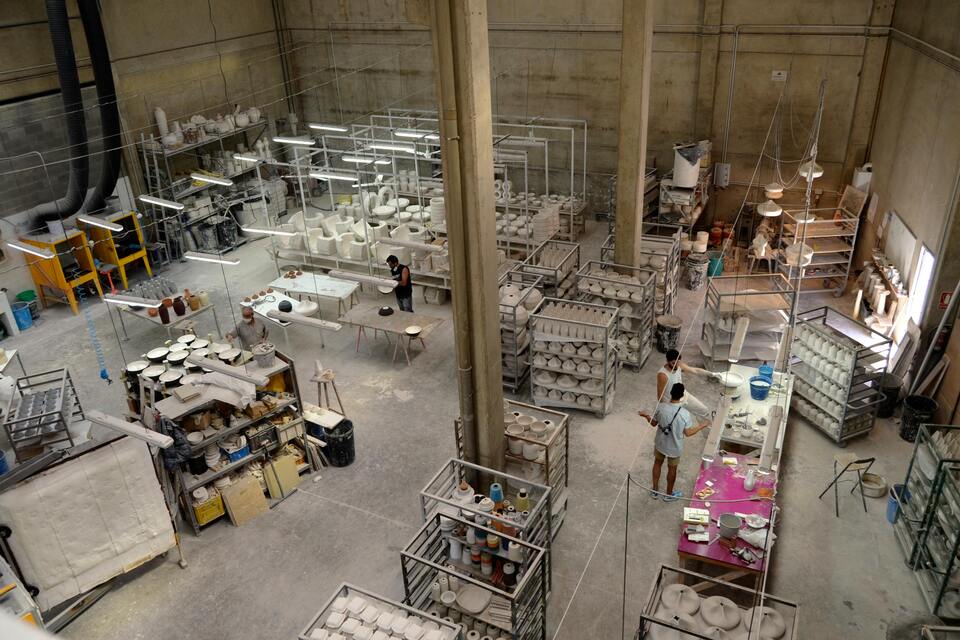
Comment retirer un protecteur d'écran ?
En suivant ces directives, vous pouvez retirer et remplacer votre protecteur d'écran en toute confiance, garantissant ainsi que votre téléphone reste protégé et fonctionnel.
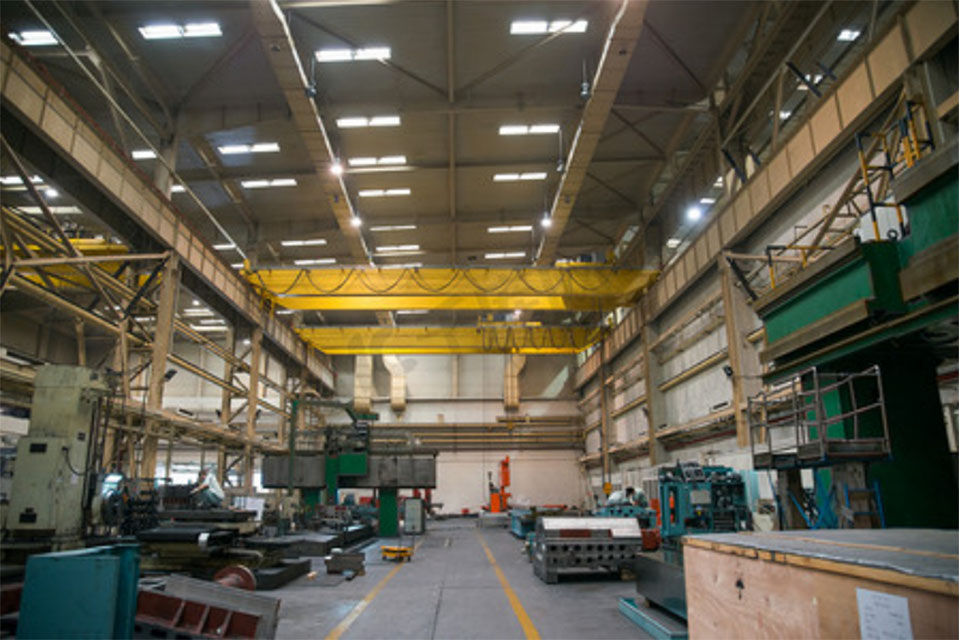
Les avantages des films d'hydrogel flexibles pour les dispositifs portables
Les films d'hydrogel flexibles sont devenus un matériau révolutionnaire pour les dispositifs portables, car ils offrent un mélange unique de biocompatibilité, de flexibilité mécanique et de réactivité aux stimuli environnementaux.
Machine à découper les protections d'écran Prix et performances - Trouver le bon équilibre
Le thème "Prix et performances des machines de découpe de protections d'écran" explore l'équilibre critique entre le coût et la fonctionnalité des machines utilisées pour découper les protections d'écran.

Quelles sont les machines de découpe de films et leurs applications ?
Les machines de découpe de films ont joué un rôle crucial dans l'évolution de la production cinématographique et de divers processus industriels en permettant une découpe et une jonction précises des matériaux cinématographiques.

Qu'est-ce qu'une machine à découper les protections d'écran ?
Une machine à découper les protections d'écran est un appareil spécialisé conçu pour produire des protections d'écran sur mesure pour divers appareils électroniques, notamment les smartphones, les tablettes, les smartwatches, les ordinateurs portables et les moniteurs.

Comment fonctionne la machine à découper les protections d'écran de téléphone portable?
Une machine à découper les protections d'écran de téléphone portable est un appareil sophistiqué conçu pour
produire des protections d'écran personnalisées pour divers appareils numériques avec un haut degré de précision.
et l'efficacité.

Caractéristiques du verre trempé et du protecteur d'écran TPU pour téléphones portables
Les protections d'écran en polyuréthane thermoplastique (TPU) sont flexibles, durables et
films plastiques auto-cicatrisants conçus pour protéger les écrans d'appareils électroniques contre la corrosion.
les rayures, les impacts et autres dommages potentiels.

Révolutionner la protection des appareils grâce à la machine à découper les écrans de protection
Que vous possédiez un smartphone, une tablette ou une smartwatch, cette machine polyvalente s'adapte à un large éventail d'appareils. Il s'adapte parfaitement aux dimensions de votre gadget, offrant un ajustement personnalisé que les protecteurs génériques ne peuvent égaler.

Garantie à vie du protecteur d'écran
La garantie à vie d'un protecteur d'écran est une garantie fournie par les fabricants.
s'engage à réparer ou à remplacer un protecteur d'écran pendant toute la durée de vie du produit, selon des conditions spécifiques.
