
What Is a Screen Protector and Why Is It Important?
MỘT bảo vệ màn hình is a thin, durable layer of material—often tempered glass or plastic—designed to shield your device’s screen from scratches, cracks, and dirt. Think of it as the first line of defense for your smartphone, tablet, or other electronic devices.Its importance lies in its ability to take the brunt of daily wear and tear, keeping your screen in pristine condition. However, like any other accessory, screen protectors require maintenance to continue performing well. Cleaning them regularly ensures they remain clear and adhesive.
How Does the Sticky Side of a Screen Protector Work?
Các sticky side of a screen protector is coated with a gentle adhesive that allows it to attach seamlessly to your device’s screen. This adhesive is strong enough to hold the protector in place but delicate enough to avoid leaving residue when removed.Over time, the sticky side can accumulate lint, dust, or oils from your hands, reducing its effectiveness. Cleaning this side carefully is essential to restoring its stickiness and ensuring a proper reapplication.
When Should You Clean a Screen Protector?
You should clean your bảo vệ màn hình under the following circumstances:
- Dust or dirt appears beneath the protector: Small particles trapped underneath the screen protector can affect touch sensitivity and clarity.
- The sticky side loses adhesion: If your screen protector begins to peel at the edges or no longer sticks well, cleaning the adhesive side can help.
- Smudges or fingerprints accumulate: These marks are common and can be cleaned off with the right tools and methods.
Keeping your screen protector clean not only improves its appearance but also extends its lifespan.
What Cleaning Solutions Can You Use on a Screen Protector?
When cleaning a screen protector, it’s crucial to use solutions that won’t damage the adhesive or the material itself. Here are some safe options:
- Distilled Water: This is the safest choice, especially for minor cleaning jobs.
- Isopropyl Alcohol (70% or less): Ideal for disinfecting and removing oils, but use sparingly.
- Mild Dish Soap: A single drop mixed with water can help remove stubborn grime.
- Specialized Cleaning Solutions: Products designed specifically for electronics are also effective.
Avoid abrasive cleaners, ammonia-based products, or strong solvents as they can damage the screen protector or reduce its adhesive properties.
How to Clean the Sticky Side of a Screen Protector
Cleaning the sticky side of a screen protector requires care and precision to avoid damaging the adhesive layer. Here’s a step-by-step guide:
- Remove the Screen Protector Carefully
Gently peel the protector off your device, starting from one corner. Avoid bending it excessively to prevent cracks or creases. - Rinse with Distilled Water
Hold the sticky side under a light stream of distilled water to remove loose dirt and debris. Avoid using tap water as it can leave mineral deposits. - Clean With a Microfiber Cloth
Dampen a microfiber cloth with distilled water or an alcohol solution and gently wipe the sticky side. Work in circular motions to lift stubborn grime. - Air Dry or Use Compressed Air
Let the screen protector air dry completely before reapplying it. Alternatively, use a can of compressed air to speed up the drying process. - Reapply the Screen Protector
Once dry, carefully align the protector with your screen and press it down from the center outward to remove air bubbles.
How to Clean a Tempered Glass Screen Protector
Tempered glass screen protectors are more durable than plastic ones but still require proper care. Here’s how you can clean them:
- Remove the Protector
Follow the same steps as above to remove the screen protector without bending or cracking it. - Wipe the Glass Side
Use a microfiber cloth dampened with a small amount of isopropyl alcohol to clean the glass side. Avoid getting liquid on the adhesive side. - Clean the Adhesive Side
The sticky side of tempered glass protectors can be wiped gently with a damp microfiber cloth, but avoid scrubbing too hard. - Check for Residual Dust
Use a dust removal sticker or tape to pick up any remaining particles before reapplying the protector.
Can You Reapply a Screen Protector After Cleaning It?
Yes, you can reapply a screen protector after cleaning it, but only if the adhesive side remains intact. Here’s what to keep in mind:
- Ensure the adhesive side is completely dry before reapplication.
- Align the protector carefully to avoid air bubbles.
- If the protector no longer sticks properly, it may be time to replace it.
Common Mistakes to Avoid When Cleaning a Screen Protector
Cleaning a screen protector isn’t difficult, but there are some pitfalls to avoid:
- Using Harsh Chemicals: These can erode the adhesive or damage the protector.
- Scratching the Adhesive Side: Always use soft, non-abrasive materials like microfiber cloths.
- Reapplying While Wet: Ensure the sticky side is completely dry before putting it back on your device.
DIY Cleaning Solutions You Can Use for Your Screen Protector
If you don’t have specialized cleaning products, you can make your own solution at home:
- Simple Soap Solution
Mix one drop of mild dish soap with a cup of distilled water for a gentle but effective cleaner. - Isopropyl Alcohol Mixture
Combine equal parts isopropyl alcohol and distilled water for disinfecting and removing oils. - Vinegar and Water
A 50/50 mix of white vinegar and water can be used for light cleaning, but test on a small area first.
How to Prevent Damage to Your Screen Protector Over Time
Prevention is the best way to maintain your screen protector’s longevity. Follow these tips:
- Keep Your Hands Clean: Avoid transferring oils and grime to the sticky side.
- Store Carefully When Removed: Place the protector adhesive-side up on a clean surface to avoid attracting dust.
- Avoid Harsh Conditions: Extreme heat or cold can weaken the adhesive and cause the protector to crack.
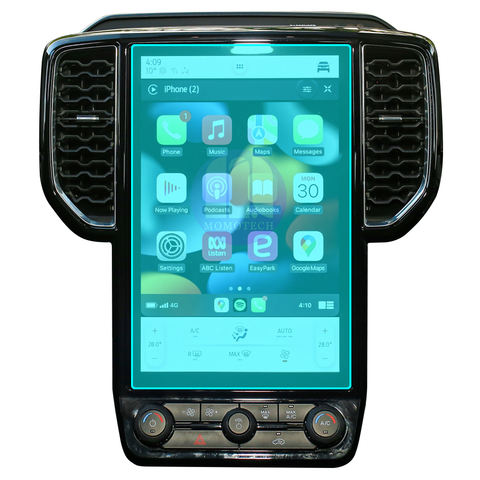
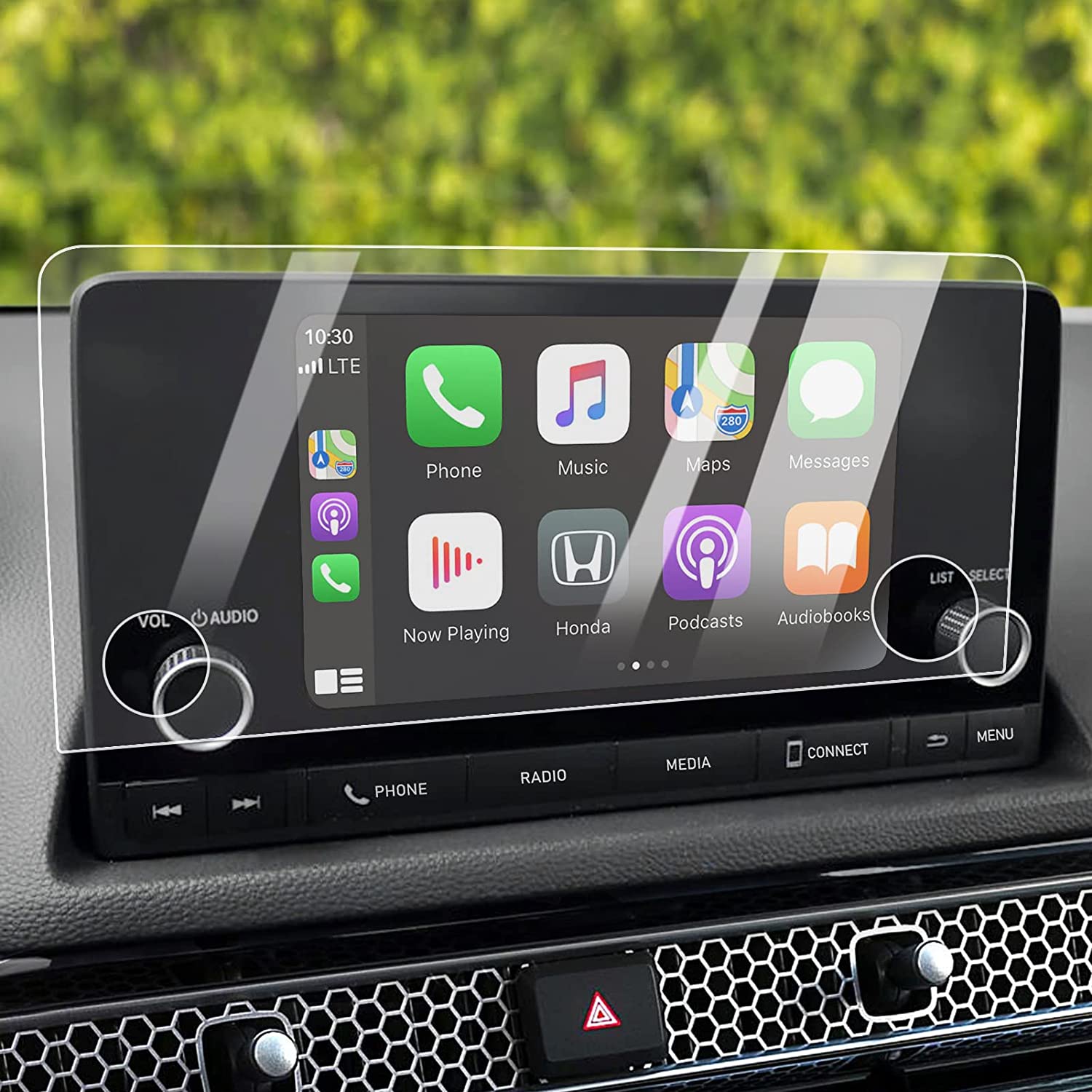
HD Car Touch Screen Tempered Glass
As a leading manufacturer of phone accessories, we understand the importance of protecting your valuable electronics. Now, we’re bringing our expertise to the automotive world with our premium HD Car Tempered Glass Screen Protectors.
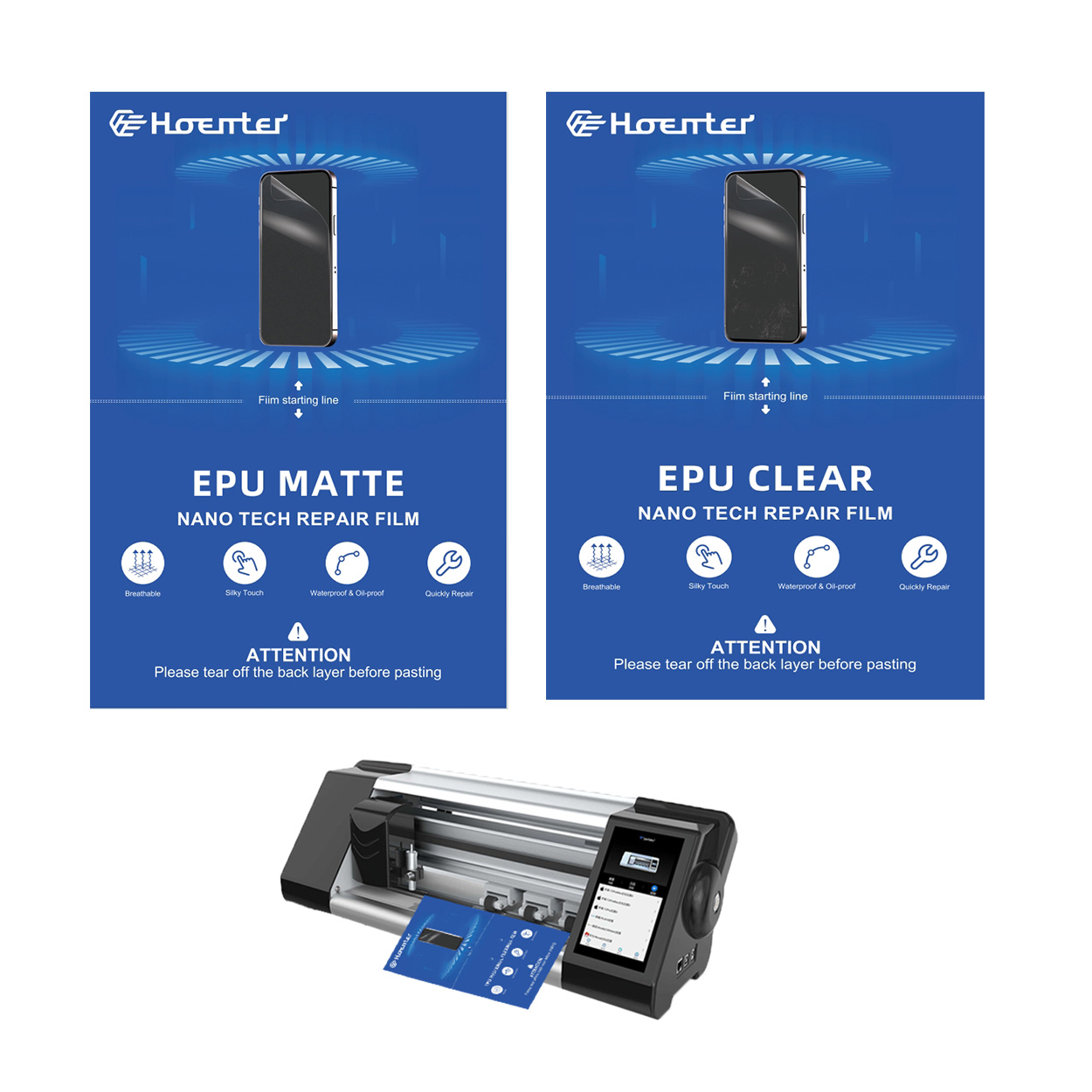
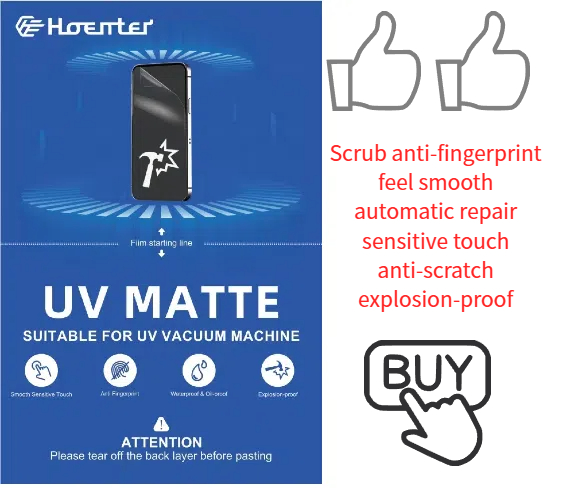
Fingerprint-Free Glare-Free Matte EPU Screen Protector
The ultimate screen protector battle: Matte EPU vs Glossy TPU! We compare fingerprint resistance, glare reduction, and more.
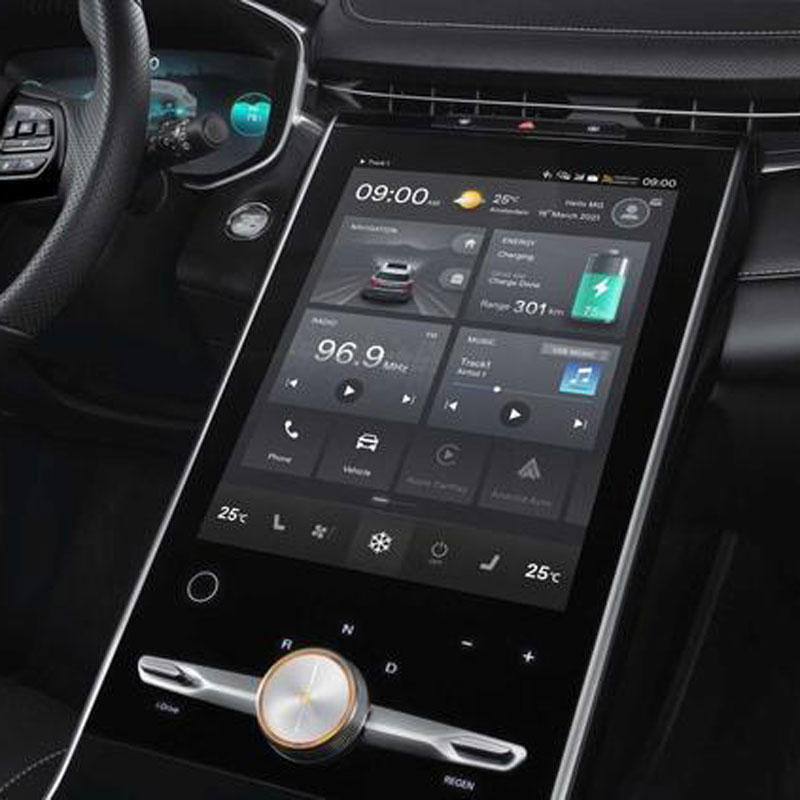
Roewe MG Marvel R Electric 2022 GPS Navigation Tempered Glass
Protect your 2022 Roewe Marvel R’s navigation screen with our premium tempered glass protector.
Cách chọn máy cắt miếng dán màn hình tốt nhất cho doanh nghiệp của bạn
Việc lựa chọn máy cắt miếng dán màn hình phù hợp là rất quan trọng đối với bất kỳ doanh nghiệp nào tham gia sản xuất phụ kiện điện thoại di động.
How to Get Out Air Bubbles in a Screen Protector?
By following these guidelines, you can ensure a smooth, bubble-free screen protector application, keeping your device safe and looking great.

Máy cắt phim nào và ứng dụng của nó
Máy cắt phim đóng vai trò quan trọng trong sự phát triển của ngành làm phim và nhiều quy trình công nghiệp khác bằng cách cho phép cắt và ghép chính xác các vật liệu phim.

Máy cắt miếng dán màn hình là gì?
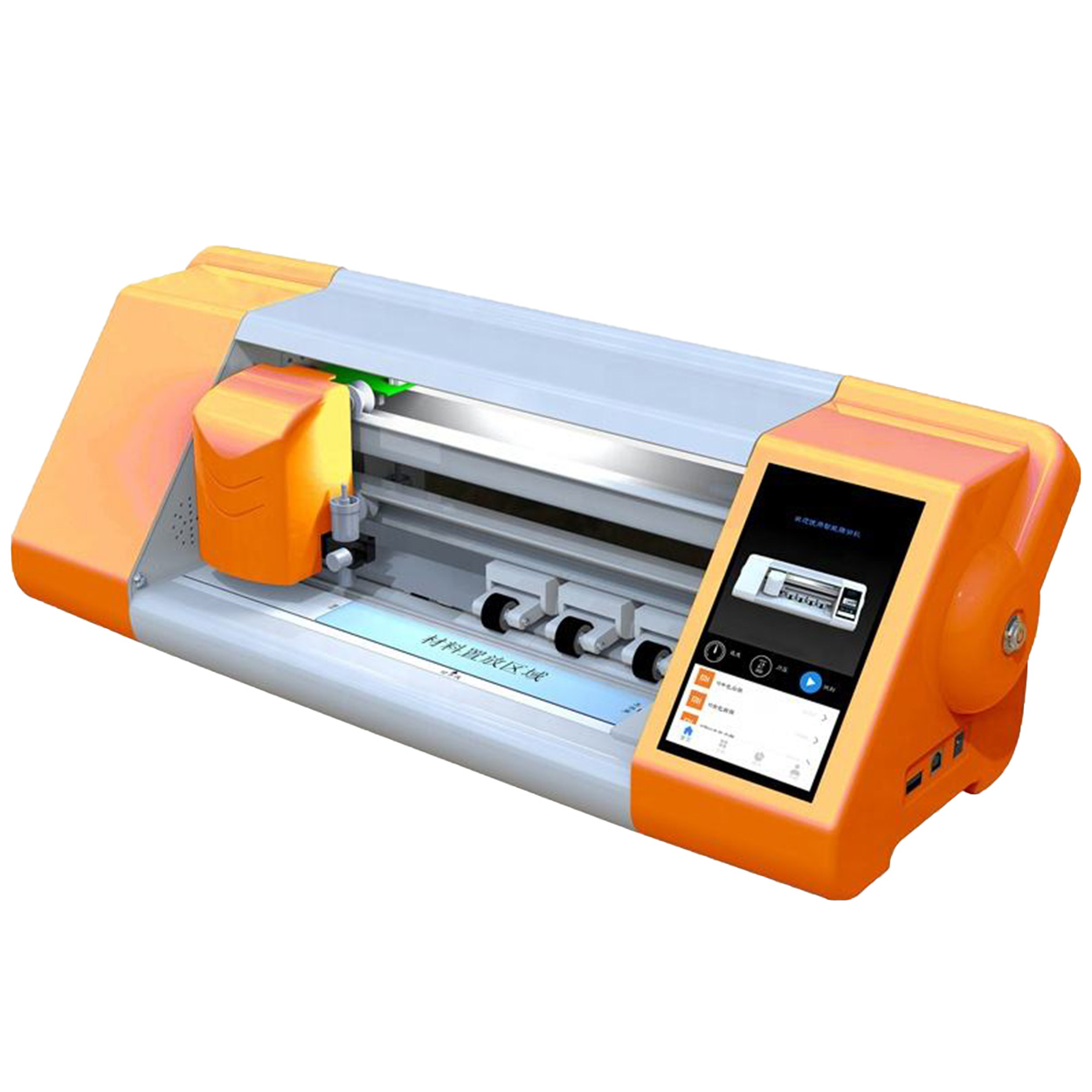
Máy cắt miếng dán màn hình là thiết bị chuyên dụng được thiết kế để sản xuất miếng dán màn hình vừa vặn cho nhiều thiết bị điện tử khác nhau, bao gồm điện thoại thông minh, máy tính bảng, đồng hồ thông minh, máy tính xách tay và màn hình máy tính.

Máy cắt miếng dán màn hình điện thoại di động hoạt động như thế nào?
Máy cắt miếng dán màn hình điện thoại di động là một thiết bị tinh vi được thiết kế
để sản xuất miếng dán màn hình tùy chỉnh cho nhiều thiết bị kỹ thuật số có độ chính xác cao
và hiệu quả.

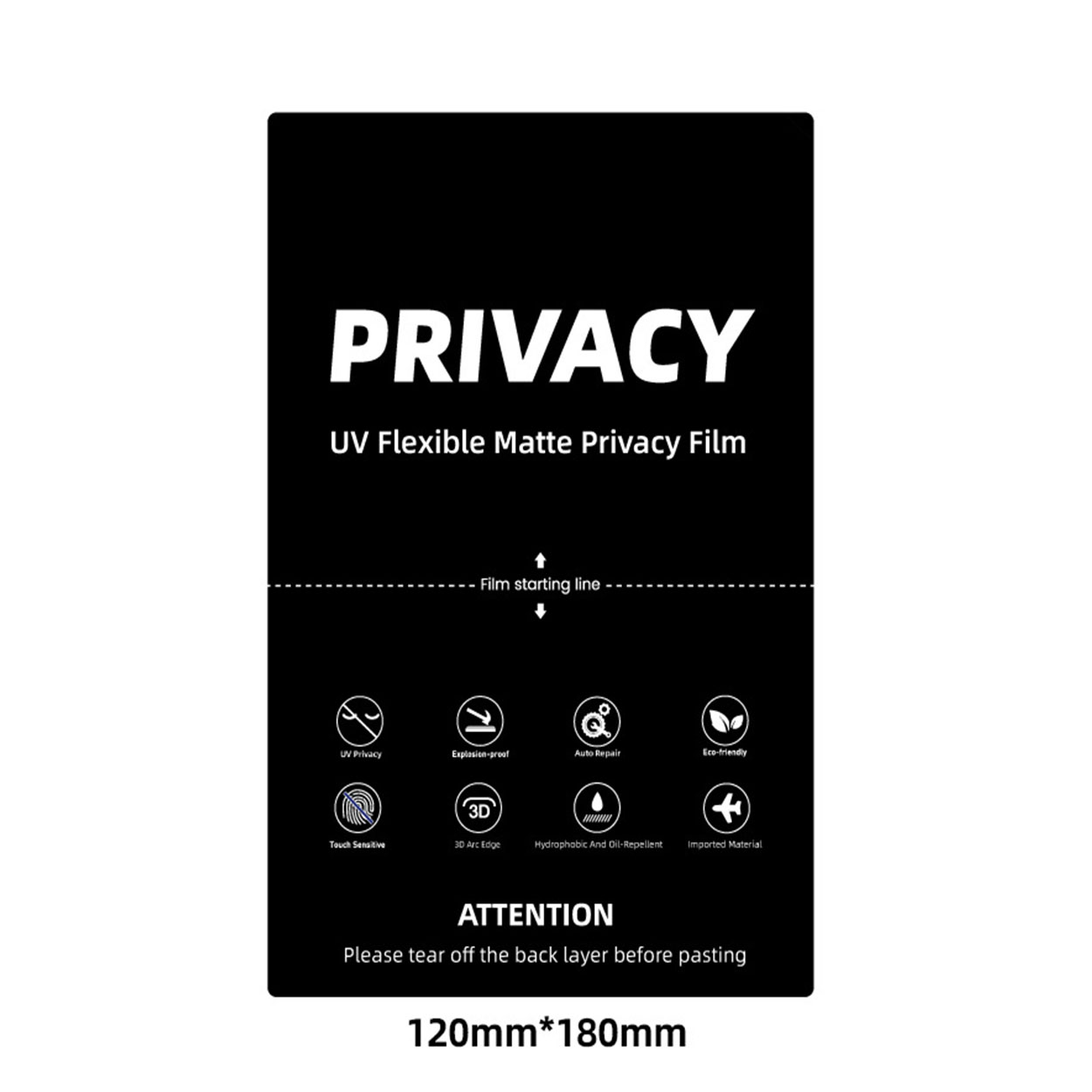
Đặc điểm của Kính cường lực điện thoại di động và Miếng dán màn hình TPU cho điện thoại di động
Tấm bảo vệ màn hình bằng nhựa nhiệt dẻo polyurethane (TPU) linh hoạt, bền và
màng nhựa tự phục hồi được thiết kế để bảo vệ màn hình thiết bị điện tử khỏi
trầy xước, va chạm và các hư hỏng tiềm ẩn khác.

Cách mạng hóa bảo vệ thiết bị với máy cắt bảo vệ màn hình
Cho dù bạn sở hữu điện thoại thông minh, máy tính bảng hay đồng hồ thông minh, chiếc máy đa năng này có thể chứa nhiều loại thiết bị. Nó có thể thích ứng liền mạch với kích thước của thiết bị của bạn, mang đến sự vừa vặn tùy chỉnh mà các loại bảo vệ thông thường không thể sánh kịp.

Bảo hành trọn đời cho miếng dán màn hình
Bảo hành trọn đời cho miếng dán màn hình là sự đảm bảo được cung cấp bởi nhà sản xuất
cam kết sửa chữa hoặc thay thế miếng dán màn hình trong suốt thời gian sử dụng sản phẩm, theo các điều khoản và điều kiện cụ thể.
