
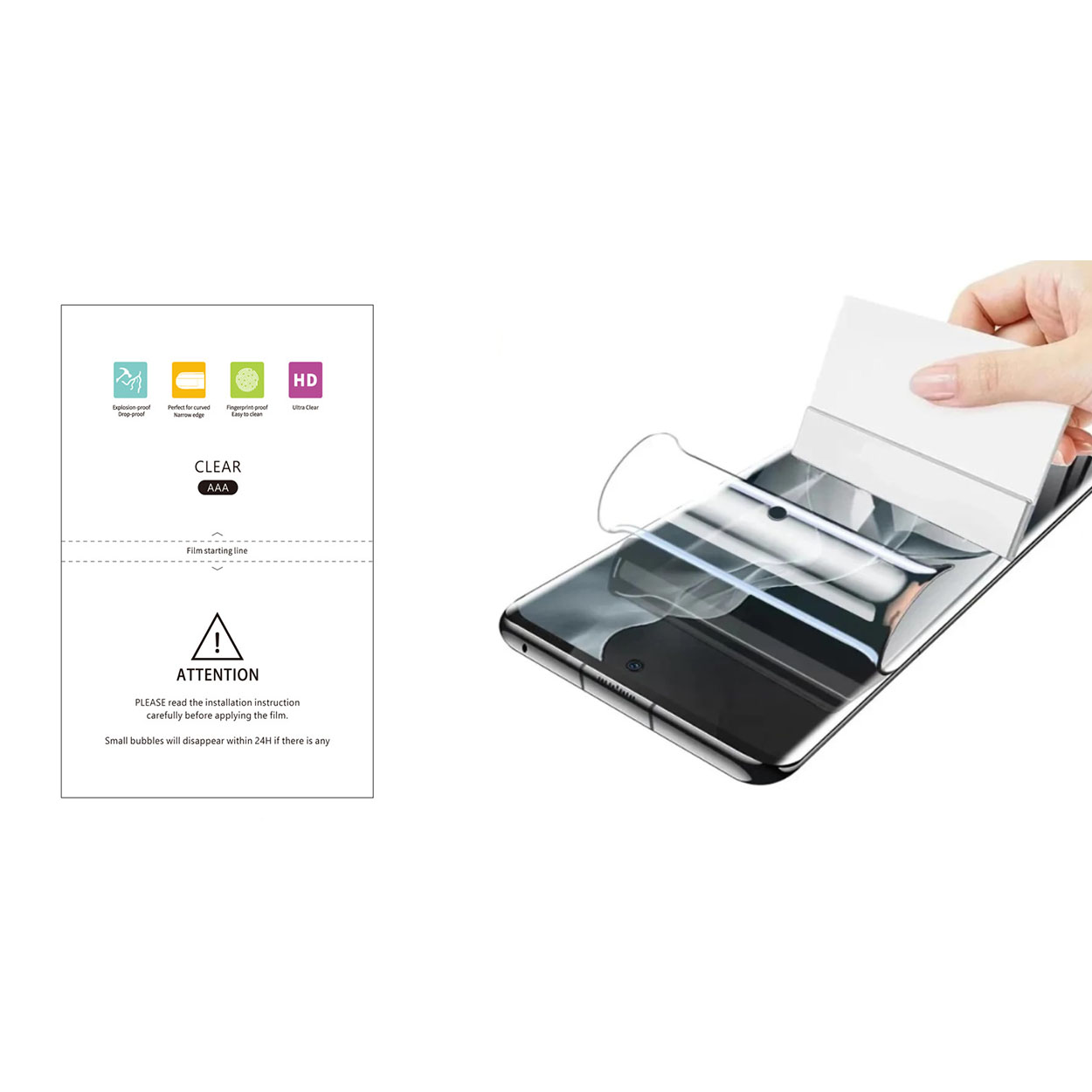
1. What Is the Sticky Side of a Screen Protector and Why Does It Get Dirty?
The sticky side of a screen protector is the adhesive layer that attaches to your device’s screen. This layer is designed to hold the protector firmly in place while maintaining clarity and touch sensitivity. However, over time, it can attract dust, lint, and even fingerprints, especially if the protector is removed or improperly handled.Why Does It Get Dirty?
- Dust and debris: When you remove the screen protector, airborne particles can settle on the adhesive side.
- Oils and fingerprints: Touching the sticky side with your fingers can leave behind oils that reduce its adhesive properties.
- Improper storage: If the screen protector is placed on a dirty surface, it can pick up dirt and lose its stickiness.
2. Can You Clean the Sticky Side of a Screen Protector?
Yes, you can clean the sticky side of a screen protector, but it requires careful handling to avoid damaging the adhesive layer. Cleaning it properly can restore its stickiness and allow you to reapply it to your device without bubbles or dirt.However, not all screen protectors are created equal. Tempered glass screen protectors are more durable and easier to clean compared to plastic ones, which may lose their adhesive properties more quickly.3. Tools You’ll Need to Clean the Sticky Side
Before you start cleaning, gather the following tools to ensure a smooth process:ToolPurposeMicrofiber clothTo gently wipe away dust and debris without scratching the adhesive layer.Distilled waterA safe cleaning solution that won’t leave mineral residue.Mild soap (optional)For removing stubborn oils or dirt.Adhesive tape (e.g., Scotch tape)To lift off dust particles from the sticky side.Bowl or containerFor mixing cleaning solutions if needed.
4. Step-by-Step Guide: How to Clean the Sticky Side of a Screen Protector
Follow these steps to clean the sticky side of a screen protector effectively:Step 1: Prepare a Clean Workspace
- Choose a dust-free environment, such as a bathroom after running a hot shower (the steam reduces airborne dust).
- Lay down a clean microfiber cloth to work on.
Step 2: Remove Loose Dust
- Use a piece of adhesive tape to gently lift off any visible dust or debris from the sticky side. Avoid rubbing, as this can spread the dirt.
Step 3: Clean with Distilled Water
- Dampen a microfiber cloth with distilled water (do not soak it).
- Gently wipe the sticky side in a circular motion to remove oils and smudges.
Step 4: Use Mild Soap for Stubborn Dirt
- If water alone doesn’t work, mix a small amount of mild soap with distilled water.
- Dip the microfiber cloth into the solution and gently clean the adhesive side.
- Rinse with distilled water to remove any soap residue.
Step 5: Let It Air Dry
- Place the screen protector sticky side up on a clean surface and let it air dry completely. Avoid using paper towels, as they can leave fibers behind.
5. What Cleaning Solutions Are Safe for Screen Protectors?
When cleaning the sticky side of a screen protector, it’s important to use safe and non-abrasive solutions. Here are some options:- Distilled water: Ideal for removing light dust and smudges.
- Mild soap: Effective for breaking down oils and grime.
- Isopropyl alcohol (70%): Can be used sparingly for stubborn stains but may reduce stickiness if overused.
6. How to Reapply a Screen Protector After Cleaning
Once the sticky side is clean and dry, follow these steps to reapply it to your device:- Sejajarkan Pelindung: Hold the screen protector by its edges and carefully align it with your device’s screen.
- Apply Slowly: Start from one edge and slowly press the protector onto the screen, using a credit card or squeegee to remove air bubbles.
- Check for Dust: If you notice any dust trapped underneath, lift the protector slightly and use adhesive tape to remove the particles.
7. Common Mistakes to Avoid When Cleaning the Sticky Side
- Using too much water: Excess moisture can seep into the layers of the screen protector and damage it.
- Touching the sticky side: Always handle the screen protector by its edges to avoid transferring oils from your fingers.
- Skipping the drying process: Reapplying a wet screen protector can lead to bubbles and poor adhesion.
8. How to Clean the Front of a Screen Protector
The front of a screen protector is just as important to keep clean for optimal visibility and touch sensitivity. Here’s how:- Use a Microfiber Cloth: Gently wipe the surface to remove fingerprints and smudges.
- Apply a Screen Cleaner: Spray a small amount of screen-safe cleaner onto the cloth (not directly onto the protector) and wipe in circular motions.
- Polish: Use a dry section of the cloth to polish the surface for a streak-free finish.

9. When Should You Replace Your Screen Protector Instead of Cleaning It?
While cleaning can restore the adhesive properties of a screen protector, there are times when replacement is the better option:- Permanent damage: If the adhesive layer is torn or scratched, it won’t stick properly.
- Loss of clarity: If the protector has yellowed or developed permanent smudges, it’s time for a new one.
- Cracks or chips: A cracked tempered glass protector can compromise your device’s safety.
10. Tips to Keep Your Screen Protector Clean and Long-Lasting
- Avoid removing it unnecessarily: Frequent removal increases the risk of dirt accumulation.
- Use a case: A phone case can help prevent dust from getting under the edges of the screen protector.
- Clean regularly: Wipe the front of the protector weekly to maintain clarity and touch sensitivity.
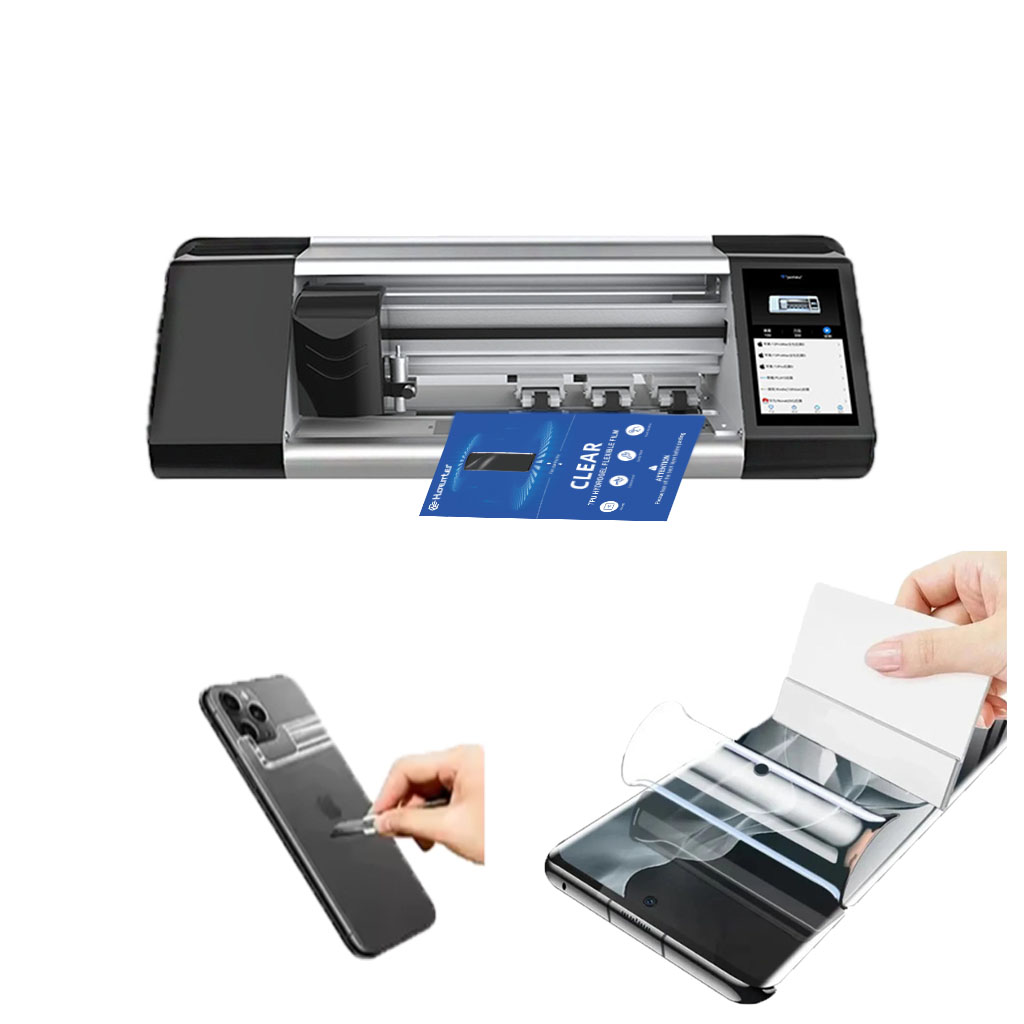
Apakah Layak Berinvestasi dalam Mesin Pelindung Layar Ponsel Kelas Atas?
Dengan lebih dari 95 juta smartphone yang rusak setiap tahunnya karena terjatuh, permintaan akan pelindung layar yang efektif terus meningkat, didorong oleh meningkatnya kesadaran konsumen akan biaya perbaikan, terutama untuk perangkat yang tidak diasuransikan.

Bisakah Anda Memotong Pelindung Layar Seperti Kertas?
Memotong pelindung layar seperti kertas sepenuhnya mungkin dilakukan, tetapi memerlukan kesabaran, ketelitian, dan alat yang tepat.
Mesin Pemotong Pelindung Layar Hidrogel
Mesin pemotong hidrogel unggul dalam menangani bahan yang lembut dan fleksibel dan umumnya lebih hemat biaya untuk desain yang sederhana.
Mesin pemotongan laser menawarkan presisi yang unggul, terutama untuk potongan yang rumit, dan keserbagunaan material yang lebih besar.
Pilihan antara hidrogel dan pemotongan laser bergantung pada faktor-faktor seperti volume produksi, jenis bahan, dan kompleksitas desain.
Pertimbangkan biaya jangka panjang, termasuk pemeliharaan dan konsumsi energi, saat membuat keputusan.
Kedua teknologi ini terus berkembang, dengan tren masa depan yang berfokus pada integrasi AI dan solusi ramah lingkungan.
5 Manfaat Teratas Menggunakan Mesin Pemotong Layar Privasi Cerdas
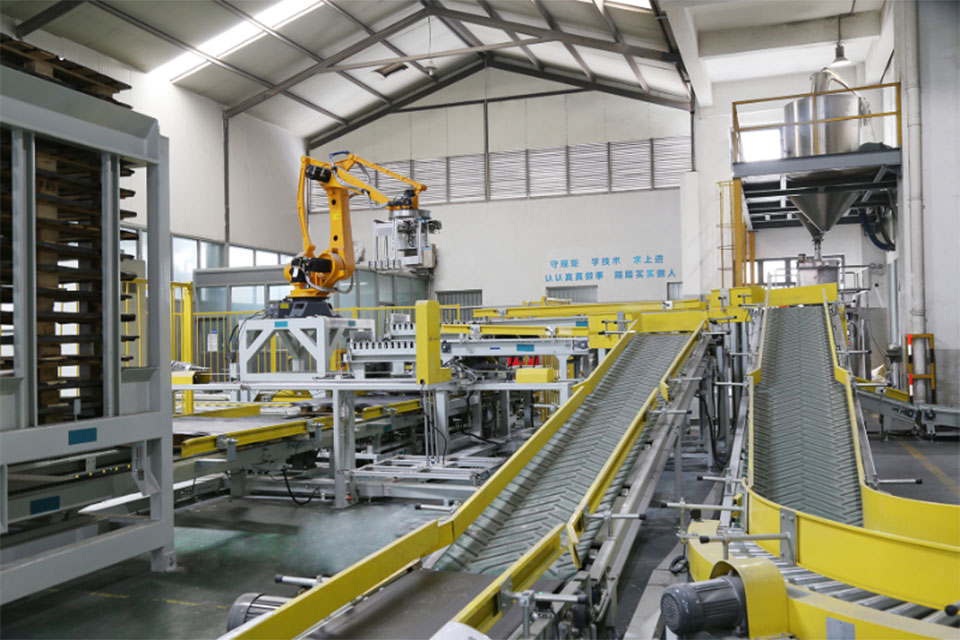
Smart Privacy Screen Cutter adalah perangkat canggih yang menggabungkan kemampuan pencetakan dan pemotongan untuk meningkatkan efisiensi operasional dan keserbagunaan di seluruh industri serta memberikan penghematan biaya yang signifikan, meningkatkan keselamatan di tempat kerja, dan mengurangi dampak lingkungan melalui teknologi manufaktur cerdas.
Manfaat Lingkungan dari Penggunaan Pemotong Pelindung Layar: Mengurangi Limbah
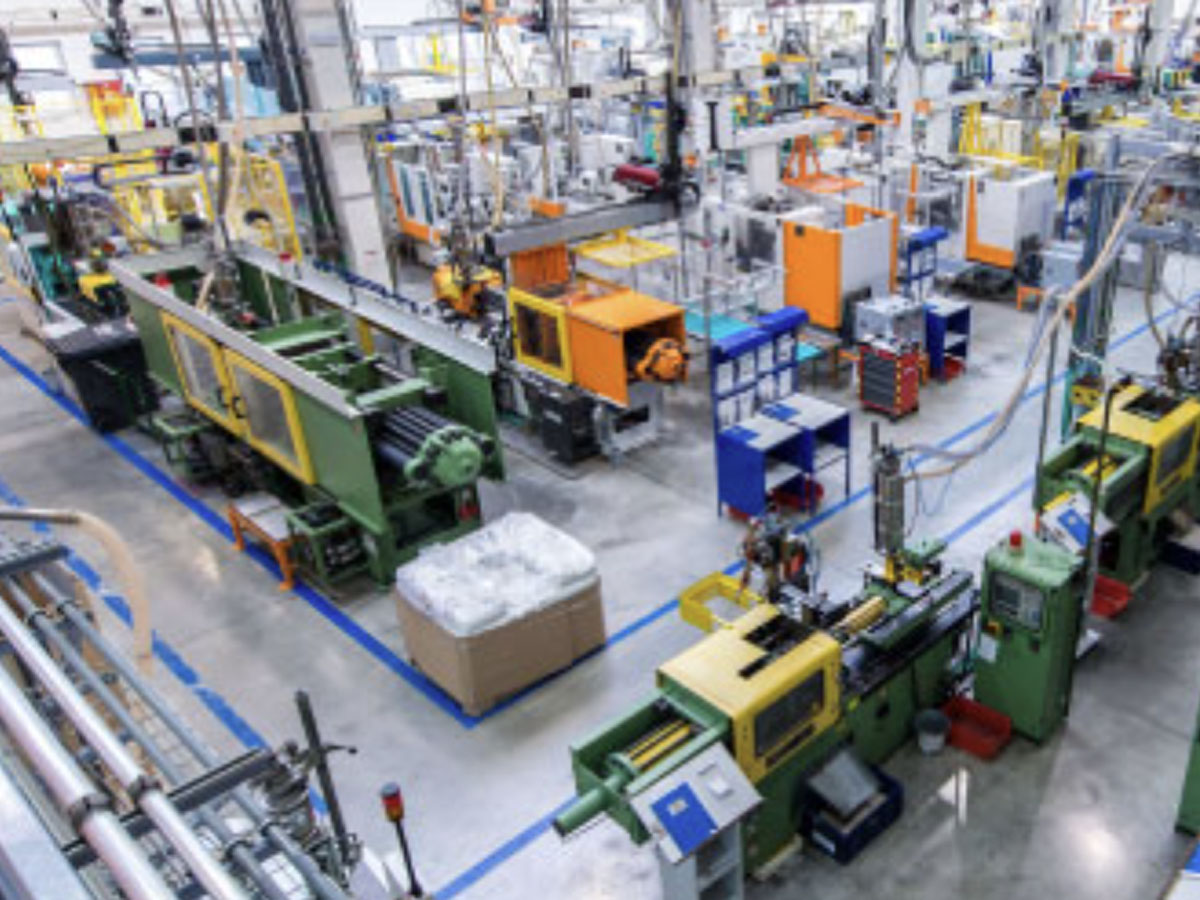
Konsep pengurangan limbah merupakan hal yang mendasar dalam kelestarian lingkungan, khususnya dalam konteks produk konsumen seperti pelindung layar.

Apa itu Mesin Pemotong Film dan Aplikasinya
Mesin pemotong film telah memainkan peran penting dalam evolusi pembuatan film dan berbagai proses industri dengan memungkinkan pemotongan dan penyambungan bahan film secara tepat.

Apa Itu Mesin Pemotong Pelindung Layar?
Mesin pemotong pelindung layar adalah perangkat khusus yang didesain untuk memproduksi pelindung layar yang disesuaikan untuk berbagai perangkat elektronik, termasuk smartphone, tablet, jam tangan pintar, laptop dan monitor.

Cara Kerja Mesin Pemotong Pelindung Layar Ponsel?
Mesin pemotong pelindung layar ponsel adalah perangkat canggih yang dirancang
untuk memproduksi pelindung layar yang disesuaikan untuk berbagai perangkat digital dengan kualitas tinggi
dan efisiensi.

Karakteristik Kaca Tempered Ponsel dan Pelindung Layar TPU Ponsel
Pelindung layar poliuretan termoplastik (TPU) fleksibel, tahan lama, dan
film plastik yang dapat menyembuhkan diri sendiri yang dirancang untuk melindungi layar perangkat elektronik dari
goresan, benturan, dan potensi kerusakan lainnya.

Merevolusi Perlindungan Perangkat dengan Mesin Pemotong Pelindung Layar
Apakah Anda memiliki smartphone, tablet, atau smartwatch, mesin serbaguna ini mengakomodasi beragam perangkat. Alat ini secara mulus beradaptasi dengan dimensi gadget Anda, menawarkan kesesuaian khusus yang tidak dapat ditandingi oleh pelindung umum.

Garansi Pelindung Layar Seumur Hidup
Garansi seumur hidup pelindung layar adalah jaminan yang diberikan oleh produsen bahwa
berjanji untuk memperbaiki atau mengganti pelindung layar selama masa pakai produk, dengan syarat dan ketentuan tertentu.
