
1. What Is the Sticky Side of a Screen Protector and Why Does It Get Dirty?
Den sticky side of a screen protector is the adhesive layer that attaches to your device’s screen. This layer is designed to hold the protector firmly in place while maintaining clarity and touch sensitivity. However, over time, it can attract dust, lint, and even fingerprints, especially if the protector is removed or improperly handled.Why Does It Get Dirty?
- Dust and debris: When you remove the screen protector, airborne particles can settle on the adhesive side.
- Oils and fingerprints: Touching the sticky side with your fingers can leave behind oils that reduce its adhesive properties.
- Improper storage: If the screen protector is placed on a dirty surface, it can pick up dirt and lose its stickiness.
2. Can You Clean the Sticky Side of a Screen Protector?
Yes, you can clean the sticky side of a screen protector, but it requires careful handling to avoid damaging the adhesive layer. Cleaning it properly can restore its stickiness and allow you to reapply it to your device without bubbles or dirt.However, not all screen protectors are created equal. Tempered glass screen protectors are more durable and easier to clean compared to plastic ones, which may lose their adhesive properties more quickly.3. Tools You’ll Need to Clean the Sticky Side
Before you start cleaning, gather the following tools to ensure a smooth process:ToolPurposeMicrofiber clothTo gently wipe away dust and debris without scratching the adhesive layer.Distilled waterA safe cleaning solution that won’t leave mineral residue.Mild soap (optional)For removing stubborn oils or dirt.Adhesive tape (e.g., Scotch tape)To lift off dust particles from the sticky side.Bowl or containerFor mixing cleaning solutions if needed.

4. Step-by-Step Guide: How to Clean the Sticky Side of a Screen Protector
Follow these steps to clean the sticky side of a screen protector effectively:Step 1: Prepare a Clean Workspace
- Choose a dust-free environment, such as a bathroom after running a hot shower (the steam reduces airborne dust).
- Lay down a clean microfiber cloth to work on.
Step 2: Remove Loose Dust
- Use a piece of adhesive tape to gently lift off any visible dust or debris from the sticky side. Avoid rubbing, as this can spread the dirt.
Step 3: Clean with Distilled Water
- Dampen a microfiber cloth with distilled water (do not soak it).
- Gently wipe the sticky side in a circular motion to remove oils and smudges.
Step 4: Use Mild Soap for Stubborn Dirt
- If water alone doesn’t work, mix a small amount of mild soap with distilled water.
- Dip the microfiber cloth into the solution and gently clean the adhesive side.
- Rinse with distilled water to remove any soap residue.
Step 5: Let It Air Dry
- Place the screen protector sticky side up on a clean surface and let it air dry completely. Avoid using paper towels, as they can leave fibers behind.
5. What Cleaning Solutions Are Safe for Screen Protectors?
When cleaning the sticky side of a screen protector, it’s important to use safe and non-abrasive solutions. Here are some options:- Distilled water: Ideal for removing light dust and smudges.
- Mild soap: Effective for breaking down oils and grime.
- Isopropyl alcohol (70%): Can be used sparingly for stubborn stains but may reduce stickiness if overused.
6. How to Reapply a Screen Protector After Cleaning
Once the sticky side is clean and dry, follow these steps to reapply it to your device:- Rikta in skyddet: Hold the screen protector by its edges and carefully align it with your device’s screen.
- Applicera långsamt: Start from one edge and slowly press the protector onto the screen, using a credit card or squeegee to remove air bubbles.
- Check for Dust: If you notice any dust trapped underneath, lift the protector slightly and use adhesive tape to remove the particles.
7. Common Mistakes to Avoid When Cleaning the Sticky Side
- Using too much water: Excess moisture can seep into the layers of the screen protector and damage it.
- Touching the sticky side: Always handle the screen protector by its edges to avoid transferring oils from your fingers.
- Skipping the drying process: Reapplying a wet screen protector can lead to bubbles and poor adhesion.
8. How to Clean the Front of a Screen Protector
The front of a screen protector is just as important to keep clean for optimal visibility and touch sensitivity. Here’s how:- Use a Microfiber Cloth: Gently wipe the surface to remove fingerprints and smudges.
- Apply a Screen Cleaner: Spray a small amount of screen-safe cleaner onto the cloth (not directly onto the protector) and wipe in circular motions.
- Polish: Use a dry section of the cloth to polish the surface for a streak-free finish.

9. When Should You Replace Your Screen Protector Instead of Cleaning It?
While cleaning can restore the adhesive properties of a screen protector, there are times when replacement is the better option:- Permanent damage: If the adhesive layer is torn or scratched, it won’t stick properly.
- Loss of clarity: If the protector has yellowed or developed permanent smudges, it’s time for a new one.
- Cracks or chips: A cracked tempered glass protector can compromise your device’s safety.
10. Tips to Keep Your Screen Protector Clean and Long-Lasting
- Avoid removing it unnecessarily: Frequent removal increases the risk of dirt accumulation.
- Use a case: A phone case can help prevent dust from getting under the edges of the screen protector.
- Clean regularly: Wipe the front of the protector weekly to maintain clarity and touch sensitivity.

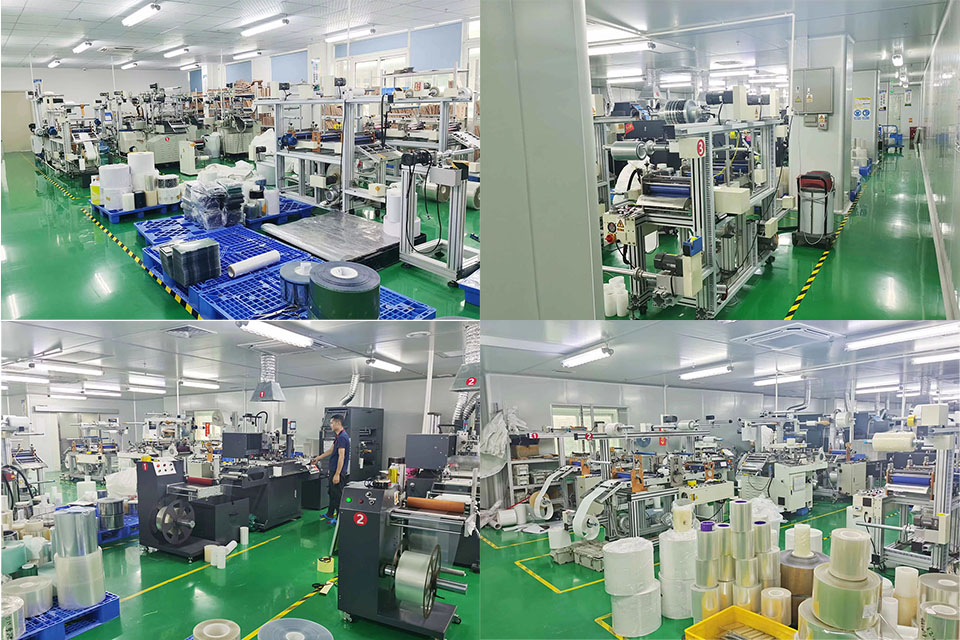
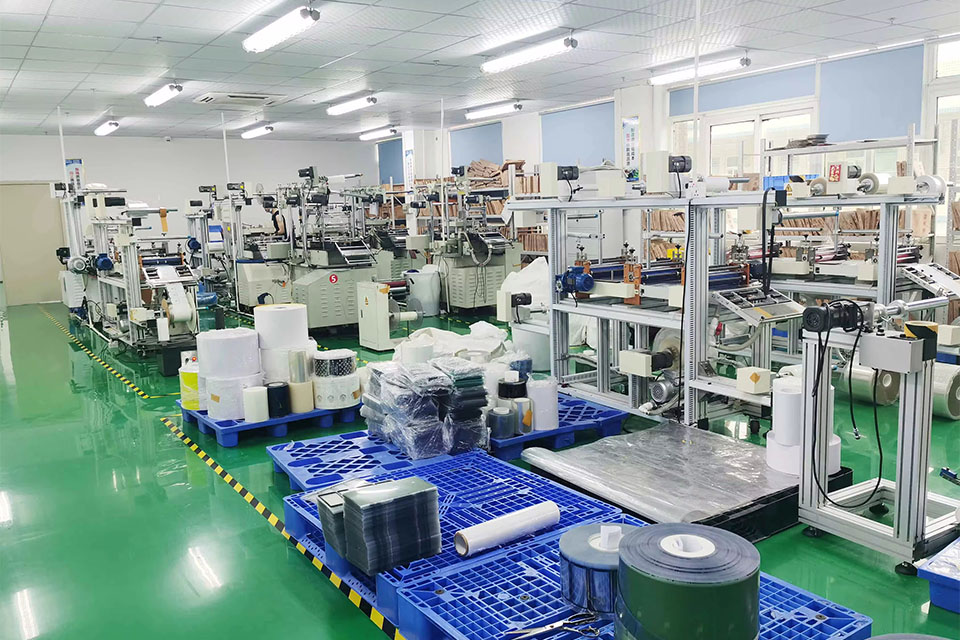
Utmaningar och lösningar för att driva en skärmskyddsfabrik med stora volymer
Att driva en skärmskyddsfabrik med stora volymer innebär en unik uppsättning utmaningar, inklusive produktionseffektivitet, kvalitetskontroll, hantering av leveranskedjan och arbetsledning, och att ta itu med dessa utmaningar är nyckeln till att säkerställa fabrikens konkurrenskraft.
How Much Is a Phone Screen Repair?
By understanding these aspects, you can make informed decisions about phone screen repairs, balancing cost, convenience, and sustainability.
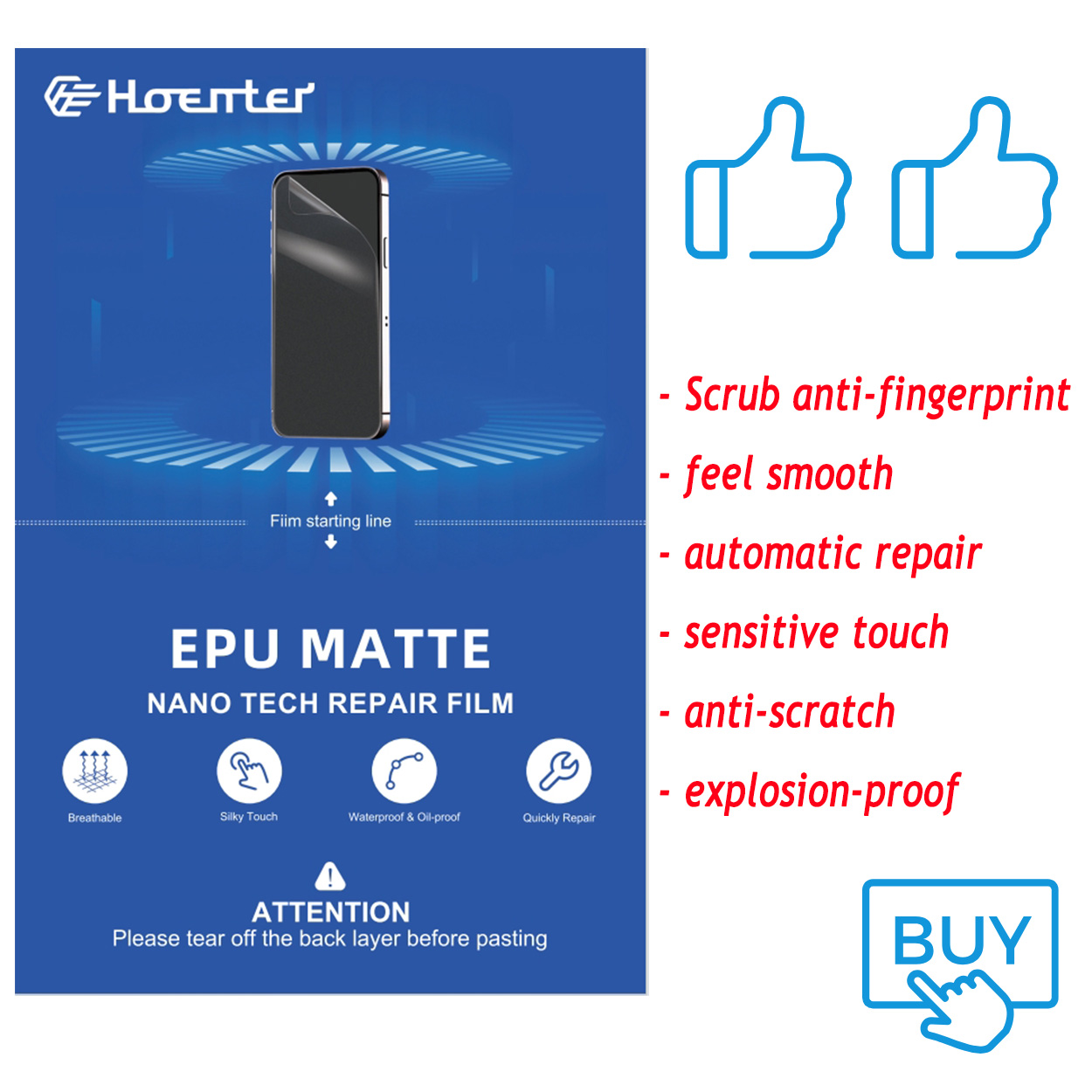
Stock the Best: Self-Healing EPU Matte Screen Guard
Offer your customers the best! Self Healing EPU Matte Screen Guards provide unbeatable protection and a premium feel. Wholesale inquiries welcome.
Uppnå en perfekt passform: Tips om hur du använder din skärmskyddsskärare
"Uppnå en perfekt passform: Tips for Using Your Screen Protector Cutter" är en omfattande guide som är utformad för att hjälpa användare att förstå nyanserna och de bästa metoderna för att använda skärmskyddsmaskiner.
Är pappersliknande skärmskydd bra?
If you’re looking to elevate your iPad experience, a Paperlike screen protector might just be the upgrade you need!

Vad är en filmskärmaskin och dess tillämpning?
Filmklippningsmaskiner har spelat en avgörande roll i utvecklingen av filmskapande och olika industriella processer genom att möjliggöra exakt klippning och skarvning av filmmaterial.

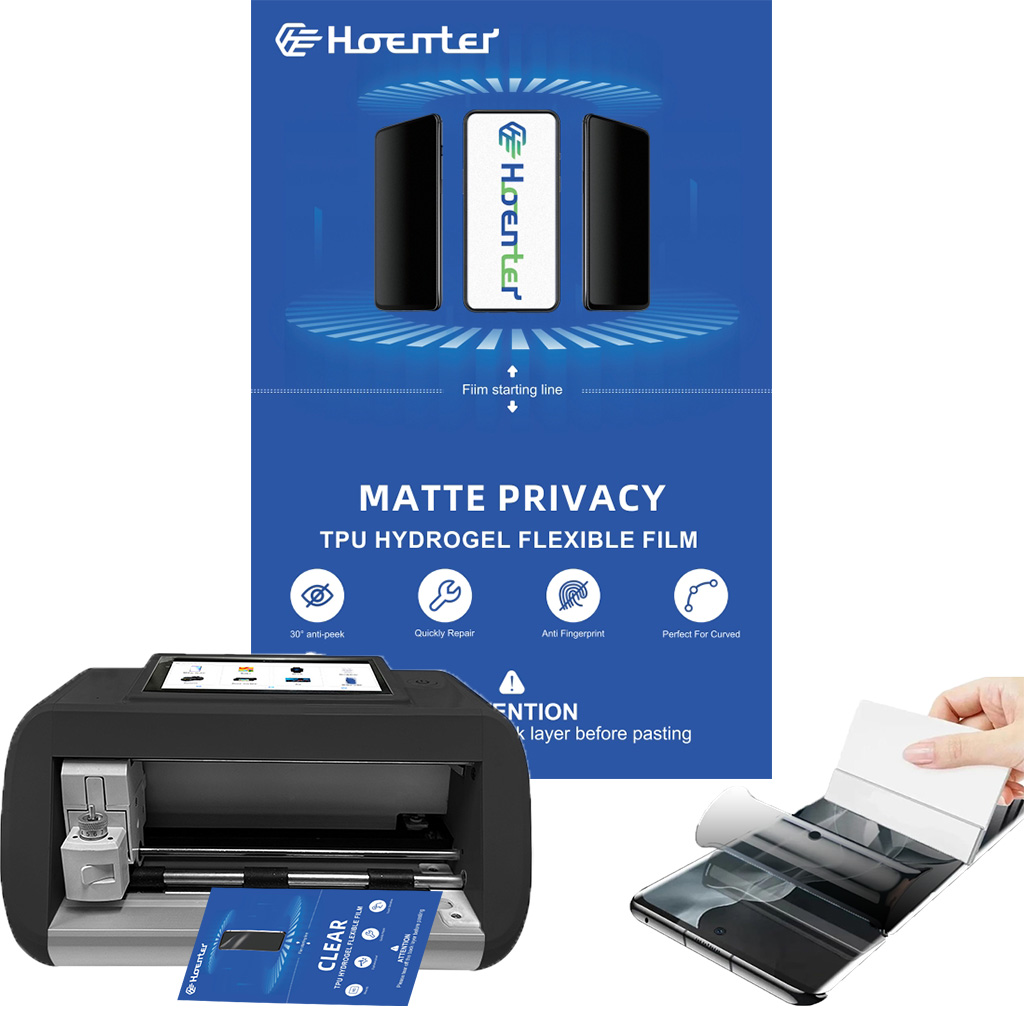
Vad är en skärmskyddsskärmaskin?
En skärmskyddsmaskin är en specialiserad enhet som är utformad för att producera skräddarsydda skärmskydd för olika elektroniska enheter, inklusive smartphones, surfplattor, smartklockor, bärbara datorer och bildskärmar.

Hur skärmskyddsmaskin för mobiltelefoner fungerar?
En skärmskyddsmaskin för mobiltelefoner är en sofistikerad enhet designad
att producera skräddarsydda skärmskydd för olika digitala enheter med hög kvalitet
och effektivitet.

Egenskaper för härdat glas för mobiltelefoner och TPU-skärmskydd för mobiltelefoner
Skärmskydd av termoplastisk polyuretan (TPU) är flexibla, slitstarka och
självläkande plastfilmer avsedda att skydda elektroniska apparaters skärmar från
repor, stötar och andra potentiella skador.

Revolutionera skyddet av enheter med skärmskyddsskärmaskin
Oavsett om du har en smartphone, surfplatta eller smartklocka passar den här mångsidiga maskinen en mängd olika enheter. Den anpassar sig sömlöst till dimensionerna på din gadget och erbjuder en anpassad passform som generiska skydd inte kan matcha.

Livstidsgaranti för skärmskydd
En livstidsgaranti för skärmskydd är en garanti som tillhandahålls av tillverkare som
lovar att reparera eller byta ut ett skärmskydd under produktens livstid, enligt särskilda villkor.
