
1. What Happens When You Hand Over Your Phone for Repair?
When you drop off your phone at a repair shop, the process usually begins with an initial assessment. Technicians will ask about the issues you’ve been facing, whether it’s a cracked screen, battery problems, or a dysfunctional app. Once the problem is identified, they’ll provide an estimate and outline the repair procedure.Why This Matters: Understanding these steps helps you know what to expect and prepares you to ask the right questions about your device’s safety.
2. Are Phone Repair Shops Legally Allowed to Access Your Data?
Legally, repair shops are not allowed to access your personal data unless necessary for the repair. Most shops have strict policies in place to avoid any unauthorized data handling. However, it’s essential to read the fine print when signing any repair agreement, as some may include clauses about data access.Legal Insight: Protecting your data is a shared responsibility. While shops must follow legal standards, you should also be proactive about your device’s safety.3. How Can You Ensure Your Data Stays Private During Repairs?
Before handing over your device, consider setting a strong password or PIN. Backing up your data to iCloud or another secure location is crucial. This not only safeguards your information but also ensures it’s recoverable if lost.プロのヒント: Use two-factor authentication whenever possible for an added layer of security.4. Do Technicians Have Access to Your Username and Passwords?
Typically, technicians do not require your username or passwords to perform repairs. If they do, it’s crucial to change these details immediately after the repair. Always be cautious about providing such sensitive information.Security Reminder: Never share your login credentials without understanding why they’re needed and how they’ll be protected.
5. The Role of Encryption and Backups in Data Security
Encryption is a powerful tool for securing your data. It ensures that even if someone accesses your device, your information remains unreadable without the correct decryption key. Regular backups are also vital, as they provide a fail-safe against data loss or corruption during repairs.Tech Tip: Regularly update your device’s software to benefit from the latest security features.6. What Are Common Practices for Data Protection at Reputable Repair Shops?
Reputable repair shops have clear data protection policies. They use secure storage methods for devices, limit access to sensitive information, and often provide transparency about their repair process.Industry Insight: Always ask about a repair shop’s data protection policies before entrusting them with your device.7. Real-Life Experiences: Have People Faced Privacy Breaches?
There have been instances where data breaches occurred during phone repairs, highlighting the importance of choosing reputable services. Sharing these stories helps raise awareness and encourages others to take data privacy seriously.Quote from a Customer: “I never realized the potential risks until I heard about my friend’s experience. Now, I always ensure my data is backed up and secure before any repair.”
8. How Does Apple Handle Privacy in iPhone Repairs?
Apple is known for its stringent privacy measures. They often require devices to be backed up and reset before repair and ensure that technicians adhere to strict privacy protocols.Brand Assurance: Apple’s commitment to privacy is a significant reason many choose their repair services over third-party options.9. What Are the Signs of a Trustworthy Phone Repair Shop?
Look for certifications, positive reviews, and clear data protection policies. A trustworthy shop will communicate openly and respect your privacy concerns.Checklist for Trust: Verify their credentials, ask about their privacy practices, and read customer testimonials.10. Why Should You Consider Resetting Your Device Before Repair?
Resetting your device can be an effective way to protect your data. It removes all personal information, ensuring that even if accessed, there’s nothing there to compromise.Consideration: While it adds a step to the repair process, the peace of mind it provides is invaluable.
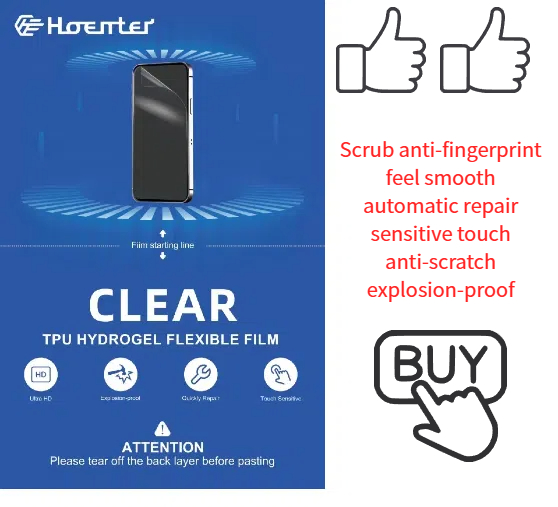
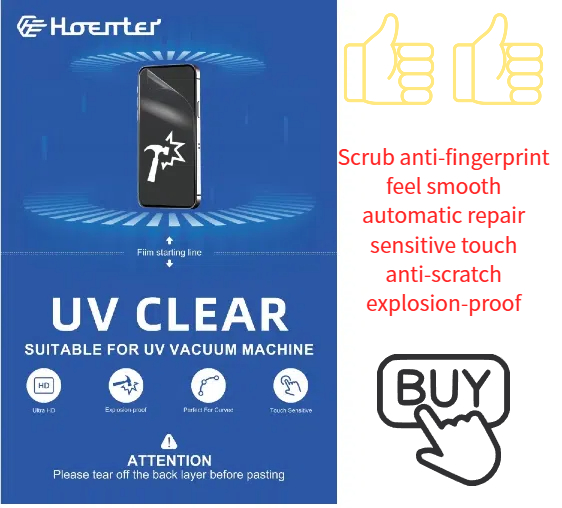
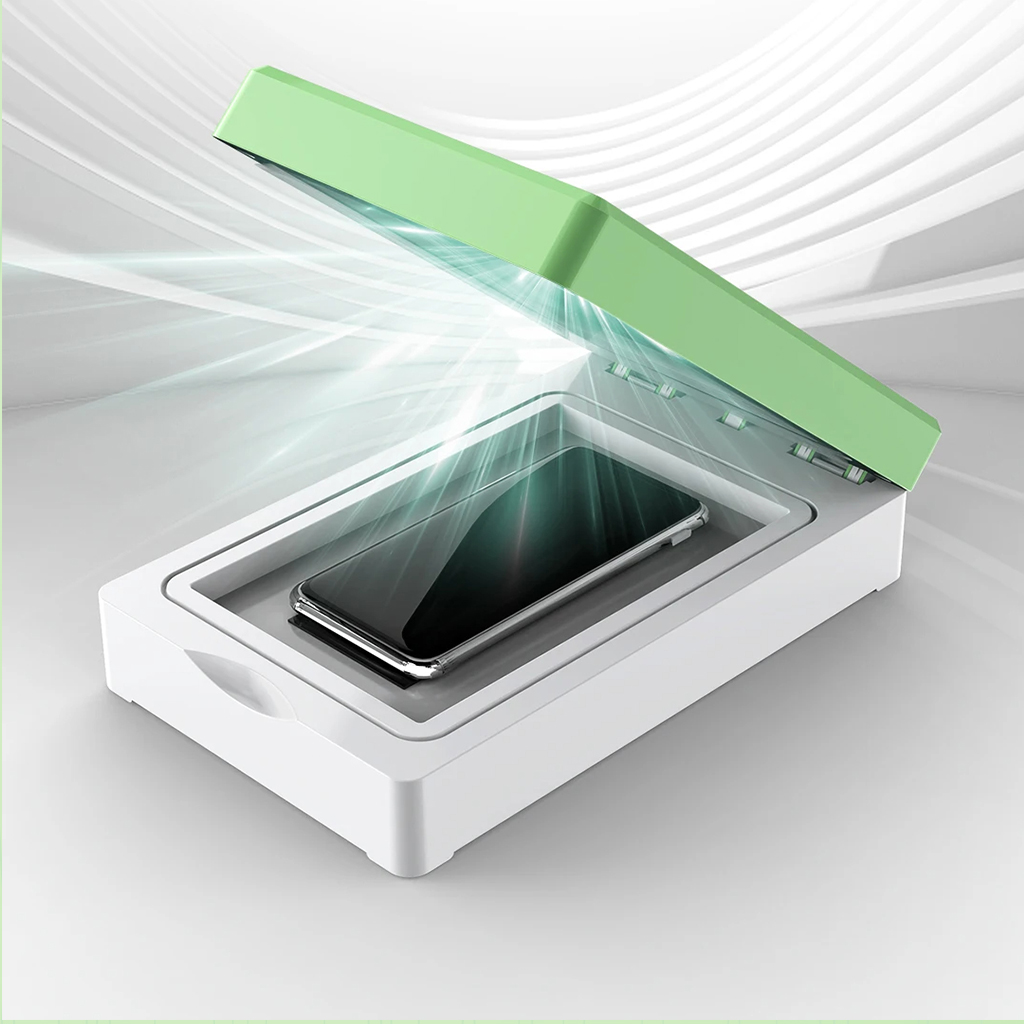

How to Clean Screen Protector Sticky Side?
By following these steps, you can extend the life of your screen protector and keep your device looking brand new. Happy cleaning!
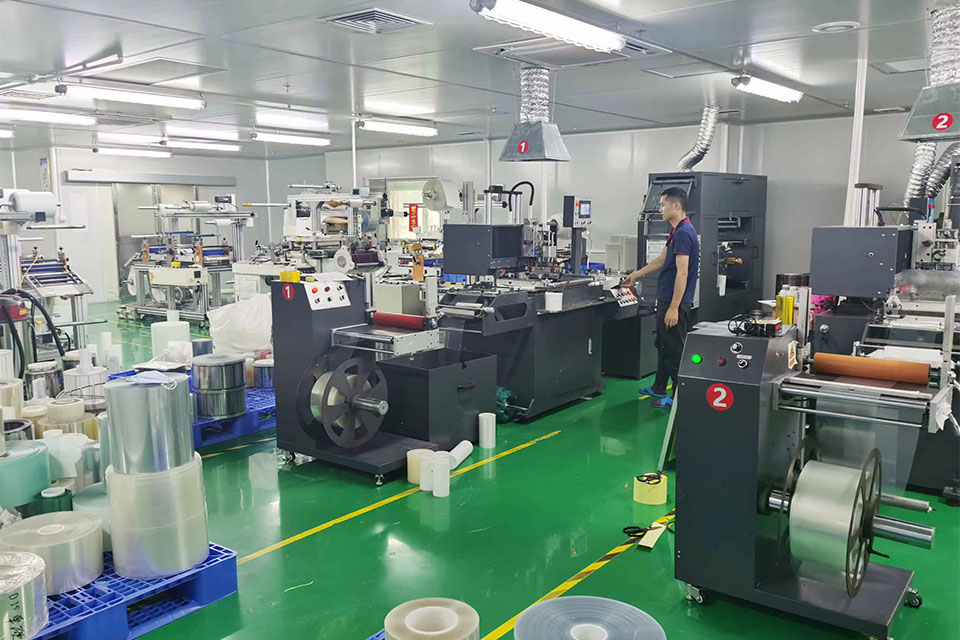
ハイドロジェルブレード切断機の主な特徴
ハイドロゲルブレード切断機は、ハイドロゲルフィルムを正確に切断するために設計された特殊な装置であり、電子機器のスクリーンプロテクターや様々な医療用アプリケーションなどの用途で一般的に使用されている。
携帯電話保護にハイドロゲルフィルムを使用する利点
ハイドロゲルフィルムは、柔軟性、耐久性、高度な自己修復性というユニークな組み合わせを提供し、携帯電話の画面保護用として注目され、人気を博している。

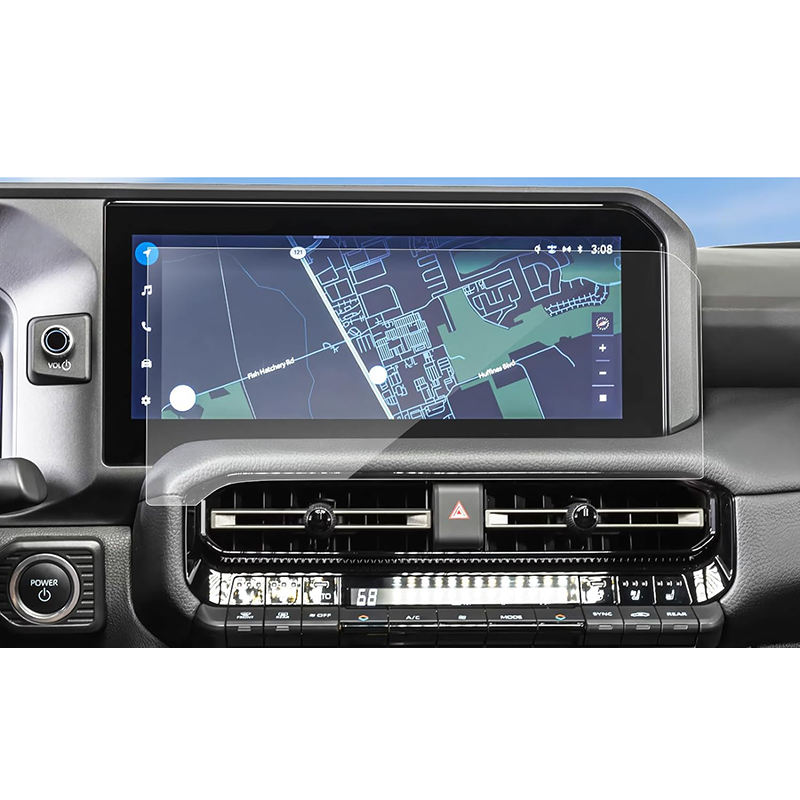
Ford Mustang Mach-E GPS Navigation Tempered Glass
Protect your investment with a high-quality Mustang Mach-E Screen Protector.
柔軟なハイドロゲルフィルムをカスタマイズしてユニークなデバイス形状を実現
柔軟性のあるハイドロゲルフィルムを独自のデバイス形状に合わせてカスタマイズすることで、高いレベルの保護と美観の向上を実現し、多様で革新的なデザインのデバイス市場における適応性の高いスクリーンプロテクターのニーズに対応します。高度な切断技術を活用し、ハイドロゲルフィルムの柔軟性と自己回復特性を維持することで、ユーザーは、デザインの複雑さ、コスト、入手可能性に関する課題に直面しながらも、デバイスの完璧なフィット、機能性の向上、視覚的魅力の強化を享受することができます。


スクリーンプロテクター切断機とは?
スクリーンプロテクター切断機は、スマートフォン、タブレット、スマートウォッチ、ノートパソコン、モニターなど、さまざまな電子機器にカスタムフィットするスクリーンプロテクターを製造するために設計された専用装置です。

携帯電話スクリーンプロテクター切断機の仕組み?
携帯電話のスクリーンプロテクター切断機は、設計された洗練されたデバイスです。
様々なデジタル機器用にカスタマイズされたスクリーンプロテクターを高精度で製造する。
ションと効率性である。

携帯電話強化ガラスと携帯電話TPUスクリーンプロテクターの特性
熱可塑性ポリウレタン(TPU)スクリーンプロテクターは、柔軟性、耐久性、耐久性に優れています。
電子機器の画面を保護する自己修復プラスチックフィルム
傷、衝撃、その他の潜在的な損傷。

スクリーンガード切断機でデバイス保護に革命を起こす
スマートフォン、タブレット、スマートウォッチなど、あらゆるデバイスに対応します。あなたのガジェットの寸法にシームレスに適応し、一般的なプロテクターにはないカスタムフィットを提供します。

スクリーンプロテクター永久保証
スクリーンプロテクターの永久保証は、メーカーが提供する保証です。
スクリーンプロテクターは、特定の条件の下で、製品の寿命まで修理または交換することを約束します。
