
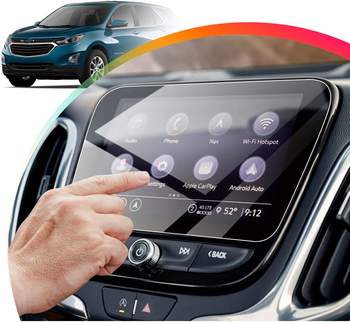
What Is a Paperlike Screen Protector?
A Paperlike screen protector is a specially designed accessory for tablets like the iPad Pro, iPad Mini, or other touchscreen devices. Unlike traditional glossy or clear screen protectors, the Paperlike offers a matte finish that mimics the texture of real paper.Key Benefits of a Paperlike Screen Protector:
- Enhanced Writing and Drawing Experience: Perfect for artists and note-takers, it feels like writing on paper.
- Zmniejszone olśnienie: The matte surface minimizes reflections, making it easier to use your tablet in bright environments.
- Improved Screen Protection: Shields your iPad or tablet from scratches, fingerprints, and dust.
Why Would You Need to Cut a Paperlike Screen Protector?
Sometimes, the default size of a Paperlike screen protector may not fit your device perfectly. This could happen for several reasons:- You Own a Non-Standard Device: If you have a tablet or touchscreen device with unique dimensions, a factory-made screen protector might not align correctly.
- Custom Applications: You might want to use the protector on a different surface or split one protector into smaller pieces for multiple devices.
- Trimming for Better Fit: Even for standard devices like the iPad, slight misalignment in screen protector sizing can lead to gaps or overhangs.

Can You Safely Cut a Paperlike Screen Protector?
Yes, you can cut a Paperlike screen protector, but it requires precision and the right tools. The protector is made from a durable, polymer-based material that can be trimmed without compromising its usability. However, improper cutting can lead to issues like jagged edges, reduced adhesion, or even damage to the protector’s functional coating.Tools You Need to Cut Your Paperlike Screen Protector
Before you start cutting, gather the following tools to ensure a clean and accurate job:- Sharp Craft Knife or Scissors: A precision blade is ideal for making clean cuts.
- Cutting Mat or Hard Surface: Protect your workspace and make cutting easier.
- Ruler or Measuring Tape: For exact measurements.
- Fine-Tip Marker or Pencil: To mark cutting lines on the protector.
- Masking Tape (Optional): To hold the protector in place while cutting.
Step-by-Step Guide to Cutting a Paperlike Screen Protector
Follow these steps to resize your Paperlike screen protector without damaging it:- Measure Your Device: Measure the exact dimensions of your tablet screen, including any rounded edges or notches.
- Mark the Cut Lines: Use a fine-tip marker to outline where you’ll cut the protector. Ensure the lines are straight and accurate.
- Secure the Protector: Use masking tape to hold the protector in place on a cutting mat. This prevents it from slipping while you cut.
- Cut Carefully: Using a sharp craft knife or scissors, carefully follow the marked lines. If using a knife, apply even pressure and use a ruler as a guide.
- Test the Fit: Before peeling off the adhesive backing, place the protector on your device to ensure it fits perfectly.

Common Mistakes to Avoid When Cutting Your Screen Protector
- Przyspieszanie procesu: Cutting too quickly can lead to uneven edges or mistakes.
- Using Dull Tools: A dull blade can tear the material instead of cutting it cleanly.
- Skipping the Measurements: Improper sizing can render the protector unusable.
Will Cutting the Paperlike Screen Protector Affect Its Performance?
In most cases, cutting a Paperlike screen protector will not affect its performance, provided you cut carefully and avoid damaging the surface or edges.Potential Issues to Watch For:
- Loss of Adhesion: If the edges are uneven, the protector might not stick properly.
- Scratched Surface: Improper handling can scratch the matte finish, reducing its effectiveness.
How to Properly Install a Custom-Cut Paperlike Screen Protector
After cutting your screen protector, follow these steps to install it:- Wyczyść ekran: Use a microfiber cloth and alcohol-based cleaner to remove dust and fingerprints.
- Wyrównaj ochraniacz: Carefully position the protector over the screen, ensuring all edges align perfectly.
- Zastosuj Protector: Peel off the adhesive backing and press the protector onto the screen, starting from one edge and working your way across.
- Remove Air Bubbles: Use a credit card or similar tool to smooth out any bubbles.
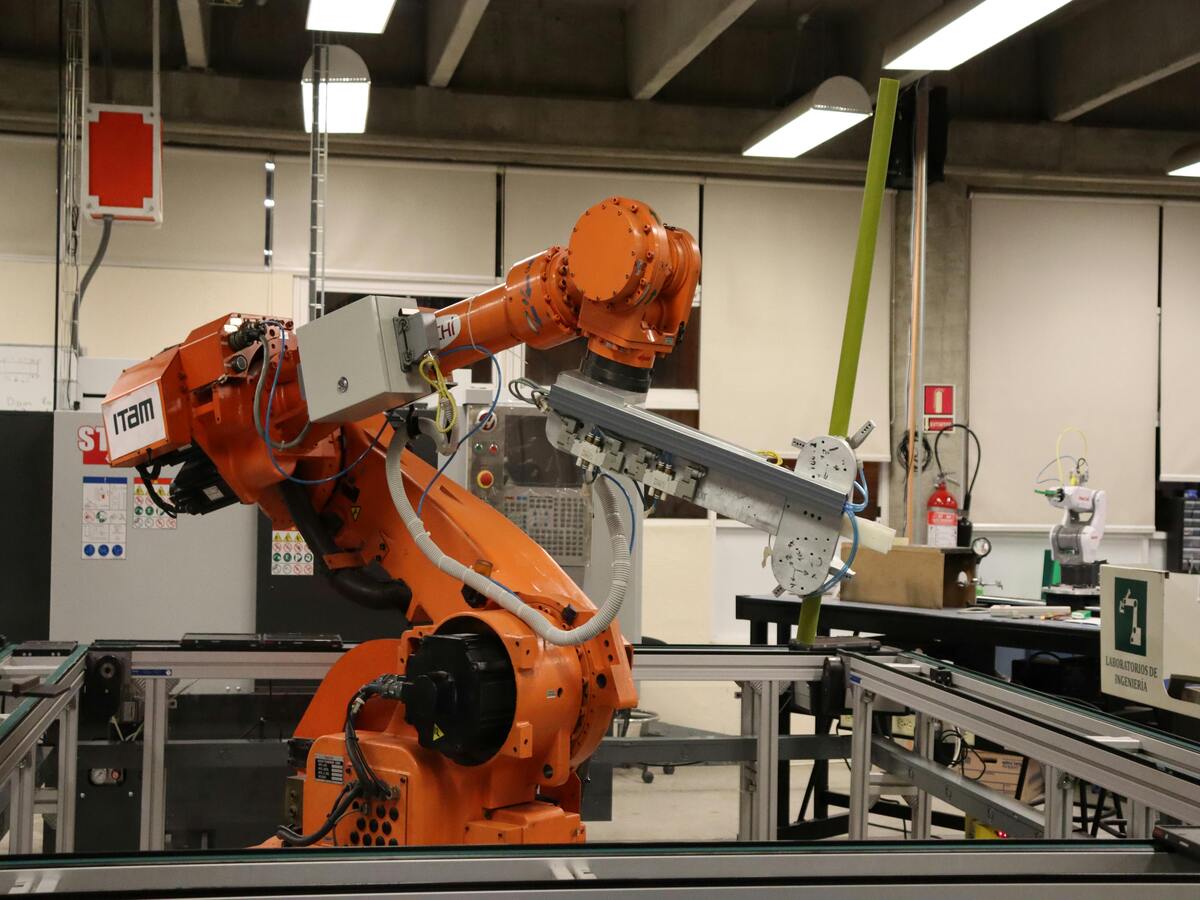
Alternative Options: Custom-Sized Screen Protectors
If you’re not comfortable cutting a Paperlike screen protector yourself, consider these alternatives:- Order Custom Sizes: Some manufacturers offer custom-sized screen protectors for non-standard devices.
- Visit a Professional: Many electronics stores provide screen protector installation services, including resizing.
Tips and Tricks for Maintaining Your Paperlike Screen Protector
To extend the life of your Paperlike screen protector, follow these maintenance tips:- Clean It Regularly: Use a damp microfiber cloth to remove smudges and dust.
- Avoid Excessive Pressure: Pressing too hard with a stylus or finger can wear down the matte coating.
- Replace When Needed: Over time, the protector may show signs of wear and tear. Replace it as needed to maintain the best experience.
EPU vs. TPU Screen Protectors: The Ultimate Showdown for Your Phone’s Display!
Choosing between EPU and TPU screen protectors? Learn the differences in self-healing to find the perfect protection for your phone’s display.
Wholesale Self Healing EPU Matte Screen Protector
Looking for self healing screen protectors wholesale? Our EPU matte film offers unbeatable protection and clarity for your customers’ devices.
Ochraniacze ekranu do telefonów składanych - co musisz wiedzieć
Ochraniacze ekranu do składanych telefonów stały się niezbędnym akcesorium na rynku nowoczesnych urządzeń mobilnych.
Is a Screen Protector Useful for iPads?
Protect your iPad today with the right screen protector and enjoy worry-free usage!

How to Get Rid of Air Bubbles in Screen Protector?
By following these guidelines, you can ensure your screen protector is applied correctly and remains bubble-free, enhancing both the appearance and functionality of your device.

Jaka maszyna do cięcia folii i jej zastosowanie
Maszyny do cięcia folii odegrały kluczową rolę w ewolucji produkcji filmowej i różnych procesów przemysłowych, umożliwiając precyzyjne cięcie i łączenie materiałów filmowych.

Co to jest maszyna do cięcia ochraniaczy ekranu?
Maszyna do cięcia ochraniaczy ekranu to specjalistyczne urządzenie zaprojektowane do produkcji niestandardowych ochraniaczy ekranu dla różnych urządzeń elektronicznych, w tym smartfonów, tabletów, smartwatchy, laptopów i monitorów.

Jak działa maszyna do cięcia ochraniaczy ekranu telefonu komórkowego?
Maszyna do cięcia ochraniaczy ekranu telefonu komórkowego jest zaawansowanym urządzeniem zaprojektowanym
do produkcji niestandardowych ochraniaczy ekranu dla różnych urządzeń cyfrowych z wysoką ceną
i wydajność.

Charakterystyka szkła hartowanego na telefon komórkowy i ochraniacza ekranu TPU na telefon komórkowy
Ochraniacze ekranu z termoplastycznego poliuretanu (TPU) są elastyczne, trwałe i wytrzymałe.
samoregenerujące się folie z tworzyw sztucznych przeznaczone do ochrony ekranów urządzeń elektronicznych przed
zadrapania, uderzenia i inne potencjalne uszkodzenia.

Rewolucja w ochronie urządzeń dzięki maszynie do cięcia osłon ekranu
Niezależnie od tego, czy posiadasz smartfon, tablet czy smartwatch, to wszechstronne urządzenie obsługuje szeroką gamę urządzeń. Płynnie dostosowuje się do wymiarów gadżetu, oferując niestandardowe dopasowanie, którego nie można dopasować do ogólnych ochraniaczy.

Dożywotnia gwarancja na osłonę ekranu
Dożywotnia gwarancja na ochraniacz ekranu to gwarancja udzielana przez producentów, która
obiecuje naprawę lub wymianę osłony ekranu przez cały okres użytkowania produktu, na określonych warunkach.
