

1. What Is the Sticky Side of a Screen Protector and Why Does It Matter?
Сайт sticky side of a screen protector is the adhesive layer that attaches the protector to your device’s screen. This layer ensures a snug fit, prevents air bubbles, and keeps the protector in place. Over time, dust, lint, or fingerprints can compromise the adhesive, leading to poor attachment or reduced clarity.If the adhesive side isn’t clean, your screen protector may not stick properly, leaving gaps or bubbles that can interfere with touch sensitivity and visibility. Cleaning the sticky side is a cost-effective way to restore its functionality without buying a new protector.
2. Can You Clean the Sticky Side of a Screen Protector?
Yes, you can clean the sticky side of a screen protector, but it requires careful handling to avoid damaging the adhesive layer. Whether it’s a протектор экрана из закаленного стекла or a plastic one, cleaning can help remove dirt and restore its stickiness. However, the cleaning process differs slightly depending on the material of the protector.Совет профессионала: Always check the manufacturer’s instructions before cleaning your screen protector to ensure you don’t void any warranties.
3. What Tools and Cleaning Solutions Do You Need?
To clean the adhesive side of a screen protector, you’ll need the following tools and materials:ToolsЦельMicrofiber clothTo wipe away dust and dirt without scratchingDistilled waterFor gentle cleaning without leaving residueIsopropyl alcohol (70%)To remove stubborn stains or greaseAdhesive tapeTo lift dust particles from the sticky sideBowl or containerFor soaking the screen protector
Important: Avoid using harsh chemicals or abrasive materials, as they can damage the adhesive layer.
4. How to Prepare Your Workspace for Cleaning
Before you start cleaning, it’s essential to set up a clean and dust-free workspace. Follow these steps:- Choose a well-lit area: This will help you spot any dust or smudges on the screen protector.
- Clean the surface: Wipe down your workspace with a damp cloth to remove dust and debris.
- Wash your hands: Ensure your hands are clean and dry to avoid transferring oils or dirt to the screen protector.
5. Step-by-Step Guide to Cleaning the Sticky Side of a Screen Protector
Here’s a detailed guide to cleaning the sticky side of a screen protector:Step 1: Remove the Screen Protector Carefully
- Gently peel off the screen protector from your device, starting from one corner.
- Avoid touching the sticky side with your fingers to prevent further contamination.
Step 2: Rinse with Distilled Water
- Hold the sticky side under a gentle stream of distilled water to remove loose dirt and dust.
- Avoid using tap water, as it may leave mineral deposits on the adhesive.
Step 3: Use Isopropyl Alcohol for Stubborn Stains
- Dampen a microfiber cloth with a small amount of isopropyl alcohol (70%).
- Gently wipe the sticky side to remove grease or stubborn stains.
Step 4: Dry the Screen Protector
- Place the screen protector on a clean, lint-free surface with the sticky side facing up.
- Allow it to air dry completely. Do not use paper towels, as they can leave fibers behind.
Step 5: Use Adhesive Tape for Final Cleaning
- If any dust particles remain, use a piece of adhesive tape to lift them off the sticky side.
Quick Tip: Avoid rubbing the adhesive side too hard, as this can damage the adhesive layer.
6. How to Reapply a Screen Protector After Cleaning
Once the sticky side is clean and dry, follow these steps to reapply the screen protector:- Clean your device’s screen: Use a microfiber cloth and isopropyl alcohol to remove smudges and dust.
- Align the screen protector: Carefully position the protector over your device’s screen, ensuring proper alignment.
- Press and smooth: Starting from the center, press the screen protector down and smooth out any air bubbles with a credit card or similar tool.
7. Common Mistakes to Avoid When Cleaning the Adhesive Side
Cleaning the adhesive side of a screen protector can be tricky. Here are some common mistakes to avoid:- Using harsh chemicals: Avoid cleaners like ammonia or bleach, as they can damage the adhesive.
- Touching the sticky side: Oils from your fingers can reduce the adhesive’s effectiveness.
- Skipping the drying process: Reapplying a wet screen protector can trap moisture, leading to bubbles.
8. Can You Use Any Cleaning Solution for Tempered Glass Screen Protectors?
Not all cleaning solutions are safe for Защитные экраны из закаленного стекла. Stick to distilled water and isopropyl alcohol, as these are gentle and effective. Avoid abrasive cleaners or solutions containing ammonia, as they can damage the glass or adhesive.
9. How to Maintain Your Screen Protector for Long-Term Use
To keep your screen protector in good condition, follow these maintenance tips:- Clean regularly: Wipe the surface with a microfiber cloth to remove smudges and fingerprints.
- Avoid sharp objects: Keep your device away from keys or other sharp items that can scratch the protector.
- Store properly: If you remove the screen protector temporarily, store it in a clean, dust-free environment.
10. When Should You Replace Your Screen Protector Instead of Cleaning It?
While cleaning can restore the adhesive side in many cases, there are times when replacement is the better option. Replace your screen protector if:- The adhesive layer is severely damaged or peeling.
- There are deep scratches or cracks on the protector.
- Cleaning doesn’t restore the adhesive’s stickiness.
Цена и производительность станка для резки защитных экранов - поиск правильного баланса
Тема "Цена и производительность станка для резки защитных экранов" рассматривает критический баланс между стоимостью и функциональностью станков, используемых для резки защитных экранов.
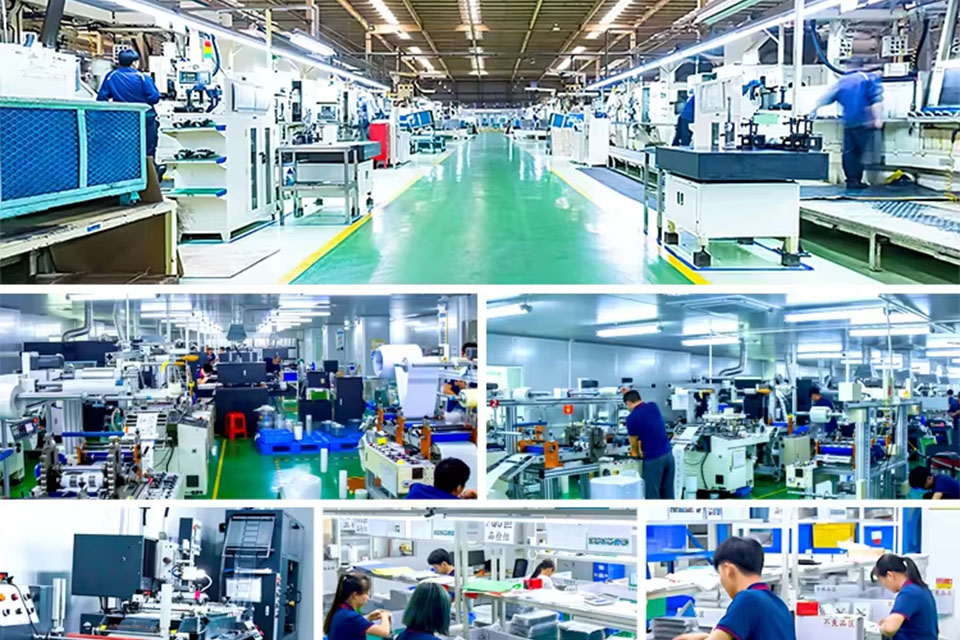
Пример из практики - как бизнес получает выгоду от профессионального мобильного станка для стрижки кожи
Профессиональные станки для резки кожи для мобильных устройств стали незаменимым инструментом для компаний, специализирующихся на персонализации и защите мобильных устройств.
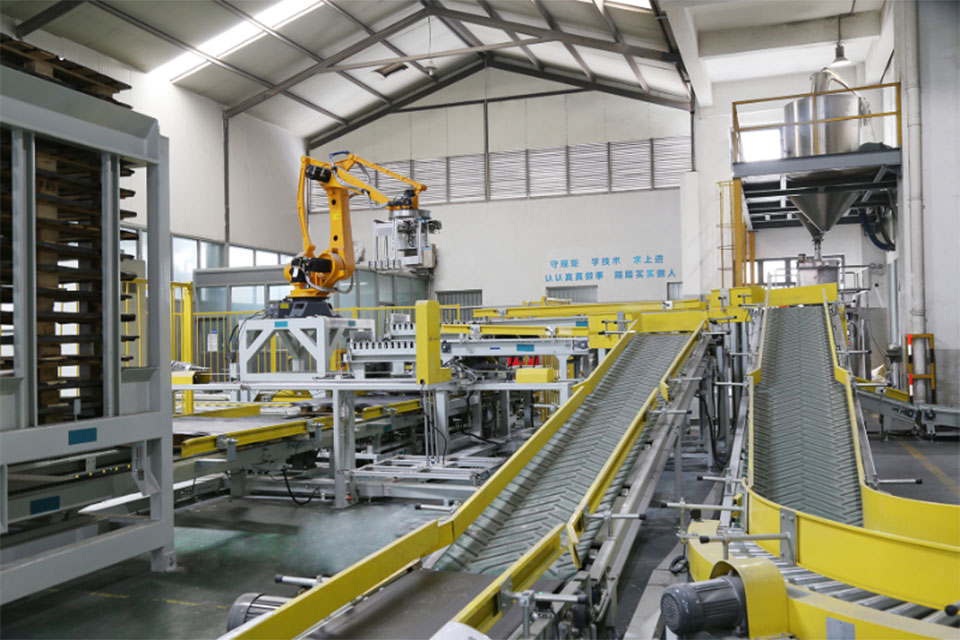
Топ-5 преимуществ использования станка для резки защитных экранов Smart Privacy Screen
Smart Privacy Screen Cutter - это передовое устройство, сочетающее в себе возможности печати и резки для повышения эффективности работы и универсальности в различных отраслях промышленности, а также для значительной экономии средств, повышения безопасности на рабочем месте и снижения воздействия на окружающую среду благодаря технологии интеллектуального производства.
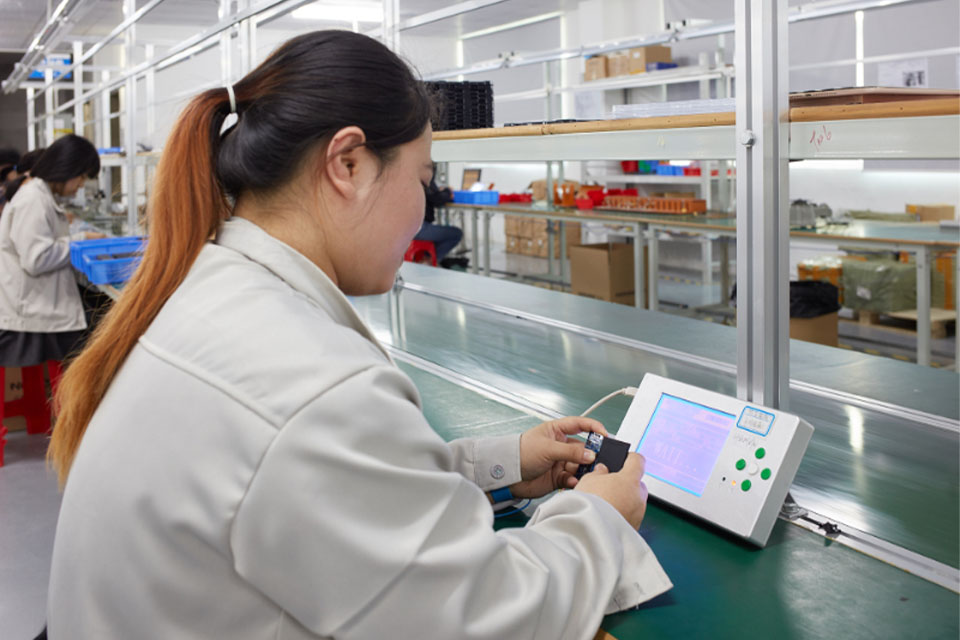
Усиление контроля качества с помощью машин для резки гидрогелевой пленки
Появление станков для резки гидрогелевых пленок знаменует собой значительный технологический скачок в производственном секторе, в частности, в производстве защитных пленок для различных областей применения, включая электронику, медицинское оборудование и автомобильные компоненты.
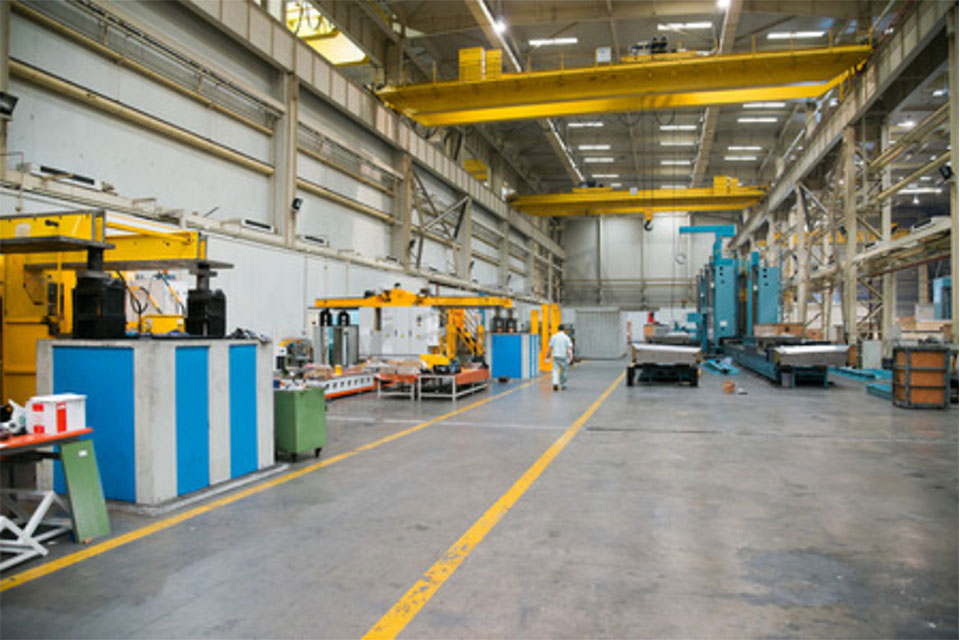
Как гибкие гидрогелевые пленки меняют индустрию защитных экранов
Гибкие гидрогелевые пленки совершают революцию в индустрии защитных экранов, обеспечивая превосходную гибкость, долговечность и самовосстанавливающиеся свойства, что делает их будущим технологии защиты экранов.

Что такое машина для резки пленки и ее применение
Машины для резки пленки сыграли решающую роль в развитии кинематографа и различных промышленных процессов, обеспечив точную резку и сращивание пленочных материалов.

Что такое станок для резки протектора экрана?
Станок для резки защитных экранов - это специализированное устройство, предназначенное для производства защитных экранов на заказ для различных электронных устройств, включая смартфоны, планшеты, смарт-часы, ноутбуки и мониторы.

Как мобильный телефон протектор экрана резки машина работать?
Станок для резки протектора экрана мобильного телефона - это сложное устройство, разработанное
производство индивидуальных защитных экранов для различных цифровых устройств с высоким качеством
ся и эффективность.

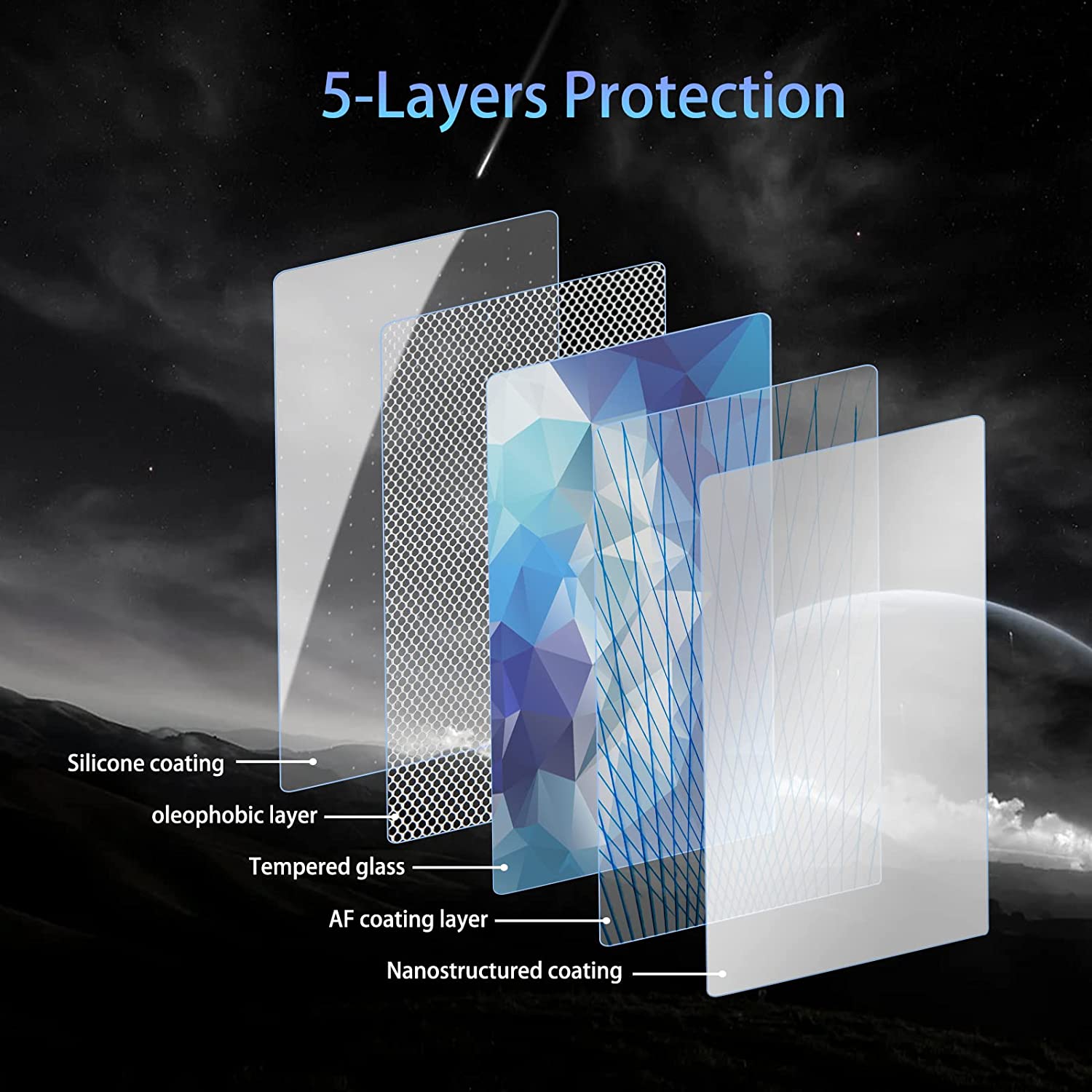
Характеристики закаленного стекла для мобильного телефона и TPU-протектора экрана для мобильного телефона
Защитные экраны из термопластичного полиуретана (TPU) - гибкие, прочные и
Самовосстанавливающиеся пластиковые пленки, предназначенные для защиты экранов электронных устройств от
царапин, ударов и других возможных повреждений.

Революционная защита устройств с помощью станка для резки защитных экранов
Будь то смартфон, планшет или смарт-часы, это универсальное устройство подходит для огромного количества устройств. Он плавно подстраивается под размеры вашего гаджета, обеспечивая индивидуальную посадку, с которой не могут сравниться обычные протекторы.

Пожизненная гарантия на защитный экран
Пожизненная гарантия на защитный экран - это гарантия, предоставляемая производителями, которая
обещает отремонтировать или заменить протектор экрана в течение всего срока службы изделия при соблюдении определенных условий.
