
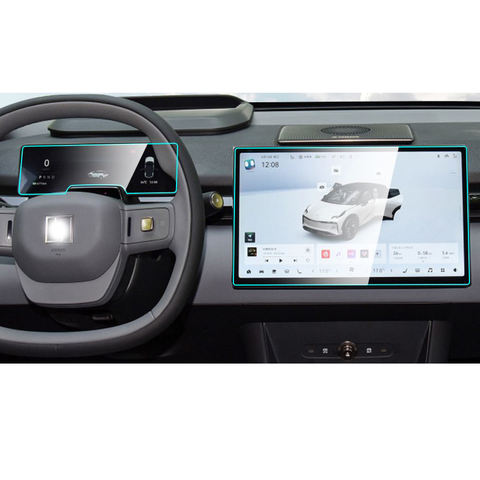
1. What Is the Sticky Side of a Screen Protector and Why Does It Matter?
Các sticky side of a screen protector is the adhesive layer that attaches the protector to your device’s screen. This layer ensures a snug fit, prevents air bubbles, and keeps the protector in place. Over time, dust, lint, or fingerprints can compromise the adhesive, leading to poor attachment or reduced clarity.If the adhesive side isn’t clean, your screen protector may not stick properly, leaving gaps or bubbles that can interfere with touch sensitivity and visibility. Cleaning the sticky side is a cost-effective way to restore its functionality without buying a new protector.
2. Can You Clean the Sticky Side of a Screen Protector?
Yes, you can clean the sticky side of a screen protector, but it requires careful handling to avoid damaging the adhesive layer. Whether it’s a miếng dán màn hình bằng kính cường lực or a plastic one, cleaning can help remove dirt and restore its stickiness. However, the cleaning process differs slightly depending on the material of the protector.Mẹo chuyên nghiệp: Always check the manufacturer’s instructions before cleaning your screen protector to ensure you don’t void any warranties.
3. What Tools and Cleaning Solutions Do You Need?
To clean the adhesive side of a screen protector, you’ll need the following tools and materials:ToolsPurposeMicrofiber clothTo wipe away dust and dirt without scratchingDistilled waterFor gentle cleaning without leaving residueIsopropyl alcohol (70%)To remove stubborn stains or greaseAdhesive tapeTo lift dust particles from the sticky sideBowl or containerFor soaking the screen protector
Important: Avoid using harsh chemicals or abrasive materials, as they can damage the adhesive layer.
4. How to Prepare Your Workspace for Cleaning
Before you start cleaning, it’s essential to set up a clean and dust-free workspace. Follow these steps:- Choose a well-lit area: This will help you spot any dust or smudges on the screen protector.
- Clean the surface: Wipe down your workspace with a damp cloth to remove dust and debris.
- Wash your hands: Ensure your hands are clean and dry to avoid transferring oils or dirt to the screen protector.
5. Step-by-Step Guide to Cleaning the Sticky Side of a Screen Protector
Here’s a detailed guide to cleaning the sticky side of a screen protector:Step 1: Remove the Screen Protector Carefully
- Gently peel off the screen protector from your device, starting from one corner.
- Avoid touching the sticky side with your fingers to prevent further contamination.
Step 2: Rinse with Distilled Water
- Hold the sticky side under a gentle stream of distilled water to remove loose dirt and dust.
- Avoid using tap water, as it may leave mineral deposits on the adhesive.
Step 3: Use Isopropyl Alcohol for Stubborn Stains
- Dampen a microfiber cloth with a small amount of isopropyl alcohol (70%).
- Gently wipe the sticky side to remove grease or stubborn stains.
Step 4: Dry the Screen Protector
- Place the screen protector on a clean, lint-free surface with the sticky side facing up.
- Allow it to air dry completely. Do not use paper towels, as they can leave fibers behind.
Step 5: Use Adhesive Tape for Final Cleaning
- If any dust particles remain, use a piece of adhesive tape to lift them off the sticky side.
Quick Tip: Avoid rubbing the adhesive side too hard, as this can damage the adhesive layer.
6. How to Reapply a Screen Protector After Cleaning
Once the sticky side is clean and dry, follow these steps to reapply the screen protector:- Clean your device’s screen: Use a microfiber cloth and isopropyl alcohol to remove smudges and dust.
- Align the screen protector: Carefully position the protector over your device’s screen, ensuring proper alignment.
- Press and smooth: Starting from the center, press the screen protector down and smooth out any air bubbles with a credit card or similar tool.
7. Common Mistakes to Avoid When Cleaning the Adhesive Side
Cleaning the adhesive side of a screen protector can be tricky. Here are some common mistakes to avoid:- Using harsh chemicals: Avoid cleaners like ammonia or bleach, as they can damage the adhesive.
- Touching the sticky side: Oils from your fingers can reduce the adhesive’s effectiveness.
- Skipping the drying process: Reapplying a wet screen protector can trap moisture, leading to bubbles.
8. Can You Use Any Cleaning Solution for Tempered Glass Screen Protectors?
Not all cleaning solutions are safe for miếng dán màn hình bằng kính cường lực. Stick to distilled water and isopropyl alcohol, as these are gentle and effective. Avoid abrasive cleaners or solutions containing ammonia, as they can damage the glass or adhesive.
9. How to Maintain Your Screen Protector for Long-Term Use
To keep your screen protector in good condition, follow these maintenance tips:- Clean regularly: Wipe the surface with a microfiber cloth to remove smudges and fingerprints.
- Avoid sharp objects: Keep your device away from keys or other sharp items that can scratch the protector.
- Store properly: If you remove the screen protector temporarily, store it in a clean, dust-free environment.
10. When Should You Replace Your Screen Protector Instead of Cleaning It?
While cleaning can restore the adhesive side in many cases, there are times when replacement is the better option. Replace your screen protector if:- The adhesive layer is severely damaged or peeling.
- There are deep scratches or cracks on the protector.
- Cleaning doesn’t restore the adhesive’s stickiness.
Hướng dẫn tối ưu về màng Hydrogel Screen - Mọi thứ bạn cần biết
Hướng dẫn đầy đủ về màng hydrogel bảo vệ màn hình: Mọi thứ bạn cần biết Màng hydrogel bảo vệ màn hình là loại miếng dán bảo vệ màn hình cải tiến được thiết kế để bảo vệ màn hình thiết bị điện tử đồng thời cung cấp một loạt các tính chất độc đáo giúp phân biệt chúng với các loại kính cường lực và nhựa truyền thống.
Có đáng để đầu tư vào máy dán màn hình điện thoại cao cấp không?
Với hơn 95 triệu điện thoại thông minh bị hỏng hàng năm do rơi rớt, nhu cầu về miếng dán bảo vệ màn hình hiệu quả tiếp tục tăng, do người tiêu dùng ngày càng nhận thức rõ hơn về chi phí sửa chữa, đặc biệt là đối với các thiết bị không có bảo hiểm.
Which Is Better: Tempered Glass or Hydrogel Screen Protector?
Choosing between tempered glass and hydrogel screen protectors depends on your personal needs and lifestyle.
Nâng cấp máy cắt miếng dán màn hình: Khi nào và tại sao?
Trong thế giới phụ kiện di động phát triển nhanh chóng, để duy trì khả năng cạnh tranh, bạn phải luôn cập nhật thiết bị của mình.
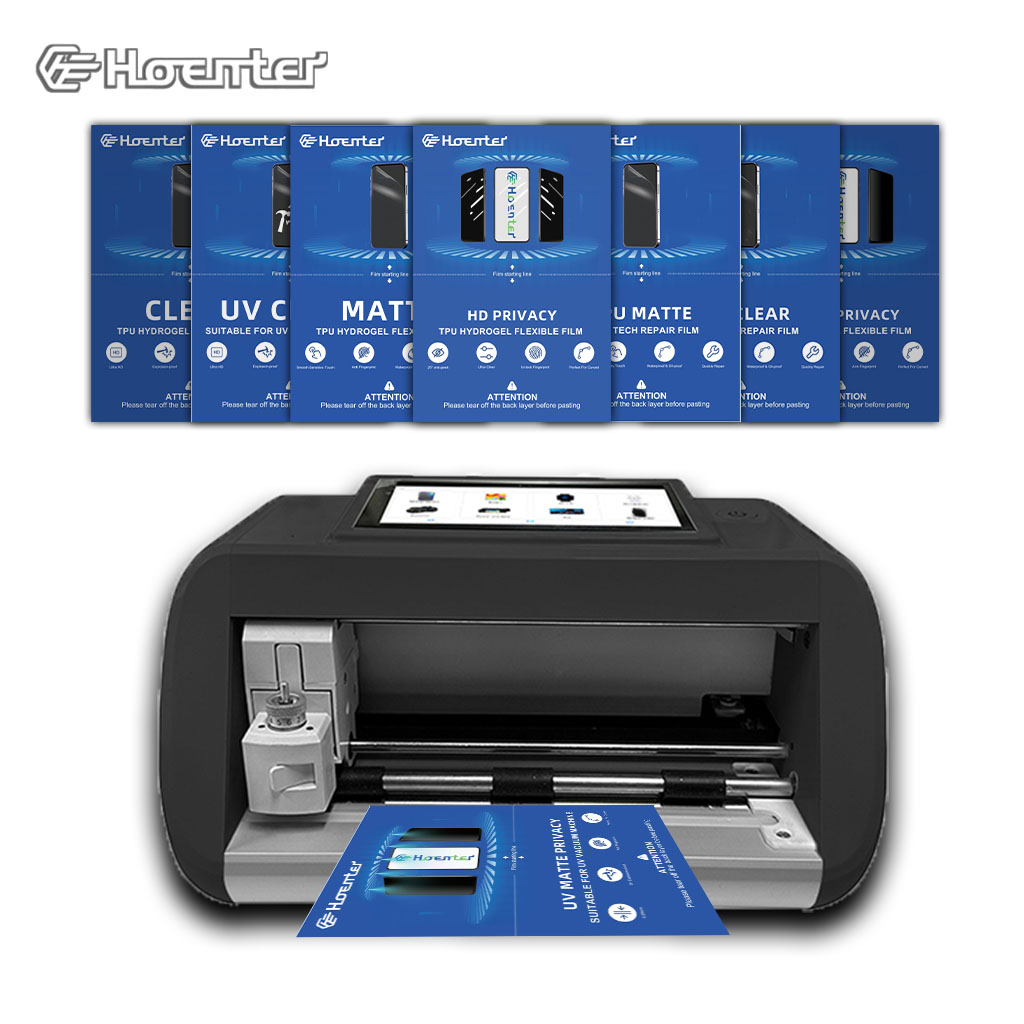
Precision Cutting: Hoenter Protectors
Precision Cut Screen Protectors** by Hoenter. Offer perfectly fitting protectors for any device with our cutting system.

Máy cắt phim nào và ứng dụng của nó
Máy cắt phim đóng vai trò quan trọng trong sự phát triển của ngành làm phim và nhiều quy trình công nghiệp khác bằng cách cho phép cắt và ghép chính xác các vật liệu phim.

Máy cắt miếng dán màn hình là gì?
Máy cắt miếng dán màn hình là thiết bị chuyên dụng được thiết kế để sản xuất miếng dán màn hình vừa vặn cho nhiều thiết bị điện tử khác nhau, bao gồm điện thoại thông minh, máy tính bảng, đồng hồ thông minh, máy tính xách tay và màn hình máy tính.

Máy cắt miếng dán màn hình điện thoại di động hoạt động như thế nào?
Máy cắt miếng dán màn hình điện thoại di động là một thiết bị tinh vi được thiết kế
để sản xuất miếng dán màn hình tùy chỉnh cho nhiều thiết bị kỹ thuật số có độ chính xác cao
và hiệu quả.

Đặc điểm của Kính cường lực điện thoại di động và Miếng dán màn hình TPU cho điện thoại di động
Tấm bảo vệ màn hình bằng nhựa nhiệt dẻo polyurethane (TPU) linh hoạt, bền và
màng nhựa tự phục hồi được thiết kế để bảo vệ màn hình thiết bị điện tử khỏi
trầy xước, va chạm và các hư hỏng tiềm ẩn khác.

Cách mạng hóa bảo vệ thiết bị với máy cắt bảo vệ màn hình
Cho dù bạn sở hữu điện thoại thông minh, máy tính bảng hay đồng hồ thông minh, chiếc máy đa năng này có thể chứa nhiều loại thiết bị. Nó có thể thích ứng liền mạch với kích thước của thiết bị của bạn, mang đến sự vừa vặn tùy chỉnh mà các loại bảo vệ thông thường không thể sánh kịp.

Bảo hành trọn đời cho miếng dán màn hình
Bảo hành trọn đời cho miếng dán màn hình là sự đảm bảo được cung cấp bởi nhà sản xuất
cam kết sửa chữa hoặc thay thế miếng dán màn hình trong suốt thời gian sử dụng sản phẩm, theo các điều khoản và điều kiện cụ thể.
