
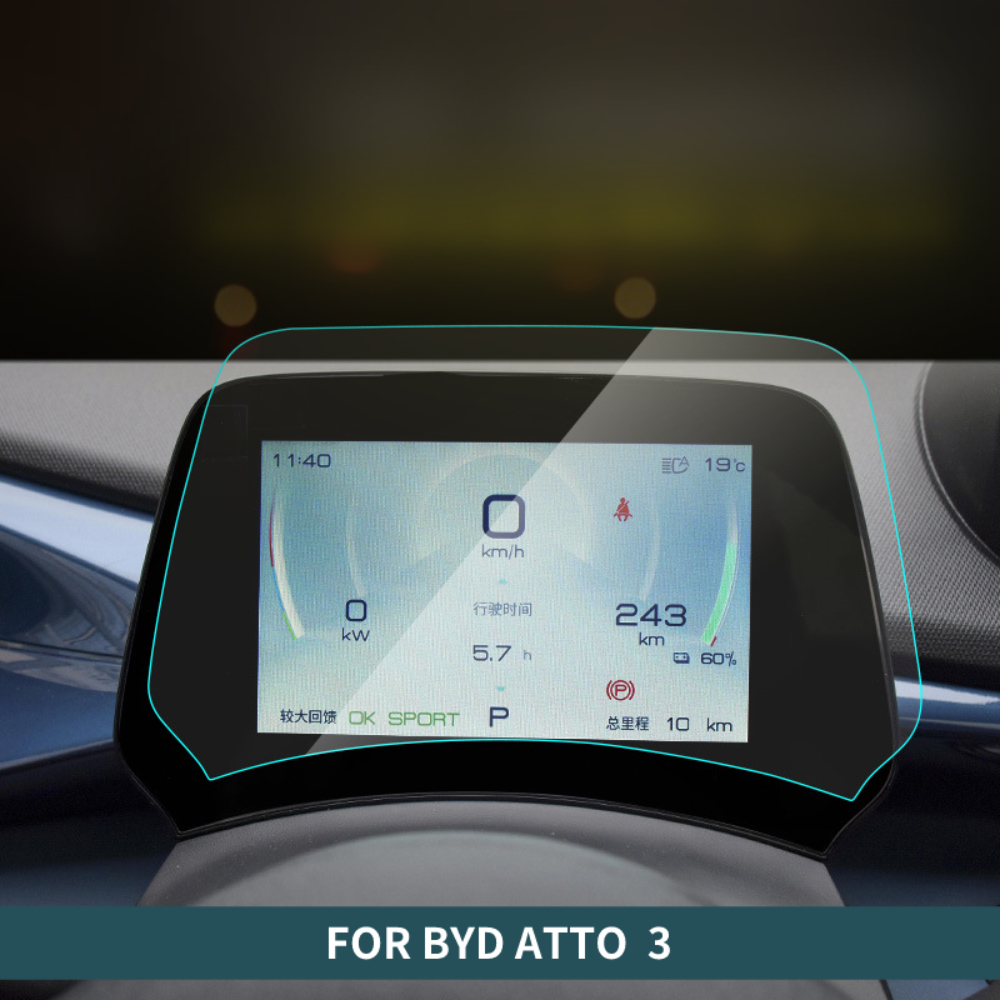
1. Why You Need a Screen Protector for Your iPad
Your iPad is an investment, and its screen is one of its most vulnerable components. A screen protector acts as a shield, protecting your device from scratches, smudges, and even cracks caused by accidental drops.Key Benefits of Using a Screen Protector:- Scratch Resistance: Prevents scratches from keys, pens, or other sharp objects.
- Anti-Glare Options: Reduces glare for better visibility in bright environments.
- Enhanced Durability: Protects the screen from wear and tear over time.
2. Types of iPad Screen Protectors: Glass vs. Plastic vs. Paperlike
Choosing the right screen protector is just as important as applying it correctly. Here’s a breakdown of the most popular types:KiểuĐặc trưngBest ForThủy tinhDurable, scratch-resistant, and offers a smooth touch experience.Everyday users who want maximum protection.NhựaThin, flexible, and affordable but less durable than glass.Budget-conscious users.PaperlikeMimics the texture of paper, ideal for drawing or writing with the Apple Pencil.Artists and note-takers.
Mẹo chuyên nghiệp: If you’re an artist or someone who frequently uses the Apple Pencil, a Paperlike screen protector can significantly enhance your experience by providing a tactile, paper-like feel.3. What You’ll Need Before Installing a Screen Protector
Before you begin, gather the following items to ensure a smooth installation process:- The screen protector (glass, plastic, or Paperlike).
- A microfiber cloth to clean the screen.
- Dust removal stickers or tape.
- A cleaning solution or alcohol wipes.
- A squeegee or credit card to smooth out bubbles.
4. How to Prepare Your iPad for Installation
Preparation is key to a successful installation. Follow these steps to get your iPad ready:- Clean Your Workspace: Choose a clean, dust-free environment to avoid particles sticking to the screen.
- Wash Your Hands: This prevents oils or dirt from transferring to the screen.
- Turn Off Your iPad: This reduces distractions and makes it easier to see dust or smudges on the screen.
- Clean the Screen: Use a microfiber cloth and cleaning solution to remove fingerprints, smudges, and dust.
5. Step-by-Step Guide to Applying a Screen Protector Without Bubbles
Here’s the moment you’ve been waiting for! Follow these steps to apply your screen protector like a pro:- Align the Protector: Before peeling off the adhesive backing, place the screen protector on your iPad to check alignment. Use the camera and edges as guides.
- Peel and Stick: Slowly peel off the backing while aligning the protector with the screen. Start from one edge and work your way across.
- Smooth Out Bubbles: Use a squeegee or credit card to gently press out any air bubbles, starting from the center and moving outward.
6. Common Mistakes to Avoid During Installation
Even with the best intentions, mistakes can happen. Here are some common pitfalls to avoid:- Skipping the Cleaning Step: Dust and smudges can ruin the installation.
- Rushing the Process: Take your time to align the protector properly.
- Using Too Much Force: Pressing too hard can crack a glass screen protector.

7. How to Fix Bubbles After Applying a Screen Protector
Bubbles can be frustrating, but they’re not the end of the world. Here’s how to fix them:- Small Bubbles: Use a squeegee or credit card to push them toward the edges.
- Dust Bubbles: Lift the protector with tape, remove the dust, and reapply.
- Persistent Bubbles: If bubbles remain after several attempts, consider reapplying the protector.
8. Benefits of Using a Paperlike Screen Protector for Artists and Note-Takers
If you’re an artist or someone who loves taking handwritten notes, a Paperlike screen protector can transform your iPad experience. Here’s why:- Improved Precision: The textured surface provides better control for drawing and writing.
- Reduced Glare: Makes it easier to work in bright environments.
- Enhanced Feel: Mimics the sensation of writing on paper, making it more enjoyable.
9. How Often Should You Replace Your iPad Screen Protector?
The lifespan of a screen protector depends on its material and usage. Here are some general guidelines:- Glass Protectors: Replace if cracked or chipped.
- Plastic Protectors: Replace every 6-12 months as they wear down.
- Paperlike Protectors: Replace when the texture starts to fade.
10. FAQs About iPad Screen Protector Installation
Q: Can I reuse a screen protector after removing it? A: It’s not recommended, as the adhesive may lose its effectiveness and dust can stick to it.Q: Do I need a screen protector if I use a case? A: Yes, a case protects the edges and back, but a screen protector safeguards the display.Q: What’s the best screen protector for the Apple Pencil? A: A Paperlike screen protector is ideal for Apple Pencil users, as it provides a natural writing experience.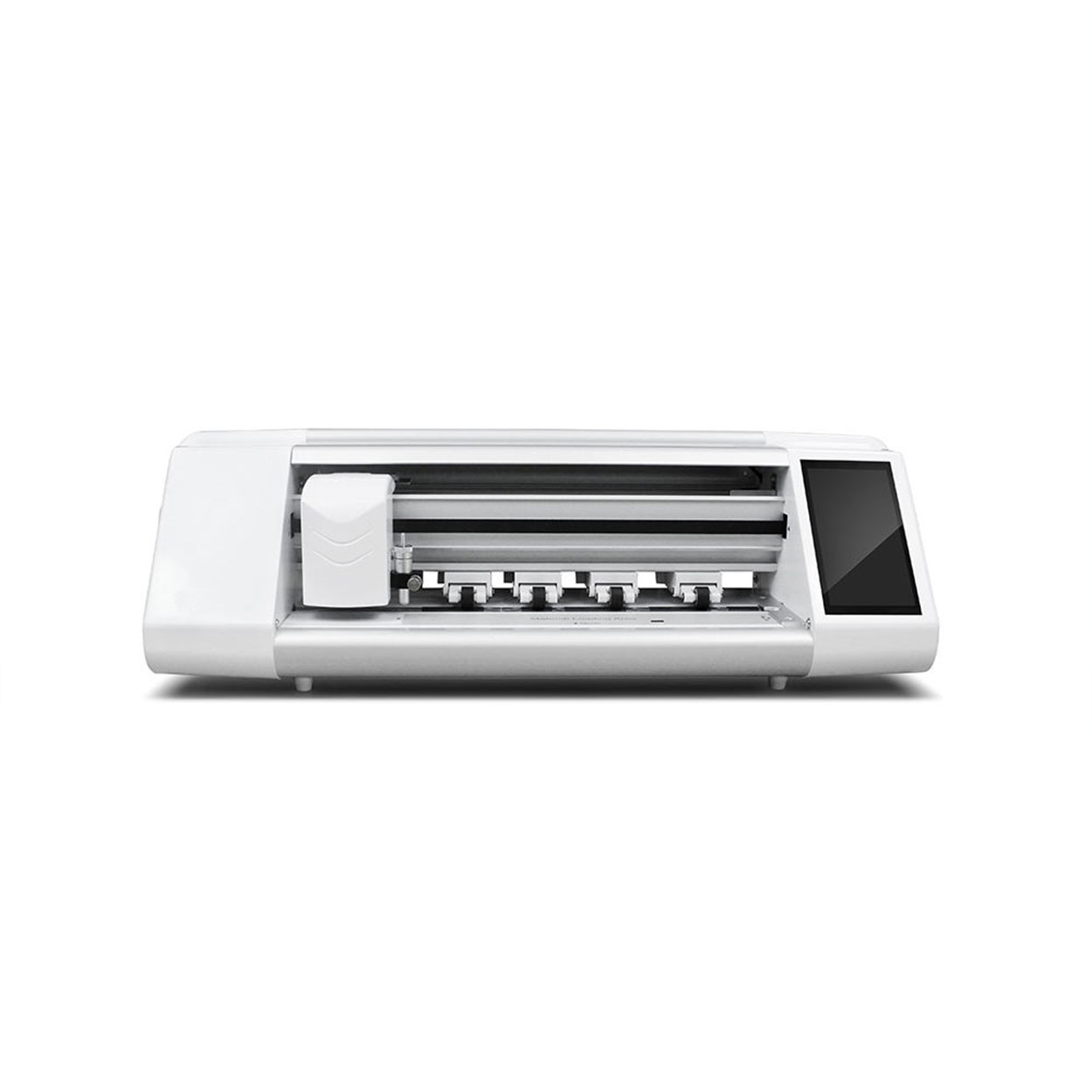
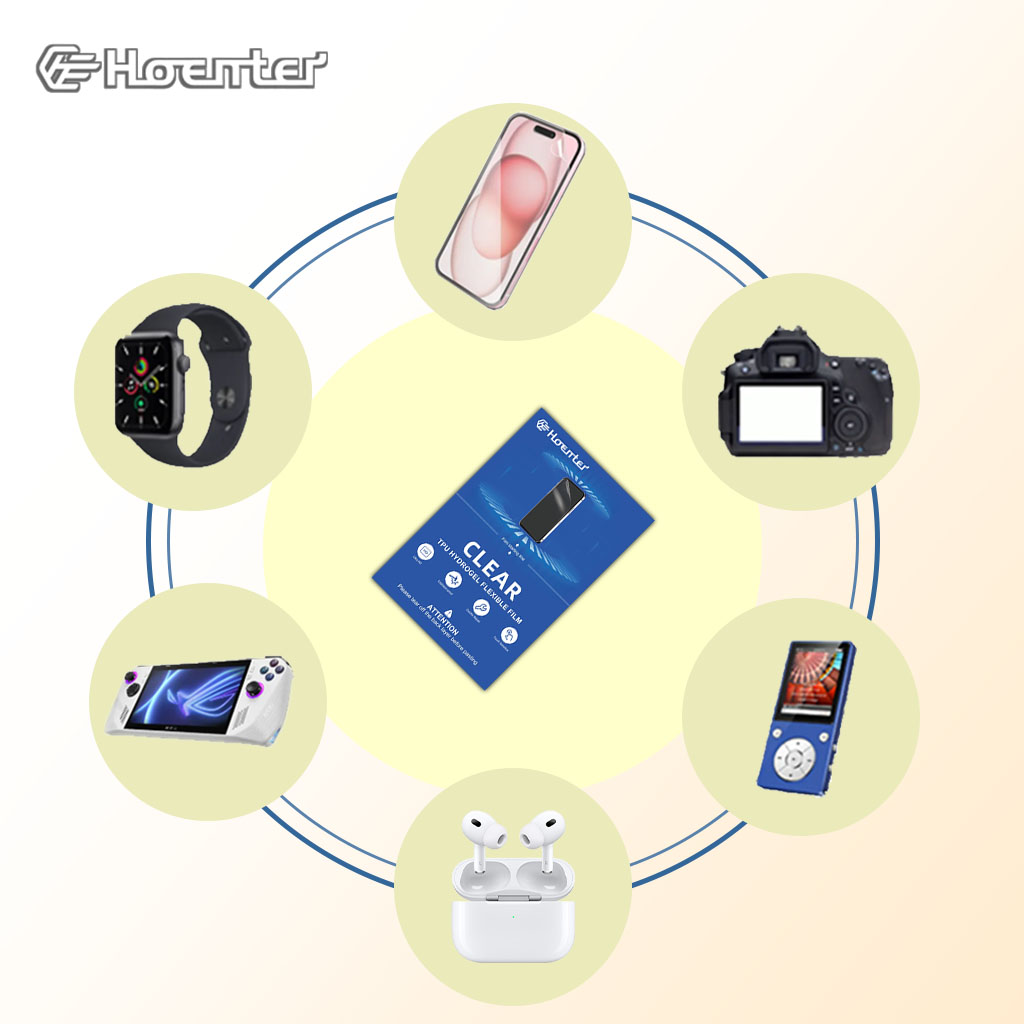
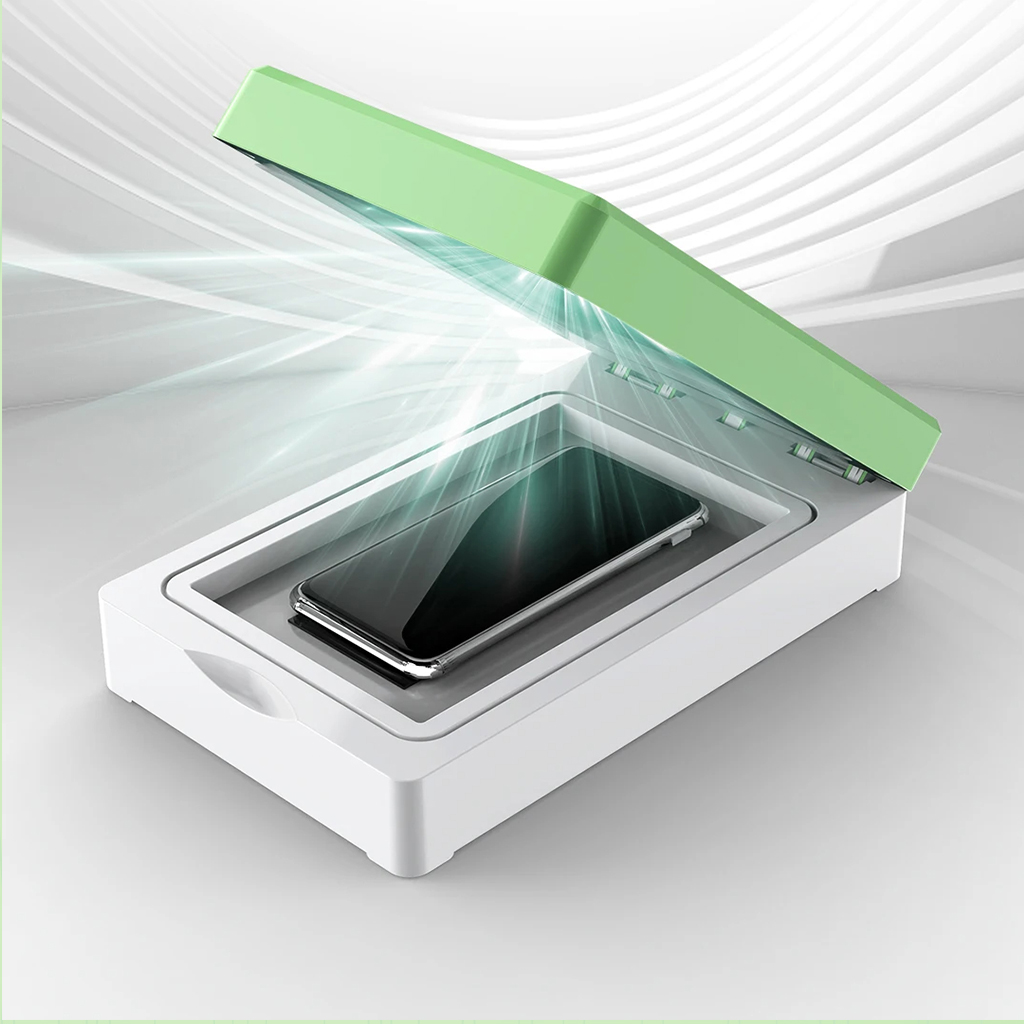

Is Hydrogel Good for Phones?
By understanding the differences between hydrogel and tempered glass screen protectors, you can make an informed decision that best suits your needs.
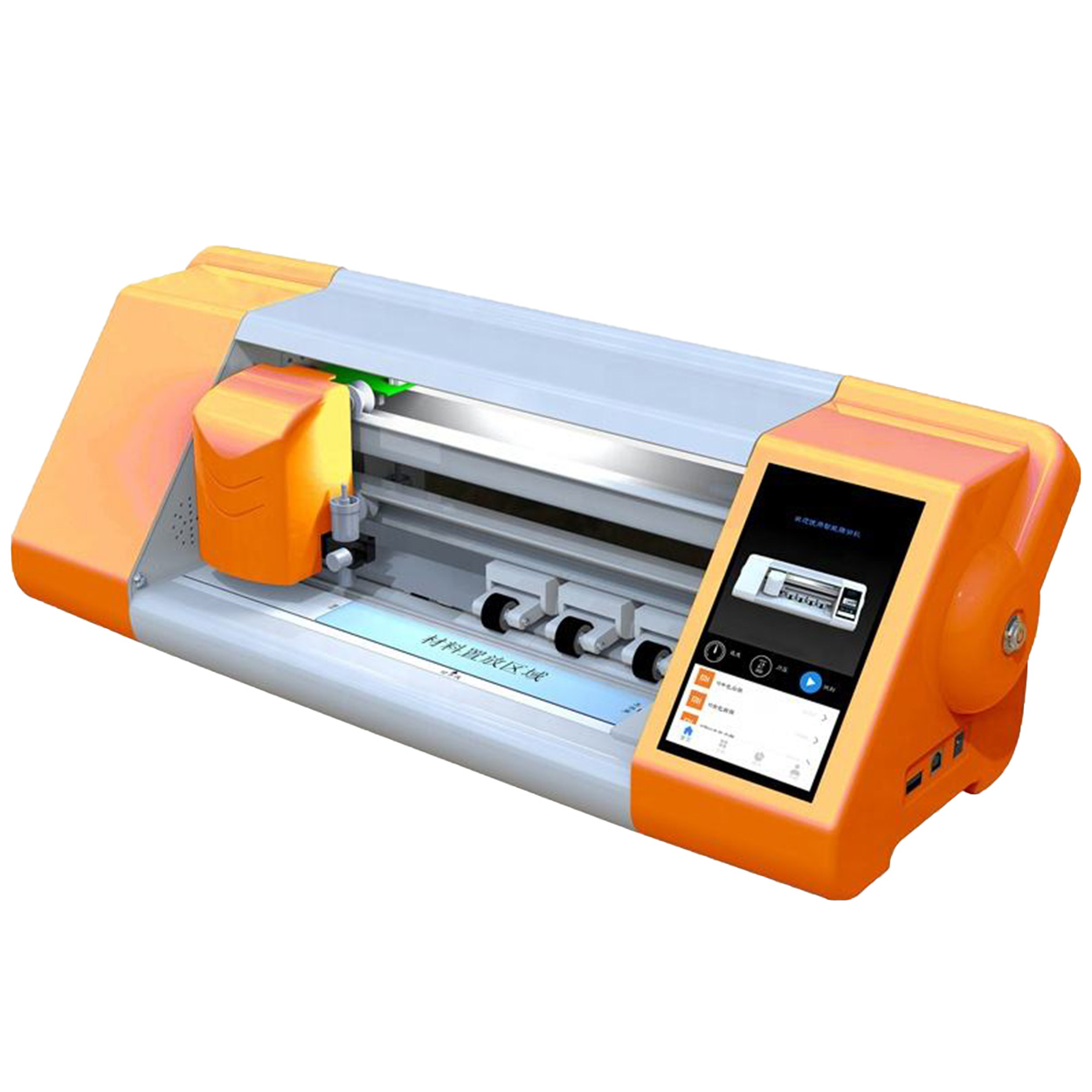
Máy cắt miếng dán màn hình tự động tiên tiến
Khám phá cách máy cắt miếng dán màn hình tạo nên cuộc cách mạng trong việc bảo vệ thiết bị di động với máy cắt phim thông minh để cắt màn hình chính xác và tự động cho mọi thiết bị.
Cách chọn máy cắt miếng dán màn hình tốt nhất
Trong bối cảnh điện tử tiêu dùng đang không ngừng phát triển, việc lựa chọn máy cắt miếng dán màn hình phù hợp là rất quan trọng để đảm bảo hiệu quả và độ chính xác.
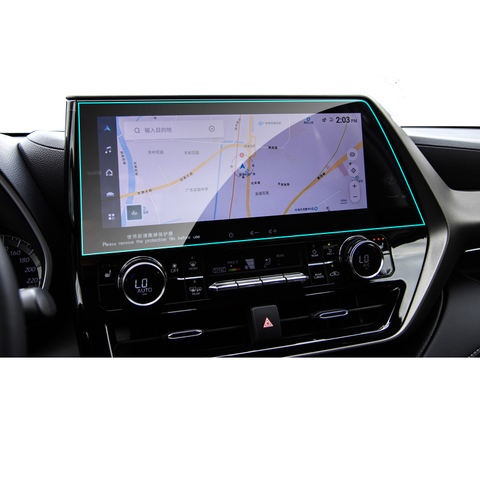
Honda Accord EX-L Navigator GPS Tempered Glass
Protect your Honda Accord EX-L’s navigation screen with our premium tempered glass protector.
EPU vs. TPU Screen Protectors: The Ultimate Showdown for Your Phone’s Display!
Choosing between EPU and TPU screen protectors? Learn the differences in self-healing to find the perfect protection for your phone’s display.

Máy cắt phim nào và ứng dụng của nó
Máy cắt phim đóng vai trò quan trọng trong sự phát triển của ngành làm phim và nhiều quy trình công nghiệp khác bằng cách cho phép cắt và ghép chính xác các vật liệu phim.

Máy cắt miếng dán màn hình là gì?
Máy cắt miếng dán màn hình là thiết bị chuyên dụng được thiết kế để sản xuất miếng dán màn hình vừa vặn cho nhiều thiết bị điện tử khác nhau, bao gồm điện thoại thông minh, máy tính bảng, đồng hồ thông minh, máy tính xách tay và màn hình máy tính.

Máy cắt miếng dán màn hình điện thoại di động hoạt động như thế nào?
Máy cắt miếng dán màn hình điện thoại di động là một thiết bị tinh vi được thiết kế
để sản xuất miếng dán màn hình tùy chỉnh cho nhiều thiết bị kỹ thuật số có độ chính xác cao
và hiệu quả.

Đặc điểm của Kính cường lực điện thoại di động và Miếng dán màn hình TPU cho điện thoại di động
Tấm bảo vệ màn hình bằng nhựa nhiệt dẻo polyurethane (TPU) linh hoạt, bền và
màng nhựa tự phục hồi được thiết kế để bảo vệ màn hình thiết bị điện tử khỏi
trầy xước, va chạm và các hư hỏng tiềm ẩn khác.

Cách mạng hóa bảo vệ thiết bị với máy cắt bảo vệ màn hình
Cho dù bạn sở hữu điện thoại thông minh, máy tính bảng hay đồng hồ thông minh, chiếc máy đa năng này có thể chứa nhiều loại thiết bị. Nó có thể thích ứng liền mạch với kích thước của thiết bị của bạn, mang đến sự vừa vặn tùy chỉnh mà các loại bảo vệ thông thường không thể sánh kịp.

Bảo hành trọn đời cho miếng dán màn hình
Bảo hành trọn đời cho miếng dán màn hình là sự đảm bảo được cung cấp bởi nhà sản xuất
cam kết sửa chữa hoặc thay thế miếng dán màn hình trong suốt thời gian sử dụng sản phẩm, theo các điều khoản và điều kiện cụ thể.
