
1. Why You Need a Screen Protector for Your iPad
Your iPad is an investment, and its screen is one of its most vulnerable components. A screen protector acts as a shield, protecting your device from scratches, smudges, and even cracks caused by accidental drops.Key Benefits of Using a Screen Protector:- Scratch Resistance: Prevents scratches from keys, pens, or other sharp objects.
- Anti-Glare Options: Reduces glare for better visibility in bright environments.
- Enhanced Durability: Protects the screen from wear and tear over time.
2. Types of iPad Screen Protectors: Glass vs. Plastic vs. Paperlike
Choosing the right screen protector is just as important as applying it correctly. Here’s a breakdown of the most popular types:TypeFeaturesBest ForGlassDurable, scratch-resistant, and offers a smooth touch experience.Everyday users who want maximum protection.PlasticThin, flexible, and affordable but less durable than glass.Budget-conscious users.PaperlikeMimics the texture of paper, ideal for drawing or writing with the Apple Pencil.Artists and note-takers.
Pro Tip: If you’re an artist or someone who frequently uses the Apple Pencil, a Paperlike screen protector can significantly enhance your experience by providing a tactile, paper-like feel.3. What You’ll Need Before Installing a Screen Protector
Before you begin, gather the following items to ensure a smooth installation process:- The screen protector (glass, plastic, or Paperlike).
- A microfiber cloth to clean the screen.
- Dust removal stickers or tape.
- A cleaning solution or alcohol wipes.
- A squeegee or credit card to smooth out bubbles.

4. How to Prepare Your iPad for Installation
Preparation is key to a successful installation. Follow these steps to get your iPad ready:- Clean Your Workspace: Choose a clean, dust-free environment to avoid particles sticking to the screen.
- Wash Your Hands: This prevents oils or dirt from transferring to the screen.
- Turn Off Your iPad: This reduces distractions and makes it easier to see dust or smudges on the screen.
- Clean the Screen: Use a microfiber cloth and cleaning solution to remove fingerprints, smudges, and dust.
5. Step-by-Step Guide to Applying a Screen Protector Without Bubbles
Here’s the moment you’ve been waiting for! Follow these steps to apply your screen protector like a pro:- Align the Protector: Before peeling off the adhesive backing, place the screen protector on your iPad to check alignment. Use the camera and edges as guides.
- Peel and Stick: Slowly peel off the backing while aligning the protector with the screen. Start from one edge and work your way across.
- Smooth Out Bubbles: Use a squeegee or credit card to gently press out any air bubbles, starting from the center and moving outward.
6. Common Mistakes to Avoid During Installation
Even with the best intentions, mistakes can happen. Here are some common pitfalls to avoid:- Skipping the Cleaning Step: Dust and smudges can ruin the installation.
- Rushing the Process: Take your time to align the protector properly.
- Using Too Much Force: Pressing too hard can crack a glass screen protector.
7. How to Fix Bubbles After Applying a Screen Protector
Bubbles can be frustrating, but they’re not the end of the world. Here’s how to fix them:- Small Bubbles: Use a squeegee or credit card to push them toward the edges.
- Dust Bubbles: Lift the protector with tape, remove the dust, and reapply.
- Persistent Bubbles: If bubbles remain after several attempts, consider reapplying the protector.
8. Benefits of Using a Paperlike Screen Protector for Artists and Note-Takers
If you’re an artist or someone who loves taking handwritten notes, a Paperlike screen protector can transform your iPad experience. Here’s why:- Improved Precision: The textured surface provides better control for drawing and writing.
- Reduced Glare: Makes it easier to work in bright environments.
- Enhanced Feel: Mimics the sensation of writing on paper, making it more enjoyable.
9. How Often Should You Replace Your iPad Screen Protector?
The lifespan of a screen protector depends on its material and usage. Here are some general guidelines:- Glass Protectors: Replace if cracked or chipped.
- Plastic Protectors: Replace every 6-12 months as they wear down.
- Paperlike Protectors: Replace when the texture starts to fade.
10. FAQs About iPad Screen Protector Installation
Q: Can I reuse a screen protector after removing it? A: It’s not recommended, as the adhesive may lose its effectiveness and dust can stick to it.Q: Do I need a screen protector if I use a case? A: Yes, a case protects the edges and back, but a screen protector safeguards the display.Q: What’s the best screen protector for the Apple Pencil? A: A Paperlike screen protector is ideal for Apple Pencil users, as it provides a natural writing experience.
Best Practices for Using Hydrogel Film Cutting Machines in Bulk Production
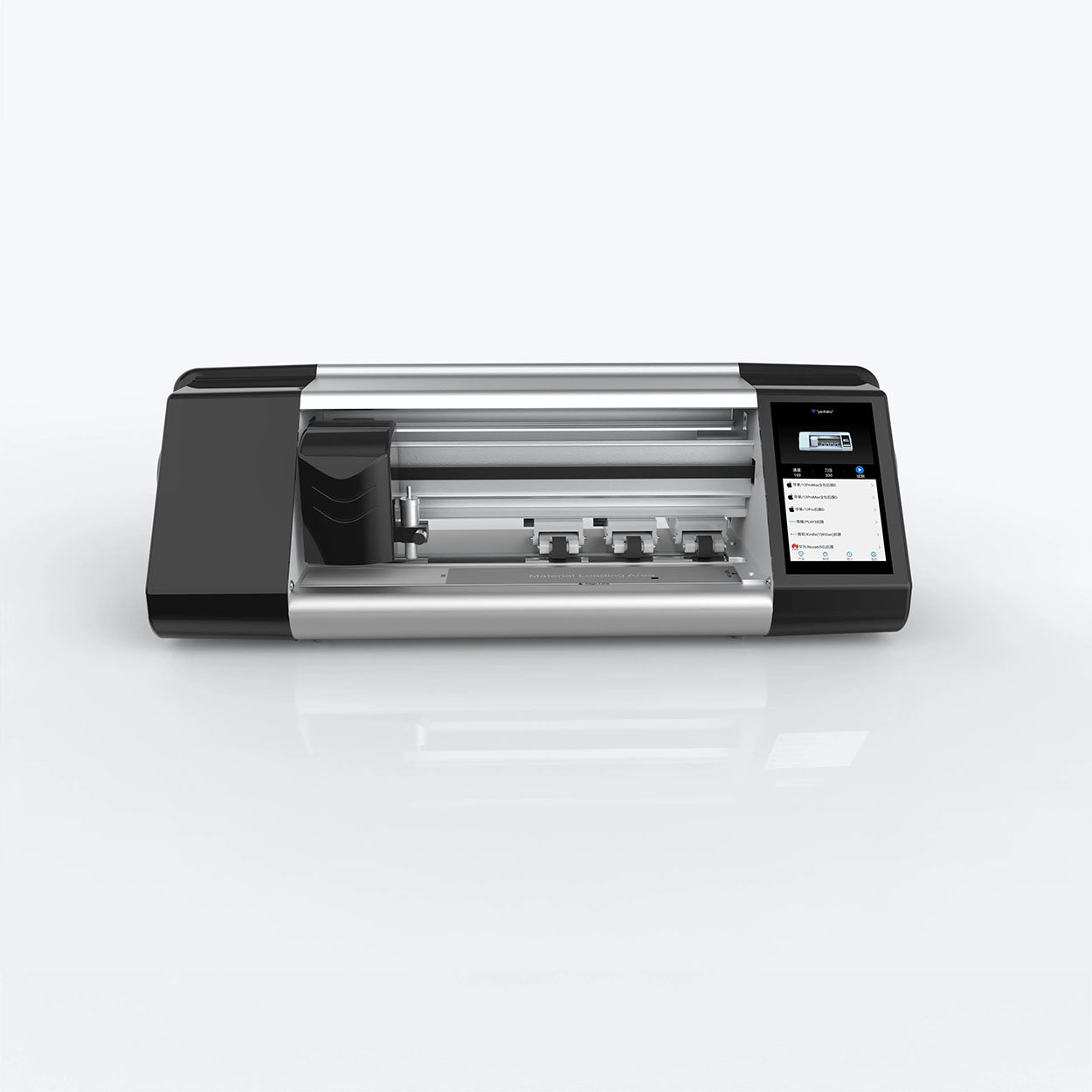
Hydrogel film cutting machines are specialized devices designed for producing screen protectors and rear films for a wide array of electronic devices, including smartphones, tablets, e-books, and smartwatches.
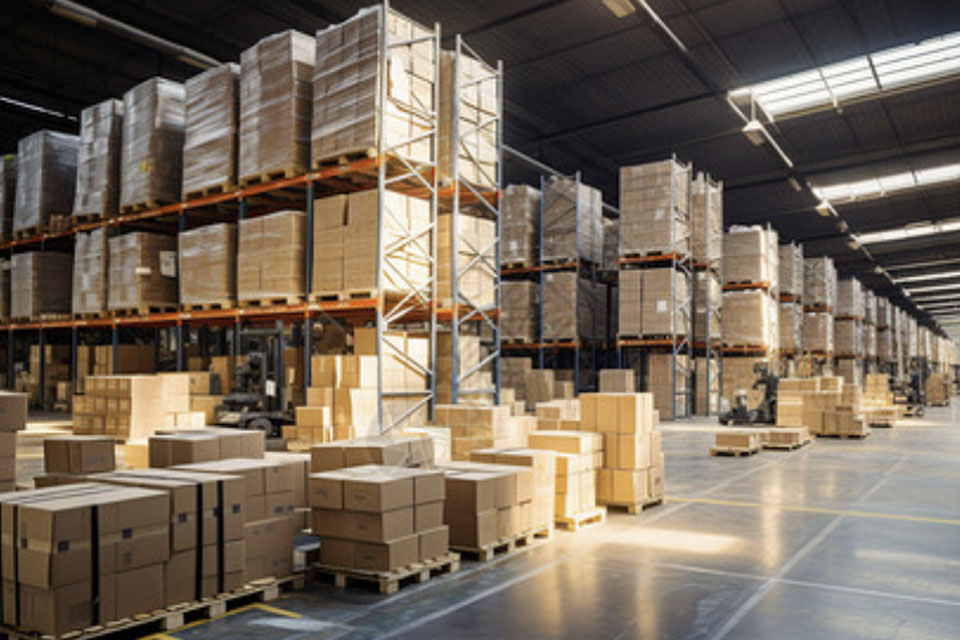
Phone Screen Protector Machine Pricing: What Small Businesses Need to Know
This surge in demand has led to a booming market for phone screen protectors, making it an attractive business opportunity for small enterprises.
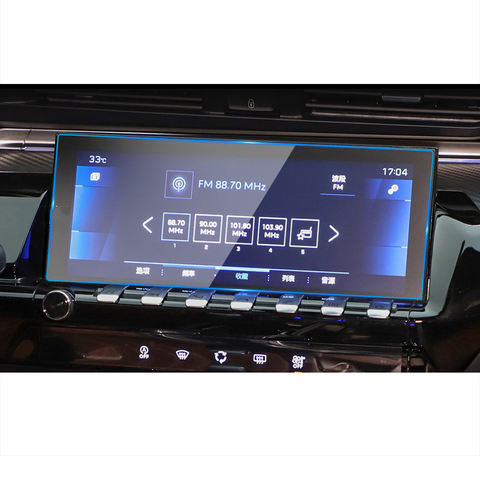
Baojun 530 GPS Dashboard Tempered Glass
Our Baojun 530 GPS screen protector is designed for a perfect fit. Made with tempered glass, it offers HD clarity and an oleophobic coating.
How Flexible Hydrogel Films Are Changing the Screen Protector Industry
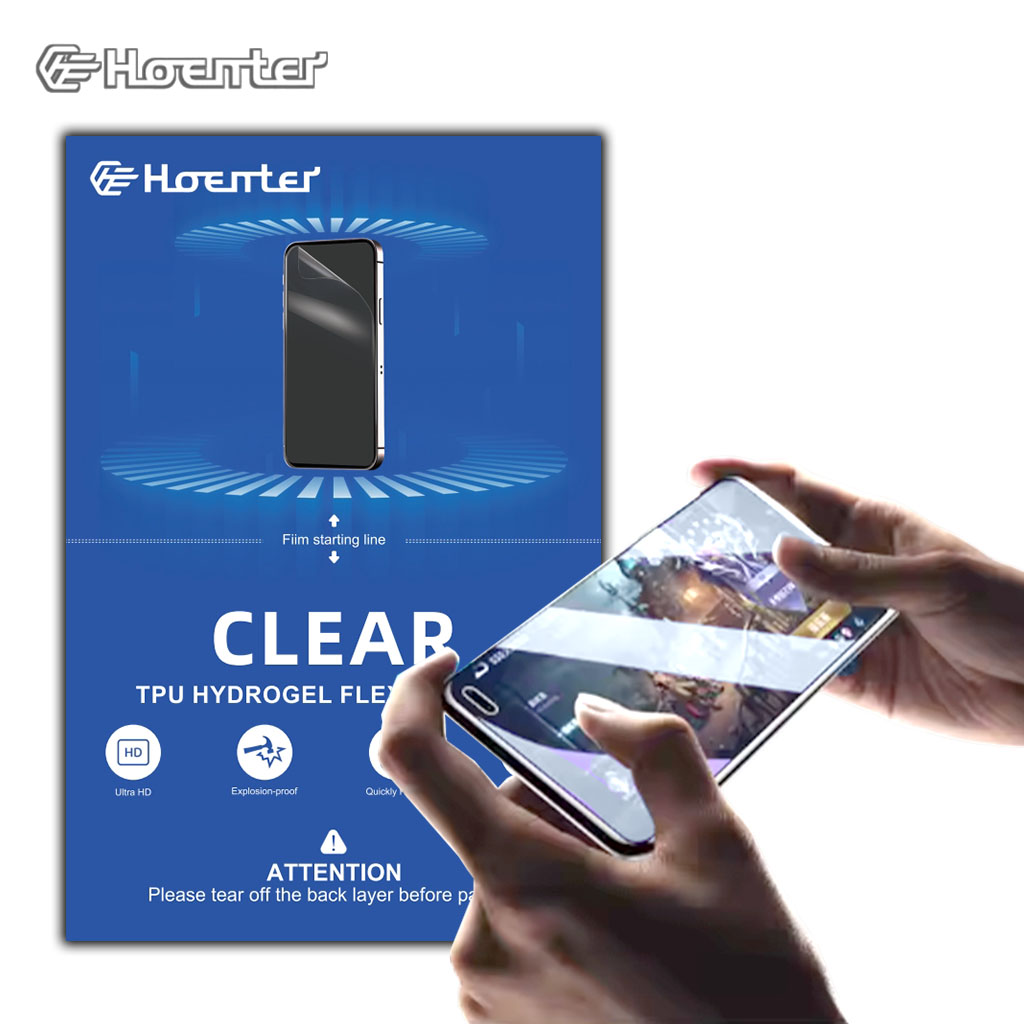
Flexible hydrogel films are revolutionizing the screen protector industry by offering superior flexibility, durability, and self-healing properties, making them the future of screen protection technology.
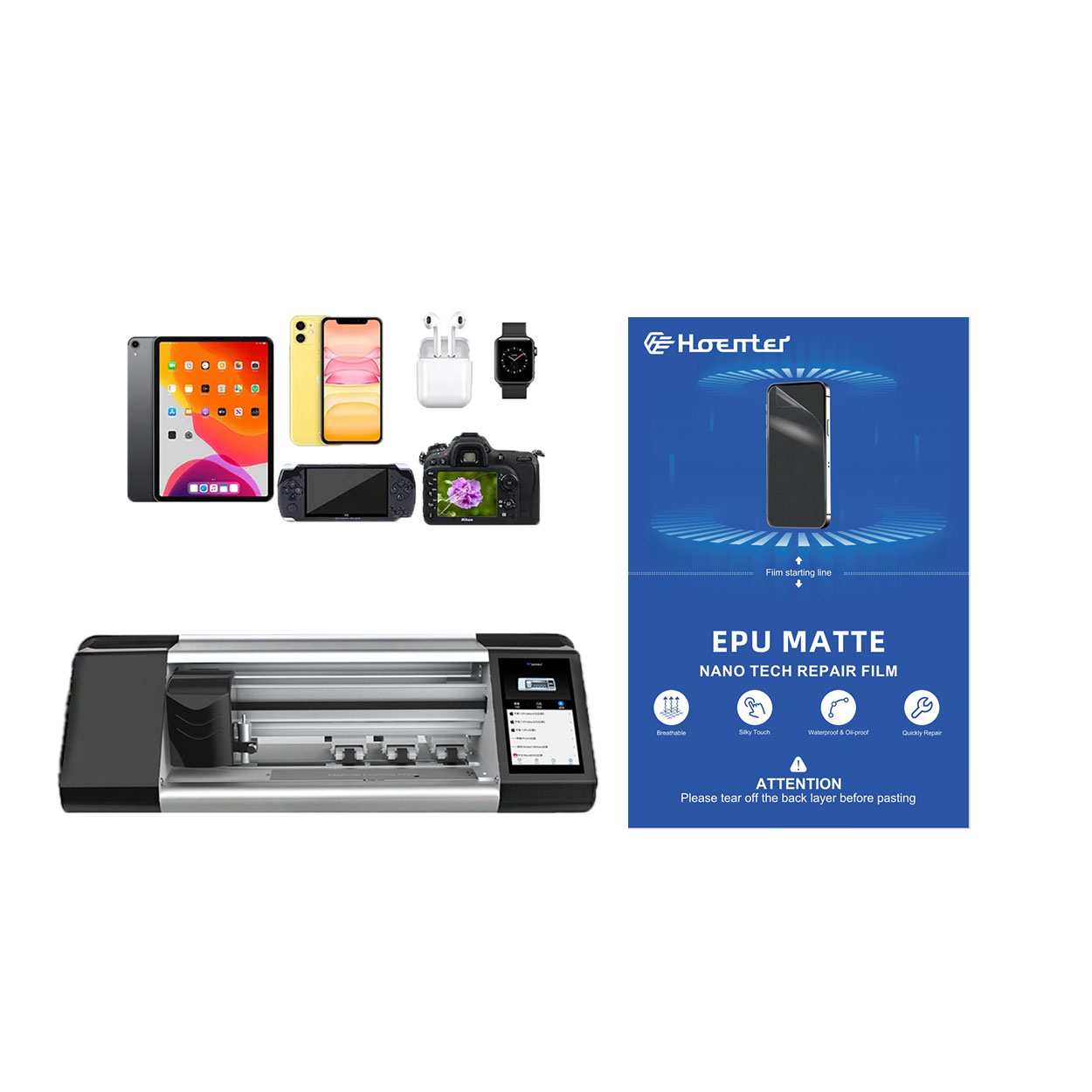
New 0.18mm Thickness Self-Repair EPU Hydrogel Film Protector
When choosing between PET film and the more cost-effective EPU kit, there are several important similarities and differences to consider.
Both PET and EPU films are designed to offer high transparency, ensuring that the screen’s clarity and vividness remain unaffected. They both maintain the phone’s original display quality, offering crystal-clear visuals whether you’re watching videos or browsing photos.
A key difference, however, lies in the durability and shock absorption of the materials. While PET provides a rigid, glass-like feel, it doesn’t offer the same level of impact protection as EPU films. EPU films are engineered with hydrogel technology, which not only makes them more flexible but also significantly better at absorbing shocks, protecting your phone from accidental drops and impacts. This makes EPU a better choice for users who want both protection and flexibility.

What Film Cutting Machine and Its Application
Film cutting machines have played a crucial role in the evolution of filmmaking and various industrial processes by enabling precise cutting and splicing of film materials.

What Is a Screen Protector Cutting Machine?
A screen protector cutting machine is a specialized device designed to produce custom-fit screen protectors for various electronic devices, including smartphones, tablets, smartwatches, laptops, and monitors.

How Mobile Phone Screen Protector Cutting Machine Work?
A mobile phone screen protector cutting machine is a sophisticated device designed
to produce customized screen protectors for various digital devices with high preci
sion and efficiency.

Characteristics of Mobile Phone Tempered Glass and Mobile Phone TPU Screen Protector
Thermoplastic polyurethane (TPU) screen protectors are flexible, durable, and
self-healing plastic films designed to protect electronic device screens from
scratches, impacts, and other potential damages.

Revolutionize Device Protection with Screen Guard Cutting Machine
Whether you possess a smartphone, tablet, or smartwatch, this versatile machine accommodates a vast array of devices. It seamlessly adapts to the dimensions of your gadget, offering a custom fit that generic protectors can’t match.

Screen Protector Lifetime Warranty
A screen protector lifetime warranty is a guarantee provided by manufacturers that
promises to repair or replace a screen protector for the lifetime of the product, under specific terms and conditions.
