
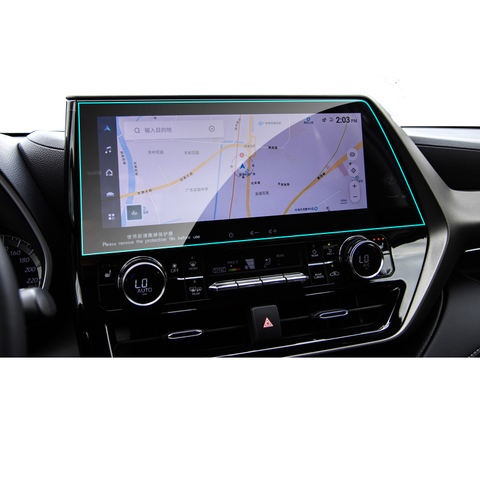
What is a Screen Protector and Why Do You Need One?
Screen protectors are thin layers of material placed over your phone’s screen to protect it from scratches, cracks, and other damage. They are essential for maintaining the longevity and resale value of your smartphone. With the increasing cost of smartphones, a screen protector is a small investment that can save you from expensive repairs.Screen protectors come in various materials, including tempered glass and plastic film. Tempered glass screen protectors are popular due to their durability and clarity. They provide a smooth touch experience similar to the original screen, making them a preferred choice for many users.Choosing the Right Screen Protector for Your Smartphone
Selecting the right screen protector is crucial for optimal protection. Consider the following factors when choosing a screen protector:- Материал: Tempered glass offers superior protection and a premium feel, while plastic film is more affordable and easier to replace.
- Съвместимост: Ensure the screen protector is designed for your specific smartphone model to avoid issues with fit and functionality.
- Характеристики: Some screen protectors offer additional features like anti-glare, privacy filters, or blue light reduction.
Preparing Your Phone Screen for Installation
Proper preparation is key to a successful screen protector application. Follow these steps to prepare your phone screen:- Почистване на екрана: Use a microfiber cloth and a screen cleaning solution to remove dust, fingerprints, and oils from the screen.
- Изсушаване на екрана: Ensure the screen is completely dry before proceeding to avoid trapping moisture under the screen protector.
- Find a Dust-Free Environment: Apply the screen protector in a clean, dust-free area to minimize the risk of dust particles getting trapped.
How to Apply a Tempered Glass Screen Protector
Applying a tempered glass screen protector requires precision and patience. Follow these steps for a perfect application:- Подравняване на протектора: Carefully align the screen protector with your phone’s screen, ensuring all cutouts match the phone’s features.
- Нанесете протектора: Gently place the screen protector on the screen, starting from one edge and slowly lowering it onto the screen.
- Press Out Bubbles: Use a credit card or the included applicator to press out any bubbles, starting from the center and moving towards the edges.
Tips for Applying a Screen Protector Without Leaving Bubbles
Bubbles are a common issue when applying screen protectors. Here are some tips to avoid them:- Use a Dust Remover: Use a dust remover sticker to pick up any remaining dust particles before applying the protector.
- Прилагайте бавно: Take your time when applying the protector to ensure proper alignment and avoid trapping air.
- Use a Squeegee: A squeegee or credit card can help press out bubbles and ensure a smooth application.
Common Mistakes to Avoid When Installing a Screen Protector
Avoid these common mistakes to ensure a successful screen protector installation:- Rushing the Process: Take your time to align and apply the protector carefully.
- Ignoring Dust: Even small dust particles can cause bubbles, so ensure the screen is completely clean.
- Misalignment: Double-check the alignment before pressing down the protector to avoid misalignment.
How to Remove Bubbles from a Screen Protector
If you notice bubbles after applying the screen protector, don’t worry. Here’s how to remove them:- Lift the Protector: Gently lift the edge of the protector near the bubble.
- Reapply: Use a credit card to press the protector back down, pushing the bubble towards the edge.
- Repeat if Necessary: Repeat the process until all bubbles are removed.
Maintaining Your Screen Protector for Longevity
To ensure your screen protector lasts, follow these maintenance tips:- Clean Regularly: Use a microfiber cloth to clean the screen protector and remove fingerprints and smudges.
- Avoid Harsh Chemicals: Use only screen-safe cleaning solutions to avoid damaging the protector.
- Check for Damage: Regularly inspect the protector for cracks or chips and replace it if necessary.
Frequently Asked Questions About Screen Protectors
Q: Can I reuse a screen protector?A: Reusing a screen protector is not recommended as it may not adhere properly after removal.Q: How often should I replace my screen protector?A: Replace your screen protector if it becomes cracked, chipped, or loses its adhesive properties.Q: Do screen protectors affect touch sensitivity?A: High-quality screen protectors should not affect touch sensitivity. If you notice issues, consider replacing the protector.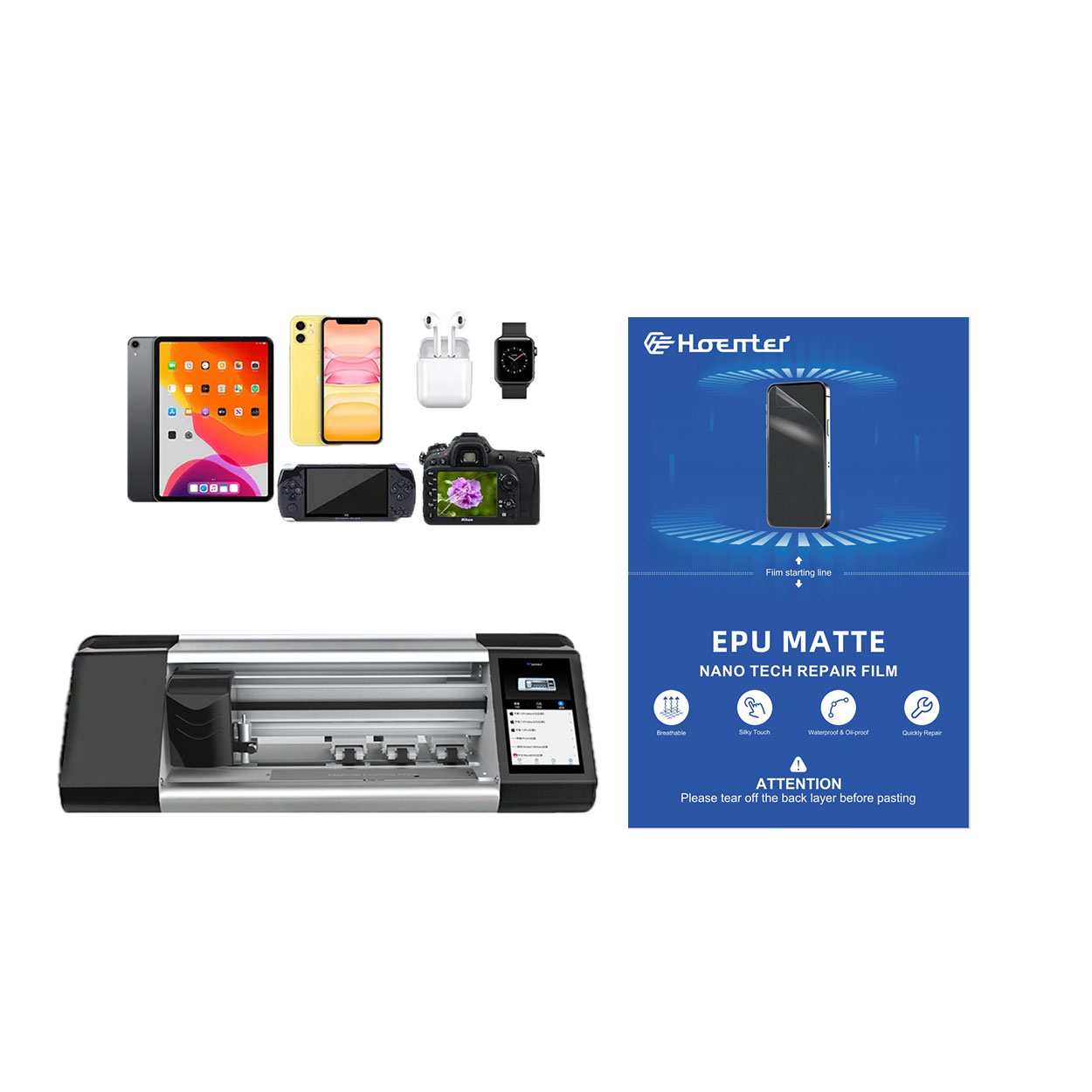
Как да нанесете течен протектор на екрана на телефона
Течните протектори за екрана предлагат модерен, ефективен начин за защита на вашия смартфон.
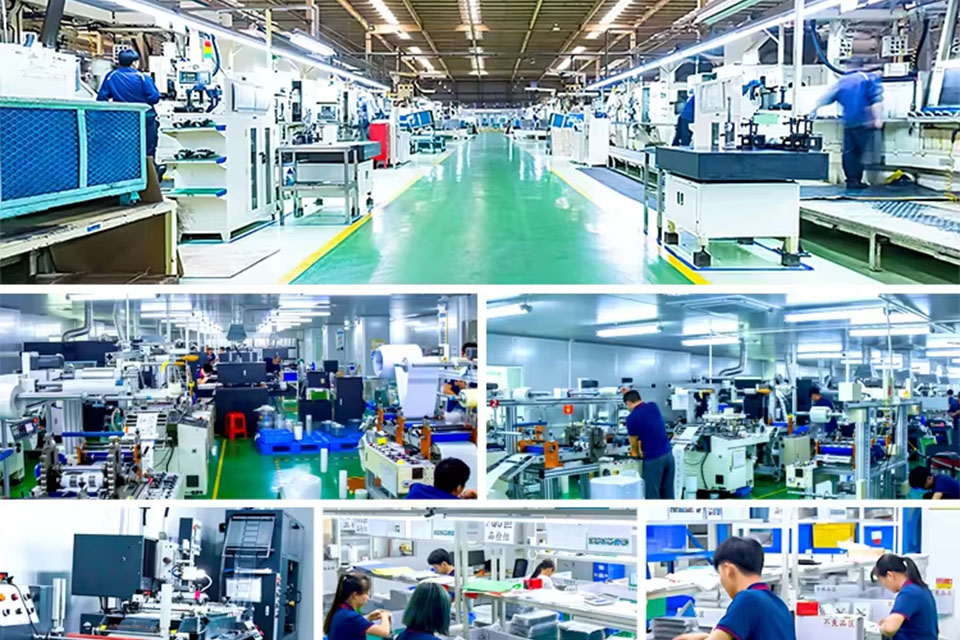
Проучване на случай - Как бизнесът се възползва от професионалната мобилна машина за рязане на кожа
Професионалните машини за рязане на кожи за мобилни устройства се превърнаха в основен инструмент за фирмите, специализирани в персонализирането и защитата на мобилни устройства.
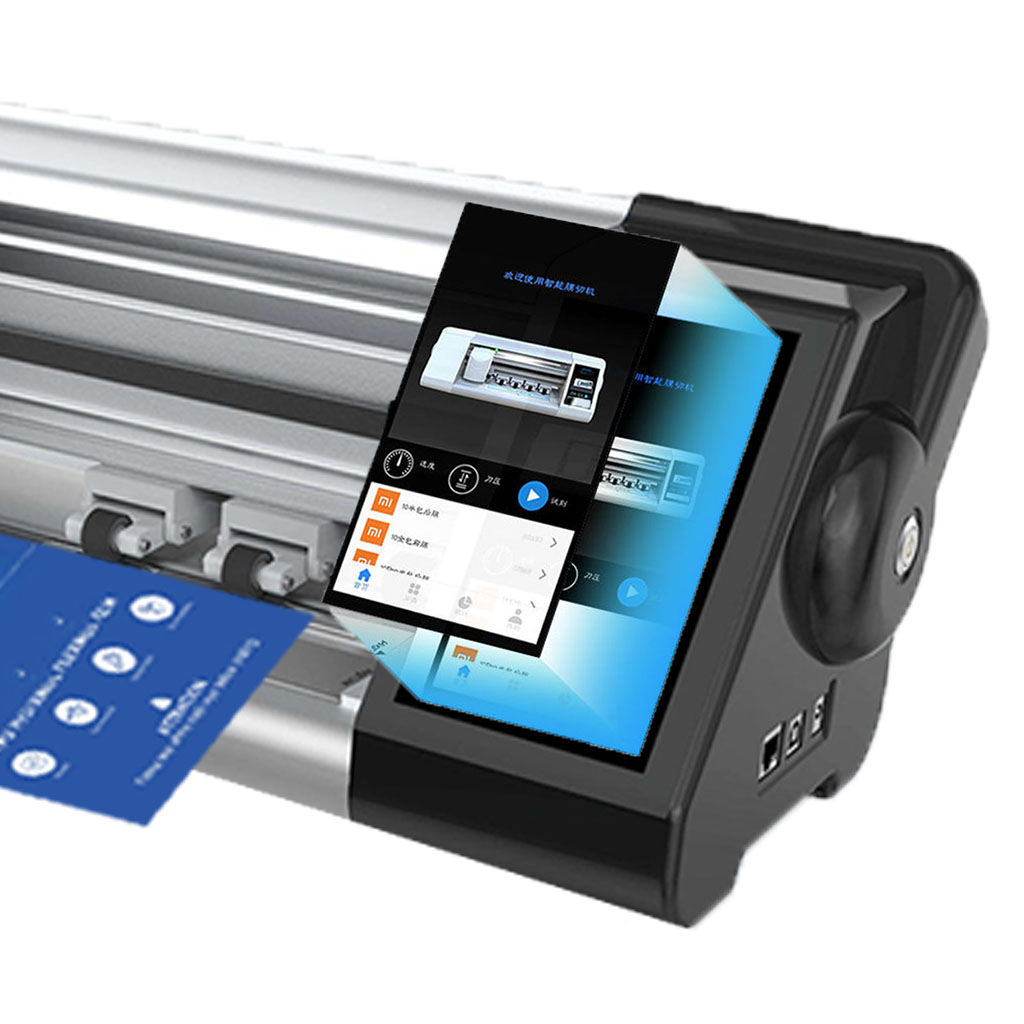
Машина за защита на екрана
Машината за защита на екрана предлага прецизно рязане за адаптивни протектори за екран, включваща обширна библиотека с шаблони за нуждите на търговията на дребно и на едро.
When to Replace Phone Screen Protector
By keeping these points in mind, you can ensure that your smartphone remains protected and in excellent condition.
Как да изберем най-добрата машина за рязане на протектор за екран
В непрекъснато развиващия се пейзаж на потребителската електроника изборът на правилната машина за рязане на протектор за екран е от решаващо значение за ефективността и прецизността.

Каква машина за рязане на филми и нейното приложение
Машините за рязане на филми са изиграли решаваща роля в развитието на филмопроизводството и различни промишлени процеси, като са позволили прецизно рязане и свързване на филмови материали.

Какво е машина за рязане на протектори за екрани?
Машината за рязане на екранни протектори е специализирано устройство, предназначено за производство на персонализирани екранни протектори за различни електронни устройства, включително смартфони, таблети, смарт часовници, лаптопи и монитори.

Как работи машината за рязане на протектори за екрани на мобилни телефони?
Машината за рязане на протектори за екрани на мобилни телефони е усъвършенствано устройство, проектирано
за производство на персонализирани протектори за екрани за различни цифрови устройства с висока прецизност
и ефективност.

Характеристики на защитно стъкло за мобилен телефон и защитен екран за мобилен телефон от TPU
Защитите на екрана от термопластичен полиуретан (TPU) са гъвкави, издръжливи и
самозаздравяващи се пластмасови фолиа, предназначени за защита на екрани на електронни устройства от
драскотини, удари и други потенциални повреди.

Революция в защитата на устройствата с машина за рязане на екранни защити
Независимо дали притежавате смартфон, таблет или смарт часовник, тази универсална машина може да използва широк набор от устройства. Тя безпроблемно се адаптира към размерите на вашата джаджа, предлагайки персонализирано прилягане, което не може да бъде постигнато с универсалните протектори.

Доживотна гаранция за протектор на екрана
Доживотната гаранция на протектора за екран е гаранция, предоставяна от производителите, която
обещава да ремонтира или замени протектор за екран за целия срок на експлоатация на продукта при определени условия.
