
1. What Is a Paperlike Screen Protector?
A Paperlike screen protector is a matte, textured film designed to cover the surface of your Pantalla del iPad. Unlike traditional glass or plastic screen protectors, it mimics the texture and resistance of paper, providing a tactile feedback that feels more natural when using a stylus like the Lápiz de Apple. This makes it particularly appealing for artists, designers, students, and professionals who frequently write or sketch on their iPads.The texture reduces the slippery feel of smooth glass screens and enhances the control you have over your stylus movements. It’s especially popular for iPad Pro users who rely on precision for their creative work.
2. How Does a Paperlike iPad Screen Protector Work?
The magic of Paperlike screen protectors lies in their material. Typically made of a thin, specially-engineered film, these protectors introduce a matte finish that diffuses light and creates subtle resistance. This provides a textured grip that feels like writing or drawing on actual paper.Características principales:
- Micro-textured surface: Gives the screen a more natural writing feel.
- Anti-glare coating: Reduces reflections and improves visibility under bright light.
- Protección de pantalla: Shields the Pantalla del iPad from scratches, smudges, and fingerprints.
3. Who Should Use a Paperlike Screen Protector?
Ideal Users:
- Digital Artists and Designers: If you use apps like Procreate or Adobe Fresco, the paper-like texture helps you mimic traditional drawing tools with greater accuracy.
- Students: Writing notes with an Lápiz de Apple feels more natural, making studying more productive and enjoyable.
- Professionals: Architects, graphic designers, and other creative professionals benefit from the enhanced precision and tactile feel.
4. Does a Paperlike Screen Protector Affect the Apple Pencil Experience?
En Lápiz de Apple is widely regarded as one of the best styluses on the market, and a Paperlike screen protector can improve how it feels to use. The matte texture adds friction, making it easier to control your strokes. This is especially important for artists who need precision or students who take extensive notes.Advantages for Apple Pencil Users:
- Improved grip: The resistance reduces slipping, enabling more accurate lines.
- Better writing feel: Users compare the sensation to writing on high-quality paper.
- Reduced fatigue: The tactile feedback makes long drawing or writing sessions more comfortable.
5. How Does a Paperlike Screen Protector Compare to Traditional Screen Protectors?
There are several types of screen protectors available for iPads, including glass and plastic protectors. Here’s how Paperlike screen protectors compare:FeaturePaperlike Screen ProtectorTraditional Glass ProtectorPlastic ProtectorWriting FeelLike paperSmooth and slipperySlightly texturedDurabilidadMediumHighLowAntideslumbranteYesNoSometimesEase of CleaningModerateEasyModerateApple Pencil CompatibilityExcellentGoodFair
If you prioritize writing feel and anti-glare properties, a Paperlike screen protector is the clear winner.6. Can You Use a Paperlike Screen Protector for iPad Pro Models?
Yes, Paperlike screen protectors are specifically designed to fit various iPad models, including the iPad Pro. The larger screen of the Pro, combined with the advanced features of the Lápiz de Apple, makes it a perfect match for users who want a premium drawing and writing experience.Compatibility Tips:
- Ensure you purchase a protector specifically sized for your iPad Pro model.
- Check for installation guides to avoid bubbles or misalignment during application.
7. What Are the Pros of Using a Paperlike Screen Protector?
Paperlike screen protectors offer several advantages that make them a popular choice among iPad users:- Enhanced Writing and Drawing Feel: The texture mimics paper, making digital note-taking and sketching more intuitive.
- Reduced Glare: The matte finish cuts down on screen reflections, improving visibility in bright environments.
- Precisión mejorada: The added resistance helps you control your stylus more effectively.
8. What Are the Cons of Using a Paperlike Screen Protector?
En Paperlike screen protectors have plenty of benefits, they’re not without their downsides:- Slightly Reduced Screen Clarity: The matte surface can slightly blur the display, especially on high-resolution screens like those of the iPad Pro.
- Increased Apple Pencil Tip Wear: The textured surface may wear out your stylus tips faster.
- Challenging Installation: Applying the protector without air bubbles or misalignment requires patience and precision.
9. How to Properly Install a Paperlike Screen Protector?
Instalación de un Paperlike screen protector can be tricky, but following the right steps ensures a smooth, bubble-free finish:- Limpiar la pantalla: Use a microfiber cloth to remove dust and smudges.
- Alinear el protector: Carefully match the edges of the protector with your iPad screen.
- Aplicar lentamente: Use a squeegee or credit card to press out air bubbles as you apply the protector.
Pro Tip:
Watch tutorials or use the installation tools provided with the protector for the best results.
10. Is a Paperlike Screen Protector Worth It for Everyday Users?
The answer depends on your needs. If you frequently use your iPad with an Lápiz de Apple for note-taking, sketching, or creative work, a Paperlike screen protector is a game-changer. However, if you primarily use your iPad for watching videos or browsing, the reduced screen clarity might not be worth the trade-off.Final Thoughts: Should You Get a Paperlike Screen Protector?
Choosing a Paperlike screen protector ultimately comes down to your personal preferences and how you use your iPad. For artists, note-takers, and professionals seeking a more tactile experience, it’s a fantastic investment. However, for casual users, its benefits may not outweigh the drawbacks.Principales conclusiones:
- Perfect for Apple Pencil users who value a natural writing feel.
- Offers anti-glare properties and protects your screen.
- May slightly reduce screen clarity and increase stylus tip wear.
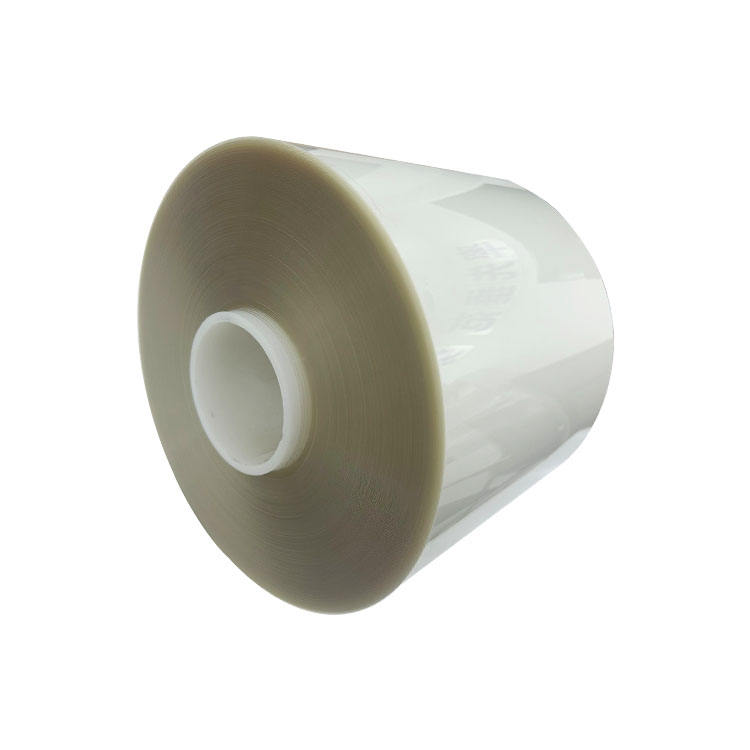
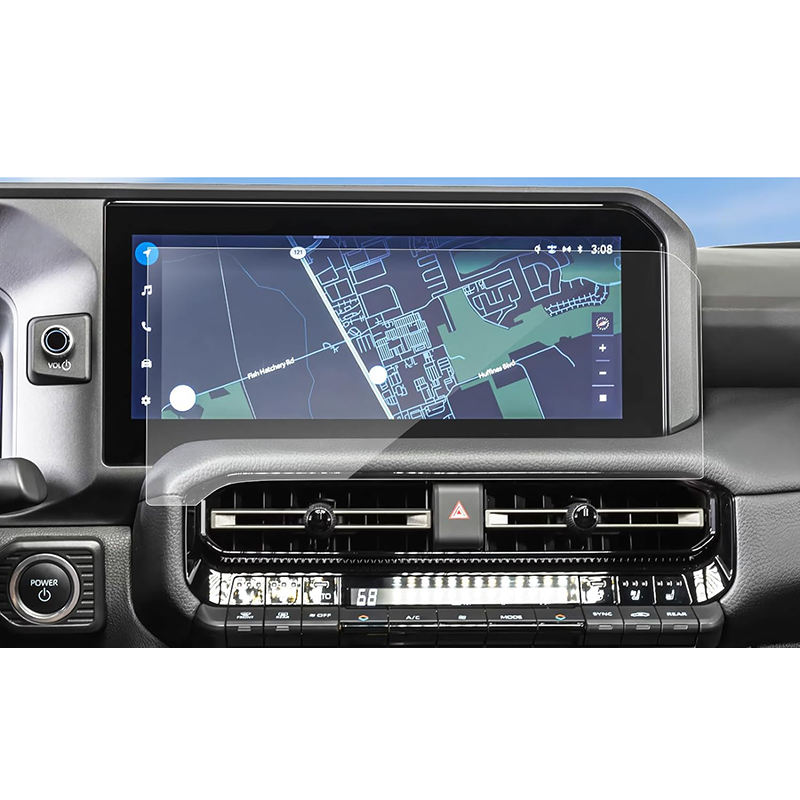
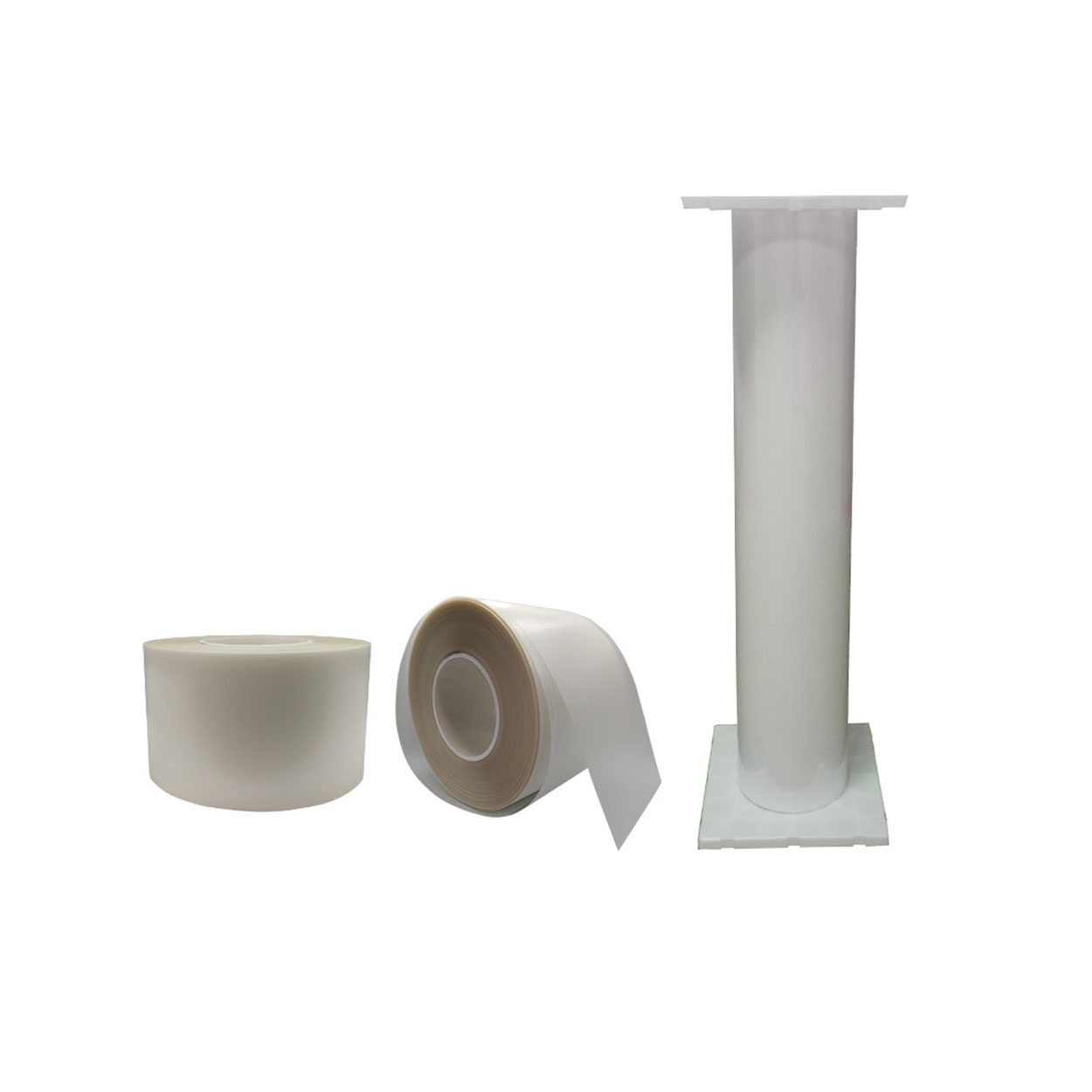
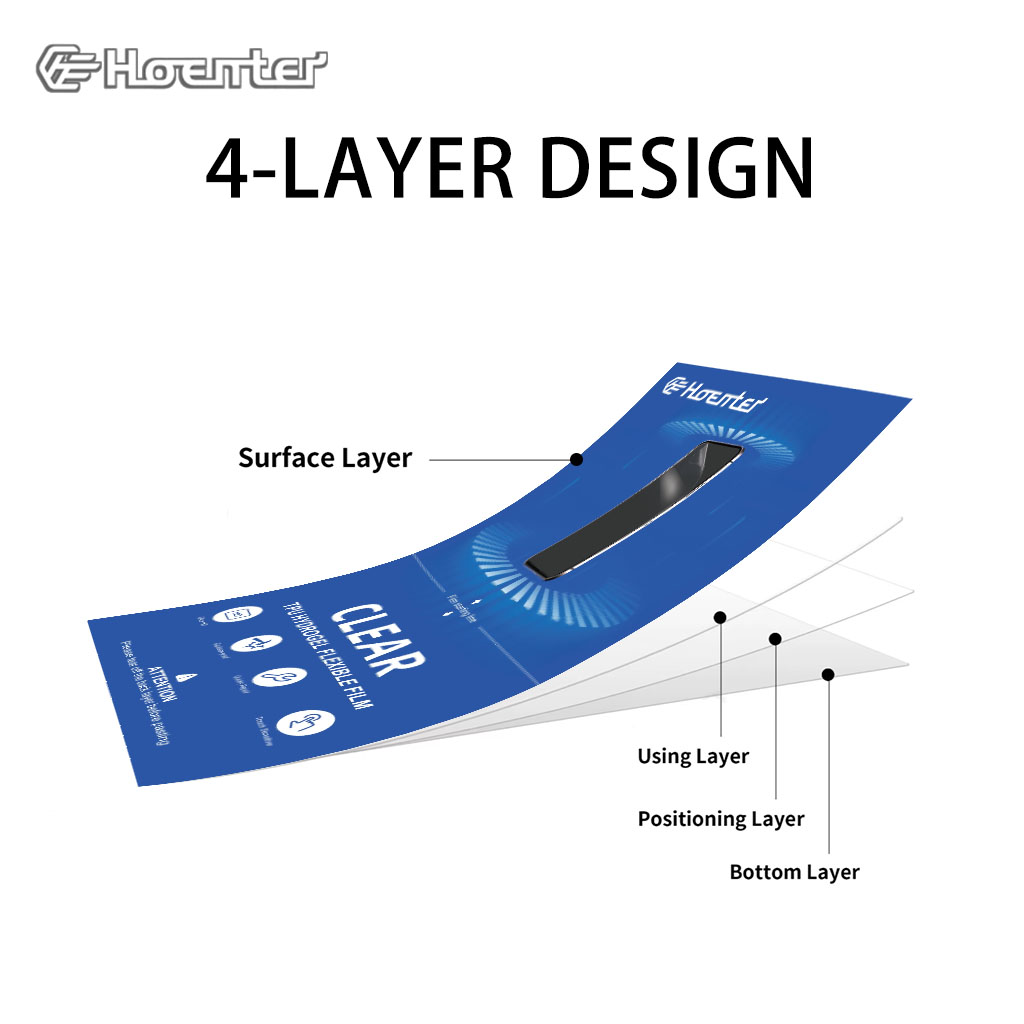
Matte Blue Light Blocking Film Protector
Get superior protection with our Matte Blue Light Blocking Film. Features a matte finish, anti-glare, and fingerprint resistance.
Can a Cracked Screen Protector Damage Your Phone?
By taking these steps, you can prevent long-term damage to your phone and ensure it remains in top condition.
How Long Does It Take to Repair a Phone Screen?
Address cracked screens quickly to prevent further damage.
¿Qué es un protector de pantalla de privacidad mate?
A matte privacy screen protector is an essential accessory for smartphone users seeking enhanced privacy and screen protection.
How to Get Out Air Bubbles in a Screen Protector?
By following these guidelines, you can ensure a smooth, bubble-free screen protector application, keeping your device safe and looking great.

Qué máquina de corte de película y su aplicación
Las cortadoras de película han desempeñado un papel crucial en la evolución del cine y de diversos procesos industriales al permitir el corte y empalme precisos de materiales de película.

¿Qué es una máquina cortadora de protectores de pantalla?
Una cortadora de protectores de pantalla es un dispositivo especializado diseñado para producir protectores de pantalla a medida para diversos dispositivos electrónicos, como smartphones, tabletas, smartwatches, portátiles y monitores.

Cómo funciona la máquina de corte de protector de pantalla de teléfono móvil?
Una máquina cortadora de protectores de pantalla para teléfonos móviles es un sofisticado dispositivo diseñado
fabricar protectores de pantalla personalizados para diversos dispositivos digitales con alta preci
y eficiencia.

Características del cristal templado para teléfonos móviles y del protector de pantalla de TPU para teléfonos móviles
Los protectores de pantalla de poliuretano termoplástico (TPU) son flexibles, duraderos y
películas plásticas autorreparadoras diseñadas para proteger las pantallas de los dispositivos electrónicos de
arañazos, golpes y otros posibles daños.

Revolucione la protección de sus dispositivos con la cortadora de protectores de pantalla
Tanto si tienes un smartphone, una tableta o un smartwatch, esta versátil máquina se adapta a una amplia gama de dispositivos. Se adapta perfectamente a las dimensiones de tu gadget, ofreciendo un ajuste personalizado que los protectores genéricos no pueden igualar.

Protector de pantalla Garantía de por vida
La garantía de por vida de un protector de pantalla es una garantía proporcionada por los fabricantes que
se compromete a reparar o sustituir un protector de pantalla durante toda la vida útil del producto, en condiciones específicas.
