
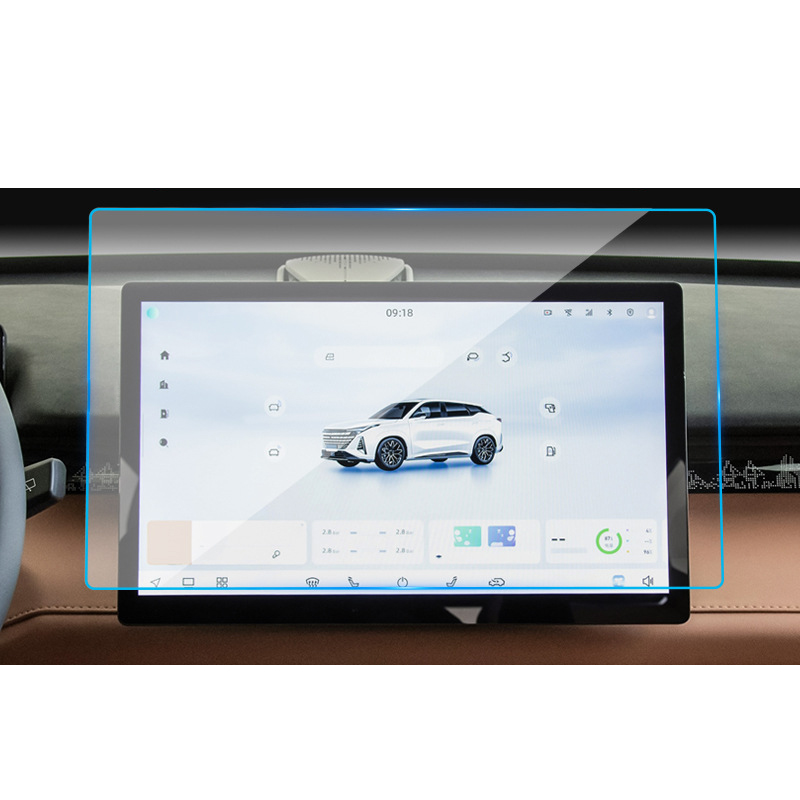
1. What Causes Air Bubbles in a Screen Protector?
Air bubbles can form under a screen protector for several reasons. Understanding these causes is the first step to preventing and fixing them.- Polvo o residuos en la pantalla: Even tiny particles can trap air and create bubbles.
- Improper application: Applying the screen protector too quickly or unevenly can lead to trapped air.
- Low-quality screen protectors: Cheaper protectors may not adhere properly, making bubbles more likely.
2. How to Prepare Your Phone Screen Before Applying a Screen Protector
Preparation is key to a bubble-free screen protector. Follow these steps to ensure your phone screen is ready:- Limpiar la pantalla: Use a microfiber cloth and a screen cleaning solution to remove fingerprints, dust, and oils.
- Trabajar en un entorno sin polvo: Apply the screen protector in a clean, well-lit area to minimize the risk of dust particles.
- Use the included tools: Most screen protectors come with cleaning wipes, dust stickers, and alignment tools. Use them to ensure a smooth application.
Pro Tip: Turn off your phone during the process to avoid accidental touches and to see dust particles more clearly.
3. Step-by-Step Guide to Remove Air Bubbles from a Screen Protector
If you’ve already applied your screen protector and noticed bubbles, don’t worry! Here’s how to fix it:- Identify the bubbles: Locate the air bubbles and assess their size.
- Push the bubbles out: Use your fingers or a plastic card to gently push the bubbles toward the edges of the screen.
- Reapply if necessary: If the bubbles are stubborn, you may need to remove and reapply the screen protector.
Note: Be patient and apply even pressure to avoid damaging the screen protector.
4. Using a Plastic Card to Smooth Out Bubbles
A plastic card, like a credit card or the one included with your screen protector, is a great tool for removing bubbles.- Wrap the card in a cloth: This prevents scratches on the screen protector.
- Apply gentle pressure: Start from the center of the screen and push the bubbles outward in straight lines.
- Work slowly: Rushing can cause new bubbles to form or damage the protector.
Quick Tip: If the bubbles are near the edges, lift the screen protector slightly and reapply it while smoothing out the bubbles.
5. Can a Hair Dryer Help Remove Bubbles?
Yes, a hair dryer can be a surprisingly effective tool for removing bubbles, especially with glass screen protectors.- Set the dryer to low heat: High heat can damage your phone or the screen protector.
- Warm the protector gently: Hold the dryer a few inches away and move it in circular motions.
- Smooth the bubbles: Use a plastic card to push the bubbles out while the adhesive is warm.
Warning: Be cautious not to overheat your phone, as this can cause permanent damage.
6. When Should You Remove and Reapply the Screen Protector?
Sometimes, removing and reapplying the screen protector is the best solution for stubborn bubbles.- When to remove: If the bubbles are large or caused by dust, it’s better to start over.
- How to remove: Use a piece of tape to lift the screen protector gently from one corner.
- Reapply carefully: Clean the screen again and follow the application steps to avoid new bubbles.
Pro Tip: Use dust removal stickers to pick up any particles before reapplying the protector.

7. How to Prevent Bubbles from Forming in the First Place
Prevention is always better than cure. Here’s how to avoid bubbles during application:- Align the protector perfectly: Use alignment tools or guides to position the protector correctly.
- Apply slowly: Peel off the backing gradually and press the protector down as you go.
- Eliminate dust: Use a dust sticker to pick up any particles before applying the protector.
Remember: A clean and steady application process is the key to a bubble-free screen protector.
8. Should You Get a New Screen Protector?
If your current screen protector is damaged or the bubbles won’t go away, it might be time for a replacement.- Signs you need a new protector:
- Cracks or scratches on the protector.
- Persistent bubbles that can’t be removed.
- Poor adhesion due to age or low quality.
9. Do Phone Cases Cause Screen Protector Bubbles?
Yes, phone cases can sometimes cause bubbles, especially if they press against the edges of the screen protector.- Choose a compatible case: Look for cases designed to work with screen protectors.
- Reapply the protector: If the case causes bubbles, remove the protector and reapply it after adjusting the case.
Tip: Check reviews for both the screen protector and the case to ensure compatibility.
10. Final Tips on How to Get a Perfectly Smooth Screen Protector
Here are some additional tips to help you achieve a flawless finish:- Use a squeegee tool: Many screen protectors come with a squeegee for smoothing out bubbles.
- Work in good lighting: Bright light helps you spot dust and bubbles more easily.
- Be patient: Rushing the process increases the risk of mistakes.
Quote: “A little patience and preparation go a long way in achieving a perfect screen protector application.”
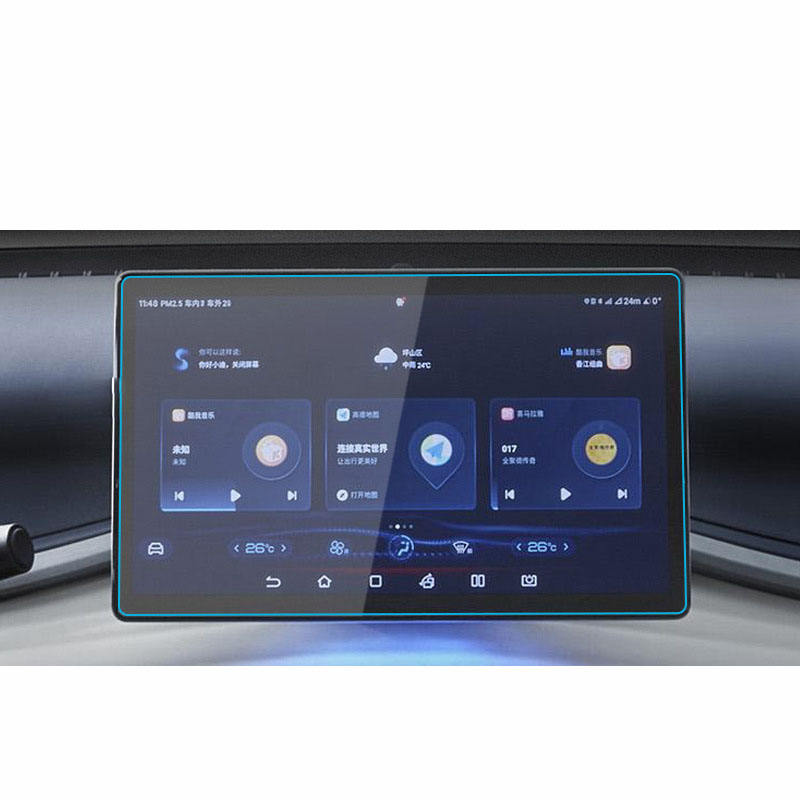
Formula leopard 5 Navigation Tempered Glass
Protect your Formula Leopard 5’s navigation screen with our premium tempered glass protector.
¿Qué es mejor: vidrio templado o protector de pantalla de hidrogel?
La elección entre protectores de pantalla de vidrio templado y de hidrogel depende de sus necesidades personales y su estilo de vida.
Ventajas de la película de hidrogel para proteger el teléfono móvil
La película de hidrogel se ha convertido en una opción notable y popular para la protección de pantallas de teléfonos móviles, ya que ofrece una combinación única de flexibilidad, durabilidad y propiedades avanzadas de autocuración.
El futuro de los protectores de pantalla de hidrogel: Innovaciones en tecnología de corte
El mercado de accesorios para móviles está en constante evolución, y una de las tendencias más significativas de los últimos años ha sido el auge de los protectores de pantalla de hidrogel.
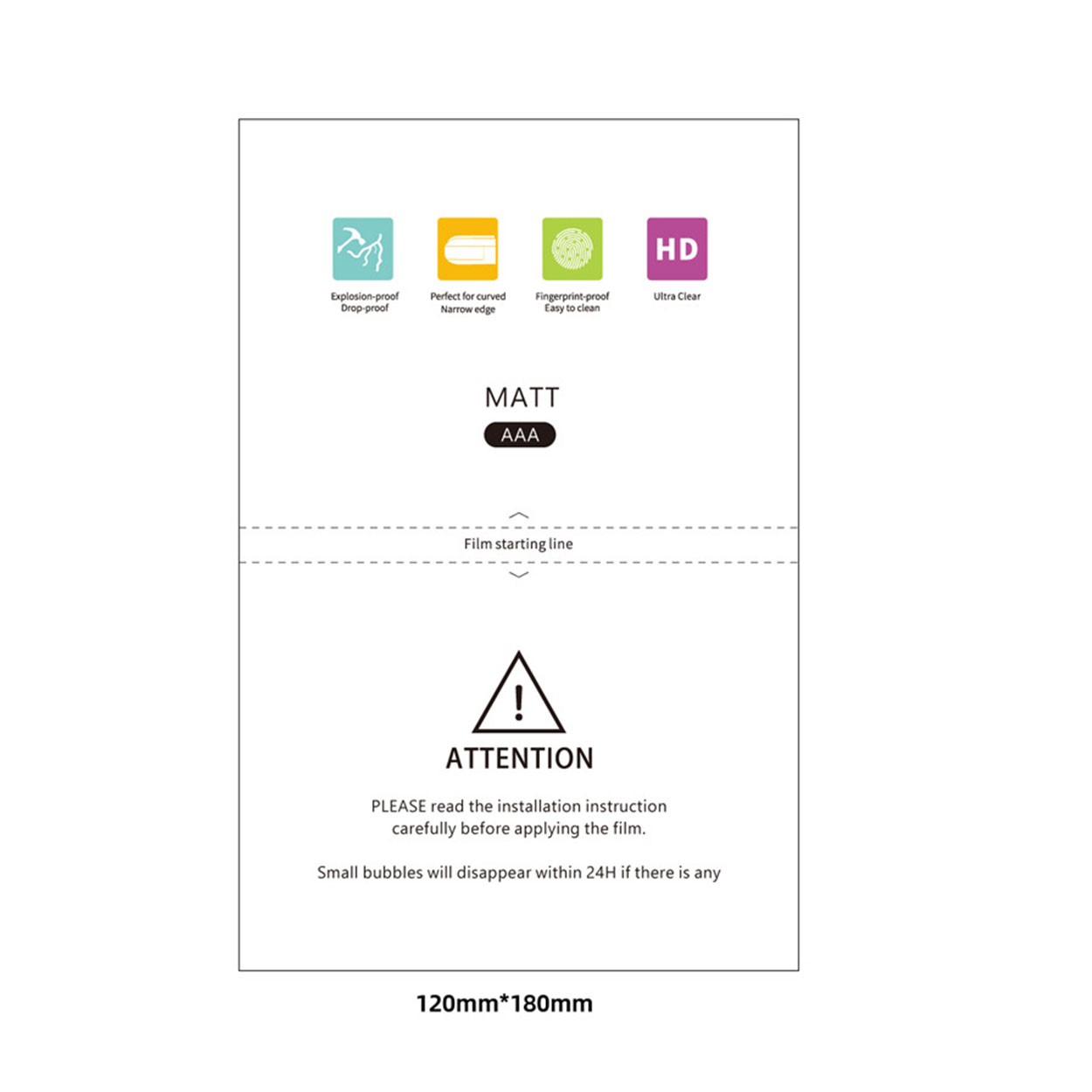
What Is a Matte Screen Protector?
If you’re serious about digital art, a matte screen protector is a small but impactful upgrade that can elevate your creative process.

Qué máquina de corte de película y su aplicación
Las cortadoras de película han desempeñado un papel crucial en la evolución del cine y de diversos procesos industriales al permitir el corte y empalme precisos de materiales de película.

¿Qué es una máquina cortadora de protectores de pantalla?
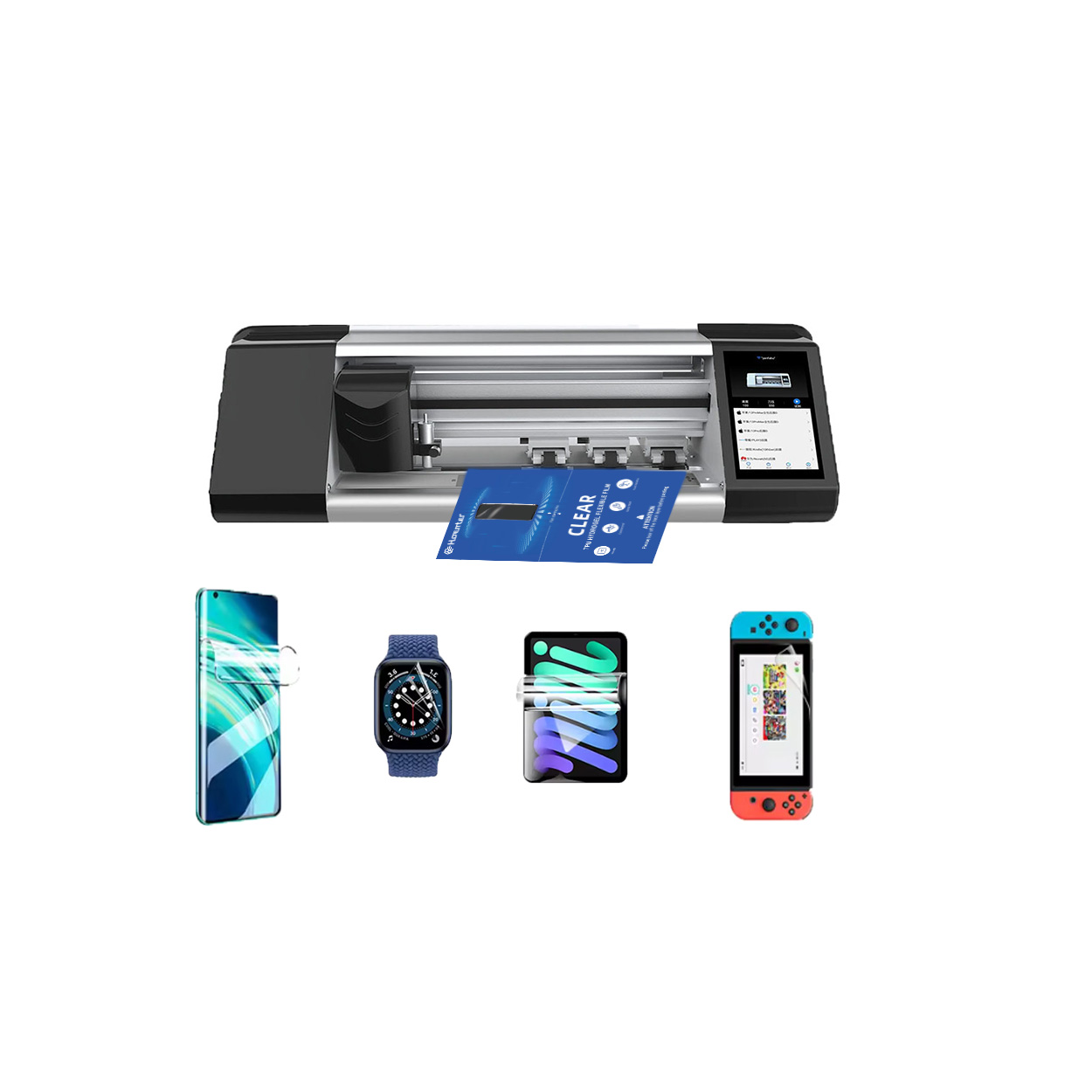
Una cortadora de protectores de pantalla es un dispositivo especializado diseñado para producir protectores de pantalla a medida para diversos dispositivos electrónicos, como smartphones, tabletas, smartwatches, portátiles y monitores.

Cómo funciona la máquina de corte de protector de pantalla de teléfono móvil?
Una máquina cortadora de protectores de pantalla para teléfonos móviles es un sofisticado dispositivo diseñado
fabricar protectores de pantalla personalizados para diversos dispositivos digitales con alta preci
y eficiencia.

Características del cristal templado para teléfonos móviles y del protector de pantalla de TPU para teléfonos móviles
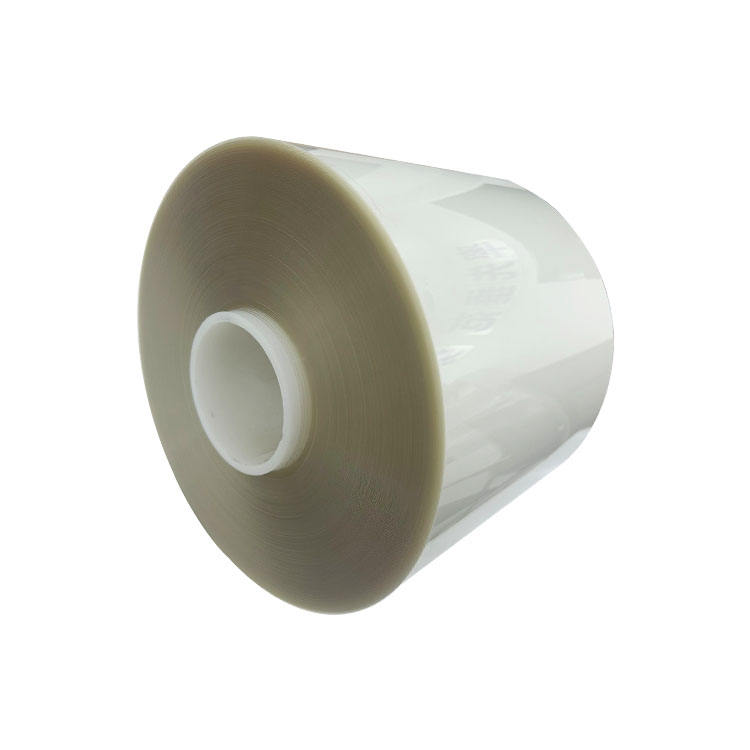
Los protectores de pantalla de poliuretano termoplástico (TPU) son flexibles, duraderos y
películas plásticas autorreparadoras diseñadas para proteger las pantallas de los dispositivos electrónicos de
arañazos, golpes y otros posibles daños.

Revolucione la protección de sus dispositivos con la cortadora de protectores de pantalla
Tanto si tienes un smartphone, una tableta o un smartwatch, esta versátil máquina se adapta a una amplia gama de dispositivos. Se adapta perfectamente a las dimensiones de tu gadget, ofreciendo un ajuste personalizado que los protectores genéricos no pueden igualar.

Protector de pantalla Garantía de por vida
La garantía de por vida de un protector de pantalla es una garantía proporcionada por los fabricantes que
se compromete a reparar o sustituir un protector de pantalla durante toda la vida útil del producto, en condiciones específicas.
