
1. What Causes Air Bubbles in a Screen Protector?
Air bubbles can form under a screen protector for several reasons. Understanding these causes is the first step to preventing and fixing them.- Habuk atau serpihan pada skrin: Even tiny particles can trap air and create bubbles.
- Improper application: Applying the screen protector too quickly or unevenly can lead to trapped air.
- Low-quality screen protectors: Cheaper protectors may not adhere properly, making bubbles more likely.
2. How to Prepare Your Phone Screen Before Applying a Screen Protector
Preparation is key to a bubble-free screen protector. Follow these steps to ensure your phone screen is ready:- Bersihkan skrin: Use a microfiber cloth and a screen cleaning solution to remove fingerprints, dust, and oils.
- Bekerja dalam persekitaran bebas habuk: Apply the screen protector in a clean, well-lit area to minimize the risk of dust particles.
- Use the included tools: Most screen protectors come with cleaning wipes, dust stickers, and alignment tools. Use them to ensure a smooth application.
Pro Tip: Turn off your phone during the process to avoid accidental touches and to see dust particles more clearly.
3. Step-by-Step Guide to Remove Air Bubbles from a Screen Protector
If you’ve already applied your screen protector and noticed bubbles, don’t worry! Here’s how to fix it:- Identify the bubbles: Locate the air bubbles and assess their size.
- Push the bubbles out: Use your fingers or a plastic card to gently push the bubbles toward the edges of the screen.
- Reapply if necessary: If the bubbles are stubborn, you may need to remove and reapply the screen protector.
Note: Be patient and apply even pressure to avoid damaging the screen protector.
4. Using a Plastic Card to Smooth Out Bubbles
A plastic card, like a credit card or the one included with your screen protector, is a great tool for removing bubbles.- Wrap the card in a cloth: This prevents scratches on the screen protector.
- Apply gentle pressure: Start from the center of the screen and push the bubbles outward in straight lines.
- Work slowly: Rushing can cause new bubbles to form or damage the protector.
Quick Tip: If the bubbles are near the edges, lift the screen protector slightly and reapply it while smoothing out the bubbles.
5. Can a Hair Dryer Help Remove Bubbles?
Yes, a hair dryer can be a surprisingly effective tool for removing bubbles, especially with glass screen protectors.- Set the dryer to low heat: High heat can damage your phone or the screen protector.
- Warm the protector gently: Hold the dryer a few inches away and move it in circular motions.
- Smooth the bubbles: Use a plastic card to push the bubbles out while the adhesive is warm.
Warning: Be cautious not to overheat your phone, as this can cause permanent damage.
6. When Should You Remove and Reapply the Screen Protector?
Sometimes, removing and reapplying the screen protector is the best solution for stubborn bubbles.- When to remove: If the bubbles are large or caused by dust, it’s better to start over.
- How to remove: Use a piece of tape to lift the screen protector gently from one corner.
- Reapply carefully: Clean the screen again and follow the application steps to avoid new bubbles.
Pro Tip: Use dust removal stickers to pick up any particles before reapplying the protector.

7. How to Prevent Bubbles from Forming in the First Place
Prevention is always better than cure. Here’s how to avoid bubbles during application:- Align the protector perfectly: Use alignment tools or guides to position the protector correctly.
- Apply slowly: Peel off the backing gradually and press the protector down as you go.
- Eliminate dust: Use a dust sticker to pick up any particles before applying the protector.
Remember: A clean and steady application process is the key to a bubble-free screen protector.
8. Should You Get a New Screen Protector?
If your current screen protector is damaged or the bubbles won’t go away, it might be time for a replacement.- Signs you need a new protector:
- Cracks or scratches on the protector.
- Persistent bubbles that can’t be removed.
- Poor adhesion due to age or low quality.
9. Do Phone Cases Cause Screen Protector Bubbles?
Yes, phone cases can sometimes cause bubbles, especially if they press against the edges of the screen protector.- Choose a compatible case: Look for cases designed to work with screen protectors.
- Reapply the protector: If the case causes bubbles, remove the protector and reapply it after adjusting the case.
Tip: Check reviews for both the screen protector and the case to ensure compatibility.
10. Final Tips on How to Get a Perfectly Smooth Screen Protector
Here are some additional tips to help you achieve a flawless finish:- Use a squeegee tool: Many screen protectors come with a squeegee for smoothing out bubbles.
- Work in good lighting: Bright light helps you spot dust and bubbles more easily.
- Be patient: Rushing the process increases the risk of mistakes.
Quote: “A little patience and preparation go a long way in achieving a perfect screen protector application.”
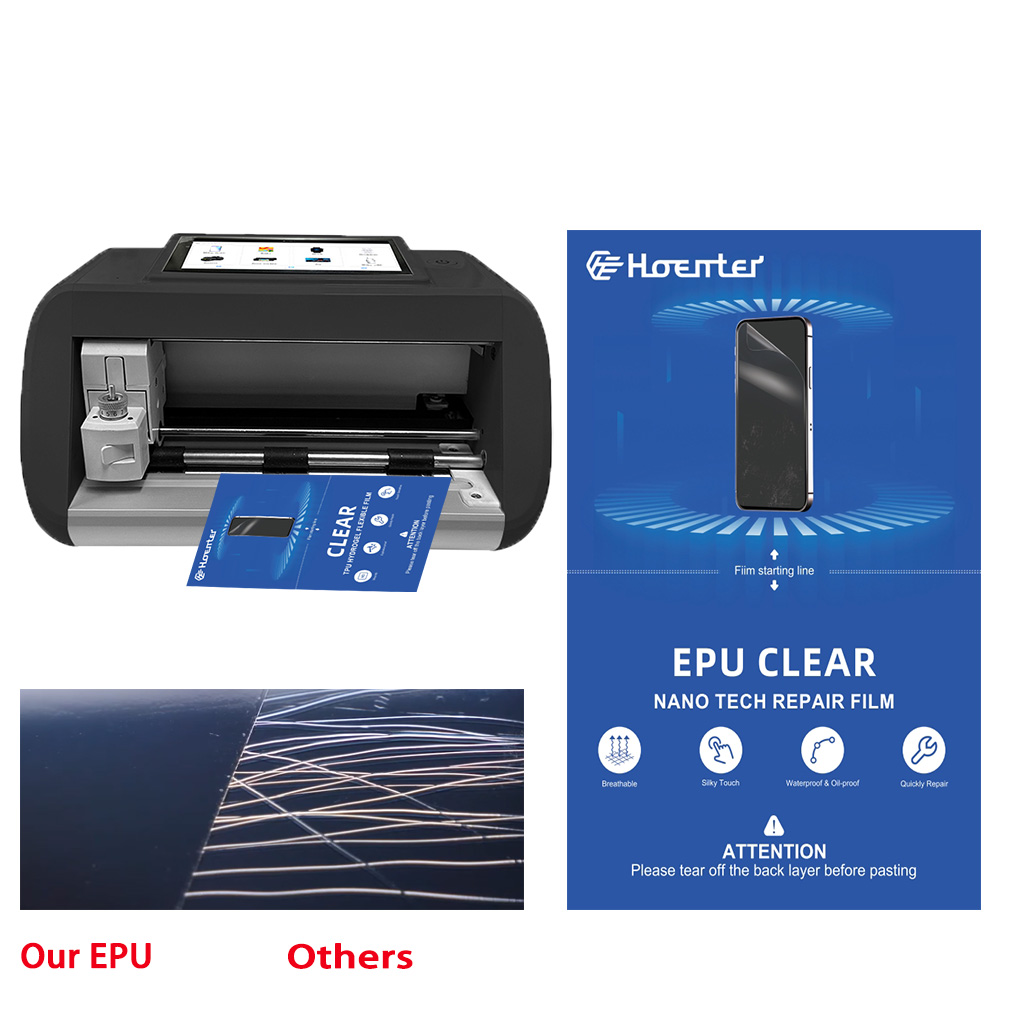
Wholesale Self Screen Protector Flexible
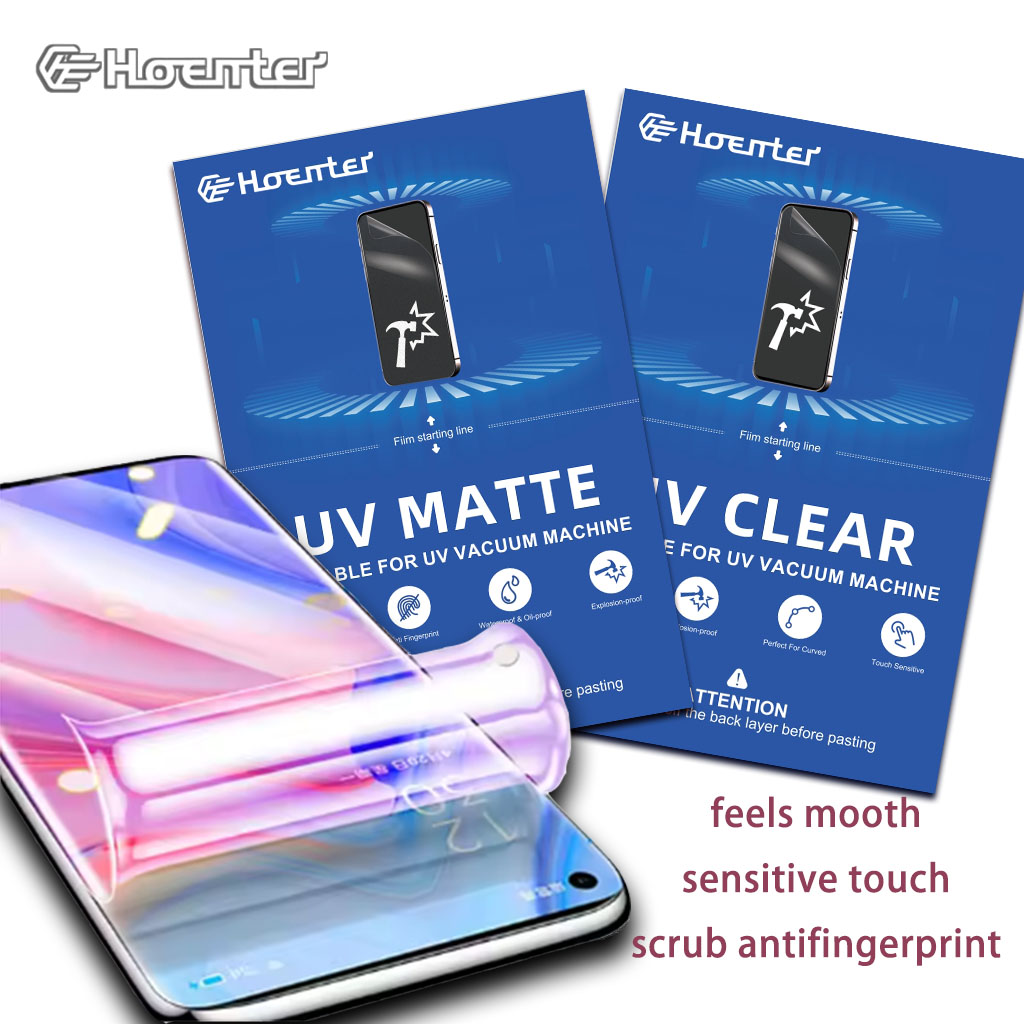
Offer your customers the best in flexible protection. Our Wholesale Self Healing Screen Protectors are easy to install and provide a seamless fit.
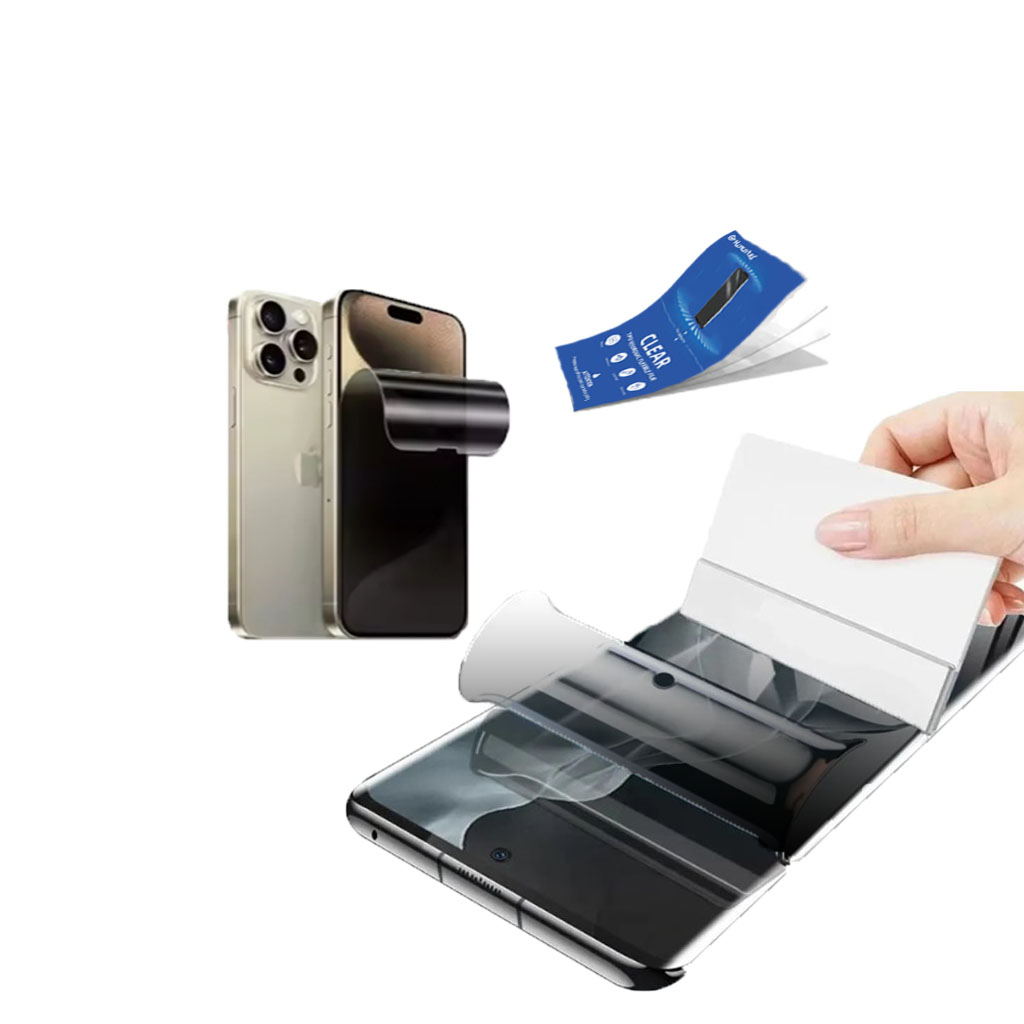
Pelindung Skrin Privasi Filem Hydrogel
Pelindung skrin menawarkan privasi sebenar 30° dengan penyulitan louver lanjutan, memastikan penggunaan selamat di ruang awam sambil mengekalkan pandangan hadapan yang jelas untuk pengguna. Diperbuat daripada TPU gred optik, ia mengekalkan kualiti paparan tulen dan menyokong buka kunci peranti yang lancar, serasi dengan kedua-dua skrin melengkung dan rata 3D. Menggunakan teknologi etsa AG, ia menghilangkan garisan pepenjuru dan hantu, mengurangkan ketegangan mata. Pelindung mudah digunakan dan ditanggalkan, tidak meninggalkan residu.
How to Remove Invisible Shield Screen Protector?
By following this guide, you can confidently remove and replace your ZAGG InvisibleShield screen protector, ensuring your device stays protected and functional.
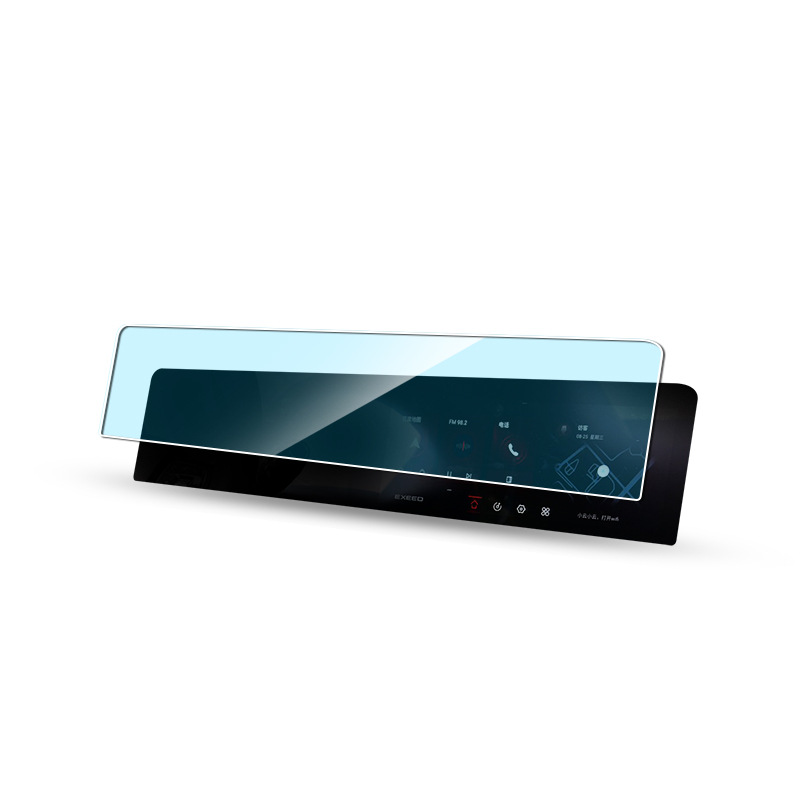
Hongqi HS9 2023 Navigation Tempered Glass
Protect your investment with a high-quality Hongqi HS9 2023 Screen Protector. Prevent scratches and damage to your new HS9’s navigation display.
how-to-clean-sticky-side-of-screen-protector
By following these steps, you can save money, reduce waste, and keep your device protected with a clean and properly applied screen protector.

Apakah Mesin Pemotong Filem dan Aplikasinya
Mesin pemotong filem telah memainkan peranan penting dalam evolusi pembikinan filem dan pelbagai proses perindustrian dengan membolehkan pemotongan dan penyambungan bahan filem yang tepat.

Apakah Mesin Pemotong Pelindung Skrin?
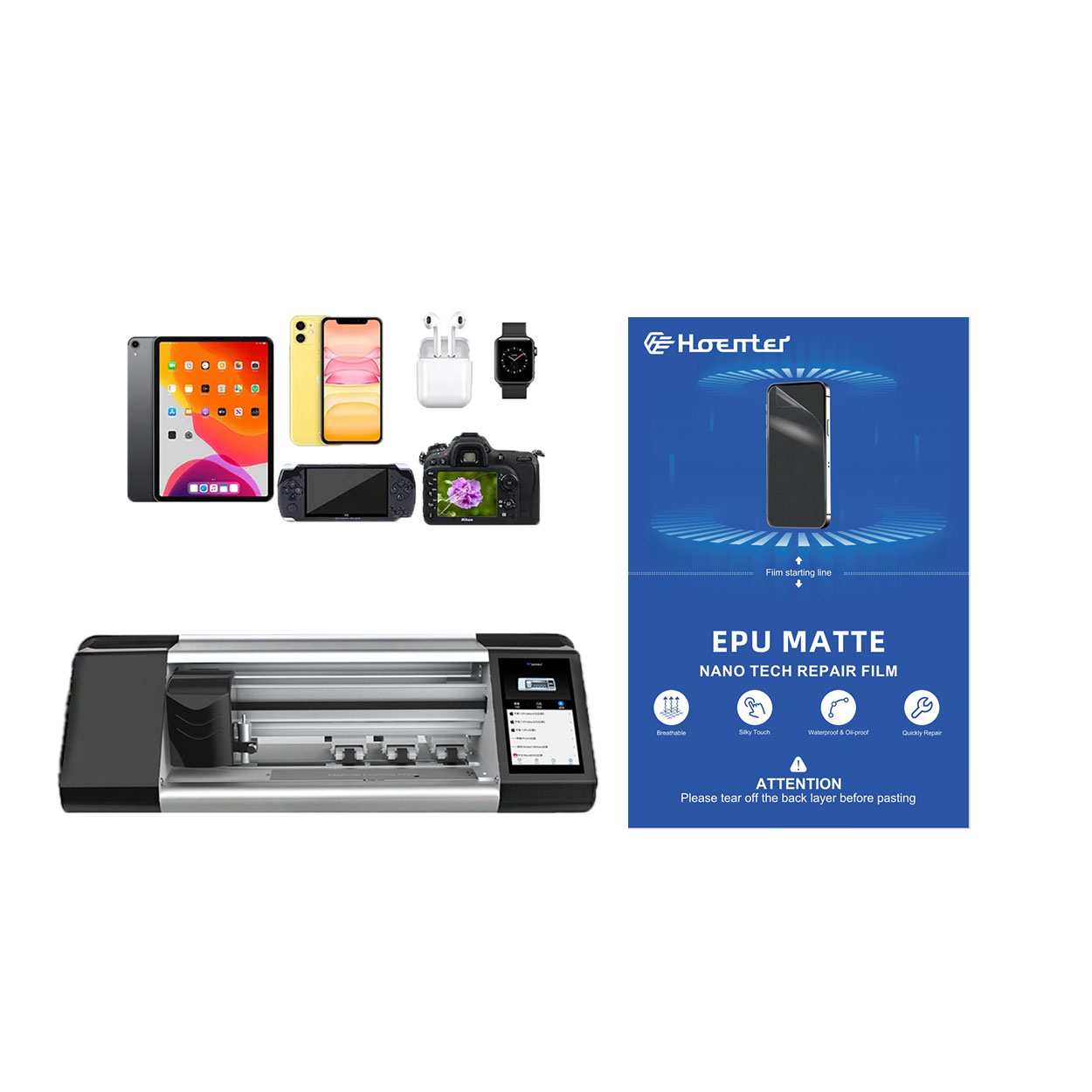
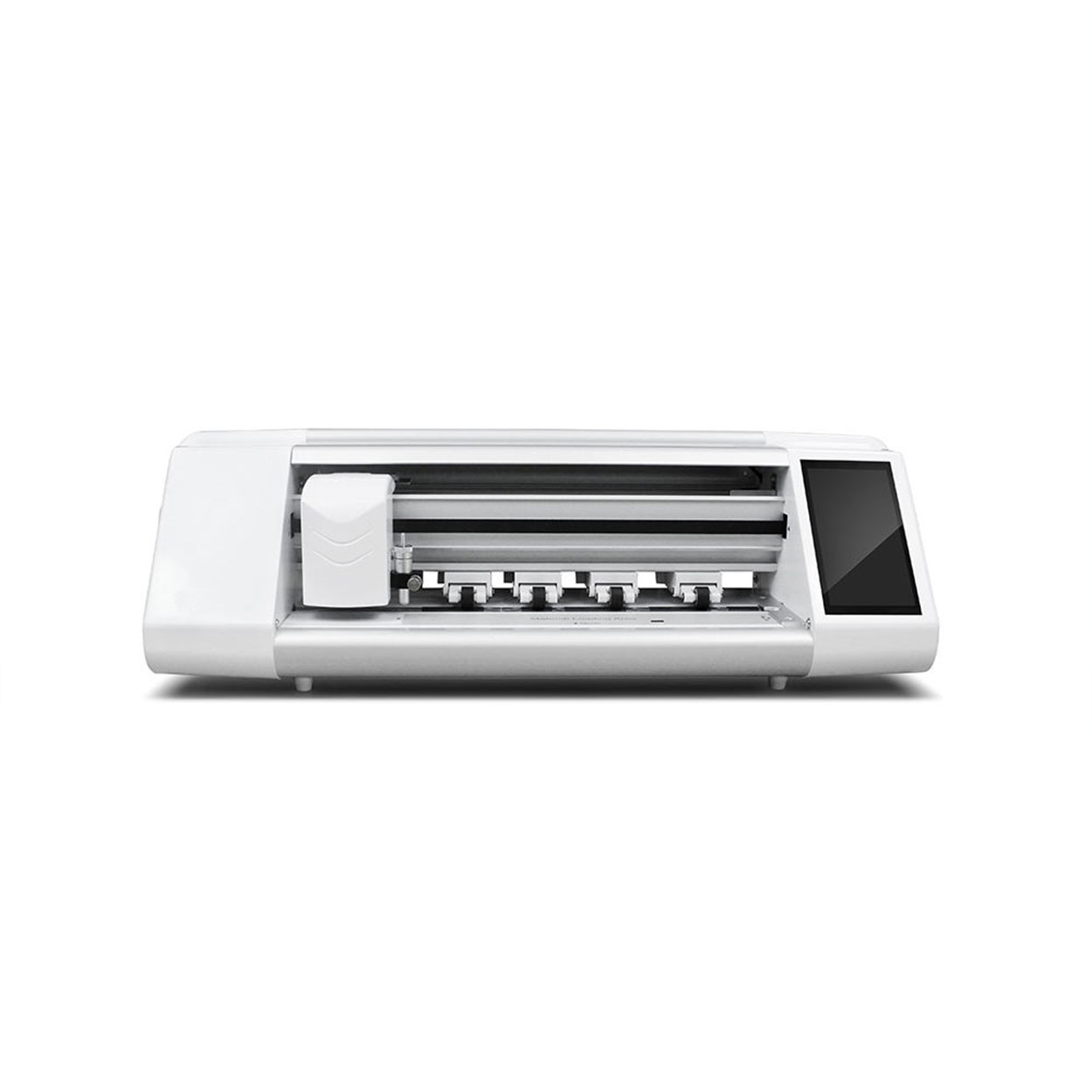
Mesin pemotong pelindung skrin ialah peranti khusus yang direka untuk menghasilkan pelindung skrin muat tersuai untuk pelbagai peranti elektronik, termasuk telefon pintar, tablet, jam tangan pintar, komputer riba dan monitor.

Bagaimana Mesin Pemotong Pelindung Skrin Telefon Mudah Alih Berfungsi?
Mesin pemotong pelindung skrin telefon bimbit ialah peranti canggih yang direka bentuk
untuk menghasilkan pelindung skrin tersuai untuk pelbagai peranti digital dengan ketepatan tinggi
sion dan kecekapan.

Ciri-ciri Kaca Tempered Telefon Mudah Alih dan Pelindung Skrin TPU Telefon Mudah Alih
Pelindung skrin poliuretana termoplastik (TPU) adalah fleksibel, tahan lama dan
filem plastik penyembuhan sendiri yang direka untuk melindungi skrin peranti elektronik daripada
calar, hentaman dan kemungkinan kerosakan lain.

Revolusikan Perlindungan Peranti dengan Mesin Pemotong Pengawal Skrin
Sama ada anda memiliki telefon pintar, tablet atau jam tangan pintar, mesin serba boleh ini memuatkan pelbagai jenis peranti. Ia menyesuaikan dengan lancar pada dimensi alat anda, menawarkan kesesuaian tersuai yang tidak dapat dipadankan oleh pelindung generik.

Waranti Sepanjang Hayat Pelindung Skrin
Waranti seumur hidup pelindung skrin ialah jaminan yang diberikan oleh pengeluar yang
berjanji untuk membaiki atau menggantikan pelindung skrin sepanjang hayat produk, di bawah terma dan syarat tertentu.
