
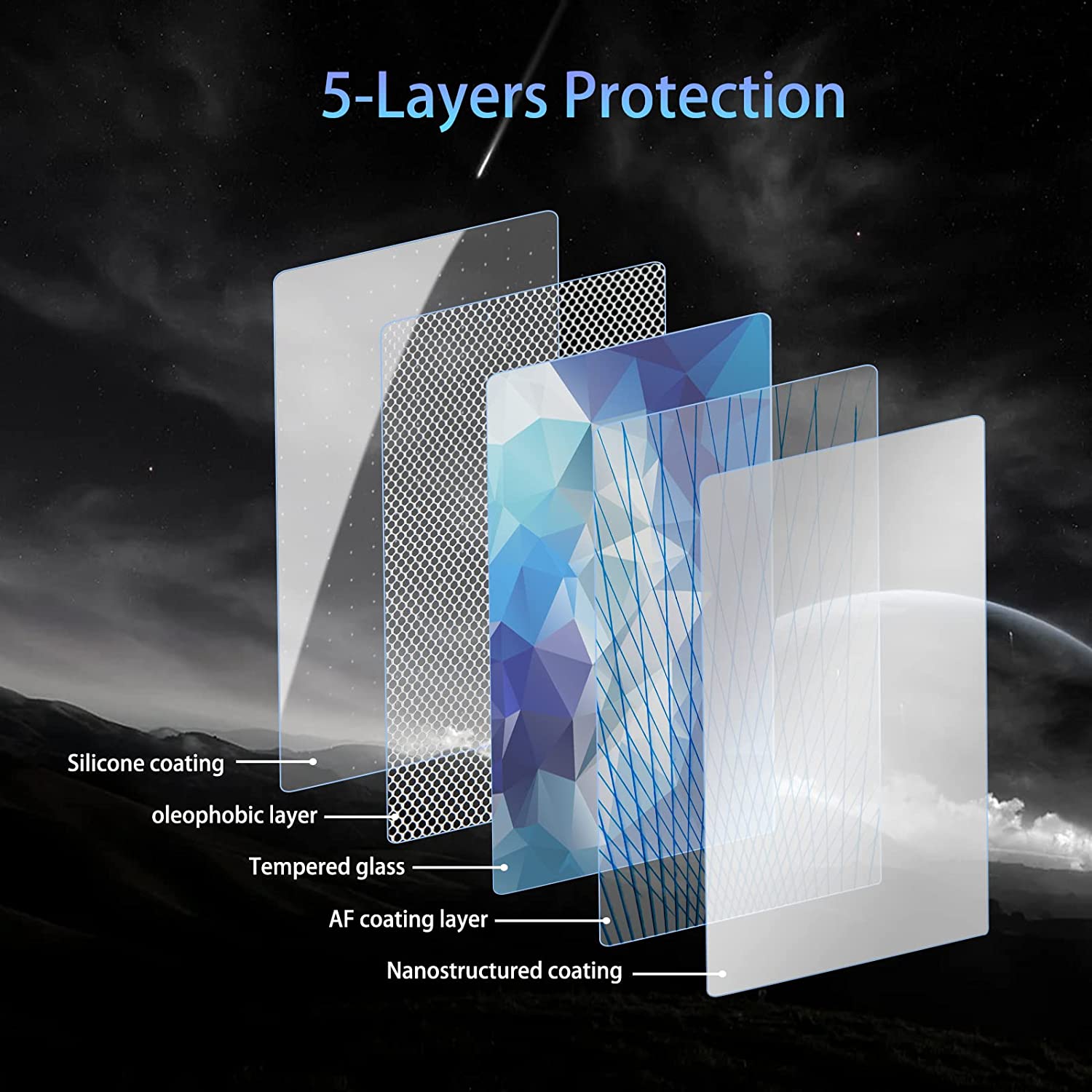
1. What Causes Air Bubbles in a Screen Protector?
Air bubbles can form under a screen protector for several reasons. Understanding these causes is the first step to preventing and fixing them.- Støv eller snavs på skærmen: Even tiny particles can trap air and create bubbles.
- Improper application: Applying the screen protector too quickly or unevenly can lead to trapped air.
- Low-quality screen protectors: Cheaper protectors may not adhere properly, making bubbles more likely.
2. How to Prepare Your Phone Screen Before Applying a Screen Protector
Preparation is key to a bubble-free screen protector. Follow these steps to ensure your phone screen is ready:- Rengør skærmen: Use a microfiber cloth and a screen cleaning solution to remove fingerprints, dust, and oils.
- Arbejd i et støvfrit miljø: Apply the screen protector in a clean, well-lit area to minimize the risk of dust particles.
- Use the included tools: Most screen protectors come with cleaning wipes, dust stickers, and alignment tools. Use them to ensure a smooth application.
Pro tip: Turn off your phone during the process to avoid accidental touches and to see dust particles more clearly.
3. Step-by-Step Guide to Remove Air Bubbles from a Screen Protector
If you’ve already applied your screen protector and noticed bubbles, don’t worry! Here’s how to fix it:- Identify the bubbles: Locate the air bubbles and assess their size.
- Push the bubbles out: Use your fingers or a plastic card to gently push the bubbles toward the edges of the screen.
- Reapply if necessary: If the bubbles are stubborn, you may need to remove and reapply the screen protector.
Note: Be patient and apply even pressure to avoid damaging the screen protector.
4. Using a Plastic Card to Smooth Out Bubbles
A plastic card, like a credit card or the one included with your screen protector, is a great tool for removing bubbles.- Wrap the card in a cloth: This prevents scratches on the screen protector.
- Apply gentle pressure: Start from the center of the screen and push the bubbles outward in straight lines.
- Work slowly: Rushing can cause new bubbles to form or damage the protector.
Quick Tip: If the bubbles are near the edges, lift the screen protector slightly and reapply it while smoothing out the bubbles.

5. Can a Hair Dryer Help Remove Bubbles?
Yes, a hair dryer can be a surprisingly effective tool for removing bubbles, especially with glass screen protectors.- Set the dryer to low heat: High heat can damage your phone or the screen protector.
- Warm the protector gently: Hold the dryer a few inches away and move it in circular motions.
- Smooth the bubbles: Use a plastic card to push the bubbles out while the adhesive is warm.
Advarsel: Be cautious not to overheat your phone, as this can cause permanent damage.
6. When Should You Remove and Reapply the Screen Protector?
Sometimes, removing and reapplying the screen protector is the best solution for stubborn bubbles.- When to remove: If the bubbles are large or caused by dust, it’s better to start over.
- How to remove: Use a piece of tape to lift the screen protector gently from one corner.
- Reapply carefully: Clean the screen again and follow the application steps to avoid new bubbles.
Pro tip: Use dust removal stickers to pick up any particles before reapplying the protector.

7. How to Prevent Bubbles from Forming in the First Place
Prevention is always better than cure. Here’s how to avoid bubbles during application:- Align the protector perfectly: Use alignment tools or guides to position the protector correctly.
- Apply slowly: Peel off the backing gradually and press the protector down as you go.
- Eliminate dust: Use a dust sticker to pick up any particles before applying the protector.
Huske: A clean and steady application process is the key to a bubble-free screen protector.
8. Should You Get a New Screen Protector?
If your current screen protector is damaged or the bubbles won’t go away, it might be time for a replacement.- Signs you need a new protector:
- Cracks or scratches on the protector.
- Persistent bubbles that can’t be removed.
- Poor adhesion due to age or low quality.
9. Do Phone Cases Cause Screen Protector Bubbles?
Yes, phone cases can sometimes cause bubbles, especially if they press against the edges of the screen protector.- Choose a compatible case: Look for cases designed to work with screen protectors.
- Reapply the protector: If the case causes bubbles, remove the protector and reapply it after adjusting the case.
Tip: Check reviews for both the screen protector and the case to ensure compatibility.
10. Final Tips on How to Get a Perfectly Smooth Screen Protector
Here are some additional tips to help you achieve a flawless finish:- Use a squeegee tool: Many screen protectors come with a squeegee for smoothing out bubbles.
- Work in good lighting: Bright light helps you spot dust and bubbles more easily.
- Be patient: Rushing the process increases the risk of mistakes.
Quote: “A little patience and preparation go a long way in achieving a perfect screen protector application.”
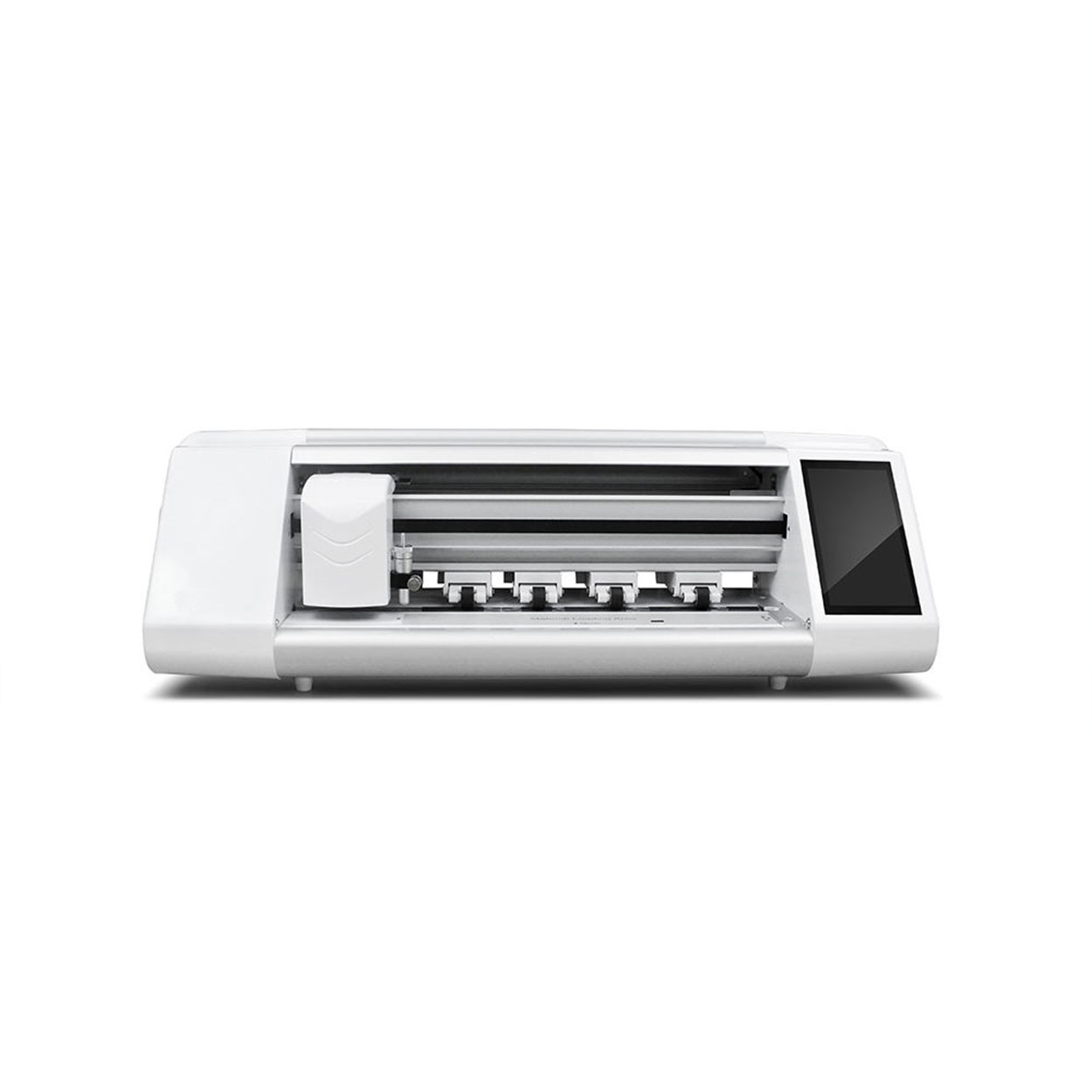
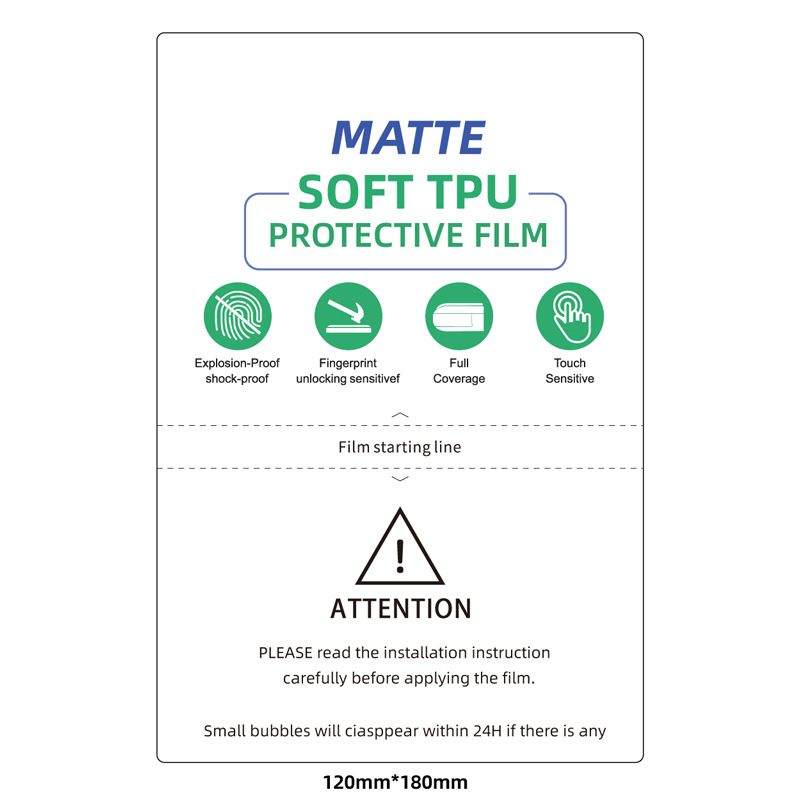
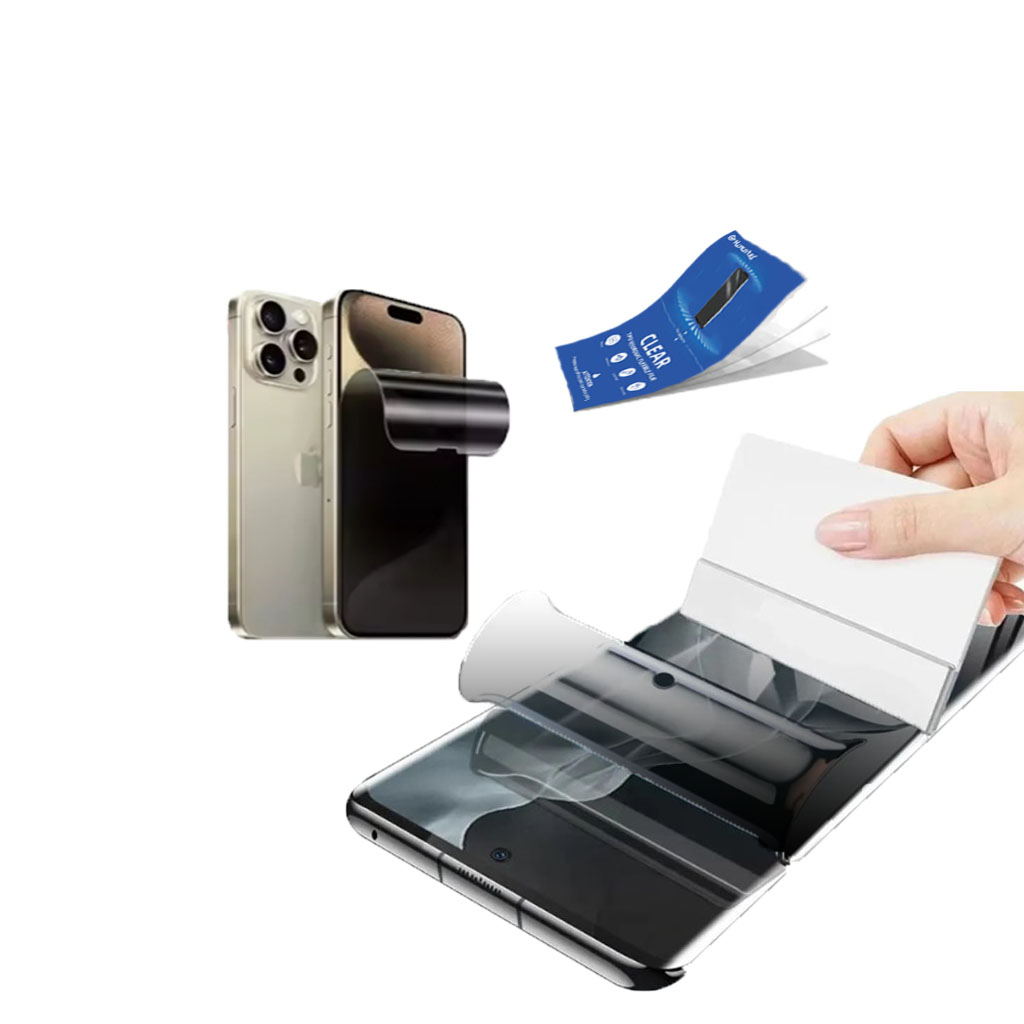
Privacy Screen Protector Film Roll For Hydrogel Film Cutter
TPU privacy protection screen saver roll is made of military-grade thermoplastic polyurethane material, and is a full-scenario protection solution specially designed for smart terminal manufacturers and ODM/OEM suppliers. This product has passed ISO 9001 quality management system certification and is compatible with multiple electronic terminals such as smartphones, tablet devices, and laptop display modules, achieving a dual improvement in protection performance and commercial value.
Geely Xingyue GPS Dashboard Tempered Film
High-quality Geely Xingyue Dashboard Film at a great price. Designed specifically for the Xingyue, providing excellent scratch resistance and clarity.
Hvor meget koster en telefonreparation?
understanding phone repair costs and options is essential for making informed decisions about your device’s care.
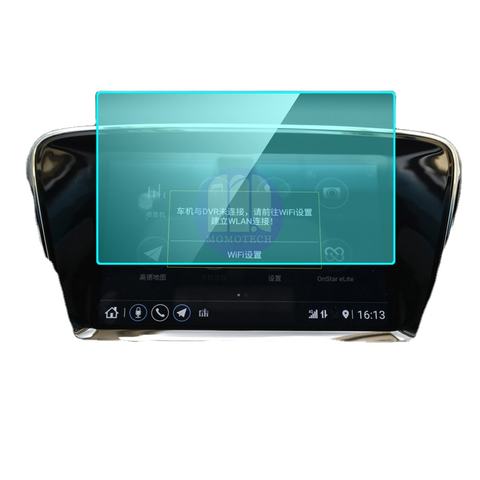
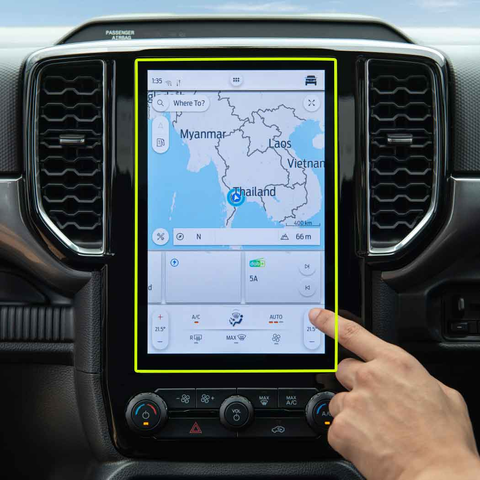
Toyota Hilux Navigation GPS Tempered Glass
Our Hilux Navigation Screen Protector offers superior protection for your GPS display.
How to Put on Screen Protector?
By following these steps, you can confidently apply a screen protector to your smartphone, ensuring it remains protected and looking great.

Hvilken filmskæremaskine og dens anvendelse
Filmskæremaskiner har spillet en afgørende rolle i udviklingen af filmproduktion og forskellige industrielle processer ved at muliggøre præcis skæring og splejsning af filmmaterialer.

Hvad er en skæremaskine til skærmbeskyttelse?
En skæremaskine til skærmbeskyttelse er en specialiseret enhed, der er designet til at producere skræddersyede skærmbeskyttere til forskellige elektroniske enheder, herunder smartphones, tablets, smartwatches, bærbare computere og skærme.

Hvordan skæremaskine til skærmbeskyttelse af mobiltelefoner fungerer?
En maskine til at skære skærmbeskyttelse til mobiltelefoner er en sofistikeret enhed designet
at producere skræddersyede skærmbeskyttere til forskellige digitale enheder med høj præci
sion og effektivitet.

Karakteristika for hærdet glas til mobiltelefoner og TPU-skærmbeskyttelse til mobiltelefoner
Skærmbeskyttere af termoplastisk polyuretan (TPU) er fleksible, holdbare og
selvhelende plastfilm designet til at beskytte elektroniske enheders skærme mod
ridser, slag og andre potentielle skader.

Revolutioner beskyttelsen af enheder med en skæremaskine
Uanset om du har en smartphone, en tablet eller et smartwatch, kan denne alsidige maskine rumme en lang række enheder. Den tilpasser sig problemfrit til dimensionerne på din gadget og giver en tilpasset pasform, som generiske beskyttere ikke kan matche.

Livstidsgaranti på skærmbeskyttelse
En livstidsgaranti på skærmbeskyttelse er en garanti fra producenterne, der
lover at reparere eller udskifte en skærmbeskytter i hele produktets levetid på særlige vilkår.
