
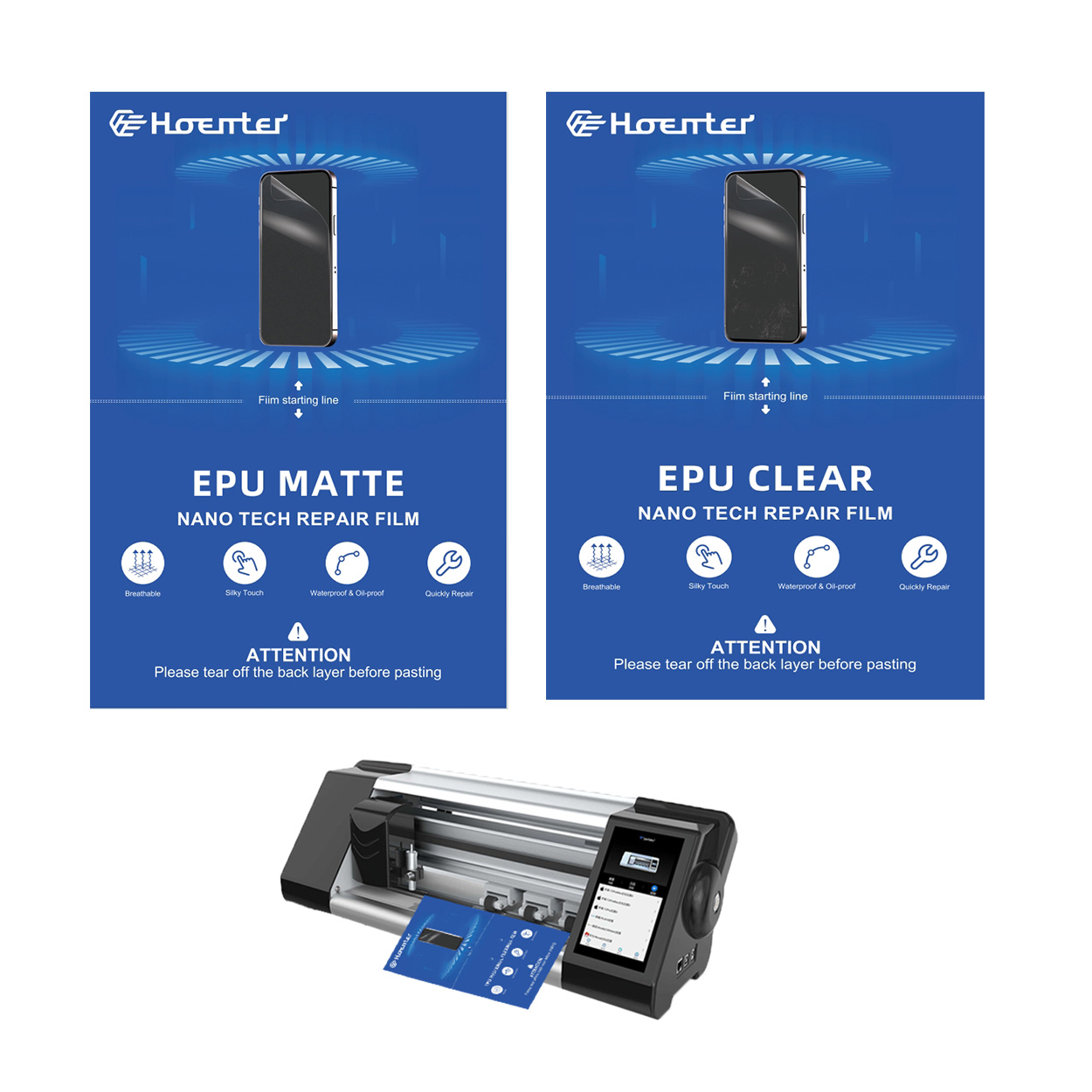
¿Qué es un protector de pantalla de vidrio?
A glass screen protector is a thin layer of tempered glass designed to protect your device’s screen from scratches, cracks, and other damage. These protectors are popular because they offer superior protection compared to plastic alternatives. They maintain the clarity and touch sensitivity of your device screen, making them a preferred choice for many smartphone users.Tempered glass screen protectors are made through a process of extreme heating and rapid cooling, which makes them much stronger than regular glass. This strength is why they are effective at absorbing impacts that might otherwise damage your device screen.
Why Remove a Screen Protector?
There are several reasons you might need to remove a screen protector. Over time, even the best screen protectors can become scratched or cracked, reducing their effectiveness and the clarity of your screen. Additionally, if you notice bubbles or dust trapped under the protector, it might be time for a replacement.Removing a screen protector is also necessary if you’re upgrading to a new model or if you want to switch to a different type of protector. Whatever the reason, knowing how to remove a screen protector properly is essential to avoid damaging your device.
Tools You Need to Remove a Screen Protector
Before you begin the removal process, gather the necessary tools. You’ll need a thin, flat object like a credit card or a guitar pick to gently lift the edges of the protector. A microfiber cloth is also essential for cleaning the screen after removal.For stubborn protectors, a hairdryer can be used to slightly warm the edges, making the adhesive easier to lift. However, be cautious not to overheat your device. Having these tools ready will make the process smoother and safer.
How to Remove a Tempered Glass Screen Protector Safely
To remove a tempered glass screen protector, start by turning off your device to prevent any accidental inputs. Use your fingernail or a thin object to gently lift one corner of the protector. Once you have a corner lifted, slowly peel the protector away from the screen.If the protector resists, apply gentle heat with a hairdryer to soften the adhesive. Be patient and avoid using excessive force, as this can damage your device screen. Once removed, clean the screen with a microfiber cloth to remove any residue.
What to Do if the Screen Protector is Cracked
Removing a cracked screen protector requires extra care to avoid injury or further damage to your device. Start by placing a piece of tape over the cracked area to prevent shards from falling off. Then, follow the same removal steps as above, being extra cautious around the cracked sections.If the protector breaks during removal, use the tape to pick up any remaining pieces. Always handle cracked glass with care to avoid cuts or scratches.

How to Clean Your Device Screen After Removal
After removing the screen protector, it’s important to clean your device screen thoroughly. Use a microfiber cloth to wipe away any dust or adhesive residue. For stubborn spots, a small amount of screen cleaner can be applied to the cloth.Avoid using paper towels or abrasive materials, as these can scratch the screen. A clean screen ensures that your new protector will adhere properly and look its best.
Choosing a New Screen Protector
When selecting a new screen protector, consider the level of protection you need. Tempered glass protectors offer excellent durability and clarity, while plastic options are more affordable and easier to replace.Look for protectors with features like anti-glare or privacy filters if these are important to you. Reading reviews and checking compatibility with your device model can also help you make the best choice.
How to Apply a New Screen Protector
Applying a new screen protector can be tricky, but with patience, you can achieve a bubble-free finish. Start by cleaning your device screen thoroughly. Align the protector with your screen, ensuring all cutouts match.Slowly lower the protector onto the screen, pressing from the center outwards to remove air bubbles. Use a credit card wrapped in a microfiber cloth to smooth out any remaining bubbles.
Common Mistakes to Avoid When Removing a Screen Protector
One common mistake is using too much force, which can damage your device screen. Always be gentle and patient during the removal process. Another mistake is not cleaning the screen properly before applying a new protector, which can lead to bubbles and poor adhesion.Avoid using sharp objects that can scratch the screen or damage the device. Following these tips will help you avoid common pitfalls and ensure a successful removal and replacement.
FAQs About Screen Protector Removal
Q: Can I reuse a screen protector after removing it?
A: Generally, screen protectors are not reusable once removed, as the adhesive loses its effectiveness.
P: ¿Con qué frecuencia debo reemplazar mi protector de pantalla?
A: Replace your screen protector when it becomes scratched, cracked, or if it no longer adheres properly to the screen.
Q: Is it safe to use a hairdryer to remove a screen protector?
A: Yes, but use it on a low setting and keep it moving to avoid overheating your device.
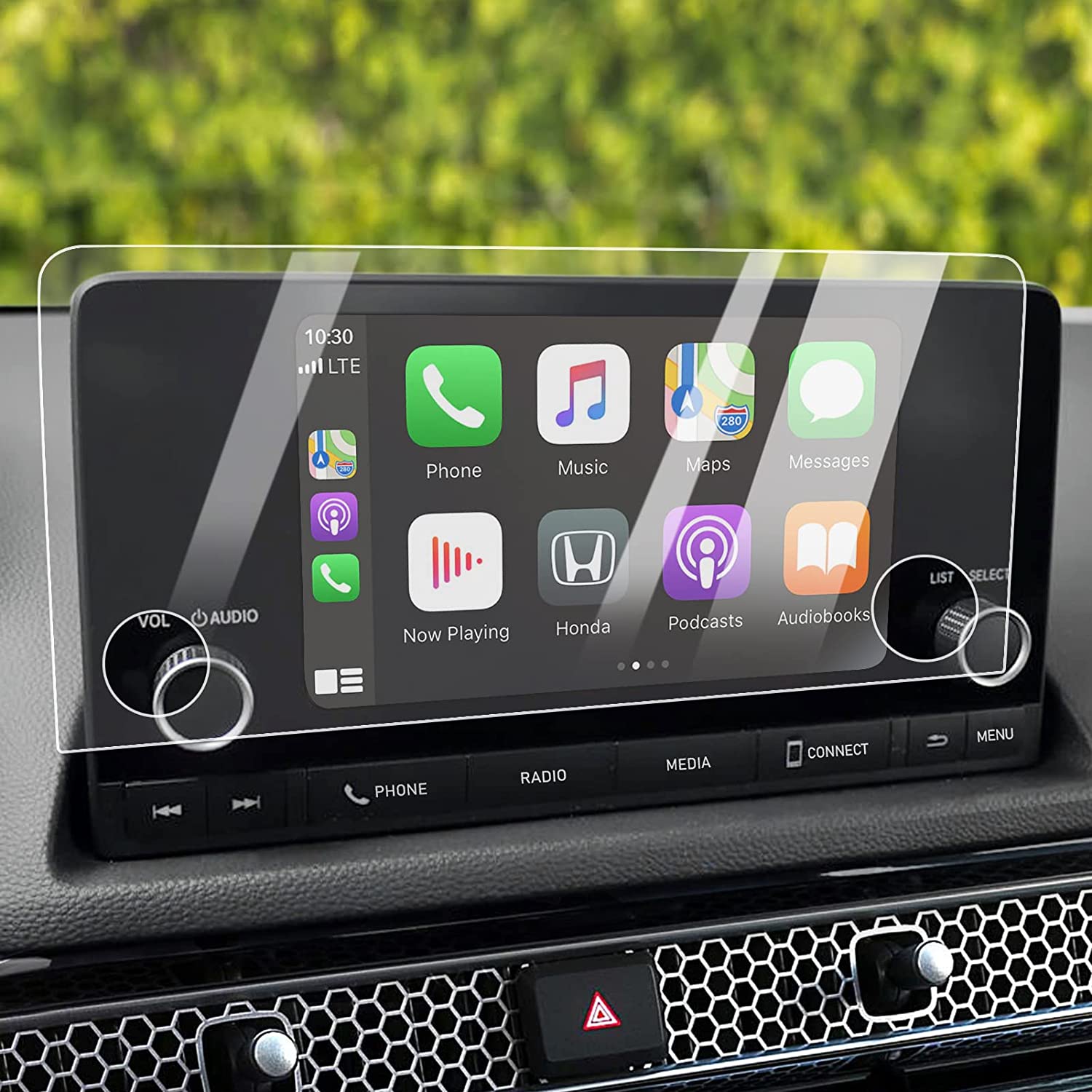
Máquina protectora de pantalla
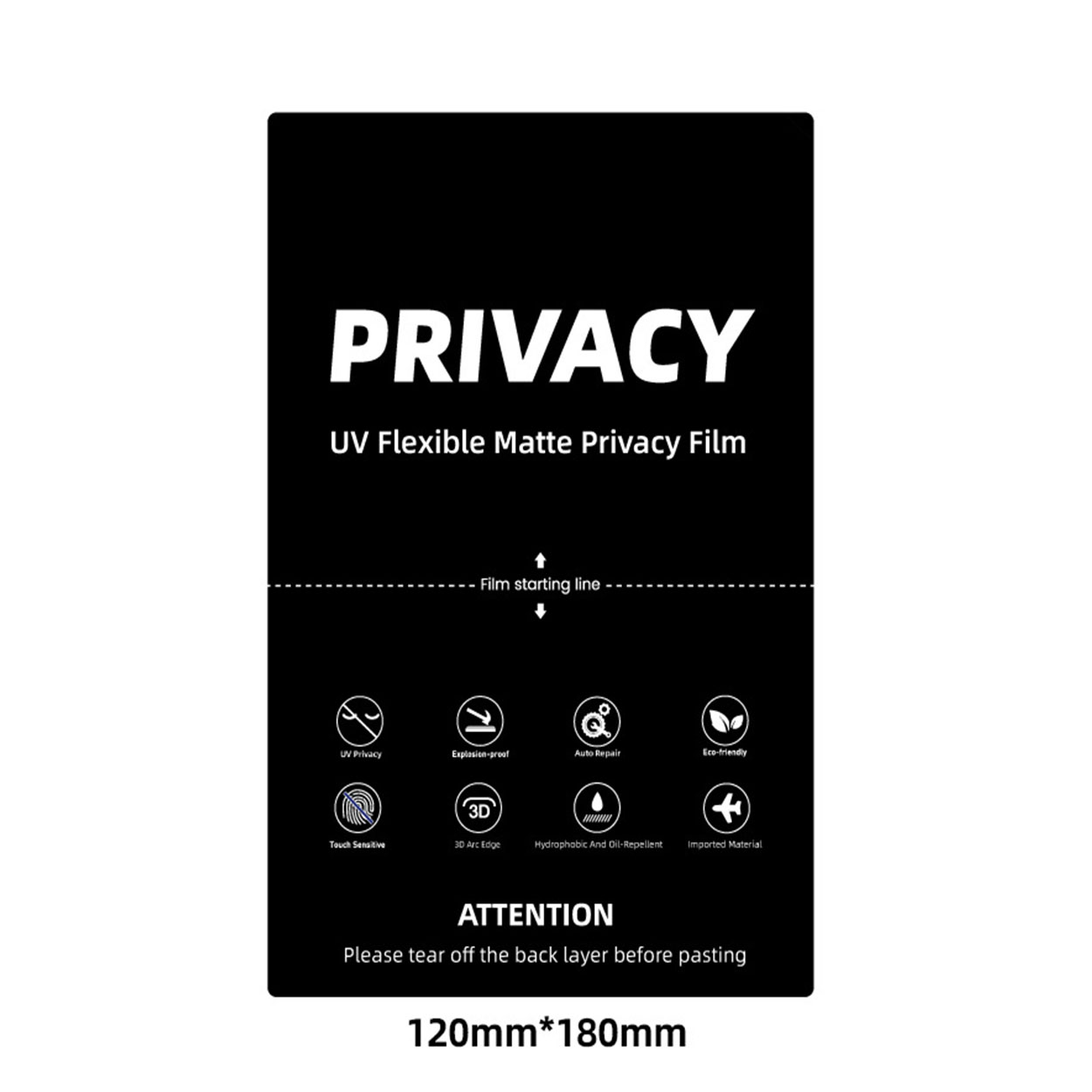
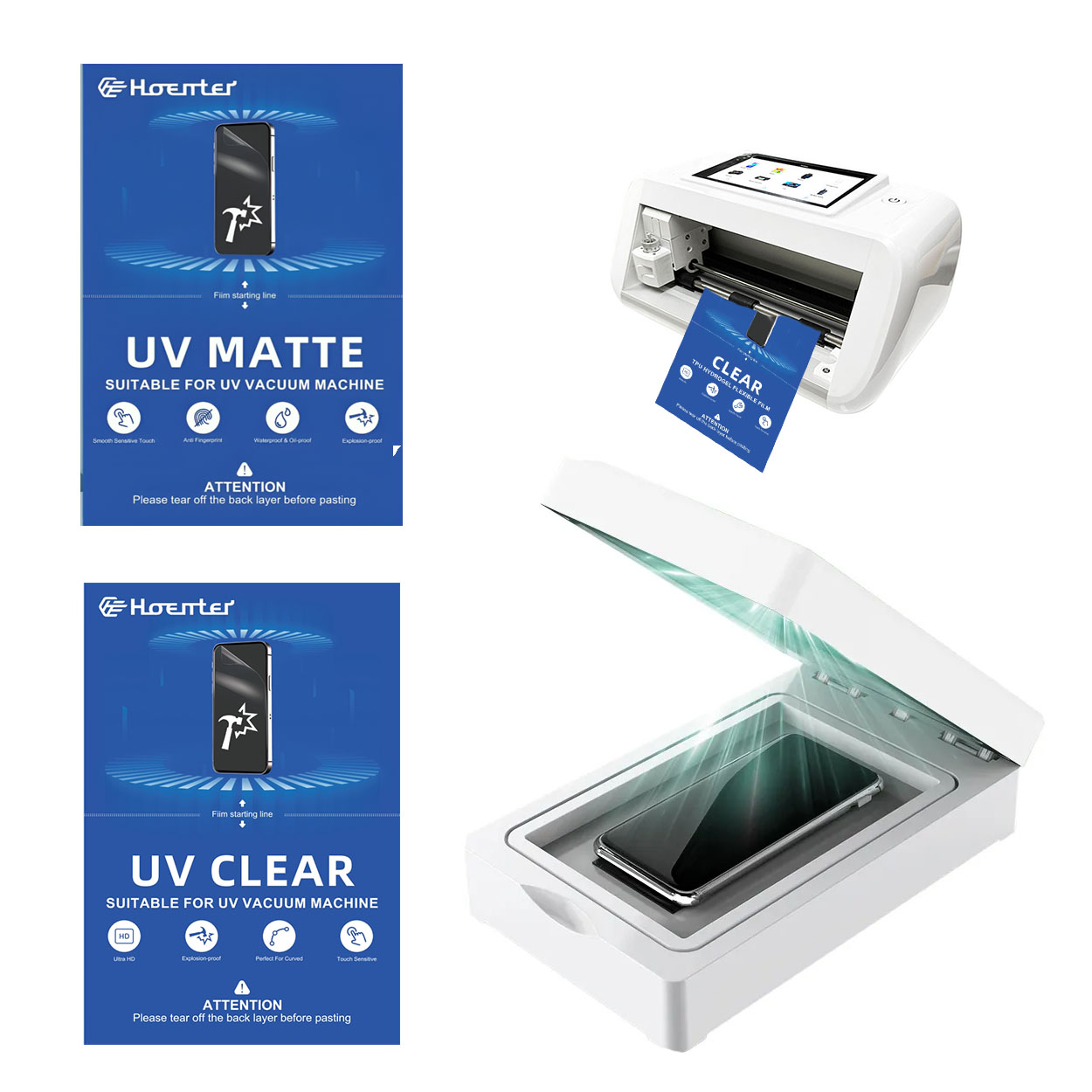
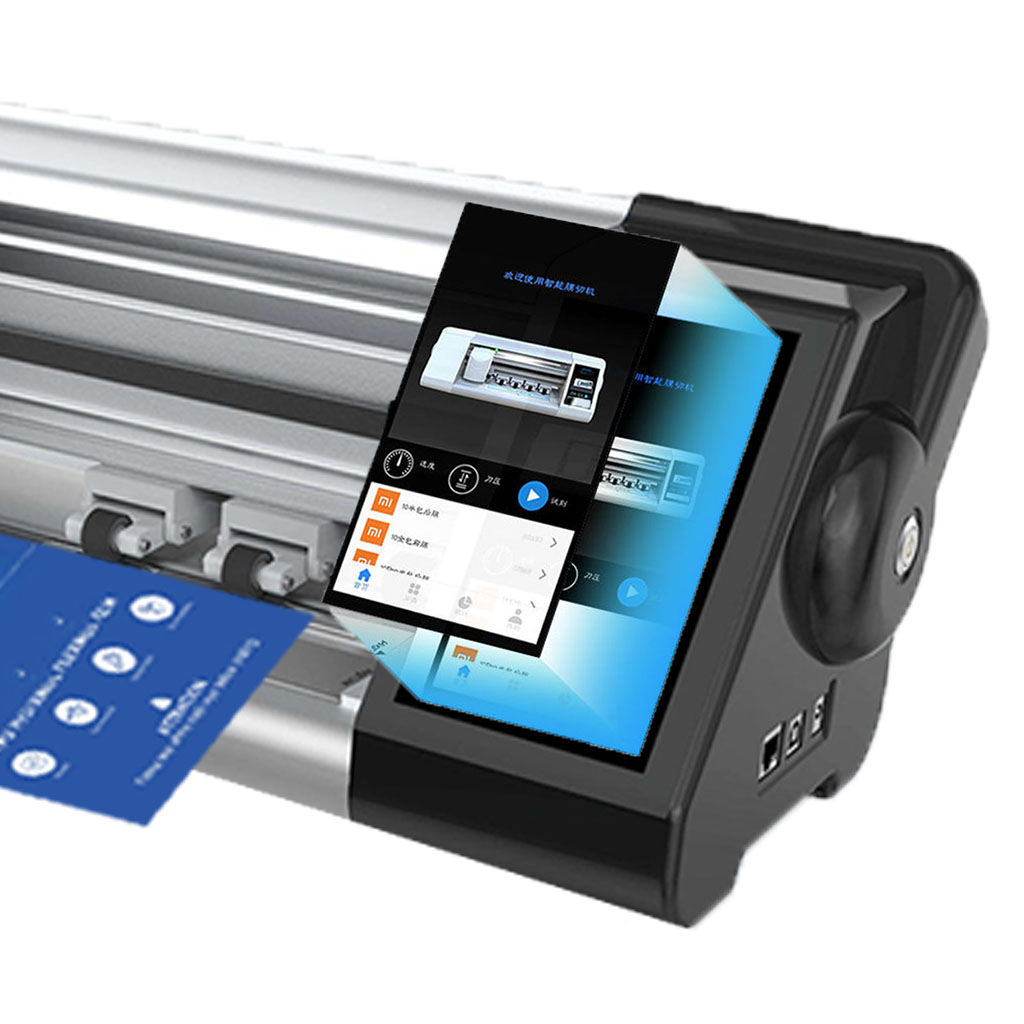
La máquina protector de pantalla ofrece un corte de precisión para protectores de pantalla personalizables, con una amplia biblioteca de plantillas para necesidades minoristas y mayoristas.
Dónde reparar mi teléfono
Con esta guía, estará preparado para tomar decisiones informadas sobre las reparaciones de su teléfono, garantizando que su dispositivo siga siendo un compañero confiable en su vida diaria.

¿Cómo quitar el protector de pantalla del iPhone?
Siguiendo estos pasos, puedes quitar y reemplazar de forma segura el protector de pantalla de tu iPhone, garantizando que tu dispositivo permanezca en óptimas condiciones.
Protector de pantalla EPU mate antihuellas Película de hidrogel
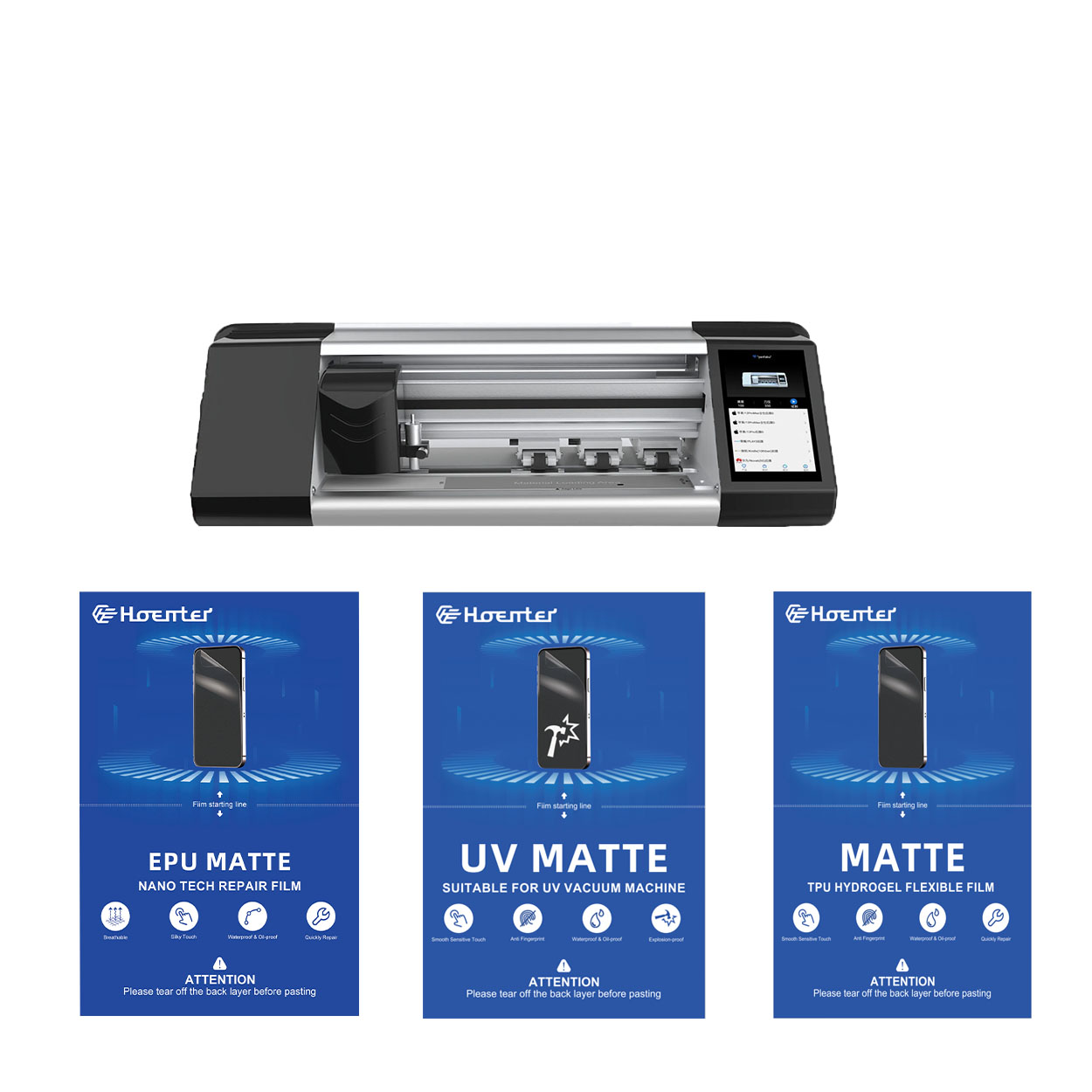
El protector de pantalla de película de hidrogel EPU ofrece una protección versátil y de alto rendimiento para una amplia gama de dispositivos, incluidos smartphones, tabletas y smartwatches. Su compatibilidad universal con las máquinas de corte de películas para teléfonos lo convierte en la opción ideal para varios modelos, ya que garantiza una aplicación perfecta y una cobertura total de los bordes. Con funciones avanzadas como antihuellas dactilares, resistencia al agua y tecnología de autorreparación, este protector de pantalla no sólo mantiene una pantalla impecable, sino que también proporciona una protección duradera contra arañazos, reflejos y el desgaste diario. Tanto para uso personal como profesional, esta película de hidrogel ofrece un rendimiento fiable y una claridad de pantalla duradera.
Cómo quitar las burbujas del protector de pantalla: Trucos y consejos de expertos
¿Te frustran esas molestas burbujas de aire que arruinan el aspecto de tu protector de pantalla recién aplicado? No es el único. Muchos usuarios de smartphones se enfrentan a este problema tan común, pero no temas. Esta completa guía te guiará a través de varios métodos para eliminar eficazmente las burbujas de tu protector de pantalla, ya sea de película o de cristal. Abarcaremos todos los aspectos, desde la prevención hasta la solución de problemas, para que consigas un acabado impecable y sin burbujas que mejore tanto el aspecto como la protección de tu dispositivo.

Qué máquina de corte de película y su aplicación
Las cortadoras de película han desempeñado un papel crucial en la evolución del cine y de diversos procesos industriales al permitir el corte y empalme precisos de materiales de película.

¿Qué es una máquina cortadora de protectores de pantalla?
Una cortadora de protectores de pantalla es un dispositivo especializado diseñado para producir protectores de pantalla a medida para diversos dispositivos electrónicos, como smartphones, tabletas, smartwatches, portátiles y monitores.

Cómo funciona la máquina de corte de protector de pantalla de teléfono móvil?
Una máquina cortadora de protectores de pantalla para teléfonos móviles es un sofisticado dispositivo diseñado
fabricar protectores de pantalla personalizados para diversos dispositivos digitales con alta preci
y eficiencia.

Características del cristal templado para teléfonos móviles y del protector de pantalla de TPU para teléfonos móviles
Los protectores de pantalla de poliuretano termoplástico (TPU) son flexibles, duraderos y
películas plásticas autorreparadoras diseñadas para proteger las pantallas de los dispositivos electrónicos de
arañazos, golpes y otros posibles daños.

Revolucione la protección de sus dispositivos con la cortadora de protectores de pantalla
Tanto si tienes un smartphone, una tableta o un smartwatch, esta versátil máquina se adapta a una amplia gama de dispositivos. Se adapta perfectamente a las dimensiones de tu gadget, ofreciendo un ajuste personalizado que los protectores genéricos no pueden igualar.

Protector de pantalla Garantía de por vida
La garantía de por vida de un protector de pantalla es una garantía proporcionada por los fabricantes que
se compromete a reparar o sustituir un protector de pantalla durante toda la vida útil del producto, en condiciones específicas.
