
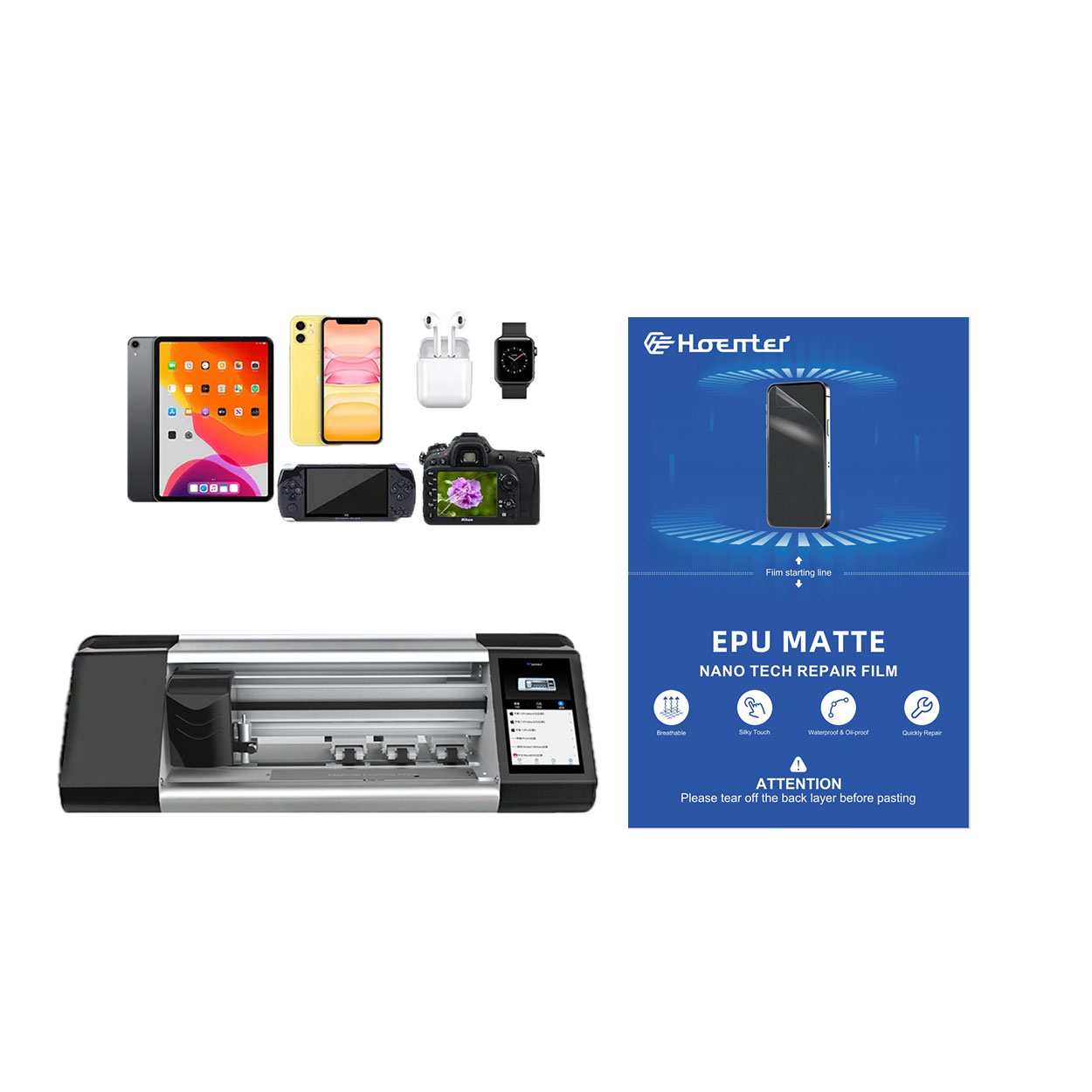
What is a Screen Protector and Why Use One?
Screen protectors are thin layers of material placed over your device’s screen to protect it from scratches, cracks, and other damage. They are especially popular for smartphones, tablets, and other electronic devices. Tempered glass screen protectors are favored for their durability and ability to absorb impact, reducing the risk of screen damage.Benefits of Using a Screen Protector
- Protection Against Scratches: Everyday use can lead to scratches from keys, coins, and other objects.
- Impact Resistance: Tempered glass can absorb shocks, preventing cracks.
- Maintaining Resale Value: A pristine screen can significantly increase the resale value of your device.
How to Prepare for Removing a Screen Protector
Before you start removing your screen protector, it’s important to prepare your workspace and gather the necessary tools. This ensures a smooth and safe removal process.Gather Your Tools
- Hairdryer: To gently heat the adhesive.
- Plastic Card: Like a credit card, to lift the edges.
- Microfiber Cloth: To clean the screen after removal.
Prepare Your Workspace
- Clean Surface: Ensure your workspace is clean to avoid dust and debris.
- Good Lighting: Proper lighting helps you see the edges clearly.
Step-by-Step Guide to Remove a Tempered Glass Screen Protector
Removing a screen protector can be simple if done correctly. Follow these steps to safely remove it without damaging your device.Step 1: Heat the Edges
Use a hairdryer on a low setting to gently heat the edges of the screen protector. This softens the adhesive, making it easier to remove.Step 2: Lift the Edges
Carefully use a plastic card to lift one corner of the screen protector. Be gentle to avoid scratching the screen.Step 3: Peel Off the Protector
Once a corner is lifted, slowly peel the protector away from the screen. Do this gradually to prevent any damage.What to Do if Your Screen Protector is Cracked
A cracked screen protector can be tricky to remove, but with patience, it can be done safely.Handling Cracks
- Use Tape: Apply a strip of tape to the cracked area to prevent shards from falling.
- Lift Carefully: Start from the least damaged corner and proceed slowly.
How to Remove a Screen Protector from an iPhone
iPhones often have tightly fitted screen protectors. Here’s how to remove them without causing damage.iPhone Specific Tips
- Use a Suction Cup: This can help lift the protector without prying.
- Be Patient: iPhones have sensitive screens, so take your time.
Using Tools to Assist in Screen Protector Removal
Sometimes, additional tools can make the process easier and safer.
Alat yang Direkomendasikan
- Suction Cup: Helps lift the protector without direct contact.
- Plastic Spudger: A tool designed for electronics, useful for prying.
How to Handle Stubborn Screen Protectors
If your screen protector is particularly stubborn, don’t force it. Here are some tips to help.Tips for Stubborn Protectors
- Reheat the Edges: Sometimes a second round of heating can help.
- Use More Tape: Apply more tape to increase grip.
Replacing Your Screen Protector: What You Need to Know
Once you’ve removed the old protector, it’s time to replace it. Here’s what you should consider.Choosing a New Protector
- Material: Decide between plastic or tempered glass.
- Brand: Consider reputable brands like Otterbox for quality.
Common Mistakes to Avoid When Removing a Screen Protector
Avoid these common pitfalls to ensure a smooth removal process.Mistakes to Avoid
- Mempercepat Proses: Take your time to avoid damage.
- Using Metal Tools: These can scratch your screen.
FAQs About Screen Protector Removal
Here are some frequently asked questions about removing screen protectors.
Common Questions
- Can I reuse a screen protector? Generally, no, as the adhesive loses its effectiveness.
- What if I damage my screen? Consult a professional for repairs.

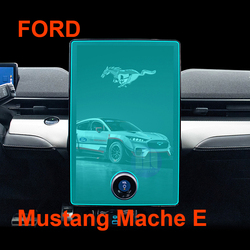
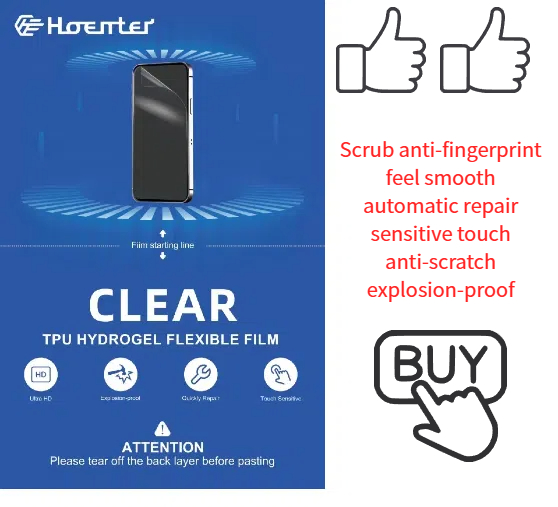
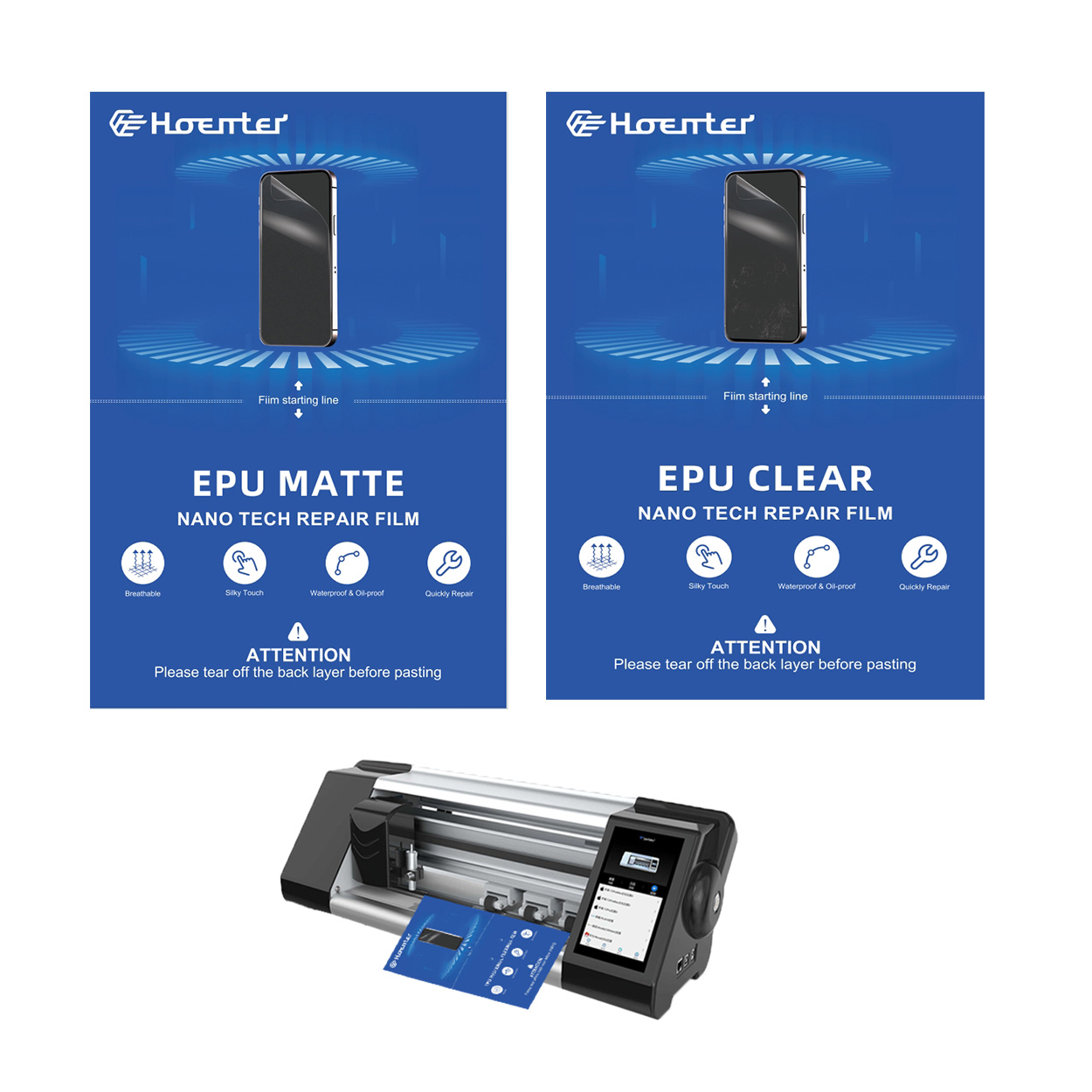
Fingerprint-Free Glare-Free Matte EPU Screen Protector
The ultimate screen protector battle: Matte EPU vs Glossy TPU! We compare fingerprint resistance, glare reduction, and more.
How to Clean Screen Protector Sticky Side?
By following these steps, you can extend the life of your screen protector and keep your device looking brand new. Happy cleaning!
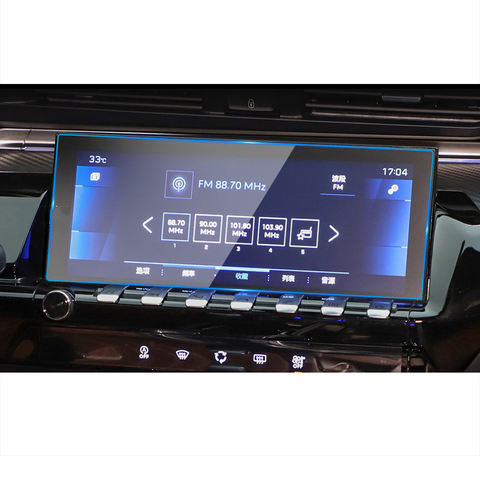
Baojun 530 GPS Dashboard Tempered Glass
Our Baojun 530 GPS screen protector is designed for a perfect fit. Made with tempered glass, it offers HD clarity and an oleophobic coating.

Apa itu Mesin Pemotong Film dan Aplikasinya
Mesin pemotong film telah memainkan peran penting dalam evolusi pembuatan film dan berbagai proses industri dengan memungkinkan pemotongan dan penyambungan bahan film secara tepat.
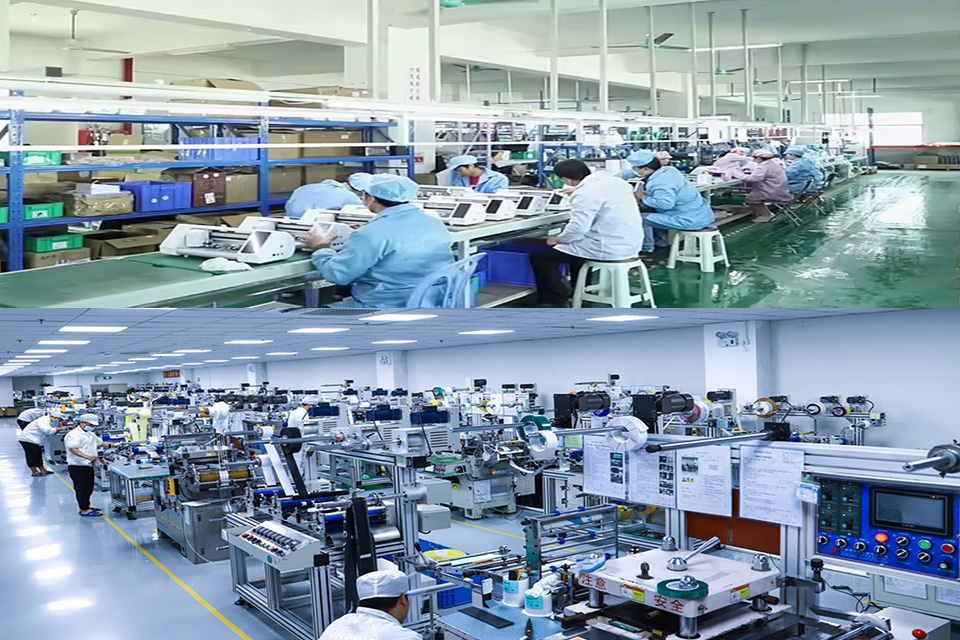
Cara Melepas Pelindung Layar Kaca Tempered: Panduan Langkah-demi-Langkah
Apakah Anda mengalami masalah dengan pelindung layar kaca temper yang retak atau menggelembung? Jangan khawatir! Panduan komprehensif ini akan memandu Anda melalui proses melepas pelindung layar lama Anda dengan aman dan mempersiapkan perangkat Anda untuk awal yang baru. Baik Anda berurusan dengan smartphone, tablet, atau gadget lainnya, kami siap membantu Anda. Baca terus untuk menemukan tips ahli, perangkap umum yang harus dihindari, dan semua yang perlu Anda ketahui tentang melepas dan mengganti pelindung layar kaca temper Anda.
Apa itu Mesin Pemotong Film dan Aplikasinya
Mesin pemotong film telah memainkan peran penting dalam evolusi pembuatan film dan berbagai proses industri dengan memungkinkan pemotongan dan penyambungan bahan film secara tepat.

Apa Itu Mesin Pemotong Pelindung Layar?
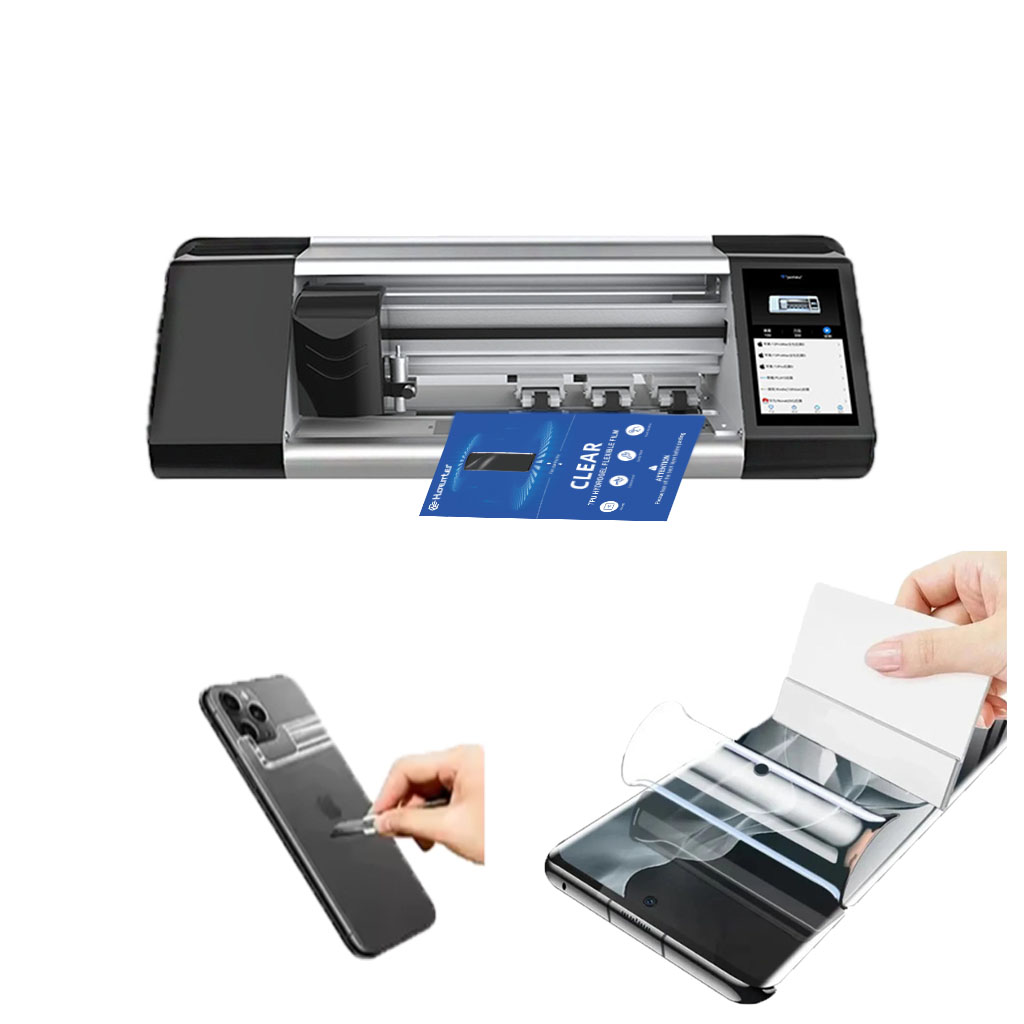
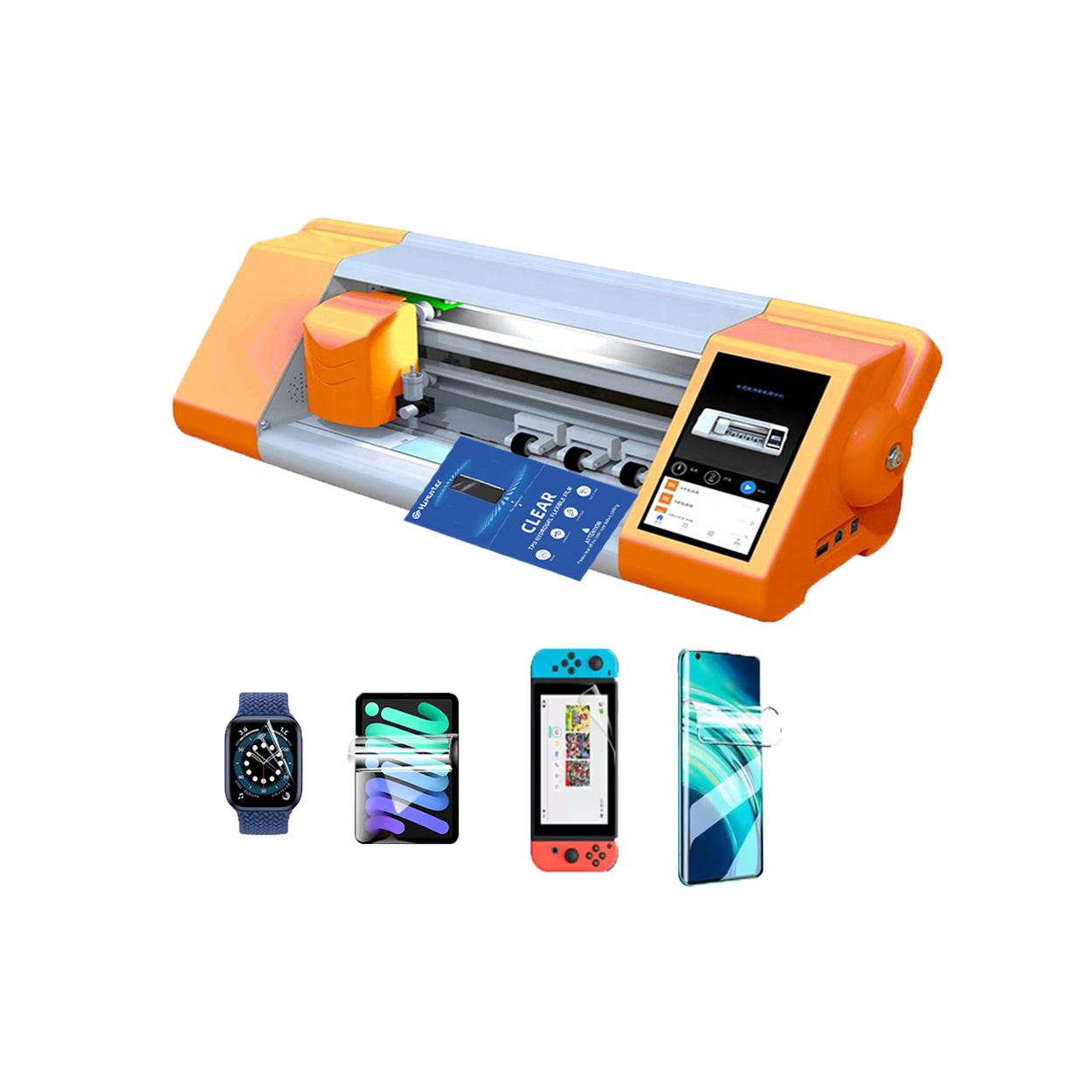
Mesin pemotong pelindung layar adalah perangkat khusus yang didesain untuk memproduksi pelindung layar yang disesuaikan untuk berbagai perangkat elektronik, termasuk smartphone, tablet, jam tangan pintar, laptop dan monitor.

Cara Kerja Mesin Pemotong Pelindung Layar Ponsel?
Mesin pemotong pelindung layar ponsel adalah perangkat canggih yang dirancang
untuk memproduksi pelindung layar yang disesuaikan untuk berbagai perangkat digital dengan kualitas tinggi
dan efisiensi.

Karakteristik Kaca Tempered Ponsel dan Pelindung Layar TPU Ponsel
Pelindung layar poliuretan termoplastik (TPU) fleksibel, tahan lama, dan
film plastik yang dapat menyembuhkan diri sendiri yang dirancang untuk melindungi layar perangkat elektronik dari
goresan, benturan, dan potensi kerusakan lainnya.

Merevolusi Perlindungan Perangkat dengan Mesin Pemotong Pelindung Layar
Apakah Anda memiliki smartphone, tablet, atau smartwatch, mesin serbaguna ini mengakomodasi beragam perangkat. Alat ini secara mulus beradaptasi dengan dimensi gadget Anda, menawarkan kesesuaian khusus yang tidak dapat ditandingi oleh pelindung umum.

Garansi Pelindung Layar Seumur Hidup
Garansi seumur hidup pelindung layar adalah jaminan yang diberikan oleh produsen bahwa
berjanji untuk memperbaiki atau mengganti pelindung layar selama masa pakai produk, dengan syarat dan ketentuan tertentu.
