
1. What Is a Paperlike Screen Protector and Why Does It Need Special Care?
A Paperlike screen protector is a matte-textured film designed to mimic the feel of paper when using an Apple Pencil or stylus on an iPad. It’s a favorite among digital artists, note-takers, and professionals because it enhances precision and reduces glare. However, its unique texture requires special care during cleaning.Unlike glossy screen protectors, the matte surface of a Paperlike screen protector can trap dirt, oils, and smudges more easily. Cleaning it improperly can lead to scratches, reduced functionality, or even peeling. That’s why it’s crucial to use the right tools and techniques.
2. How Often Should You Clean Your Paperlike Screen Protector?
The frequency of cleaning depends on how often you use your iPad and the environment in which you use it. Here are some general guidelines:- Daily Users: If you use your iPad for drawing or note-taking every day, clean your screen protector at least once a week.
- Occasional Users: For light use, cleaning every two weeks should suffice.
- After Heavy Use: If you’ve been using your iPad in dusty or oily environments, clean it immediately after use.
3. What Tools Do You Need to Clean a Paperlike Screen Protector?
To clean your Paperlike screen protector effectively, you’ll need the following tools:- Kain Microfiber: A soft, lint-free cloth is essential for wiping away dirt and smudges without scratching the surface.
- Cleaning Solution: Use a gentle, alcohol-free cleaning solution specifically designed for electronics.
- Spray Bottle: A refillable spray bottle allows you to apply the cleaning solution evenly.
- All-in-One Cleaning Kit: These kits often include a microfiber cloth, cleaning spray, and other tools for convenience.
4. Can You Use Regular Cleaning Solutions on a Paperlike Screen Protector?
No, you should avoid using regular household cleaning solutions on your Paperlike screen protector. Many of these products contain harsh chemicals like ammonia or alcohol, which can degrade the matte texture and leave streaks.Instead, opt for a cleaning solution specifically designed for electronics. These solutions are gentle, alcohol-free, and safe for use on matte surfaces. If you don’t have a specialized cleaner, you can make a DIY solution by mixing distilled water with a small amount of white vinegar.5. Step-by-Step Guide: How to Clean Your Paperlike Screen Protector
Follow these steps to clean your Paperlike screen protector safely and effectively:- Turn Off Your iPad: Always power down your device before cleaning to avoid accidental inputs.
- Remove Dust and Debris: Use a dry microfiber cloth to gently wipe away loose particles.
- Apply Cleaning Solution: Spray a small amount of cleaning solution onto the microfiber cloth (never directly onto the screen).
- Wipe the Screen: Gently clean the screen in circular motions, focusing on smudges and fingerprints.
- Keringkan Skrin: Use a dry section of the microfiber cloth to remove any remaining moisture.
6. What Are the Best Cleaning Kits for Paperlike Screen Protectors?
Here are some of the top-rated cleaning kits for Pelindung skrin seperti kertas:Cleaning KitCiri-ciriJulat HargaPaperlike Cleaning KitIncludes microfiber cloth and cleaning spray$15-$20WHOOSH! Screen CleanerAlcohol-free, safe for all screens$10-$15iKlear Cleaning KitAll-in-one kit with spray and cloths$20-$25
These kits are designed to be gentle on matte surfaces and provide everything you need for a thorough cleaning.7. How to Avoid Scratches and Damage While Cleaning
Scratches can ruin the smooth, paper-like feel of your screen protector. Here’s how to avoid them:- Use a Clean Cloth: Always use a fresh, clean microfiber cloth to prevent transferring dirt or debris.
- Avoid Abrasive Materials: Never use paper towels, tissues, or rough fabrics.
- Be Gentle: Apply light pressure when cleaning to avoid damaging the matte surface.
8. Can You Use a Spray Bottle or All-in-One Cleaning Kit?
Yes, a spray bottle atau all-in-one cleaning kit is ideal for cleaning your Paperlike screen protector. These tools make it easy to apply the right amount of cleaning solution and ensure even coverage.When using a spray bottle, always spray the solution onto the cloth, not directly onto the screen. This prevents excess moisture from seeping into the edges of the screen protector or the iPad itself.9. Tips for Maintaining a Clean iPad Screen Long-Term
Keeping your iPad screen clean doesn’t have to be a chore. Follow these tips for long-term maintenance:- Wash Your Hands: Clean hands reduce the transfer of oils and dirt to the screen.
- Use a Stylus: Minimize direct contact with the screen by using an Apple Pencil or stylus.
- Store Your iPad Properly: Keep your iPad in a case or sleeve when not in use to protect it from dust and debris.
10. Frequently Asked Questions About Cleaning Paperlike Screen Protectors
Q: Can I use water to clean my Paperlike screen protector? A: Yes, distilled water can be used for light cleaning, but for best results, use a specialized cleaning solution.Q: How do I remove stubborn stains or smudges? A: Apply a small amount of cleaning solution to a microfiber cloth and gently rub the affected area in circular motions.Q: Will cleaning my screen protector affect its matte texture? A: No, as long as you use the right tools and techniques, cleaning will not damage the matte surface.

Do Phone Repair Shops Go Through Your Phone?
By following these guidelines, you can ensure that your phone repair experience is both secure and satisfactory.
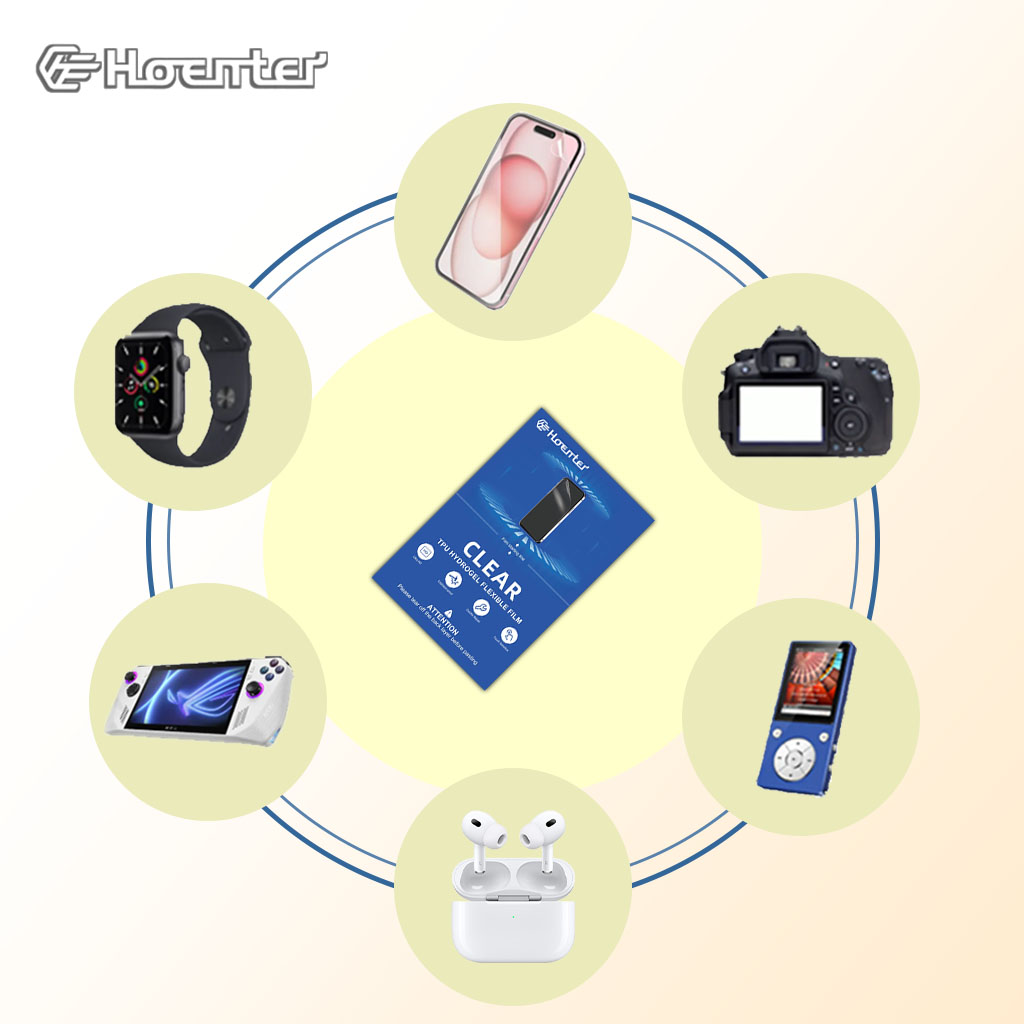
Hoenter Clear Film: Any Device, Any Size
Wholesale Hoenter Clear Film: Offer custom-fit screen protectors for any device. Reduce waste, maximize profits, and increase customer satisfaction.
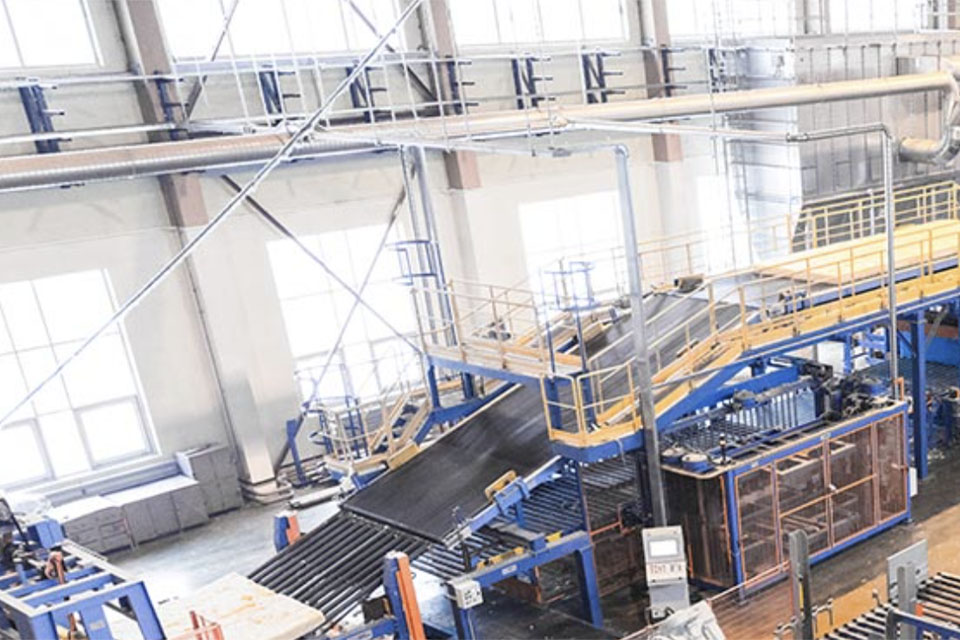
Cara Memeriksa Kilang Pelindung Skrin Sebelum Berkongsi
Apabila mewujudkan perkongsian pengeluar pelindung skrin, adalah penting untuk menyemak sepenuhnya kualiti, risiko, pematuhan dan strategi komunikasi kilang untuk memastikan kualiti produk dan kerjasama yang berjaya.
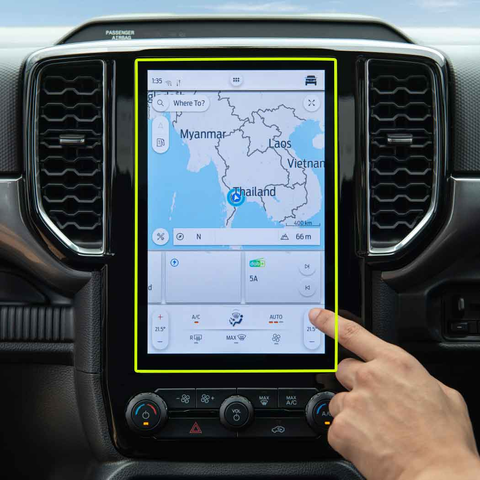
DONGFENG T5 EVO 2023 Navigator Tempered Glass
Get the best 2023 DONGFENG T5 EVO Tempered Glass screen protector. Ultra-clear and designed to maintain the touch sensitivity of your navigation display.
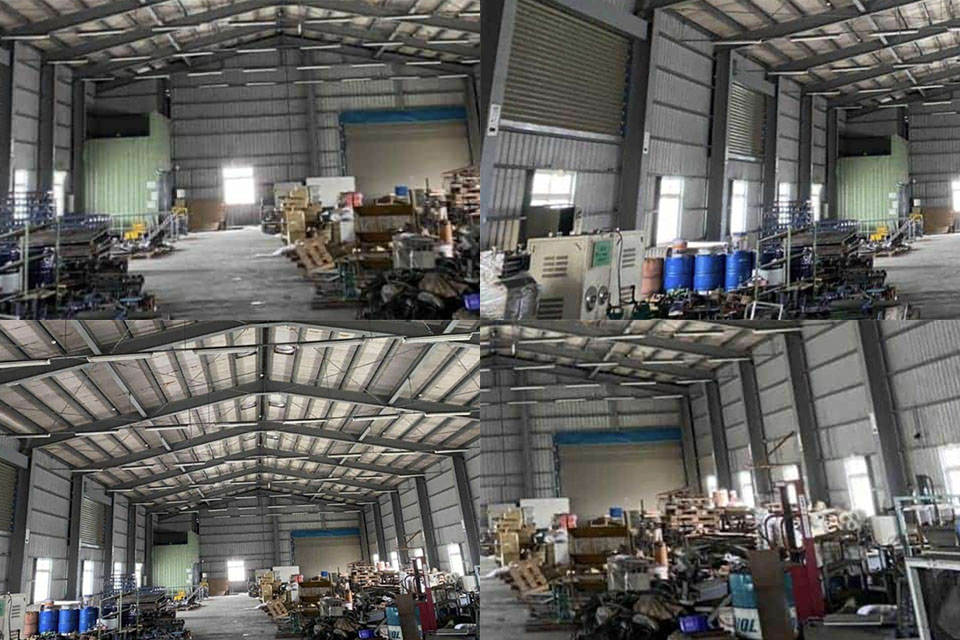
Amalan Mesra Alam dalam Pembuatan Pelindung Skrin
Amalan mesra alam dalam pembuatan pelindung skrin bertujuan untuk mengurangkan kesan alam sekitar dan memenuhi permintaan pengguna yang semakin meningkat untuk kemampanan melalui inovasi dalam bahan dan proses.

Apakah Mesin Pemotong Filem dan Aplikasinya
Mesin pemotong filem telah memainkan peranan penting dalam evolusi pembikinan filem dan pelbagai proses perindustrian dengan membolehkan pemotongan dan penyambungan bahan filem yang tepat.

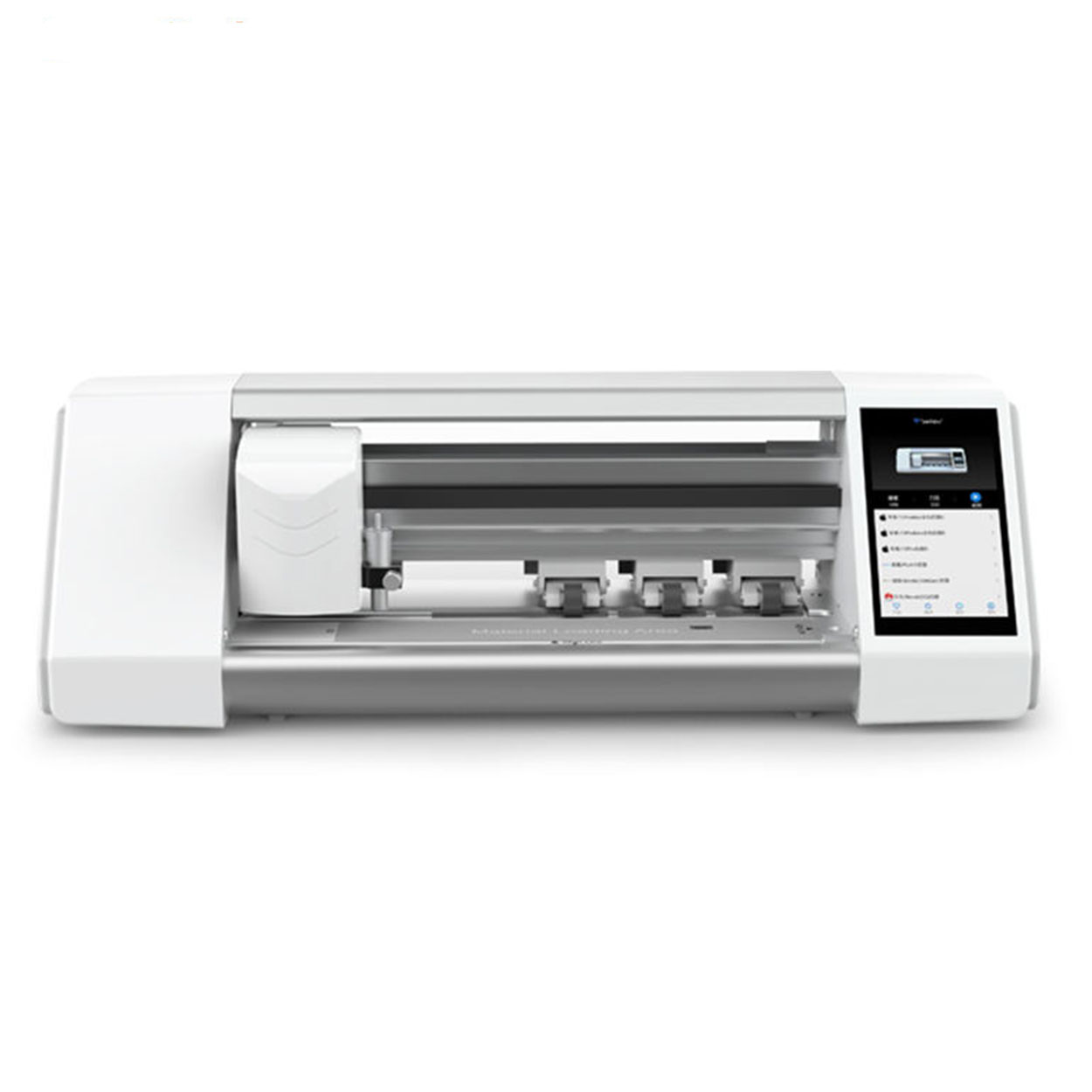
Apakah Mesin Pemotong Pelindung Skrin?
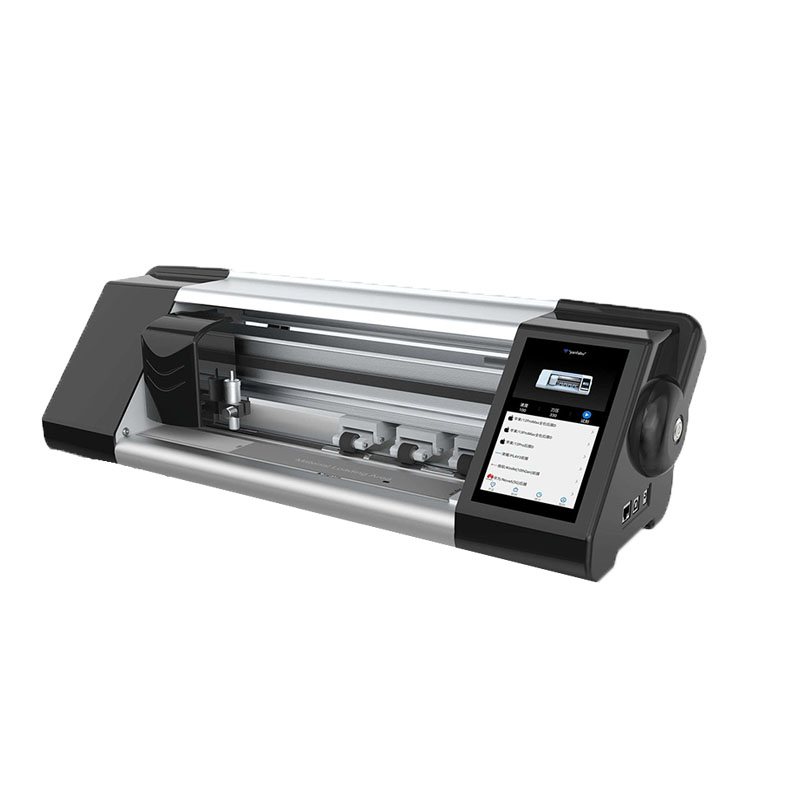
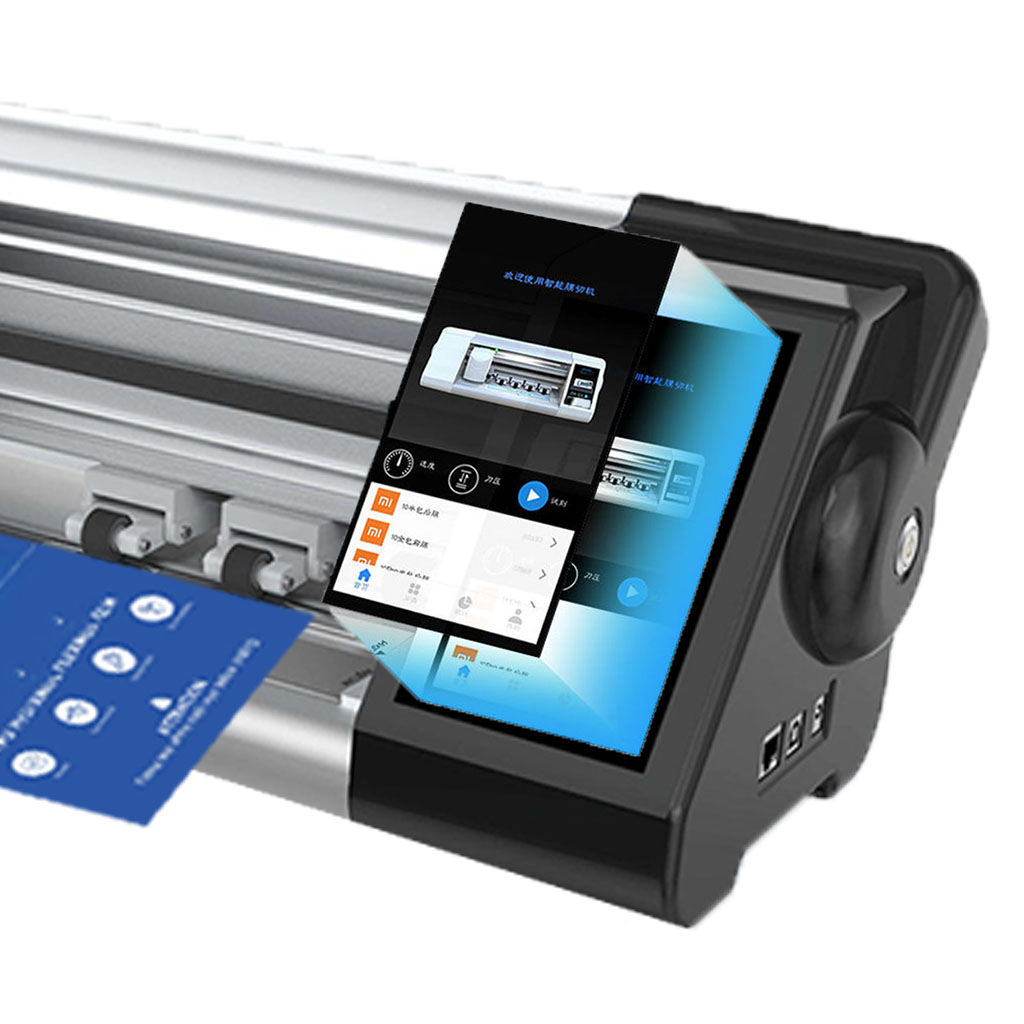
Mesin pemotong pelindung skrin ialah peranti khusus yang direka untuk menghasilkan pelindung skrin muat tersuai untuk pelbagai peranti elektronik, termasuk telefon pintar, tablet, jam tangan pintar, komputer riba dan monitor.

Bagaimana Mesin Pemotong Pelindung Skrin Telefon Mudah Alih Berfungsi?
Mesin pemotong pelindung skrin telefon bimbit ialah peranti canggih yang direka bentuk
untuk menghasilkan pelindung skrin tersuai untuk pelbagai peranti digital dengan ketepatan tinggi
sion dan kecekapan.

Ciri-ciri Kaca Tempered Telefon Mudah Alih dan Pelindung Skrin TPU Telefon Mudah Alih
Pelindung skrin poliuretana termoplastik (TPU) adalah fleksibel, tahan lama dan
filem plastik penyembuhan sendiri yang direka untuk melindungi skrin peranti elektronik daripada
calar, hentaman dan kemungkinan kerosakan lain.

Revolusikan Perlindungan Peranti dengan Mesin Pemotong Pengawal Skrin
Sama ada anda memiliki telefon pintar, tablet atau jam tangan pintar, mesin serba boleh ini memuatkan pelbagai jenis peranti. Ia menyesuaikan dengan lancar pada dimensi alat anda, menawarkan kesesuaian tersuai yang tidak dapat dipadankan oleh pelindung generik.

Waranti Sepanjang Hayat Pelindung Skrin
Waranti seumur hidup pelindung skrin ialah jaminan yang diberikan oleh pengeluar yang
berjanji untuk membaiki atau menggantikan pelindung skrin sepanjang hayat produk, di bawah terma dan syarat tertentu.
