
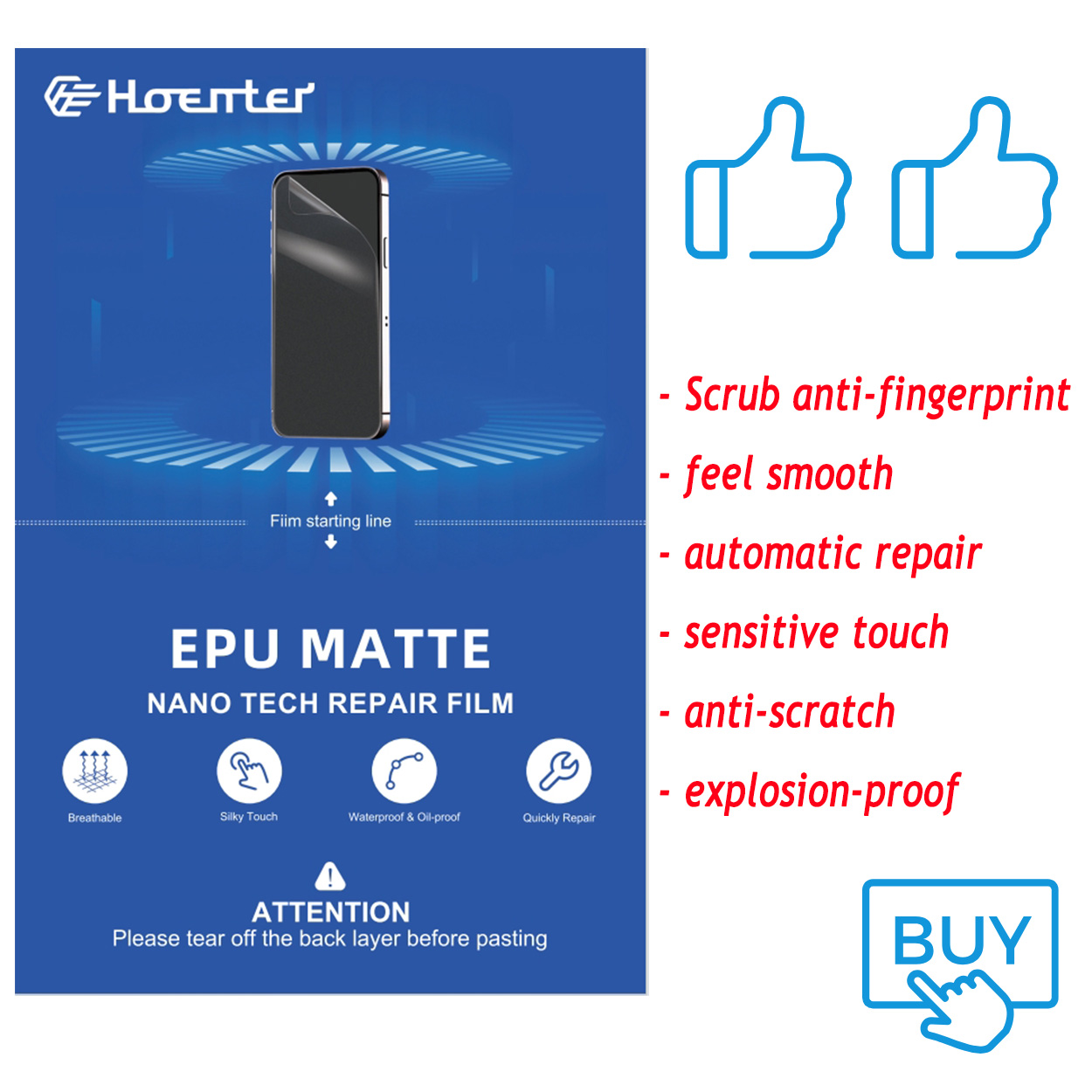
1. What Is a Paperlike Screen Protector and Why Does It Need Special Care?
A Pelindung layar seperti kertas is a matte-textured film designed to mimic the feel of paper when using an Apple Pencil or stylus on an iPad. It’s a favorite among digital artists, note-takers, and professionals because it enhances precision and reduces glare. However, its unique texture requires special care during cleaning.Unlike glossy screen protectors, the matte surface of a Paperlike screen protector can trap dirt, oils, and smudges more easily. Cleaning it improperly can lead to scratches, reduced functionality, or even peeling. That’s why it’s crucial to use the right tools and techniques.
2. How Often Should You Clean Your Paperlike Screen Protector?
The frequency of cleaning depends on how often you use your iPad and the environment in which you use it. Here are some general guidelines:- Daily Users: If you use your iPad for drawing or note-taking every day, clean your screen protector at least once a week.
- Occasional Users: For light use, cleaning every two weeks should suffice.
- After Heavy Use: If you’ve been using your iPad in dusty or oily environments, clean it immediately after use.
3. What Tools Do You Need to Clean a Paperlike Screen Protector?
To clean your Pelindung layar seperti kertas effectively, you’ll need the following tools:- Kain Microfiber: A soft, lint-free cloth is essential for wiping away dirt and smudges without scratching the surface.
- Cleaning Solution: Use a gentle, alcohol-free cleaning solution specifically designed for electronics.
- Spray Bottle: A refillable spray bottle allows you to apply the cleaning solution evenly.
- All-in-One Cleaning Kit: These kits often include a microfiber cloth, cleaning spray, and other tools for convenience.
4. Can You Use Regular Cleaning Solutions on a Paperlike Screen Protector?
No, you should avoid using regular household cleaning solutions on your Pelindung layar seperti kertas. Many of these products contain harsh chemicals like ammonia or alcohol, which can degrade the matte texture and leave streaks.Instead, opt for a cleaning solution specifically designed for electronics. These solutions are gentle, alcohol-free, and safe for use on matte surfaces. If you don’t have a specialized cleaner, you can make a DIY solution by mixing distilled water with a small amount of white vinegar.5. Step-by-Step Guide: How to Clean Your Paperlike Screen Protector
Follow these steps to clean your Pelindung layar seperti kertas safely and effectively:- Turn Off Your iPad: Always power down your device before cleaning to avoid accidental inputs.
- Remove Dust and Debris: Use a dry microfiber cloth to gently wipe away loose particles.
- Apply Cleaning Solution: Spray a small amount of cleaning solution onto the microfiber cloth (never directly onto the screen).
- Wipe the Screen: Gently clean the screen in circular motions, focusing on smudges and fingerprints.
- Keringkan Layar: Use a dry section of the microfiber cloth to remove any remaining moisture.
6. What Are the Best Cleaning Kits for Paperlike Screen Protectors?
Here are some of the top-rated cleaning kits for Pelindung layar seperti kertas:Cleaning KitFiturKisaran HargaPaperlike Cleaning KitIncludes microfiber cloth and cleaning spray$15-$20WHOOSH! Screen CleanerAlcohol-free, safe for all screens$10-$15iKlear Cleaning KitAll-in-one kit with spray and cloths$20-$25
These kits are designed to be gentle on matte surfaces and provide everything you need for a thorough cleaning.7. How to Avoid Scratches and Damage While Cleaning
Scratches can ruin the smooth, paper-like feel of your screen protector. Here’s how to avoid them:- Use a Clean Cloth: Always use a fresh, clean microfiber cloth to prevent transferring dirt or debris.
- Avoid Abrasive Materials: Never use paper towels, tissues, or rough fabrics.
- Be Gentle: Apply light pressure when cleaning to avoid damaging the matte surface.
8. Can You Use a Spray Bottle or All-in-One Cleaning Kit?
Yes, a spray bottle atau all-in-one cleaning kit is ideal for cleaning your Pelindung layar seperti kertas. These tools make it easy to apply the right amount of cleaning solution and ensure even coverage.When using a spray bottle, always spray the solution onto the cloth, not directly onto the screen. This prevents excess moisture from seeping into the edges of the screen protector or the iPad itself.9. Tips for Maintaining a Clean iPad Screen Long-Term
Keeping your iPad screen clean doesn’t have to be a chore. Follow these tips for long-term maintenance:- Wash Your Hands: Clean hands reduce the transfer of oils and dirt to the screen.
- Use a Stylus: Minimize direct contact with the screen by using an Apple Pencil or stylus.
- Store Your iPad Properly: Keep your iPad in a case or sleeve when not in use to protect it from dust and debris.
10. Frequently Asked Questions About Cleaning Paperlike Screen Protectors
Q: Can I use water to clean my Paperlike screen protector? A: Yes, distilled water can be used for light cleaning, but for best results, use a specialized cleaning solution.Q: How do I remove stubborn stains or smudges? A: Apply a small amount of cleaning solution to a microfiber cloth and gently rub the affected area in circular motions.Q: Will cleaning my screen protector affect its matte texture? A: No, as long as you use the right tools and techniques, cleaning will not damage the matte surface.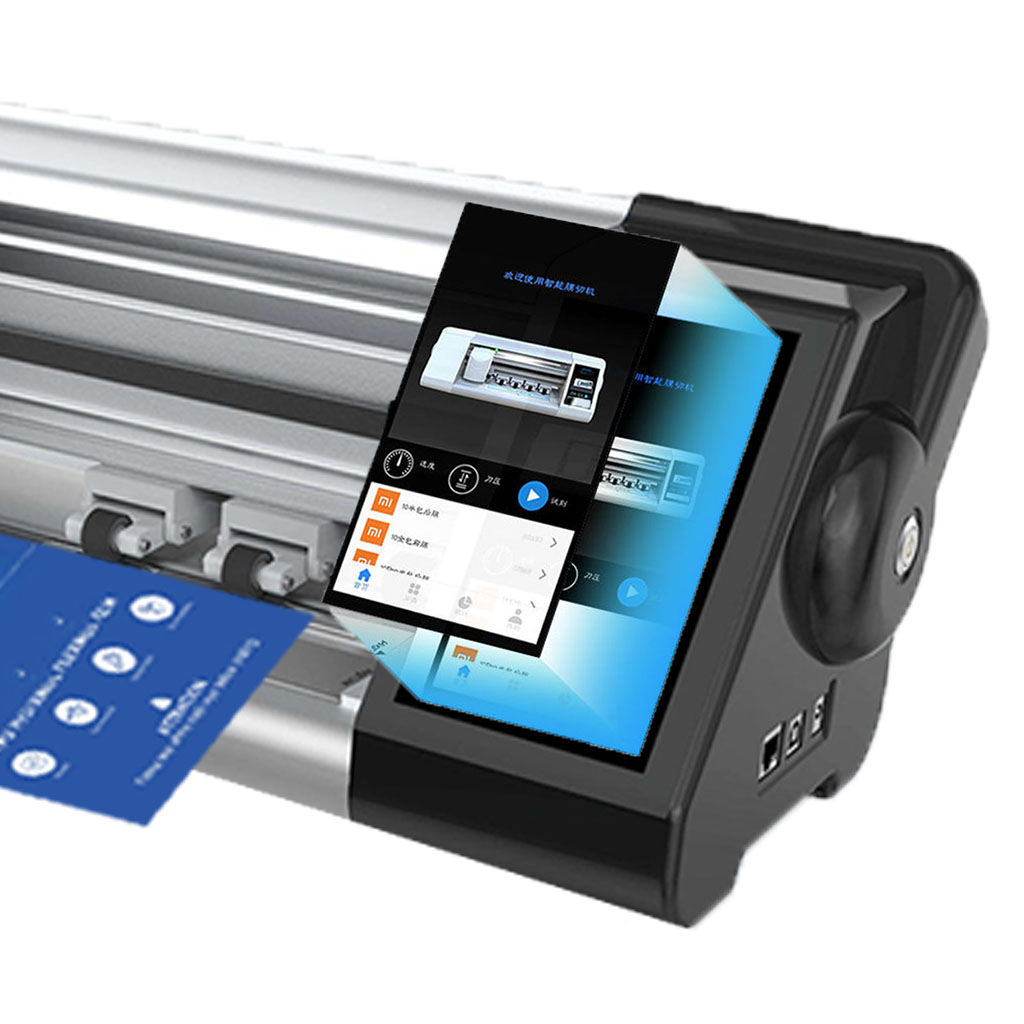
What Is a Matte Screen Protector?
If you’re serious about digital art, a matte screen protector is a small but impactful upgrade that can elevate your creative process.
Berapa Biaya Perbaikan Layar Ponsel?
Dengan mengikuti panduan ini, Anda dapat menavigasi kompleksitas perbaikan layar ponsel dengan percaya diri, memastikan perangkat Anda terus berfungsi dengan baik.
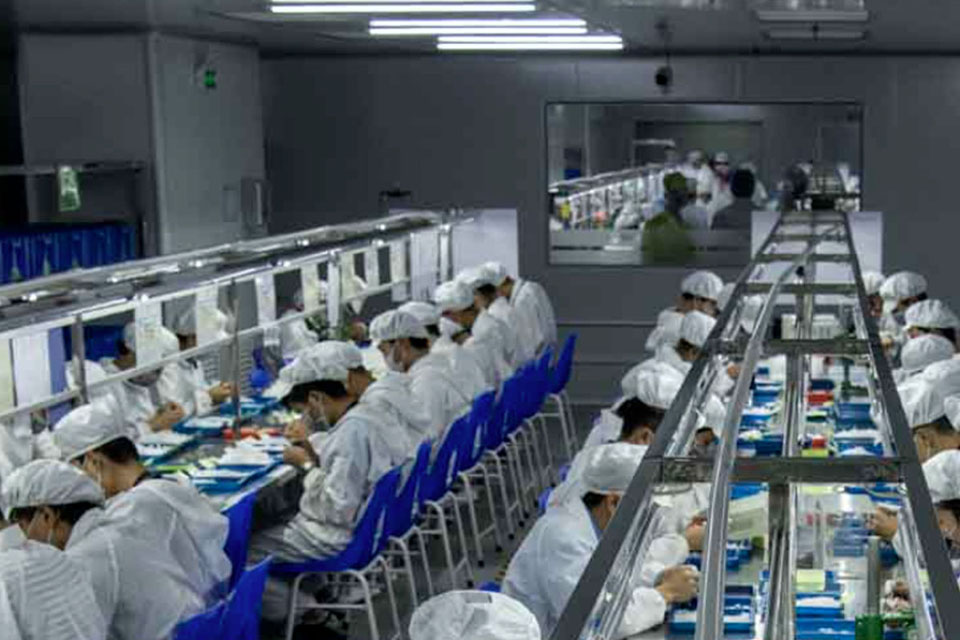
Proses Pembuatan- Di Dalam Pabrik Pelindung Layar
Proses pembuatan pelindung layar memadukan ilmu pengetahuan material, inovasi teknologi, dan tanggung jawab terhadap lingkungan. Seiring dengan kemajuan teknologi, industri ini secara konstan mengatasi tantangan yang berkaitan dengan pembangunan berkelanjutan sambil memberikan perlindungan perangkat.
how-to-clean-sticky-side-of-screen-protector
By following these steps, you can save money, reduce waste, and keep your device protected with a clean and properly applied screen protector.
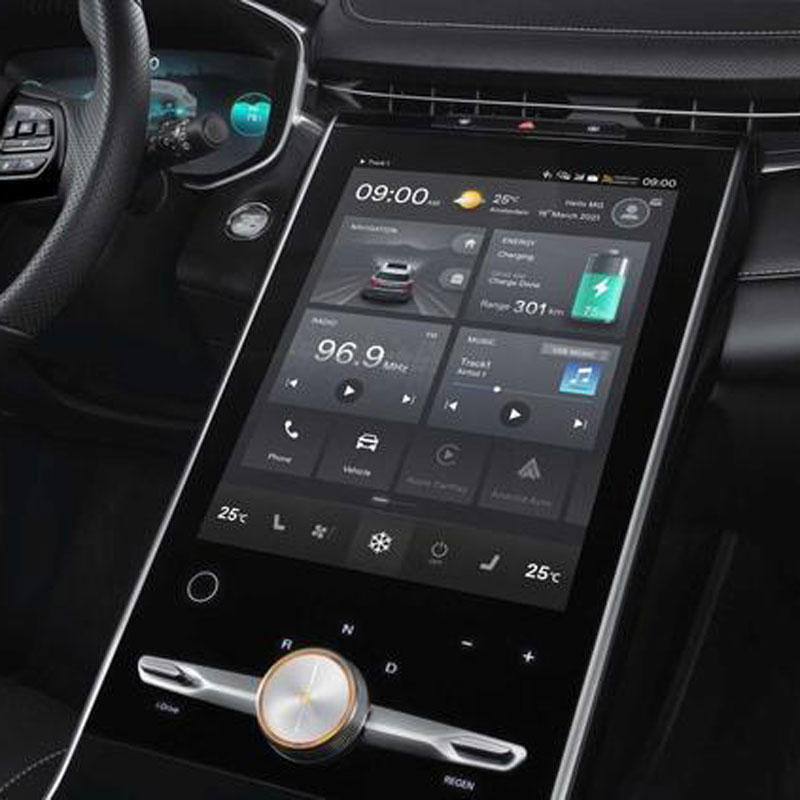
Roewe MG Marvel R Electric 2022 GPS Navigation Tempered Glass
Protect your 2022 Roewe Marvel R’s navigation screen with our premium tempered glass protector.

Apa itu Mesin Pemotong Film dan Aplikasinya
Mesin pemotong film telah memainkan peran penting dalam evolusi pembuatan film dan berbagai proses industri dengan memungkinkan pemotongan dan penyambungan bahan film secara tepat.

Apa Itu Mesin Pemotong Pelindung Layar?
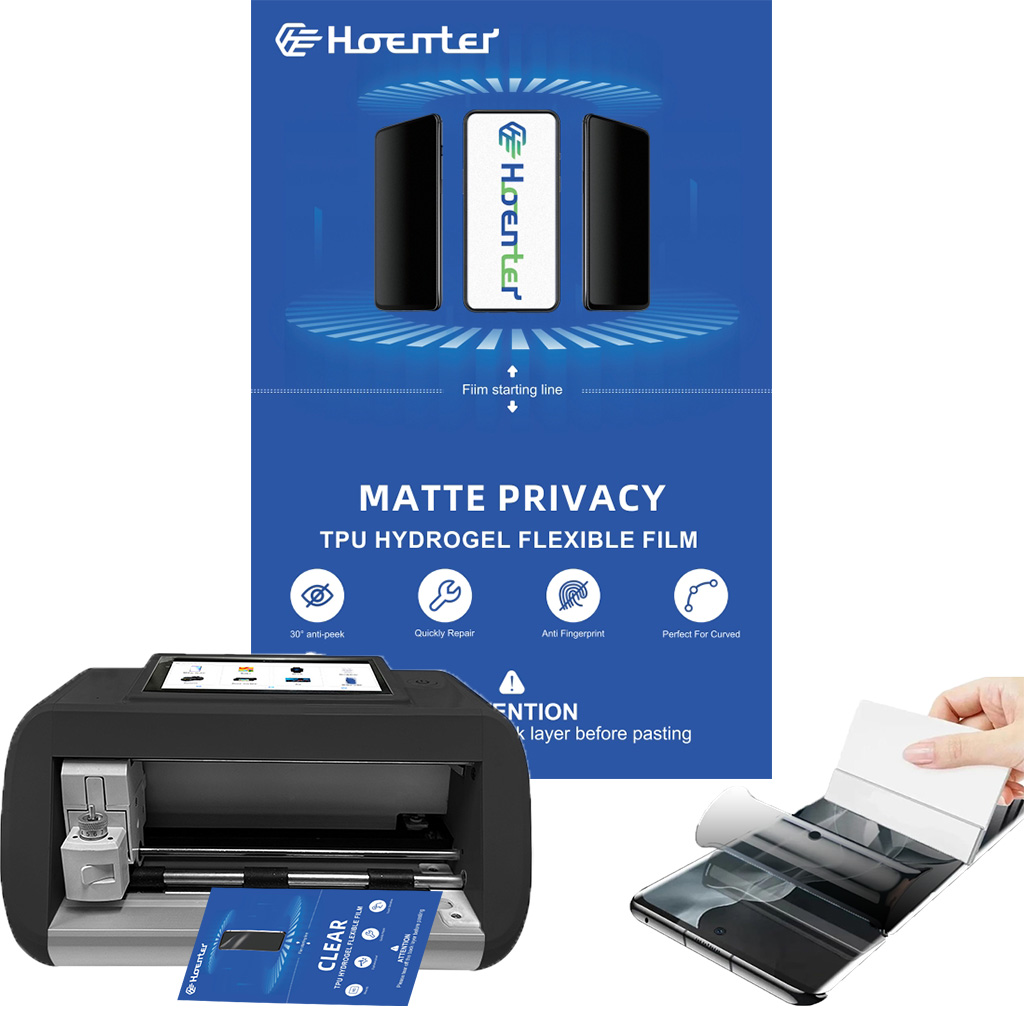
Mesin pemotong pelindung layar adalah perangkat khusus yang didesain untuk memproduksi pelindung layar yang disesuaikan untuk berbagai perangkat elektronik, termasuk smartphone, tablet, jam tangan pintar, laptop dan monitor.

Cara Kerja Mesin Pemotong Pelindung Layar Ponsel?
Mesin pemotong pelindung layar ponsel adalah perangkat canggih yang dirancang
untuk memproduksi pelindung layar yang disesuaikan untuk berbagai perangkat digital dengan kualitas tinggi
dan efisiensi.

Karakteristik Kaca Tempered Ponsel dan Pelindung Layar TPU Ponsel
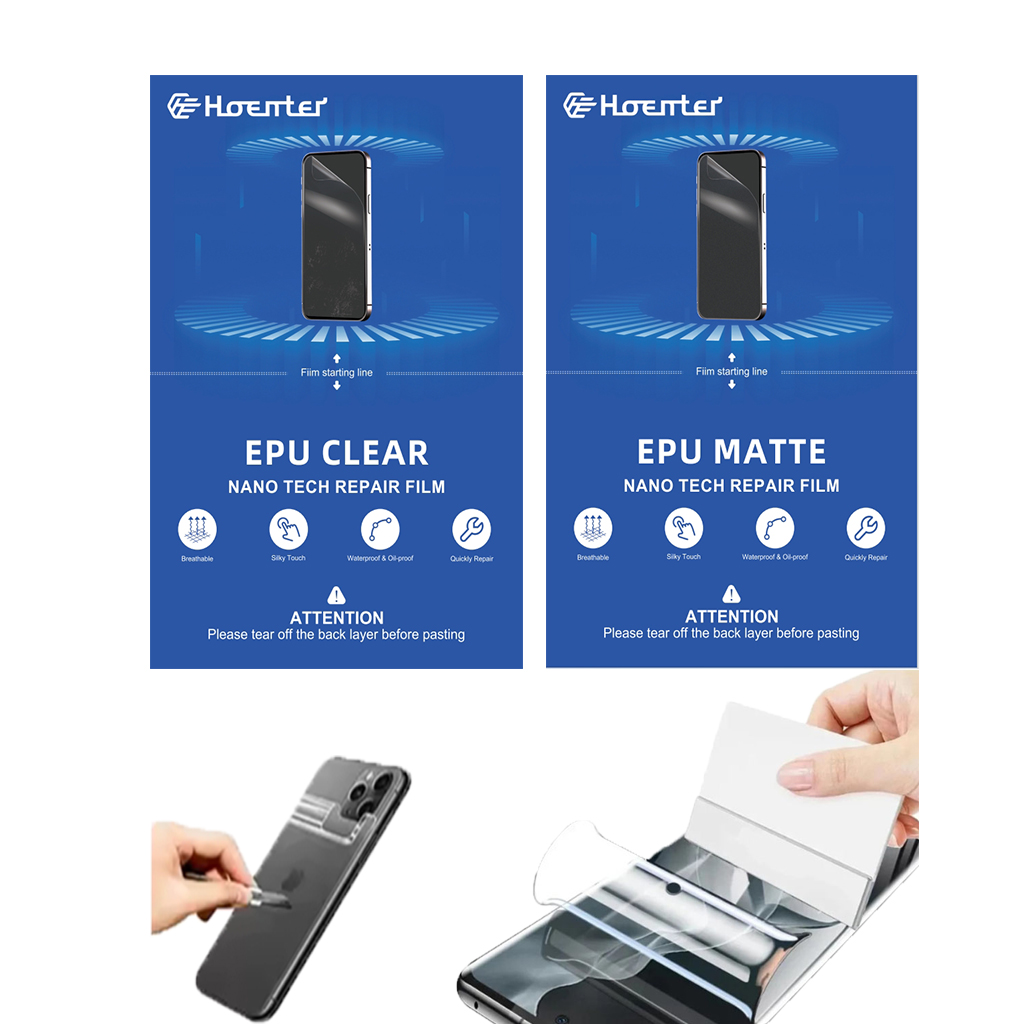
Pelindung layar poliuretan termoplastik (TPU) fleksibel, tahan lama, dan
film plastik yang dapat menyembuhkan diri sendiri yang dirancang untuk melindungi layar perangkat elektronik dari
goresan, benturan, dan potensi kerusakan lainnya.

Merevolusi Perlindungan Perangkat dengan Mesin Pemotong Pelindung Layar
Apakah Anda memiliki smartphone, tablet, atau smartwatch, mesin serbaguna ini mengakomodasi beragam perangkat. Alat ini secara mulus beradaptasi dengan dimensi gadget Anda, menawarkan kesesuaian khusus yang tidak dapat ditandingi oleh pelindung umum.

Garansi Pelindung Layar Seumur Hidup
Garansi seumur hidup pelindung layar adalah jaminan yang diberikan oleh produsen bahwa
berjanji untuk memperbaiki atau mengganti pelindung layar selama masa pakai produk, dengan syarat dan ketentuan tertentu.
