
What Causes Air Bubbles in Screen Protectors?
Air bubbles can form under a screen protector due to dust particles, improper application, or uneven pressure during installation. These bubbles not only affect the aesthetic appeal of your device but can also interfere with touch sensitivity.Dust and Debris
One of the primary culprits is dust. Even the tiniest speck can cause a bubble to form. It’s crucial to clean your screen thoroughly before applying the protector.Improper Application
Applying the screen protector too quickly or without proper alignment can trap air underneath. Taking your time and following a methodical approach can prevent this issue.
How to Prepare Your Screen for a Screen Protector
Preparation is key to a bubble-free application. Here’s how to get your screen ready:Clean Your Screen Thoroughly
Use a microfiber cloth and a screen cleaning solution to remove all dust and fingerprints. Ensure the screen is completely dry before proceeding.Work in a Dust-Free Environment
Choose a clean, dust-free area to apply your screen protector. A bathroom after a hot shower can be ideal due to the reduced dust in the air.Step-by-Step Guide to Applying a Screen Protector Without Bubbles
Applying a screen protector can be daunting, but with the right steps, you can achieve a flawless finish.Align the Protector Carefully
Start by aligning the protector with your screen. Most protectors come with guide stickers to help with this process.Apply Even Pressure
Once aligned, use a credit card or a similar object to apply even pressure across the screen. This helps push out any air bubbles as you go.Using a Hair Dryer to Remove Air Bubbles
A hair dryer can be a handy tool in your bubble-removal arsenal.Warm the Screen Protector
Set your hair dryer to a low heat setting and gently warm the screen protector. This can make the adhesive more pliable, allowing you to smooth out bubbles.Smooth Out Bubbles
Use a soft cloth to press out the bubbles, starting from the center and moving towards the edges.When to Remove and Reapply the Screen Protector
Sometimes, removing and reapplying the screen protector is the best solution.Assess the Situation
If bubbles persist despite your best efforts, it might be time to start over. Carefully peel off the protector and clean the screen again before reapplying.
Reapply with Care
Follow the same careful steps as before, ensuring the screen is dust-free and the protector is aligned correctly.How to Get Bubbles Out of a Glass Screen Protector
Glass screen protectors can be trickier due to their rigidity.Use a Squeegee
A small squeegee or a credit card wrapped in a cloth can help push out stubborn bubbles.Apply Gentle Heat
As with plastic protectors, gentle heat can help. Be cautious not to overheat the glass, as this can cause damage.Should You Get a New Screen Protector?
Sometimes, a new screen protector is the best option.Evaluate the Condition
If your current protector is scratched or damaged, replacing it might be the best choice for optimal protection and clarity.Consider Quality
Invest in a high-quality screen protector that offers better adhesion and durability.The Role of a Phone Case in Preventing Bubbles
A phone case can play a surprising role in bubble prevention.Choose Compatible Accessories
Ensure your phone case is compatible with your screen protector. Some cases can push against the edges, causing bubbles to form.Install Carefully
Install the screen protector first, then the case, to avoid any pressure that might cause bubbles.Common Mistakes When Applying Screen Protectors
Avoid these pitfalls for a smooth application.Rushing the Process
Take your time to ensure a perfect fit and bubble-free finish.Ignoring Dust
Even a small amount of dust can ruin the application. Always clean thoroughly.FAQs: Troubleshooting Screen Protector Issues
Why Do Bubbles Keep Forming?
Persistent bubbles can be due to dust or improper application. Ensure your screen is clean and follow the application steps carefully.
Can I Use Household Items to Remove Bubbles?
Yes, items like a credit card or a soft cloth can help smooth out bubbles effectively.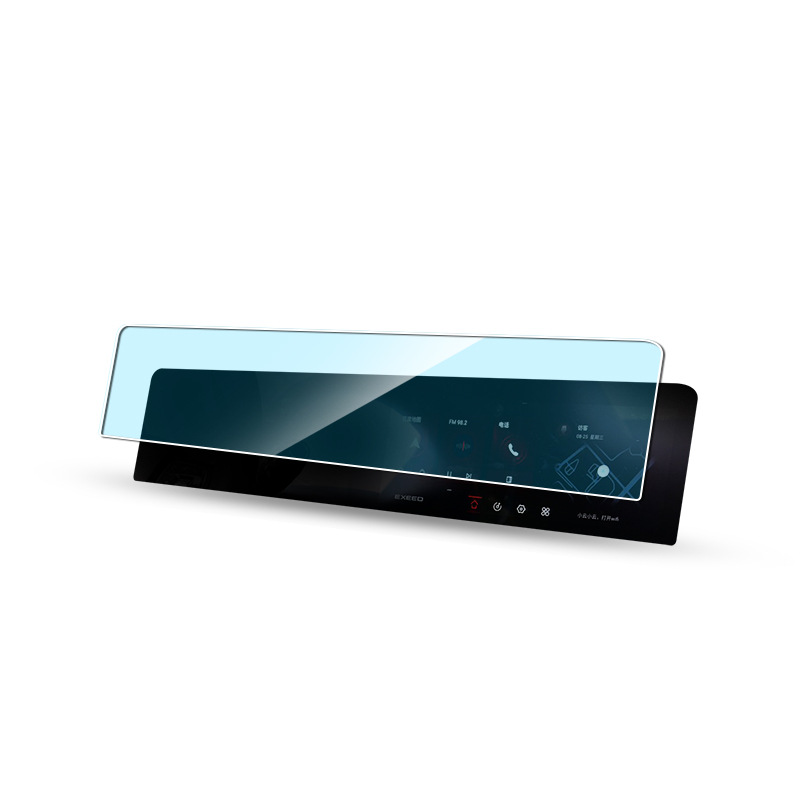
Najważniejsze cechy, których należy szukać w maszynie do cięcia ostrzem hydrożelowym
Maszyny do cięcia ostrzy hydrożelowych to specjalistyczny sprzęt zaprojektowany do precyzyjnego cięcia folii hydrożelowych, które są powszechnie stosowane w takich zastosowaniach, jak osłony ekranów urządzeń elektronicznych i różne zastosowania medyczne.
Czy pęknięta folia ochronna może uszkodzić telefon?
Dzięki tym krokom możesz zapobiec długotrwałym uszkodzeniom telefonu i mieć pewność, że pozostanie on w doskonałym stanie.
What Is TPU Material?
This article provides a comprehensive overview of TPU, highlighting its importance and potential in various fields.
Czy serwisy telefoniczne zajmują się naprawą telefonów?
By following these guidelines, you can ensure that your phone repair experience is both secure and satisfactory.
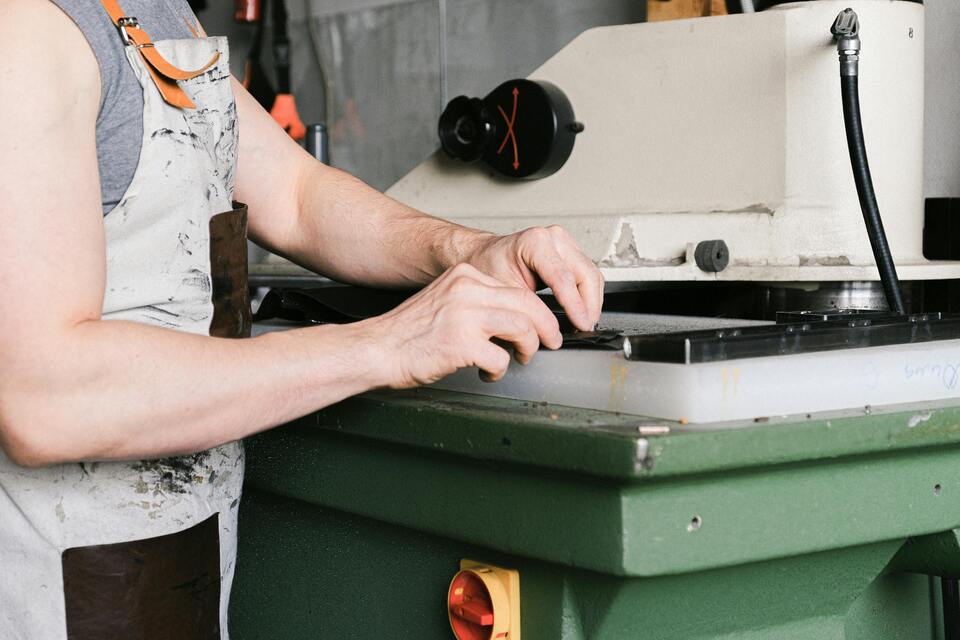
Ceramiczna vs. Hydrożelowa Folia Ochronna Ekranu
Zarówno ceramiczne, jak i hydrożelowe folie ochronne mają swoje wyjątkowe zalety.

Jaka maszyna do cięcia folii i jej zastosowanie
Maszyny do cięcia folii odegrały kluczową rolę w ewolucji produkcji filmowej i różnych procesów przemysłowych, umożliwiając precyzyjne cięcie i łączenie materiałów filmowych.

Co to jest maszyna do cięcia ochraniaczy ekranu?
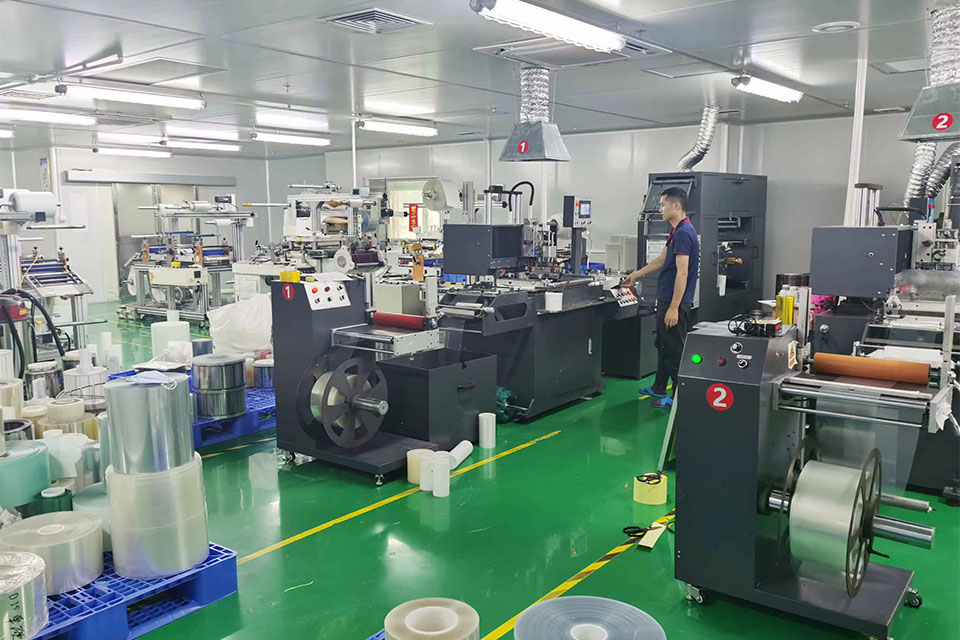
Maszyna do cięcia ochraniaczy ekranu to specjalistyczne urządzenie zaprojektowane do produkcji niestandardowych ochraniaczy ekranu dla różnych urządzeń elektronicznych, w tym smartfonów, tabletów, smartwatchy, laptopów i monitorów.

Jak działa maszyna do cięcia ochraniaczy ekranu telefonu komórkowego?
Maszyna do cięcia ochraniaczy ekranu telefonu komórkowego jest zaawansowanym urządzeniem zaprojektowanym
do produkcji niestandardowych ochraniaczy ekranu dla różnych urządzeń cyfrowych z wysoką ceną
i wydajność.

Charakterystyka szkła hartowanego na telefon komórkowy i ochraniacza ekranu TPU na telefon komórkowy
Ochraniacze ekranu z termoplastycznego poliuretanu (TPU) są elastyczne, trwałe i wytrzymałe.
samoregenerujące się folie z tworzyw sztucznych przeznaczone do ochrony ekranów urządzeń elektronicznych przed
zadrapania, uderzenia i inne potencjalne uszkodzenia.

Rewolucja w ochronie urządzeń dzięki maszynie do cięcia osłon ekranu
Niezależnie od tego, czy posiadasz smartfon, tablet czy smartwatch, to wszechstronne urządzenie obsługuje szeroką gamę urządzeń. Płynnie dostosowuje się do wymiarów gadżetu, oferując niestandardowe dopasowanie, którego nie można dopasować do ogólnych ochraniaczy.

Dożywotnia gwarancja na osłonę ekranu
Dożywotnia gwarancja na ochraniacz ekranu to gwarancja udzielana przez producentów, która
obiecuje naprawę lub wymianę osłony ekranu przez cały okres użytkowania produktu, na określonych warunkach.
