
1. What Is a ZAGG InvisibleShield Screen Protector?
ZAGG InvisibleShield screen protectors are among the most popular options for protecting your device’s screen. Known for their durability and clarity, these tempered glass protectors are designed to shield your phone or tablet from scratches, cracks, and everyday wear and tear.The InvisibleShield lineup includes options for various devices, including Apple® iPhone® 6 and 6s, as well as newer models. They are made with advanced materials that resist impact and scratches while maintaining the touch sensitivity of your screen.Fun Fact: ZAGG was one of the first companies to introduce military-grade screen protectors, originally inspired by helicopter blade protection.
2. Why Would You Need to Remove a Screen Protector?
There are several reasons why you might need to remove your ZAGG InvisibleShield screen protector:- Cracks or Damage: Over time, even the toughest tempered glass can crack or chip, especially after a drop.
- Upgrading Devices: If you’re switching to a new phone or tablet, you’ll need to remove the old screen protector.
- Improper Application: Sometimes, air bubbles or misalignment during installation can make it necessary to reapply the protector.
- Wear and Tear: Over time, the edges of the screen protector may lift, or the surface may become scratched.
3. Can You Reuse a ZAGG InvisibleShield Screen Protector?
The short answer is no. Once a tempered glass screen protector is removed, it loses its adhesive properties and structural integrity. Attempting to reuse it can result in poor adhesion, reduced protection, and an increased risk of damage to your device.However, ZAGG offers a lifetime replacement warranty for many of its InvisibleShield products. If your screen protector is damaged, you can request a replacement for a small shipping fee.4. What Tools Do You Need to Remove a Glass Screen Protector?
Before you begin, gather the following tools to make the removal process easier and safer:ToolPurposePlastic Card (e.g., credit card)To gently lift the edges of the screen protector without scratching the screen.Hairdryer (optional)To loosen the adhesive by applying gentle heat.Microfiber ClothTo clean the screen after removal.Isopropyl Alcohol (optional)To remove any adhesive residue left behind.
Mẹo chuyên nghiệp: Avoid using sharp objects like knives or metal tools, as they can scratch your screen or damage the device.

5. Step-by-Step Guide to Removing a ZAGG InvisibleShield Screen Protector
Follow these steps to safely remove your ZAGG InvisibleShield screen protector:- Start at the Corners: Use your fingernail or a plastic card to gently lift one corner of the screen protector. Be patient and avoid applying too much force.
- Work Slowly: Once the corner is lifted, slide the plastic card along the edge to gradually separate the screen protector from the device.
- Apply Heat (Optional): If the adhesive is stubborn, use a hairdryer on a low setting to warm the screen protector for 15-20 seconds. This will loosen the adhesive.
- Peel Off the Protector: Slowly peel the screen protector away from the screen, keeping it at a low angle to avoid snapping it.
- Clean the Screen: Use a microfiber cloth to remove any dust or residue. If adhesive remains, dampen the cloth with isopropyl alcohol and gently wipe the screen.
6. How to Remove a Cracked Tempered Glass Screen Protector Safely
Removing a cracked screen protector requires extra care to avoid injury or further damage to your device. Here’s how:- Tape the Surface: Place a layer of clear tape over the cracked screen protector to prevent glass shards from falling off.
- Lift the Edges: Use a plastic card to lift the edges, as described in the previous section.
- Peel Slowly: Work slowly to avoid breaking the glass further. If the protector is severely damaged, consider seeking professional help.
Safety Tip: Always wear gloves when handling cracked tempered glass to protect your hands from sharp edges.
7. What to Do If the Screen Protector Leaves Residue?
Sometimes, adhesive residue can remain on your screen after removing the protector. Here’s how to clean it:- Use Isopropyl Alcohol: Dampen a microfiber cloth with isopropyl alcohol and gently rub the residue until it dissolves.
- Tránh các hóa chất mạnh: Do not use abrasive cleaners or solvents, as they can damage your screen.
- Polish the Screen: Once the residue is gone, use a dry microfiber cloth to polish the screen to a shine.
8. How to Apply a New ZAGG InvisibleShield Screen Protector
After removing the old screen protector, you may want to apply a new one. Follow these steps for a flawless installation:- Clean the Screen: Use a microfiber cloth and isopropyl alcohol to remove dust and fingerprints.
- Align the Protector: Carefully align the new screen protector with your device’s screen, ensuring the cutouts match the camera and sensors.
- Apply and Smooth: Press the center of the screen protector and let the adhesive spread. Use a squeegee or card to remove air bubbles.
Mẹo chuyên nghiệp: Work in a dust-free environment to avoid trapping particles under the screen protector.
9. Tips for Maintaining Your Glass Screen Protector
To extend the life of your ZAGG InvisibleShield screen protector, follow these tips:- Avoid Dropping Your Device: While the screen protector is durable, repeated drops can weaken it.
- Vệ sinh thường xuyên: Sử dụng vải sợi nhỏ để lau sạch vết bẩn và dấu vân tay.
- Replace When Necessary: If the protector becomes scratched or cracked, replace it promptly to maintain optimal protection.
10. FAQs About ZAGG InvisibleShield Screen Protectors
Q: Can I remove and reapply my ZAGG InvisibleShield screen protector? A: No, once removed, the adhesive loses its effectiveness, and the protector cannot be reapplied.Q: How do I claim a replacement under ZAGG’s warranty? A: Visit ZAGG’s website, register your product, and follow the instructions to request a replacement.Q: Will removing the screen protector damage my phone? A: No, as long as you follow the proper removal steps, your phone will remain undamaged.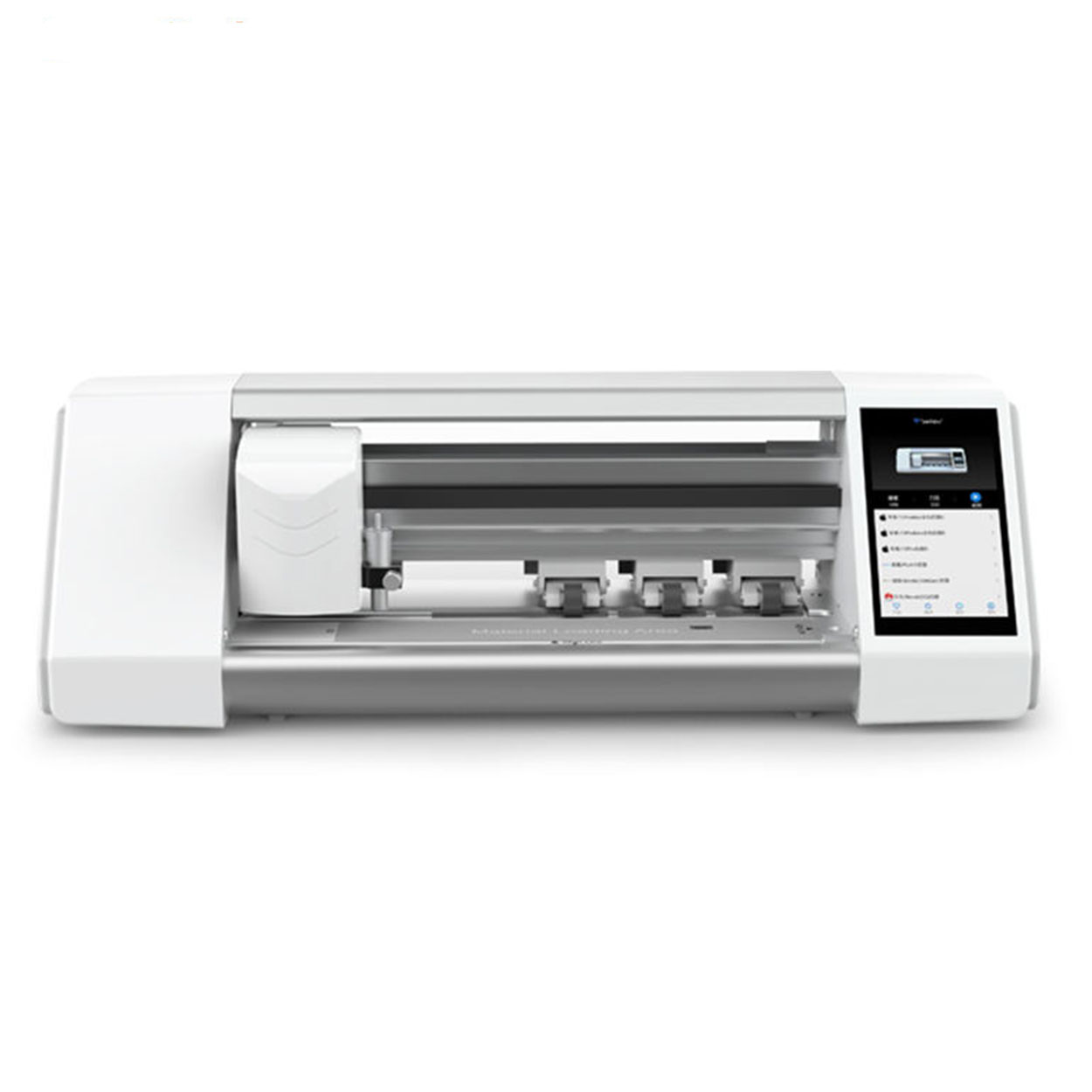
Miếng dán màn hình Hydrogel có tốt không?
Cả miếng dán màn hình hydrogel và kính cường lực đều có ưu điểm riêng. Lựa chọn của bạn nên phụ thuộc vào nhu cầu và sở thích cụ thể của bạn.
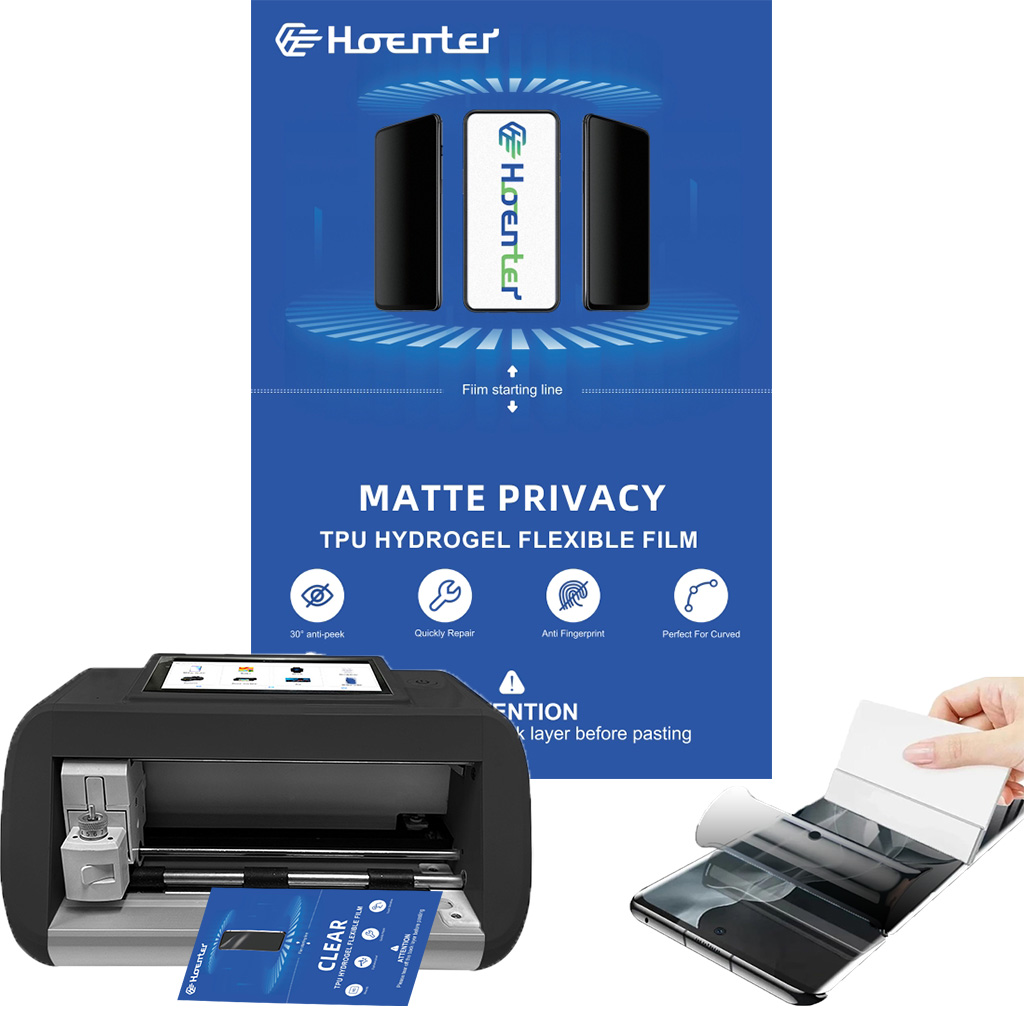
Is a Matte Screen Protector Good for Drawing?
Whether you’re an artist looking for precision or a student aiming for better notes, a matte screen protector could be the perfect addition to your iPad or tablet setup.
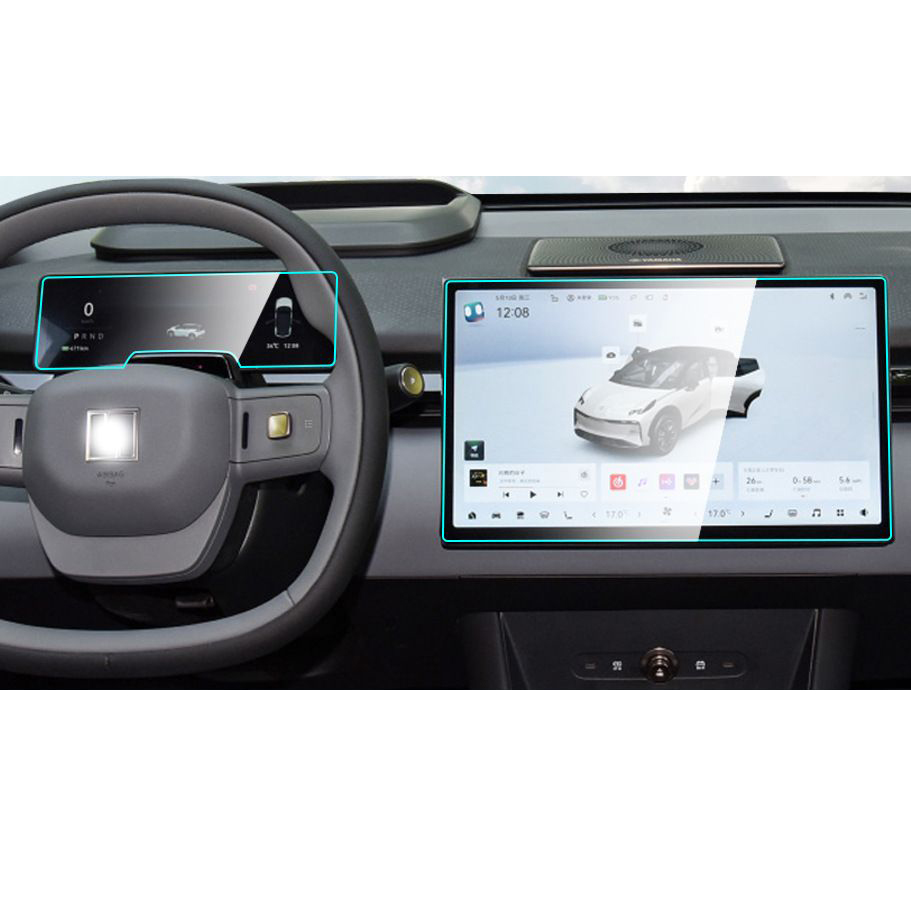
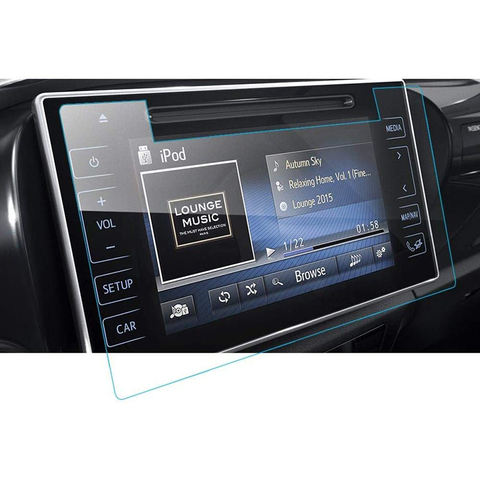
Li Auto L9 Navigation Instrument GPS Tempered Glass
Protect your investment with a high-quality Li Auto L9 Screen Protector. Prevent scratches and damage to your new L9’s navigation, instrument.
Mẹo để loại bỏ bong bóng ra khỏi miếng dán màn hình
Bạn có thấy khó chịu vì những bong bóng khí khó chịu làm hỏng lớp bảo vệ màn hình mới dán của bạn không? Bạn không phải là người duy nhất. Nhiều người dùng điện thoại thông minh gặp khó khăn khi loại bỏ bong bóng khí ra khỏi màn hình sau khi dán lớp bảo vệ màn hình mới. Trong hướng dẫn toàn diện này, chúng tôi sẽ khám phá các phương pháp hiệu quả để loại bỏ bong bóng khí khỏi lớp bảo vệ màn hình của bạn, đảm bảo màn hình hiển thị mượt mà, rõ nét cho thiết bị của bạn. Cho dù bạn đang sử dụng lớp bảo vệ màn hình bằng kính hay bằng nhựa, chúng tôi đều có những mẹo và thủ thuật chuyên nghiệp dành cho bạn.

How to Remove Screen Protector on iPad?
By following these tips, you can safely and easily remove your iPad’s screen protector, ensuring your device stays in excellent condition.

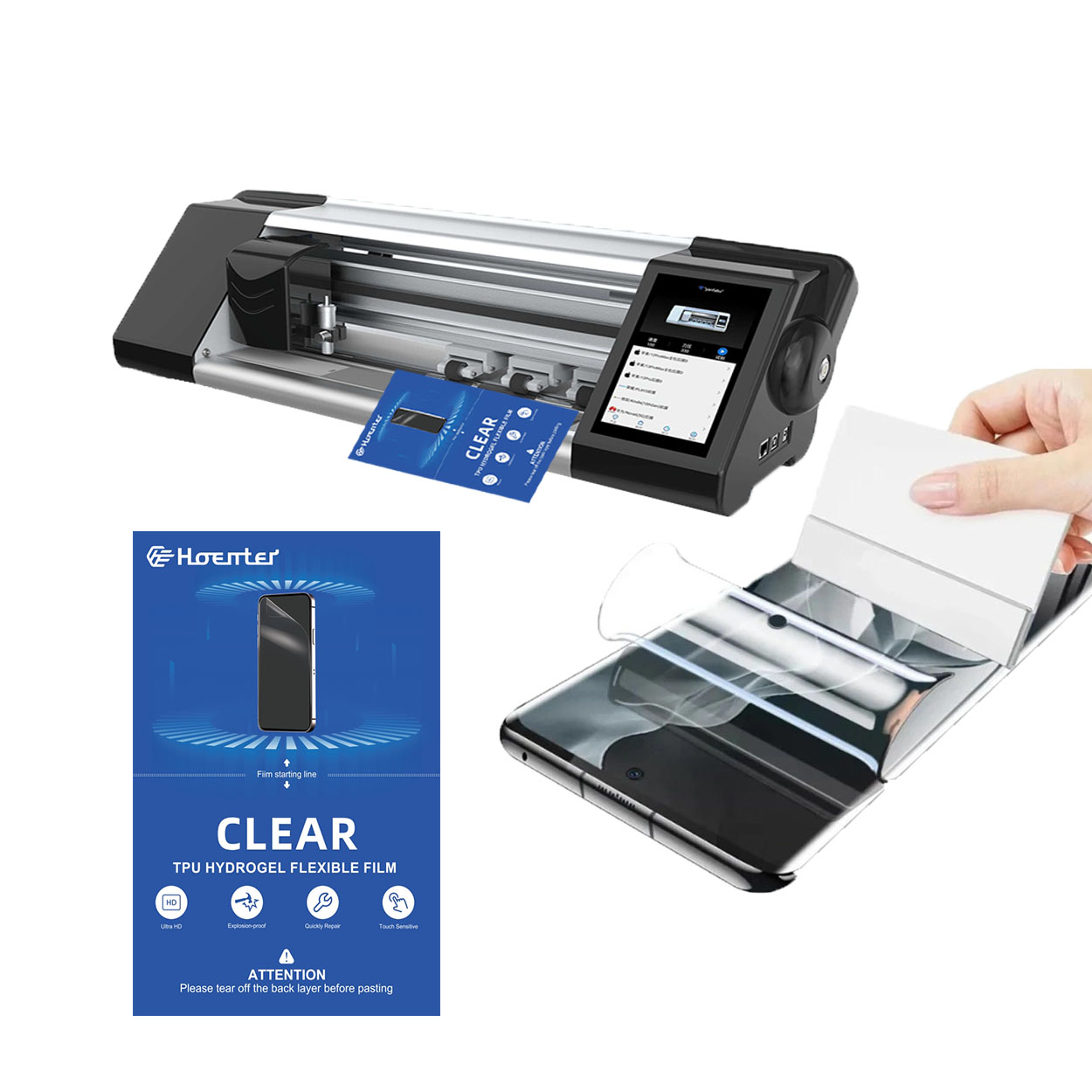
Máy cắt phim nào và ứng dụng của nó
Máy cắt phim đóng vai trò quan trọng trong sự phát triển của ngành làm phim và nhiều quy trình công nghiệp khác bằng cách cho phép cắt và ghép chính xác các vật liệu phim.

Máy cắt miếng dán màn hình là gì?
Máy cắt miếng dán màn hình là thiết bị chuyên dụng được thiết kế để sản xuất miếng dán màn hình vừa vặn cho nhiều thiết bị điện tử khác nhau, bao gồm điện thoại thông minh, máy tính bảng, đồng hồ thông minh, máy tính xách tay và màn hình máy tính.

Máy cắt miếng dán màn hình điện thoại di động hoạt động như thế nào?
Máy cắt miếng dán màn hình điện thoại di động là một thiết bị tinh vi được thiết kế
để sản xuất miếng dán màn hình tùy chỉnh cho nhiều thiết bị kỹ thuật số có độ chính xác cao
và hiệu quả.

Đặc điểm của Kính cường lực điện thoại di động và Miếng dán màn hình TPU cho điện thoại di động
Tấm bảo vệ màn hình bằng nhựa nhiệt dẻo polyurethane (TPU) linh hoạt, bền và
màng nhựa tự phục hồi được thiết kế để bảo vệ màn hình thiết bị điện tử khỏi
trầy xước, va chạm và các hư hỏng tiềm ẩn khác.

Cách mạng hóa bảo vệ thiết bị với máy cắt bảo vệ màn hình
Cho dù bạn sở hữu điện thoại thông minh, máy tính bảng hay đồng hồ thông minh, chiếc máy đa năng này có thể chứa nhiều loại thiết bị. Nó có thể thích ứng liền mạch với kích thước của thiết bị của bạn, mang đến sự vừa vặn tùy chỉnh mà các loại bảo vệ thông thường không thể sánh kịp.

Bảo hành trọn đời cho miếng dán màn hình
Bảo hành trọn đời cho miếng dán màn hình là sự đảm bảo được cung cấp bởi nhà sản xuất
cam kết sửa chữa hoặc thay thế miếng dán màn hình trong suốt thời gian sử dụng sản phẩm, theo các điều khoản và điều kiện cụ thể.
