
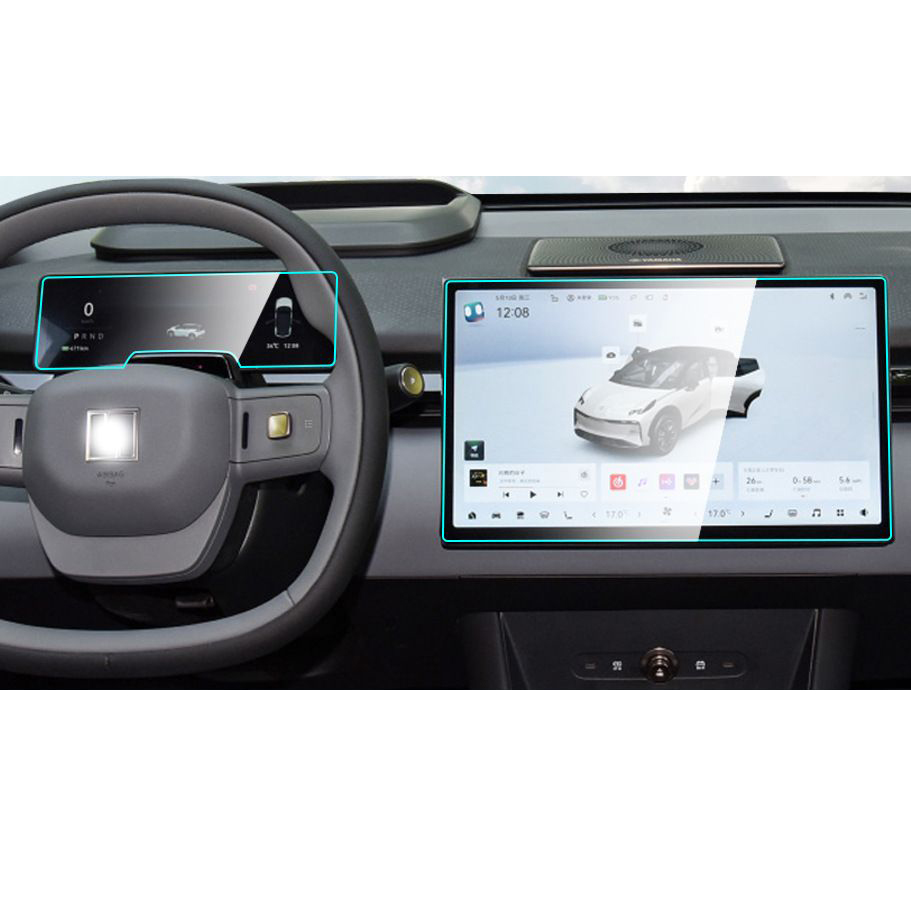
1. What Is a Screen Protector and Why Remove It?
A screen protector is a thin layer of material, often tempered glass or plastic, designed to shield your iPad’s screen from scratches, smudges, and cracks. While screen protectors are essential accessories for many users, there are times when you might need to remove them.
Why Remove It?
- Cracks or Damage: A cracked screen protector can obstruct your view and even pose a safety risk with sharp edges.
- Upgrading: You might want to replace your current protector with a newer, more advanced one.
- Hao mòn: Over time, protectors can accumulate scratches or lose their adhesive properties, reducing their effectiveness.
2. How to Know When It’s Time to Remove Your iPad Screen Protector
Not sure if it’s time to remove your screen protector? Here are some signs to look out for:- Visible Cracks: If your tempered glass screen protector is cracked, it’s time to replace it to avoid further damage.
- Reduced Sensitivity: If your iPad’s touch screen isn’t as responsive as it used to be, the protector might be interfering.
- Scratches and Smudges: Excessive wear can make your screen look dull and dirty, even after cleaning.
- Peeling Edges: If the edges of your screen protector are lifting, it’s no longer providing full protection.
3. Tools You’ll Need to Safely Remove a Screen Protector
Before you start, gather the following tools to make the process smooth and safe:ToolPurposePlastic Card (e.g., credit card)To gently lift the edges of the screen protector without scratching the screen.Microfiber ClothTo clean the screen after removing the protector.Hairdryer (optional)To loosen adhesive on tempered glass protectors.Masking TapeTo remove any leftover adhesive residue.
Having these tools on hand will make the process easier and reduce the risk of damaging your iPad.
4. Step-by-Step Guide: How to Remove a Screen Protector from Your iPad
Follow these steps to safely remove your screen protector:- Start at the Corner: Use a plastic card or your fingernail to gently lift one corner of the screen protector. Be careful not to scratch the screen.
- Peel Slowly: Once the corner is lifted, slowly peel the protector away from the screen. Pull at a low angle to avoid cracking the protector.
- Use Heat if Necessary: For tempered glass protectors, use a hairdryer on low heat to soften the adhesive. Hold it about 6 inches away from the screen for 15-20 seconds.
- Làm sạch màn hình: After removing the protector, use a microfiber cloth to wipe away any dust or adhesive residue.
5. What to Do If Your Screen Protector Is Cracked
Removing a cracked screen protector requires extra care to avoid injury or damage to your iPad.- Wear Gloves: Protect your hands from sharp edges.
- Tape the Cracks: Use masking tape to cover the cracks and prevent shards from falling during removal.
- Peel Slowly: Follow the same steps as above, but go even slower to avoid breaking the protector further.
6. How to Remove a Tempered Glass Screen Protector Without Damaging Your iPad
Tempered glass protectors are more durable but can be trickier to remove. Here’s how to do it:- Loosen the Adhesive: Use a hairdryer to warm the edges of the protector.
- Lift the Edge: Insert a plastic card under one corner and gently lift.
- Peel Off Slowly: Pull the protector away from the screen at a low angle.
7. Can You Reuse a Screen Protector After Removing It?
In most cases, screen protectors are not reusable. Once removed, the adhesive layer is often compromised, making it difficult to reapply without bubbles or reduced effectiveness.However, if the protector is still in good condition and you’re careful during removal, you might be able to reuse it temporarily. Just ensure the adhesive side is clean and free of dust.
8. How to Clean Your iPad Screen After Removing the Protector
After removing the screen protector, it’s essential to clean your iPad’s screen to prepare it for a new protector or to use it bare.Steps to Clean Your Screen
- Wipe with a Microfiber Cloth: Remove dust and fingerprints.
- Use a Screen Cleaner: Apply a small amount of alcohol-free screen cleaner to the cloth (not directly on the screen).
- Buff the Screen: Gently buff the screen until it’s clean and streak-free.
9. Tips for Installing a New Screen Protector on Your iPad
If you’re replacing your old screen protector, follow these tips for a flawless installation:- Làm sạch màn hình kỹ lưỡng: Any dust or smudges will create bubbles under the new protector.
- Align Carefully: Take your time to align the protector with your iPad’s edges and camera cutouts.
- Use a Squeegee: Smooth out bubbles as you apply the protector.
10. Common Mistakes to Avoid When Removing a Screen Protector
Avoid these common pitfalls to ensure a smooth removal process:- Using Sharp Tools: Metal tools can scratch your screen or damage the edges.
- Pulling Too Hard: Forcing the protector off can crack it or damage your iPad.
- Skipping the Cleaning Step: Residue left on the screen can interfere with a new protector.
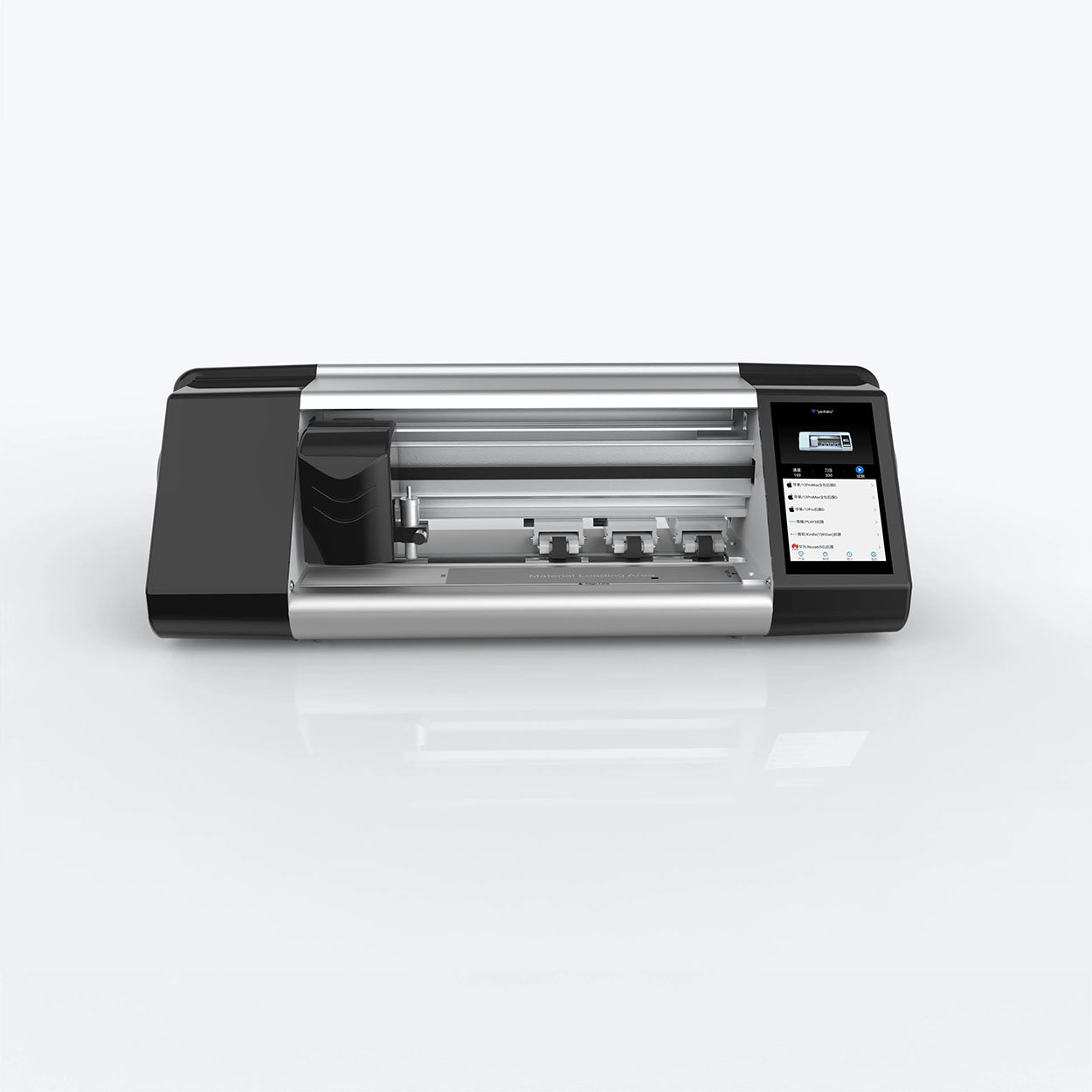
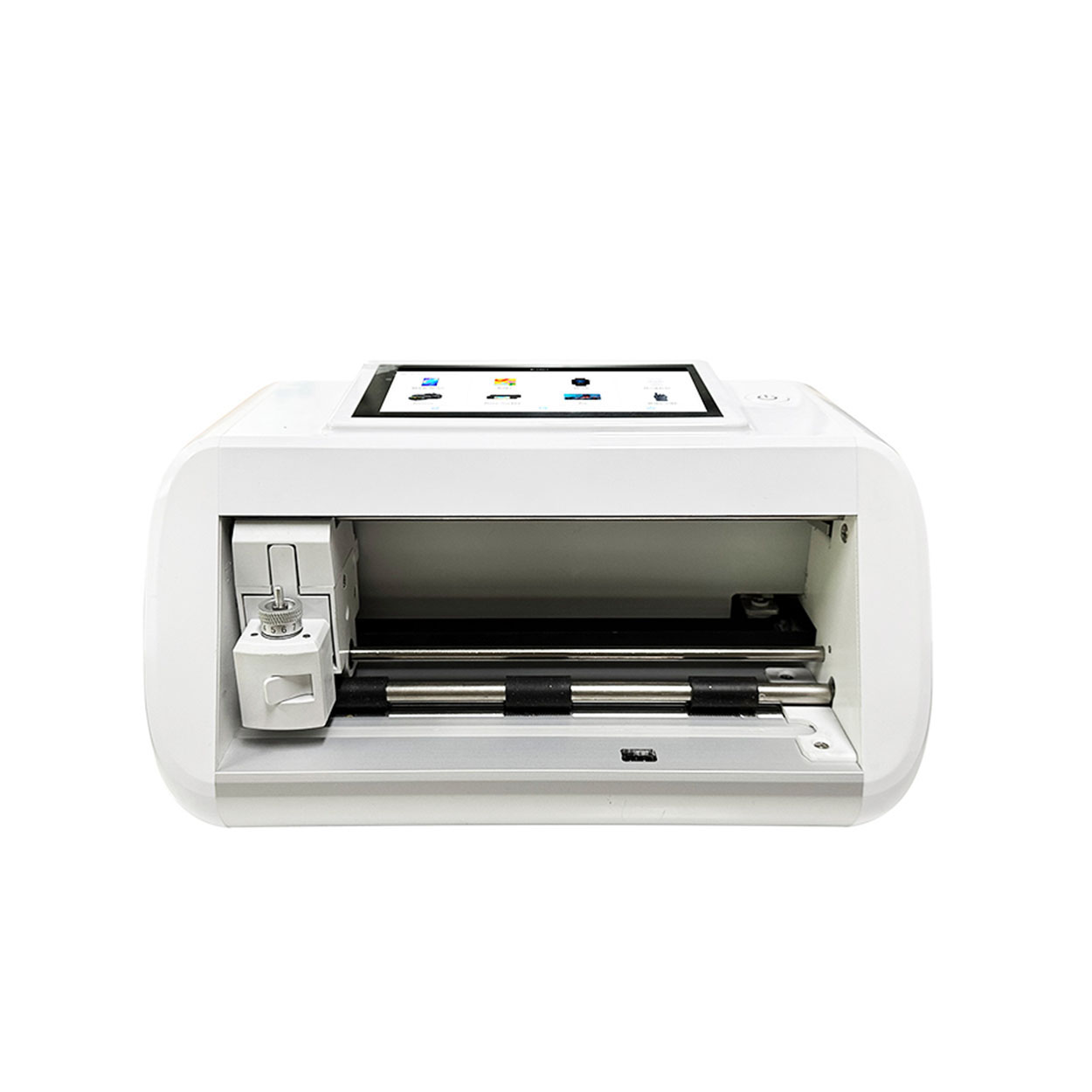
Nhà sản xuất máy cắt bảo vệ màn hình mini
Máy cắt miếng dán màn hình mini tại nhà Email What'sApp Thông số sản phẩm KIỂM SOÁT: Kiểm soát bằng APP / Bluetooth MÀN HÌNH CẢM ỨNG LCD: 5,5″ HD
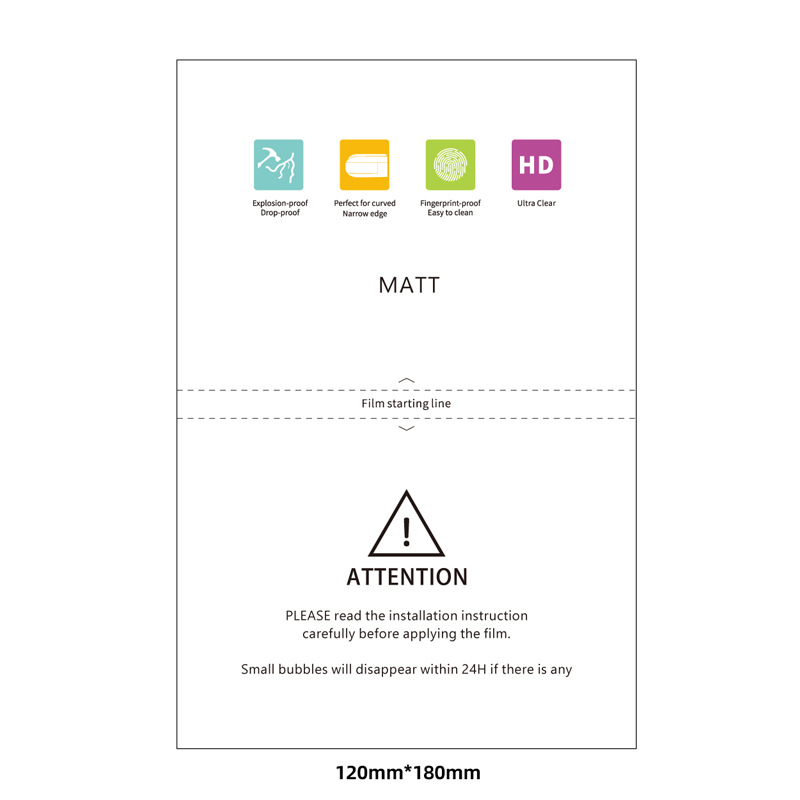
Wholesale Matte TPU Film Screen Protector
Boost your profits with Wholesale Matte TPU Screen Protectors. An affordable, high-demand product with excellent margins for your business.
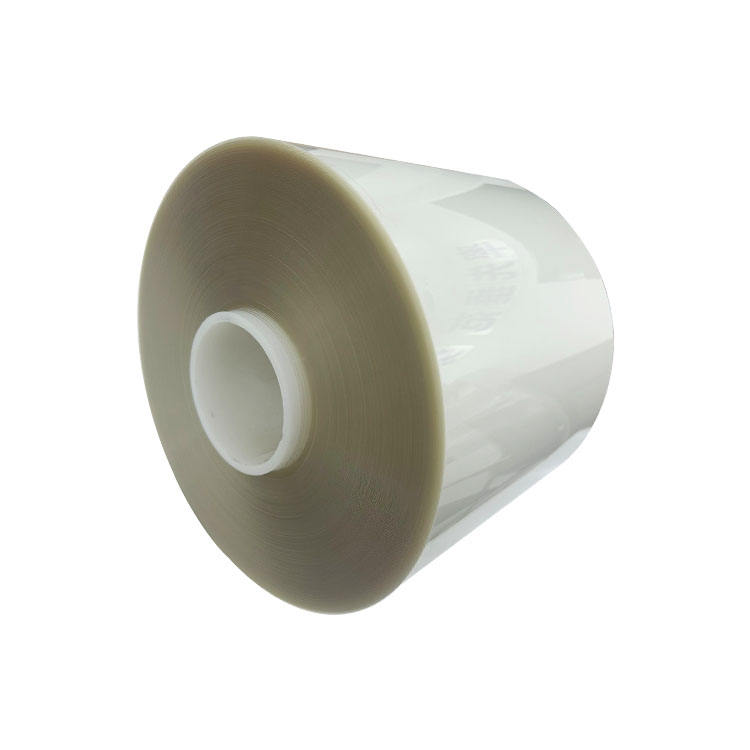
EPU vs. TPU Screen Protectors: The Ultimate Showdown for Your Phone’s Display!
Choosing between EPU and TPU screen protectors? Learn the differences in self-healing to find the perfect protection for your phone’s display.
Cách chọn miếng dán màn hình tốt nhất cho điện thoại thông minh của bạn
Việc lựa chọn miếng dán màn hình tốt nhất cho điện thoại của bạn là bước quan trọng để đảm bảo độ bền và tình trạng hoàn hảo cho màn hình thiết bị của bạn. Nhiều loại miếng dán màn hình cung cấp các mức độ bảo vệ khác nhau và các tính năng bổ sung, giúp người dùng đưa ra lựa chọn sáng suốt dựa trên nhu cầu của mình.

Làm thế nào để dán miếng bảo vệ màn hình mà không bị bong bóng?
Bằng cách làm theo các bước và mẹo này, bạn có thể dán miếng bảo vệ màn hình một cách chuyên nghiệp, giữ cho điện thoại thông minh của bạn an toàn và hoạt động tốt.

Máy cắt phim nào và ứng dụng của nó
Máy cắt phim đóng vai trò quan trọng trong sự phát triển của ngành làm phim và nhiều quy trình công nghiệp khác bằng cách cho phép cắt và ghép chính xác các vật liệu phim.

Máy cắt miếng dán màn hình là gì?
Máy cắt miếng dán màn hình là thiết bị chuyên dụng được thiết kế để sản xuất miếng dán màn hình vừa vặn cho nhiều thiết bị điện tử khác nhau, bao gồm điện thoại thông minh, máy tính bảng, đồng hồ thông minh, máy tính xách tay và màn hình máy tính.

Máy cắt miếng dán màn hình điện thoại di động hoạt động như thế nào?
Máy cắt miếng dán màn hình điện thoại di động là một thiết bị tinh vi được thiết kế
để sản xuất miếng dán màn hình tùy chỉnh cho nhiều thiết bị kỹ thuật số có độ chính xác cao
và hiệu quả.

Đặc điểm của Kính cường lực điện thoại di động và Miếng dán màn hình TPU cho điện thoại di động
Tấm bảo vệ màn hình bằng nhựa nhiệt dẻo polyurethane (TPU) linh hoạt, bền và
màng nhựa tự phục hồi được thiết kế để bảo vệ màn hình thiết bị điện tử khỏi
trầy xước, va chạm và các hư hỏng tiềm ẩn khác.

Cách mạng hóa bảo vệ thiết bị với máy cắt bảo vệ màn hình
Cho dù bạn sở hữu điện thoại thông minh, máy tính bảng hay đồng hồ thông minh, chiếc máy đa năng này có thể chứa nhiều loại thiết bị. Nó có thể thích ứng liền mạch với kích thước của thiết bị của bạn, mang đến sự vừa vặn tùy chỉnh mà các loại bảo vệ thông thường không thể sánh kịp.

Bảo hành trọn đời cho miếng dán màn hình
Bảo hành trọn đời cho miếng dán màn hình là sự đảm bảo được cung cấp bởi nhà sản xuất
cam kết sửa chữa hoặc thay thế miếng dán màn hình trong suốt thời gian sử dụng sản phẩm, theo các điều khoản và điều kiện cụ thể.
