
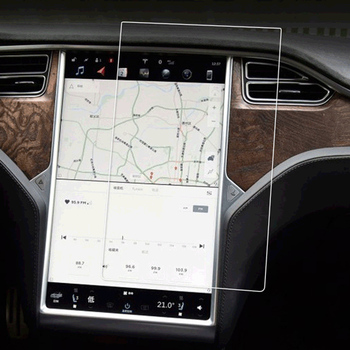
What is a Screen Protector and Why Do You Need One?
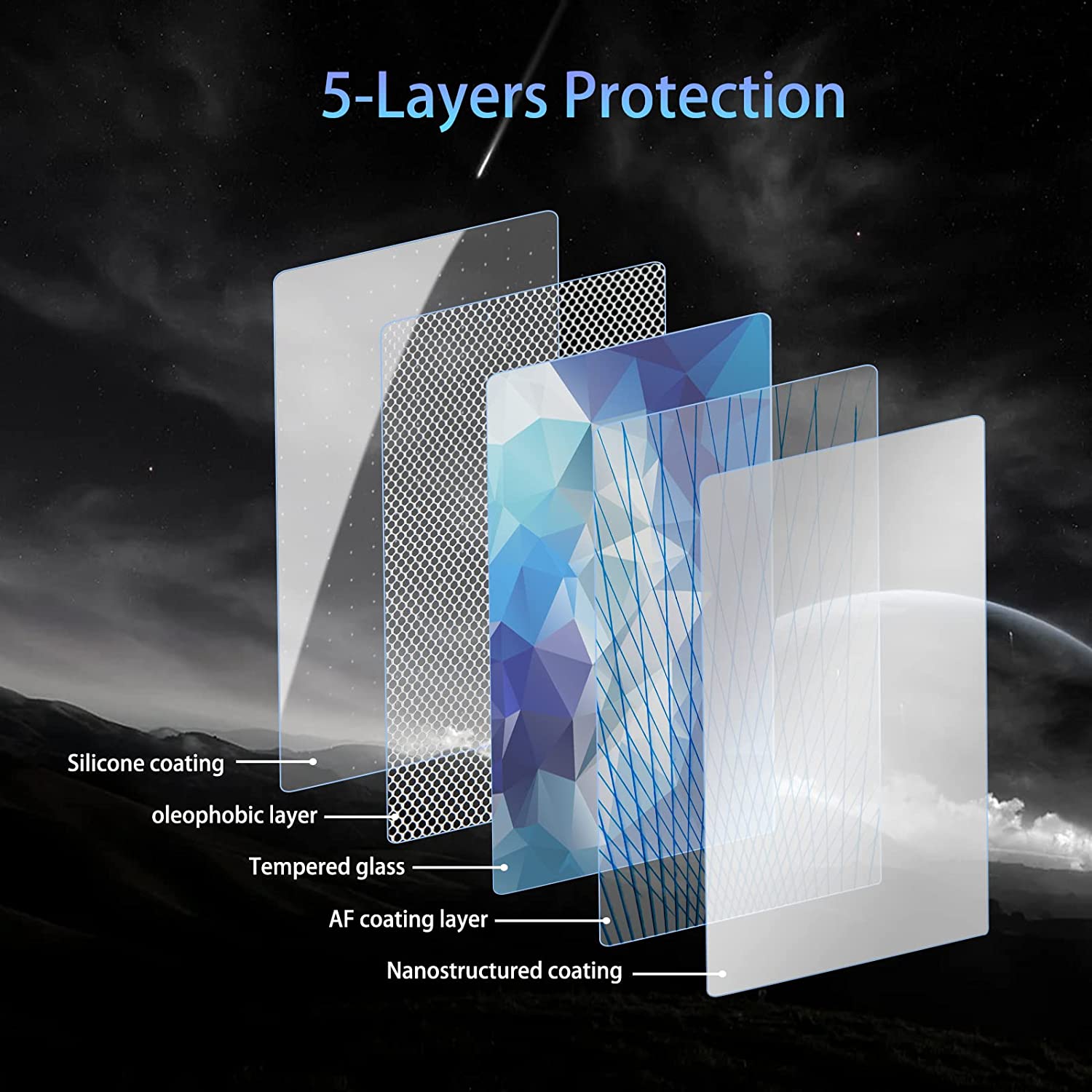
A screen protector is a thin layer of material that you place on your phone or tablet screen to protect it from scratches, cracks, and other types of damage. There are two main types: skærmbeskyttere i glas og plastic screen protectors. Both types serve the same purpose but offer different levels of protection and feel.Screen protectors are essential for keeping your device in pristine condition. They help maintain the resale value of your gadgets and can prevent costly repairs. If you’ve ever dropped your phone, you know how valuable a good screen protector can be.
How Do Air Bubbles Form Under a Screen Protector?
Air bubbles are one of the most common issues when applying a screen protector. These bubbles can form due to several reasons:
- Dust or debris: Even the smallest speck of dust can cause a bubble.
- Misalignment: If the protector isn’t applied straight, air can get trapped.
- Poor application technique: Rushing the process or applying uneven pressure can lead to bubbles.
Understanding why bubbles form is the first step in preventing them. By preparing your device and workspace, you can significantly reduce the likelihood of encountering these issues.
Preparing Your Device for a Screen Protector: What You Need to Know
Before applying a screen protector, it’s crucial to prepare your device properly. Here’s a simple checklist:
- Vask dine hænder: Oils and dirt from your fingers can transfer to the screen.
- Use a microfiber cloth: Wipe the screen thoroughly to remove dust and fingerprints.
- Påfør i et støvfrit miljø: This minimizes the chances of dust settling on your screen during application.
Taking these steps will help ensure a clean application, reducing the chance of air bubbles forming under your screen protector.
How to Apply a Glass Screen Protector Without Bubbles
Applying a glass screen protector can be straightforward if you follow these steps:
- Ret beskyttelsen ind: Before removing the adhesive backing, place the protector over your screen to ensure it fits properly.
- Peel and stick: Remove the backing and carefully position the protector starting from one end.
- Brug et plastikkort: Smooth out the protector from the center towards the edges to push out any air bubbles.
This method helps achieve a bubble-free application, ensuring your screen protector stays securely in place.
Tips on How to Get Bubbles Out of a Screen Protector
If you’ve already applied your screen protector and notice bubbles, don’t worry. Here are some tips to remove them:
- Brug et plastikkort: Gently push the bubbles towards the edge of the screen.
- Lift and reapply: If bubbles persist, carefully lift the edge of the protector and reposition it.
- Apply gentle heat: A hair dryer on low heat can soften the protector, making it easier to remove bubbles.
These techniques can help you achieve a smooth, bubble-free screen protector application.
Using a Hair Dryer to Remove Air Bubbles: Does it Work?
Using a hair dryer can be an effective way to remove air bubbles from a screen protector. The gentle heat softens the adhesive, allowing you to smooth out bubbles more easily. Here’s how to do it:
- Set your hair dryer to low heat: Hold it at a safe distance from the screen.
- Apply heat evenly: Move the dryer back and forth across the screen.
- Brug et plastikkort: While the screen is warm, gently press out bubbles towards the edges.
This method can be particularly useful for stubborn bubbles that won’t budge with just a plastic card.
Reapply or Get a New Screen Protector?
Sometimes, despite your best efforts, a screen protector just won’t cooperate. In such cases, you might wonder whether to reapply the same protector or get a new one. Here are some considerations:
- Condition of the protector: If it’s still sticky and free of dust, try reapplying.
- Extent of the bubbles: For significant bubbles that won’t go away, a new protector might be necessary.
- Cost vs. effort: Consider the cost of a new protector compared to the time and frustration of reapplying.
Weighing these factors can help you decide the best course of action for your device.

Common Mistakes: Why Bubbles Form in the First Place
Understanding common mistakes can help prevent bubbles from forming during application. Some mistakes to avoid include:
- Anvendelse i støvede omgivelser: Dust is the enemy of a smooth application.
- Not cleaning the screen: Oils and dirt can create a barrier, trapping air.
- At fremskynde processen: Take your time to ensure proper alignment and pressure.
By paying attention to these details, you can minimize the risk of bubbles and achieve a perfect fit.
The Role of a Plastic Card in Removing Screen Protector Bubbles
A simple plastic card, like a credit card, can be your best friend during screen protector application. Here’s how to use it effectively:
- Start from the center: Place the card in the center of the screen and move it towards the edges.
- Use firm, even pressure: Don’t press too hard, as this might damage the protector.
- Work slowly and methodically: Patience is key to avoiding air bubbles.
This technique helps ensure a smooth application, free of bubbles and imperfections.
Should You Remove and Reapply the Screen Protector or Get a New One?
Deciding whether to remove and reapply a screen protector or start fresh with a new one can be challenging. Consider these factors:
- Adhesive quality: If the adhesive remains strong, reapplication might work.
- Cost of replacement: A new protector might be more cost-effective if reapplication fails.
- Personal preference: Some users prefer the peace of mind that comes with a brand-new protector.
Ultimately, the decision depends on your specific situation and comfort level with reapplying a protector.
Den ultimative guide til screen hydrogel film - alt hvad du behøver at vide
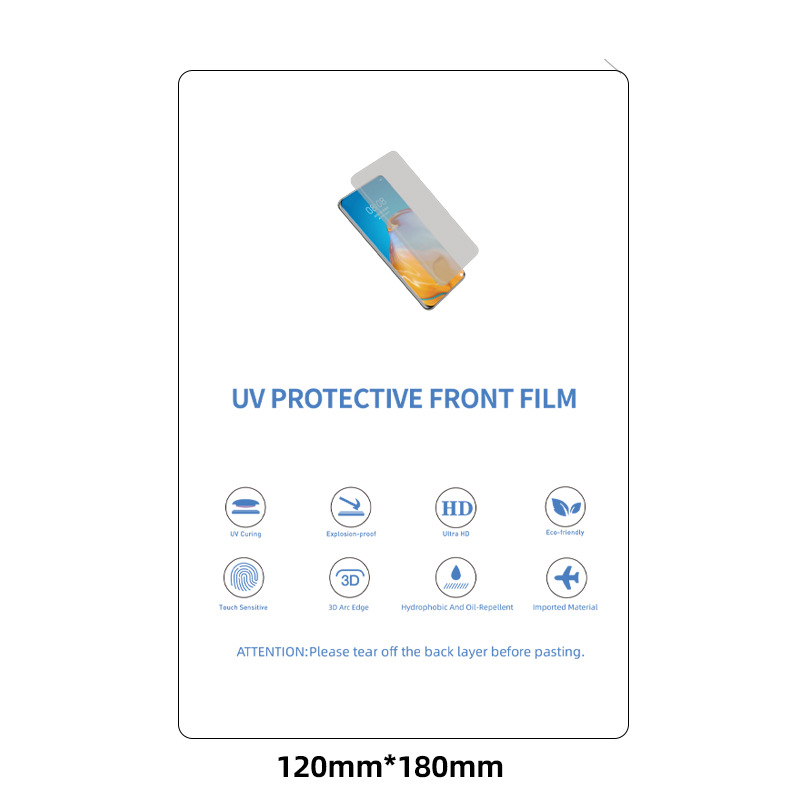
Den ultimative guide til hydrogelfilm til skærme: Alt hvad du behøver at vide Skærmhydrogelfilm er en innovativ kategori af skærmbeskyttere, der er designet til at beskytte elektroniske enheders skærme, samtidig med at de tilbyder et unikt sæt egenskaber, der adskiller dem fra traditionelle alternativer af hærdet glas og plast.
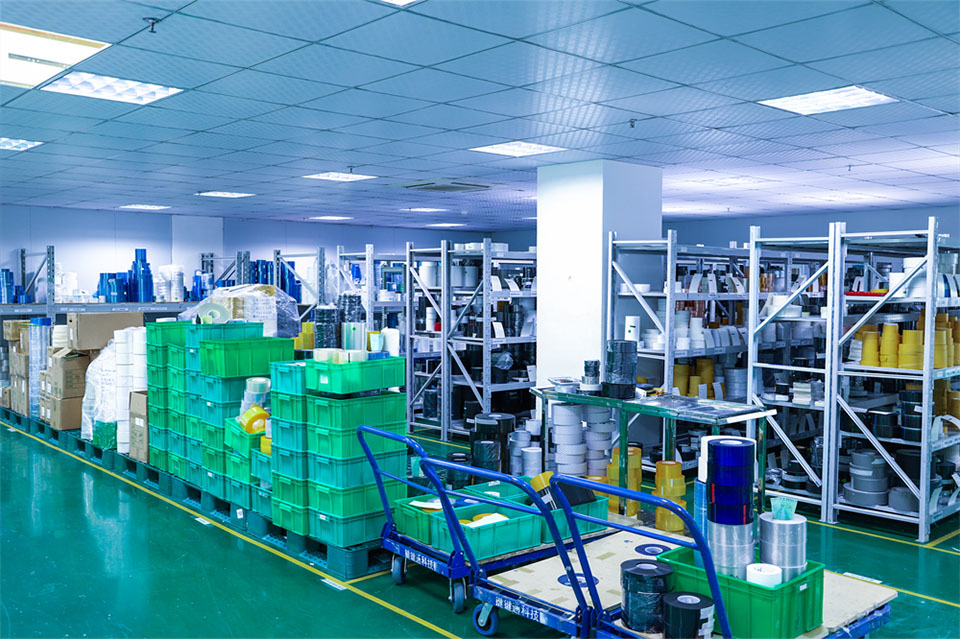
Sådan sætter du en skærmbeskyttelse på uden luftbobler: En idiotsikker guide
Er du træt af at kæmpe med irriterende luftbobler, når du sætter en skærmbeskyttelse på? Det er du ikke alene om! Mange synes, det er en udfordring at sætte skærmbeskyttelse på uden at fange luft nedenunder. Men frygt ej - denne omfattende guide fører dig gennem processen med at sætte en skærmbeskyttelse perfekt på, så du sikrer et boblefrit resultat, der holder din enhed perfekt. Uanset om du er en teknisk novice eller en gadgetguru, finder du værdifulde tips og tricks til at gøre din næste påsætning af skærmbeskyttelse til en leg.
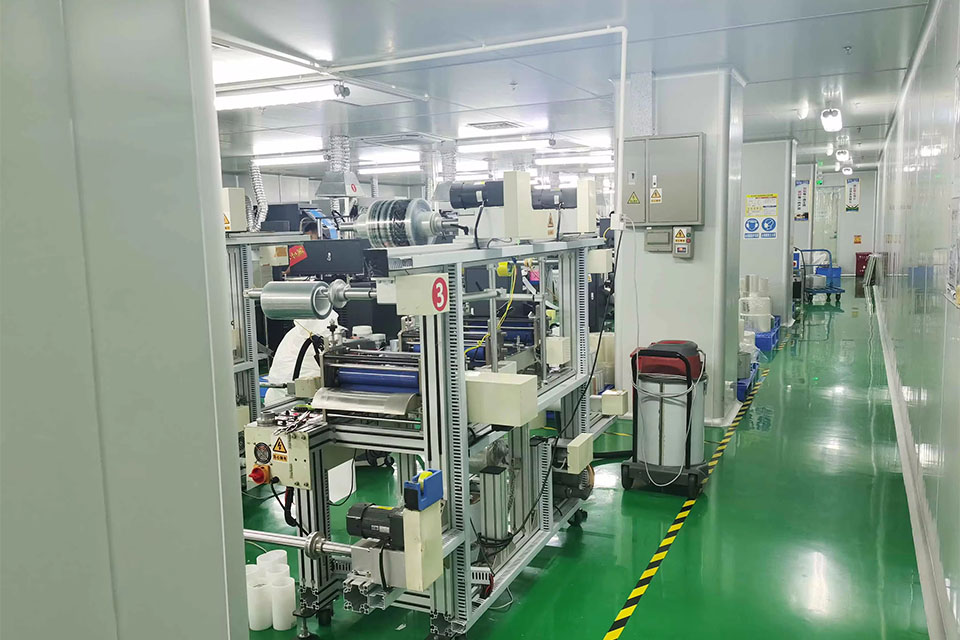
Mestring af skæreskærere til skærmbeskyttelse: Bedste praksis for en god pasform
At mestre skæreskærere til skærmbeskyttelse indebærer at forstå udviklingen, typerne, materialerne og den bedste praksis, der er afgørende for at opnå en god pasform og optimal beskyttelse af enheden.
Hvad er TPU-materiale?
Denne artikel giver et omfattende overblik over TPU, der fremhæver dens betydning og potentiale på forskellige områder.
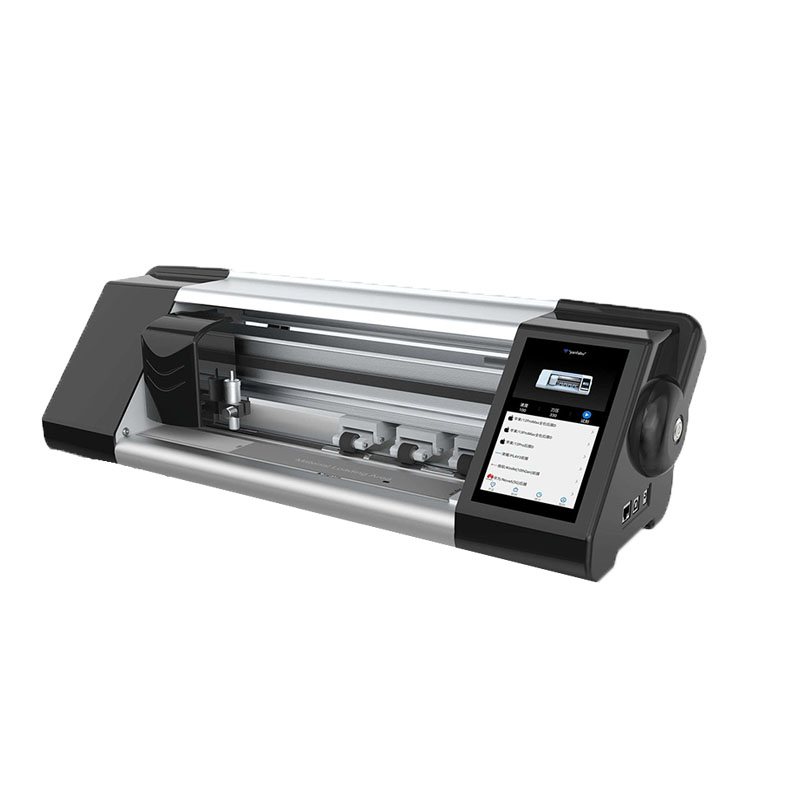
Skæremaskine til skærmbeskyttelse af mobiltelefoner
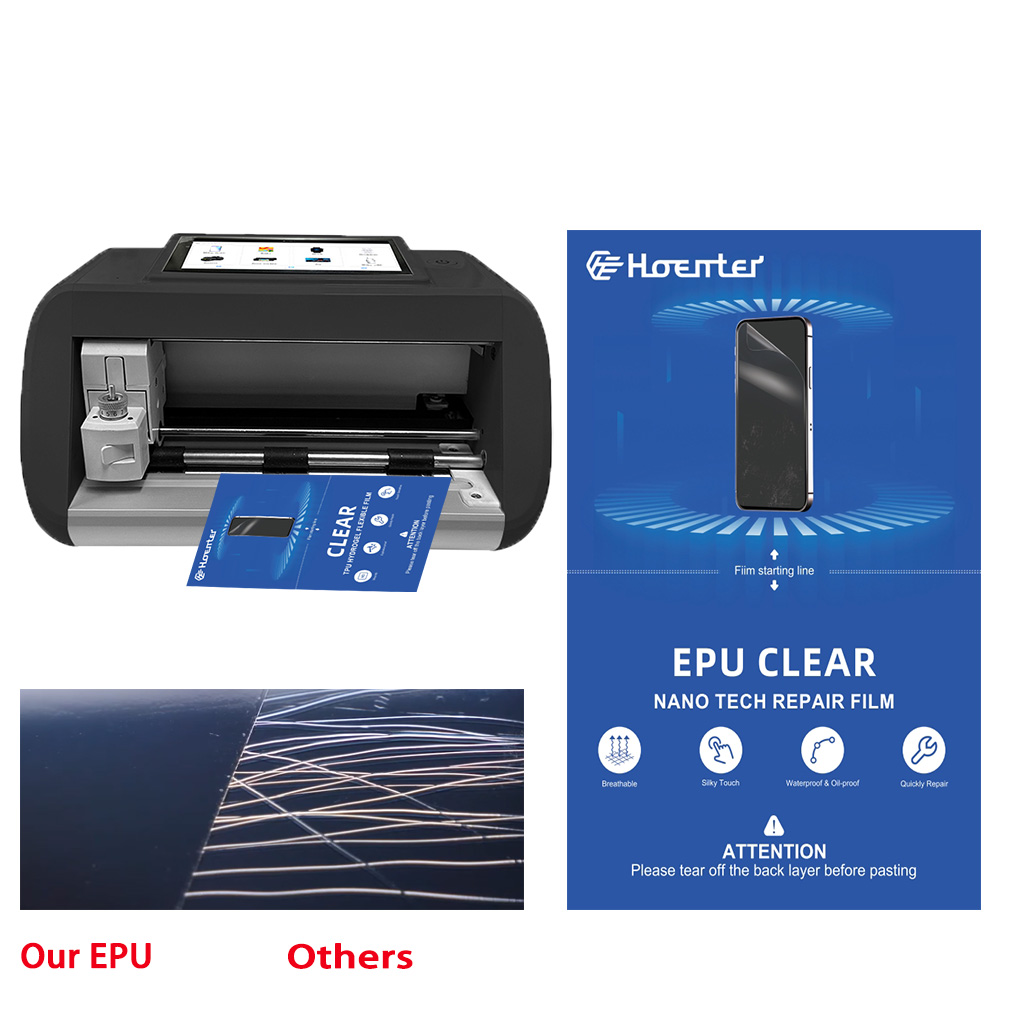
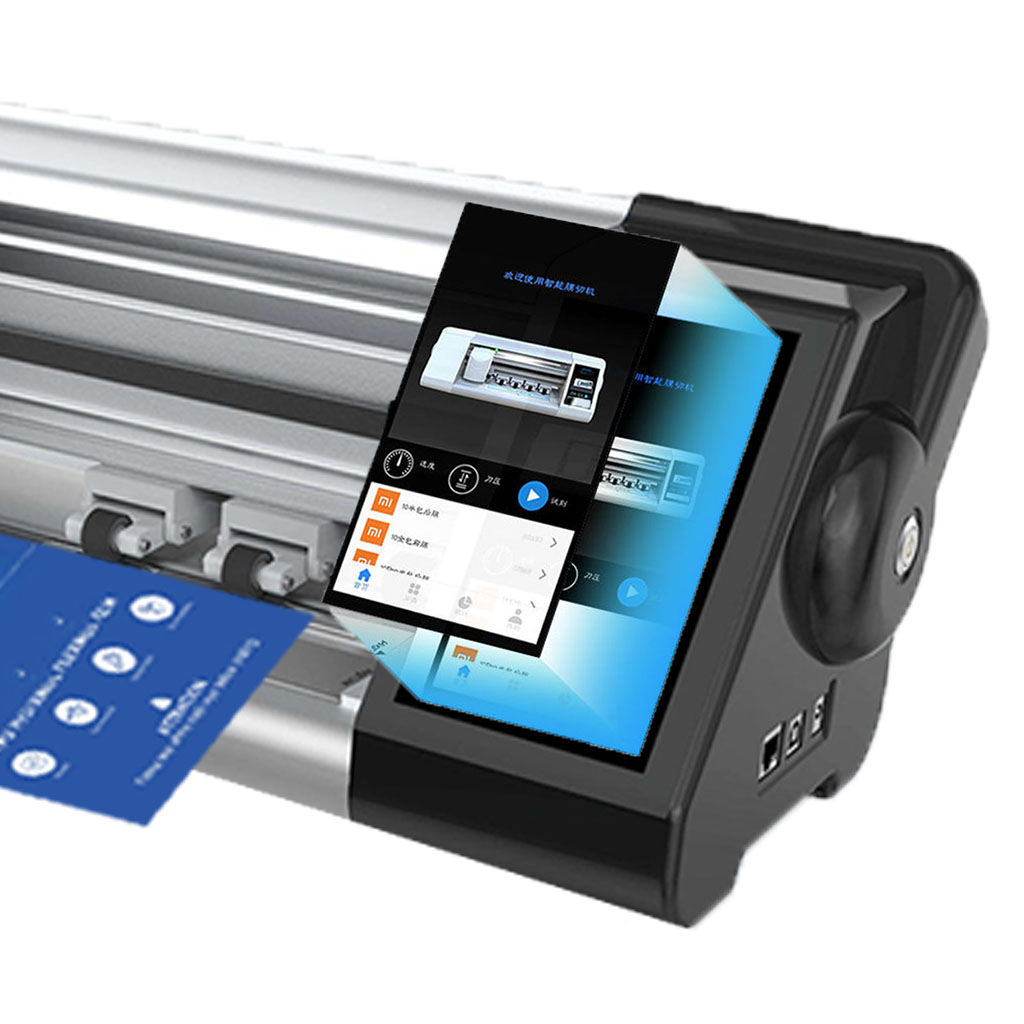
Boost your profits with our advanced film cutting machines. Ideal for phone stores, repair shops, & wholesalers. Cut perfect-fit screen protectors on-demand for any device. Contact us for factory-direct pricing!

Hvilken filmskæremaskine og dens anvendelse
Filmskæremaskiner har spillet en afgørende rolle i udviklingen af filmproduktion og forskellige industrielle processer ved at muliggøre præcis skæring og splejsning af filmmaterialer.

Hvad er en skæremaskine til skærmbeskyttelse?
En skæremaskine til skærmbeskyttelse er en specialiseret enhed, der er designet til at producere skræddersyede skærmbeskyttere til forskellige elektroniske enheder, herunder smartphones, tablets, smartwatches, bærbare computere og skærme.

Hvordan skæremaskine til skærmbeskyttelse af mobiltelefoner fungerer?
En maskine til at skære skærmbeskyttelse til mobiltelefoner er en sofistikeret enhed designet
at producere skræddersyede skærmbeskyttere til forskellige digitale enheder med høj præci
sion og effektivitet.

Karakteristika for hærdet glas til mobiltelefoner og TPU-skærmbeskyttelse til mobiltelefoner
Skærmbeskyttere af termoplastisk polyuretan (TPU) er fleksible, holdbare og
selvhelende plastfilm designet til at beskytte elektroniske enheders skærme mod
ridser, slag og andre potentielle skader.

Revolutioner beskyttelsen af enheder med en skæremaskine
Uanset om du har en smartphone, en tablet eller et smartwatch, kan denne alsidige maskine rumme en lang række enheder. Den tilpasser sig problemfrit til dimensionerne på din gadget og giver en tilpasset pasform, som generiske beskyttere ikke kan matche.

Livstidsgaranti på skærmbeskyttelse
En livstidsgaranti på skærmbeskyttelse er en garanti fra producenterne, der
lover at reparere eller udskifte en skærmbeskytter i hele produktets levetid på særlige vilkår.
