
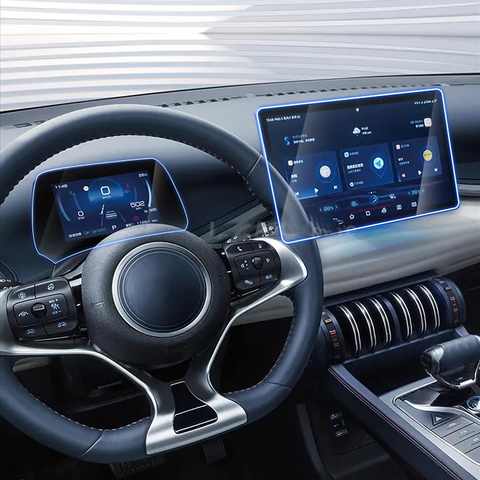
What is a Screen Protector and Why Do You Need One?
A screen protector is a thin layer of material that adheres to your smartphone’s screen to protect it from scratches, cracks, and other damage. Skærmbeskyttelse are essential for maintaining the longevity and resale value of your device. They act as a first line of defense against everyday wear and tear.
Benefits of Using a Screen Protector
- Modstandsdygtighed over for ridser: Protects against keys, coins, and other sharp objects.
- Slagbeskyttelse: Absorbs shock from drops and falls.
- Klarhed og berøringsfølsomhed: High-quality protectors maintain screen clarity and touch responsiveness.
Types of Screen Protectors: Which One is Right for You?
Choosing the right screen protector depends on your needs and preferences. Here are the most common types:Skærmbeskyttere af hærdet glas
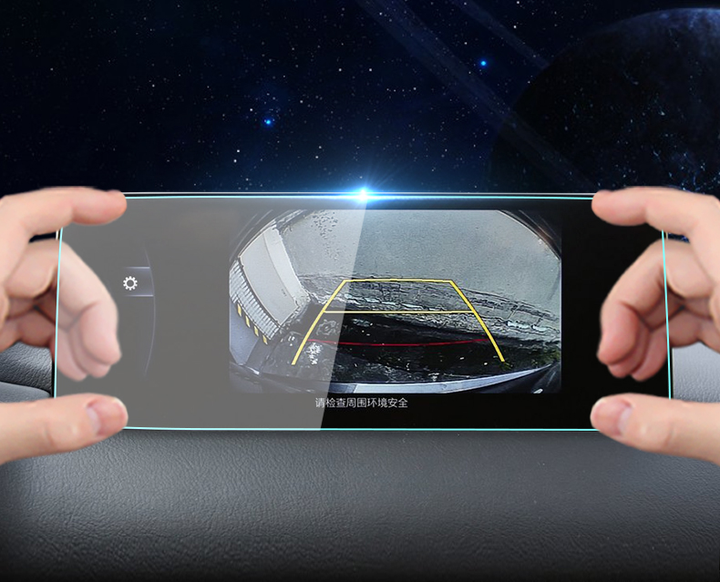
Tempered glass protectors are popular for their durability and clarity. They offer superior protection against impacts and scratches. Hærdet glas is also easy to clean and provides a smooth touch experience.Skærmbeskyttere af plastfilm
Plastic film protectors are thinner and less expensive than tempered glass. They offer basic scratch protection but may not be as durable. They are a good choice if you’re looking for a budget-friendly option.Skærmbeskyttelse til beskyttelse af personlige oplysninger
These protectors not only shield your screen but also prevent others from viewing your display from the side. They are ideal for maintaining privacy in public spaces.
Preparing Your Smartphone for Screen Protector Installation
Proper preparation is key to a successful installation. Follow these steps to ensure your screen is ready:- Clean Your Hands: Wash your hands to remove oils and dirt.
- Find a Dust-Free Environment: Install the protector in a clean, dust-free area to prevent particles from getting trapped.
- Rengør skærmen: Use a microfiber cloth and alcohol-based cleaner to remove smudges and dust from your screen.
How to Apply a Tempered Glass Screen Protector Without Bubbles
Applying a screen protector can be daunting, but with the right technique, you can achieve a bubble-free finish.Step-by-Step Guide
- Ret protektoren ind: Carefully align the protector with your screen, ensuring all cutouts match.
- Påfør protektoren: Gently place the protector on the screen, starting from one edge and slowly lowering it onto the surface.
- Fjern bobler: Use a credit card or the included tool to push out any bubbles, starting from the center and moving outward.
Common Mistakes to Avoid When Installing a Screen Protector
Avoid these common errors to ensure a smooth application:- Rushing the Process: Take your time to align and apply the protector carefully.
- Ignoring Dust: Even small particles can cause bubbles, so ensure the screen is spotless.
- Applying in a Humid Environment: Humidity can cause moisture to get trapped, leading to bubbles.
How to Remove Bubbles from a Screen Protector
If bubbles appear, don’t panic. Here’s how to remove them:- Use a Credit Card: Gently push the bubbles towards the edge of the screen.
- Løft og påfør igen: If necessary, lift the protector slightly and reapply, smoothing out bubbles as you go.
Maintaining Your Screen Protector for Longevity
To keep your screen protector in top condition, follow these tips:- Regelmæssig rengøring: Wipe the protector with a microfiber cloth to remove fingerprints and smudges.
- Avoid Harsh Chemicals: Use only screen-safe cleaners to prevent damage.
- Check for Damage: Regularly inspect the protector for cracks or chips and replace if necessary.
FAQs About Screen Protectors
Q: Can I reuse a screen protector?A: Generally, screen protectors are not reusable once removed, as they lose their adhesive properties.Q: How often should I replace my screen protector?A: Replace your protector if it becomes scratched or damaged to ensure optimal protection.
Troubleshooting: What to Do if Your Screen Protector Doesn’t Stick
If your screen protector isn’t adhering properly, try these solutions:- Clean the Screen Again: Ensure no dust or oils are present.
- Check the Protector: Make sure the adhesive side is clean and undamaged.
- Apply Heat: Gently warm the protector with a hairdryer to improve adhesion.
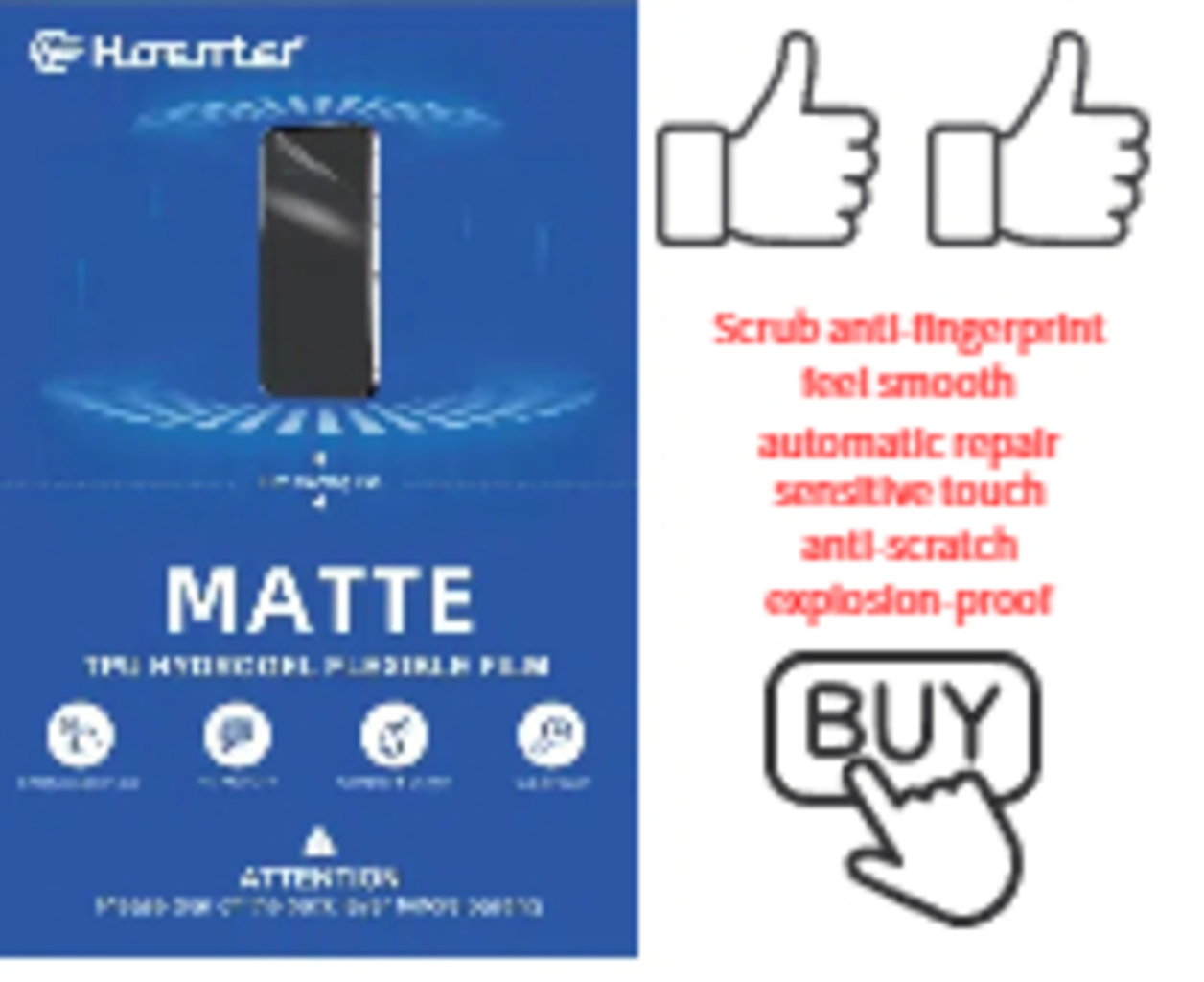
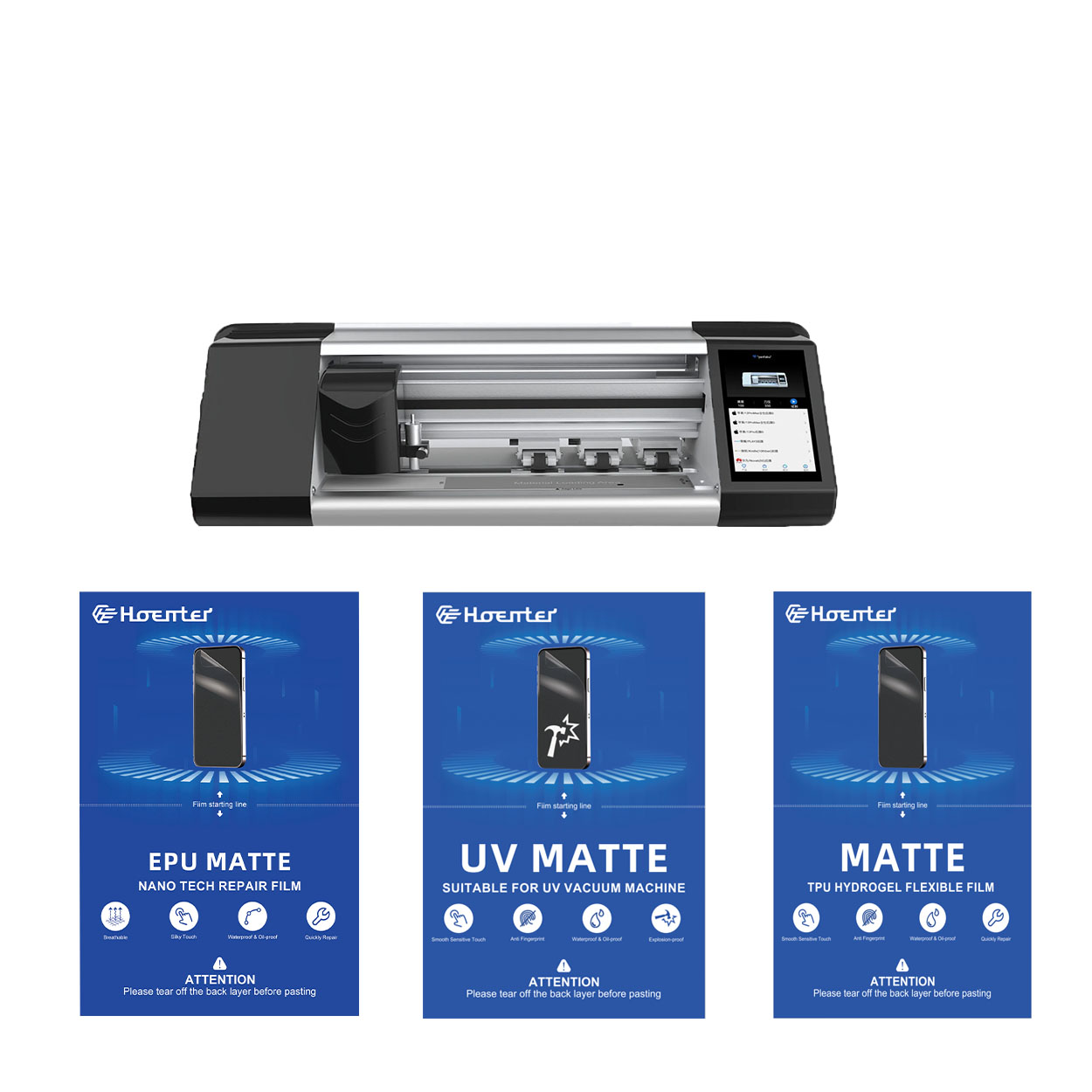
EPU Matte Anti Fingerprint Screen Protector Hydrogel Film
EPU Hydrogel Film Screen Protector giver alsidig, højtydende beskyttelse til en lang række enheder, herunder smartphones, tablets og smartwatches. Dens universelle kompatibilitet med skæremaskiner til telefonfilm gør den til et ideelt valg til forskellige modeller og sikrer problemfri påføring og fuld kantdækning. Med avancerede funktioner som anti-fingeraftryk, vandmodstand og selvhelende teknologi opretholder denne skærmbeskytter ikke kun en uberørt skærm, men giver også holdbar beskyttelse mod ridser, blænding og hverdagsslitage. Uanset om det er til personlig brug eller professionelle skæremaskiner, leverer denne hydrogelfilm pålidelig ydeevne og langvarig skærmklarhed.
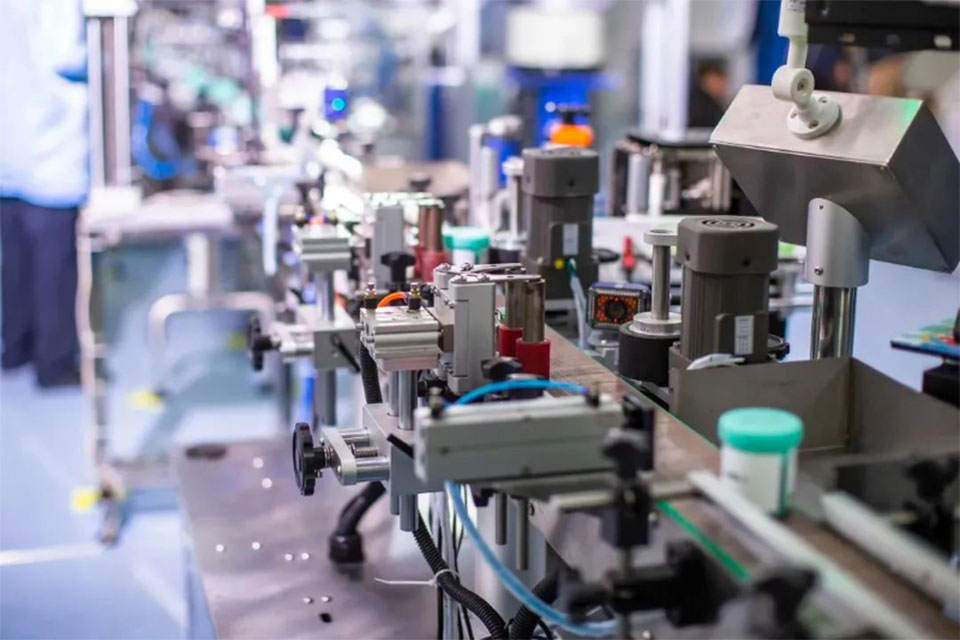
Forstå omkostningerne ved skæremaskiner til skærmbeskyttelse: Hvad du kan forvente
Den stigende efterspørgsel på mobile enheder og tilbehør har gjort skæreskæremaskiner til skærmbeskyttelse til en vigtig investering for virksomheder i branchen.

Sammenligning af forskellige typer mobile skin cutting-plottere - hvilken er den rigtige for dig?
Skæreplottere til mobilskind er specialiserede enheder, der er designet til at skabe skræddersyede skind til mobiltelefoner og andre elektroniske enheder.
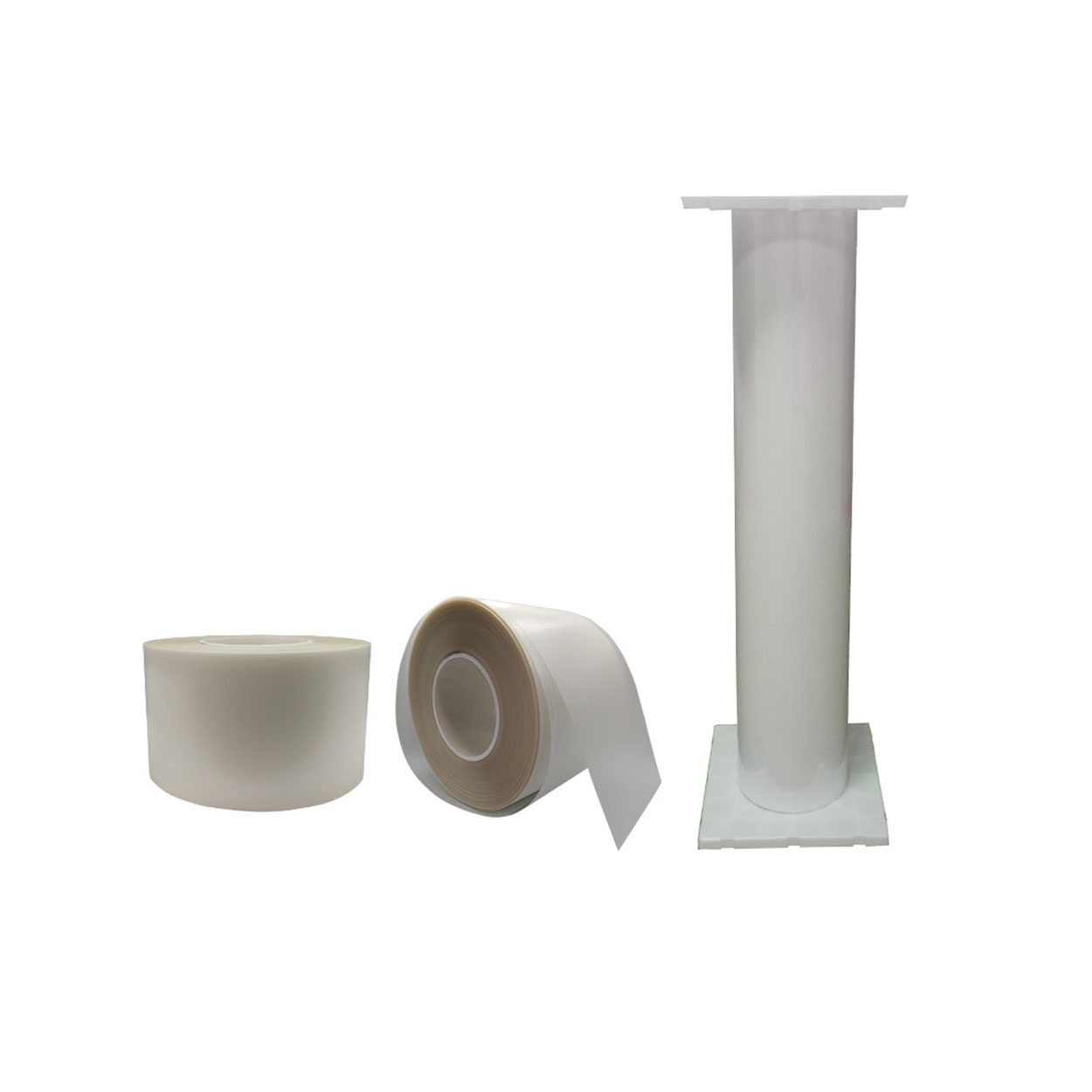
Engros skærmbeskytter Fleksibel Hydrogel TPU Film Roll
Termoplastisk polyurethanfilm (TPU) har vist sig at være et meget alsidigt materiale, der giver klare fordele i forhold til konventionelle plastfilm som polyvinylchlorid (PVC). Dets enestående egenskaber har gjort TPU til et oplagt valg på tværs af brancher som bilindustrien, beklædning, elektronik og medicinske anvendelser.
How Long Does It Take to Repair a Phone Screen?
Address cracked screens quickly to prevent further damage.

Hvilken filmskæremaskine og dens anvendelse
Filmskæremaskiner har spillet en afgørende rolle i udviklingen af filmproduktion og forskellige industrielle processer ved at muliggøre præcis skæring og splejsning af filmmaterialer.

Hvad er en skæremaskine til skærmbeskyttelse?
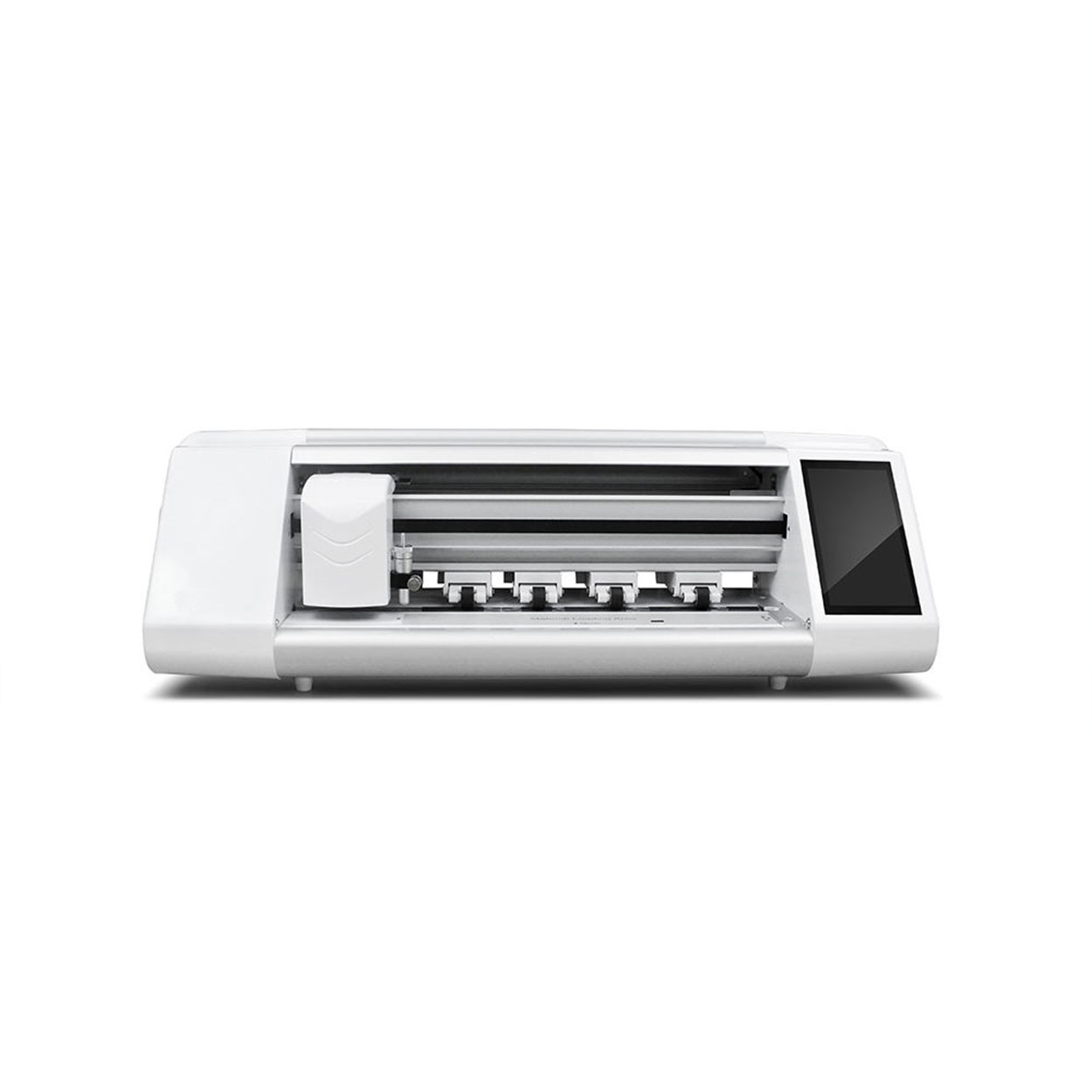
En skæremaskine til skærmbeskyttelse er en specialiseret enhed, der er designet til at producere skræddersyede skærmbeskyttere til forskellige elektroniske enheder, herunder smartphones, tablets, smartwatches, bærbare computere og skærme.

Hvordan skæremaskine til skærmbeskyttelse af mobiltelefoner fungerer?
En maskine til at skære skærmbeskyttelse til mobiltelefoner er en sofistikeret enhed designet
at producere skræddersyede skærmbeskyttere til forskellige digitale enheder med høj præci
sion og effektivitet.

Karakteristika for hærdet glas til mobiltelefoner og TPU-skærmbeskyttelse til mobiltelefoner
Skærmbeskyttere af termoplastisk polyuretan (TPU) er fleksible, holdbare og
selvhelende plastfilm designet til at beskytte elektroniske enheders skærme mod
ridser, slag og andre potentielle skader.

Revolutioner beskyttelsen af enheder med en skæremaskine
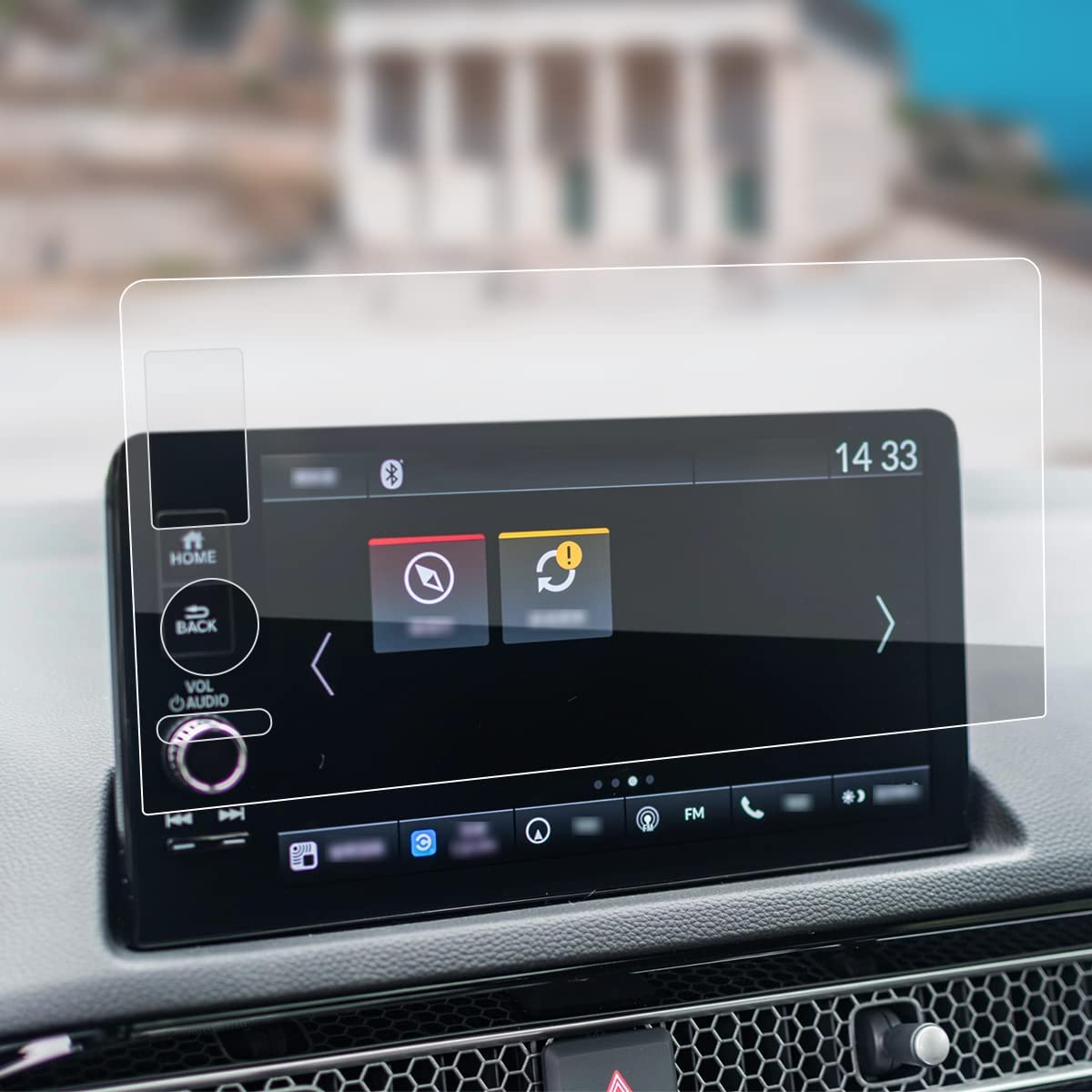
Uanset om du har en smartphone, en tablet eller et smartwatch, kan denne alsidige maskine rumme en lang række enheder. Den tilpasser sig problemfrit til dimensionerne på din gadget og giver en tilpasset pasform, som generiske beskyttere ikke kan matche.

Livstidsgaranti på skærmbeskyttelse
En livstidsgaranti på skærmbeskyttelse er en garanti fra producenterne, der
lover at reparere eller udskifte en skærmbeskytter i hele produktets levetid på særlige vilkår.
