
What Causes Bubbles in Screen Protectors?
Bubbles in screen protectors are often caused by trapped air during application. Dust particles on the screen can also create air pockets, leading to bubbles. Understanding these causes is crucial for preventing them in the first place.Dust and Debris: Even the smallest speck of dust can cause a bubble. Before applying a screen protector, ensure your screen is completely clean. Use a microfiber cloth to wipe away any dust or fingerprints.Improper Application: Applying the screen protector too quickly or without proper alignment can trap air underneath. Take your time to align the protector correctly before pressing it onto the screen.How to Prepare Your Screen for a Screen Protector
Proper preparation is key to a bubble-free application. Start by cleaning your screen thoroughly. Use a screen cleaning solution or a mixture of water and isopropyl alcohol. Wipe the screen with a microfiber cloth to remove any residue.Use a Dust Removal Sticker: After cleaning, use a dust removal sticker to pick up any remaining particles. This step is crucial for ensuring no dust gets trapped under the screen protector.Work in a Dust-Free Environment: Apply the screen protector in a clean, dust-free area. Avoid rooms with fans or open windows that can stir up dust.
Step-by-Step Guide to Applying a Screen Protector Without Bubbles
Applying a screen protector can be tricky, but following these steps can help you achieve a flawless finish.- Den Protector ausrichten: Start by aligning the screen protector with your device’s screen. Make sure all cutouts for the camera and sensors are correctly positioned.
- Langsam auftragen: Begin applying the protector from one edge, slowly pressing it down as you move across the screen. Use a plastic card to smooth out the protector and push out any air bubbles.
- Check for Bubbles: After application, inspect the screen for any remaining bubbles. Use the plastic card to gently push them towards the edges.
Using a Plastic Card to Remove Bubbles
A plastic card, such as a credit card, can be an effective tool for removing bubbles from a screen protector. Here’s how to use it:Start from the Center: Place the card at the center of the screen and gently push towards the edges. This motion helps to expel trapped air.Use Gentle Pressure: Apply gentle pressure to avoid damaging the screen protector. If a bubble is stubborn, lift the edge of the protector slightly and reapply.Reapplying the Screen Protector: When and How
Sometimes, the best solution is to remove and reapply the screen protector. This method is effective if there are too many bubbles or if dust is trapped underneath.Carefully Remove the Protector: Start by lifting one corner of the protector. Slowly peel it off, ensuring you don’t bend or damage it.Clean and Reapply: Clean the screen again before reapplying the protector. Follow the same steps as before, ensuring a dust-free environment.
Can a Hair Dryer Help Remove Bubbles?
Using a hair dryer can be a surprising yet effective method for removing bubbles. The heat can soften the adhesive, making it easier to push out bubbles.Use Low Heat: Set the hair dryer to a low heat setting. Hold it a few inches away from the screen and move it in a circular motion.Gently Push Bubbles Out: As the adhesive softens, use a plastic card to push the bubbles towards the edges.Wann ist es Zeit für eine neue Displayschutzfolie?
Sometimes, despite your best efforts, a screen protector may need replacing. Here are signs it’s time for a new one:Persistent Bubbles: If bubbles won’t go away after multiple attempts, the adhesive may be compromised.Scratches or Damage: A scratched or damaged protector won’t provide adequate protection. Replace it to ensure your screen stays safe.Dealing with Bubbles on an iPhone 15 Pro
The iPhone 15 Pro’s advanced screen technology requires careful handling when applying a screen protector. Follow these tips for a perfect fit:Use a Protector Designed for iPhone 15 Pro: Ensure the protector is specifically made for your device to avoid misalignment.Befolgen Sie die Anweisungen des Herstellers: Each protector may have specific instructions. Follow them closely for the best results.Common Mistakes to Avoid When Applying a Screen Protector
Avoid these common pitfalls to ensure a smooth application:Skipping the Cleaning Step: Always clean your screen thoroughly before application.Rushing the Process: Take your time to align and apply the protector carefully.Ignoring Dust: Even a small amount of dust can cause bubbles. Use a dust removal sticker to ensure a clean surface.
Final Tips for a Perfectly Applied Screen Protector
Achieving a bubble-free screen protector is possible with patience and the right techniques. Here are some final tips:- Work in a Clean Environment: Minimize dust and debris in your workspace.
- Use the Right Tools: A plastic card and dust removal stickers are essential.
- Be Patient: Take your time to ensure a perfect fit.

Die Vorteile flexibler Hydrogel-Folien für tragbare Geräte
Flexible Hydrogelfilme haben sich als bahnbrechendes Material für tragbare Geräte erwiesen, da sie eine einzigartige Mischung aus Biokompatibilität, mechanischer Flexibilität und Reaktionsfähigkeit auf Umweltreize bieten.
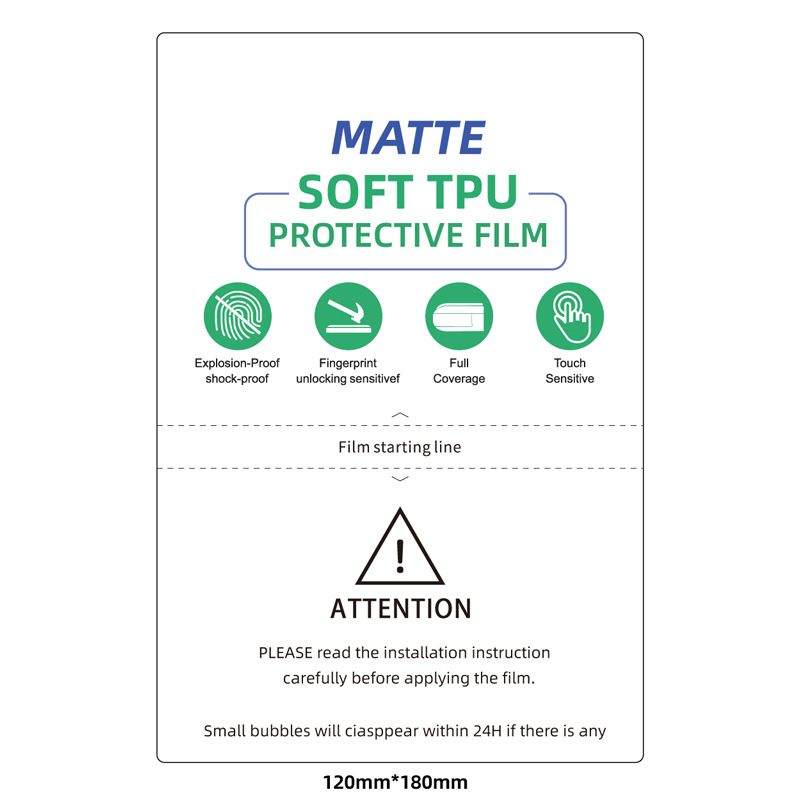
Universal HD Clear TPU Bildschirmschutzfolie für Cutter
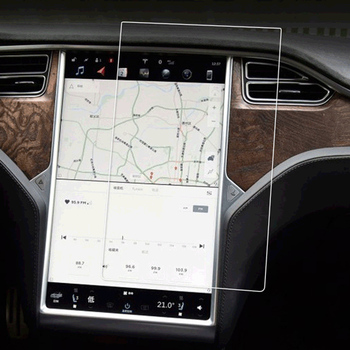
Die HD-Hydrogel-Bildschirmschutzfolie ist eine innovative Lösung, die Schutz bietet, ohne die extreme Klarheit Ihres HD-Bildschirms zu beeinträchtigen. Dieser Artikel befasst sich mit den Funktionen, Vorteilen und dem Installationsprozess dieses revolutionären Produkts, damit Sie eine fundierte Entscheidung für Ihr geliebtes Gerät treffen können.
So wählen Sie die beste Schneidemaschine für Displayschutzfolien aus
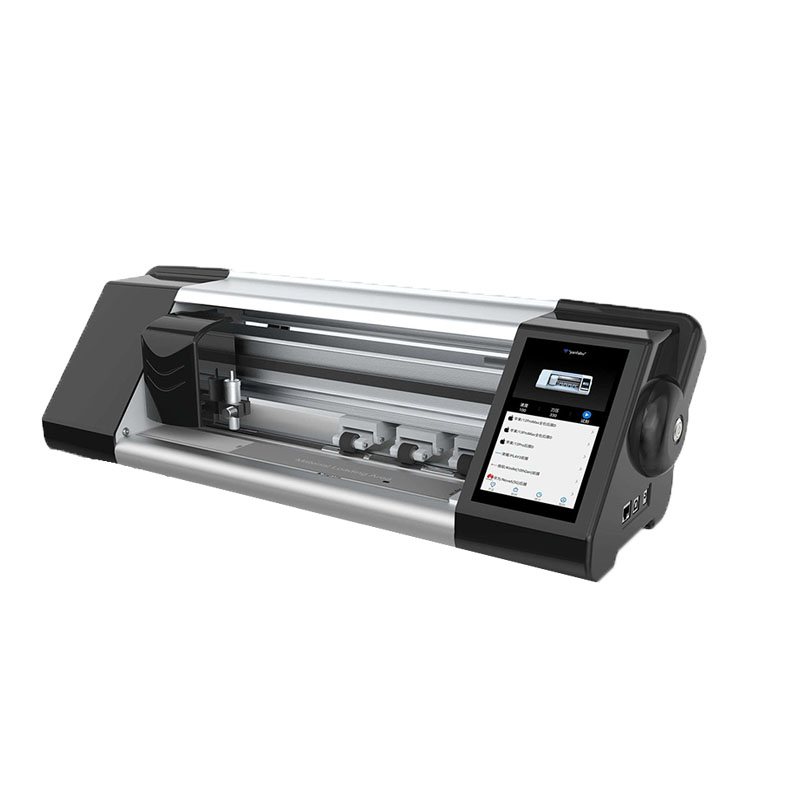
In the ever-evolving consumer electronics landscape, selecting the right screen protector cutting machine is crucial for efficiency and precision.
Der ultimative Leitfaden für Hydrogel-Siebdruckfolien - alles, was Sie wissen müssen
Der ultimative Leitfaden für Hydrogel-Bildschirmfolien: Alles, was Sie wissen müssen Hydrogel-Folien für Bildschirme sind eine innovative Kategorie von Bildschirmschutzfolien, die zum Schutz der Bildschirme elektronischer Geräte entwickelt wurden und eine Reihe einzigartiger Eigenschaften aufweisen, die sie von herkömmlichen Alternativen aus gehärtetem Glas und Kunststoff unterscheiden.
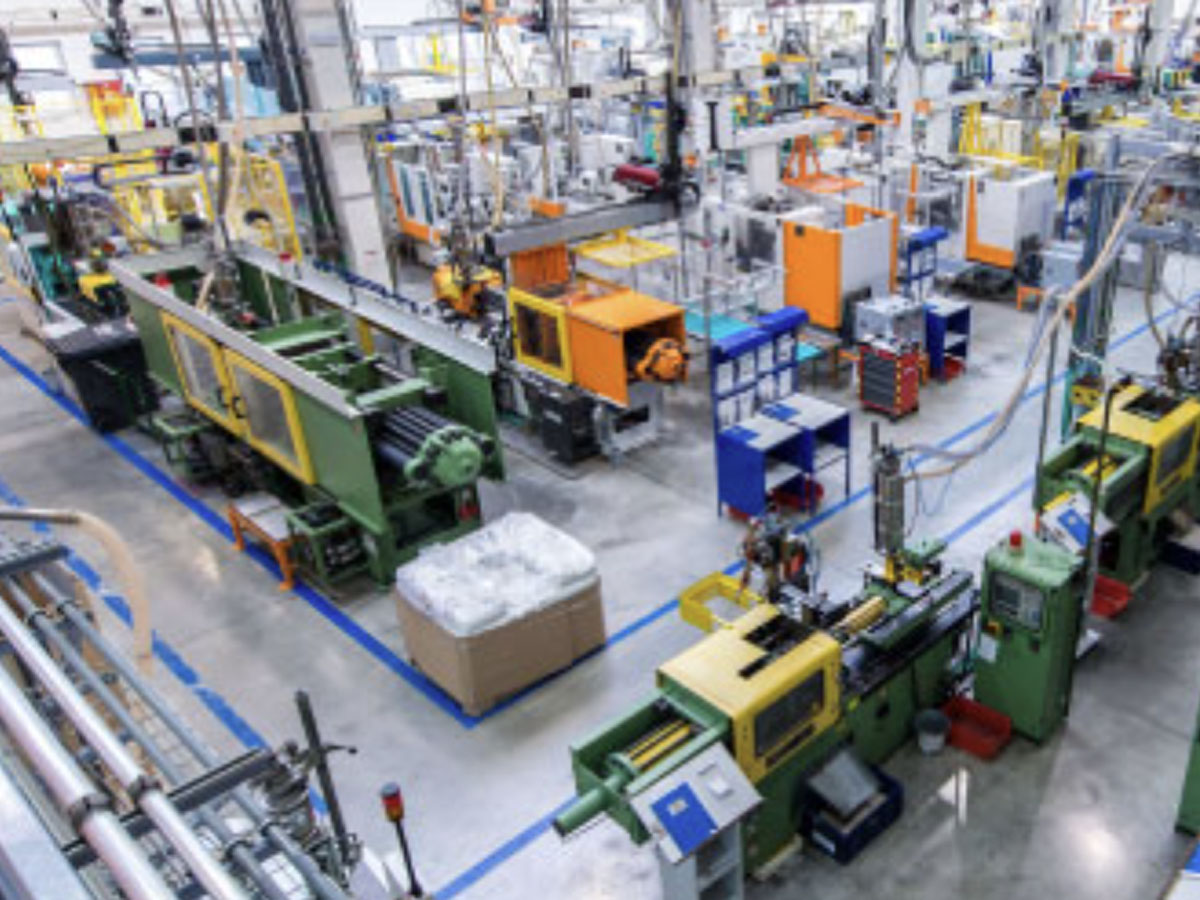
Best Practices für den Einsatz von Hydrogel-Folienschneidemaschinen in der Massenproduktion
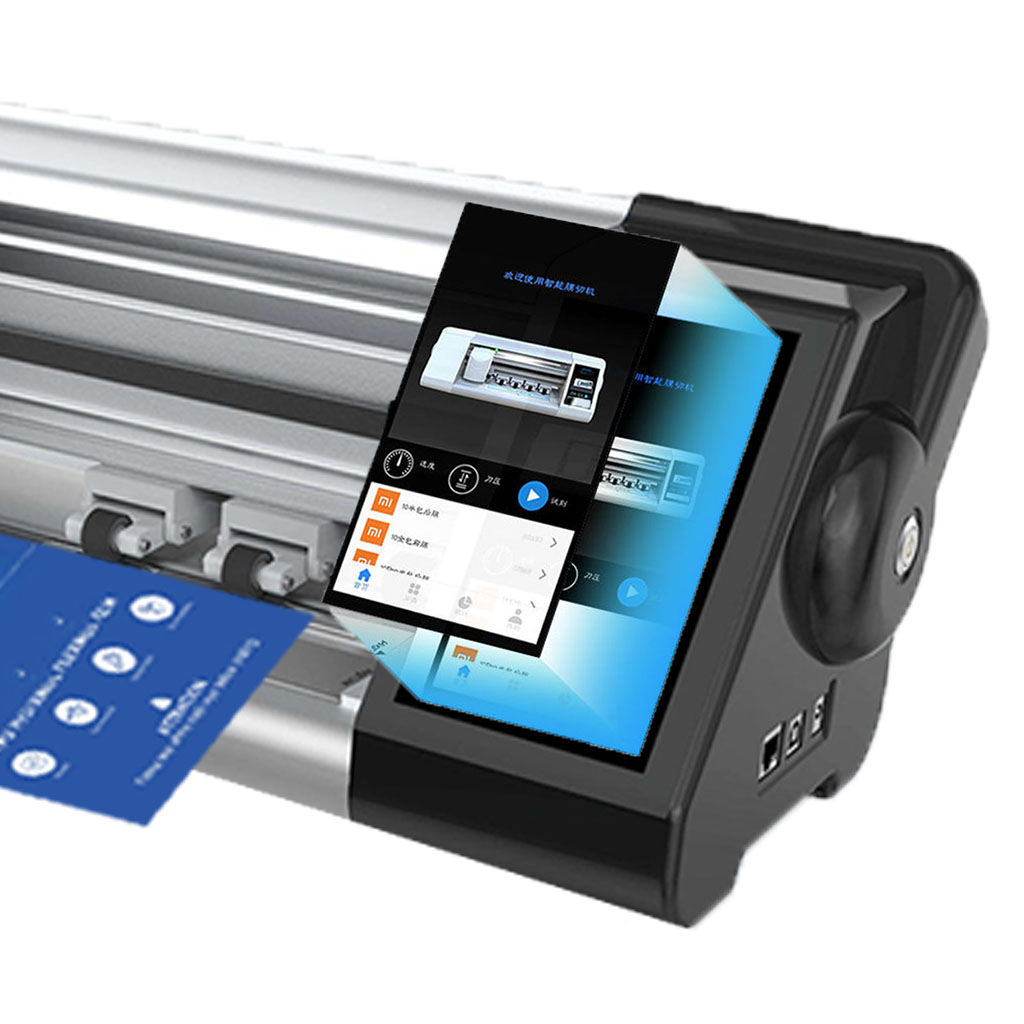
Hydrogel-Folienschneidemaschinen sind Spezialgeräte für die Herstellung von Displayschutzfolien und Rückseitenfolien für eine Vielzahl von elektronischen Geräten, darunter Smartphones, Tablets, E-Books und Smartwatches.

Welche Folienschneidemaschine und ihre Anwendung
Filmschneidemaschinen haben bei der Entwicklung des Filmschaffens und verschiedener industrieller Prozesse eine entscheidende Rolle gespielt, da sie das präzise Schneiden und Verbinden von Filmmaterialien ermöglichen.

Was ist eine Maschine zum Schneiden von Bildschirmschutzfolien?
Eine Schneidemaschine für Displayschutzfolien ist ein spezielles Gerät zur Herstellung von passgenauen Displayschutzfolien für verschiedene elektronische Geräte, darunter Smartphones, Tablets, Smartwatches, Laptops und Monitore.

Wie Handy-Bildschirmschutzfolie Schneidemaschine arbeiten?
Eine Maschine zum Schneiden von Displayschutzfolien für Mobiltelefone ist ein hochentwickeltes Gerät, das
zur Herstellung von kundenspezifischen Bildschirmschutzfolien für verschiedene digitale Geräte mit hoher Präzision
sion und Effizienz.

Eigenschaften von gehärtetem Handyglas und TPU-Bildschirmschutz für Mobiltelefone
Displayschutzfolien aus thermoplastischem Polyurethan (TPU) sind flexibel, langlebig und
selbstheilende Kunststofffolien zum Schutz von Bildschirmen elektronischer Geräte vor
Kratzer, Stöße und andere mögliche Schäden.

Revolutionieren Sie den Geräteschutz mit der Screen Guard Cutting Machine
Egal, ob Sie ein Smartphone, ein Tablet oder eine Smartwatch besitzen, dieses vielseitige Gerät eignet sich für eine breite Palette von Geräten. Es passt sich nahtlos an die Abmessungen Ihres Geräts an und bietet eine individuelle Passform, die generische Schutzfolien nicht erreichen können.

Lebenslange Garantie für Bildschirmschutz
Eine lebenslange Garantie für Bildschirmschutzfolien ist eine von den Herstellern gewährte Garantie, die
verpflichtet sich, eine Bildschirmschutzfolie während der gesamten Lebensdauer des Produkts unter bestimmten Bedingungen zu reparieren oder zu ersetzen.
