
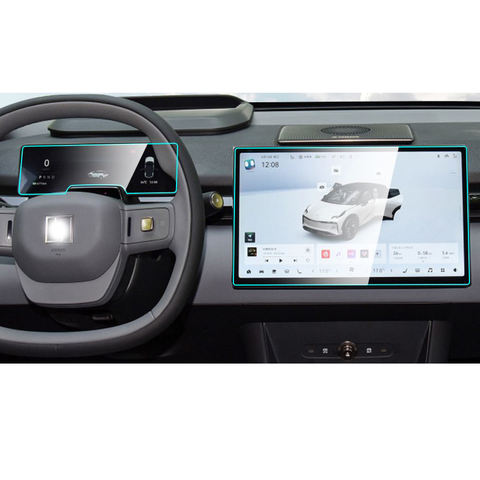
What is a Screen Protector and Why Do You Need One?
A screen protector is a thin layer of material that adheres to the screen of your smartphone. Its primary purpose is to protect the screen from scratches, cracks, and other forms of damage. Protectores de pantalla are essential for maintaining the longevity and resale value of your device. They act as a first line of defense against everyday wear and tear.Benefits of Using a Screen Protector
- Resistencia a los arañazos: Protects against keys, coins, and other sharp objects.
- Protección contra impactos: Absorbs shock from drops and falls.
- Claridad y sensibilidad táctil: Maintains the original screen’s clarity and responsiveness.
Types of Screen Protectors: Which One is Right for You?
Choosing the right screen protector depends on your needs and preferences. There are several types available, each with its own advantages.Tempered Glass vs. Plastic Film
- Cristal templado: Offers superior protection and feels like the original screen. It’s more durable and provides better impact resistance.
- Plastic Film: Thinner and more flexible, often cheaper, but less durable than tempered glass.
Protectores de pantalla antirreflejos y de privacidad
- Antideslumbrante: Reduces reflections and glare, ideal for outdoor use.
- Privacidad: Prevents others from viewing your screen from an angle, perfect for privacy-conscious users.
Preparing Your Smartphone for Screen Protector Application
Before applying a screen protector, it’s crucial to prepare your smartphone properly. This ensures a clean and bubble-free application.
Cleaning Your Screen
- Turn Off Your Device: This prevents accidental touches and makes it easier to see dust and smudges.
- Utilice un paño de microfibra: Gently wipe the screen to remove fingerprints and dust.
- Aplique una solución limpiadora: Use a screen-safe cleaner to remove stubborn dirt and oils.
Creating a Dust-Free Environment
- Work in a Clean Area: Avoid applying the protector in dusty or windy environments.
- Use a Dust Removal Sticker: These are often included with screen protectors to pick up any remaining particles.
Step-by-Step Guide to Applying a Screen Protector Without Bubbles
Applying a screen protector can be straightforward if you follow these steps carefully.Step 1: Align the Protector
- Position the Protector: Hold the screen protector above your device and align it with the edges and cutouts.
- Use Guide Stickers: Some protectors come with guide stickers to help with alignment.
Step 2: Apply the Protector
- Peel Off the Backing: Carefully remove the backing from the protector.
- Lower the Protector: Start from one edge and slowly lower the protector onto the screen.
Step 3: Remove Bubbles
- Use a Squeegee: Gently press out any bubbles towards the edges using a squeegee or a credit card wrapped in a microfiber cloth.
- Check for Dust: If bubbles persist, lift the protector slightly and use a dust removal sticker.
Common Mistakes to Avoid When Installing a Screen Protector
Even with the best intentions, mistakes can happen. Here are some common pitfalls to avoid.
Misalignment
- Take Your Time: Rushing can lead to misalignment. Ensure the protector is perfectly aligned before pressing it down.
Dust and Debris
- Double-Check for Dust: Even a small speck of dust can cause bubbles. Use a dust removal sticker to ensure a clean surface.
How to Remove Bubbles from a Screen Protector
Bubbles can be frustrating, but they are often fixable with a little patience.Using a Squeegee
- Start from the Center: Press the squeegee from the center of the screen towards the edges to push out air bubbles.
Lifting and Reapplying
- Lift the Protector: If bubbles persist, gently lift the protector and reapply, ensuring no dust is trapped underneath.
Maintaining Your Screen Protector for Longevity
Once your screen protector is applied, proper maintenance will ensure it lasts as long as possible.Limpieza regular
- Utilice un paño de microfibra: Regularly clean the protector to maintain clarity and touch sensitivity.
Avoiding Harsh Chemicals
- Stick to Screen-Safe Cleaners: Avoid using alcohol or ammonia-based cleaners that can damage the protector.
FAQs About Screen Protector Application
Can I Reuse a Screen Protector?
- Generally No: Most screen protectors are designed for one-time use. Removing and reapplying can reduce adhesion and effectiveness.
How Often Should I Replace My Screen Protector?
- Depends on Wear: Replace it if it becomes scratched, cracked, or loses adhesion.
Troubleshooting: What to Do if Your Screen Protector Doesn’t Stick
If your screen protector isn’t sticking, there are a few things you can try.Check for Dust
- Clean the Screen Again: Dust is the most common reason for poor adhesion. Ensure the screen is spotless.
Use a Hairdryer
- Warm the Protector: Gently warming the protector with a hairdryer can improve adhesion. Be careful not to overheat.
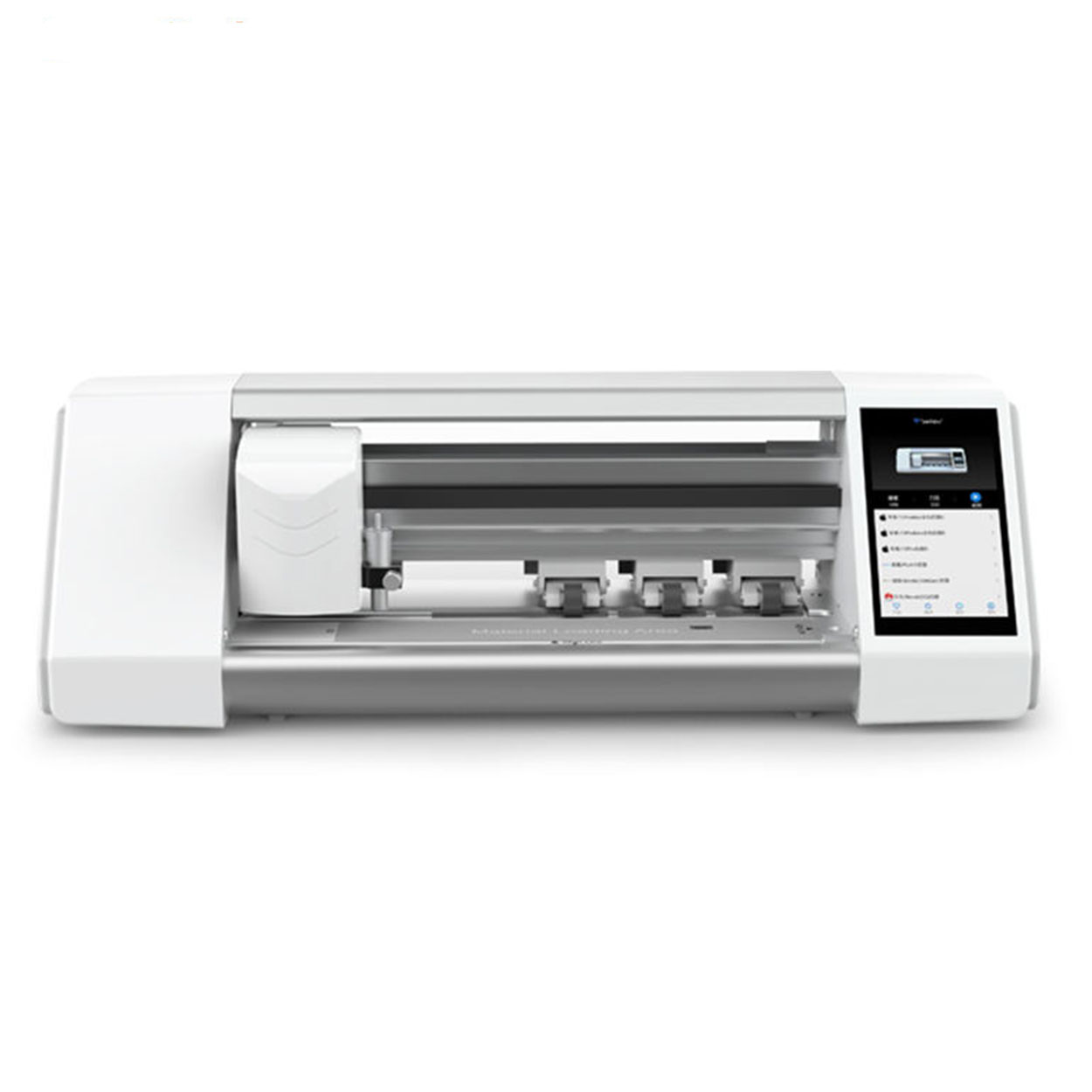
Protector de pantalla Plotter de corte
Inicio Email What'sApp Parámetros del producto CONTROL:APP de control / Bluetooth PANTALLA TACTIL LCD : 5.5″ HD con sistema CONEXIÓN : WIFI
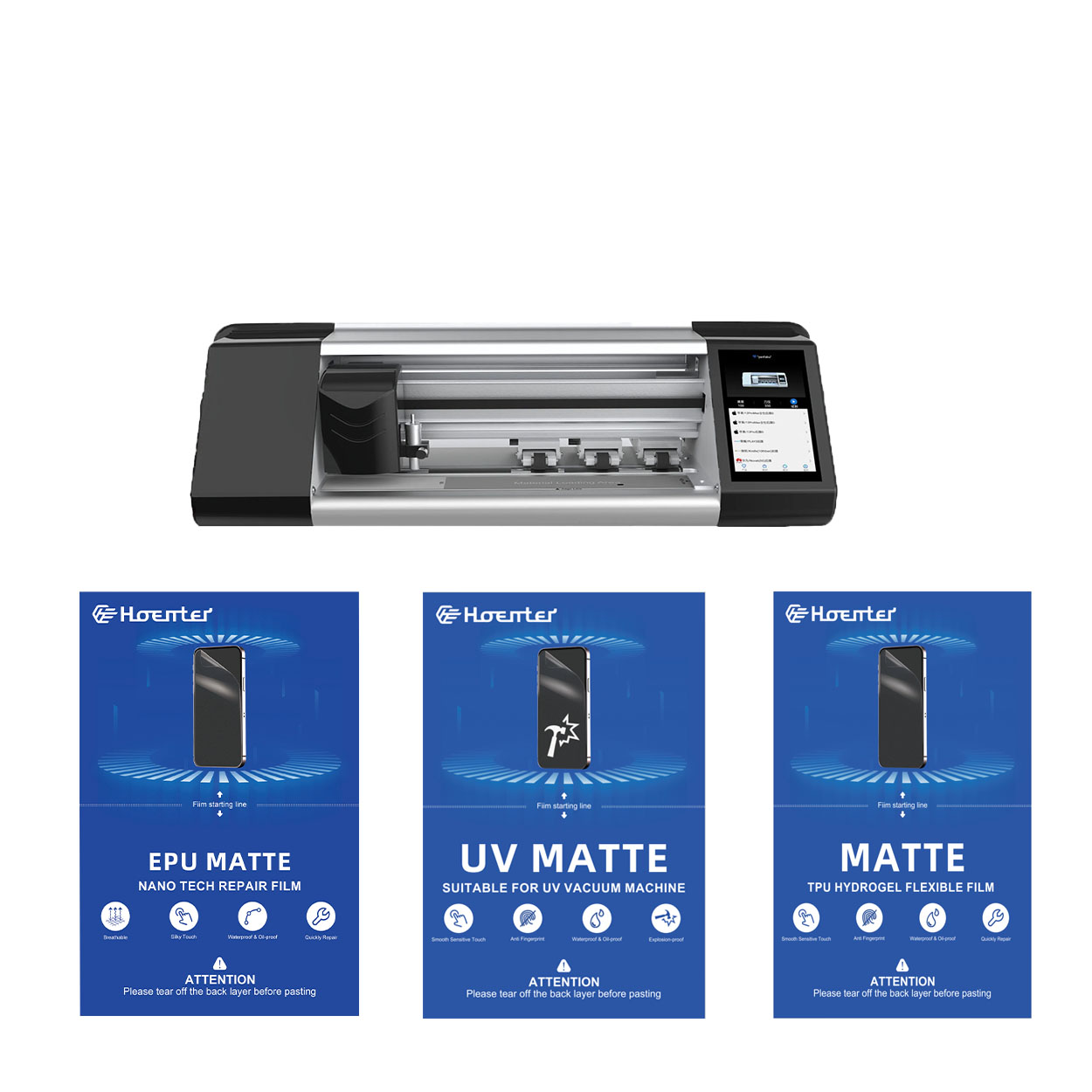
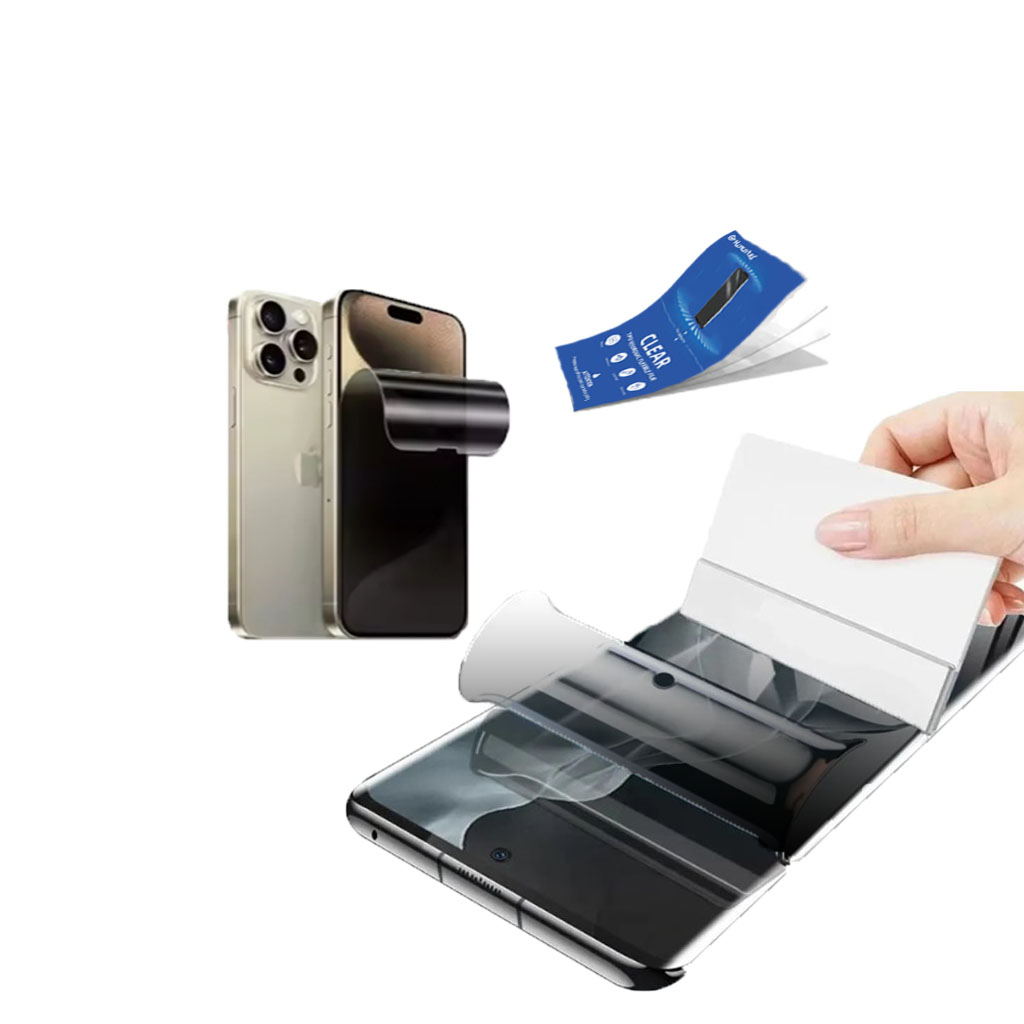
Protector de pantalla EPU mate antihuellas Película de hidrogel
El protector de pantalla de película de hidrogel EPU ofrece una protección versátil y de alto rendimiento para una amplia gama de dispositivos, incluidos smartphones, tabletas y smartwatches. Su compatibilidad universal con las máquinas de corte de películas para teléfonos lo convierte en la opción ideal para varios modelos, ya que garantiza una aplicación perfecta y una cobertura total de los bordes. Con funciones avanzadas como antihuellas dactilares, resistencia al agua y tecnología de autorreparación, este protector de pantalla no sólo mantiene una pantalla impecable, sino que también proporciona una protección duradera contra arañazos, reflejos y el desgaste diario. Tanto para uso personal como profesional, esta película de hidrogel ofrece un rendimiento fiable y una claridad de pantalla duradera.
El impacto medioambiental de las películas flexibles de hidrogel: Una perspectiva de sostenibilidad
El impacto medioambiental de las películas de hidrogel flexible revela un perfil de sostenibilidad prometedor pero en evolución, con ventajas sobre las películas protectoras tradicionales en cuanto a eficiencia de producción y durabilidad, pero siguen existiendo retos en la eliminación y el reciclaje que requieren una innovación continua y la concienciación de los consumidores.
How to Repair Mobile Phone Screen
By following this guide, you’ll be well-equipped to handle a cracked phone screen, saving both time and money.
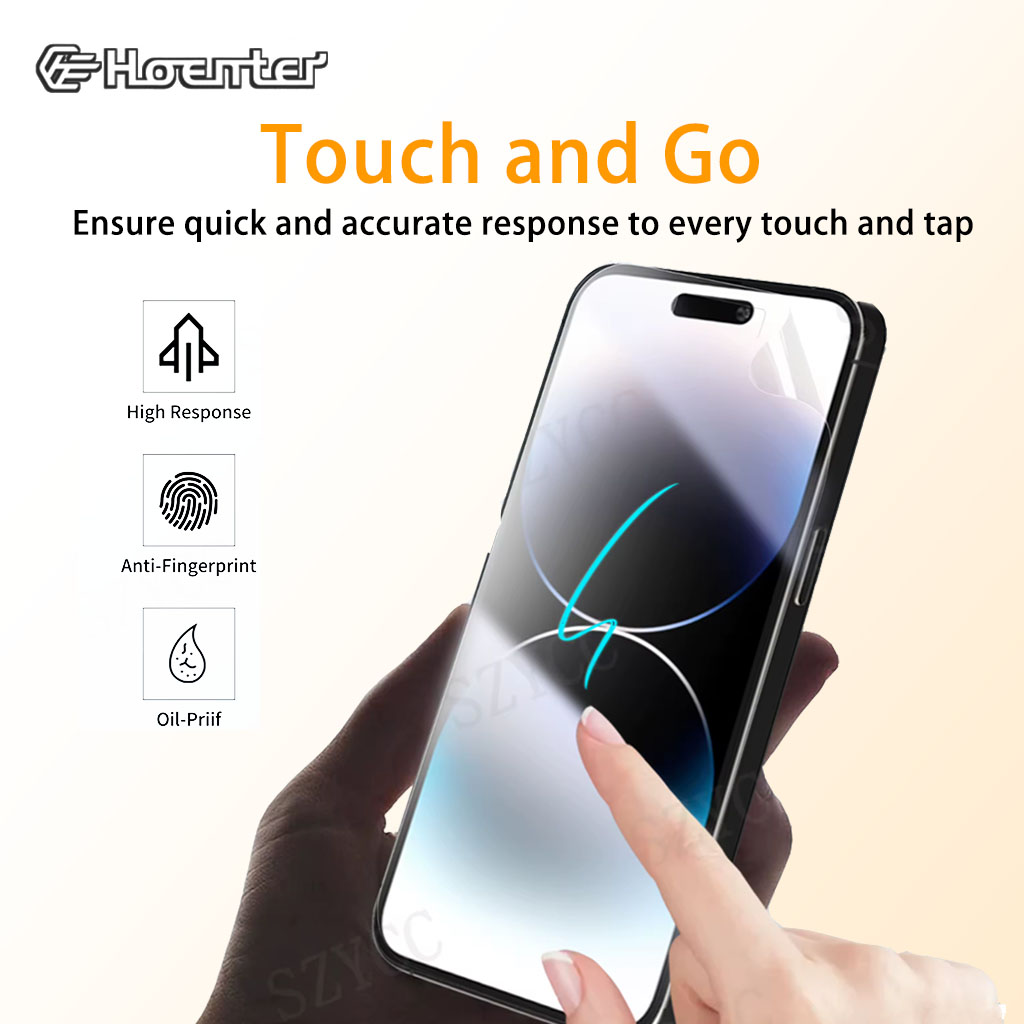
TPU Film Screen Protector
Experience Touch and Go Instant Screen Response with our high-quality Tpu Film Screen Protector. Enjoy flawless touch sensitivity and protection without lag.

Qué máquina de corte de película y su aplicación
Las cortadoras de película han desempeñado un papel crucial en la evolución del cine y de diversos procesos industriales al permitir el corte y empalme precisos de materiales de película.

¿Qué es una máquina cortadora de protectores de pantalla?
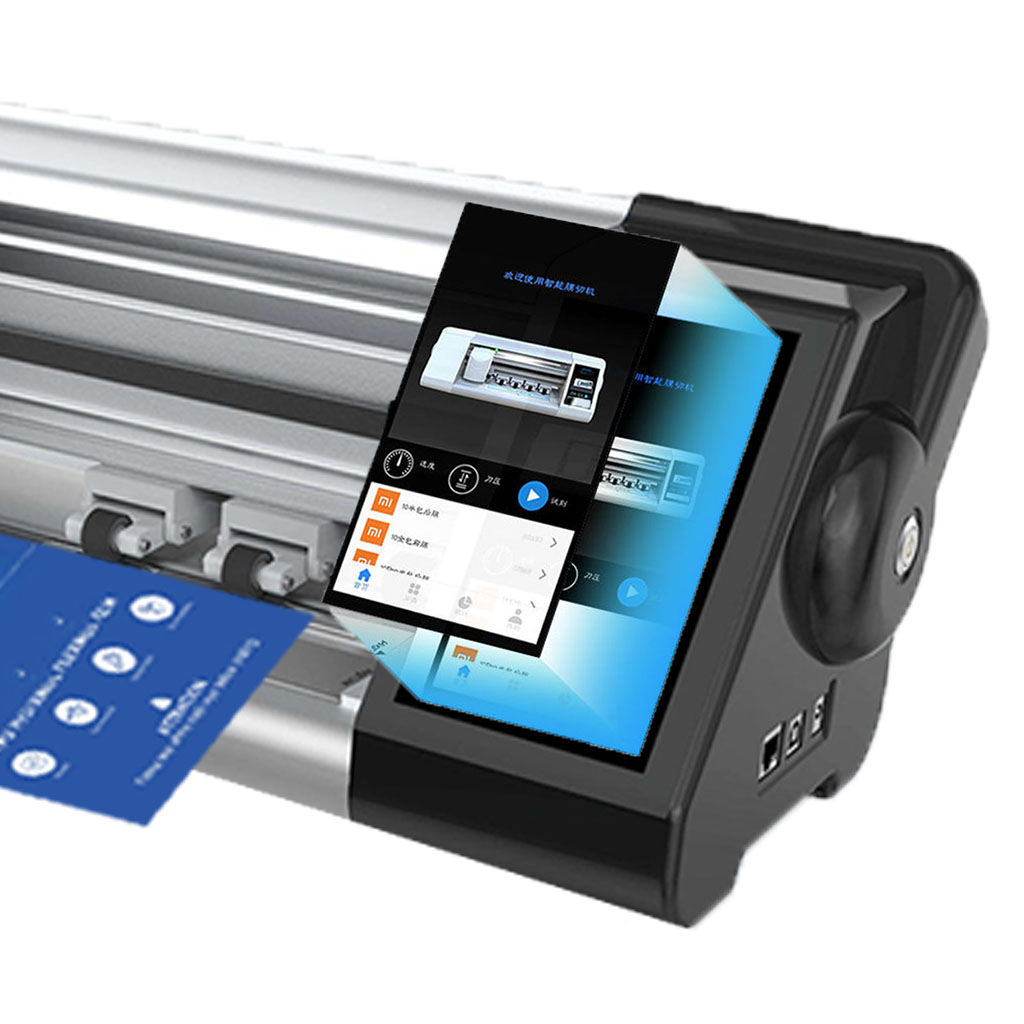
Una cortadora de protectores de pantalla es un dispositivo especializado diseñado para producir protectores de pantalla a medida para diversos dispositivos electrónicos, como smartphones, tabletas, smartwatches, portátiles y monitores.

Cómo funciona la máquina de corte de protector de pantalla de teléfono móvil?
Una máquina cortadora de protectores de pantalla para teléfonos móviles es un sofisticado dispositivo diseñado
fabricar protectores de pantalla personalizados para diversos dispositivos digitales con alta preci
y eficiencia.

Características del cristal templado para teléfonos móviles y del protector de pantalla de TPU para teléfonos móviles
Los protectores de pantalla de poliuretano termoplástico (TPU) son flexibles, duraderos y
películas plásticas autorreparadoras diseñadas para proteger las pantallas de los dispositivos electrónicos de
arañazos, golpes y otros posibles daños.

Revolucione la protección de sus dispositivos con la cortadora de protectores de pantalla
Tanto si tienes un smartphone, una tableta o un smartwatch, esta versátil máquina se adapta a una amplia gama de dispositivos. Se adapta perfectamente a las dimensiones de tu gadget, ofreciendo un ajuste personalizado que los protectores genéricos no pueden igualar.

Protector de pantalla Garantía de por vida
La garantía de por vida de un protector de pantalla es una garantía proporcionada por los fabricantes que
se compromete a reparar o sustituir un protector de pantalla durante toda la vida útil del producto, en condiciones específicas.
