
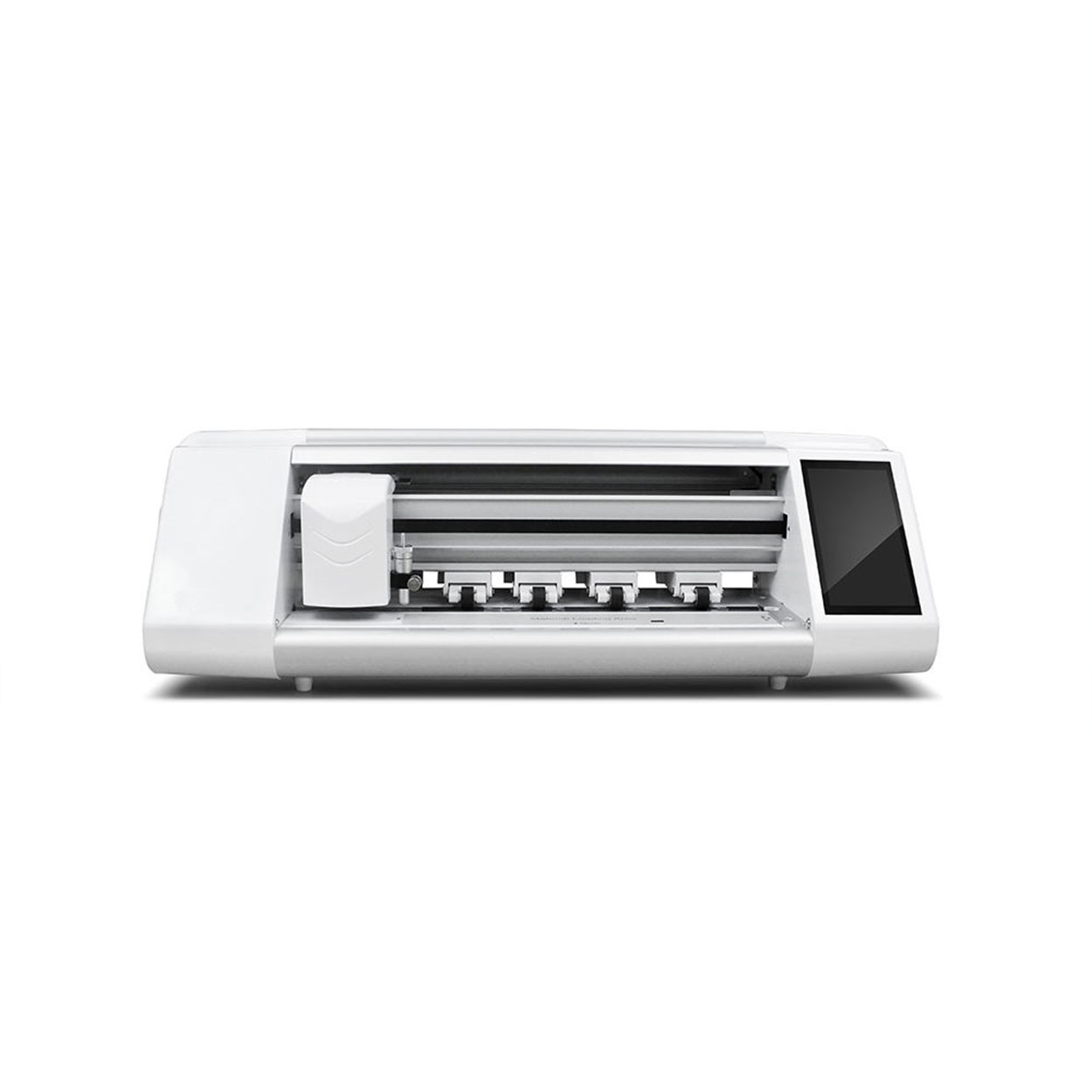
ฟิล์มกันรอยคืออะไร และทำไมคุณถึงจำเป็นต้องมี?
A screen protector is a thin layer of material that adheres to the screen of your smartphone. Its primary purpose is to protect the screen from scratches, cracks, and other forms of damage. ฟิล์มกันรอยหน้าจอ are essential for maintaining the longevity and resale value of your device. They act as a first line of defense against everyday wear and tear.Benefits of Using a Screen Protector
- ทนทานต่อรอยขีดข่วน: Protects against keys, coins, and other sharp objects.
- Impact Protection: Absorbs shock from drops and falls.
- ความชัดเจนและความไวต่อสัมผัส: Maintains the original screen’s clarity and responsiveness.
Types of Screen Protectors: Which One is Right for You?
Choosing the right screen protector depends on your needs and preferences. There are several types available, each with its own advantages.Tempered Glass vs. Plastic Film
- กระจกนิรภัย: Offers superior protection and feels like the original screen. It’s more durable and provides better impact resistance.
- ฟิล์มพลาสติก: Thinner and more flexible, often cheaper, but less durable than tempered glass.
ฟิล์มกันรอยจอป้องกันแสงสะท้อนและความเป็นส่วนตัว
- ป้องกันแสงสะท้อน: Reduces reflections and glare, ideal for outdoor use.
- ความเป็นส่วนตัว: Prevents others from viewing your screen from an angle, perfect for privacy-conscious users.
Preparing Your Smartphone for Screen Protector Application
Before applying a screen protector, it’s crucial to prepare your smartphone properly. This ensures a clean and bubble-free application.
Cleaning Your Screen
- Turn Off Your Device: This prevents accidental touches and makes it easier to see dust and smudges.
- ใช้ผ้าไมโครไฟเบอร์: Gently wipe the screen to remove fingerprints and dust.
- ใช้สารทำความสะอาด: Use a screen-safe cleaner to remove stubborn dirt and oils.
Creating a Dust-Free Environment
- Work in a Clean Area: Avoid applying the protector in dusty or windy environments.
- Use a Dust Removal Sticker: These are often included with screen protectors to pick up any remaining particles.
คู่มือทีละขั้นตอนในการติดฟิล์มกันรอยหน้าจอแบบไม่มีฟองอากาศ
Applying a screen protector can be straightforward if you follow these steps carefully.Step 1: Align the Protector
- Position the Protector: Hold the screen protector above your device and align it with the edges and cutouts.
- Use Guide Stickers: Some protectors come with guide stickers to help with alignment.
Step 2: Apply the Protector
- Peel Off the Backing: Carefully remove the backing from the protector.
- Lower the Protector: Start from one edge and slowly lower the protector onto the screen.
Step 3: Remove Bubbles
- Use a Squeegee: Gently press out any bubbles towards the edges using a squeegee or a credit card wrapped in a microfiber cloth.
- Check for Dust: If bubbles persist, lift the protector slightly and use a dust removal sticker.
Common Mistakes to Avoid When Installing a Screen Protector
Even with the best intentions, mistakes can happen. Here are some common pitfalls to avoid.
การจัดตำแหน่งที่ไม่ถูกต้อง
- ใช้เวลาของคุณ: Rushing can lead to misalignment. Ensure the protector is perfectly aligned before pressing it down.
Dust and Debris
- Double-Check for Dust: Even a small speck of dust can cause bubbles. Use a dust removal sticker to ensure a clean surface.
How to Remove Bubbles from a Screen Protector
Bubbles can be frustrating, but they are often fixable with a little patience.Using a Squeegee
- เริ่มจากศูนย์กลาง: Press the squeegee from the center of the screen towards the edges to push out air bubbles.
Lifting and Reapplying
- Lift the Protector: If bubbles persist, gently lift the protector and reapply, ensuring no dust is trapped underneath.
Maintaining Your Screen Protector for Longevity
Once your screen protector is applied, proper maintenance will ensure it lasts as long as possible.การทำความสะอาดเป็นประจำ
- ใช้ผ้าไมโครไฟเบอร์: Regularly clean the protector to maintain clarity and touch sensitivity.
Avoiding Harsh Chemicals
- Stick to Screen-Safe Cleaners: Avoid using alcohol or ammonia-based cleaners that can damage the protector.
FAQs About Screen Protector Application
Can I Reuse a Screen Protector?
- Generally No: Most screen protectors are designed for one-time use. Removing and reapplying can reduce adhesion and effectiveness.
How Often Should I Replace My Screen Protector?
- Depends on Wear: Replace it if it becomes scratched, cracked, or loses adhesion.
Troubleshooting: What to Do if Your Screen Protector Doesn’t Stick
If your screen protector isn’t sticking, there are a few things you can try.Check for Dust
- Clean the Screen Again: Dust is the most common reason for poor adhesion. Ensure the screen is spotless.
Use a Hairdryer
- Warm the Protector: Gently warming the protector with a hairdryer can improve adhesion. Be careful not to overheat.
วิธีการถอดฟิล์มกันรอยกระจกนิรภัย: คำแนะนำทีละขั้นตอน
คุณกำลังประสบปัญหาเกี่ยวกับฟิล์มกันรอยกระจกนิรภัยที่แตกหรือมีฟองอากาศหรือไม่? ไม่ต้องกังวล! คู่มือฉบับสมบูรณ์นี้จะแนะนำคุณตลอดกระบวนการถอดฟิล์มกันรอยเก่าออกอย่างปลอดภัยและเตรียมอุปกรณ์ของคุณให้พร้อมสำหรับการเริ่มต้นใหม่ ไม่ว่าคุณจะใช้สมาร์ทโฟน แท็บเล็ต หรืออุปกรณ์อื่นใดก็ตาม เรามีคำแนะนำให้คุณ อ่านต่อเพื่อค้นพบเคล็ดลับจากผู้เชี่ยวชาญ ข้อผิดพลาดทั่วไปที่ควรหลีกเลี่ยง และทุกสิ่งที่คุณจำเป็นต้องรู้เกี่ยวกับการถอดและเปลี่ยนฟิล์มกันรอยกระจกนิรภัย

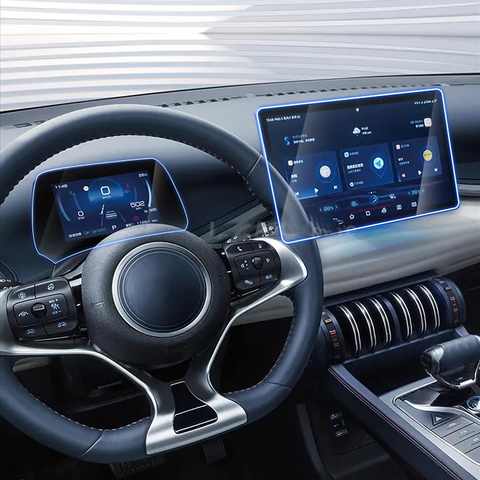
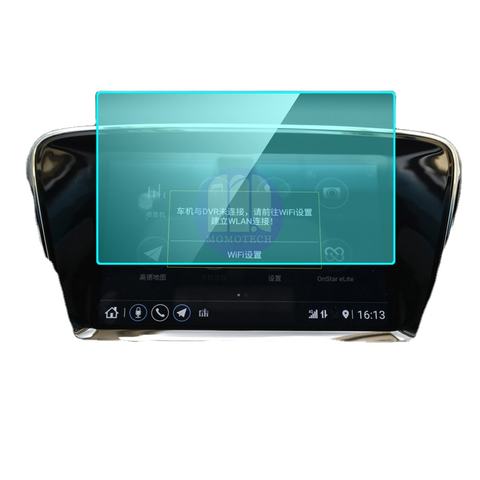
BMW 23-24 X1 GPS Navigation Tempered Glass
Protect your 2023-2024 BMW X1’s GPS navigation screen with our premium tempered glass protector. 9H hardness, anti-glare, and perfect fit. Bulk orders available for dealerships & 4S shops.
ซื้อเครื่องตัดฟิล์มกันรอยได้ที่ไหนในราคาที่ดีที่สุด: คำแนะนำที่ครอบคลุม
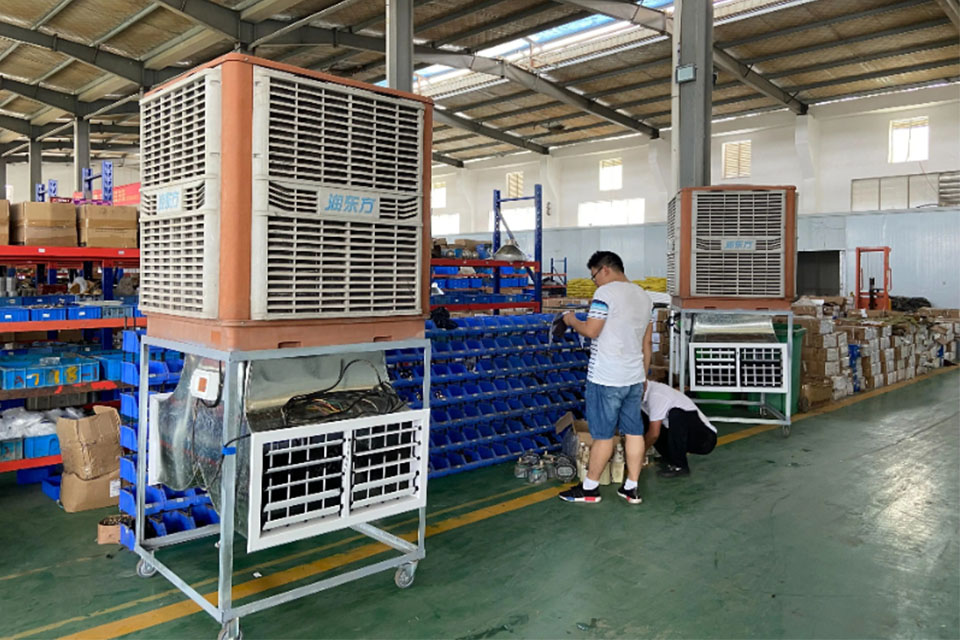
การค้นหาเครื่องตัดฟิล์มกันรอยที่ดีที่สุดไม่ได้มีแค่การเปรียบเทียบราคาเท่านั้น แต่ยังต้องประเมินคุณภาพ มูลค่า และความน่าเชื่อถือของซัพพลายเออร์ด้วย โดยการซื้อโดยตรงจากผู้ผลิตที่เชื่อถือได้มักจะให้คุณภาพที่เหนือกว่า การสนับสนุนที่ครอบคลุม และราคาที่มีการแข่งขัน
ค่าซ่อมหน้าจอโทรศัพท์ราคาเท่าไหร่?
การเข้าใจประเด็นเหล่านี้สามารถช่วยให้คุณตัดสินใจเกี่ยวกับการซ่อมหน้าจอโทรศัพท์ได้อย่างถูกต้อง และรับประกันว่าคุณจะได้รับมูลค่าสูงสุดสำหรับเงินของคุณ
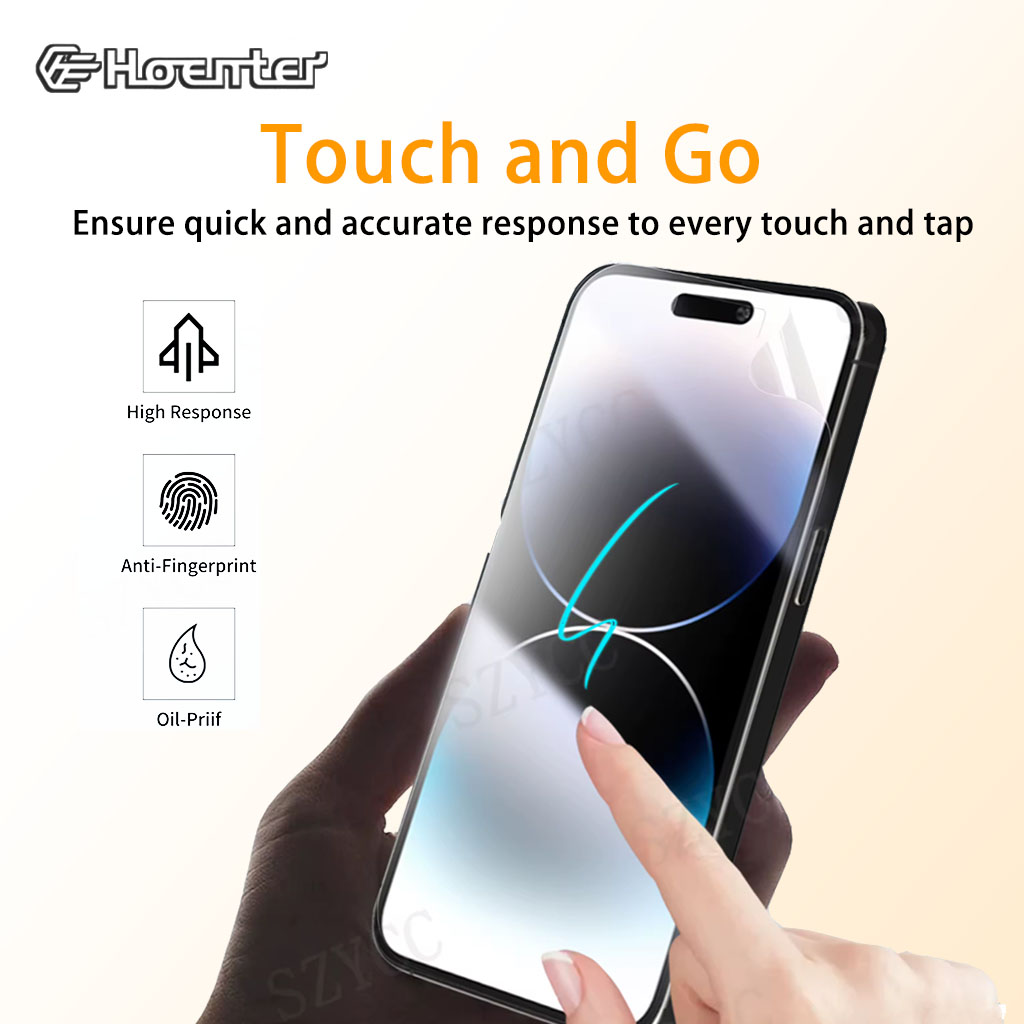
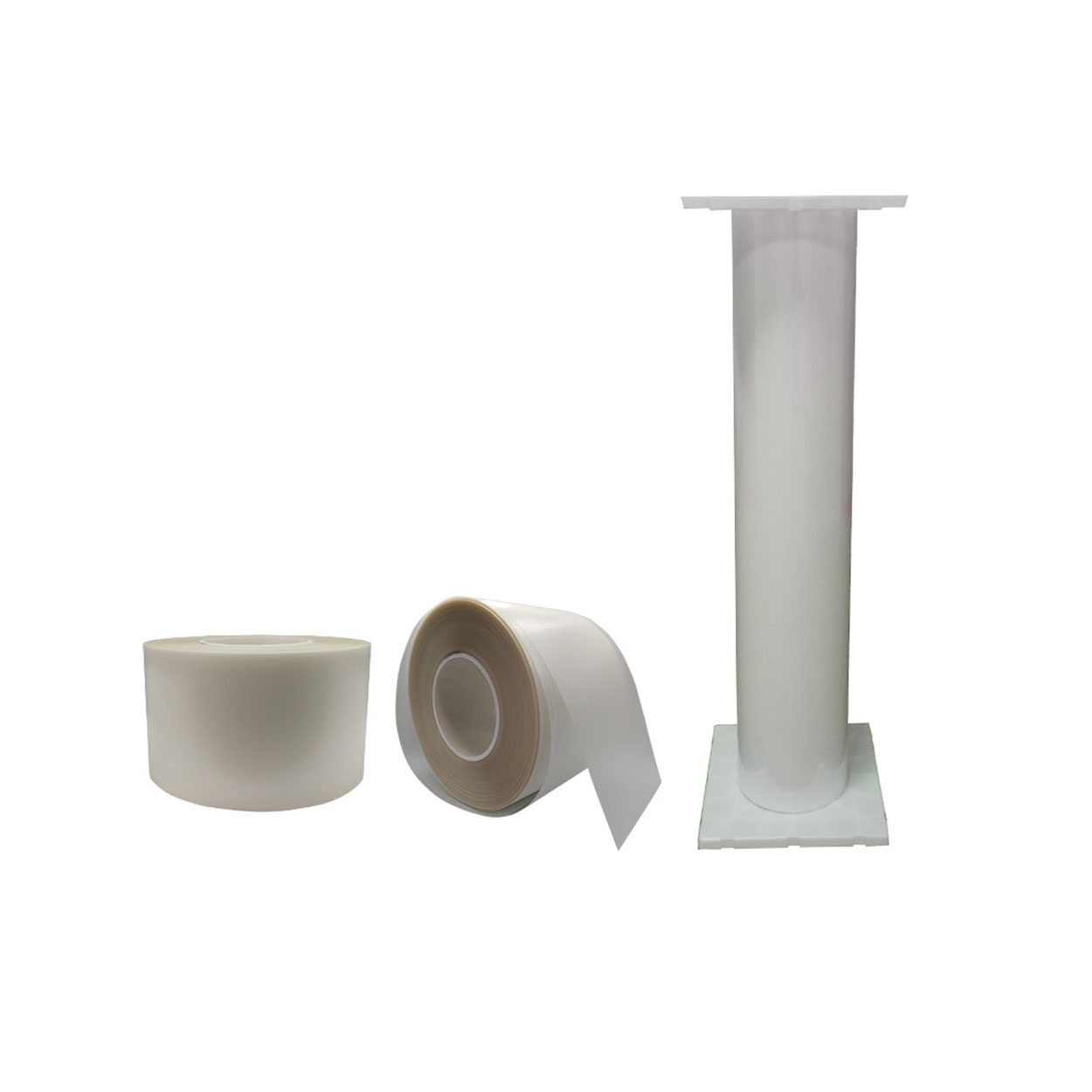
TPU Film Screen Protector
Experience Touch and Go Instant Screen Response with our high-quality Tpu Film Screen Protector. Enjoy flawless touch sensitivity and protection without lag.

เครื่องตัดฟิล์มคืออะไรและการใช้งานของมัน
เครื่องตัดฟิล์มมีบทบาทสำคัญในวิวัฒนาการของการผลิตภาพยนตร์และกระบวนการอุตสาหกรรมต่างๆ ด้วยการช่วยให้สามารถตัดและต่อวัสดุฟิล์มได้อย่างแม่นยำ

เครื่องตัดฟิล์มกันรอยคืออะไร?
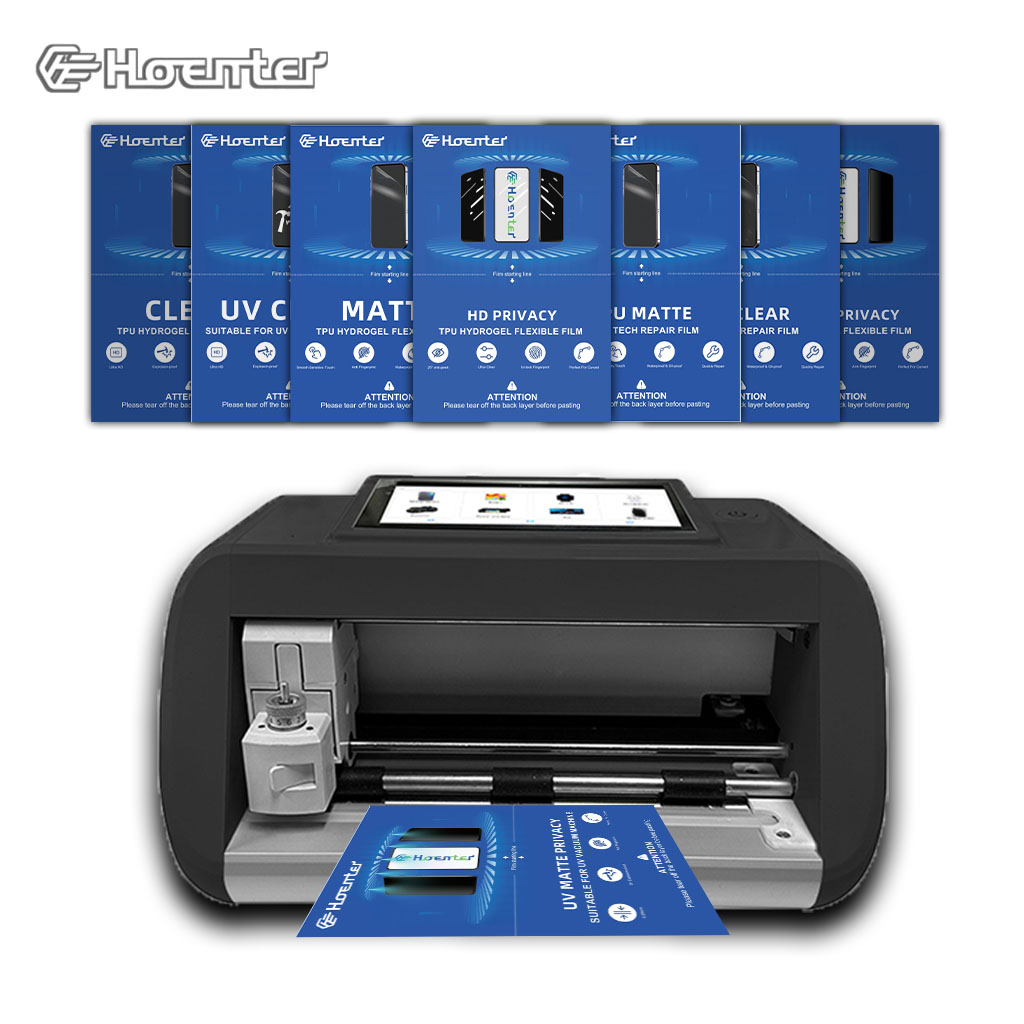
เครื่องตัดฟิล์มกันรอยหน้าจอเป็นอุปกรณ์พิเศษที่ออกแบบมาเพื่อผลิตฟิล์มกันรอยหน้าจอให้พอดีกับอุปกรณ์อิเล็กทรอนิกส์ต่างๆ รวมถึงสมาร์ทโฟน แท็บเล็ต สมาร์ทวอทช์ แล็ปท็อป และจอภาพ

เครื่องตัดฟิล์มกันรอยหน้าจอโทรศัพท์มือถือทำงานอย่างไร?
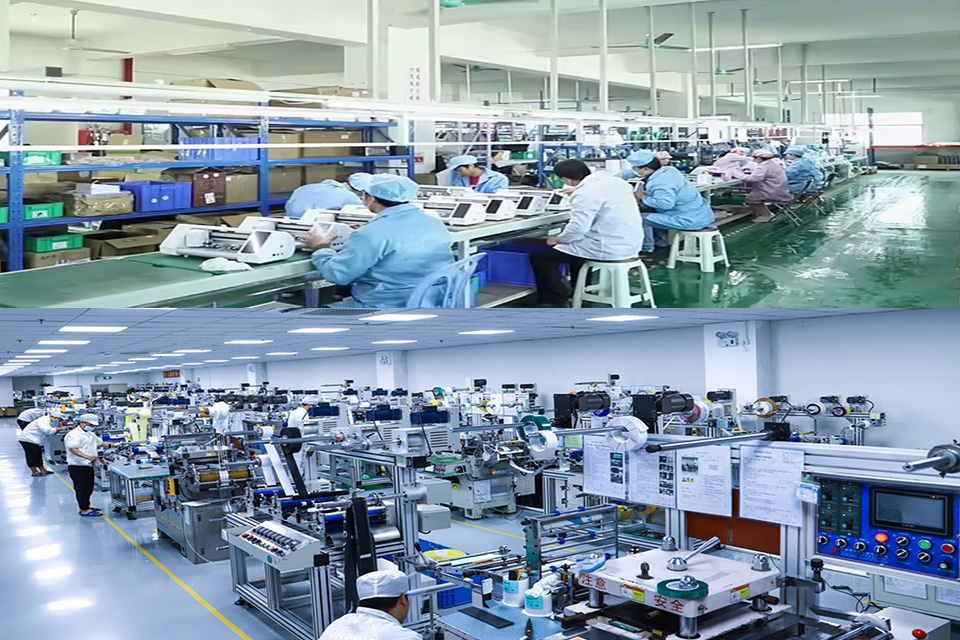
เครื่องตัดฟิล์มกันรอยหน้าจอโทรศัพท์มือถือเป็นอุปกรณ์ที่ออกแบบมาอย่างซับซ้อน
เพื่อผลิตฟิล์มกันรอยหน้าจอแบบกำหนดเองสำหรับอุปกรณ์ดิจิตอลต่างๆ ด้วยความแม่นยำสูง
และความมีประสิทธิภาพ

คุณสมบัติของกระจกนิรภัยสำหรับโทรศัพท์มือถือและฟิล์มกันรอยหน้าจอ TPU สำหรับโทรศัพท์มือถือ
ฟิล์มกันรอยหน้าจอเทอร์โมพลาสติกโพลียูรีเทน (TPU) มีความยืดหยุ่น ทนทาน และ
ฟิล์มพลาสติกซ่อมแซมตัวเองที่ออกแบบมาเพื่อปกป้องหน้าจออุปกรณ์อิเล็กทรอนิกส์จาก
รอยขีดข่วน การกระแทก และความเสียหายที่อาจเกิดขึ้นอื่นๆ

ปฏิวัติการปกป้องอุปกรณ์ด้วยเครื่องตัดการ์ดหน้าจอ
ไม่ว่าคุณจะมีสมาร์ทโฟน แท็บเล็ต หรือสมาร์ทวอทช์ อุปกรณ์อเนกประสงค์นี้สามารถรองรับอุปกรณ์ได้หลากหลายประเภท โดยสามารถปรับให้เข้ากับขนาดของอุปกรณ์ของคุณได้อย่างลงตัว จึงให้ขนาดที่พอดีซึ่งอุปกรณ์ป้องกันทั่วไปไม่สามารถเทียบได้

ฟิล์มกันรอยรับประกันตลอดอายุการใช้งาน
การรับประกันฟิล์มกันรอยตลอดอายุการใช้งานเป็นการรับประกันที่ให้โดยผู้ผลิตว่า
สัญญาว่าจะซ่อมแซมหรือเปลี่ยนฟิล์มกันรอยหน้าจอตลอดอายุการใช้งานของผลิตภัณฑ์ ภายใต้ข้อกำหนดและเงื่อนไขเฉพาะ
