
Understanding the Importance of a Camera Lens Protector
Camera lens protectors are essential for anyone who values their device’s camera quality. Why are they so important? They shield the lens from scratches, dust, and accidental drops, which can significantly degrade image quality over time. By investing in a lens protector, you’re ensuring that your camera remains in top condition, ready to capture life’s moments with clarity.Moreover, lens protectors are often made from tempered glass, which is both durable and transparent. This means you won’t have to compromise on image quality while keeping your lens safe. Did you know? A good lens protector can absorb impacts that would otherwise damage your lens, acting as a first line of defense.Choosing the Right Lens Protector for Your Device
Selecting the right lens protector is crucial. What should you look for? Consider the material, compatibility, and ease of installation. Tempered glass is a popular choice due to its strength and clarity. Ensure the protector is specifically designed for your device model, whether it’s an iPhone, Canon, or another brand.Pro Tip: Check user reviews and ratings to gauge the protector’s performance and durability. A well-reviewed product is more likely to meet your expectations and provide the protection your camera needs.Preparing Your Camera for Installation
Before you begin the installation process, it’s important to prepare your camera. How do you do this? Start by cleaning the lens thoroughly with a microfiber cloth to remove any dust or fingerprints. This ensures that the protector adheres properly and doesn’t trap any particles that could affect image quality.Next, gather all necessary tools, such as the lens protector, cleaning wipes, and an alignment tool if provided. Remember: A clean and organized workspace will make the installation process smoother and more efficient.
Step-by-Step Guide to Installing a Camera Lens Protector
- Clean the Lens: Use a microfiber cloth and cleaning solution to wipe the lens clean.
- Align the Protector: Carefully align the protector with the lens, ensuring all edges match up perfectly.
- Apply the Protector: Gently press the protector onto the lens, starting from the center and moving outward to remove air bubbles.
- Secure the Protector: Use a soft cloth to press down on the protector, ensuring it adheres firmly to the lens.
Common Mistakes to Avoid During Installation
Installing a lens protector might seem straightforward, but there are common mistakes to avoid. What are they? One major mistake is not cleaning the lens thoroughly, which can lead to trapped dust and reduced image quality. Another is misaligning the protector, which can cause it to peel off over time.Avoid These Pitfalls: Take your time during installation and double-check alignment before pressing down the protector. Patience is key to a successful installation.
How to Remove a Camera Lens Protector Safely
Removing a lens protector can be tricky if not done correctly. How can you do it safely? Start by gently lifting one corner of the protector with a thin plastic card. Slowly peel it off, applying even pressure to avoid damaging the lens.Safety Tip: Avoid using metal tools, as they can scratch the lens. If the protector is stubborn, apply a bit of heat with a hairdryer to loosen the adhesive.Maintaining Your Camera Lens Protector
Once installed, maintaining your lens protector is crucial for its longevity. How do you maintain it? Regularly clean the protector with a microfiber cloth to remove smudges and dust. Avoid using harsh chemicals that could damage the glass.Maintenance Tip: Store your camera in a protective case when not in use to prevent accidental scratches or impacts.FAQs About Camera Lens Protectors
Q: Do lens protectors affect image quality?A: High-quality lens protectors are designed to be transparent and should not affect image quality. Ensure you choose a reputable brand.Q: Can I reuse a lens protector after removal?A: It’s not recommended to reuse a lens protector, as the adhesive may not be as effective, and it could trap dust or debris.
Troubleshooting Installation Issues
If you encounter issues during installation, don’t worry. What can you do? If air bubbles persist, try reapplying the protector using the credit card method mentioned earlier. For alignment issues, carefully remove and realign the protector.Troubleshooting Tip: If problems persist, consider seeking professional help or contacting the manufacturer’s customer service for guidance.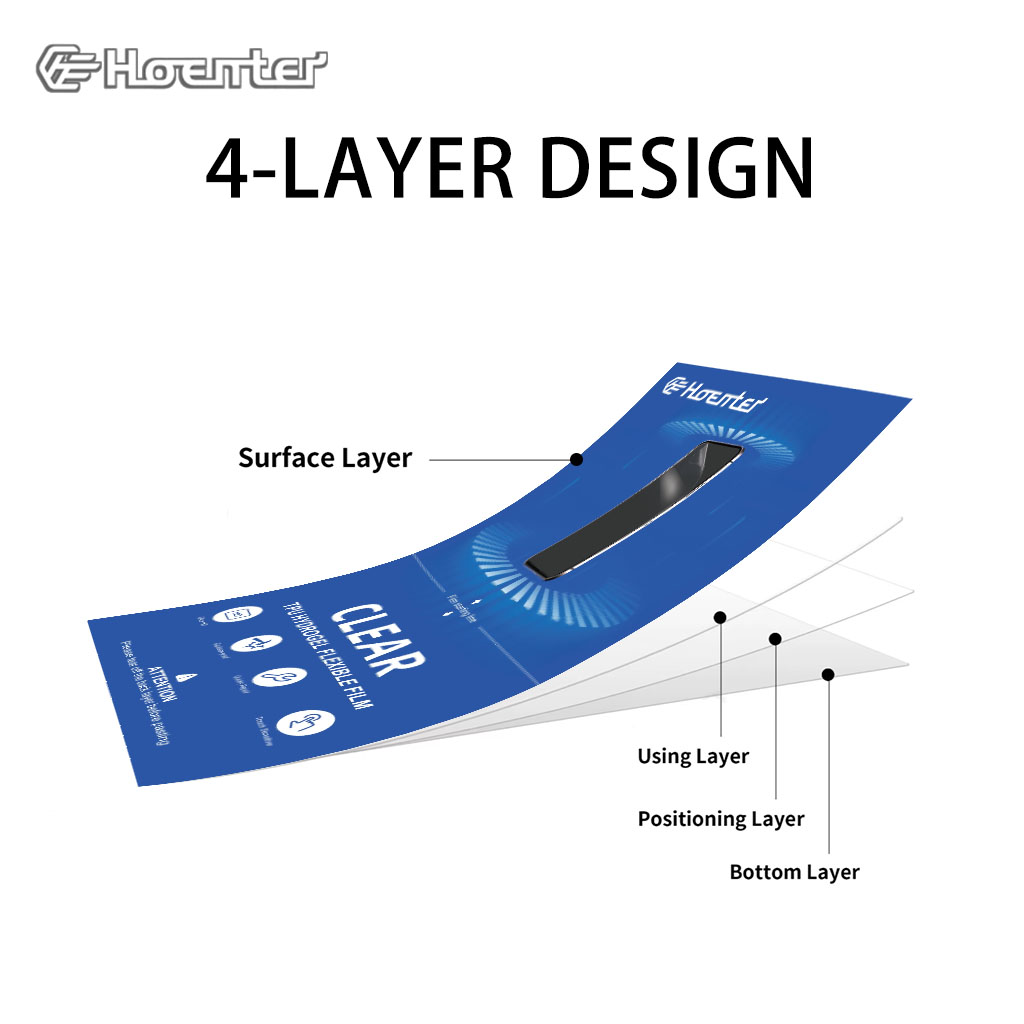
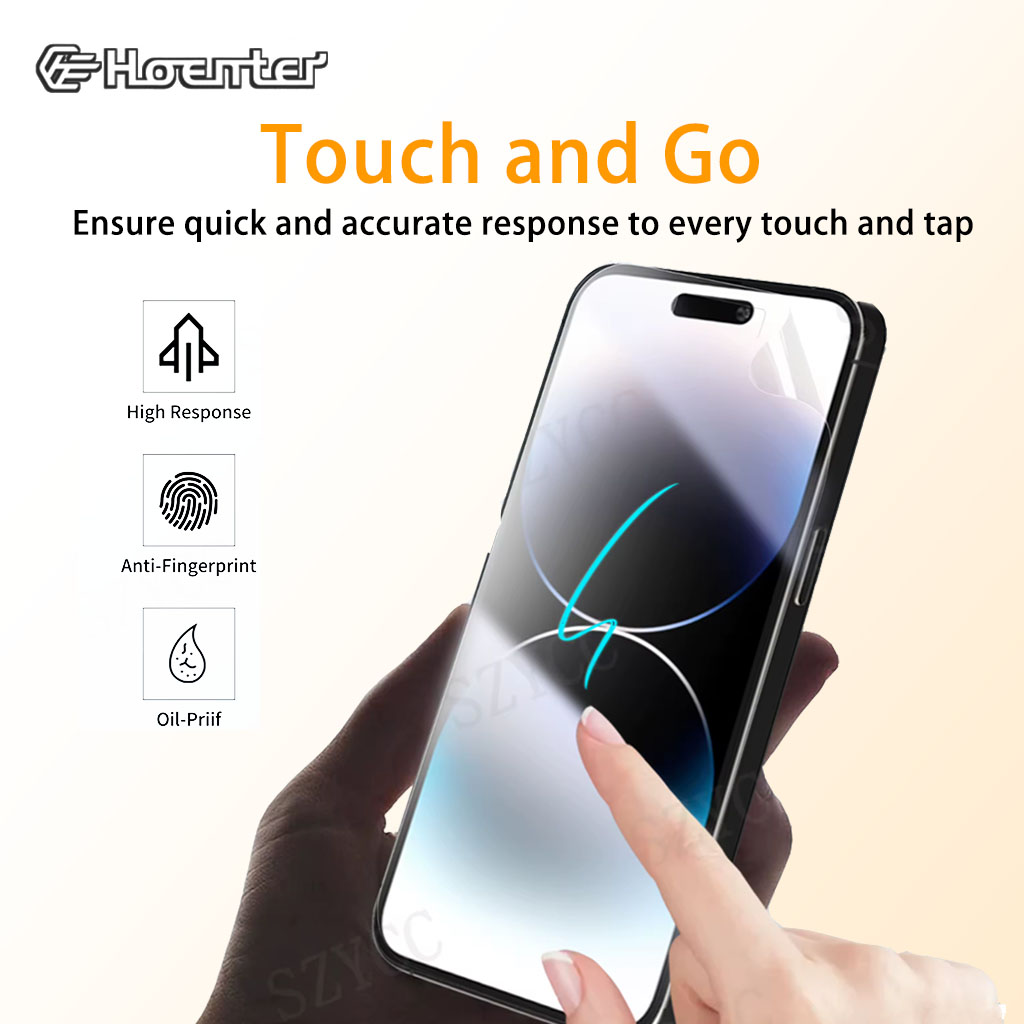
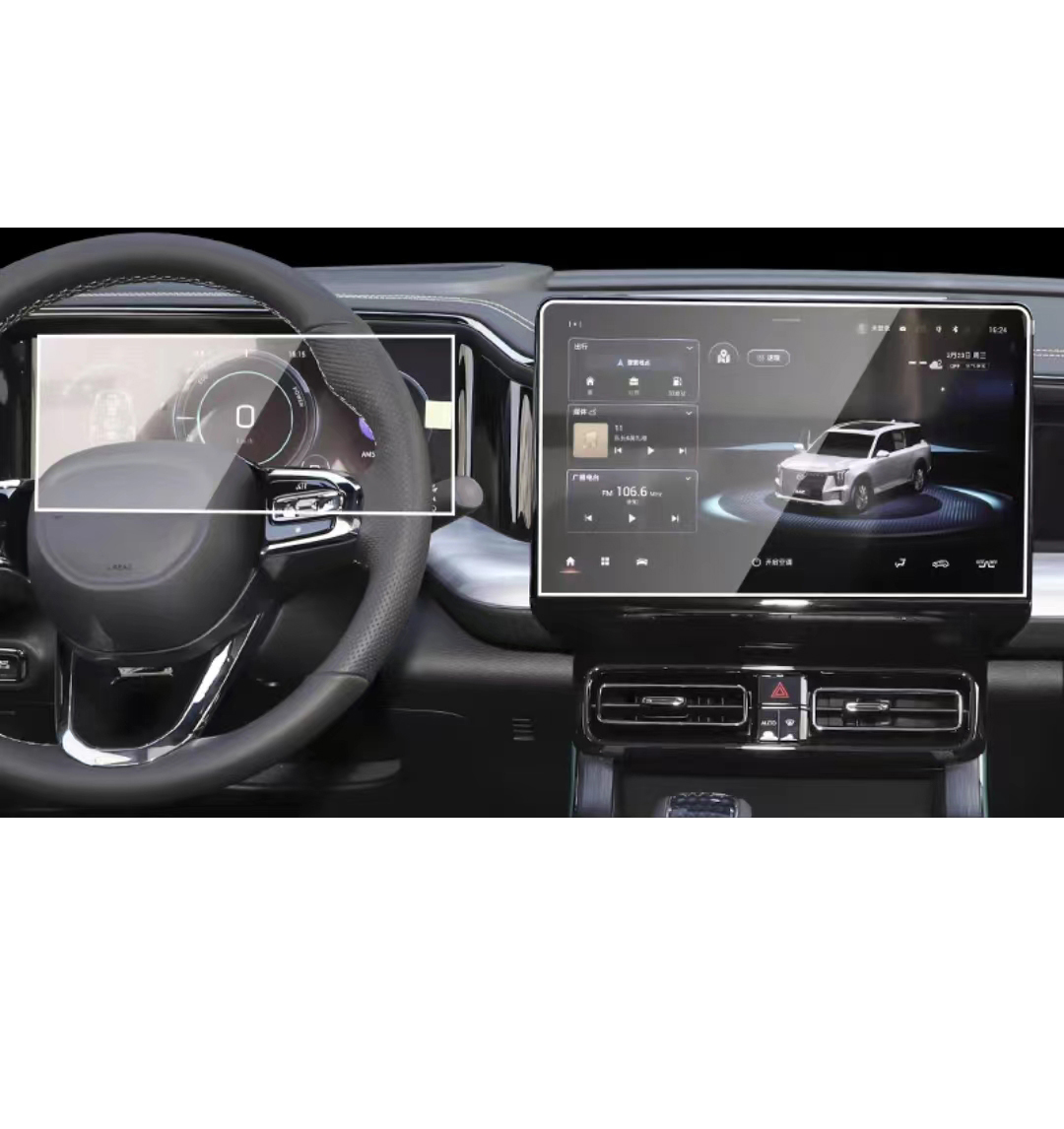
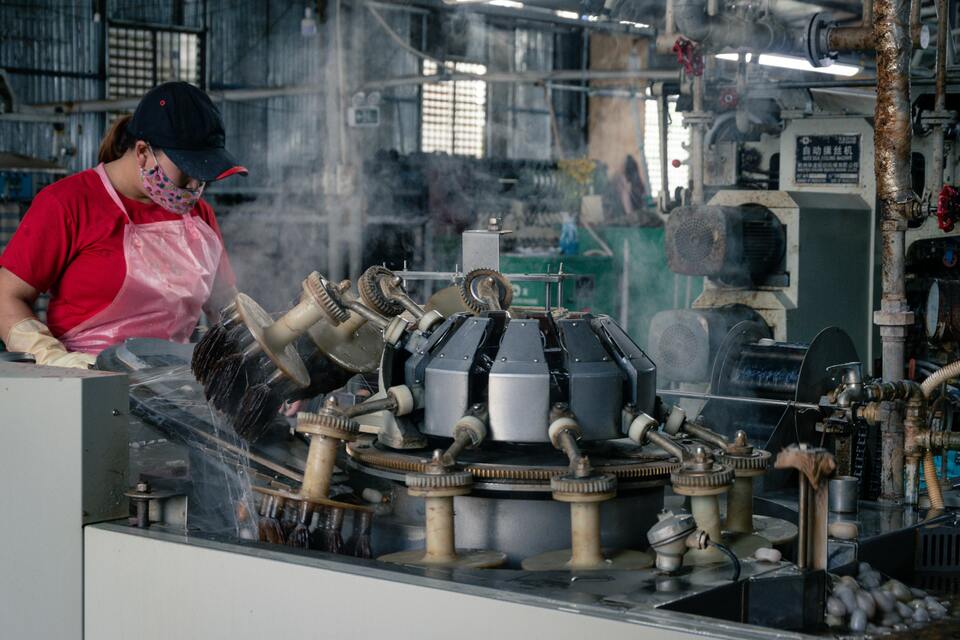
Soft Hydrogel Screen Protector
Hydrogel screen protectors are a modern solution for those seeking reliable and affordable screen protection.
Personnalisation des films d'hydrogel flexibles pour des formes d'appareils uniques
La personnalisation des films hydrogel flexibles pour qu'ils s'adaptent aux formes uniques des appareils offre un niveau élevé de protection et d'amélioration esthétique, répondant ainsi au besoin de protecteurs d'écran adaptables dans un marché où les appareils sont de conception diverse et innovante. En tirant parti d'une technologie de découpe avancée et en conservant la flexibilité et les propriétés d'autocicatrisation des films hydrogel, les utilisateurs peuvent bénéficier d'un ajustement parfait, d'une fonctionnalité améliorée et d'un meilleur attrait visuel pour leurs appareils, tout en relevant les défis liés à la complexité de la conception, au coût et à la disponibilité.
Comment créer une entreprise d'accessoires de téléphone
La création d'une entreprise d'accessoires de téléphonie implique une approche à multiples facettes qui associe l'étude de marché, la planification de l'entreprise, la conformité juridique, la sélection des produits, l'approvisionnement, l'image de marque et des stratégies de marketing efficaces.
Verre trempé ou protecteur d'écran hydrogel
Le choix entre les protecteurs d’écran en verre trempé et en hydrogel dépend de vos besoins et préférences spécifiques.

Le protecteur d'écran Tpu est-il résistant aux chocs ?
Ils jouent un rôle essentiel dans la détermination de la durabilité, de la fonctionnalité et de l'expérience de l'utilisateur.
les appareils mobiles modernes.

Quelles sont les machines de découpe de films et leurs applications ?
Les machines de découpe de films ont joué un rôle crucial dans l'évolution de la production cinématographique et de divers processus industriels en permettant une découpe et une jonction précises des matériaux cinématographiques.

Qu'est-ce qu'une machine à découper les protections d'écran ?
Une machine à découper les protections d'écran est un appareil spécialisé conçu pour produire des protections d'écran sur mesure pour divers appareils électroniques, notamment les smartphones, les tablettes, les smartwatches, les ordinateurs portables et les moniteurs.

Comment fonctionne la machine à découper les protections d'écran de téléphone portable?
Une machine à découper les protections d'écran de téléphone portable est un appareil sophistiqué conçu pour
produire des protections d'écran personnalisées pour divers appareils numériques avec un haut degré de précision.
et l'efficacité.

Caractéristiques du verre trempé et du protecteur d'écran TPU pour téléphones portables
Les protections d'écran en polyuréthane thermoplastique (TPU) sont flexibles, durables et
films plastiques auto-cicatrisants conçus pour protéger les écrans d'appareils électroniques contre la corrosion.
les rayures, les impacts et autres dommages potentiels.

Révolutionner la protection des appareils grâce à la machine à découper les écrans de protection
Que vous possédiez un smartphone, une tablette ou une smartwatch, cette machine polyvalente s'adapte à un large éventail d'appareils. Il s'adapte parfaitement aux dimensions de votre gadget, offrant un ajustement personnalisé que les protecteurs génériques ne peuvent égaler.
Garantie à vie du protecteur d'écran
La garantie à vie d'un protecteur d'écran est une garantie fournie par les fabricants.
s'engage à réparer ou à remplacer un protecteur d'écran pendant toute la durée de vie du produit, selon des conditions spécifiques.
