
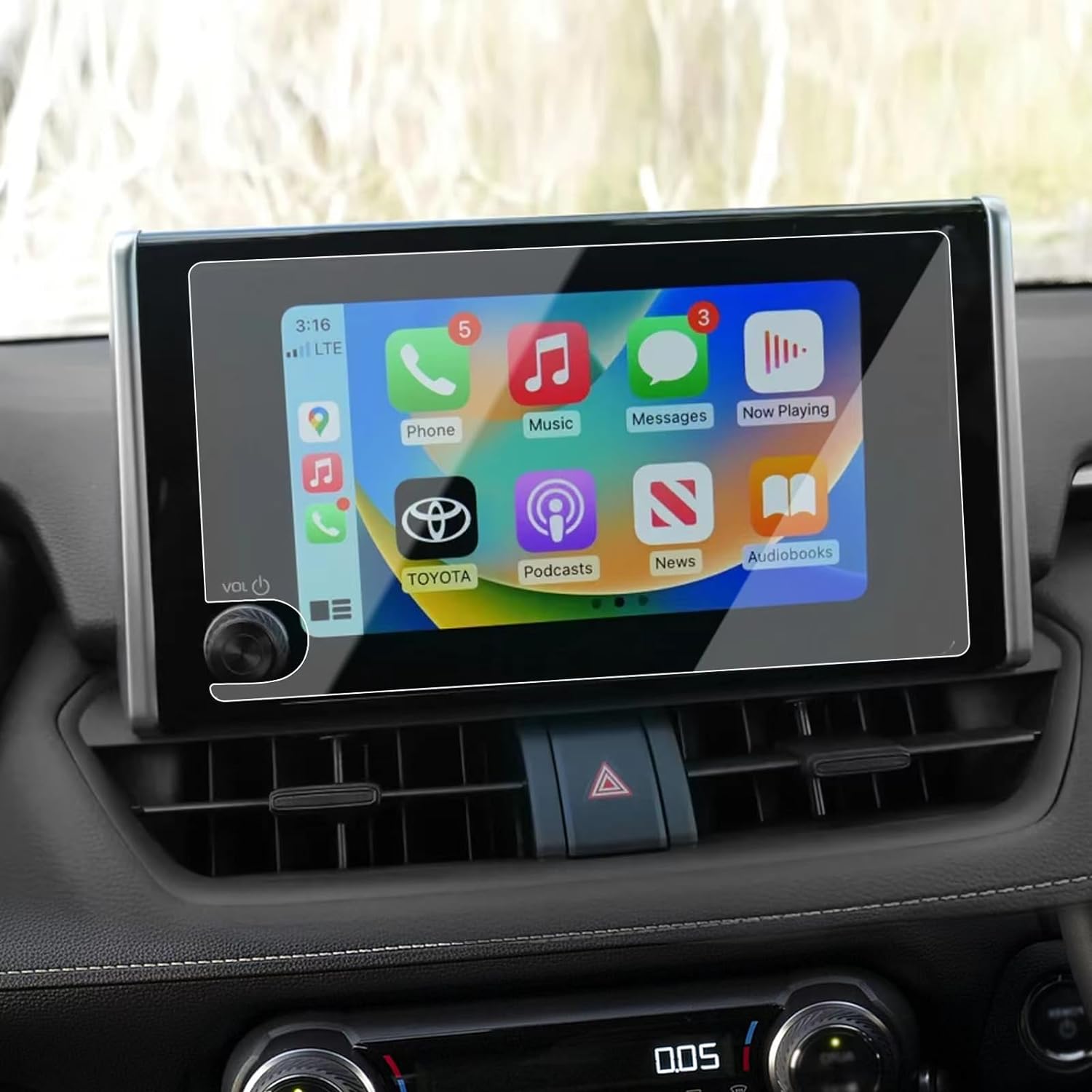
Understanding the Importance of a Camera Lens Protector
Camera lens protectors are essential for anyone who values their device’s camera quality. Why are they so important? They shield the lens from scratches, dust, and accidental drops, which can significantly degrade image quality over time. By investing in a lens protector, you’re ensuring that your camera remains in top condition, ready to capture life’s moments with clarity.Moreover, lens protectors are often made from tempered glass, which is both durable and transparent. This means you won’t have to compromise on image quality while keeping your lens safe. Did you know? A good lens protector can absorb impacts that would otherwise damage your lens, acting as a first line of defense.Choosing the Right Lens Protector for Your Device
Selecting the right lens protector is crucial. What should you look for? Consider the material, compatibility, and ease of installation. Tempered glass is a popular choice due to its strength and clarity. Ensure the protector is specifically designed for your device model, whether it’s an iPhone, Canon, or another brand.Dica profissional: Check user reviews and ratings to gauge the protector’s performance and durability. A well-reviewed product is more likely to meet your expectations and provide the protection your camera needs.Preparing Your Camera for Installation
Before you begin the installation process, it’s important to prepare your camera. How do you do this? Start by cleaning the lens thoroughly with a microfiber cloth to remove any dust or fingerprints. This ensures that the protector adheres properly and doesn’t trap any particles that could affect image quality.Next, gather all necessary tools, such as the lens protector, cleaning wipes, and an alignment tool if provided. Remember: A clean and organized workspace will make the installation process smoother and more efficient.
Step-by-Step Guide to Installing a Camera Lens Protector
- Clean the Lens: Use a microfiber cloth and cleaning solution to wipe the lens clean.
- Alinhar o protetor: Carefully align the protector with the lens, ensuring all edges match up perfectly.
- Apply the Protector: Gently press the protector onto the lens, starting from the center and moving outward to remove air bubbles.
- Secure the Protector: Use a soft cloth to press down on the protector, ensuring it adheres firmly to the lens.
Common Mistakes to Avoid During Installation
Installing a lens protector might seem straightforward, but there are common mistakes to avoid. What are they? One major mistake is not cleaning the lens thoroughly, which can lead to trapped dust and reduced image quality. Another is misaligning the protector, which can cause it to peel off over time.Avoid These Pitfalls: Take your time during installation and double-check alignment before pressing down the protector. Patience is key to a successful installation.
How to Remove a Camera Lens Protector Safely
Removing a lens protector can be tricky if not done correctly. How can you do it safely? Start by gently lifting one corner of the protector with a thin plastic card. Slowly peel it off, applying even pressure to avoid damaging the lens.Safety Tip: Avoid using metal tools, as they can scratch the lens. If the protector is stubborn, apply a bit of heat with a hairdryer to loosen the adhesive.Maintaining Your Camera Lens Protector
Once installed, maintaining your lens protector is crucial for its longevity. How do you maintain it? Regularly clean the protector with a microfiber cloth to remove smudges and dust. Avoid using harsh chemicals that could damage the glass.Maintenance Tip: Store your camera in a protective case when not in use to prevent accidental scratches or impacts.FAQs About Camera Lens Protectors
Q: Do lens protectors affect image quality?A: High-quality lens protectors are designed to be transparent and should not affect image quality. Ensure you choose a reputable brand.Q: Can I reuse a lens protector after removal?A: It’s not recommended to reuse a lens protector, as the adhesive may not be as effective, and it could trap dust or debris.
Troubleshooting Installation Issues
If you encounter issues during installation, don’t worry. What can you do? If air bubbles persist, try reapplying the protector using the credit card method mentioned earlier. For alignment issues, carefully remove and realign the protector.Troubleshooting Tip: If problems persist, consider seeking professional help or contacting the manufacturer’s customer service for guidance.
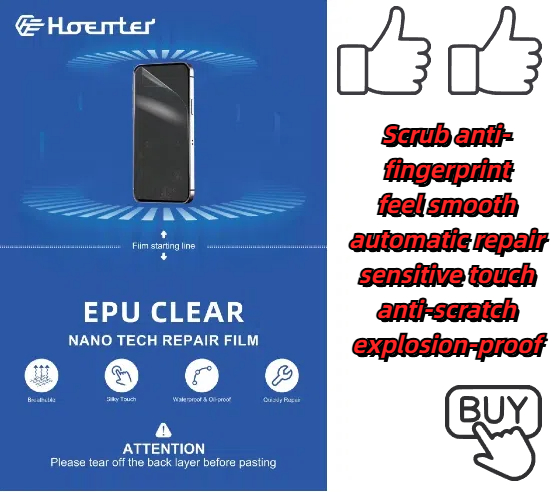
Protetores de tela semelhantes a papel são protetores?
By carefully considering your priorities, you can make an informed decision and elevate your iPad experience to the next level.
O que influencia o preço de uma máquina de proteção do ecrã do telemóvel?
A indústria de protectores de ecrã de telemóvel registou um crescimento significativo nos últimos anos, impulsionado pela crescente procura de proteção para dispositivos móveis.
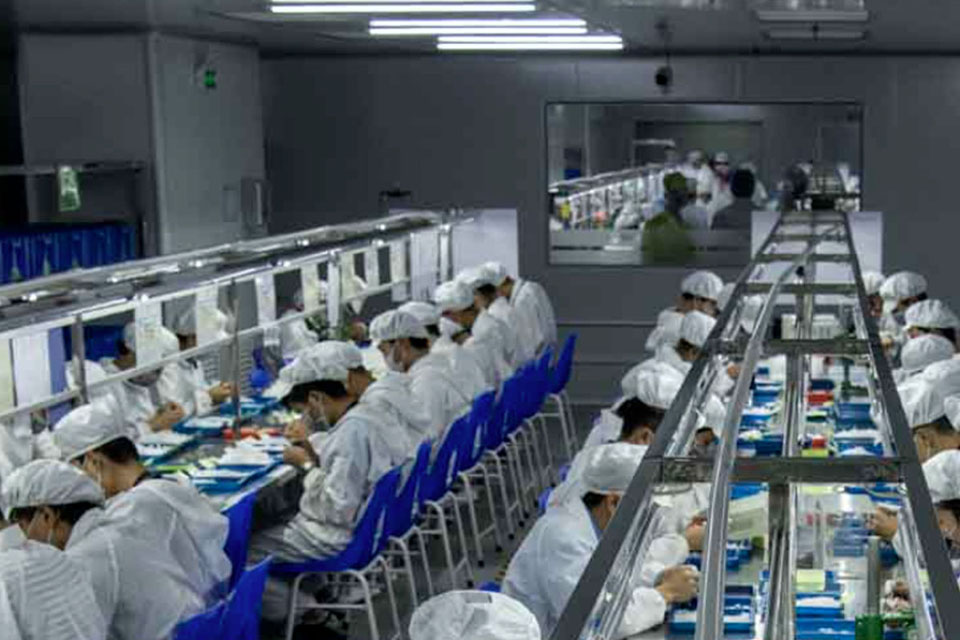
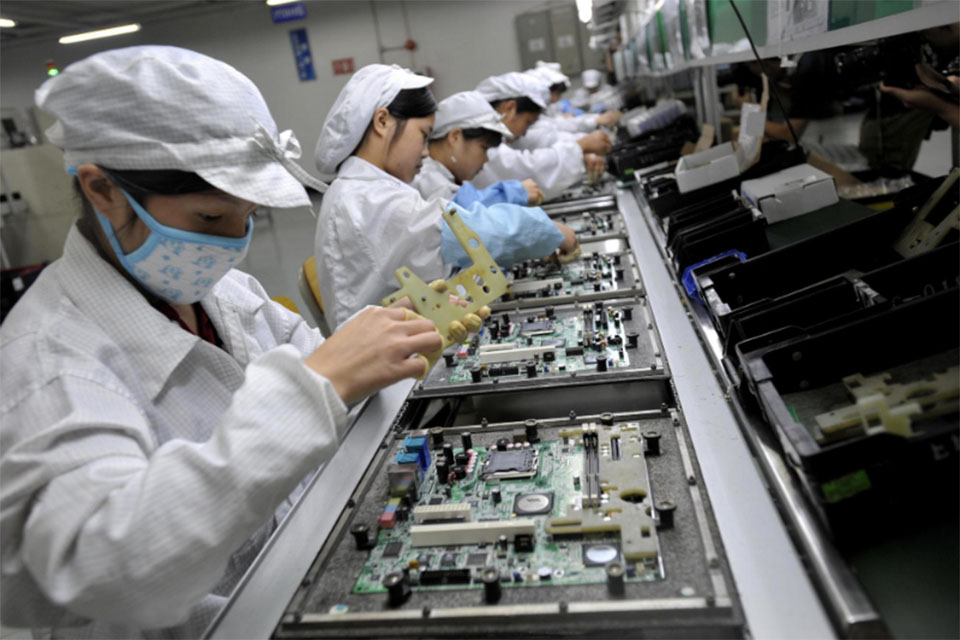
O processo de fabrico - O interior de uma fábrica de protectores de ecrã
O processo de fabrico de protectores de ecrã combina ciência dos materiais, inovação tecnológica e responsabilidade ambiental. À medida que a tecnologia avança, a indústria está constantemente a enfrentar desafios relacionados com o desenvolvimento sustentável, ao mesmo tempo que fornece proteção aos dispositivos.

O protetor de ecrã Tpu é resistente aos choques?
São fundamentais para determinar a durabilidade, a funcionalidade e a experiência do utilizador de
dispositivos móveis modernos.
Where to Repair My Phone
With this guide, you’re equipped to make informed decisions about your phone repairs, ensuring your device remains a reliable companion in your daily life.

O que é a máquina de corte de película e a sua aplicação
As máquinas de corte de película têm desempenhado um papel crucial na evolução da produção cinematográfica e de vários processos industriais, permitindo o corte e a união precisos de materiais de película.

O que é uma máquina de corte de protectores de ecrã?
Uma máquina de corte de protectores de ecrã é um dispositivo especializado concebido para produzir protectores de ecrã personalizados para vários dispositivos electrónicos, incluindo smartphones, tablets, smartwatches, computadores portáteis e monitores.

Como funciona a máquina de corte do protetor de tela do telefone móvel?
Uma máquina de corte de protectores de ecrã de telemóveis é um dispositivo sofisticado concebido
para produzir protectores de ecrã personalizados para vários dispositivos digitais com elevado preço
ção e eficiência.

Caraterísticas do vidro temperado para telemóveis e do protetor de ecrã TPU para telemóveis
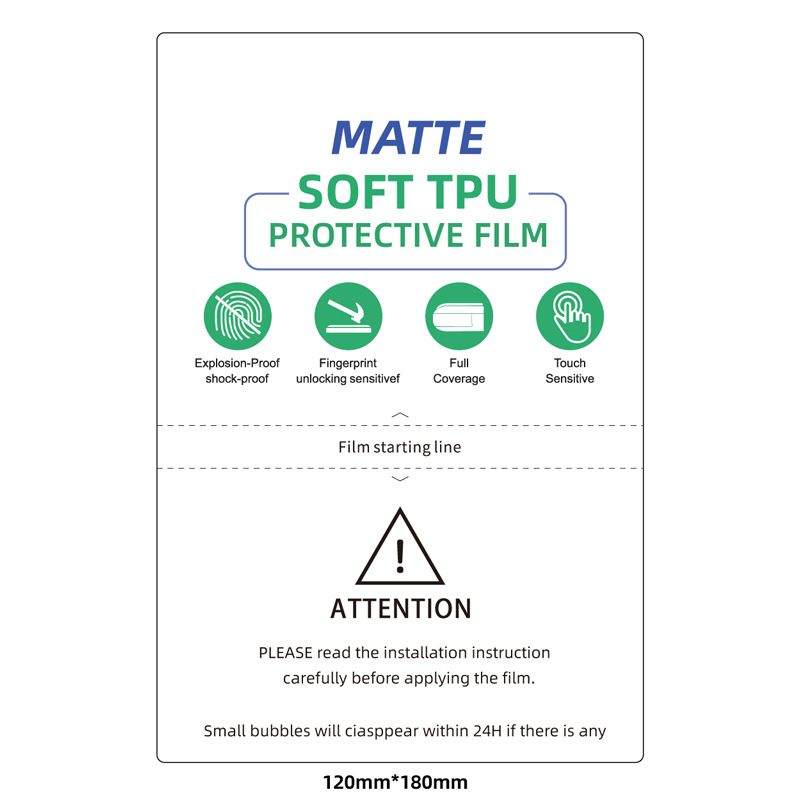
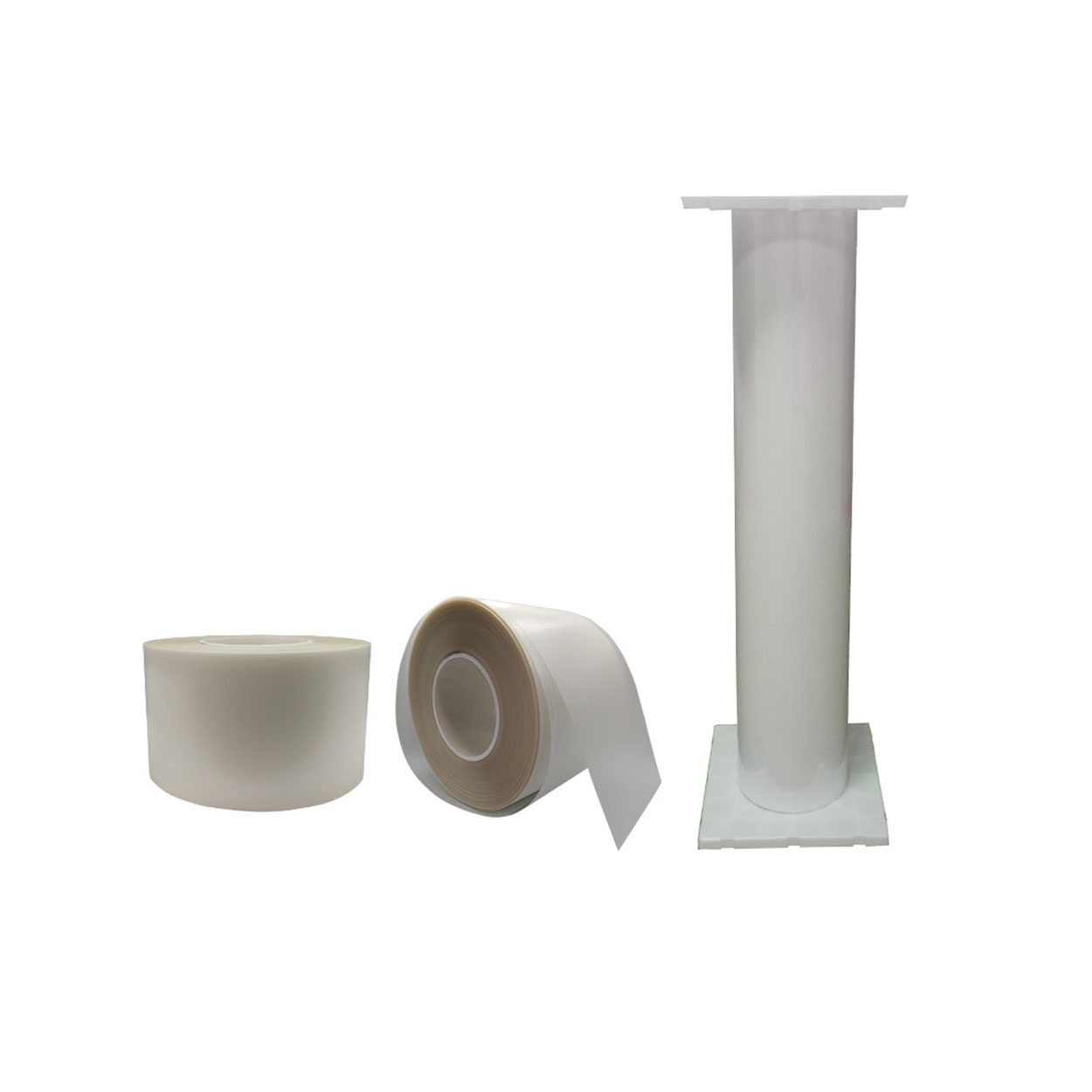
Os protectores de ecrã em poliuretano termoplástico (TPU) são flexíveis, duradouros e
películas plásticas auto-regeneráveis concebidas para proteger os ecrãs dos dispositivos electrónicos contra
riscos, impactos e outros danos potenciais.

Revolucione a proteção de dispositivos com a máquina de corte de proteção de ecrã
Quer tenha um smartphone, tablet ou smartwatch, esta máquina versátil adapta-se a uma vasta gama de dispositivos. Adapta-se perfeitamente às dimensões do seu gadget, oferecendo um ajuste personalizado que os protectores genéricos não conseguem igualar.
Protetor de ecrã com garantia vitalícia
A garantia vitalícia de um protetor de ecrã é uma garantia fornecida pelos fabricantes que
compromete-se a reparar ou substituir um protetor de ecrã durante o tempo de vida útil do produto, de acordo com termos e condições específicos.
