
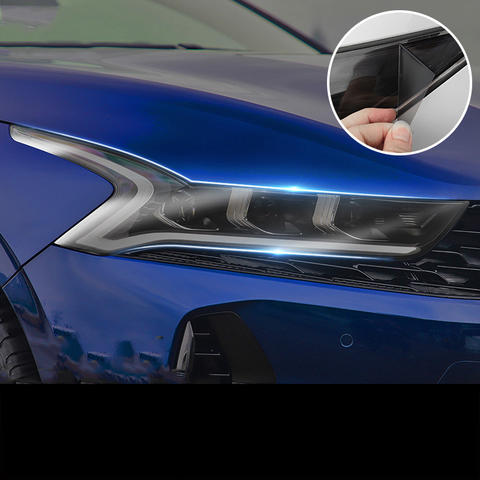
Understanding the Importance of a Camera Lens Protector
Camera lens protectors are essential for anyone who values their device’s camera quality. Why are they so important? They shield the lens from scratches, dust, and accidental drops, which can significantly degrade image quality over time. By investing in a lens protector, you’re ensuring that your camera remains in top condition, ready to capture life’s moments with clarity.Moreover, lens protectors are often made from tempered glass, which is both durable and transparent. This means you won’t have to compromise on image quality while keeping your lens safe. Did you know? A good lens protector can absorb impacts that would otherwise damage your lens, acting as a first line of defense.Choosing the Right Lens Protector for Your Device
Selecting the right lens protector is crucial. What should you look for? Consider the material, compatibility, and ease of installation. Tempered glass is a popular choice due to its strength and clarity. Ensure the protector is specifically designed for your device model, whether it’s an iPhone, Canon, or another brand.Pro Tip: Check user reviews and ratings to gauge the protector’s performance and durability. A well-reviewed product is more likely to meet your expectations and provide the protection your camera needs.Preparing Your Camera for Installation
Before you begin the installation process, it’s important to prepare your camera. How do you do this? Start by cleaning the lens thoroughly with a microfiber cloth to remove any dust or fingerprints. This ensures that the protector adheres properly and doesn’t trap any particles that could affect image quality.Next, gather all necessary tools, such as the lens protector, cleaning wipes, and an alignment tool if provided. Remember: A clean and organized workspace will make the installation process smoother and more efficient.
Step-by-Step Guide to Installing a Camera Lens Protector
- Clean the Lens: Use a microfiber cloth and cleaning solution to wipe the lens clean.
- Align the Protector: Carefully align the protector with the lens, ensuring all edges match up perfectly.
- Apply the Protector: Gently press the protector onto the lens, starting from the center and moving outward to remove air bubbles.
- Secure the Protector: Use a soft cloth to press down on the protector, ensuring it adheres firmly to the lens.
Common Mistakes to Avoid During Installation
Installing a lens protector might seem straightforward, but there are common mistakes to avoid. What are they? One major mistake is not cleaning the lens thoroughly, which can lead to trapped dust and reduced image quality. Another is misaligning the protector, which can cause it to peel off over time.Avoid These Pitfalls: Take your time during installation and double-check alignment before pressing down the protector. Patience is key to a successful installation.
How to Remove a Camera Lens Protector Safely
Removing a lens protector can be tricky if not done correctly. How can you do it safely? Start by gently lifting one corner of the protector with a thin plastic card. Slowly peel it off, applying even pressure to avoid damaging the lens.Safety Tip: Avoid using metal tools, as they can scratch the lens. If the protector is stubborn, apply a bit of heat with a hairdryer to loosen the adhesive.Maintaining Your Camera Lens Protector
Once installed, maintaining your lens protector is crucial for its longevity. How do you maintain it? Regularly clean the protector with a microfiber cloth to remove smudges and dust. Avoid using harsh chemicals that could damage the glass.Maintenance Tip: Store your camera in a protective case when not in use to prevent accidental scratches or impacts.FAQs About Camera Lens Protectors
Q: Do lens protectors affect image quality?A: High-quality lens protectors are designed to be transparent and should not affect image quality. Ensure you choose a reputable brand.Q: Can I reuse a lens protector after removal?A: It’s not recommended to reuse a lens protector, as the adhesive may not be as effective, and it could trap dust or debris.
Troubleshooting Installation Issues
If you encounter issues during installation, don’t worry. What can you do? If air bubbles persist, try reapplying the protector using the credit card method mentioned earlier. For alignment issues, carefully remove and realign the protector.Troubleshooting Tip: If problems persist, consider seeking professional help or contacting the manufacturer’s customer service for guidance.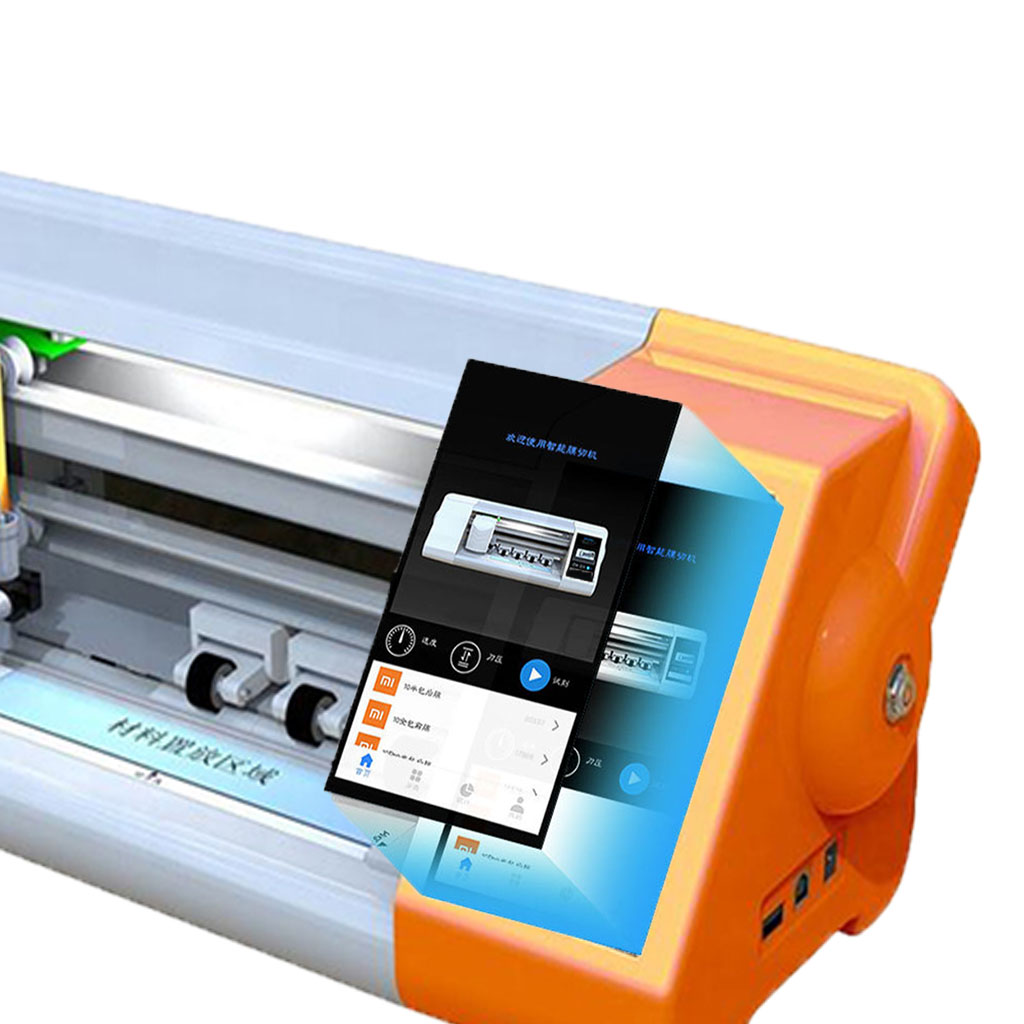
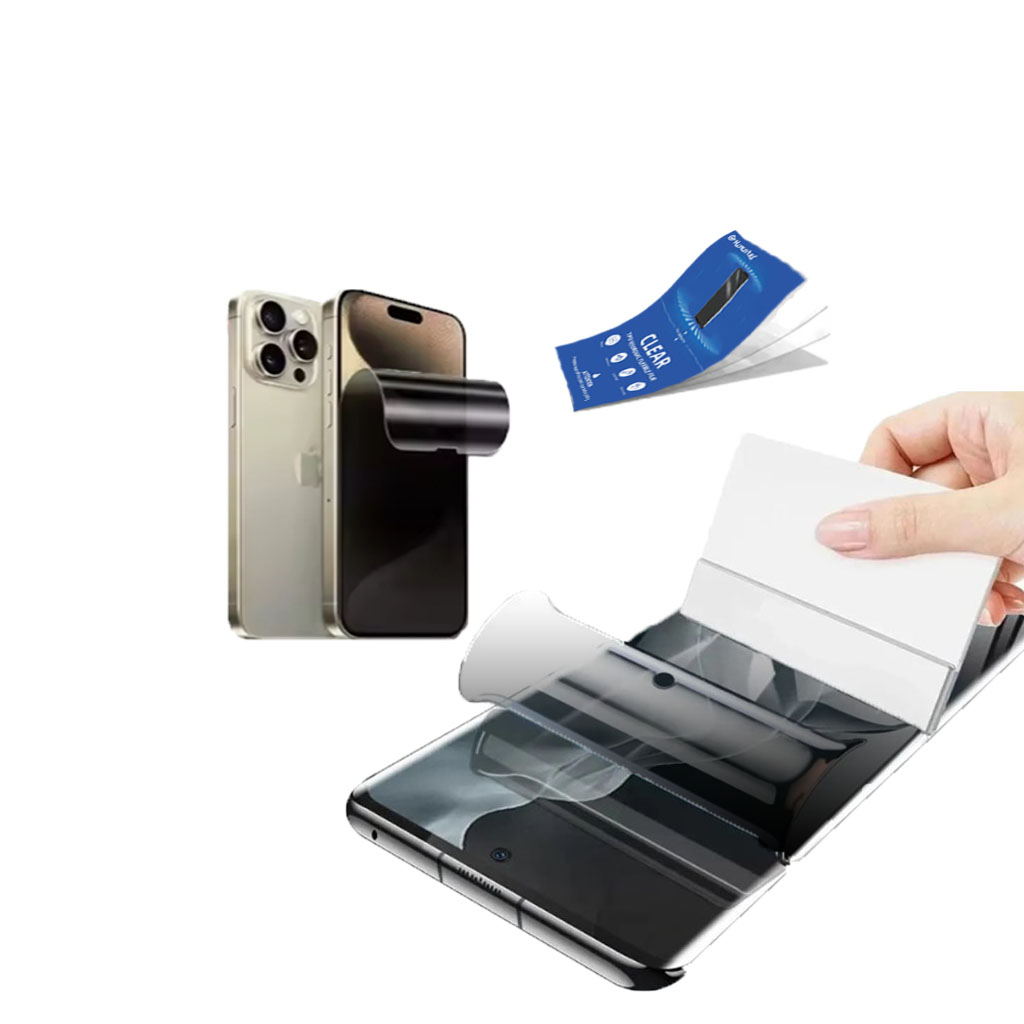
Is a Screen Protector Useful for iPads?
Protect your iPad today with the right screen protector and enjoy worry-free usage!
How to Remove a Glass Screen Protector?
By following these steps, you can safely remove and replace your glass screen protector, keeping your device in top condition.
The Role of Innovation in Modern Screen Protector Factories
Innovation plays a key role in the modern screen protector industry, driving industry growth and competitiveness, and enabling product features to be continuously improved to meet the diverse needs of consumers.
Does a Kindle Need a Screen Protector?
By choosing the right screen protector, Kindle users can enhance their reading experience while protecting their device.
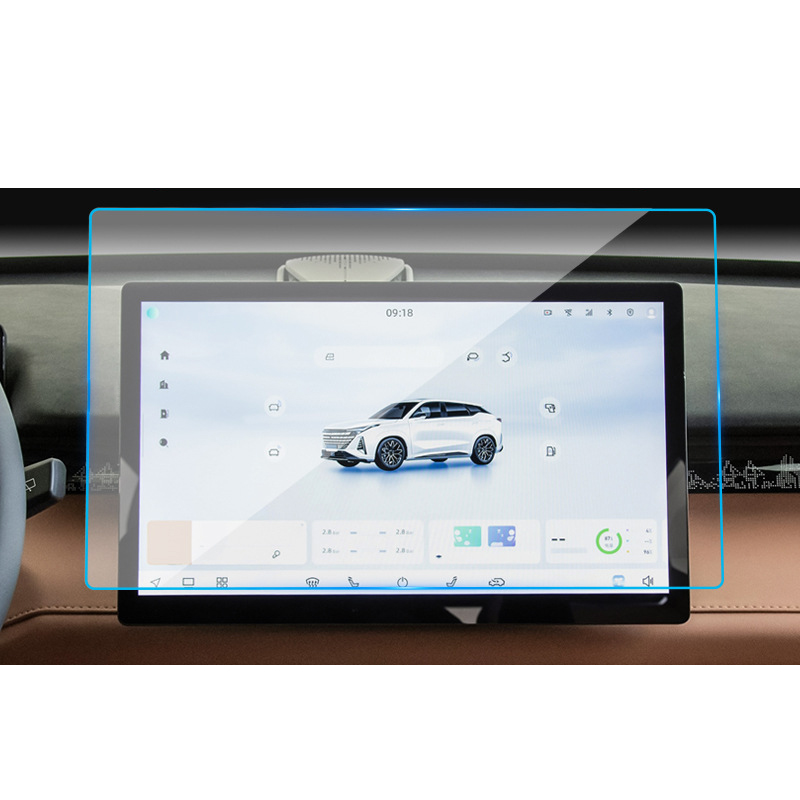
Jeep Wrangler JL Navigation GPS Tempered Glass
Our Wrangler JL Navigation Screen Protector offers superior protection for your GPS display.

What Film Cutting Machine and Its Application
Film cutting machines have played a crucial role in the evolution of filmmaking and various industrial processes by enabling precise cutting and splicing of film materials.

What Is a Screen Protector Cutting Machine?
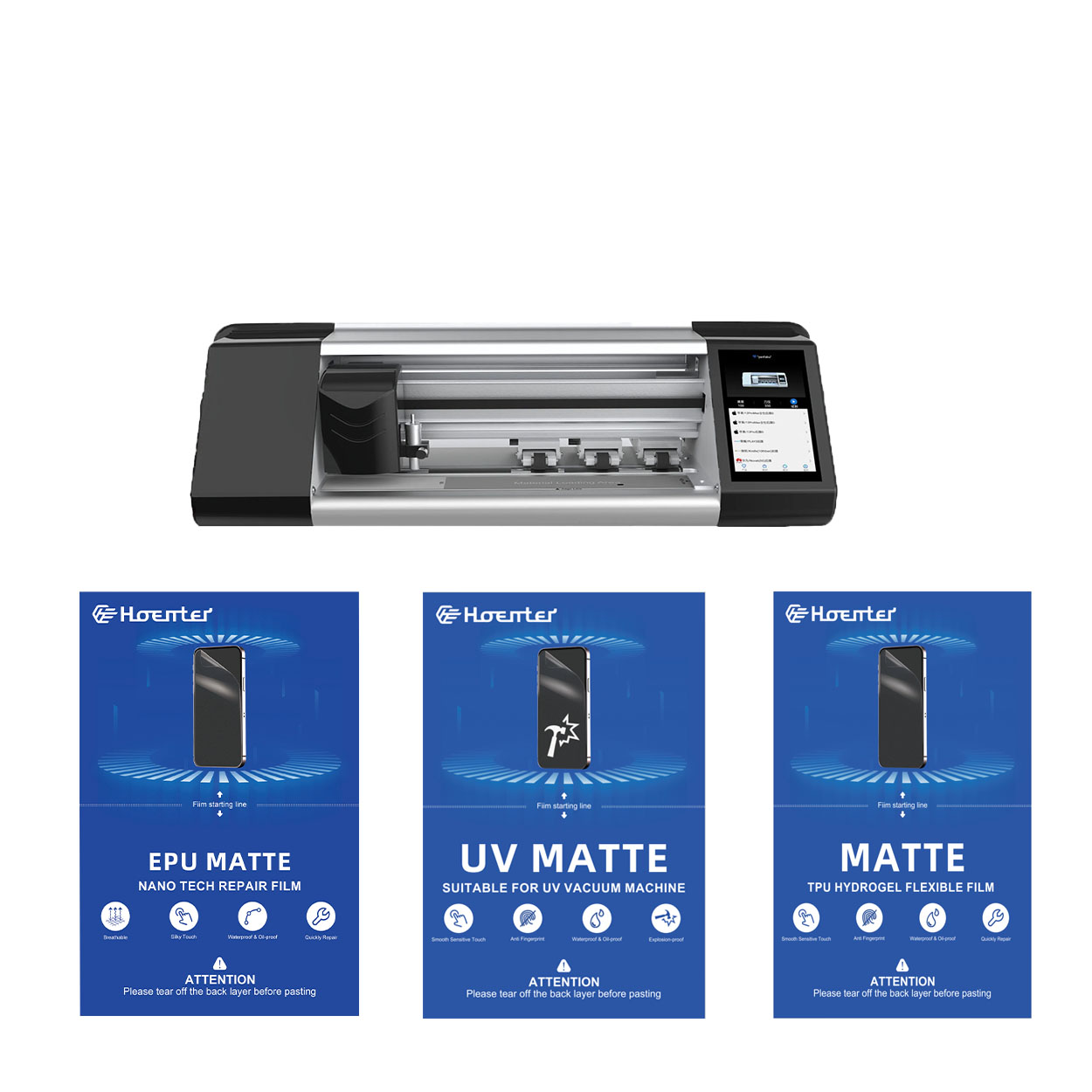
A screen protector cutting machine is a specialized device designed to produce custom-fit screen protectors for various electronic devices, including smartphones, tablets, smartwatches, laptops, and monitors.

How Mobile Phone Screen Protector Cutting Machine Work?
A mobile phone screen protector cutting machine is a sophisticated device designed
to produce customized screen protectors for various digital devices with high preci
sion and efficiency.

Characteristics of Mobile Phone Tempered Glass and Mobile Phone TPU Screen Protector
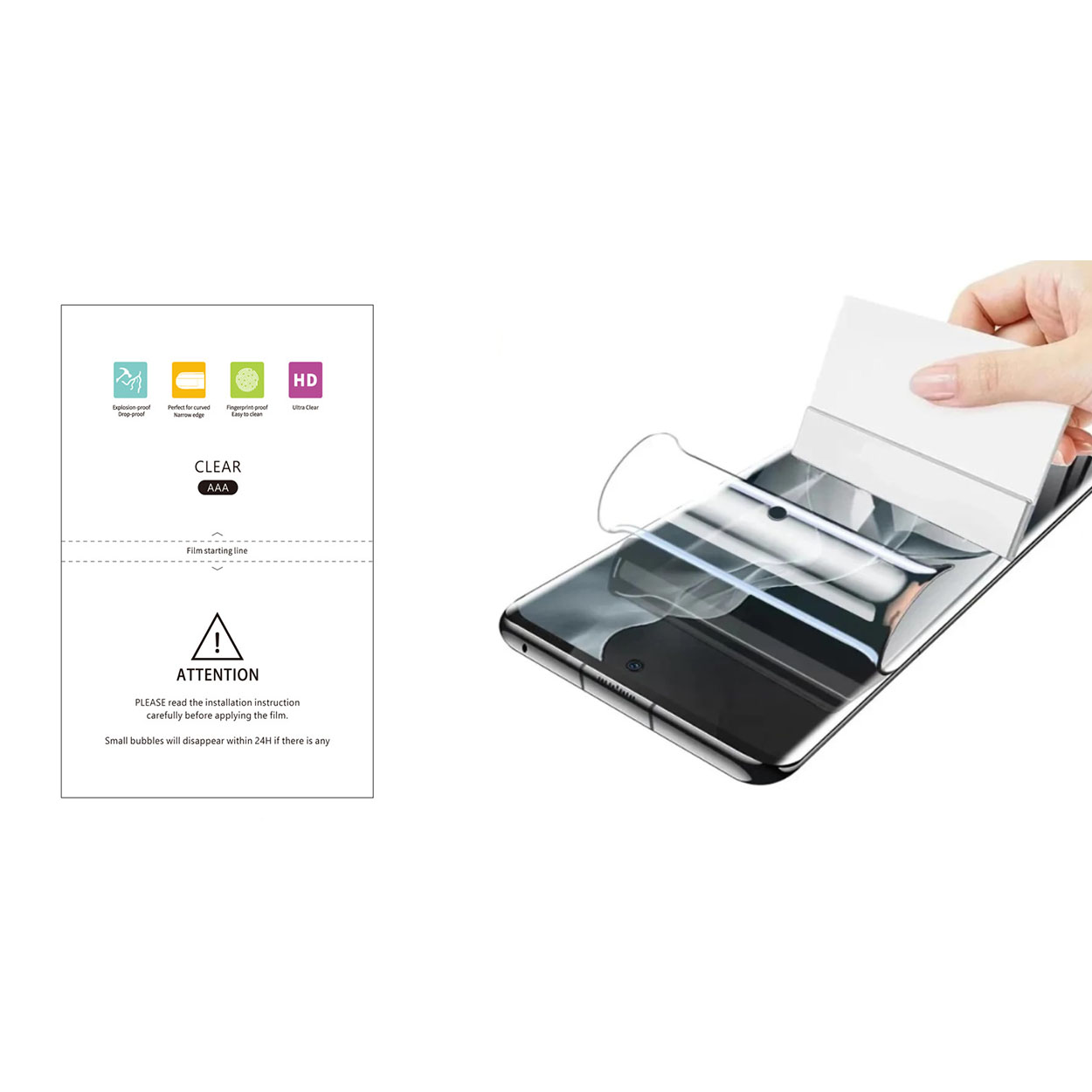
Thermoplastic polyurethane (TPU) screen protectors are flexible, durable, and
self-healing plastic films designed to protect electronic device screens from
scratches, impacts, and other potential damages.

Revolutionize Device Protection with Screen Guard Cutting Machine
Whether you possess a smartphone, tablet, or smartwatch, this versatile machine accommodates a vast array of devices. It seamlessly adapts to the dimensions of your gadget, offering a custom fit that generic protectors can’t match.

Screen Protector Lifetime Warranty
A screen protector lifetime warranty is a guarantee provided by manufacturers that
promises to repair or replace a screen protector for the lifetime of the product, under specific terms and conditions.
