
Understanding the Importance of a Camera Lens Protector
Camera lens protectors are essential for anyone who values their device’s camera quality. Why are they so important? They shield the lens from scratches, dust, and accidental drops, which can significantly degrade image quality over time. By investing in a lens protector, you’re ensuring that your camera remains in top condition, ready to capture life’s moments with clarity.Moreover, lens protectors are often made from tempered glass, which is both durable and transparent. This means you won’t have to compromise on image quality while keeping your lens safe. Bạn có biết không? A good lens protector can absorb impacts that would otherwise damage your lens, acting as a first line of defense.Choosing the Right Lens Protector for Your Device
Selecting the right lens protector is crucial. What should you look for? Consider the material, compatibility, and ease of installation. Tempered glass is a popular choice due to its strength and clarity. Ensure the protector is specifically designed for your device model, whether it’s an iPhone, Canon, or another brand.Mẹo chuyên nghiệp: Check user reviews and ratings to gauge the protector’s performance and durability. A well-reviewed product is more likely to meet your expectations and provide the protection your camera needs.Preparing Your Camera for Installation
Before you begin the installation process, it’s important to prepare your camera. How do you do this? Start by cleaning the lens thoroughly with a microfiber cloth to remove any dust or fingerprints. This ensures that the protector adheres properly and doesn’t trap any particles that could affect image quality.Next, gather all necessary tools, such as the lens protector, cleaning wipes, and an alignment tool if provided. Nhớ: A clean and organized workspace will make the installation process smoother and more efficient.
Step-by-Step Guide to Installing a Camera Lens Protector
- Clean the Lens: Use a microfiber cloth and cleaning solution to wipe the lens clean.
- Align the Protector: Carefully align the protector with the lens, ensuring all edges match up perfectly.
- Apply the Protector: Gently press the protector onto the lens, starting from the center and moving outward to remove air bubbles.
- Secure the Protector: Use a soft cloth to press down on the protector, ensuring it adheres firmly to the lens.
Common Mistakes to Avoid During Installation
Installing a lens protector might seem straightforward, but there are common mistakes to avoid. What are they? One major mistake is not cleaning the lens thoroughly, which can lead to trapped dust and reduced image quality. Another is misaligning the protector, which can cause it to peel off over time.Avoid These Pitfalls: Take your time during installation and double-check alignment before pressing down the protector. Patience is key to a successful installation.
How to Remove a Camera Lens Protector Safely
Removing a lens protector can be tricky if not done correctly. How can you do it safely? Start by gently lifting one corner of the protector with a thin plastic card. Slowly peel it off, applying even pressure to avoid damaging the lens.Safety Tip: Avoid using metal tools, as they can scratch the lens. If the protector is stubborn, apply a bit of heat with a hairdryer to loosen the adhesive.Maintaining Your Camera Lens Protector
Once installed, maintaining your lens protector is crucial for its longevity. How do you maintain it? Regularly clean the protector with a microfiber cloth to remove smudges and dust. Avoid using harsh chemicals that could damage the glass.Maintenance Tip: Store your camera in a protective case when not in use to prevent accidental scratches or impacts.FAQs About Camera Lens Protectors
Q: Do lens protectors affect image quality?A: High-quality lens protectors are designed to be transparent and should not affect image quality. Ensure you choose a reputable brand.Q: Can I reuse a lens protector after removal?A: It’s not recommended to reuse a lens protector, as the adhesive may not be as effective, and it could trap dust or debris.
Troubleshooting Installation Issues
If you encounter issues during installation, don’t worry. What can you do? If air bubbles persist, try reapplying the protector using the credit card method mentioned earlier. For alignment issues, carefully remove and realign the protector.Troubleshooting Tip: If problems persist, consider seeking professional help or contacting the manufacturer’s customer service for guidance.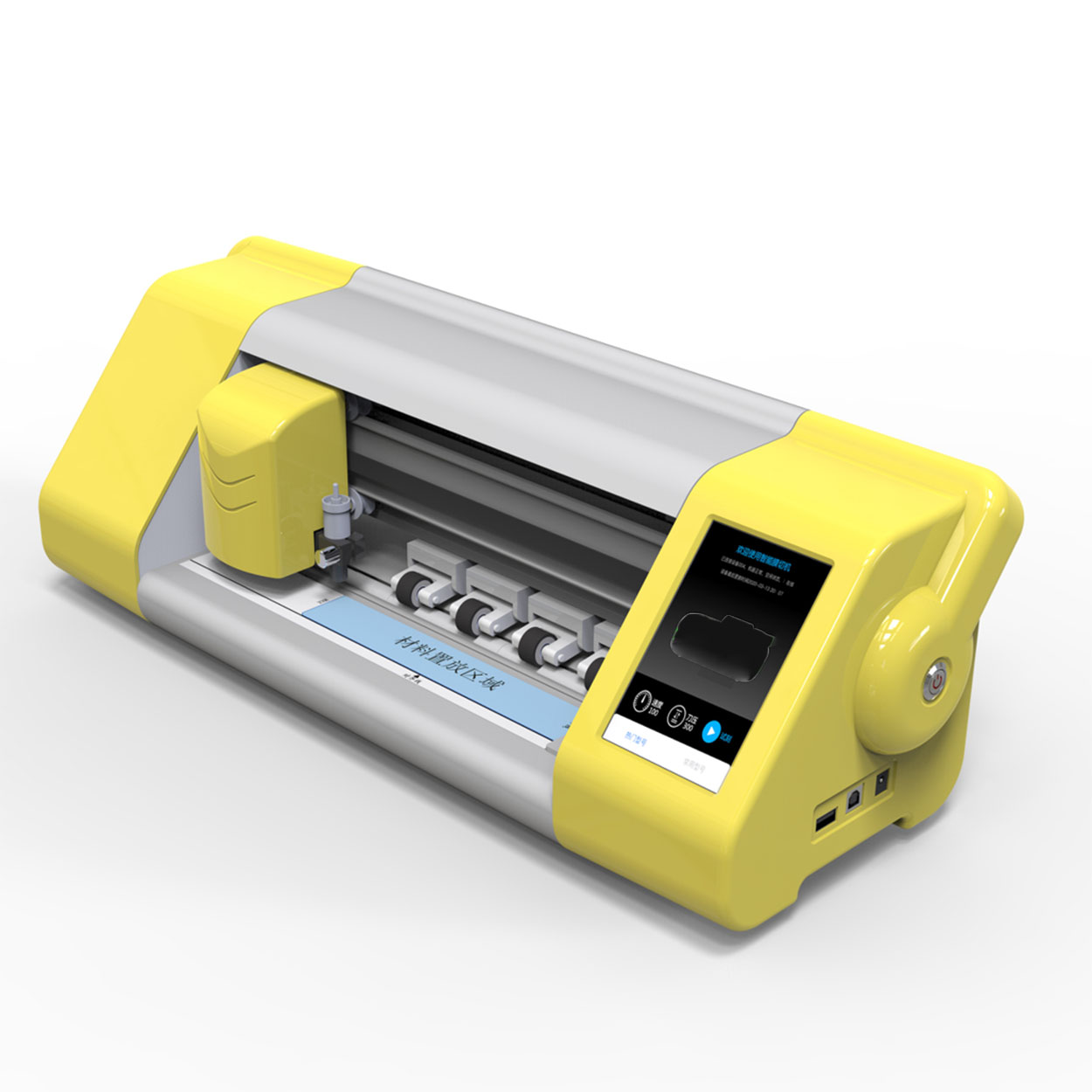
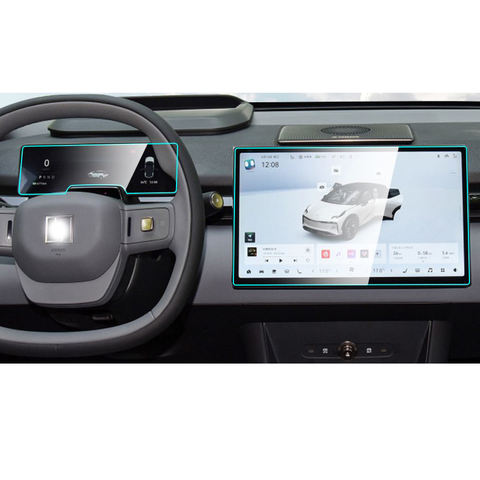

Can You Cut a Paperlike Screen Protector?
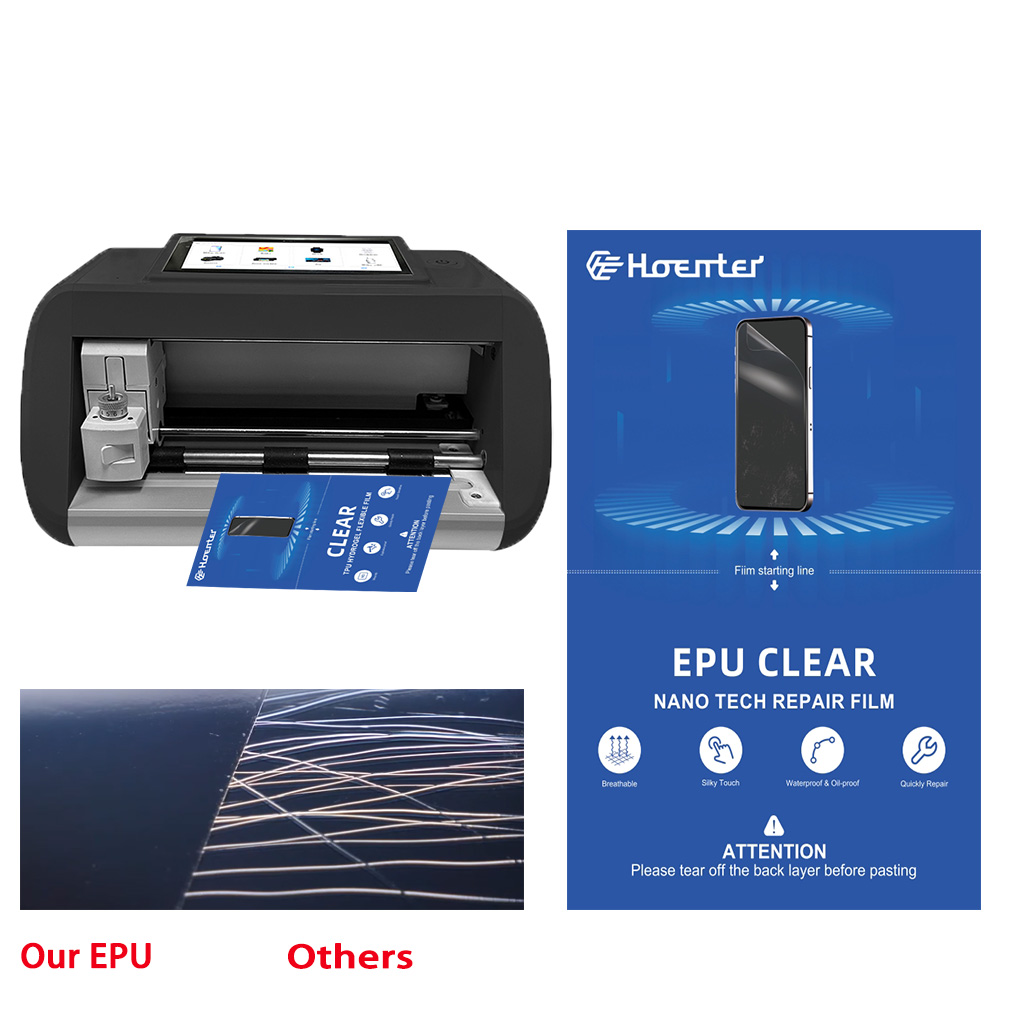
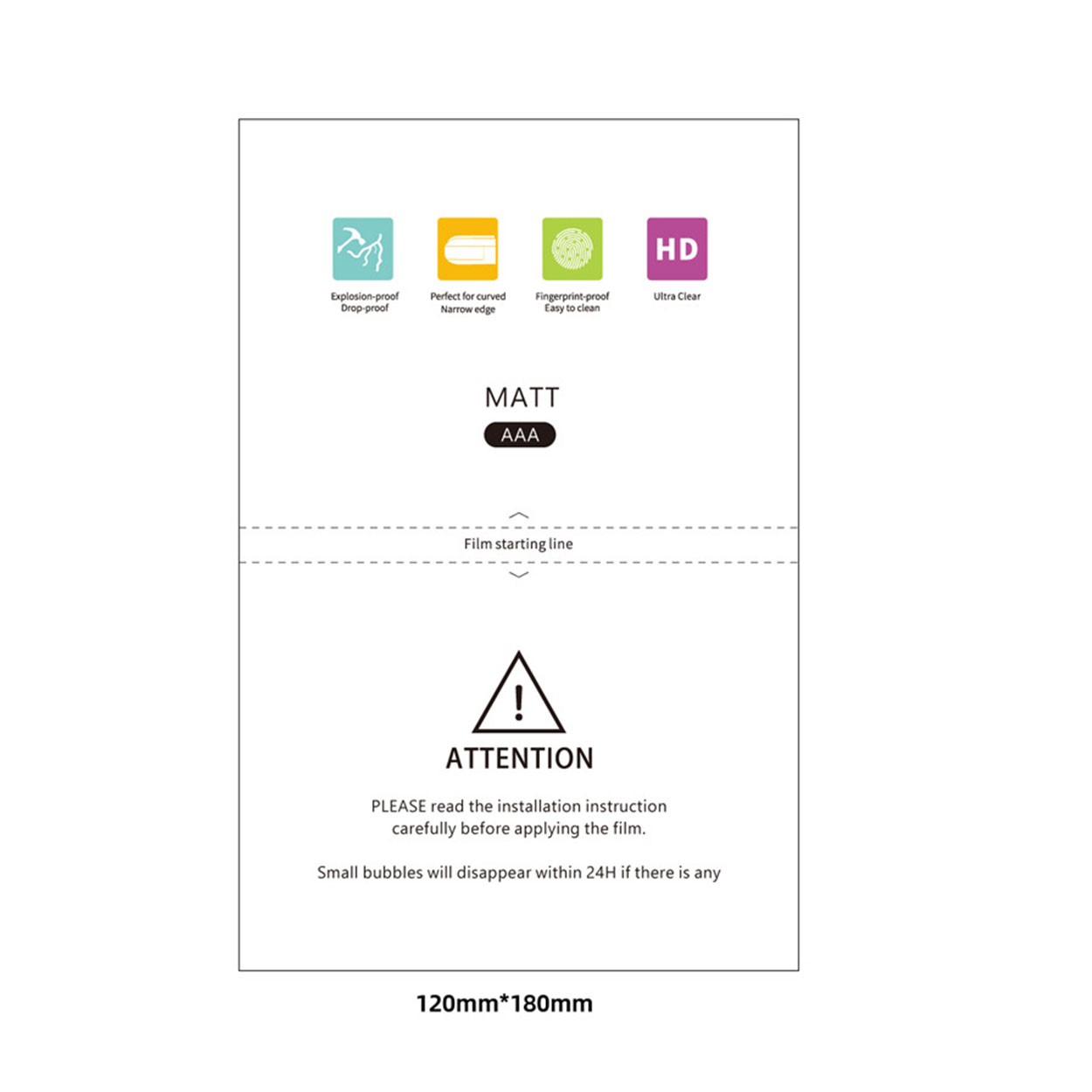
Cutting a Paperlike screen protector is entirely possible, but it requires patience, precision, and the right tools.
Làm chủ nghệ thuật: Cách dán miếng bảo vệ màn hình như một chuyên gia
Bạn có mệt mỏi vì phải vật lộn với bong bóng và sự không thẳng hàng khi dán miếng bảo vệ màn hình cho thiết bị quý giá của mình không? Không cần tìm đâu xa! Hướng dẫn toàn diện này sẽ hướng dẫn bạn quy trình dán miếng bảo vệ màn hình như một chuyên gia dày dạn kinh nghiệm. Cho dù bạn đang sử dụng miếng bảo vệ màn hình bằng kính cường lực hay phim tiêu chuẩn, chúng tôi đều có thể giúp bạn. Đọc tiếp để khám phá các mẹo, thủ thuật và kỹ thuật chuyên nghiệp giúp đảm bảo dán hoàn hảo, không có bong bóng mọi lúc.
Máy bảo vệ màn hình điện thoại giá rẻ: Lựa chọn hàng đầu
Trong bối cảnh cạnh tranh của thị trường phụ kiện di động, việc cung cấp miếng dán bảo vệ màn hình điện thoại chất lượng cao có thể là một hoạt động kinh doanh sinh lợi.
How Much Is Phone Screen Repair?
Understanding these aspects can help you make informed decisions about phone screen repairs, ensuring you get the best value for your money.

Miếng dán màn hình tốt nhất cho điện thoại của bạn năm 2024
Khi chúng ta đang sống trong thế giới ngày càng số hóa, việc bảo vệ các thiết bị của chúng ta chưa bao giờ quan trọng hơn thế.

Máy cắt phim nào và ứng dụng của nó
Máy cắt phim đóng vai trò quan trọng trong sự phát triển của ngành làm phim và nhiều quy trình công nghiệp khác bằng cách cho phép cắt và ghép chính xác các vật liệu phim.

Máy cắt miếng dán màn hình là gì?
Máy cắt miếng dán màn hình là thiết bị chuyên dụng được thiết kế để sản xuất miếng dán màn hình vừa vặn cho nhiều thiết bị điện tử khác nhau, bao gồm điện thoại thông minh, máy tính bảng, đồng hồ thông minh, máy tính xách tay và màn hình máy tính.

Máy cắt miếng dán màn hình điện thoại di động hoạt động như thế nào?
Máy cắt miếng dán màn hình điện thoại di động là một thiết bị tinh vi được thiết kế
để sản xuất miếng dán màn hình tùy chỉnh cho nhiều thiết bị kỹ thuật số có độ chính xác cao
và hiệu quả.

Đặc điểm của Kính cường lực điện thoại di động và Miếng dán màn hình TPU cho điện thoại di động
Tấm bảo vệ màn hình bằng nhựa nhiệt dẻo polyurethane (TPU) linh hoạt, bền và
màng nhựa tự phục hồi được thiết kế để bảo vệ màn hình thiết bị điện tử khỏi
trầy xước, va chạm và các hư hỏng tiềm ẩn khác.

Cách mạng hóa bảo vệ thiết bị với máy cắt bảo vệ màn hình
Cho dù bạn sở hữu điện thoại thông minh, máy tính bảng hay đồng hồ thông minh, chiếc máy đa năng này có thể chứa nhiều loại thiết bị. Nó có thể thích ứng liền mạch với kích thước của thiết bị của bạn, mang đến sự vừa vặn tùy chỉnh mà các loại bảo vệ thông thường không thể sánh kịp.

Bảo hành trọn đời cho miếng dán màn hình
Bảo hành trọn đời cho miếng dán màn hình là sự đảm bảo được cung cấp bởi nhà sản xuất
cam kết sửa chữa hoặc thay thế miếng dán màn hình trong suốt thời gian sử dụng sản phẩm, theo các điều khoản và điều kiện cụ thể.
