
1. What Are Guide Stickers for Screen Protector Installation?
Guide stickers are small adhesive tabs that come with most tempered glass screen protector kits. They help align the protector on your phone screen before you commit to sticking it down. These stickers act as a “hinge,” holding the glass in place while allowing you to make final adjustments.Features of Guide Stickers
- Typically included with premium screen protector kits.
- Made from non-damaging adhesive that won’t leave residue on your phone.
- Designed to simplify the alignment process.
Did you know? Guide stickers are especially useful for larger devices like tablets, where precise alignment is even more challenging.
2. Why Are Guide Stickers Essential for a Perfect Application?
החלת א מגן מסך מזכוכית מחוסמת manually can lead to problems like:- Misalignment
- Air bubbles
- Dust getting trapped under the glass
Benefits of Using Guide Stickers
- Precision: Ensures perfect alignment with the edges of your phone.
- Convenience: Simplifies the process, even for beginners.
- Protection: Reduces the chance of dust contamination during application.

3. Step-by-Step Guide: How to Use the Guide Stickers for Screen Protector Installation
Follow these steps for a flawless screen protector installation using guide stickers:שלב 1: הכן את סביבת העבודה שלך
- Choose a clean, dust-free area. A well-lit room is best.
- Wash your hands to avoid transferring oils or dirt to the protector.
Step 2: Clean Your Screen
- Use the provided cleaning kit (usually includes an alcohol wipe and microfiber cloth) to remove fingerprints and dust.
- Use the dust removal sticker to pick up any remaining particles.
Step 3: Position the Guide Stickers
- Peel off the guide stickers and attach them to one end of the tempered glass screen protector.
- Align the protector with your phone screen while holding the guide stickers.
Step 4: Use the Stickers as Hinges
- Once aligned, press the guide stickers onto the back of your phone. They’ll act as hinges, holding the glass in the correct position.
Step 5: Remove the Backing Film
- Lift the glass protector using the guide stickers as a hinge.
- Peel off the backing film from the adhesive side of the glass.
Step 6: Apply the Protector
- Slowly lower the glass onto the phone screen. The adhesive will begin to bond automatically.
- Gently press from the center outward to eliminate bubbles.
Step 7: Final Adjustments
- Remove the guide stickers carefully.
- Check for bubbles or dust, and use the provided tools to fix any issues.
טיפ מקצועי: Using a credit card wrapped in a microfiber cloth can help push out stubborn bubbles.
4. Common Mistakes to Avoid When Installing a Tempered Glass Screen Protector
Even with guide stickers, mistakes can happen. Avoid these common pitfalls:Mistake 1: Skipping the Cleaning Step
Dust or fingerprints will create bubbles under the protector. Always clean the screen thoroughly.Mistake 2: Misaligning the Protector
Take your time during the alignment step. Use the guide stickers as a reference.Mistake 3: Applying Too Much Force
Pressing too hard can crack the glass or create air bubbles. Be gentle and patient.Remember: A rushed installation often leads to a poor finish. Take your time!
5. What to Do If Bubbles or Dust Appear Under the Screen Protector?
Nobody likes dealing with air bubbles or dust under their screen protector. Here’s how to fix these issues:For Bubbles:
- Use a plastic card wrapped in a soft cloth to push bubbles toward the edges.
- For small, stubborn bubbles, apply light heat using a hairdryer to soften the adhesive.
For Dust:
- Carefully lift the edge of the screen protector using a piece of tape.
- Use a dust removal sticker to pick up the particle.
- Reapply the protector.
Quote: “Patience is key when installing a screen protector. A little extra effort goes a long way.”
6. Can You Reinstall a Screen Protector If It’s Misaligned?
Yes, but only if you act quickly. Most מגני מסך מזכוכית מחוסמת can be carefully removed and repositioned during the first few minutes of installation. Use the guide stickers to realign the protector, then press it back down.Warning: Repeated repositioning can weaken the adhesive and reduce the protector’s effectiveness.
7. Tips for Installing a Glass Screen Protector on Different Devices
Smartphones:
- Use guide stickers for precise alignment.
- Pay extra attention to curved screens, as they can be trickier to cover.
Tablets:
- Work slowly, as larger screens are more prone to bubbles.
- Consider enlisting a second person to help with alignment.
Smartwatches:
- Use a smaller version of the guide sticker method for these tiny screens.
- Ensure the protector is compatible with curved surfaces, if applicable.

8. The Role of Cleaning Kits in Screen Protector Installation
A clean screen is the foundation of a flawless protector installation. Most kits include:- Alcohol wipes to remove oils and dirt.
- Microfiber cloths to polish the screen.
- מדבקות להסרת אבק to pick up tiny particles.
9. How to Care for Your Screen Protector After Installation?
Once your מגן מסך מזכוכית מחוסמת is installed, take these steps to keep it in top condition:- Avoid using abrasive cleaning solutions. Stick to a microfiber cloth and water.
- Check periodically for dust buildup along the edges and clean as needed.
- Replace the protector if it cracks or chips.
10. FAQs About Using Guide Stickers for Tempered Glass Screen Protectors
Q1: Are guide stickers reusable?
No, guide stickers are designed for single use. Reusing them may reduce their adhesive strength.Q2: Can I install a screen protector without guide stickers?
Yes, but it’s more challenging. Guide stickers simplify the process and improve accuracy.Q3: How long does it take to install a screen protector?
With guide stickers, the process typically takes 5–10 minutes.

גורמים המשפיעים על המחיר של מכונות חיתוך מגן מסך
בעולם המהיר של אביזרים ניידים, מכונות חיתוך מגני מסך הפכו לכלי חיוני לעסקים המעוניינים לספק פתרונות בהתאמה אישית למגוון רחב של מכשירים.
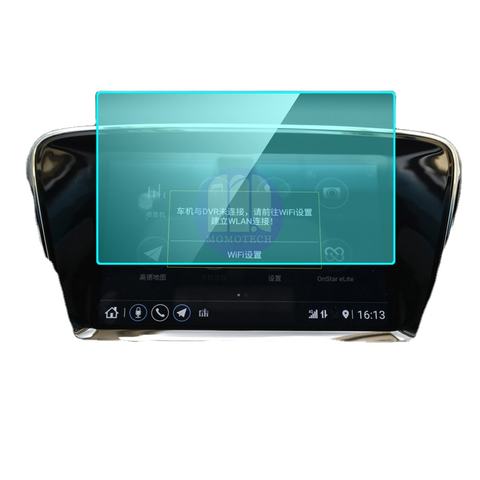
Toyota Hilux Navigation GPS Tempered Glass
Our Hilux Navigation Screen Protector offers superior protection for your GPS display.
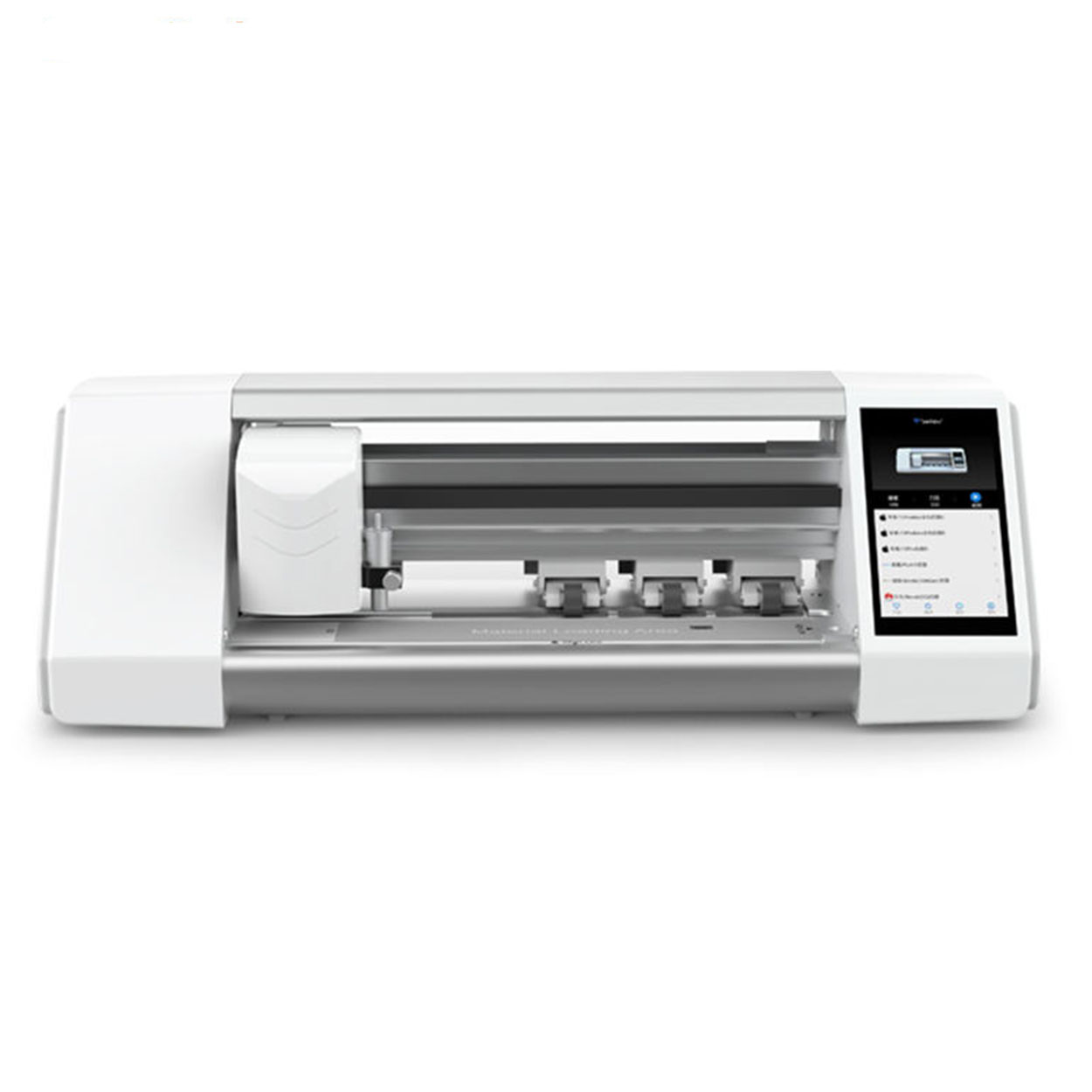
פלוטר חיתוך מגן מסך
בית דוא"ל פרמטרים של מוצר What'sApp שליטה: בקרת אפליקציה / מסך מגע Bluetooth LCD: 5.5 אינץ' HD עם מערכת חיבור: WIFI
כמה עולה תיקון טלפון?
understanding phone repair costs and options is essential for making informed decisions about your device’s care.

האם כדאי להשקיע במכונת מגן מסך לטלפון מתקדמת?
עם למעלה מ-95 מיליון סמארטפונים שניזוקים מדי שנה עקב נפילות, הדרישה למגני מסך יעילים ממשיכה לעלות, מונעת מהגברת המודעות של הצרכנים לעלויות התיקון, במיוחד עבור מכשירים לא מבוטחים.

איזו מכונת חיתוך סרטים ויישומה
מכונות חיתוך סרטים מילאו תפקיד מכריע באבולוציה של יצירת סרטים ותהליכים תעשייתיים שונים על ידי כך שאפשרו חיתוך ושחבור מדויקים של חומרי סרט.

מהי מכונת חיתוך מגן מסך?
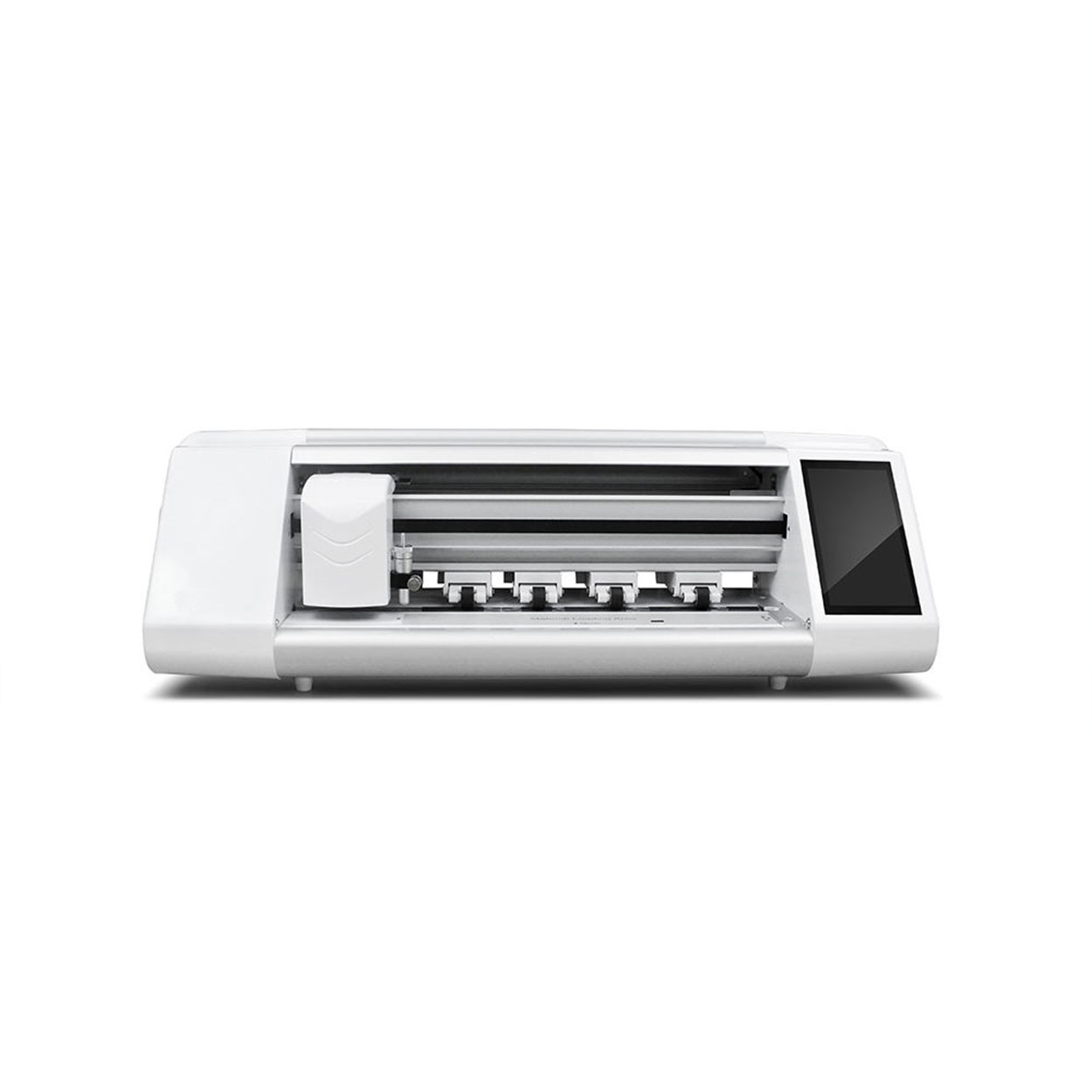
מכונת חיתוך מגני מסך היא מכשיר מיוחד שנועד לייצר מגני מסך בהתאמה אישית עבור מכשירים אלקטרוניים שונים, לרבות סמארטפונים, טאבלטים, שעונים חכמים, מחשבים ניידים ומסכים.

כיצד פועלת מכונת חיתוך מגן מסך לטלפון נייד?
מכונת חיתוך מגן מסך לטלפון נייד היא מכשיר מתוחכם שתוכנן
לייצר מגני מסך מותאמים אישית למכשירים דיגיטליים שונים עם רמת דיוק גבוהה
סיון ויעילות.

מאפיינים של זכוכית מחוסמת לטלפון נייד ומגן מסך TPU לטלפון נייד
מגיני מסך פוליאוריטן תרמופלסטיים (TPU) הם גמישים, עמידים ו
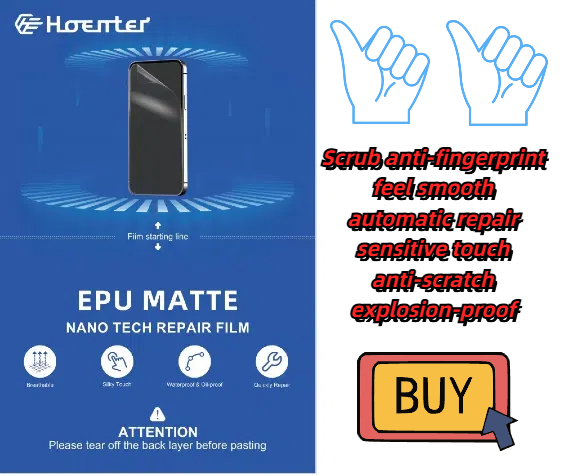
סרטי פלסטיק ריפוי עצמי שנועדו להגן על מסכי מכשירים אלקטרוניים מפני
שריטות, פגיעות ונזקים אפשריים אחרים.

עשה מהפכה בהגנה על המכשיר עם מכונת חיתוך מגן מסך
בין אם יש לך סמארטפון, טאבלט או שעון חכם, המכונה הרב-תכליתית הזו מתאימה למגוון רחב של מכשירים. הוא מסתגל בצורה חלקה למידות הגאדג'ט שלך, ומציע התאמה אישית שמגנים גנריים לא יכולים להתאים לה.

מגן מסך אחריות לכל החיים
אחריות לכל החיים של מגן מסך היא ערבות הניתנת על ידי יצרנים
מבטיחה לתקן או להחליף מגן מסך לכל החיים של המוצר, בתנאים והגבלות ספציפיים.
