
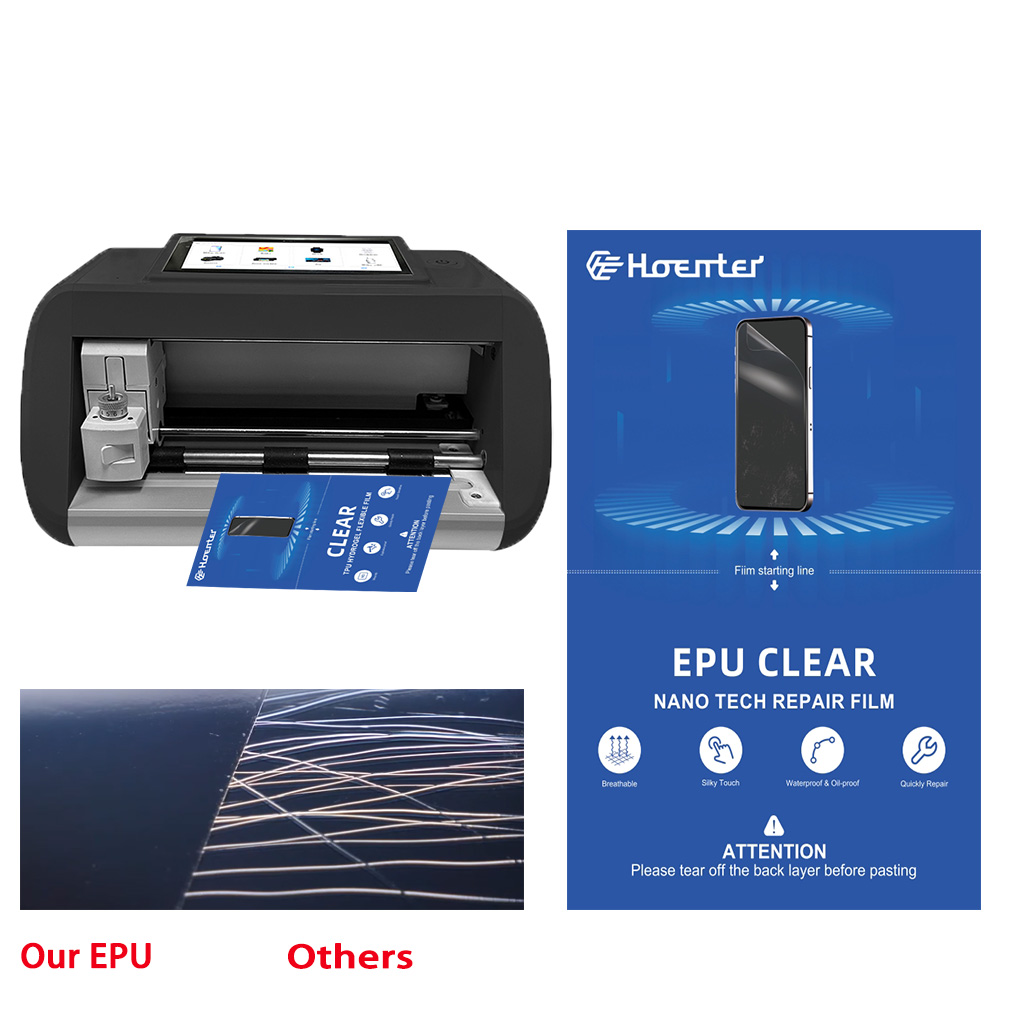
What is a Screen Protector and Why Do You Need One?
Screen protectors are thin layers of material that adhere to your smartphone’s screen to protect it from scratches, cracks, and other damage. They are essential for maintaining the longevity and resale value of your device. With the increasing cost of smartphones, a screen protector is a small investment that can save you from expensive repairs.Types of Screen Protectors: Glass vs. Film
Screen protectors come in two main types: tempered glass and film. Tempered glass screen protectors are thicker and offer better protection against impacts. They feel similar to the original screen and are more durable. On the other hand, film screen protectors are thinner and more flexible, making them easier to apply but less protective against drops.Preparing Your Smartphone for Screen Protector Installation
Before you begin, ensure your smartphone is turned off and placed on a clean, flat surface. Gather the necessary tools: a microfiber cloth, alcohol wipes, and dust removal stickers. Cleaning your phone screen thoroughly is crucial to prevent dust and debris from causing bubbles.
Step-by-Step Guide to Installing a Tempered Glass Screen Protector
- Clean the Screen: Use an alcohol wipe to remove fingerprints and oils, then dry with a microfiber cloth.
- Align the Protector: Without removing the adhesive backing, align the screen protector with your phone’s screen to ensure a perfect fit.
- Apply the Protector: Peel off the backing and carefully place the protector on the screen, starting from one edge and slowly lowering it to avoid trapping air.
How to Avoid Bubbles When Applying a Screen Protector
To avoid bubbles, ensure the screen is completely clean and free of dust. Use the dust removal stickers to pick up any remaining particles. When applying the protector, press gently from the center outwards to push air towards the edges.
Common Mistakes to Avoid During Installation
- Rushing the Process: Take your time to align the protector correctly.
- Ignoring Dust: Even a tiny speck can cause a bubble.
- Applying Uneven Pressure: This can lead to cracks or misalignment.
How to Remove Bubbles from a Screen Protector
If bubbles appear, use a credit card wrapped in a microfiber cloth to gently push them towards the edges. For stubborn bubbles, lift the protector slightly and reapply, ensuring no dust gets underneath.Maintaining Your Screen Protector for Longevity
To keep your screen protector in top condition, clean it regularly with a microfiber cloth. Avoid using harsh chemicals that can degrade the adhesive. If the protector becomes chipped or cracked, replace it promptly to ensure continued protection.Troubleshooting: What to Do if Your Screen Protector Doesn’t Stick
If your screen protector isn’t sticking, check for dust or oils on the screen. Re-clean the surface and try reapplying. If the adhesive has worn out, it may be time for a new protector.
FAQs About Screen Protector Installation
- Can I reuse a screen protector? Generally, no. Once removed, the adhesive loses its effectiveness.
- How often should I replace my screen protector? Replace it if it becomes damaged or every 6-12 months for optimal protection.
How Much Is It to Repair a Phone Screen?
By understanding the costs and options available, you can make an informed decision about repairing your phone screen.

The Best Screen Protector for Your Phone of 2024
As we navigate an increasingly digital world, protecting our devices has never been more important.
How to Repair a Cracked Phone Screen
You should feel empowered to tackle a cracked phone screen with confidence.
How to Clean Paperlike Screen Protector?
By following these tips, you can ensure that your Paperlike screen protector stays clean, functional, and enjoyable to use for years to come!

Revolutionize Device Protection with Screen Guard Cutting Machine
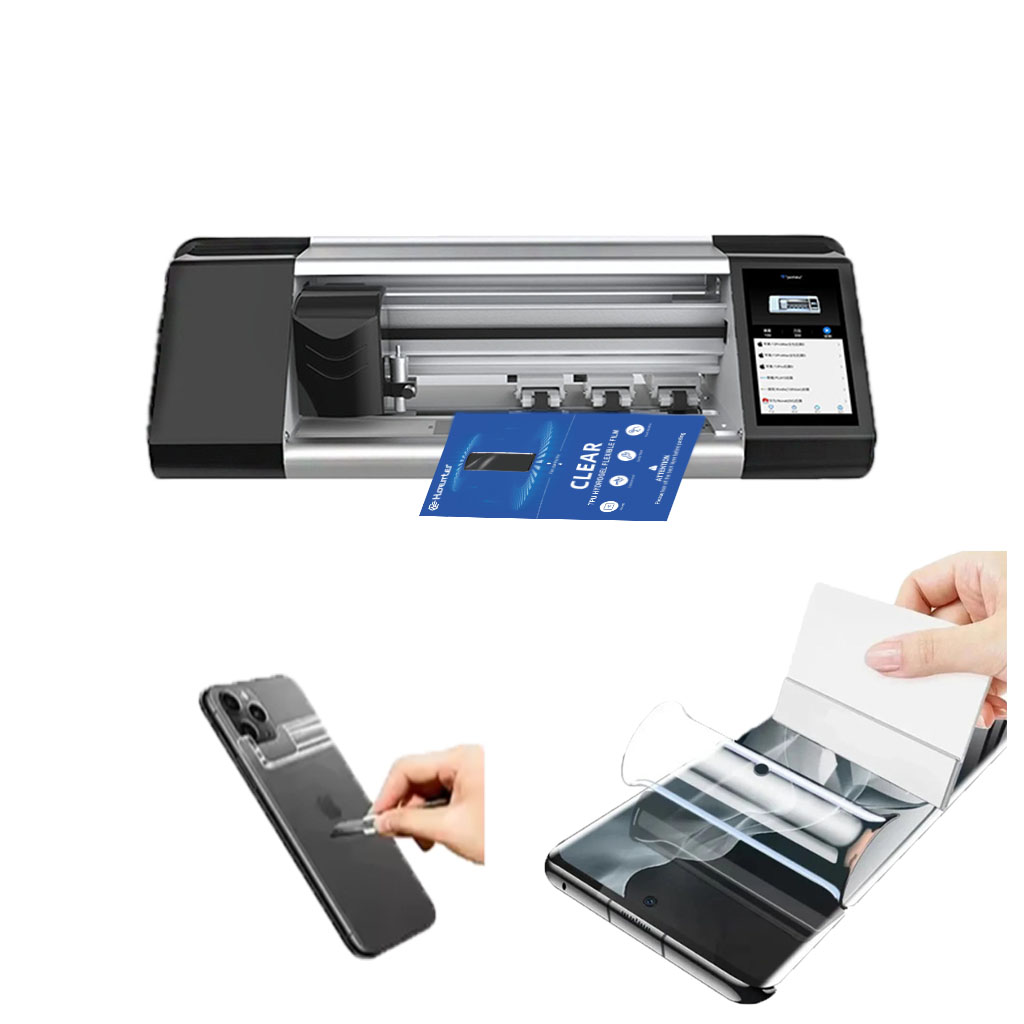
Whether you possess a smartphone, tablet, or smartwatch, this versatile machine accommodates a vast array of devices. It seamlessly adapts to the dimensions of your gadget, offering a custom fit that generic protectors can’t match.

What Film Cutting Machine and Its Application
Film cutting machines have played a crucial role in the evolution of filmmaking and various industrial processes by enabling precise cutting and splicing of film materials.

What Is a Screen Protector Cutting Machine?
A screen protector cutting machine is a specialized device designed to produce custom-fit screen protectors for various electronic devices, including smartphones, tablets, smartwatches, laptops, and monitors.

How Mobile Phone Screen Protector Cutting Machine Work?
A mobile phone screen protector cutting machine is a sophisticated device designed
to produce customized screen protectors for various digital devices with high preci
sion and efficiency.

Characteristics of Mobile Phone Tempered Glass and Mobile Phone TPU Screen Protector
Thermoplastic polyurethane (TPU) screen protectors are flexible, durable, and
self-healing plastic films designed to protect electronic device screens from
scratches, impacts, and other potential damages.
Revolutionize Device Protection with Screen Guard Cutting Machine
Whether you possess a smartphone, tablet, or smartwatch, this versatile machine accommodates a vast array of devices. It seamlessly adapts to the dimensions of your gadget, offering a custom fit that generic protectors can’t match.

Screen Protector Lifetime Warranty
A screen protector lifetime warranty is a guarantee provided by manufacturers that
promises to repair or replace a screen protector for the lifetime of the product, under specific terms and conditions.
