
1. What Is a Zagg InvisibleShield Screen Protector?
Zagg InvisibleShield screen protectors are among the most popular options for protecting your smartphone or tablet screen. Known for their durability and clarity, these protectors are made from high-quality tempered glass or advanced polymers designed to resist scratches, cracks, and smudges. They are available for a wide range of devices, including Apple® iPhone® models like the iPhone 6 and 6s.InvisibleShield protectors are designed to be ultra-clear and virtually invisible, ensuring that your screen looks as good as it feels. However, even the best screen protectors need to be replaced eventually, whether due to wear and tear or personal preference.
2. Why Would You Need to Remove a Screen Protector?
There are several reasons why you might need to remove your Zagg InvisibleShield screen protector:- Cracks or Damage: Over time, even the toughest tempered glass protectors can crack or chip, especially if your phone has been dropped.
- Upgrading to a New Protector: You may want to replace your current protector with a newer model or a different type of screen protector.
- Improper Application: If your screen protector was applied incorrectly and has bubbles or misalignment, removing and reapplying it can fix the issue.
- Device Cleaning: Sometimes, removing the protector is necessary to thoroughly clean your screen.
3. Can You Remove a Zagg InvisibleShield Without Damaging Your Screen?
Yes, you can remove a Zagg InvisibleShield screen protector without damaging your screen, as long as you follow the correct steps. The adhesive used on these protectors is strong enough to hold the protector in place but gentle enough to allow for safe removal. The key is to work slowly and carefully, using the right tools and techniques.4. Tools You’ll Need for Safe Removal
Before you begin, gather the following tools to make the process easier:- Plastic Card (e.g., credit card): To gently lift the edges of the screen protector.
- Hairdryer (optional): To soften the adhesive for easier removal.
- Microfiber Cloth: For cleaning the screen after removal.
- Isopropyl Alcohol (optional): To remove any adhesive residue.
5. Step-by-Step Guide to Removing a Zagg InvisibleShield Screen Protector
Follow these steps to safely remove your Zagg InvisibleShield screen protector:- Start at the Corners: Use your fingernail or a plastic card to gently lift one corner of the screen protector. Be careful not to scratch the screen.
- Work Slowly: Once the corner is lifted, slowly peel the protector away from the screen. Pull it back at a low angle to reduce stress on the adhesive.
- Use Heat if Necessary: If the protector is difficult to remove, use a hairdryer on a low setting to warm the adhesive. Hold the dryer about 6 inches away from the screen and move it in a circular motion for 15–20 seconds.
- Remove Residue: After the protector is removed, check for any adhesive residue. Use a microfiber cloth and isopropyl alcohol to clean the screen.
6. How to Handle a Cracked or Damaged Screen Protector
If your screen protector is cracked or damaged, extra care is needed during removal:- Wear Gloves: To protect your hands from sharp edges.
- Use Tape: Apply a strip of tape to the cracked area to prevent shards from falling off during removal.
- Work Gently: Avoid applying too much pressure, as this could cause the cracks to spread.

7. Cleaning Your Screen After Removal
Once the screen protector is removed, it’s important to clean your screen thoroughly before applying a new one. Here’s how:- Wipe with a Microfiber Cloth: Remove dust and fingerprints.
- Use Isopropyl Alcohol: Dampen the cloth with alcohol to remove any adhesive residue.
- Dry the Screen: Ensure the screen is completely dry before applying a new protector.
8. How to Apply a New Screen Protector
Applying a new screen protector is just as important as removing the old one. Follow these steps for a flawless application:- Clean the Screen: Use a microfiber cloth and alcohol to ensure the screen is spotless.
- 보호자 정렬: Carefully align the new protector with your screen, making sure the cutouts match the camera and sensors.
- 천천히 바르세요: Press the protector onto the screen, starting from the center and working outward to remove air bubbles.
9. Common Mistakes to Avoid During Removal
Avoid these common mistakes to ensure a smooth removal process:- Using Sharp Tools: Never use metal tools or sharp objects, as they can scratch your screen.
- Rushing the Process: Take your time to avoid damaging the screen or leaving adhesive residue.
- Skipping Cleaning: Always clean your screen after removing the protector to prepare it for a new one.
10. FAQs About Zagg InvisibleShield Screen Protectors
Q: Can I reuse my Zagg InvisibleShield screen protector? A: No, Zagg InvisibleShield protectors are designed for single use and cannot be reapplied once removed.Q: What should I do if the adhesive won’t come off? A: Use isopropyl alcohol and a microfiber cloth to gently remove stubborn adhesive residue.Q: How often should I replace my screen protector? A: Replace your screen protector whenever it becomes cracked, scratched, or loses its clarity.
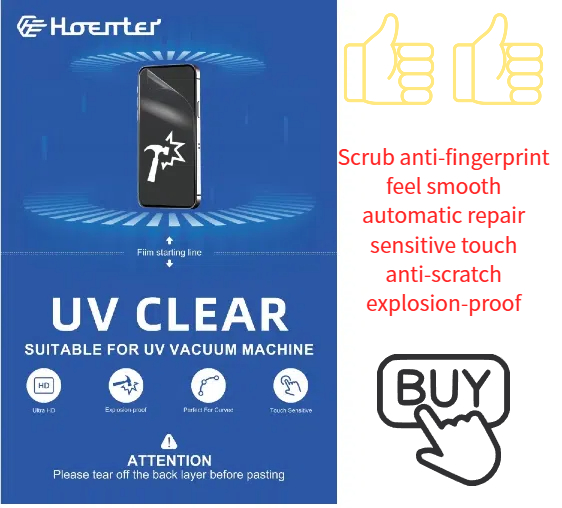
UV Clear Film Screen Protectors
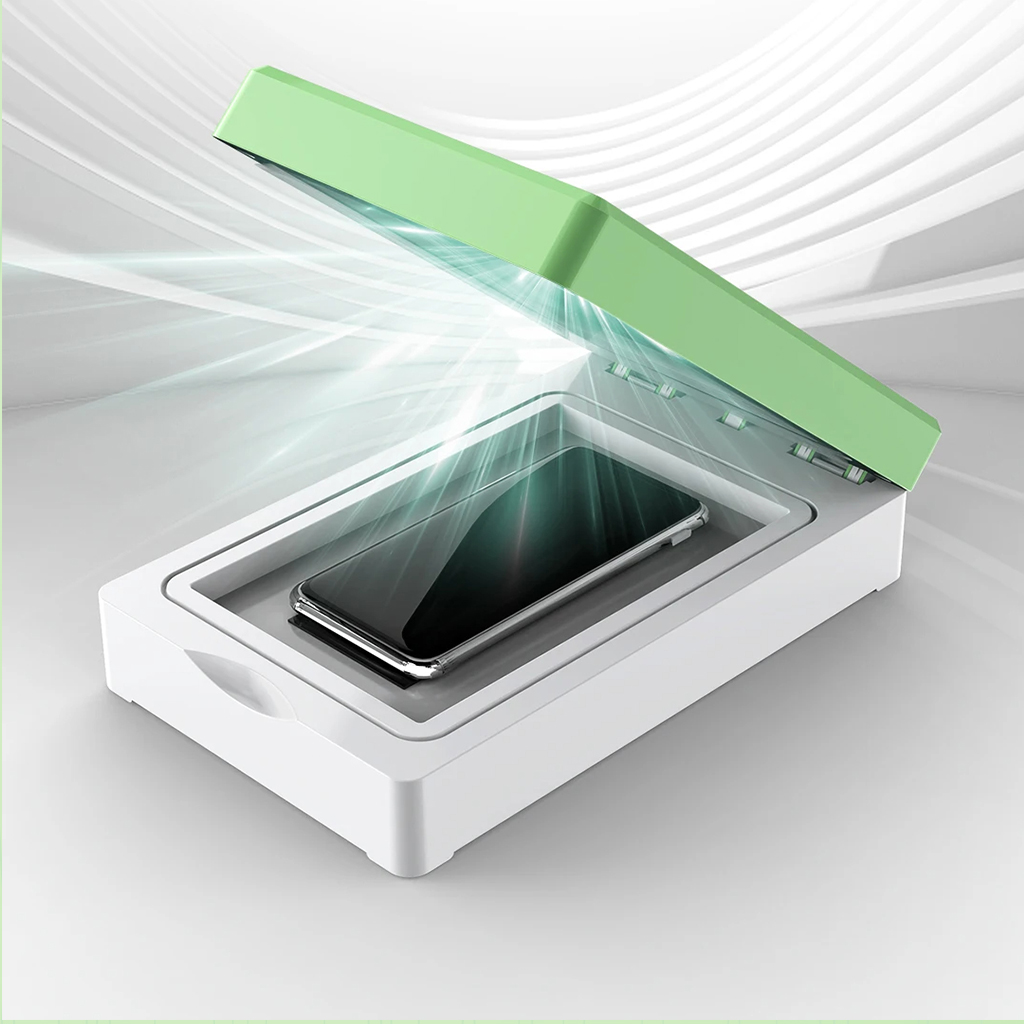
Get the ultimate clear screen protector! Our UV Clear Film option offers exceptional transparency and protects against scratches and everyday wear.
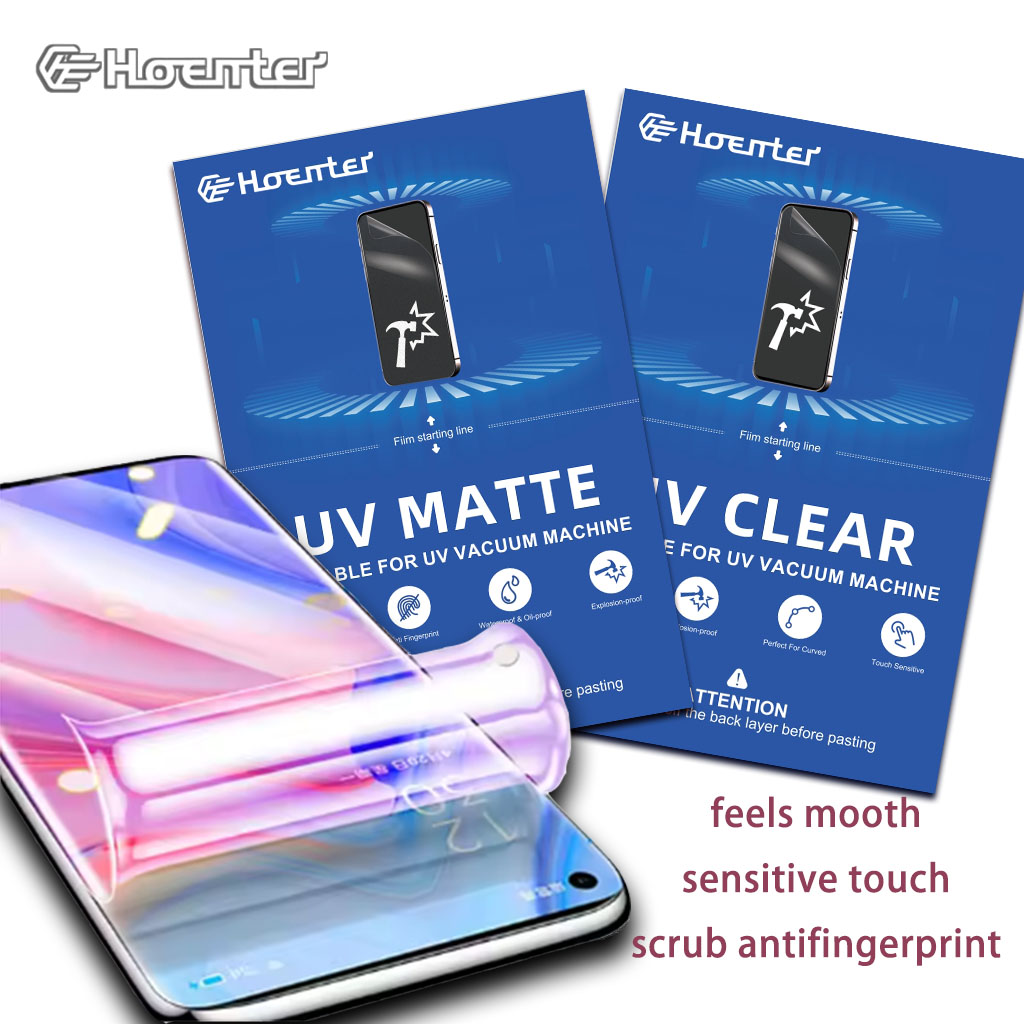
Wholesale Self Screen Protector Flexible
Offer your customers the best in flexible protection. Our Wholesale Self Healing Screen Protectors are easy to install and provide a seamless fit.
스크린 하이드로겔 필름에 대한 궁극의 가이드-알아야 할 모든 것
스크린 하이드로겔 필름에 대한 궁극의 가이드: 알아야 할 모든 것 스크린 하이드로겔 필름은 전자기기 화면을 보호하는 동시에 기존의 강화 유리 및 플라스틱 대체품과 구별되는 고유한 특성을 제공하도록 설계된 혁신적인 화면 보호기 카테고리입니다.

How to Put the Screen Protector?
A well-applied screen protector can significantly extend the life of your smartphone’s screen.


화면 보호기 커팅기란 무엇인가요?
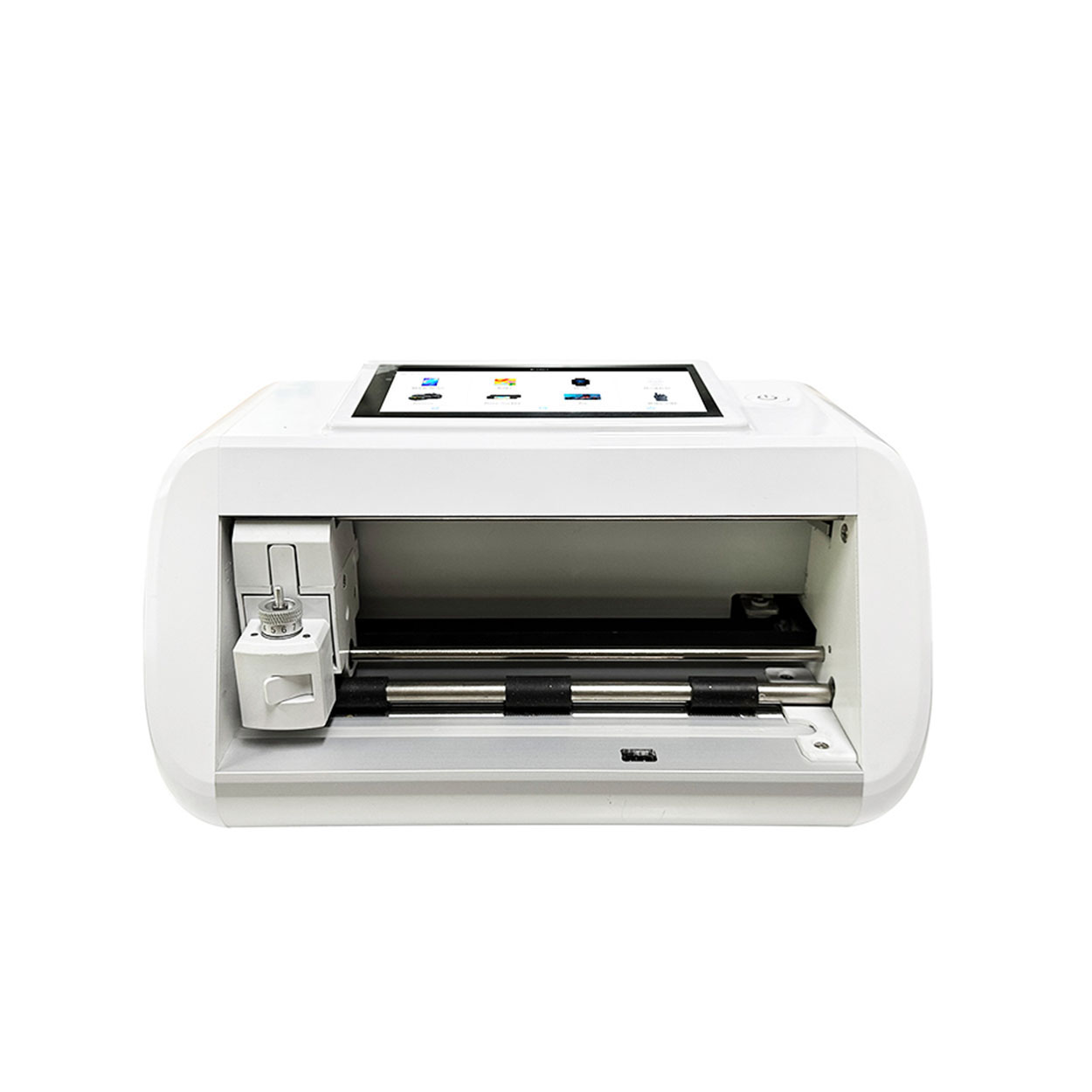
화면 보호기 커팅기는 스마트폰, 태블릿, 스마트워치, 노트북, 모니터 등 다양한 전자기기에 맞는 맞춤형 화면 보호기를 제작하기 위해 고안된 전문 장비입니다.

휴대폰 화면 보호기 절단기는 어떻게 작동합니까?
휴대폰 화면 보호기 절단기는 다음과 같이 설계된 정교한 장치입니다.
고가의 다양한 디지털 기기를 위한 맞춤형 화면 보호기를 생산합니다.
효율성.

휴대폰 강화 유리 및 휴대폰 TPU 화면 보호기의 특성
열가소성 폴리우레탄(TPU) 화면 보호기는 유연하고 내구성이 뛰어나며
전자 기기 화면을 보호하도록 설계된 자가 치유 플라스틱 필름은 다음과 같습니다.
긁힘, 충격 및 기타 잠재적 손상.

스크린 가드 절단기로 디바이스 보호 혁신
스마트폰, 태블릿, 스마트워치 등 다양한 기기를 사용할 수 있는 다목적 기기입니다. 기기의 크기에 맞춰 매끄럽게 조정되어 일반 보호기는 따라잡을 수 없는 맞춤형 핏을 제공합니다.

화면 보호기 평생 보증
화면 보호기 평생 보증은 제조업체에서 제공하는 보증입니다.
는 특정 이용 약관에 따라 제품 수명 기간 동안 화면 보호기를 수리 또는 교체할 것을 약속합니다.
