
1. What Is a Zagg InvisibleShield Screen Protector?
Zagg InvisibleShield screen protectors are among the most popular options for protecting your smartphone or tablet screen. Known for their durability and clarity, these protectors are made from high-quality tempered glass or advanced polymers designed to resist scratches, cracks, and smudges. They are available for a wide range of devices, including Apple® iPhone® models like the iPhone 6 and 6s.InvisibleShield protectors are designed to be ultra-clear and virtually invisible, ensuring that your screen looks as good as it feels. However, even the best screen protectors need to be replaced eventually, whether due to wear and tear or personal preference.
2. Why Would You Need to Remove a Screen Protector?
There are several reasons why you might need to remove your Zagg InvisibleShield screen protector:- Cracks or Damage: Over time, even the toughest tempered glass protectors can crack or chip, especially if your phone has been dropped.
- Upgrading to a New Protector: You may want to replace your current protector with a newer model or a different type of screen protector.
- Improper Application: If your screen protector was applied incorrectly and has bubbles or misalignment, removing and reapplying it can fix the issue.
- Device Cleaning: Sometimes, removing the protector is necessary to thoroughly clean your screen.
3. Can You Remove a Zagg InvisibleShield Without Damaging Your Screen?
Yes, you can remove a Zagg InvisibleShield screen protector without damaging your screen, as long as you follow the correct steps. The adhesive used on these protectors is strong enough to hold the protector in place but gentle enough to allow for safe removal. The key is to work slowly and carefully, using the right tools and techniques.4. Tools You’ll Need for Safe Removal
Before you begin, gather the following tools to make the process easier:- Plastic Card (e.g., credit card): To gently lift the edges of the screen protector.
- Hairdryer (optional): To soften the adhesive for easier removal.
- Microfiber Cloth: For cleaning the screen after removal.
- Isopropyl Alcohol (optional): To remove any adhesive residue.
5. Step-by-Step Guide to Removing a Zagg InvisibleShield Screen Protector
Follow these steps to safely remove your Zagg InvisibleShield screen protector:- Start at the Corners: Use your fingernail or a plastic card to gently lift one corner of the screen protector. Be careful not to scratch the screen.
- Work Slowly: Once the corner is lifted, slowly peel the protector away from the screen. Pull it back at a low angle to reduce stress on the adhesive.
- Use Heat if Necessary: If the protector is difficult to remove, use a hairdryer on a low setting to warm the adhesive. Hold the dryer about 6 inches away from the screen and move it in a circular motion for 15–20 seconds.
- Remove Residue: After the protector is removed, check for any adhesive residue. Use a microfiber cloth and isopropyl alcohol to clean the screen.
6. How to Handle a Cracked or Damaged Screen Protector
If your screen protector is cracked or damaged, extra care is needed during removal:- Wear Gloves: To protect your hands from sharp edges.
- Use Tape: Apply a strip of tape to the cracked area to prevent shards from falling off during removal.
- Work Gently: Avoid applying too much pressure, as this could cause the cracks to spread.
7. Cleaning Your Screen After Removal
Once the screen protector is removed, it’s important to clean your screen thoroughly before applying a new one. Here’s how:- Wipe with a Microfiber Cloth: Remove dust and fingerprints.
- Use Isopropyl Alcohol: Dampen the cloth with alcohol to remove any adhesive residue.
- Dry the Screen: Ensure the screen is completely dry before applying a new protector.
8. How to Apply a New Screen Protector
Applying a new screen protector is just as important as removing the old one. Follow these steps for a flawless application:- Clean the Screen: Use a microfiber cloth and alcohol to ensure the screen is spotless.
- Align the Protector: Carefully align the new protector with your screen, making sure the cutouts match the camera and sensors.
- Apply Slowly: Press the protector onto the screen, starting from the center and working outward to remove air bubbles.
9. Common Mistakes to Avoid During Removal
Avoid these common mistakes to ensure a smooth removal process:- Using Sharp Tools: Never use metal tools or sharp objects, as they can scratch your screen.
- Rushing the Process: Take your time to avoid damaging the screen or leaving adhesive residue.
- Skipping Cleaning: Always clean your screen after removing the protector to prepare it for a new one.
10. FAQs About Zagg InvisibleShield Screen Protectors
Q: Can I reuse my Zagg InvisibleShield screen protector? A: No, Zagg InvisibleShield protectors are designed for single use and cannot be reapplied once removed.Q: What should I do if the adhesive won’t come off? A: Use isopropyl alcohol and a microfiber cloth to gently remove stubborn adhesive residue.Q: How often should I replace my screen protector? A: Replace your screen protector whenever it becomes cracked, scratched, or loses its clarity.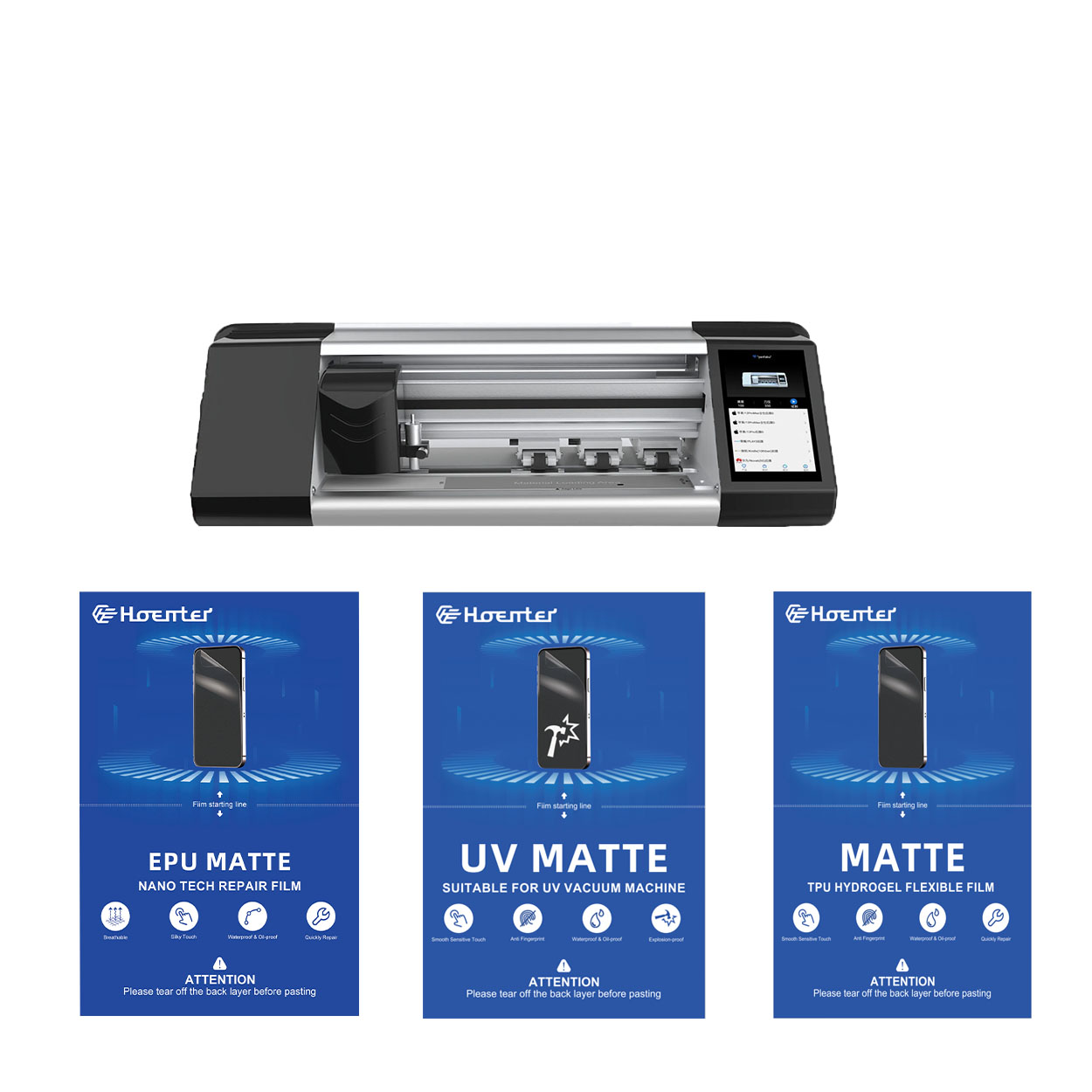
Tùy chỉnh màng Hydrogel linh hoạt cho hình dạng thiết bị độc đáo
Việc tùy chỉnh màng hydrogel linh hoạt để phù hợp với hình dạng thiết bị độc đáo mang lại mức độ bảo vệ cao và cải thiện tính thẩm mỹ, giải quyết nhu cầu về miếng dán màn hình có thể thích ứng trong thị trường thiết kế thiết bị đa dạng và sáng tạo. Bằng cách tận dụng công nghệ cắt tiên tiến và duy trì tính linh hoạt và đặc tính tự phục hồi của màng hydrogel, người dùng có thể tận hưởng sự vừa vặn hoàn hảo, chức năng được cải thiện và tính hấp dẫn về mặt thị giác được nâng cao cho thiết bị của họ, đồng thời cũng phải đối mặt với những thách thức liên quan đến tính phức tạp của thiết kế, chi phí và tính khả dụng.
Miếng dán màn hình bằng kính cường lực hay hydrogel tốt hơn?
Bằng cách hiểu được sự khác biệt giữa hai loại miếng dán màn hình này, bạn có thể đưa ra quyết định sáng suốt phù hợp nhất với lối sống và nhu cầu của mình.
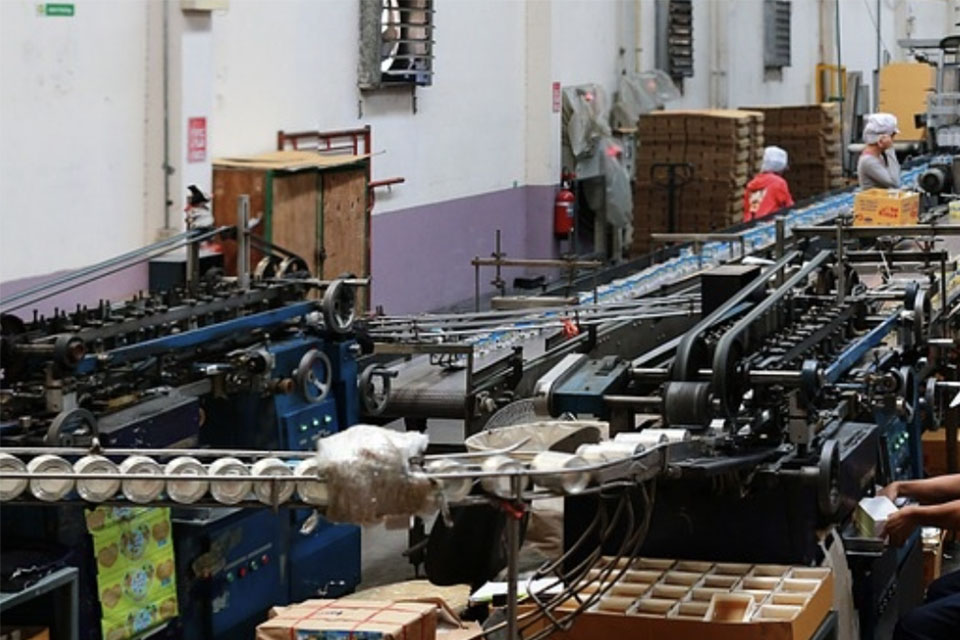
Chuỗi cung ứng toàn cầu của miếng dán bảo vệ màn hình - Từ nhà máy đến cửa hàng
Chuỗi cung ứng miếng dán bảo vệ màn hình toàn cầu là một hệ thống phức tạp và năng động, bao gồm mọi giai đoạn từ thu mua nguyên liệu thô đến phân phối đến người tiêu dùng cuối cùng, hiệu quả hoạt động và quản lý chiến lược của chuỗi này rất quan trọng đối với toàn bộ thị trường điện tử.
Chi phí sửa màn hình điện thoại là bao nhiêu?
Bằng cách làm theo hướng dẫn này, bạn có thể tự tin điều hướng thế giới sửa chữa màn hình điện thoại và đưa ra quyết định sáng suốt phù hợp với nhu cầu và ngân sách của mình.
Where to Repair My Phone
With this guide, you’re equipped to make informed decisions about your phone repairs, ensuring your device remains a reliable companion in your daily life.

Máy cắt phim nào và ứng dụng của nó
Máy cắt phim đóng vai trò quan trọng trong sự phát triển của ngành làm phim và nhiều quy trình công nghiệp khác bằng cách cho phép cắt và ghép chính xác các vật liệu phim.

Máy cắt miếng dán màn hình là gì?
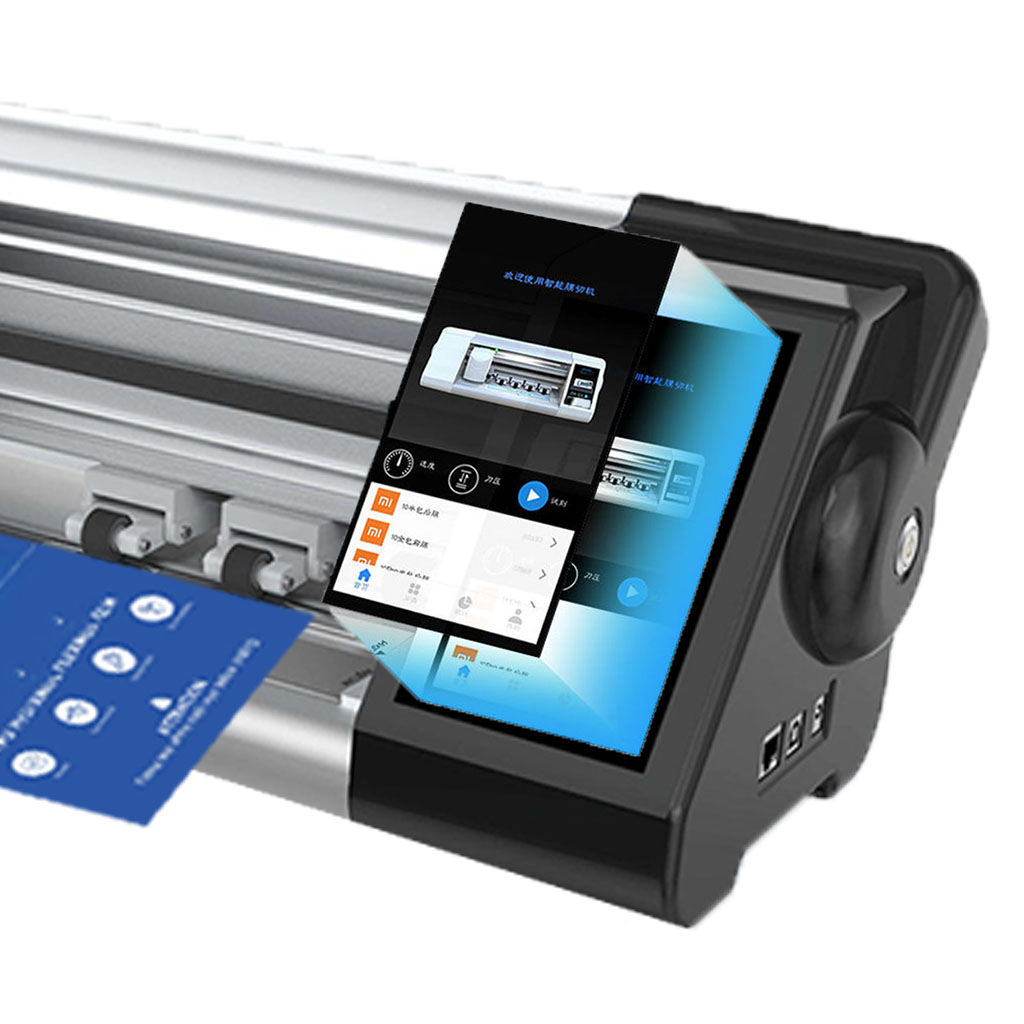
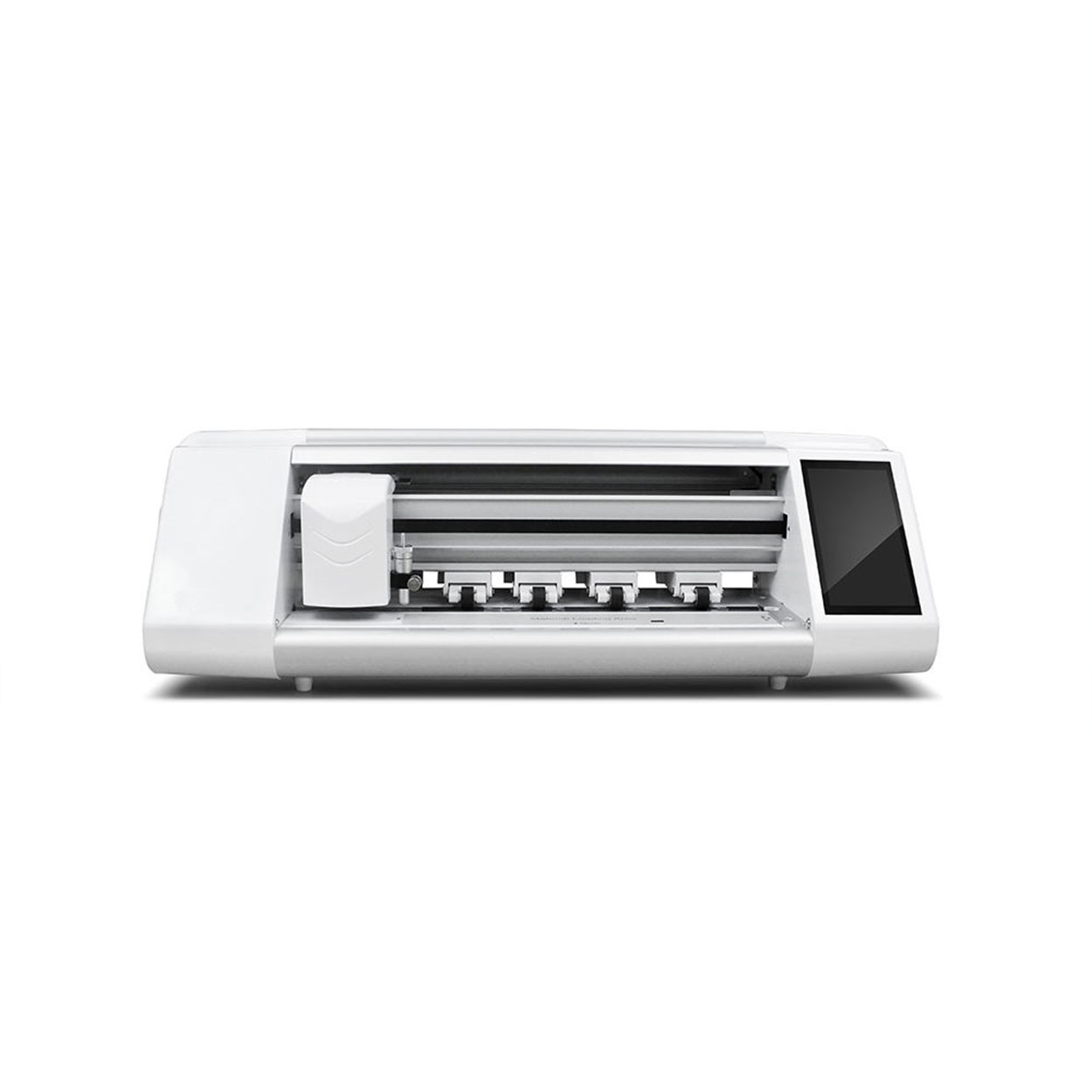
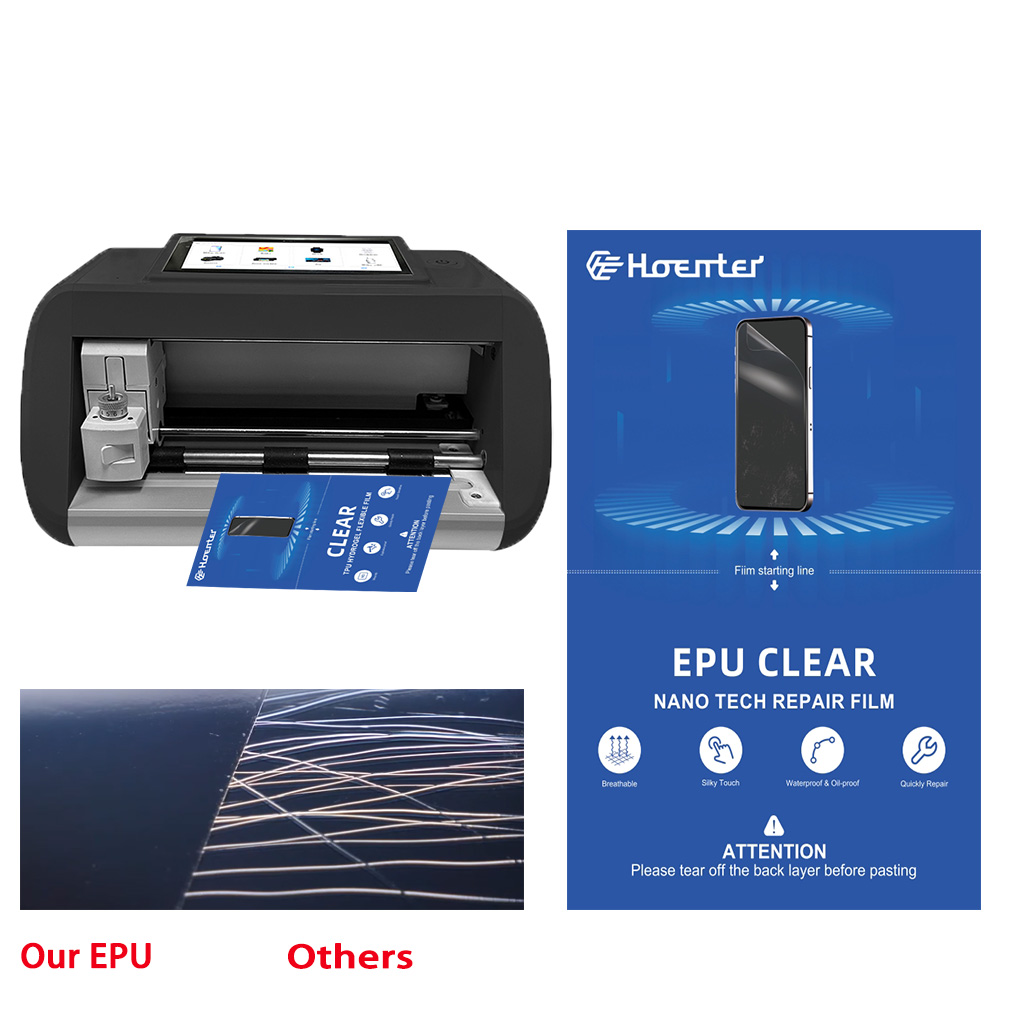
Máy cắt miếng dán màn hình là thiết bị chuyên dụng được thiết kế để sản xuất miếng dán màn hình vừa vặn cho nhiều thiết bị điện tử khác nhau, bao gồm điện thoại thông minh, máy tính bảng, đồng hồ thông minh, máy tính xách tay và màn hình máy tính.

Máy cắt miếng dán màn hình điện thoại di động hoạt động như thế nào?
Máy cắt miếng dán màn hình điện thoại di động là một thiết bị tinh vi được thiết kế
để sản xuất miếng dán màn hình tùy chỉnh cho nhiều thiết bị kỹ thuật số có độ chính xác cao
và hiệu quả.

Đặc điểm của Kính cường lực điện thoại di động và Miếng dán màn hình TPU cho điện thoại di động
Tấm bảo vệ màn hình bằng nhựa nhiệt dẻo polyurethane (TPU) linh hoạt, bền và
màng nhựa tự phục hồi được thiết kế để bảo vệ màn hình thiết bị điện tử khỏi
trầy xước, va chạm và các hư hỏng tiềm ẩn khác.

Cách mạng hóa bảo vệ thiết bị với máy cắt bảo vệ màn hình
Cho dù bạn sở hữu điện thoại thông minh, máy tính bảng hay đồng hồ thông minh, chiếc máy đa năng này có thể chứa nhiều loại thiết bị. Nó có thể thích ứng liền mạch với kích thước của thiết bị của bạn, mang đến sự vừa vặn tùy chỉnh mà các loại bảo vệ thông thường không thể sánh kịp.

Bảo hành trọn đời cho miếng dán màn hình
Bảo hành trọn đời cho miếng dán màn hình là sự đảm bảo được cung cấp bởi nhà sản xuất
cam kết sửa chữa hoặc thay thế miếng dán màn hình trong suốt thời gian sử dụng sản phẩm, theo các điều khoản và điều kiện cụ thể.
