
1. What Is a Zagg InvisibleShield Screen Protector?
Zagg InvisibleShield screen protectors are among the most popular options for protecting your smartphone or tablet screen. Known for their durability and clarity, these protectors are made from high-quality tempered glass or advanced polymers designed to resist scratches, cracks, and smudges. They are available for a wide range of devices, including Apple® iPhone® models like the iPhone 6 and 6s.InvisibleShield protectors are designed to be ultra-clear and virtually invisible, ensuring that your screen looks as good as it feels. However, even the best screen protectors need to be replaced eventually, whether due to wear and tear or personal preference.
2. Why Would You Need to Remove a Screen Protector?
There are several reasons why you might need to remove your Zagg InvisibleShield screen protector:- Cracks or Damage: Over time, even the toughest tempered glass protectors can crack or chip, especially if your phone has been dropped.
- Upgrading to a New Protector: You may want to replace your current protector with a newer model or a different type of screen protector.
- Improper Application: If your screen protector was applied incorrectly and has bubbles or misalignment, removing and reapplying it can fix the issue.
- Device Cleaning: Sometimes, removing the protector is necessary to thoroughly clean your screen.
3. Can You Remove a Zagg InvisibleShield Without Damaging Your Screen?
Yes, you can remove a Zagg InvisibleShield screen protector without damaging your screen, as long as you follow the correct steps. The adhesive used on these protectors is strong enough to hold the protector in place but gentle enough to allow for safe removal. The key is to work slowly and carefully, using the right tools and techniques.4. Tools You’ll Need for Safe Removal
Before you begin, gather the following tools to make the process easier:- Plastic Card (e.g., credit card): To gently lift the edges of the screen protector.
- Hairdryer (optional): To soften the adhesive for easier removal.
- Microfiber Cloth: For cleaning the screen after removal.
- Isopropyl Alcohol (optional): To remove any adhesive residue.
5. Step-by-Step Guide to Removing a Zagg InvisibleShield Screen Protector
Follow these steps to safely remove your Zagg InvisibleShield screen protector:- Start at the Corners: Use your fingernail or a plastic card to gently lift one corner of the screen protector. Be careful not to scratch the screen.
- Work Slowly: Once the corner is lifted, slowly peel the protector away from the screen. Pull it back at a low angle to reduce stress on the adhesive.
- Use Heat if Necessary: If the protector is difficult to remove, use a hairdryer on a low setting to warm the adhesive. Hold the dryer about 6 inches away from the screen and move it in a circular motion for 15–20 seconds.
- Remove Residue: After the protector is removed, check for any adhesive residue. Use a microfiber cloth and isopropyl alcohol to clean the screen.
6. How to Handle a Cracked or Damaged Screen Protector
If your screen protector is cracked or damaged, extra care is needed during removal:- Wear Gloves: To protect your hands from sharp edges.
- Use Tape: Apply a strip of tape to the cracked area to prevent shards from falling off during removal.
- Work Gently: Avoid applying too much pressure, as this could cause the cracks to spread.
7. Cleaning Your Screen After Removal
Once the screen protector is removed, it’s important to clean your screen thoroughly before applying a new one. Here’s how:- Wipe with a Microfiber Cloth: Remove dust and fingerprints.
- Use Isopropyl Alcohol: Dampen the cloth with alcohol to remove any adhesive residue.
- Dry the Screen: Ensure the screen is completely dry before applying a new protector.
8. How to Apply a New Screen Protector
Applying a new screen protector is just as important as removing the old one. Follow these steps for a flawless application:- Wyczyść ekran: Use a microfiber cloth and alcohol to ensure the screen is spotless.
- Wyrównaj ochraniacz: Carefully align the new protector with your screen, making sure the cutouts match the camera and sensors.
- Apply Slowly: Press the protector onto the screen, starting from the center and working outward to remove air bubbles.
9. Common Mistakes to Avoid During Removal
Avoid these common mistakes to ensure a smooth removal process:- Using Sharp Tools: Never use metal tools or sharp objects, as they can scratch your screen.
- Przyspieszanie procesu: Take your time to avoid damaging the screen or leaving adhesive residue.
- Skipping Cleaning: Always clean your screen after removing the protector to prepare it for a new one.
10. FAQs About Zagg InvisibleShield Screen Protectors
Q: Can I reuse my Zagg InvisibleShield screen protector? A: No, Zagg InvisibleShield protectors are designed for single use and cannot be reapplied once removed.Q: What should I do if the adhesive won’t come off? A: Use isopropyl alcohol and a microfiber cloth to gently remove stubborn adhesive residue.Q: How often should I replace my screen protector? A: Replace your screen protector whenever it becomes cracked, scratched, or loses its clarity.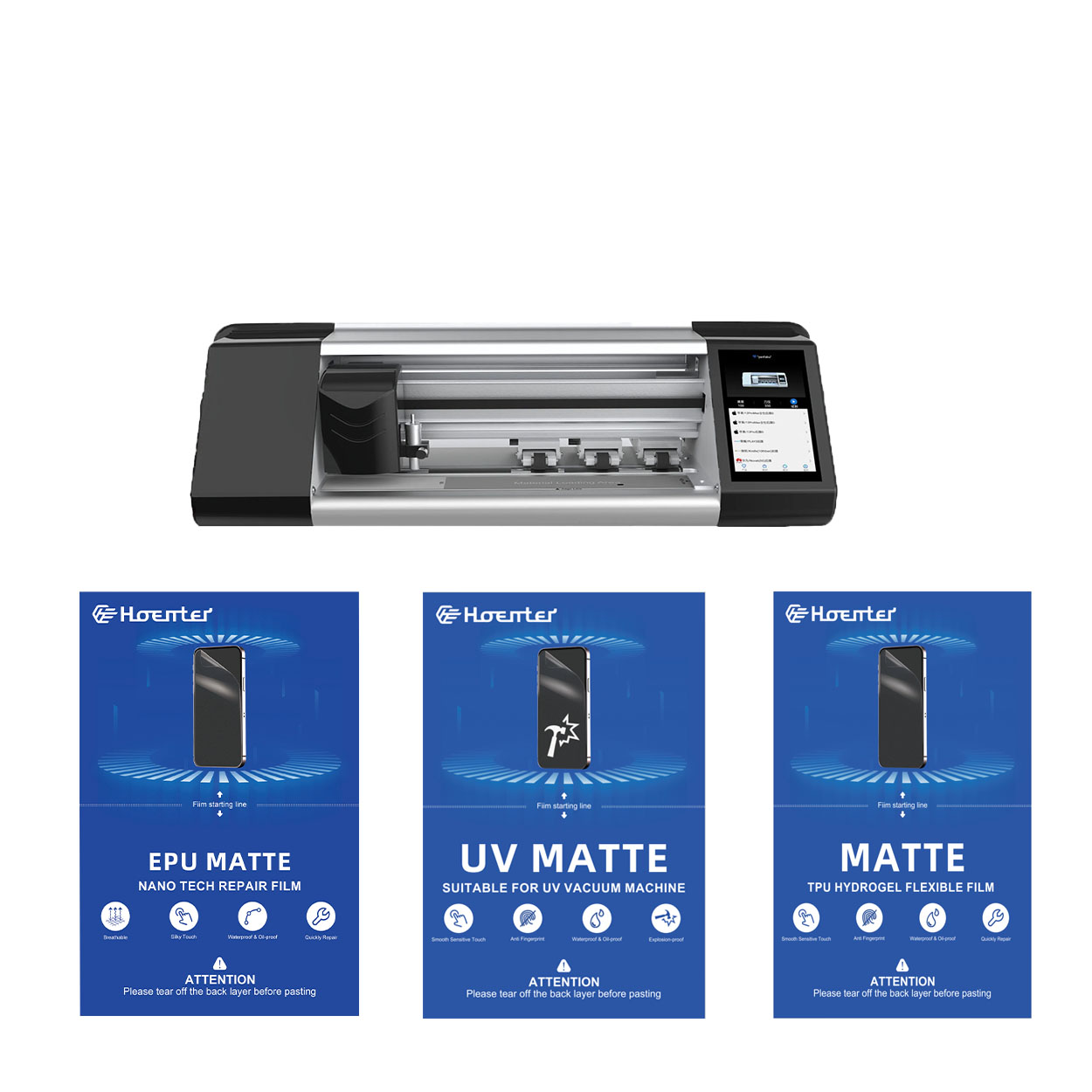
Nowy samonaprawiający się ochraniacz hydrożelowy EPU o grubości 0,18 mm
Wybierając między folią PET a bardziej opłacalnym zestawem EPU, należy wziąć pod uwagę kilka ważnych podobieństw i różnic.
Zarówno folie PET, jak i EPU zostały zaprojektowane z myślą o wysokiej przezroczystości, zapewniając, że klarowność i żywość ekranu pozostaną nienaruszone. Obie zachowują oryginalną jakość wyświetlacza telefonu, oferując krystalicznie czysty obraz, niezależnie od tego, czy oglądasz filmy, czy przeglądasz zdjęcia.
Kluczowa różnica polega jednak na trwałości i absorpcji wstrząsów materiałów. Podczas gdy PET zapewnia sztywność przypominającą szkło, nie oferuje takiego samego poziomu ochrony przed uderzeniami jak folie EPU. Folie EPU są wykonane w technologii hydrożelowej, dzięki czemu są nie tylko bardziej elastyczne, ale także znacznie lepiej pochłaniają wstrząsy, chroniąc telefon przed przypadkowymi upadkami i uderzeniami. To sprawia, że EPU jest lepszym wyborem dla użytkowników, którzy chcą zarówno ochrony, jak i elastyczności.
Zalety folii ochronnej hydrożelowej
Choosing the right screen protector depends on your needs and preferences.

How to Repair Phone Charging Port
This guide provides a comprehensive approach to fixing charging port issues.
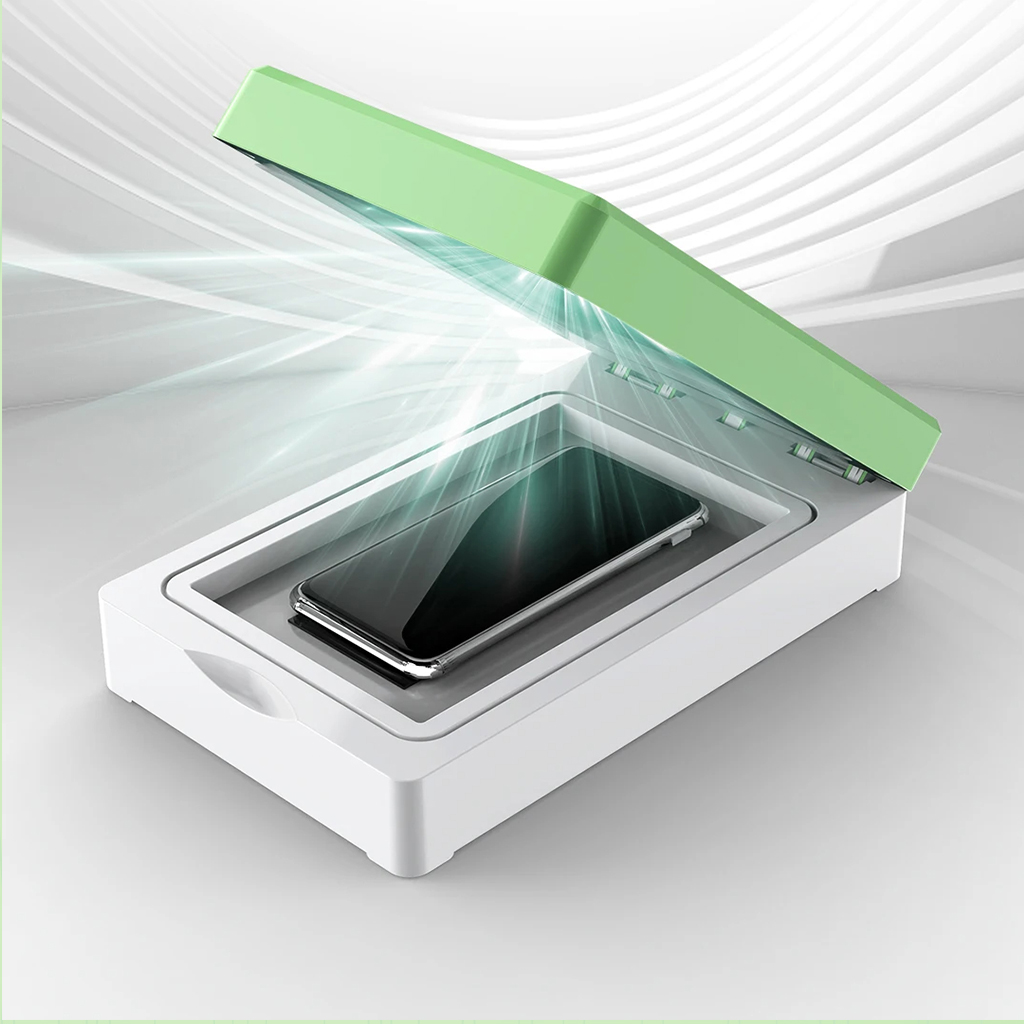
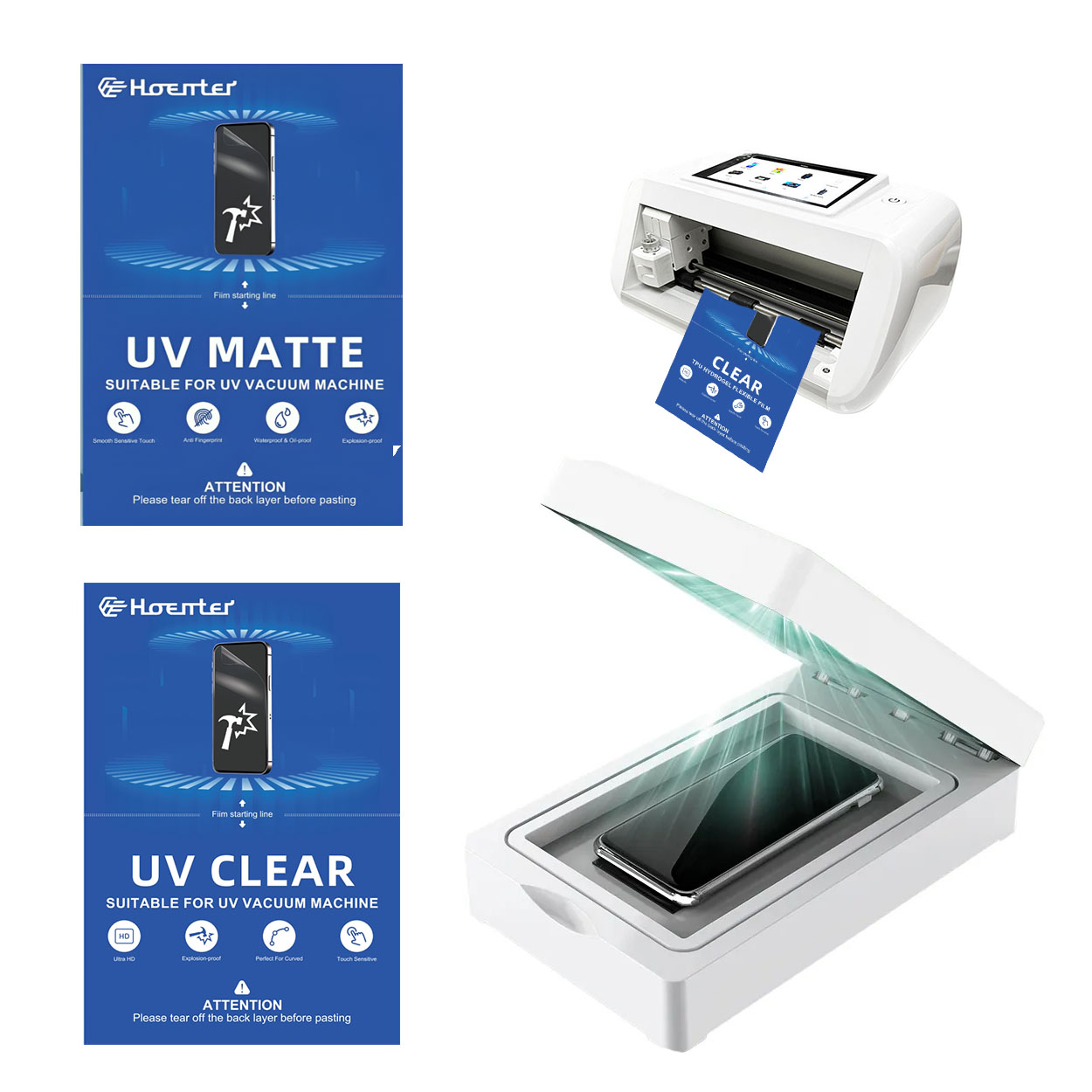
Maszyna do utwardzania światłem UV do ochraniaczy telefonów
Szybkie utwardzanie: Utwardza folię ochronną w mniej niż 5 minut.
Doskonała ochrona: twardość 3H, odporność na wybuchy i upadki.
Dezynfekcja: światło UV sterylizuje telefon, zapewniając dodatkową higienę.
Prosty proces: Łatwy w użyciu, wymaga minimalnego wysiłku i zapewnia idealne wykończenie za każdym razem.
Dzięki zaawansowanym funkcjom, łatwości obsługi i doskonałym właściwościom ochronnym, to urządzenie do utwardzania światłem UV folii do telefonów komórkowych jest najlepszym rozwiązaniem, dzięki któremu Twój telefon komórkowy pozostanie bezpieczny, czysty i wolny od zarysowań!

How to Remove Screen Protector from iPhone?
By following these steps, you can safely remove and replace your iPhone’s screen protector, ensuring your device remains in top condition.

Jaka maszyna do cięcia folii i jej zastosowanie
Maszyny do cięcia folii odegrały kluczową rolę w ewolucji produkcji filmowej i różnych procesów przemysłowych, umożliwiając precyzyjne cięcie i łączenie materiałów filmowych.

Co to jest maszyna do cięcia ochraniaczy ekranu?
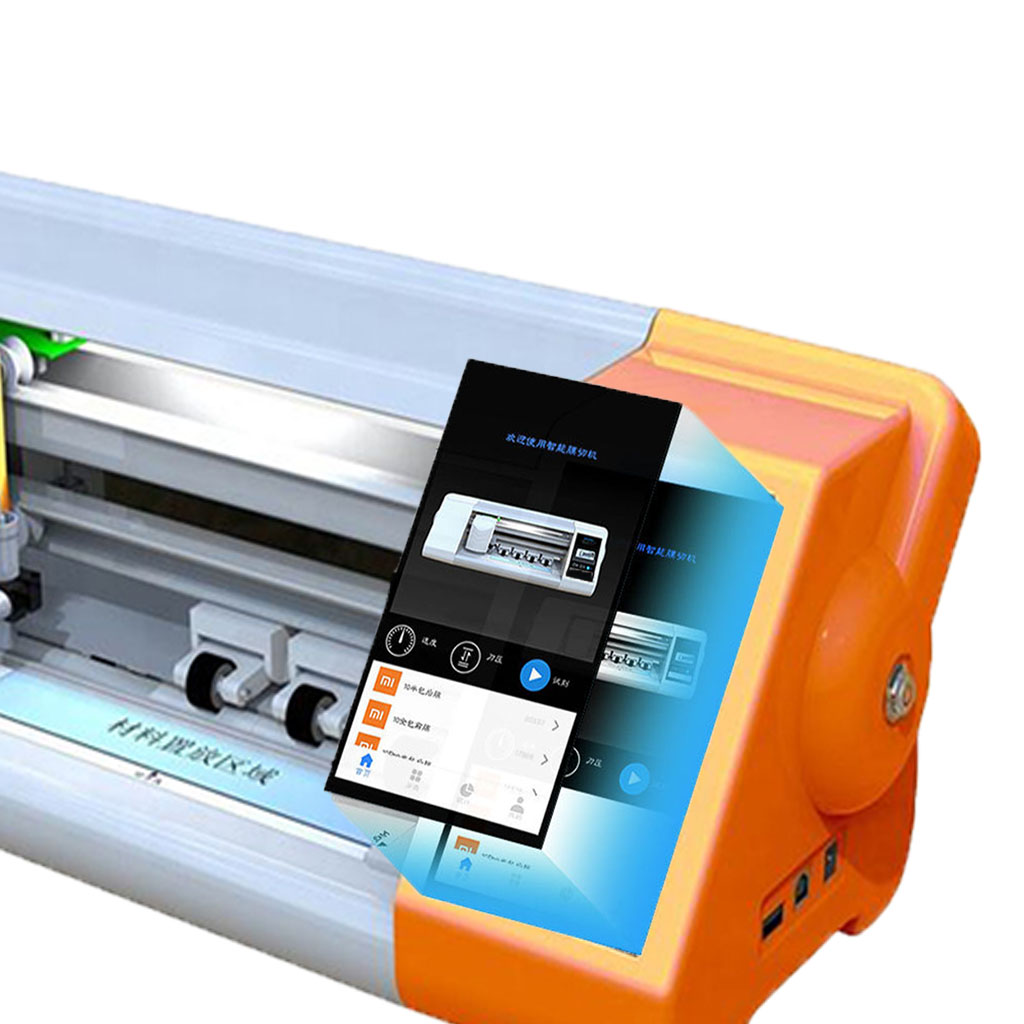
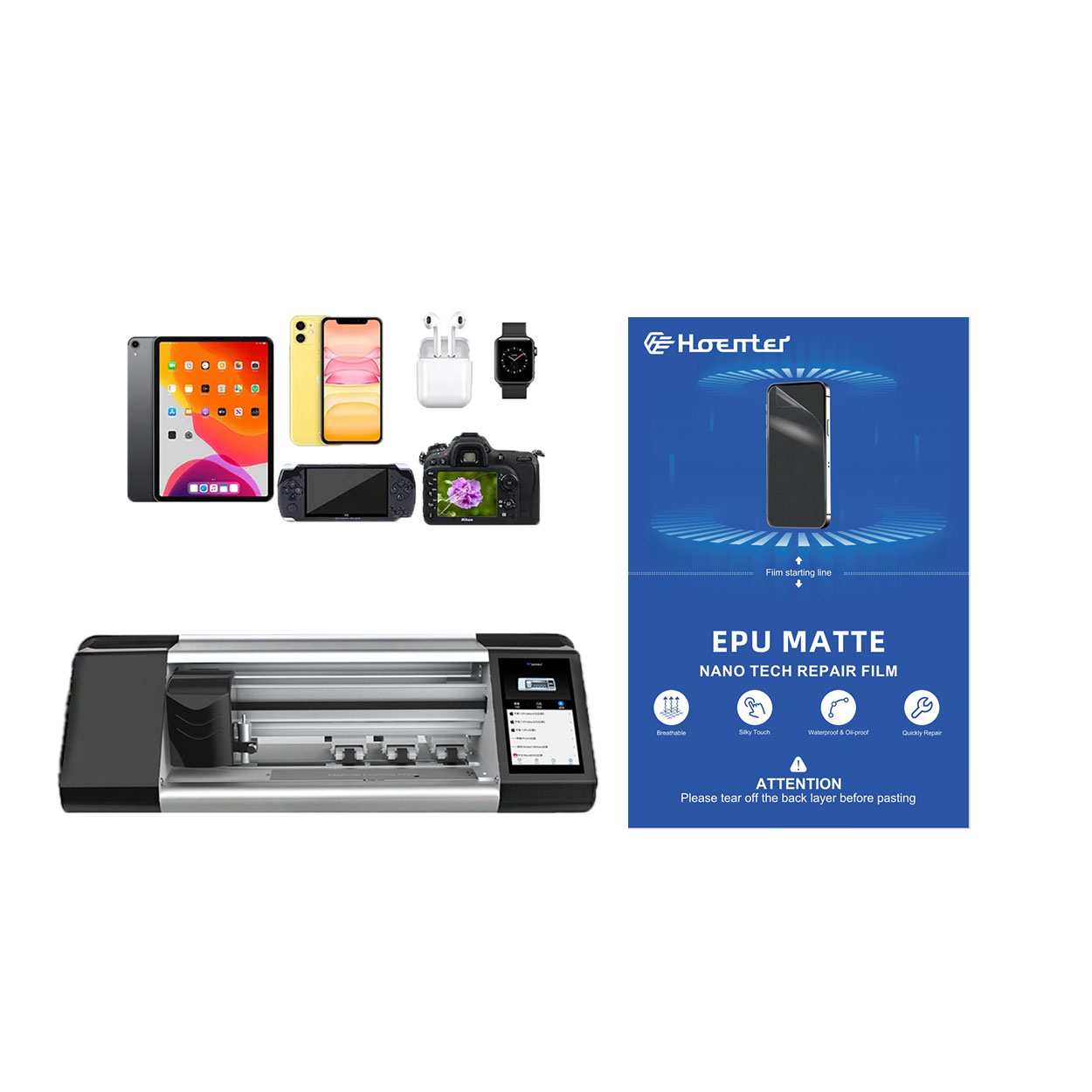
Maszyna do cięcia ochraniaczy ekranu to specjalistyczne urządzenie zaprojektowane do produkcji niestandardowych ochraniaczy ekranu dla różnych urządzeń elektronicznych, w tym smartfonów, tabletów, smartwatchy, laptopów i monitorów.

Jak działa maszyna do cięcia ochraniaczy ekranu telefonu komórkowego?
Maszyna do cięcia ochraniaczy ekranu telefonu komórkowego jest zaawansowanym urządzeniem zaprojektowanym
do produkcji niestandardowych ochraniaczy ekranu dla różnych urządzeń cyfrowych z wysoką ceną
i wydajność.

Charakterystyka szkła hartowanego na telefon komórkowy i ochraniacza ekranu TPU na telefon komórkowy
Ochraniacze ekranu z termoplastycznego poliuretanu (TPU) są elastyczne, trwałe i wytrzymałe.
samoregenerujące się folie z tworzyw sztucznych przeznaczone do ochrony ekranów urządzeń elektronicznych przed
zadrapania, uderzenia i inne potencjalne uszkodzenia.

Rewolucja w ochronie urządzeń dzięki maszynie do cięcia osłon ekranu
Niezależnie od tego, czy posiadasz smartfon, tablet czy smartwatch, to wszechstronne urządzenie obsługuje szeroką gamę urządzeń. Płynnie dostosowuje się do wymiarów gadżetu, oferując niestandardowe dopasowanie, którego nie można dopasować do ogólnych ochraniaczy.

Dożywotnia gwarancja na osłonę ekranu
Dożywotnia gwarancja na ochraniacz ekranu to gwarancja udzielana przez producentów, która
obiecuje naprawę lub wymianę osłony ekranu przez cały okres użytkowania produktu, na określonych warunkach.
