
Is Your Charging Port Actually Broken? Common Symptoms and Diagnosis
When your phone isn’t charging properly, it’s essential to first identify whether the charging port is truly the culprit. Common signs include:- Loose connection when plugging in the cable
- Phone only charges at certain angles
- Intermittent charging behavior
- Complete failure to recognize charging cable
Why Do Phone Charging Ports Stop Working?
Several factors can contribute to charging port problems:- Dust and debris accumulation
- Physical damage from repeated use
- Moisture exposure
- Manufacturing defects
- Worn-out connection pins
Essential Tools for Charging Port Repair
Before starting the repair process, gather these tools:- Compressed air can
- كحول الأيزوبروبيل (90% أو أعلى)
- أعواد القطن
- Small brush or toothpick
- LED flashlight
- Anti-static tools
- Magnifying glass
How to Safely Clean Your Phone’s Charging Port
Step-by-step cleaning process:- قم بإيقاف تشغيل جهازك
- Inspect the port with a flashlight
- Use compressed air to remove loose debris
- Gently clean with a small brush
- Apply isopropyl alcohol if necessary
- Allow port to dry completely
Advanced Troubleshooting: Beyond Basic Cleaning
If cleaning doesn’t resolve the issue, try these steps:- Check for software-related charging issues
- Test in safe mode
- Reset device settings
- Update system software
- Check for water damage indicators

When to Consider Professional Repair Services
Professional repair might be necessary if:- Physical damage is visible
- DIY methods haven’t worked
- Device is still under warranty
- Port shows signs of corrosion
Can You Replace a Charging Port Yourself?
Important considerations for DIY port replacement:- Skill level required
- Cost of replacement parts
- Risk of further damage
- Device-specific challenges
- Warranty implications
Wireless Charging: A Temporary or Permanent Solution?
Benefits of switching to wireless charging:- No physical port wear and tear
- Convenient charging experience
- Multiple device compatibility
- Extended device lifespan
Preventive Measures: Protecting Your Charging Port
Tips to prevent future charging port issues:- Use high-quality charging cables
- Keep the port clean and dry
- Avoid charging in dusty environments
- Handle cables with care
- Consider port covers

Cost Comparison: DIY vs. Professional Repair
| Repair Method | Average Cost | Time Investment | Risk Level |
|---|---|---|---|
| DIY Cleaning | $0-20 | 30 minutes | Low |
| DIY Port Replacement | $20-50 | 2-3 hours | عالي |
| Professional Repair | $50-150 | 1-2 days | Low |
| Wireless Charging Solution | $30-80 | Immediate | None |

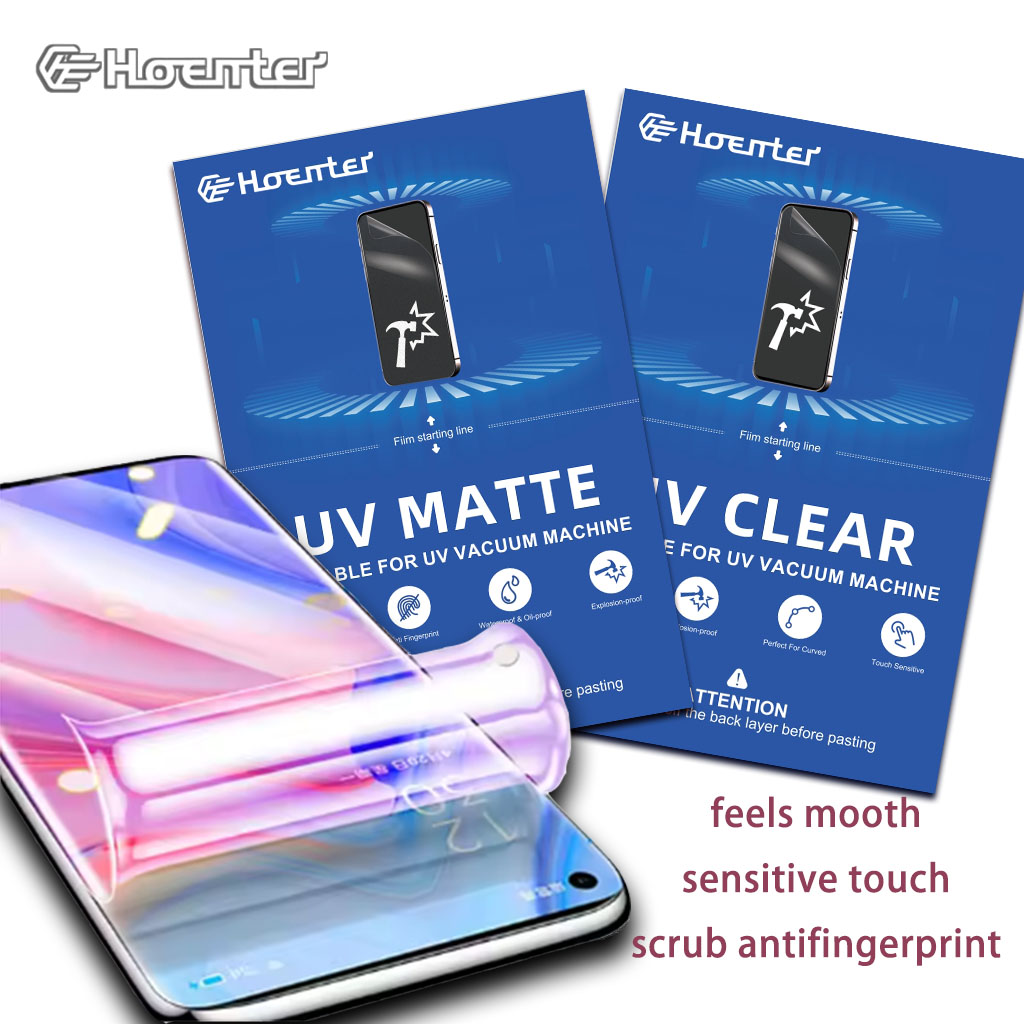

متى يجب استبدال واقي شاشة الهاتف
من خلال أخذ هذه النقاط في الاعتبار، يمكنك التأكد من أن هاتفك الذكي يظل محميًا وفي حالة ممتازة.
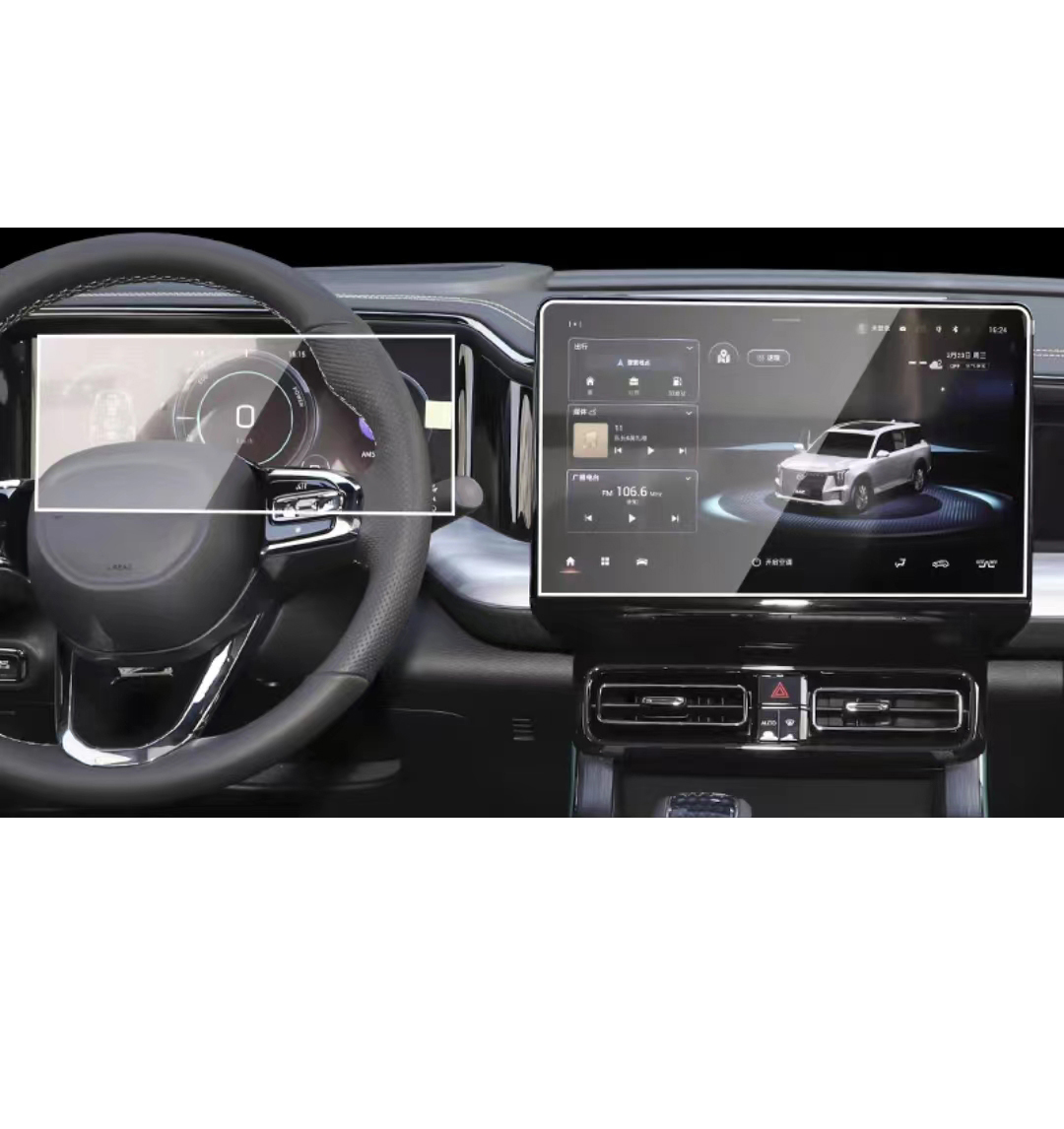
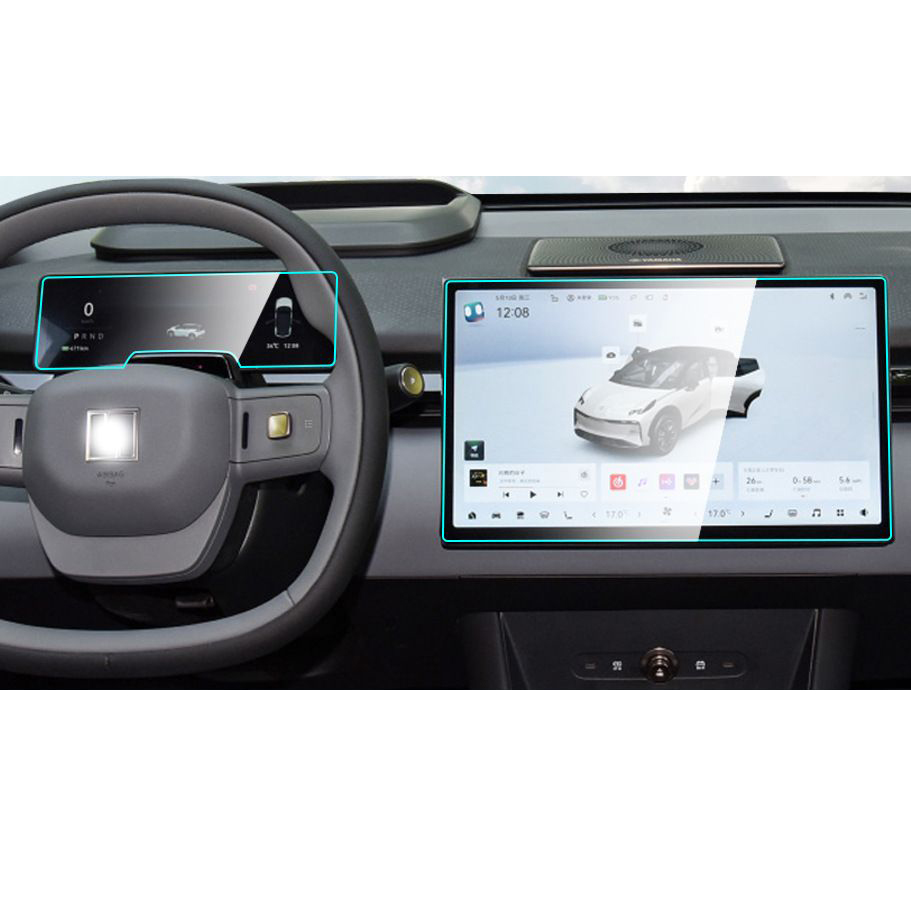
Trumpchi GS8 2024 Navigation Instrument Tempered Glass
Protect your investment with a high-quality Trumpchi GS8 2024 Screen Protector.
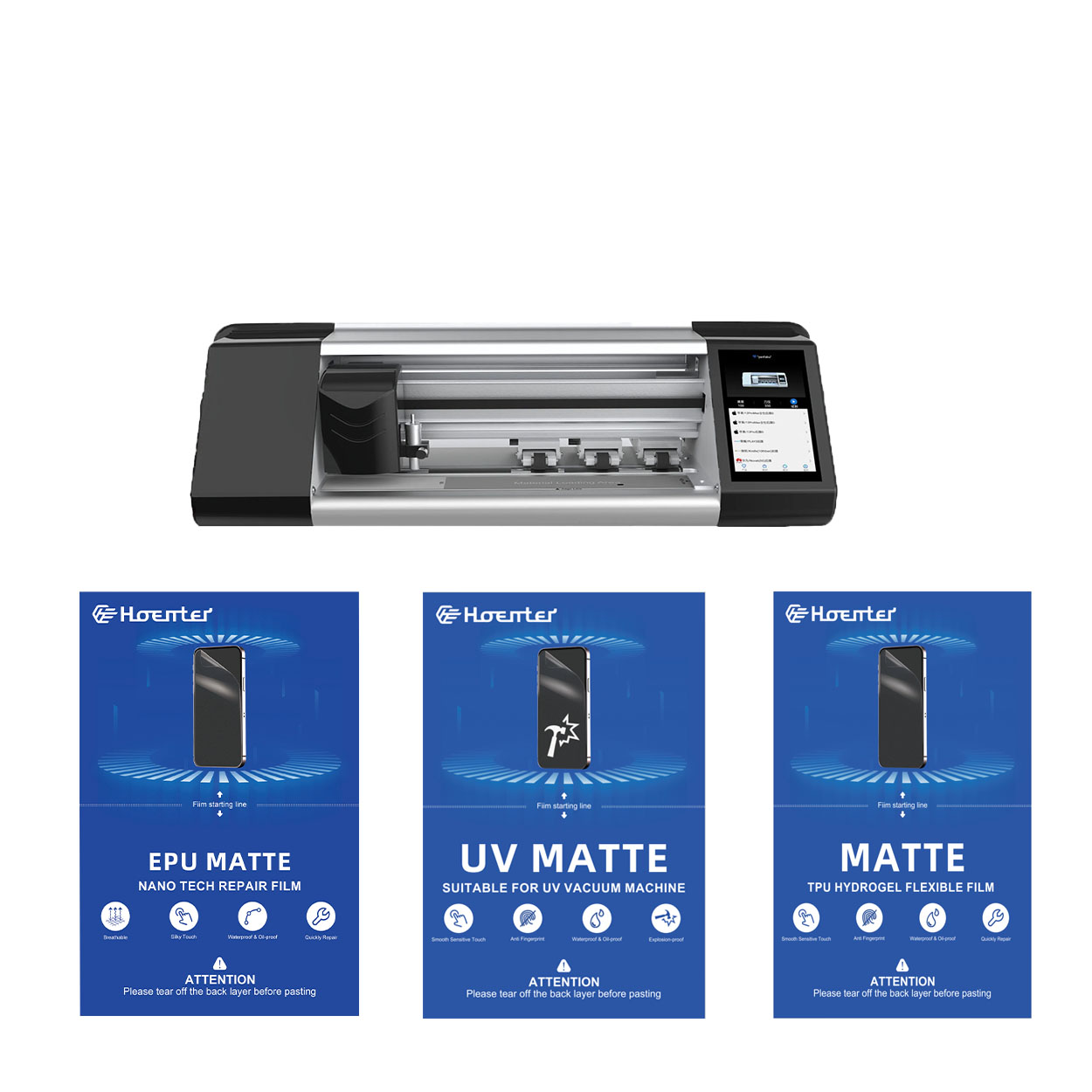
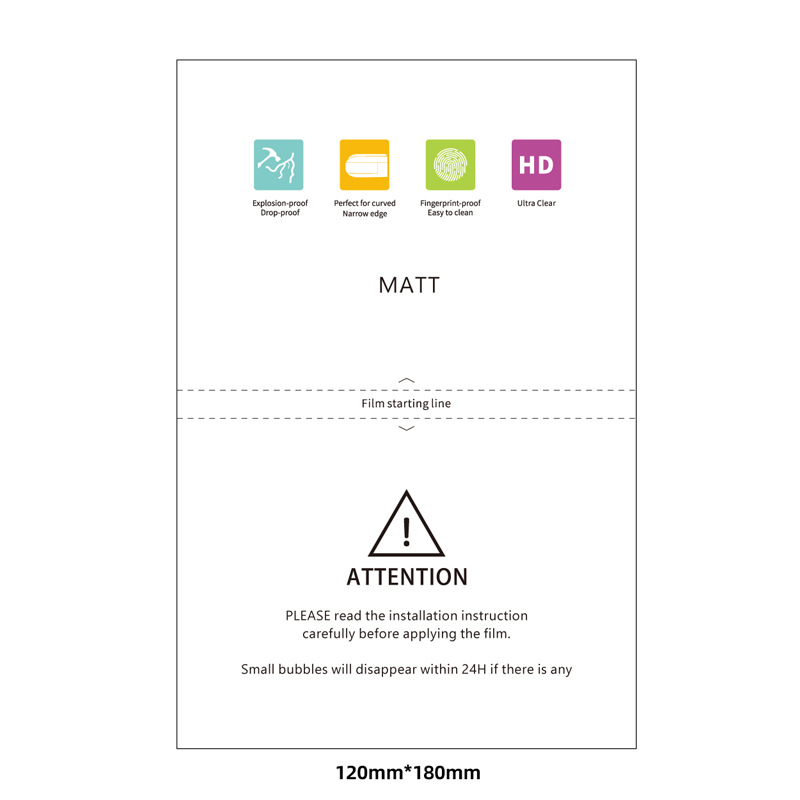
واقي شاشة EPU غير لامع مضاد لبصمات الأصابع من مادة هيدروجيل
يوفر واقي الشاشة EPU Hydrogel Film حماية متعددة الاستخدامات وعالية الأداء لمجموعة واسعة من الأجهزة، بما في ذلك الهواتف الذكية والأجهزة اللوحية والساعات الذكية. إن توافقه العالمي مع آلات قطع أفلام الهاتف يجعله خيارًا مثاليًا للعديد من الطرز، مما يضمن تطبيقًا سلسًا وتغطية كاملة للحافة. بفضل الميزات المتقدمة مثل مقاومة بصمات الأصابع ومقاومة الماء وتقنية الشفاء الذاتي، لا يحافظ واقي الشاشة هذا على شاشة نقية فحسب، بل يوفر أيضًا حماية متينة ضد الخدوش والوهج والتآكل اليومي. سواء للاستخدام الشخصي أو آلات القطع الاحترافية، يوفر فيلم الهيدروجيل هذا أداءً موثوقًا به ووضوحًا طويل الأمد للشاشة.
How to Put in a Screen Protector?
By following these guidelines, you can apply a screen protector perfectly and keep your smartphone safe from damage.
How Much Does Phone Screen Repair Cost?
Understanding the nuances of phone screen repair can guide you in making the best decision, balancing cost, convenience, and environmental considerations.

ما هي آلة قطع الأفلام وتطبيقاتها
لقد لعبت آلات قطع الأفلام دورًا حاسمًا في تطور صناعة الأفلام والعمليات الصناعية المختلفة من خلال تمكين القطع والتوصيل الدقيق لمواد الفيلم.

ما هي آلة قطع واقي الشاشة؟
آلة قطع واقي الشاشة هي جهاز متخصص مصمم لإنتاج واقيات شاشة مخصصة لمختلف الأجهزة الإلكترونية، بما في ذلك الهواتف الذكية والأجهزة اللوحية والساعات الذكية وأجهزة الكمبيوتر المحمولة والشاشات.

كيف تعمل آلة قطع واقي شاشة الهاتف المحمول؟
آلة قطع واقي شاشة الهاتف المحمول هي جهاز متطور مصمم
لإنتاج واقيات شاشة مخصصة لمختلف الأجهزة الرقمية بدقة عالية
الإنتاجية والكفاءة.

خصائص الزجاج المقوى للهاتف المحمول وواقي الشاشة TPU للهاتف المحمول
تتميز واقيات الشاشة المصنوعة من مادة البولي يوريثين الحرارية (TPU) بالمرونة والمتانة
أغشية بلاستيكية ذاتية الشفاء مصممة لحماية شاشات الأجهزة الإلكترونية من
الخدوش والصدمات والأضرار المحتملة الأخرى.

إحداث ثورة في حماية الأجهزة باستخدام آلة قطع واقي الشاشة
سواء كنت تمتلك هاتفًا ذكيًا أو جهازًا لوحيًا أو ساعة ذكية، فإن هذا الجهاز متعدد الاستخدامات يستوعب مجموعة كبيرة من الأجهزة. فهو يتكيف بسلاسة مع أبعاد جهازك، ويوفر ملاءمة مخصصة لا يمكن للواقيات العامة أن تضاهيها.

ضمان مدى الحياة لحماية الشاشة
ضمان مدى الحياة لواقي الشاشة هو ضمان تقدمه الشركات المصنعة
تتعهد بإصلاح أو استبدال واقي الشاشة طوال عمر المنتج، وفقًا لشروط وأحكام محددة.
