
Is Your Charging Port Actually Broken? Common Symptoms and Diagnosis
When your phone isn’t charging properly, it’s essential to first identify whether the charging port is truly the culprit. Common signs include:- Loose connection when plugging in the cable
- Phone only charges at certain angles
- Intermittent charging behavior
- Complete failure to recognize charging cable
Why Do Phone Charging Ports Stop Working?
Several factors can contribute to charging port problems:- Dust and debris accumulation
- Physical damage from repeated use
- Moisture exposure
- Manufacturing defects
- Worn-out connection pins
Essential Tools for Charging Port Repair
Before starting the repair process, gather these tools:- Compressed air can
- 异丙醇(90% 或更高版本)
- 棉签
- Small brush or toothpick
- LED flashlight
- Anti-static tools
- Magnifying glass
How to Safely Clean Your Phone’s Charging Port
Step-by-step cleaning process:- 关闭设备电源
- Inspect the port with a flashlight
- Use compressed air to remove loose debris
- Gently clean with a small brush
- Apply isopropyl alcohol if necessary
- Allow port to dry completely
Advanced Troubleshooting: Beyond Basic Cleaning
If cleaning doesn’t resolve the issue, try these steps:- Check for software-related charging issues
- Test in safe mode
- Reset device settings
- Update system software
- Check for water damage indicators

When to Consider Professional Repair Services
Professional repair might be necessary if:- Physical damage is visible
- DIY methods haven’t worked
- Device is still under warranty
- Port shows signs of corrosion
Can You Replace a Charging Port Yourself?
Important considerations for DIY port replacement:- Skill level required
- Cost of replacement parts
- 進一步損壞的風險
- Device-specific challenges
- Warranty implications
Wireless Charging: A Temporary or Permanent Solution?
Benefits of switching to wireless charging:- No physical port wear and tear
- Convenient charging experience
- Multiple device compatibility
- Extended device lifespan
Preventive Measures: Protecting Your Charging Port
Tips to prevent future charging port issues:- Use high-quality charging cables
- Keep the port clean and dry
- Avoid charging in dusty environments
- Handle cables with care
- Consider port covers

Cost Comparison: DIY vs. Professional Repair
| Repair Method | Average Cost | Time Investment | Risk Level |
|---|---|---|---|
| DIY Cleaning | $0-20 | 30 minutes | Low |
| DIY Port Replacement | $20-50 | 2-3 hours | 高 |
| 專業維修 | $50-150 | 1-2 days | Low |
| Wireless Charging Solution | $30-80 | Immediate | None |

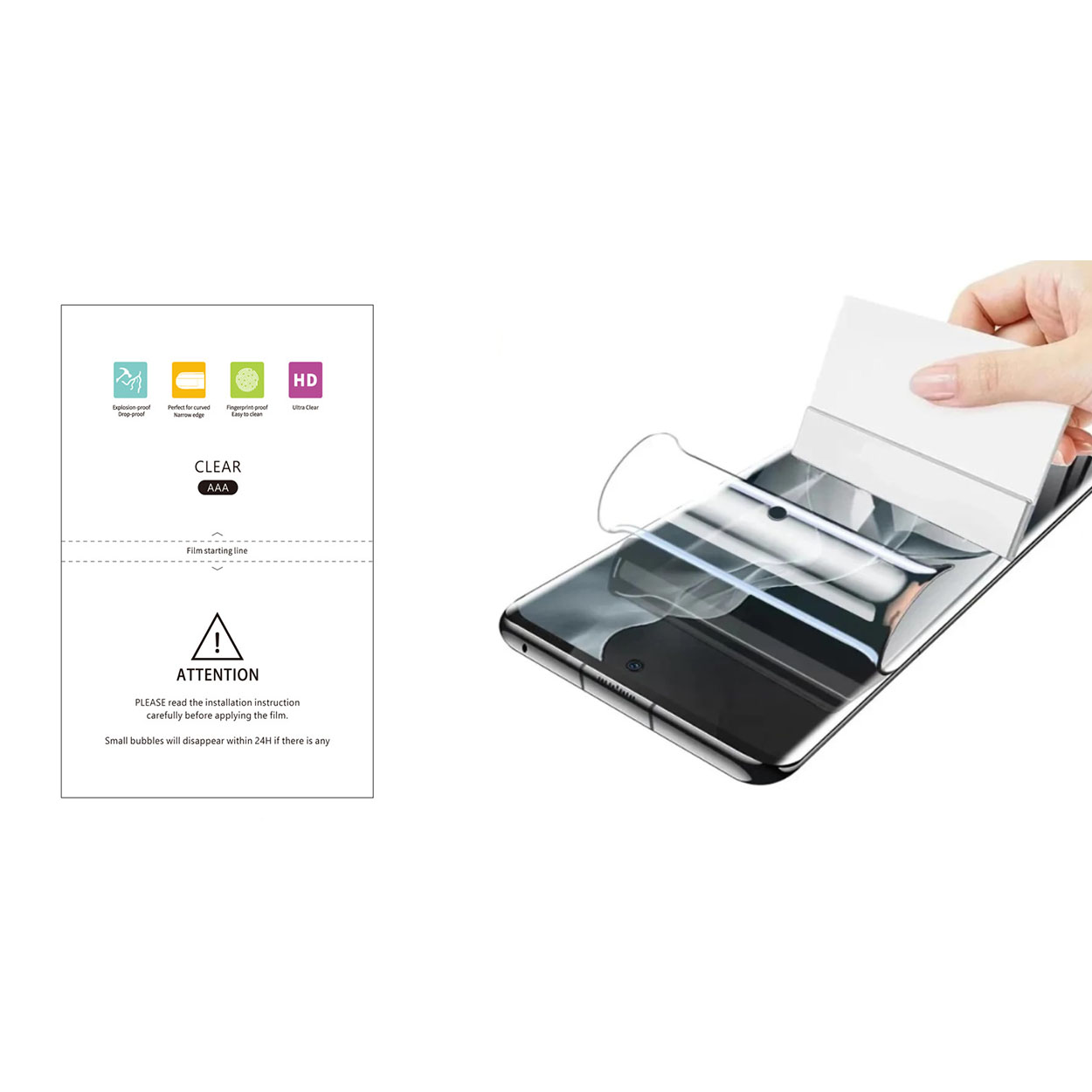
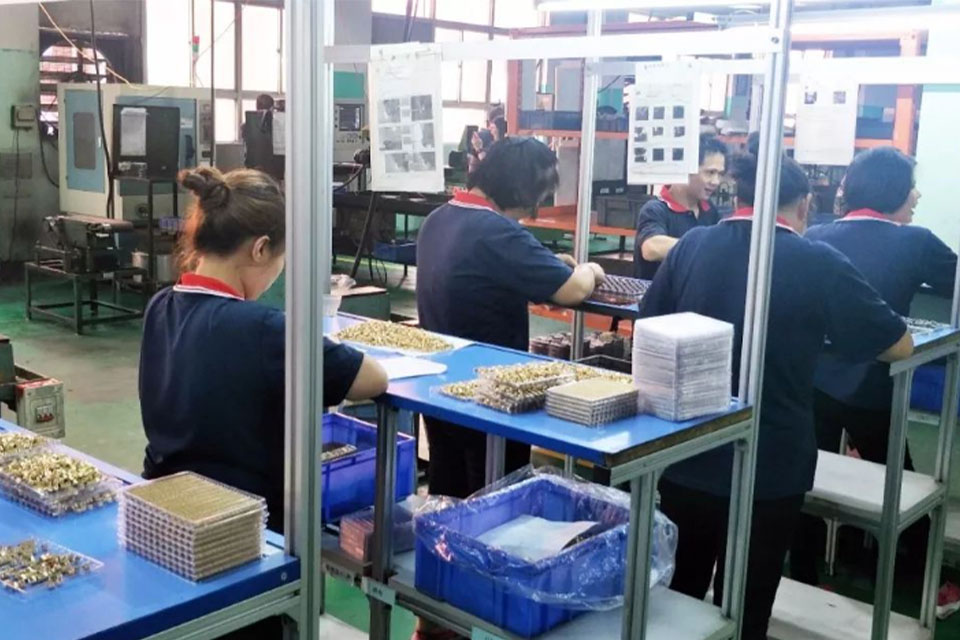
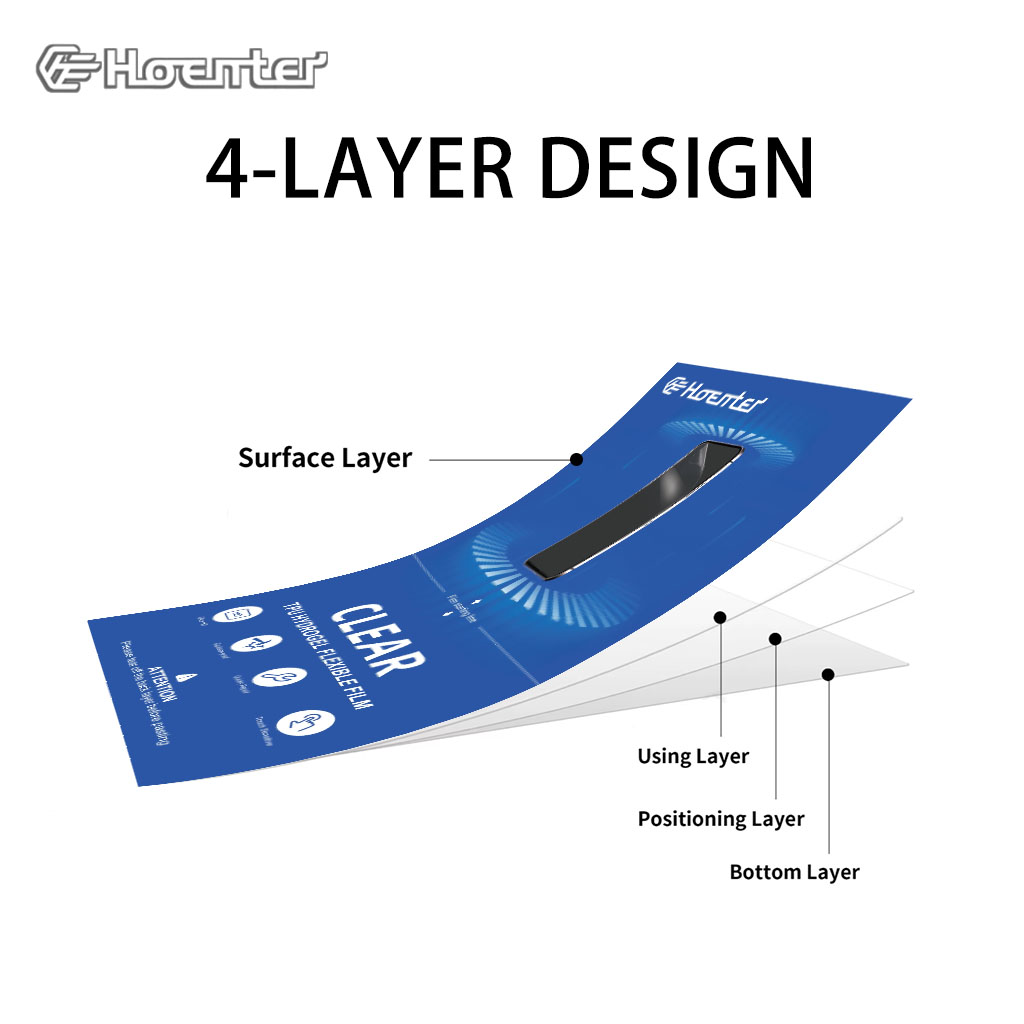
Matte Blue Light Blocking Film Protector
Get superior protection with our Matte Blue Light Blocking Film. Features a matte finish, anti-glare, and fingerprint resistance.

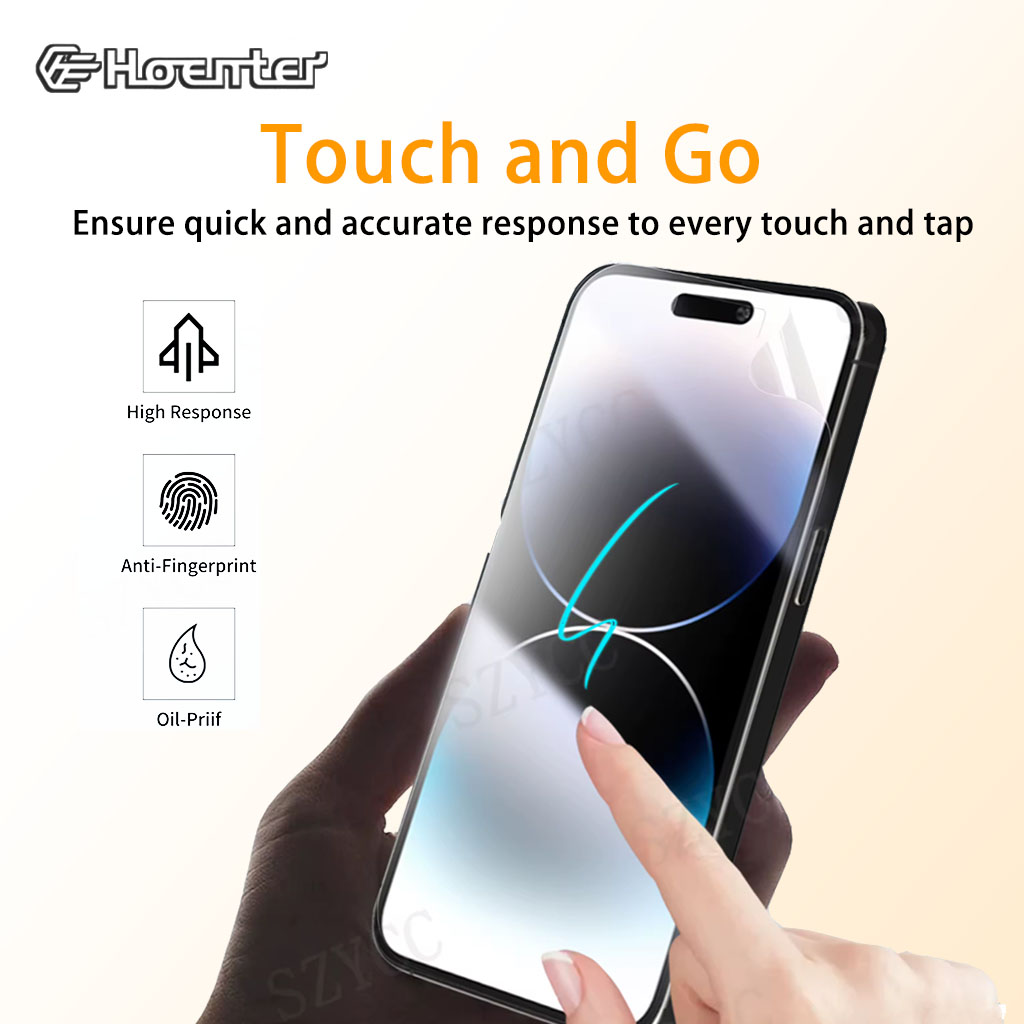
Wholesale Self Screen Protector Self Healing
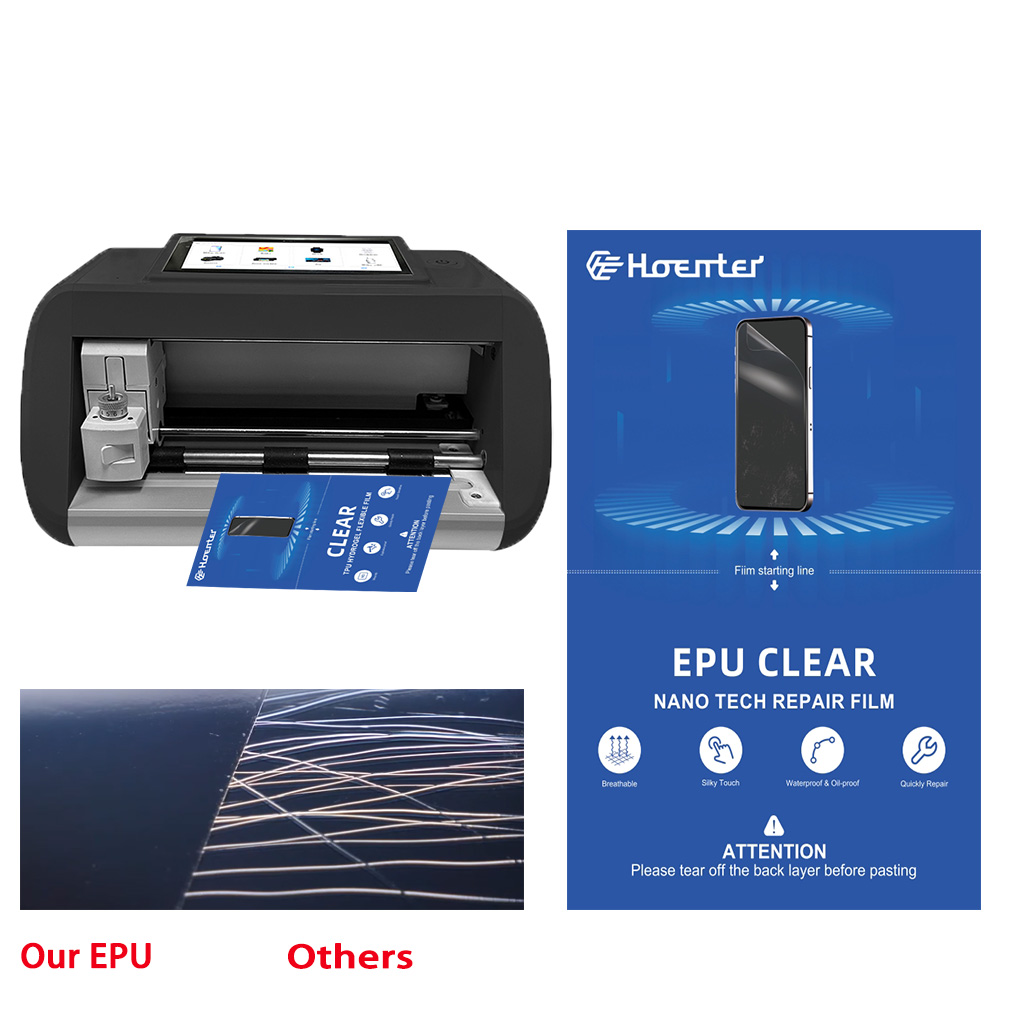
Looking for wholesale self healing flexible screen protectors? We offer premium EPU film with unbeatable protection and a perfect fit. Contact us!
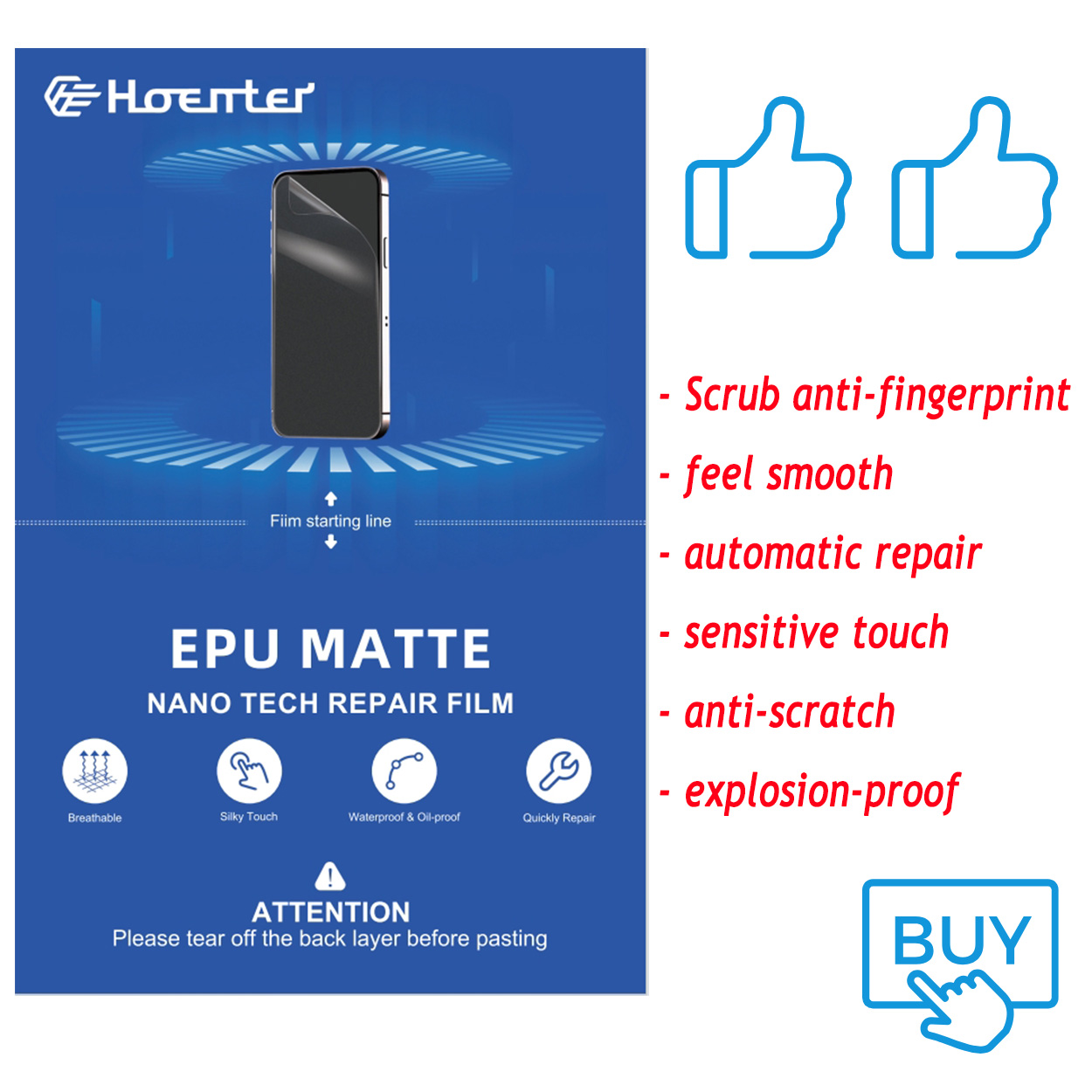
EPU Matte Hydrogel Film For Cutter
Choosing a screen protector? This guide breaks down Matte EPU vs Glossy TPU, comparing their pros and cons to help you decide.






