
Is Your Charging Port Actually Broken? Common Symptoms and Diagnosis
When your phone isn’t charging properly, it’s essential to first identify whether the charging port is truly the culprit. Common signs include:- Loose connection when plugging in the cable
- Phone only charges at certain angles
- Intermittent charging behavior
- Complete failure to recognize charging cable
Why Do Phone Charging Ports Stop Working?
Several factors can contribute to charging port problems:- Dust and debris accumulation
- Physical damage from repeated use
- Moisture exposure
- Manufacturing defects
- Worn-out connection pins
Essential Tools for Charging Port Repair
Before starting the repair process, gather these tools:- Compressed air can
- Alkohol izopropylowy (90% lub wyższy)
- Waciki bawełniane
- Small brush or toothpick
- LED flashlight
- Anti-static tools
- Magnifying glass
How to Safely Clean Your Phone’s Charging Port
Step-by-step cleaning process:- Wyłączanie urządzenia
- Inspect the port with a flashlight
- Use compressed air to remove loose debris
- Gently clean with a small brush
- Apply isopropyl alcohol if necessary
- Allow port to dry completely
Advanced Troubleshooting: Beyond Basic Cleaning
If cleaning doesn’t resolve the issue, try these steps:- Check for software-related charging issues
- Test in safe mode
- Reset device settings
- Update system software
- Check for water damage indicators

When to Consider Professional Repair Services
Professional repair might be necessary if:- Physical damage is visible
- DIY methods haven’t worked
- Device is still under warranty
- Port shows signs of corrosion
Can You Replace a Charging Port Yourself?
Important considerations for DIY port replacement:- Skill level required
- Cost of replacement parts
- Ryzyko dalszych uszkodzeń
- Device-specific challenges
- Warranty implications
Wireless Charging: A Temporary or Permanent Solution?
Benefits of switching to wireless charging:- No physical port wear and tear
- Convenient charging experience
- Multiple device compatibility
- Extended device lifespan
Preventive Measures: Protecting Your Charging Port
Tips to prevent future charging port issues:- Use high-quality charging cables
- Keep the port clean and dry
- Avoid charging in dusty environments
- Handle cables with care
- Consider port covers

Cost Comparison: DIY vs. Professional Repair
| Metoda naprawy | Average Cost | Time Investment | Risk Level |
|---|---|---|---|
| DIY Cleaning | $0-20 | 30 minutes | Low |
| DIY Port Replacement | $20-50 | 2-3 hours | Wysoki |
| Professional Repair | $50-150 | 1-2 days | Low |
| Wireless Charging Solution | $30-80 | Immediate | None |

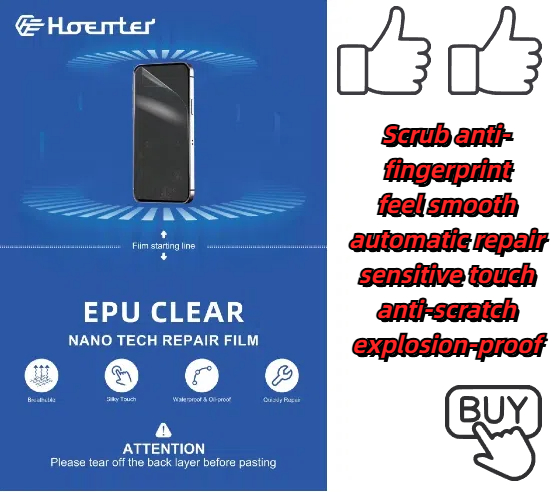
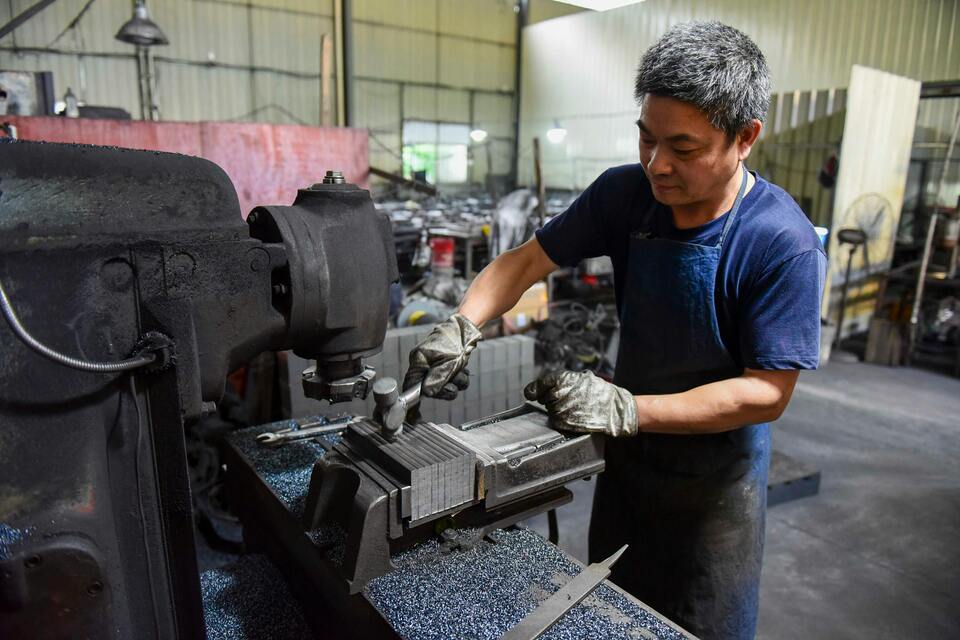
Czym jest hydrożelowa folia ochronna na ekran telefonu komórkowego?
Dzięki zrozumieniu różnic między foliami ochronnymi hydrożelowymi i foliami ochronnymi ze szkła hartowanego możesz podjąć świadomą decyzję, która folia najlepiej odpowiada potrzebom Twojego telefonu komórkowego.
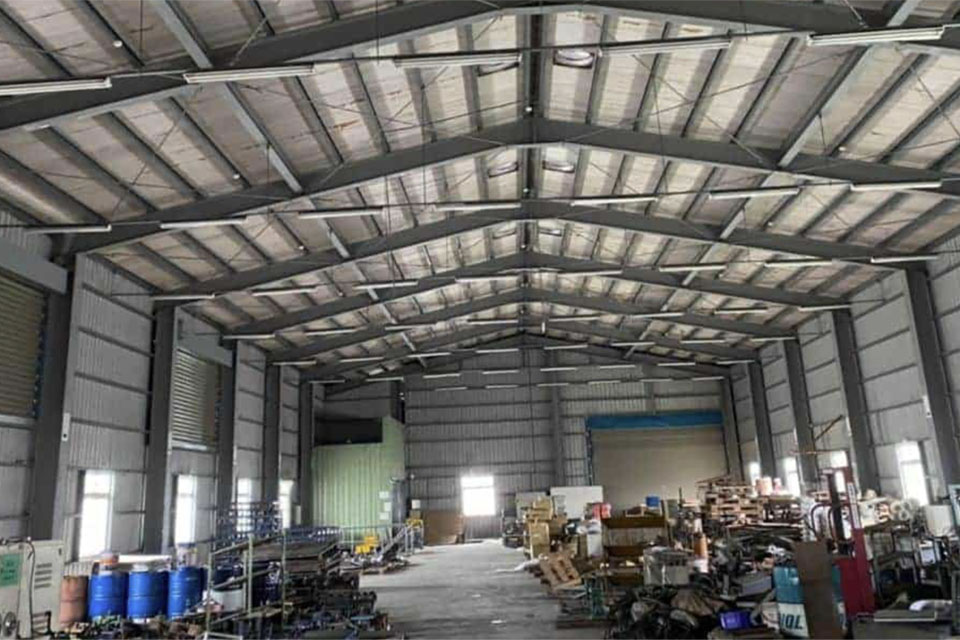
Inteligentne maszyny do cięcia ekranów prywatności dla sprzedawców detalicznych: Zwiększenie zadowolenia klientów
Inteligentne maszyny do cięcia ekranów prywatności rewolucjonizują branżę detaliczną, oferując zaawansowaną technologię spersonalizowanej personalizacji, lepszą wydajność operacyjną i większą satysfakcję klienta.
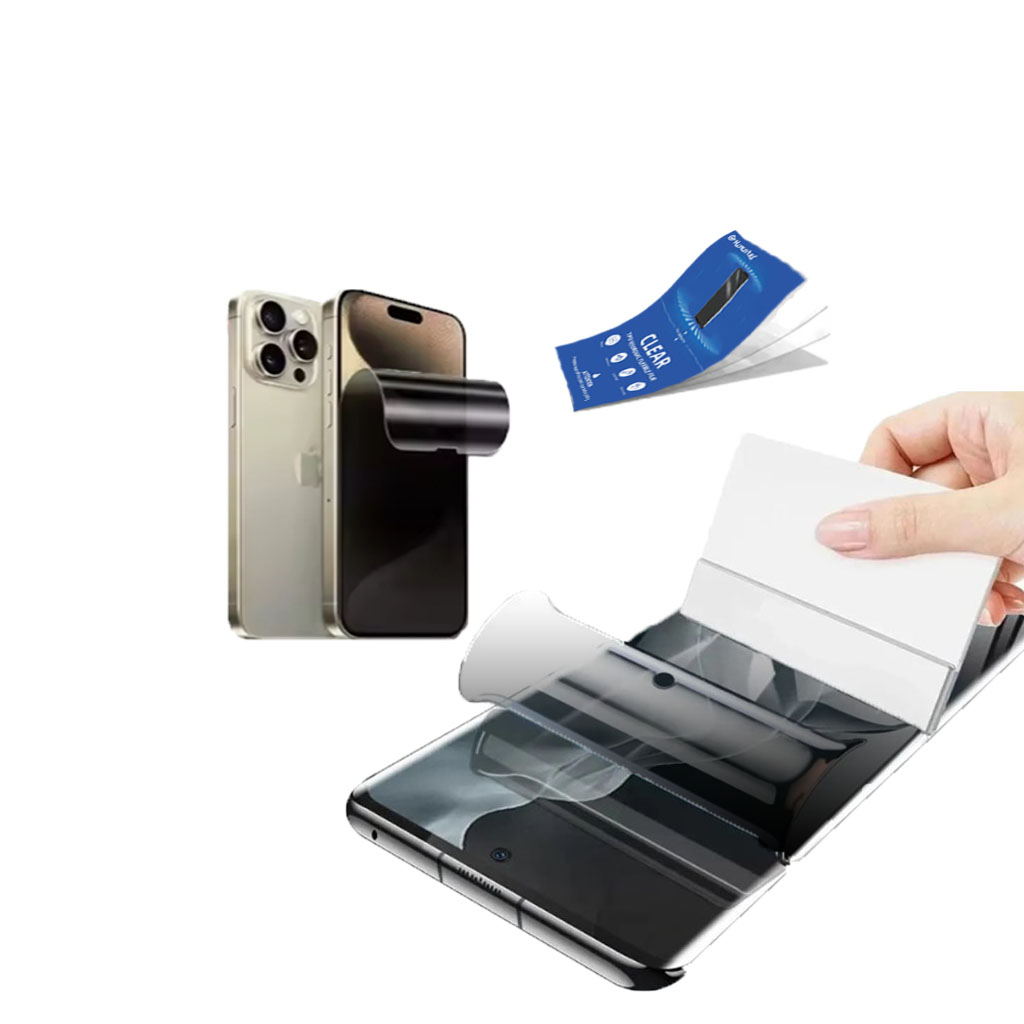
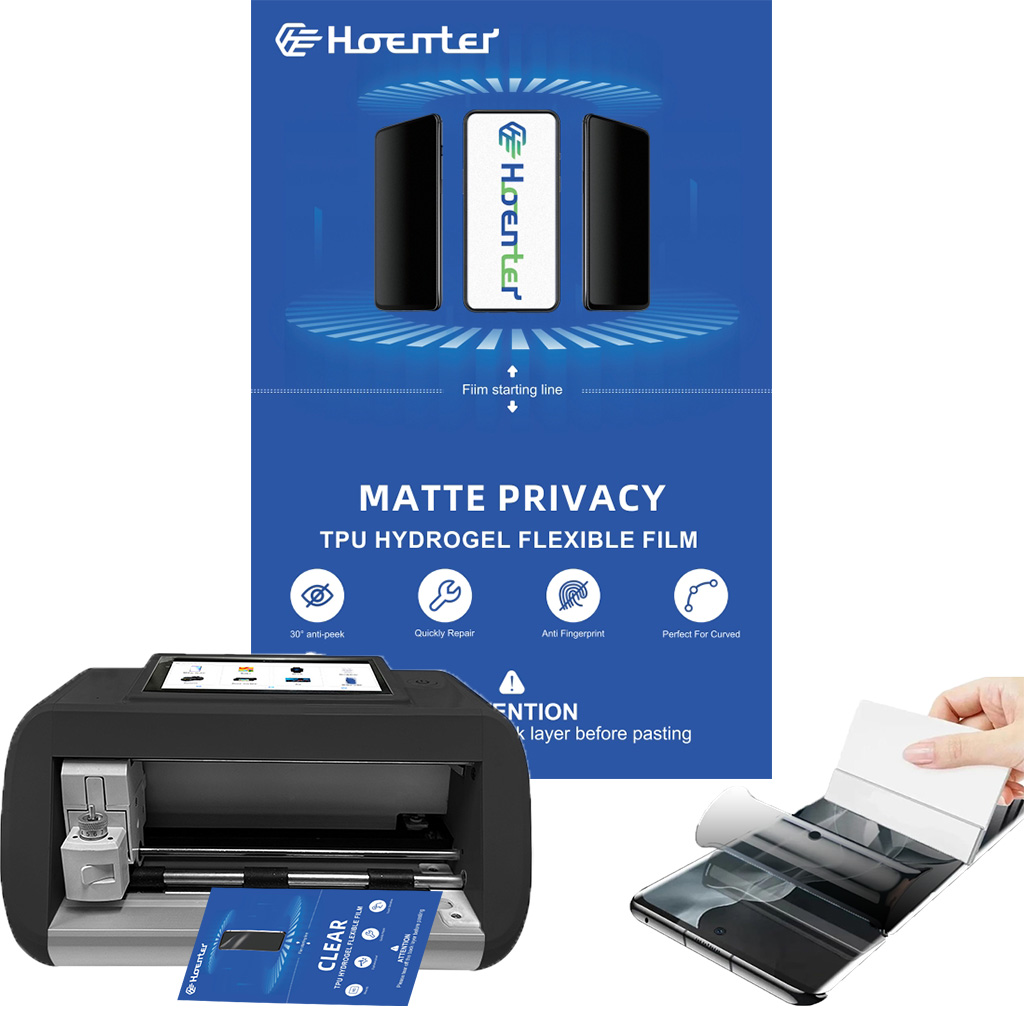
Hydrożelowy ochraniacz ekranu chroniący prywatność
Ochraniacz ekranu oferuje 30° prawdziwej prywatności z zaawansowanym szyfrowaniem żaluzji, zapewniając bezpieczne użytkowanie w miejscach publicznych przy jednoczesnym zachowaniu wyraźnego widoku z przodu dla użytkownika. Wykonany z TPU klasy optycznej, zachowuje nieskazitelną jakość wyświetlacza i obsługuje płynne odblokowywanie urządzenia, kompatybilne zarówno z zakrzywionymi, jak i płaskimi ekranami 3D. Wykorzystując technologię wytrawiania AG, eliminuje ukośne linie i zjawy, zmniejszając zmęczenie oczu. Ochraniacz jest łatwy do nałożenia i usunięcia, nie pozostawiając żadnych śladów.
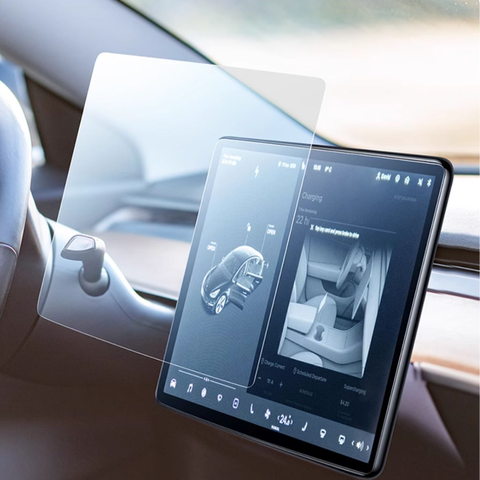
2014-2019 Infiniti Q50 Navigation Tempered Glass
Get the best Infiniti Q50 InTouch Screen Protectors.Scratch-resistant tempered glass designed to maintain the touch sensitivity of your dual displays.
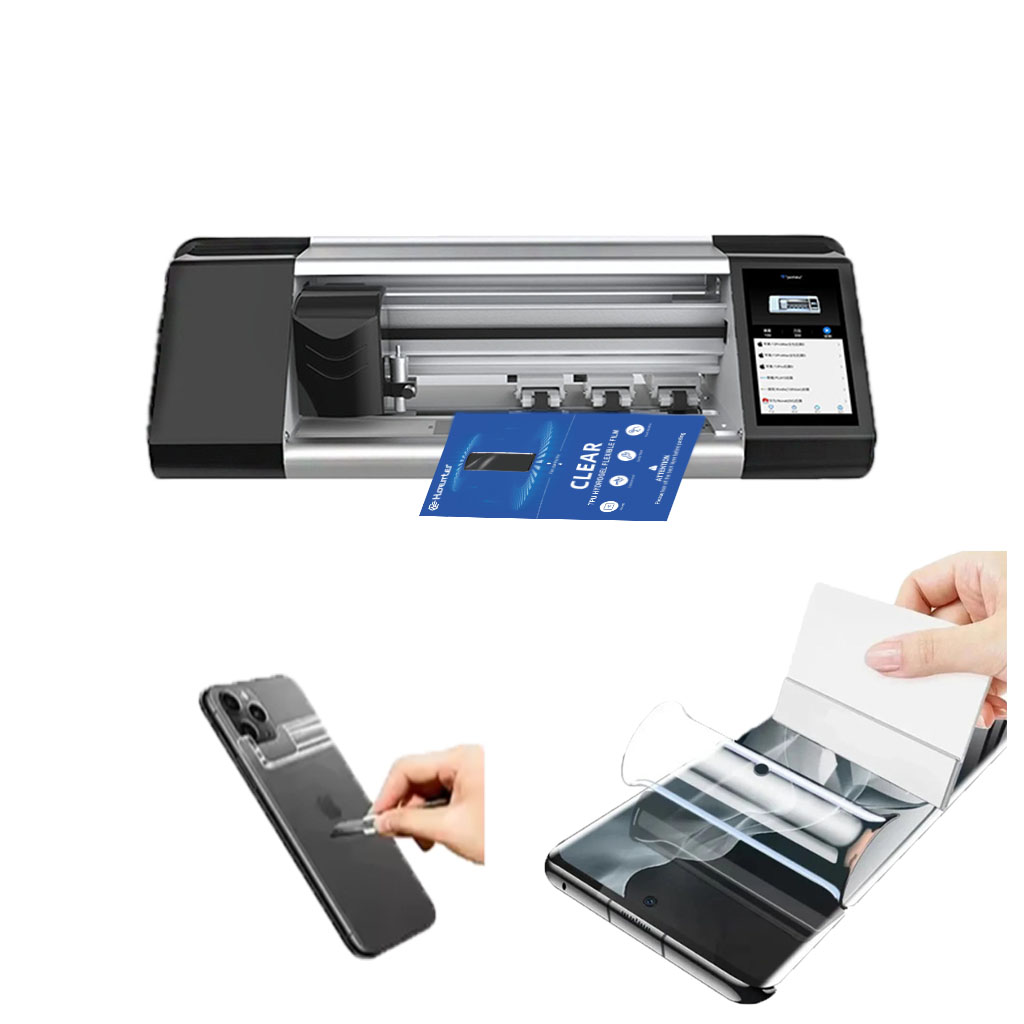
Maszyna do ochrony ekranu
Maszyny do cięcia hydrożelu doskonale radzą sobie z miękkimi, elastycznymi materiałami i są generalnie bardziej opłacalne w przypadku prostych projektów.
Wycinarki laserowe oferują doskonałą precyzję, zwłaszcza w przypadku skomplikowanych wycięć, oraz większą wszechstronność materiałów.
Wybór między cięciem hydrożelowym a laserowym zależy od czynników takich jak wielkość produkcji, rodzaje materiałów i złożoność projektu.
Podejmując decyzję, należy wziąć pod uwagę koszty długoterminowe, w tym koszty konserwacji i zużycia energii.
Obie technologie nadal ewoluują, a przyszłe trendy koncentrują się na integracji sztucznej inteligencji i rozwiązaniach przyjaznych dla środowiska.

Jaka maszyna do cięcia folii i jej zastosowanie
Maszyny do cięcia folii odegrały kluczową rolę w ewolucji produkcji filmowej i różnych procesów przemysłowych, umożliwiając precyzyjne cięcie i łączenie materiałów filmowych.

Co to jest maszyna do cięcia ochraniaczy ekranu?
Maszyna do cięcia ochraniaczy ekranu to specjalistyczne urządzenie zaprojektowane do produkcji niestandardowych ochraniaczy ekranu dla różnych urządzeń elektronicznych, w tym smartfonów, tabletów, smartwatchy, laptopów i monitorów.

Jak działa maszyna do cięcia ochraniaczy ekranu telefonu komórkowego?
Maszyna do cięcia ochraniaczy ekranu telefonu komórkowego jest zaawansowanym urządzeniem zaprojektowanym
do produkcji niestandardowych ochraniaczy ekranu dla różnych urządzeń cyfrowych z wysoką ceną
i wydajność.

Charakterystyka szkła hartowanego na telefon komórkowy i ochraniacza ekranu TPU na telefon komórkowy
Ochraniacze ekranu z termoplastycznego poliuretanu (TPU) są elastyczne, trwałe i wytrzymałe.
samoregenerujące się folie z tworzyw sztucznych przeznaczone do ochrony ekranów urządzeń elektronicznych przed
zadrapania, uderzenia i inne potencjalne uszkodzenia.

Rewolucja w ochronie urządzeń dzięki maszynie do cięcia osłon ekranu
Niezależnie od tego, czy posiadasz smartfon, tablet czy smartwatch, to wszechstronne urządzenie obsługuje szeroką gamę urządzeń. Płynnie dostosowuje się do wymiarów gadżetu, oferując niestandardowe dopasowanie, którego nie można dopasować do ogólnych ochraniaczy.

Dożywotnia gwarancja na osłonę ekranu
Dożywotnia gwarancja na ochraniacz ekranu to gwarancja udzielana przez producentów, która
obiecuje naprawę lub wymianę osłony ekranu przez cały okres użytkowania produktu, na określonych warunkach.
