
Is Your Charging Port Actually Broken? Common Symptoms and Diagnosis
When your phone isn’t charging properly, it’s essential to first identify whether the charging port is truly the culprit. Common signs include:- Loose connection when plugging in the cable
- Phone only charges at certain angles
- Intermittent charging behavior
- Complete failure to recognize charging cable
Why Do Phone Charging Ports Stop Working?
Several factors can contribute to charging port problems:- Dust and debris accumulation
- Physical damage from repeated use
- Moisture exposure
- Manufacturing defects
- Worn-out connection pins
Essential Tools for Charging Port Repair
Before starting the repair process, gather these tools:- Compressed air can
- 이소프로필 알코올(90% 이상)
- 면봉
- Small brush or toothpick
- LED flashlight
- Anti-static tools
- Magnifying glass
How to Safely Clean Your Phone’s Charging Port
Step-by-step cleaning process:- 디바이스 전원 끄기
- Inspect the port with a flashlight
- Use compressed air to remove loose debris
- Gently clean with a small brush
- Apply isopropyl alcohol if necessary
- Allow port to dry completely
Advanced Troubleshooting: Beyond Basic Cleaning
If cleaning doesn’t resolve the issue, try these steps:- Check for software-related charging issues
- Test in safe mode
- Reset device settings
- Update system software
- Check for water damage indicators

When to Consider Professional Repair Services
Professional repair might be necessary if:- Physical damage is visible
- DIY methods haven’t worked
- Device is still under warranty
- Port shows signs of corrosion
Can You Replace a Charging Port Yourself?
Important considerations for DIY port replacement:- Skill level required
- Cost of replacement parts
- Risk of further damage
- Device-specific challenges
- Warranty implications
Wireless Charging: A Temporary or Permanent Solution?
Benefits of switching to wireless charging:- No physical port wear and tear
- Convenient charging experience
- Multiple device compatibility
- Extended device lifespan
Preventive Measures: Protecting Your Charging Port
Tips to prevent future charging port issues:- Use high-quality charging cables
- Keep the port clean and dry
- Avoid charging in dusty environments
- Handle cables with care
- Consider port covers

Cost Comparison: DIY vs. Professional Repair
| Repair Method | Average Cost | Time Investment | Risk Level |
|---|---|---|---|
| DIY Cleaning | $0-20 | 30 minutes | Low |
| DIY Port Replacement | $20-50 | 2-3 hours | 높음 |
| Professional Repair | $50-150 | 1-2 days | Low |
| Wireless Charging Solution | $30-80 | Immediate | None |

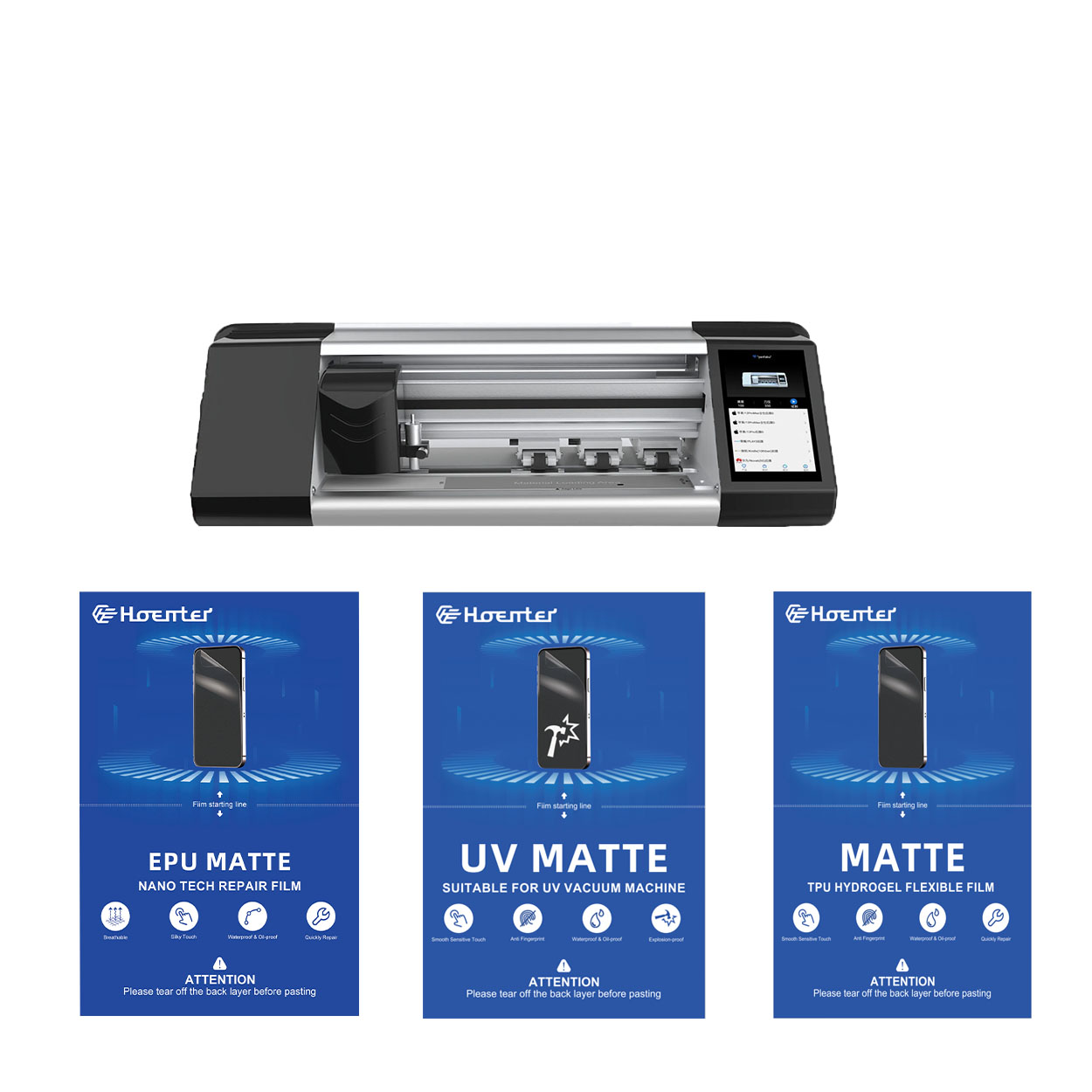
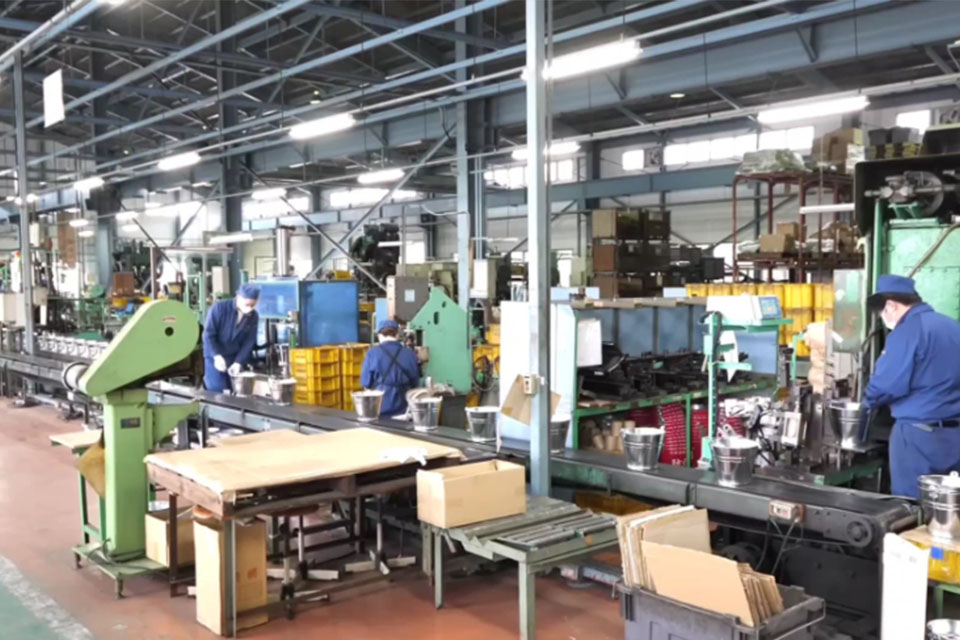
유연한 하이드로겔 필름 기술의 혁신
유연한 하이드로겔 필름 기술의 혁신은 고분자 화학의 원리를 의료, 전자 및 환경 지속 가능성 전반에 걸친 다양한 응용 분야와 결합한 재료 과학의 중요한 발전을 의미합니다.
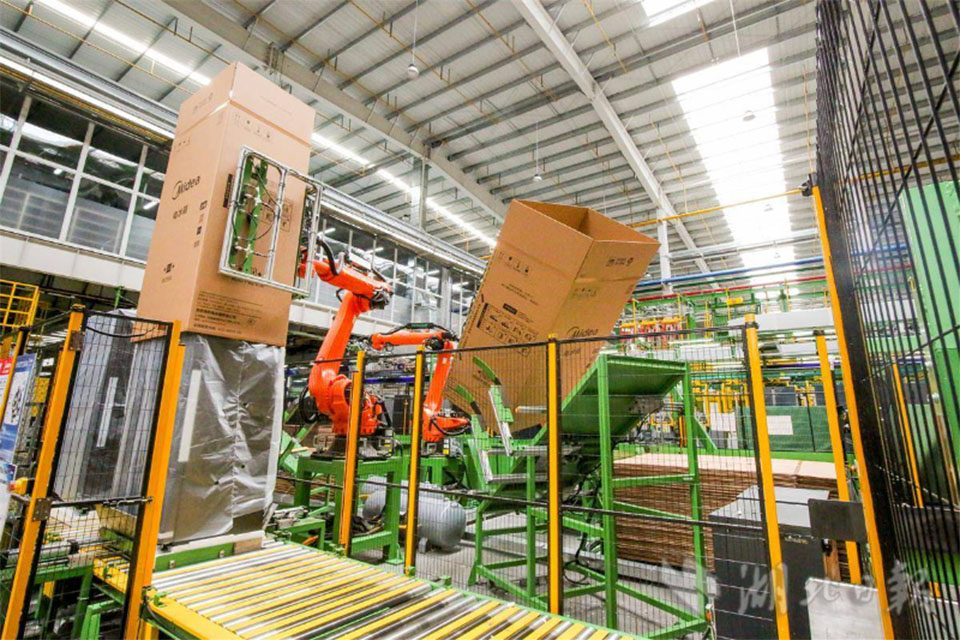
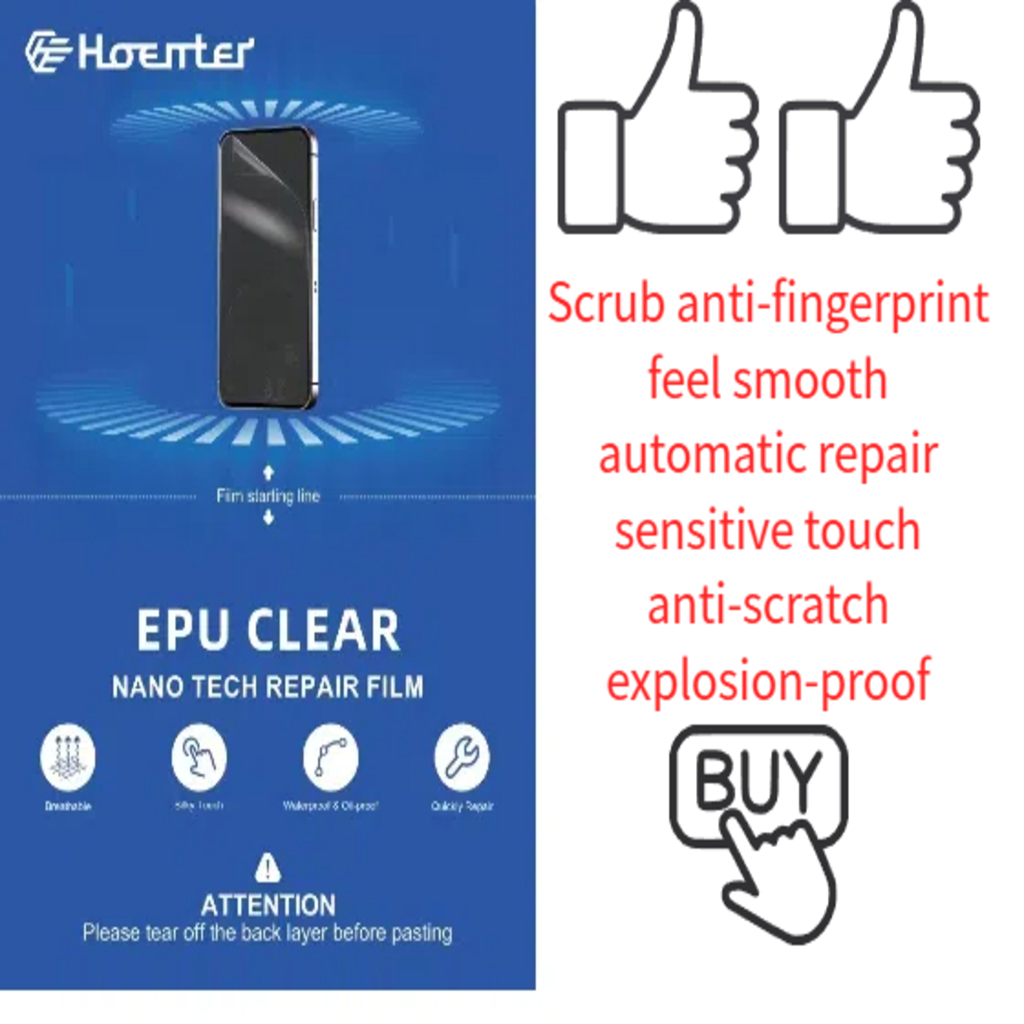
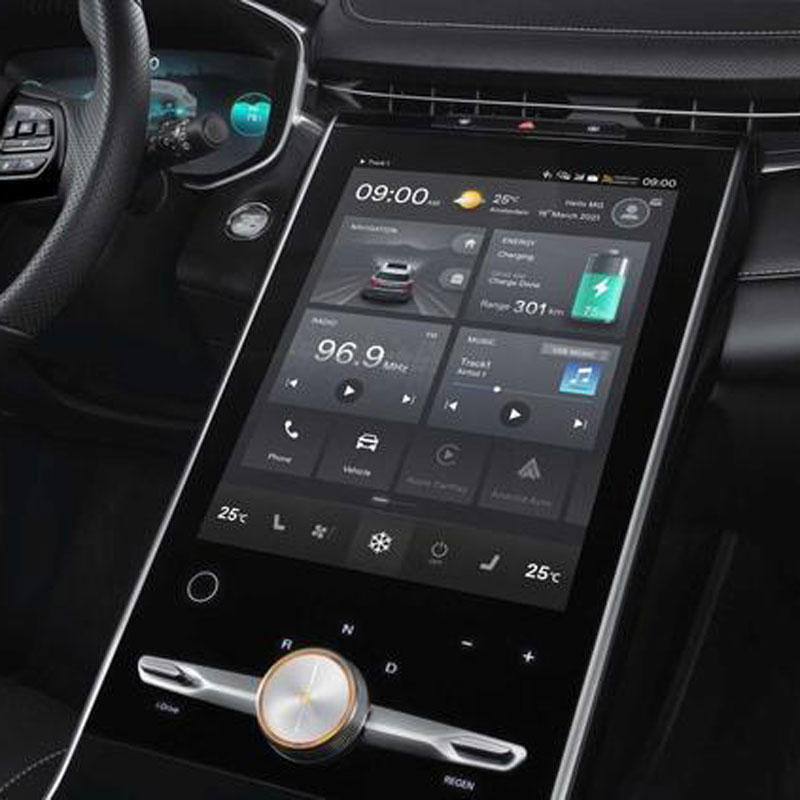
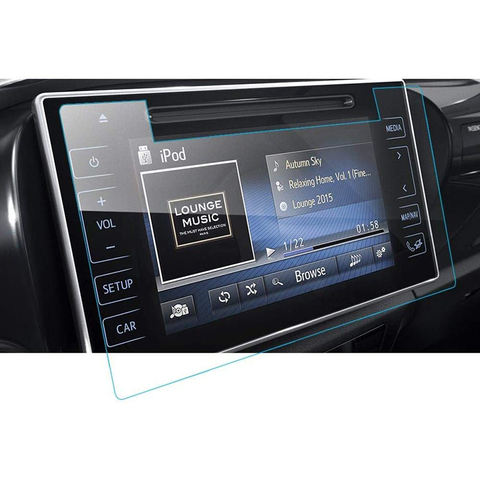
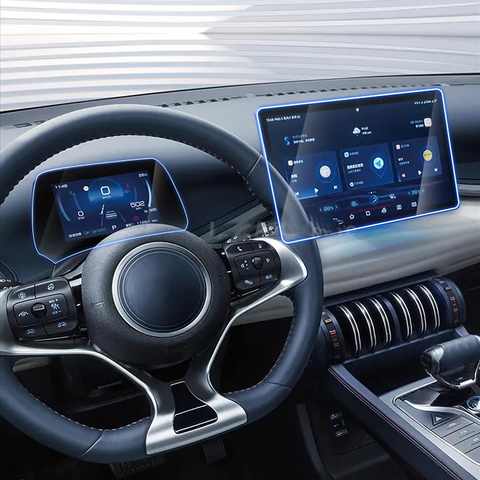
Wholesale Flexible Self-Healing EPU Clear Screen Protector
Wholesale Flexible Self-Healing EPU Clear Screen Protectors offering invisible protection, long-lasting clarity, and superior touch sensitivity.

How to Remove Invisible Shield Screen Protector?
By following this guide, you can confidently remove and replace your ZAGG InvisibleShield screen protector, ensuring your device stays protected and functional.
Can I Put a Screen Protector on a Cracked Screen?
By following these steps, you can effectively protect your phone’s screen, even if it’s cracked.


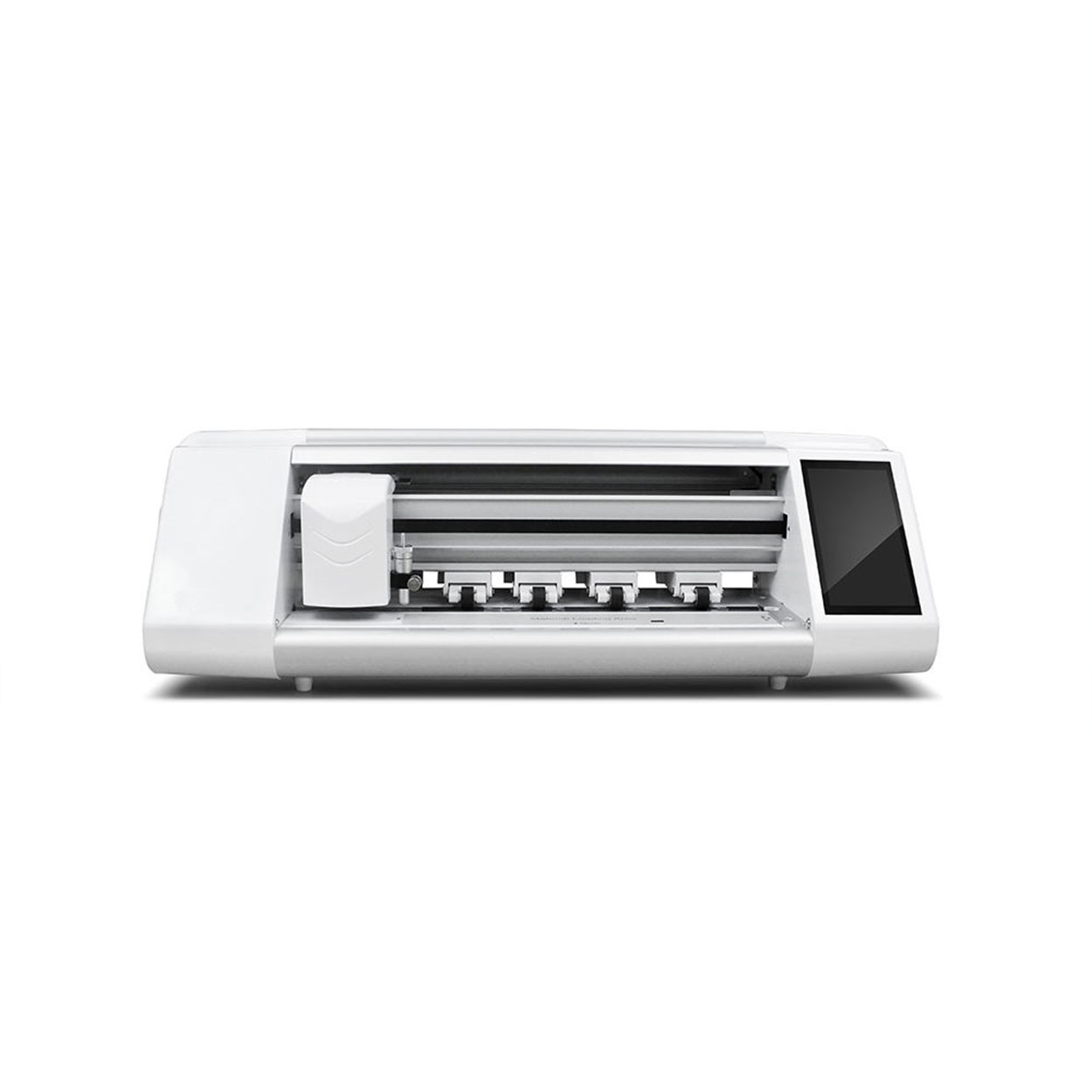
화면 보호기 커팅기란 무엇인가요?
화면 보호기 커팅기는 스마트폰, 태블릿, 스마트워치, 노트북, 모니터 등 다양한 전자기기에 맞는 맞춤형 화면 보호기를 제작하기 위해 고안된 전문 장비입니다.

휴대폰 화면 보호기 절단기는 어떻게 작동합니까?
휴대폰 화면 보호기 절단기는 다음과 같이 설계된 정교한 장치입니다.
고가의 다양한 디지털 기기를 위한 맞춤형 화면 보호기를 생산합니다.
효율성.

휴대폰 강화 유리 및 휴대폰 TPU 화면 보호기의 특성
열가소성 폴리우레탄(TPU) 화면 보호기는 유연하고 내구성이 뛰어나며
전자 기기 화면을 보호하도록 설계된 자가 치유 플라스틱 필름은 다음과 같습니다.
긁힘, 충격 및 기타 잠재적 손상.

스크린 가드 절단기로 디바이스 보호 혁신
스마트폰, 태블릿, 스마트워치 등 다양한 기기를 사용할 수 있는 다목적 기기입니다. 기기의 크기에 맞춰 매끄럽게 조정되어 일반 보호기는 따라잡을 수 없는 맞춤형 핏을 제공합니다.

화면 보호기 평생 보증
화면 보호기 평생 보증은 제조업체에서 제공하는 보증입니다.
는 특정 이용 약관에 따라 제품 수명 기간 동안 화면 보호기를 수리 또는 교체할 것을 약속합니다.
