
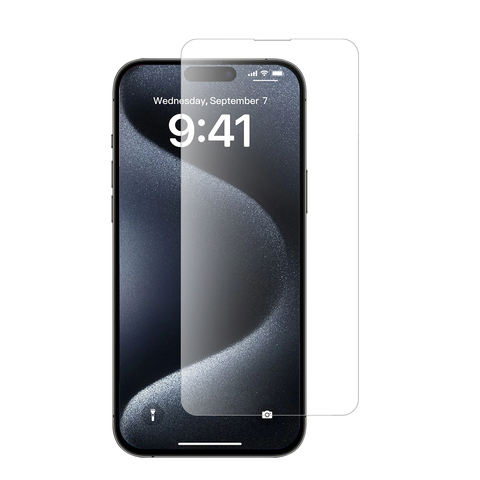
Is Your Charging Port Actually Broken? Common Symptoms and Diagnosis
When your phone isn’t charging properly, it’s essential to first identify whether the charging port is truly the culprit. Common signs include:- Loose connection when plugging in the cable
- Phone only charges at certain angles
- Intermittent charging behavior
- Complete failure to recognize charging cable
Why Do Phone Charging Ports Stop Working?
Several factors can contribute to charging port problems:- Dust and debris accumulation
- Physical damage from repeated use
- Moisture exposure
- Manufacturing defects
- Worn-out connection pins
Essential Tools for Charging Port Repair
Before starting the repair process, gather these tools:- Compressed air can
- イソプロピルアルコール(90%以上)
- 綿棒
- Small brush or toothpick
- LED flashlight
- Anti-static tools
- Magnifying glass
How to Safely Clean Your Phone’s Charging Port
Step-by-step cleaning process:- デバイスの電源を切る
- Inspect the port with a flashlight
- Use compressed air to remove loose debris
- Gently clean with a small brush
- Apply isopropyl alcohol if necessary
- Allow port to dry completely
Advanced Troubleshooting: Beyond Basic Cleaning
If cleaning doesn’t resolve the issue, try these steps:- Check for software-related charging issues
- Test in safe mode
- Reset device settings
- Update system software
- Check for water damage indicators

When to Consider Professional Repair Services
Professional repair might be necessary if:- Physical damage is visible
- DIY methods haven’t worked
- Device is still under warranty
- Port shows signs of corrosion
Can You Replace a Charging Port Yourself?
Important considerations for DIY port replacement:- Skill level required
- Cost of replacement parts
- Risk of further damage
- Device-specific challenges
- Warranty implications
Wireless Charging: A Temporary or Permanent Solution?
Benefits of switching to wireless charging:- No physical port wear and tear
- Convenient charging experience
- Multiple device compatibility
- Extended device lifespan
Preventive Measures: Protecting Your Charging Port
Tips to prevent future charging port issues:- Use high-quality charging cables
- Keep the port clean and dry
- Avoid charging in dusty environments
- Handle cables with care
- Consider port covers

Cost Comparison: DIY vs. Professional Repair
| Repair Method | Average Cost | Time Investment | Risk Level |
|---|---|---|---|
| DIY Cleaning | $0-20 | 30 minutes | Low |
| DIY Port Replacement | $20-50 | 2-3 hours | 高い |
| Professional Repair | $50-150 | 1-2 days | Low |
| Wireless Charging Solution | $30-80 | Immediate | None |

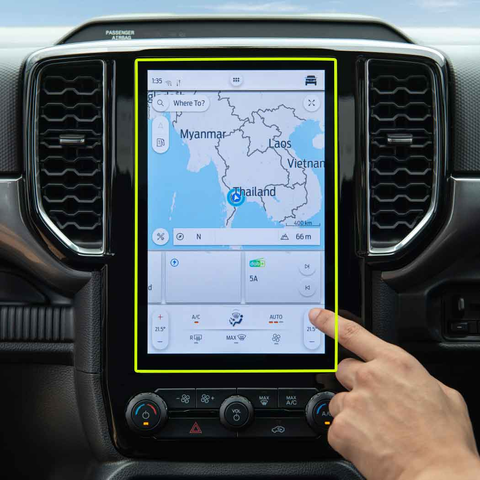
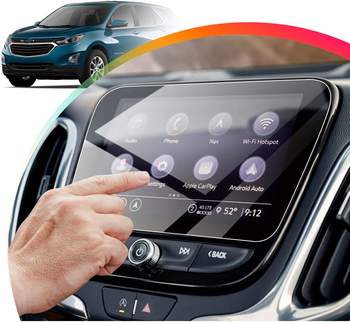
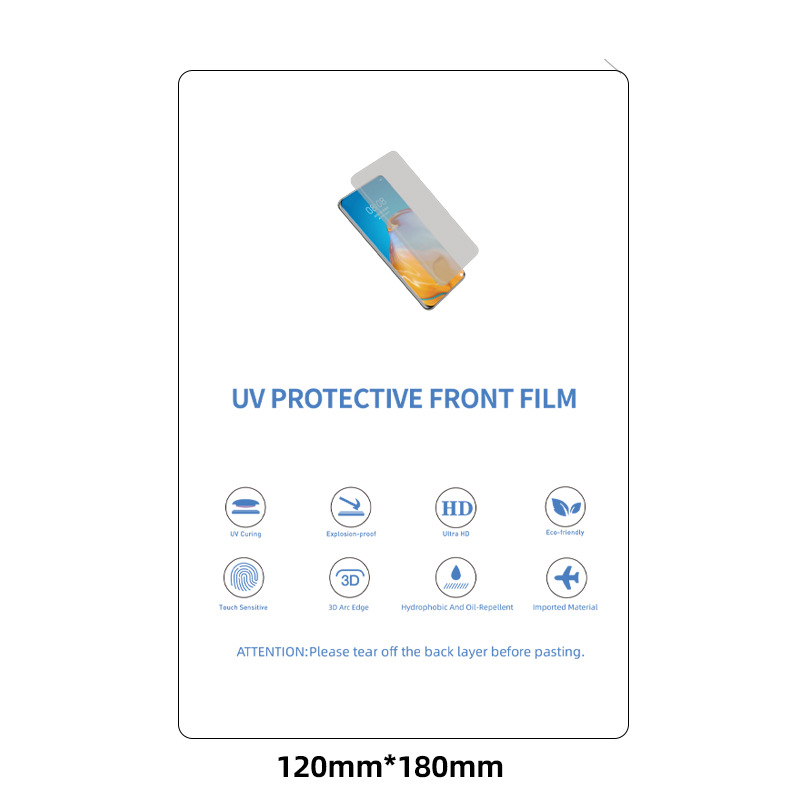
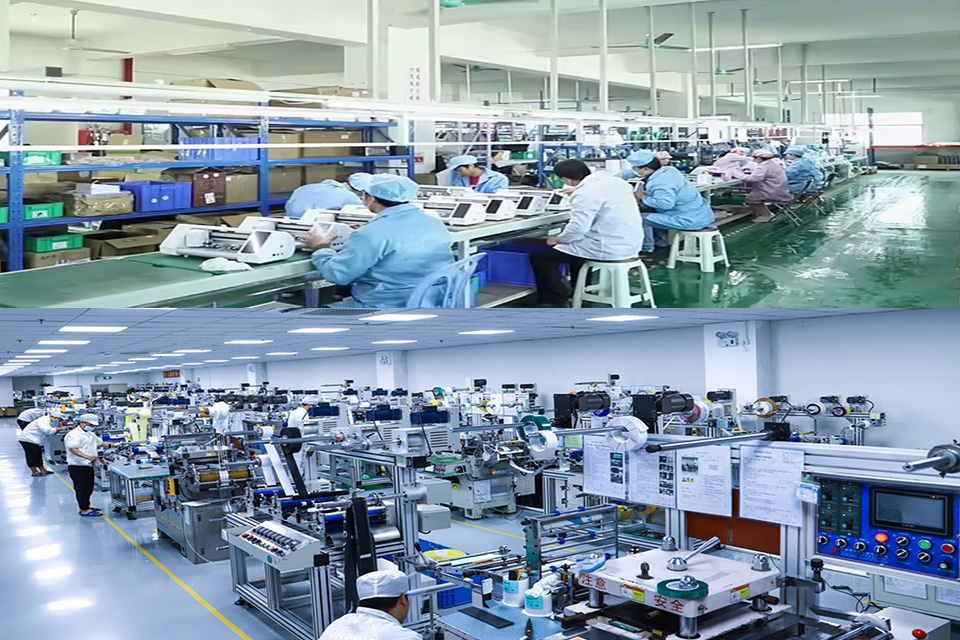
強化ガラススクリーンプロテクターの外し方:ステップバイステップガイド
強化ガラススクリーンプロテクターのひび割れや気泡でお困りですか?ご心配なく!この包括的なガイドでは、古いスクリーンプロテクターを安全に取り外し、再出発のためにデバイスを準備するプロセスを説明します。あなたがスマートフォン、タブレット、または他のガジェットを扱っているかどうか、私たちはあなたをカバーしています。専門家のヒント、避けるべき一般的な落とし穴、および強化ガラススクリーンプロテクタの取り外しと交換について知っておく必要があるすべてを発見するためにお読みください。
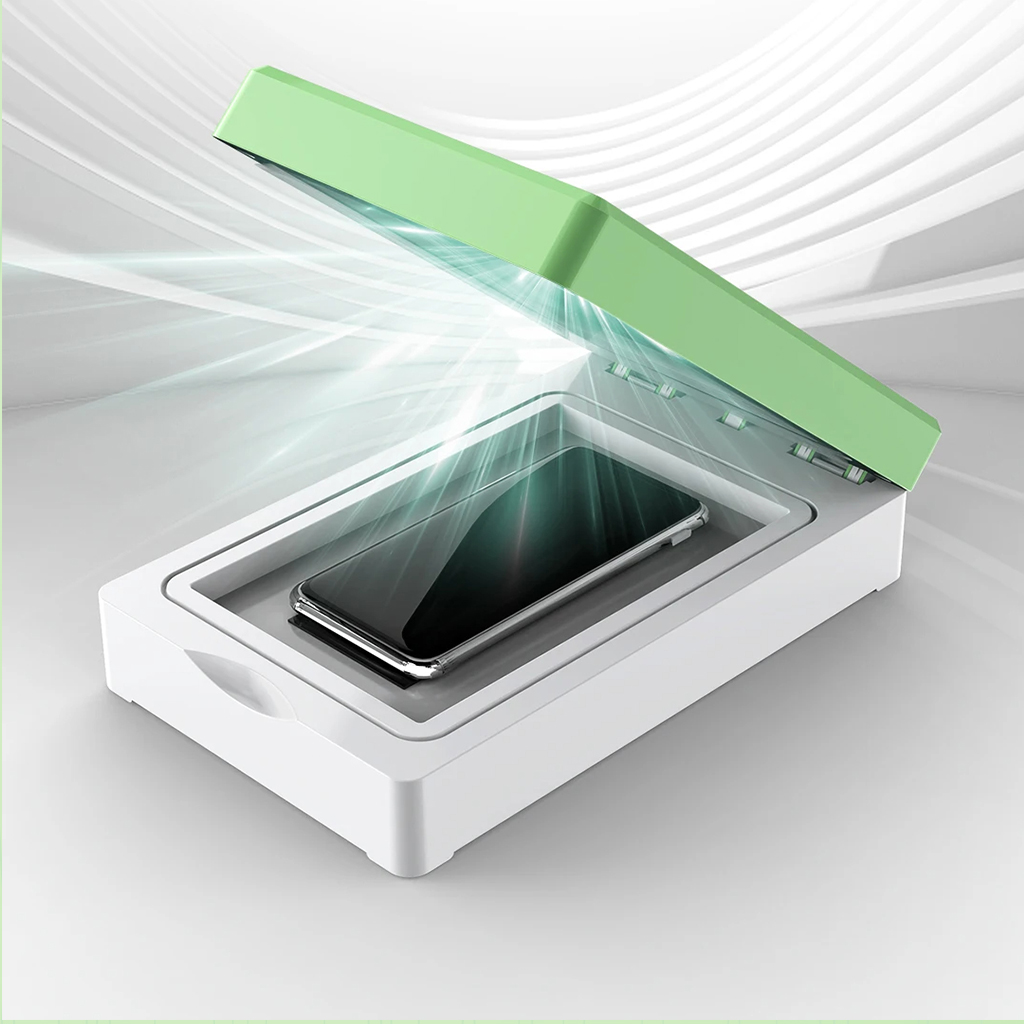
UVシート用UV光硬化機
UV シート用のユニバーサル UV 光硬化機は、効率性、耐久性、ユーザーフレンドリーな操作性を兼ね備え、優れた結果をもたらす、高品質の UV シート アプリケーションの提供を目指す企業にとって不可欠です。

When to Replace Phone Screen Protector
By keeping these points in mind, you can ensure that your smartphone remains protected and in excellent condition.

How to Put in a Screen Protector?
By following these guidelines, you can apply a screen protector perfectly and keep your smartphone safe from damage.
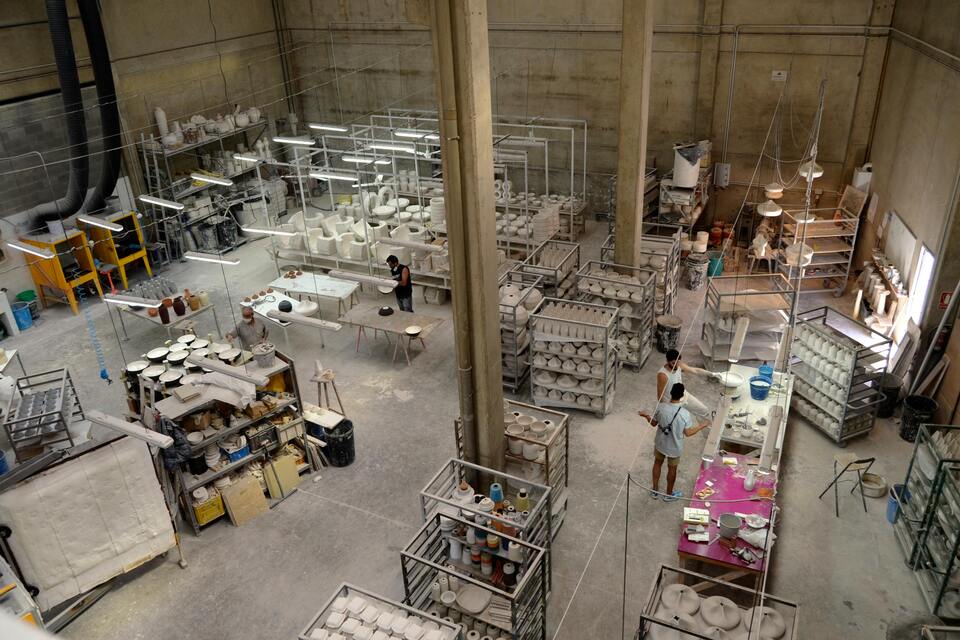


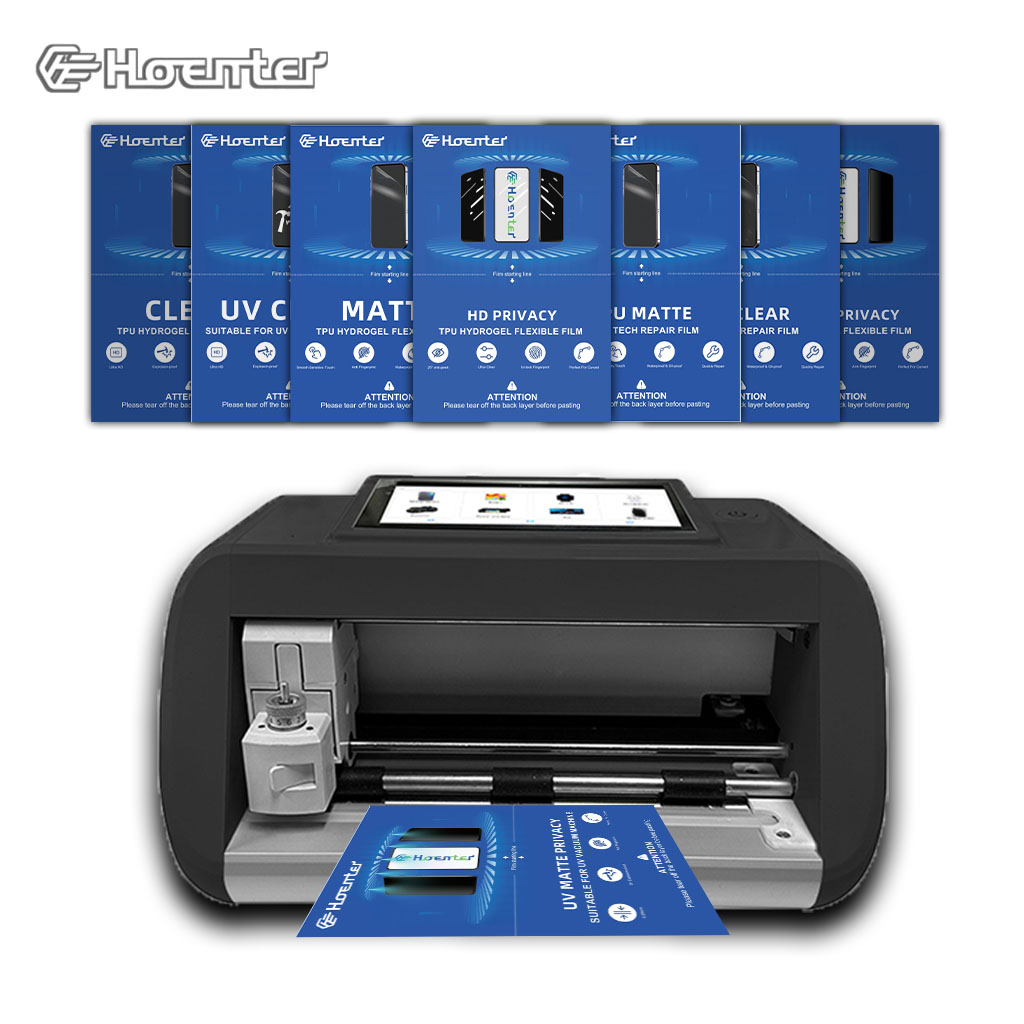
スクリーンプロテクター切断機とは?
スクリーンプロテクター切断機は、スマートフォン、タブレット、スマートウォッチ、ノートパソコン、モニターなど、さまざまな電子機器にカスタムフィットするスクリーンプロテクターを製造するために設計された専用装置です。

携帯電話スクリーンプロテクター切断機の仕組み?
携帯電話のスクリーンプロテクター切断機は、設計された洗練されたデバイスです。
様々なデジタル機器用にカスタマイズされたスクリーンプロテクターを高精度で製造する。
ションと効率性である。

携帯電話強化ガラスと携帯電話TPUスクリーンプロテクターの特性
熱可塑性ポリウレタン(TPU)スクリーンプロテクターは、柔軟性、耐久性、耐久性に優れています。
電子機器の画面を保護する自己修復プラスチックフィルム
傷、衝撃、その他の潜在的な損傷。

スクリーンガード切断機でデバイス保護に革命を起こす
スマートフォン、タブレット、スマートウォッチなど、あらゆるデバイスに対応します。あなたのガジェットの寸法にシームレスに適応し、一般的なプロテクターにはないカスタムフィットを提供します。

スクリーンプロテクター永久保証
スクリーンプロテクターの永久保証は、メーカーが提供する保証です。
スクリーンプロテクターは、特定の条件の下で、製品の寿命まで修理または交換することを約束します。
