
1. What Is a Screen Protector and Why Remove It?
A screen protector is a thin layer of material, often tempered glass or plastic, designed to shield your iPad’s screen from scratches, smudges, and cracks. While screen protectors are essential accessories for many users, there are times when you might need to remove them.
Why Remove It?
- Cracks or Damage: A cracked screen protector can obstruct your view and even pose a safety risk with sharp edges.
- Upgrading: You might want to replace your current protector with a newer, more advanced one.
- Keausan dan Kerusakan: Over time, protectors can accumulate scratches or lose their adhesive properties, reducing their effectiveness.
2. How to Know When It’s Time to Remove Your iPad Screen Protector
Not sure if it’s time to remove your screen protector? Here are some signs to look out for:- Retakan yang terlihat: If your tempered glass screen protector is cracked, it’s time to replace it to avoid further damage.
- Reduced Sensitivity: If your iPad’s touch screen isn’t as responsive as it used to be, the protector might be interfering.
- Scratches and Smudges: Excessive wear can make your screen look dull and dirty, even after cleaning.
- Tepi yang terkelupas: If the edges of your screen protector are lifting, it’s no longer providing full protection.
3. Tools You’ll Need to Safely Remove a Screen Protector
Before you start, gather the following tools to make the process smooth and safe:ToolPurposePlastic Card (e.g., credit card)To gently lift the edges of the screen protector without scratching the screen.Microfiber ClothTo clean the screen after removing the protector.Hairdryer (optional)To loosen adhesive on tempered glass protectors.Masking TapeTo remove any leftover adhesive residue.
Having these tools on hand will make the process easier and reduce the risk of damaging your iPad.
4. Step-by-Step Guide: How to Remove a Screen Protector from Your iPad
Follow these steps to safely remove your screen protector:- Start at the Corner: Use a plastic card or your fingernail to gently lift one corner of the screen protector. Be careful not to scratch the screen.
- Peel Slowly: Once the corner is lifted, slowly peel the protector away from the screen. Pull at a low angle to avoid cracking the protector.
- Use Heat if Necessary: For tempered glass protectors, use a hairdryer on low heat to soften the adhesive. Hold it about 6 inches away from the screen for 15-20 seconds.
- Membersihkan Layar: After removing the protector, use a microfiber cloth to wipe away any dust or adhesive residue.
5. What to Do If Your Screen Protector Is Cracked
Removing a cracked screen protector requires extra care to avoid injury or damage to your iPad.- Wear Gloves: Protect your hands from sharp edges.
- Tape the Cracks: Use masking tape to cover the cracks and prevent shards from falling during removal.
- Peel Slowly: Follow the same steps as above, but go even slower to avoid breaking the protector further.
6. How to Remove a Tempered Glass Screen Protector Without Damaging Your iPad
Tempered glass protectors are more durable but can be trickier to remove. Here’s how to do it:- Loosen the Adhesive: Use a hairdryer to warm the edges of the protector.
- Lift the Edge: Insert a plastic card under one corner and gently lift.
- Peel Off Slowly: Pull the protector away from the screen at a low angle.
7. Can You Reuse a Screen Protector After Removing It?
In most cases, screen protectors are not reusable. Once removed, the adhesive layer is often compromised, making it difficult to reapply without bubbles or reduced effectiveness.However, if the protector is still in good condition and you’re careful during removal, you might be able to reuse it temporarily. Just ensure the adhesive side is clean and free of dust.
8. How to Clean Your iPad Screen After Removing the Protector
After removing the screen protector, it’s essential to clean your iPad’s screen to prepare it for a new protector or to use it bare.Steps to Clean Your Screen
- Wipe with a Microfiber Cloth: Remove dust and fingerprints.
- Use a Screen Cleaner: Apply a small amount of alcohol-free screen cleaner to the cloth (not directly on the screen).
- Buff the Screen: Gently buff the screen until it’s clean and streak-free.
9. Tips for Installing a New Screen Protector on Your iPad
If you’re replacing your old screen protector, follow these tips for a flawless installation:- Bersihkan Layar Secara Menyeluruh: Any dust or smudges will create bubbles under the new protector.
- Align Carefully: Take your time to align the protector with your iPad’s edges and camera cutouts.
- Use a Squeegee: Smooth out bubbles as you apply the protector.
10. Common Mistakes to Avoid When Removing a Screen Protector
Avoid these common pitfalls to ensure a smooth removal process:- Using Sharp Tools: Metal tools can scratch your screen or damage the edges.
- Pulling Too Hard: Forcing the protector off can crack it or damage your iPad.
- Skipping the Cleaning Step: Residue left on the screen can interfere with a new protector.
Cara Menerapkan Pelindung Layar Tanpa Gelembung: Panduan Utama
Apakah Anda bosan dengan gelembung udara yang merusak pelindung layar Anda yang sudah sangat bagus? Anda tidak sendirian! Menerapkan pelindung layar tanpa gelembung bisa tampak seperti tugas yang mustahil, tetapi dengan teknik yang tepat, ini lebih mudah daripada yang Anda bayangkan. Dalam panduan komprehensif ini, kami akan memandu Anda melalui proses langkah demi langkah, berbagi tips dan trik dari para ahli untuk membantu Anda mendapatkan aplikasi tanpa gelembung yang sempurna. Baik Anda melindungi ponsel cerdas, tablet, atau perangkat lainnya, artikel ini akan membekali Anda dengan pengetahuan untuk melakukannya dengan benar pada kali pertama.
Are Paperlike Screen Protectors Worth It?
This guide has covered everything you need to know about Paperlike iPad screen protectors.
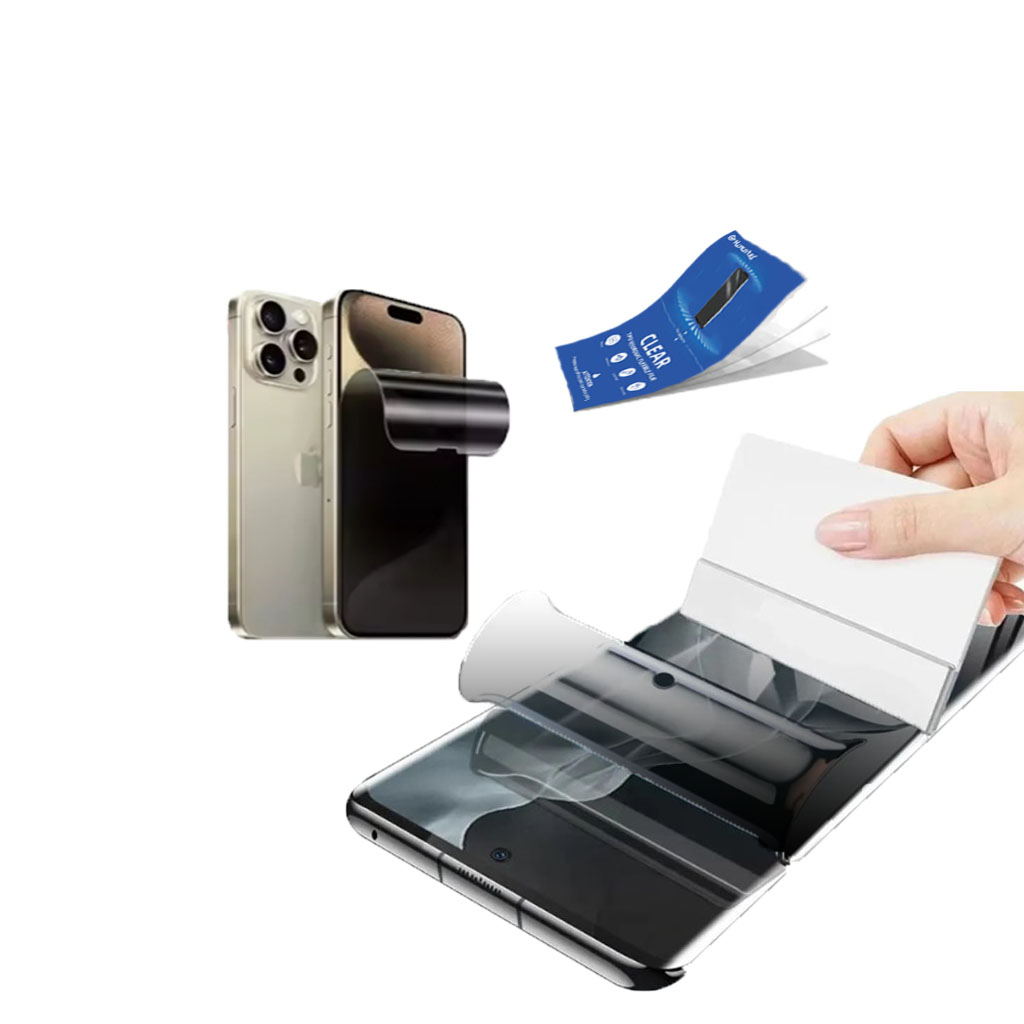
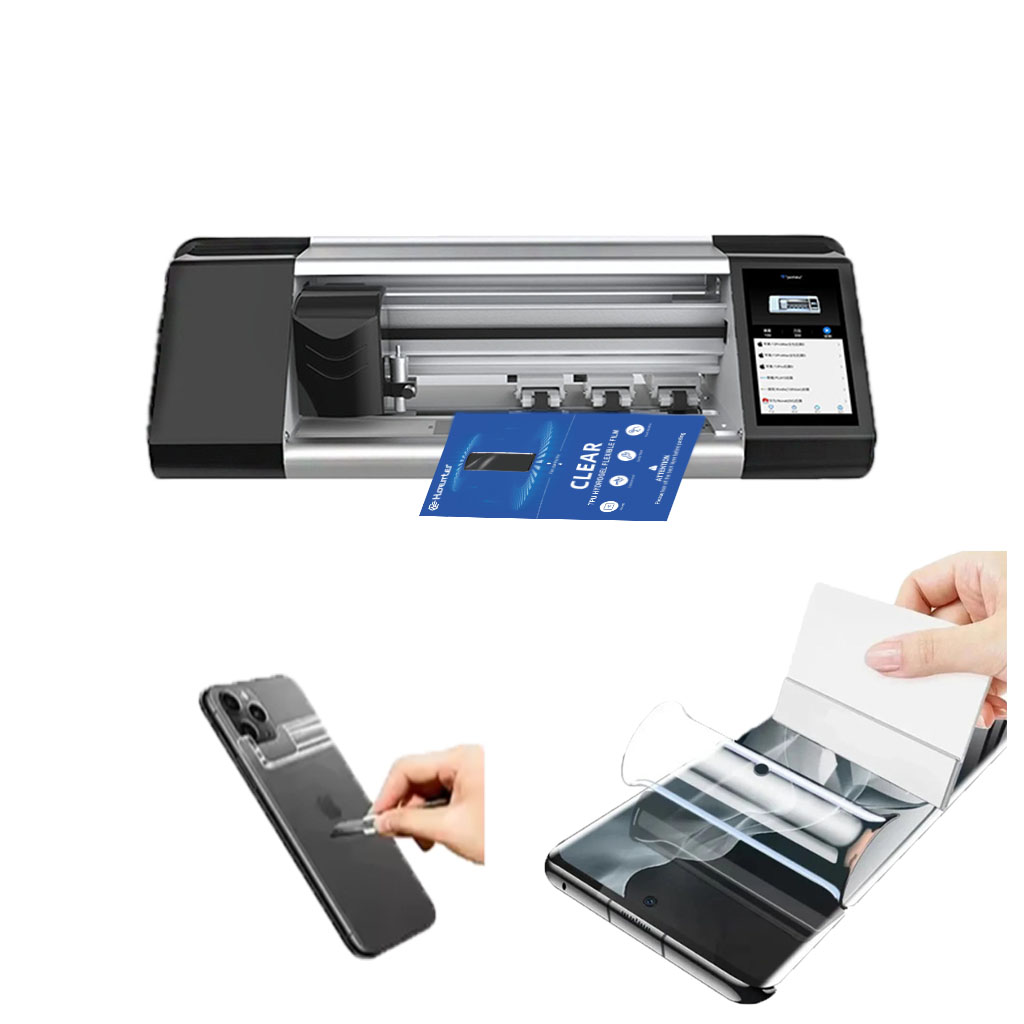
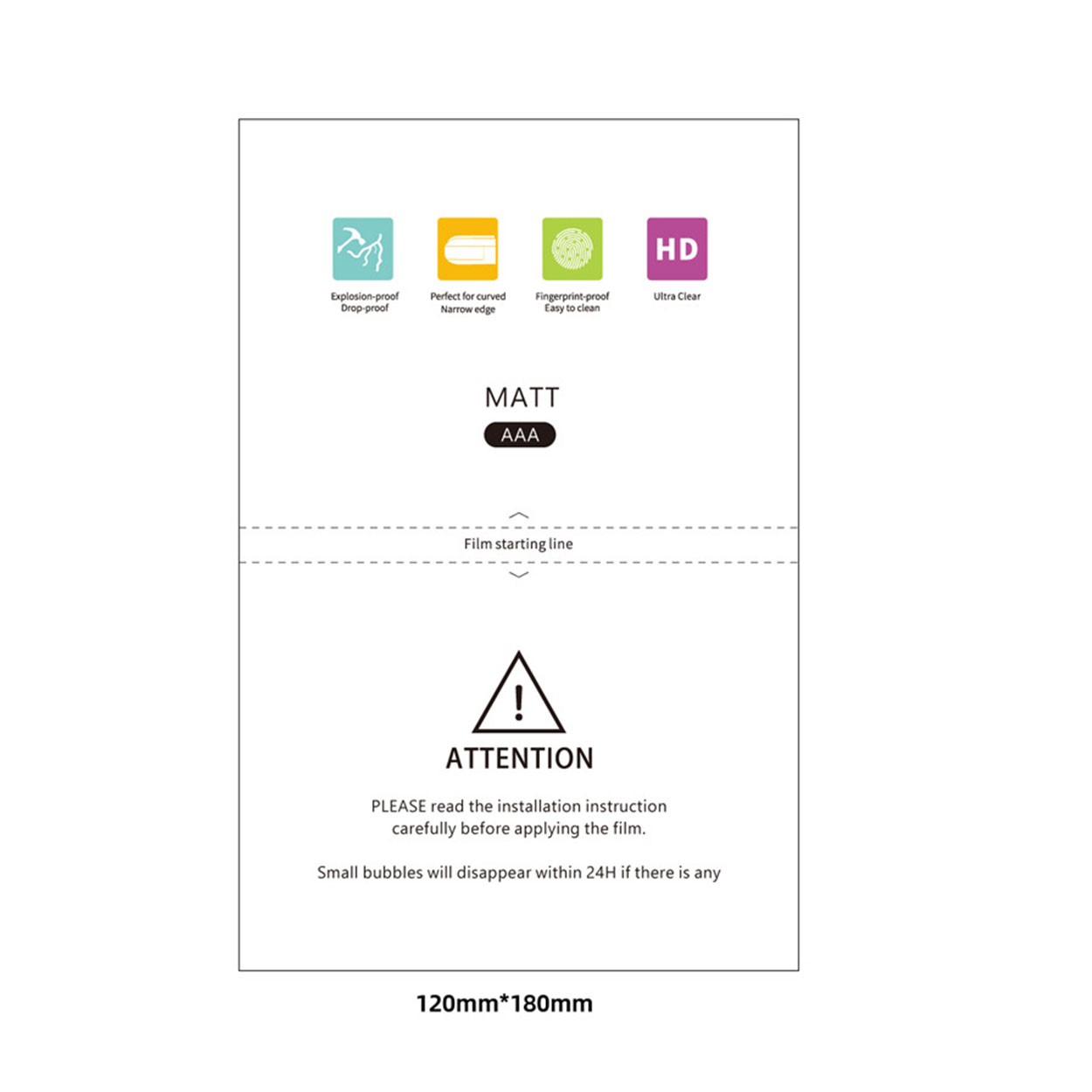
Privacy Screen Protector Film Roll For Hydrogel Film Cutter
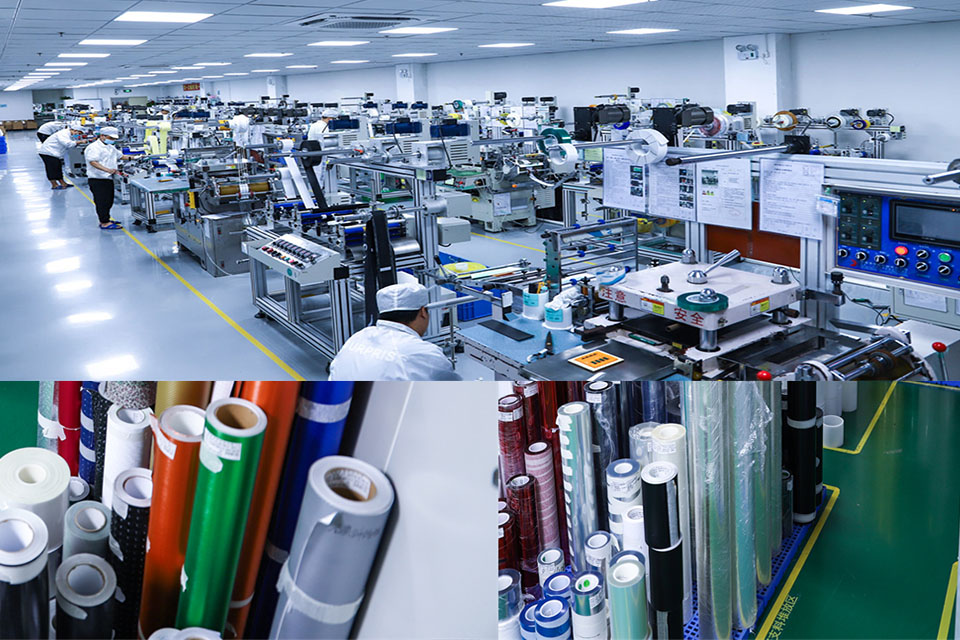
TPU privacy protection screen saver roll is made of military-grade thermoplastic polyurethane material, and is a full-scenario protection solution specially designed for smart terminal manufacturers and ODM/OEM suppliers. This product has passed ISO 9001 quality management system certification and is compatible with multiple electronic terminals such as smartphones, tablet devices, and laptop display modules, achieving a dual improvement in protection performance and commercial value.
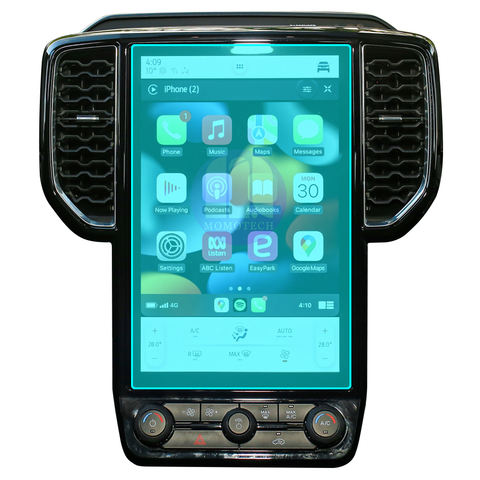
Porsche Panamera 2021 Navigation Display Tempered Glass
Protect your investment with a high-quality Porsche Panamera 2021 Screen Protector. Prevent scratches and damage to your Panamera’s navigation display.
How to Put in a Screen Protector?
By following these guidelines, you can apply a screen protector perfectly and keep your smartphone safe from damage.

Apa itu Mesin Pemotong Film dan Aplikasinya
Mesin pemotong film telah memainkan peran penting dalam evolusi pembuatan film dan berbagai proses industri dengan memungkinkan pemotongan dan penyambungan bahan film secara tepat.

Apa Itu Mesin Pemotong Pelindung Layar?
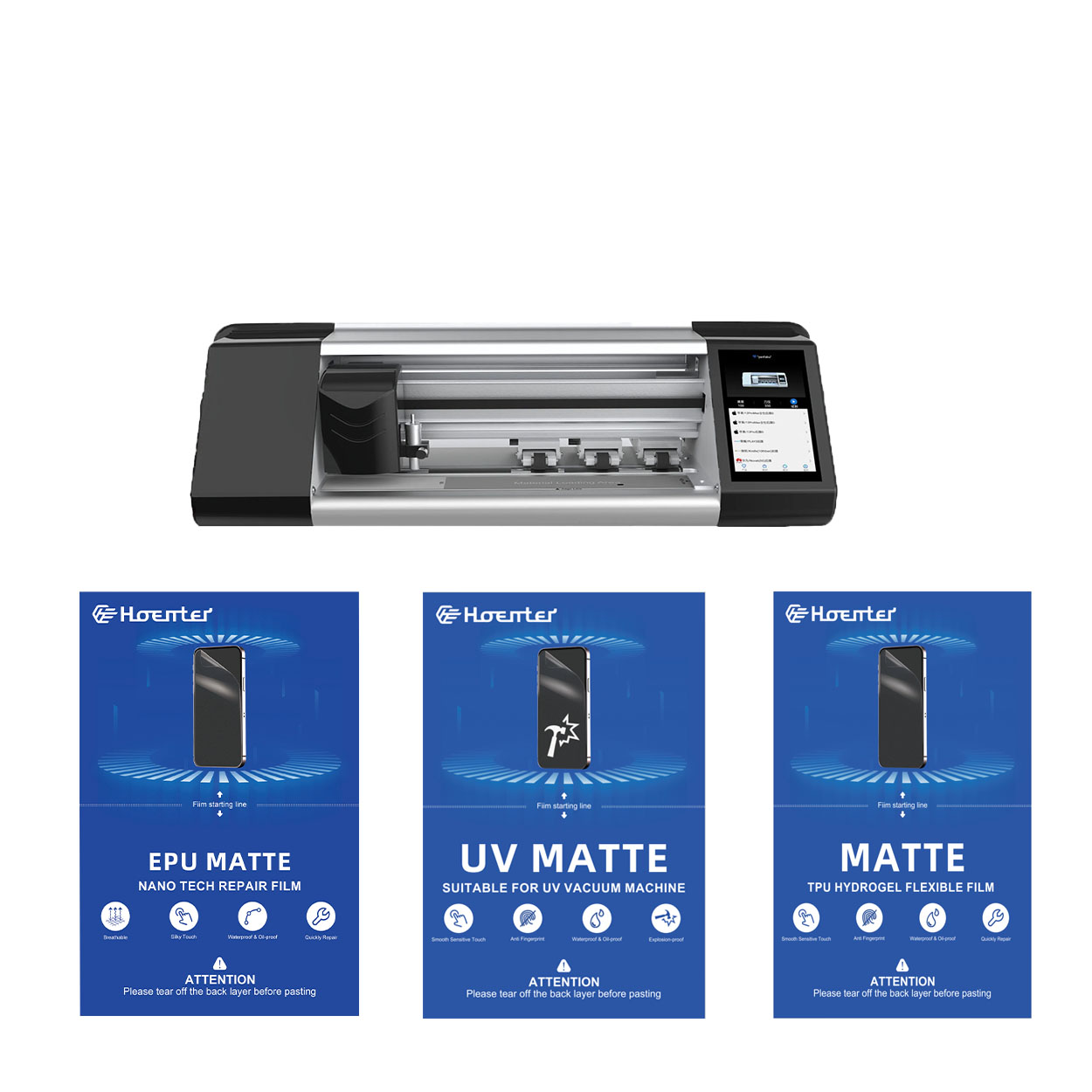
Mesin pemotong pelindung layar adalah perangkat khusus yang didesain untuk memproduksi pelindung layar yang disesuaikan untuk berbagai perangkat elektronik, termasuk smartphone, tablet, jam tangan pintar, laptop dan monitor.

Cara Kerja Mesin Pemotong Pelindung Layar Ponsel?
Mesin pemotong pelindung layar ponsel adalah perangkat canggih yang dirancang
untuk memproduksi pelindung layar yang disesuaikan untuk berbagai perangkat digital dengan kualitas tinggi
dan efisiensi.

Karakteristik Kaca Tempered Ponsel dan Pelindung Layar TPU Ponsel
Pelindung layar poliuretan termoplastik (TPU) fleksibel, tahan lama, dan
film plastik yang dapat menyembuhkan diri sendiri yang dirancang untuk melindungi layar perangkat elektronik dari
goresan, benturan, dan potensi kerusakan lainnya.

Merevolusi Perlindungan Perangkat dengan Mesin Pemotong Pelindung Layar
Apakah Anda memiliki smartphone, tablet, atau smartwatch, mesin serbaguna ini mengakomodasi beragam perangkat. Alat ini secara mulus beradaptasi dengan dimensi gadget Anda, menawarkan kesesuaian khusus yang tidak dapat ditandingi oleh pelindung umum.

Garansi Pelindung Layar Seumur Hidup
Garansi seumur hidup pelindung layar adalah jaminan yang diberikan oleh produsen bahwa
berjanji untuk memperbaiki atau mengganti pelindung layar selama masa pakai produk, dengan syarat dan ketentuan tertentu.
