
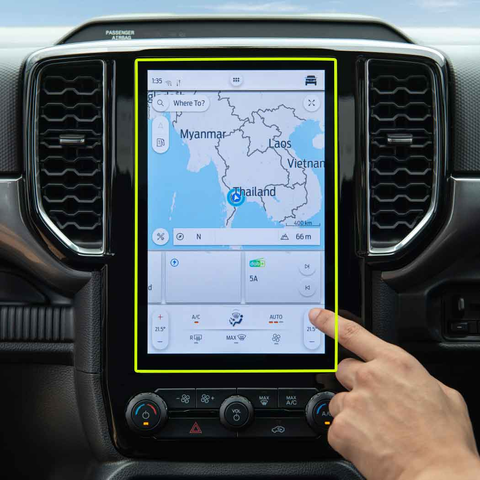
1. What Is a Screen Protector and Why Remove It?
A screen protector is a thin layer of material, often tempered glass or plastic, designed to shield your iPad’s screen from scratches, smudges, and cracks. While screen protectors are essential accessories for many users, there are times when you might need to remove them.
Why Remove It?
- Cracks or Damage: A cracked screen protector can obstruct your view and even pose a safety risk with sharp edges.
- Upgrading: You might want to replace your current protector with a newer, more advanced one.
- Desgaste: Over time, protectors can accumulate scratches or lose their adhesive properties, reducing their effectiveness.
2. How to Know When It’s Time to Remove Your iPad Screen Protector
Not sure if it’s time to remove your screen protector? Here are some signs to look out for:- Visible Cracks: If your tempered glass screen protector is cracked, it’s time to replace it to avoid further damage.
- Reduced Sensitivity: If your iPad’s touch screen isn’t as responsive as it used to be, the protector might be interfering.
- Scratches and Smudges: Excessive wear can make your screen look dull and dirty, even after cleaning.
- Peeling Edges: If the edges of your screen protector are lifting, it’s no longer providing full protection.
3. Tools You’ll Need to Safely Remove a Screen Protector
Before you start, gather the following tools to make the process smooth and safe:ToolPurposePlastic Card (e.g., credit card)To gently lift the edges of the screen protector without scratching the screen.Microfiber ClothTo clean the screen after removing the protector.Hairdryer (optional)To loosen adhesive on tempered glass protectors.Masking TapeTo remove any leftover adhesive residue.
Having these tools on hand will make the process easier and reduce the risk of damaging your iPad.
4. Step-by-Step Guide: How to Remove a Screen Protector from Your iPad
Follow these steps to safely remove your screen protector:- Start at the Corner: Use a plastic card or your fingernail to gently lift one corner of the screen protector. Be careful not to scratch the screen.
- Peel Slowly: Once the corner is lifted, slowly peel the protector away from the screen. Pull at a low angle to avoid cracking the protector.
- Use Heat if Necessary: For tempered glass protectors, use a hairdryer on low heat to soften the adhesive. Hold it about 6 inches away from the screen for 15-20 seconds.
- Limpar o ecrã: After removing the protector, use a microfiber cloth to wipe away any dust or adhesive residue.
5. What to Do If Your Screen Protector Is Cracked
Removing a cracked screen protector requires extra care to avoid injury or damage to your iPad.- Wear Gloves: Protect your hands from sharp edges.
- Tape the Cracks: Use masking tape to cover the cracks and prevent shards from falling during removal.
- Peel Slowly: Follow the same steps as above, but go even slower to avoid breaking the protector further.
6. How to Remove a Tempered Glass Screen Protector Without Damaging Your iPad
Tempered glass protectors are more durable but can be trickier to remove. Here’s how to do it:- Loosen the Adhesive: Use a hairdryer to warm the edges of the protector.
- Lift the Edge: Insert a plastic card under one corner and gently lift.
- Peel Off Slowly: Pull the protector away from the screen at a low angle.
7. Can You Reuse a Screen Protector After Removing It?
In most cases, screen protectors are not reusable. Once removed, the adhesive layer is often compromised, making it difficult to reapply without bubbles or reduced effectiveness.However, if the protector is still in good condition and you’re careful during removal, you might be able to reuse it temporarily. Just ensure the adhesive side is clean and free of dust.
8. How to Clean Your iPad Screen After Removing the Protector
After removing the screen protector, it’s essential to clean your iPad’s screen to prepare it for a new protector or to use it bare.Steps to Clean Your Screen
- Wipe with a Microfiber Cloth: Remove dust and fingerprints.
- Use a Screen Cleaner: Apply a small amount of alcohol-free screen cleaner to the cloth (not directly on the screen).
- Buff the Screen: Gently buff the screen until it’s clean and streak-free.
9. Tips for Installing a New Screen Protector on Your iPad
If you’re replacing your old screen protector, follow these tips for a flawless installation:- Limpar bem o ecrã: Any dust or smudges will create bubbles under the new protector.
- Align Carefully: Take your time to align the protector with your iPad’s edges and camera cutouts.
- Use a Squeegee: Smooth out bubbles as you apply the protector.
10. Common Mistakes to Avoid When Removing a Screen Protector
Avoid these common pitfalls to ensure a smooth removal process:- Using Sharp Tools: Metal tools can scratch your screen or damage the edges.
- Pulling Too Hard: Forcing the protector off can crack it or damage your iPad.
- Skipping the Cleaning Step: Residue left on the screen can interfere with a new protector.
Cortar película de transparência com a sua Cricut: Explorando materiais e técnicas
A película de transparência é um material versátil que pode dar um toque único aos seus projectos de artesanato. Se está a pensar se pode cortar película de transparência com a sua máquina Cricut, está no sítio certo. Este artigo irá guiá-lo através do processo, fornecendo informações sobre como utilizar a sua Cricut para cortar película transparente de forma eficaz. Quer seja um novato em artesanato ou um entusiasta experiente em bricolage, saber como lidar com película transparente com a sua máquina de corte pode abrir novas possibilidades criativas.
Wholesale Flexible Self-Healing EPU Clear Screen Protector
Wholesale Flexible Self-Healing EPU Clear Screen Protectors offering invisible protection, long-lasting clarity, and superior touch sensitivity.
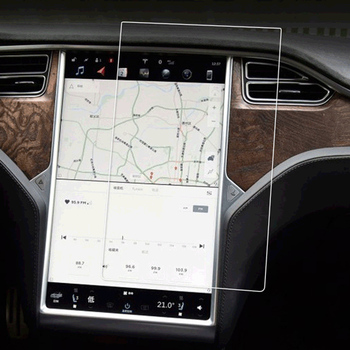
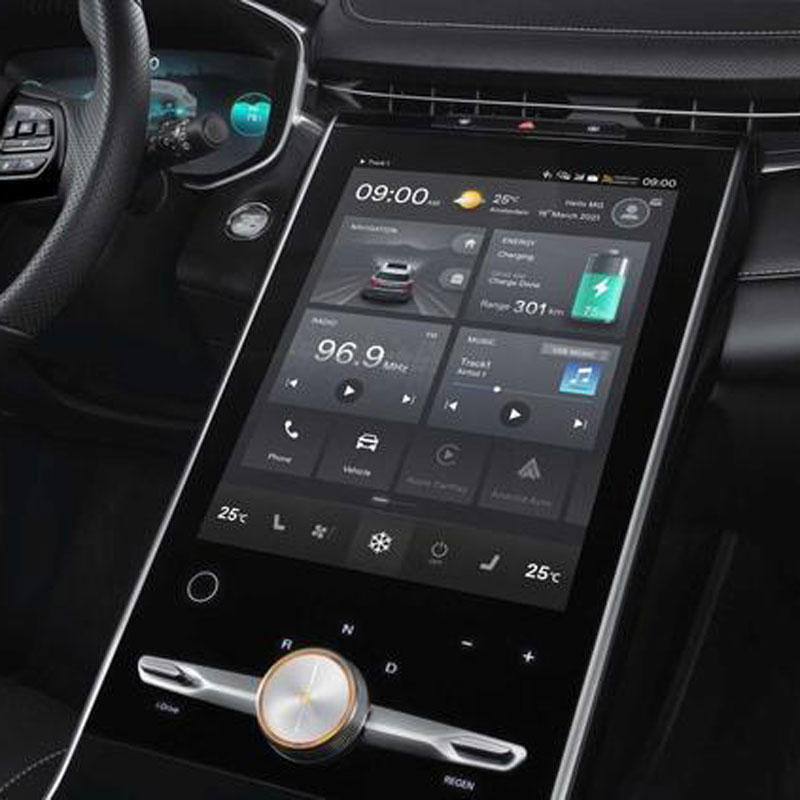
Mercedes-Benz Class C C200L Navigation Temper Glass
Our W206 C-Class Screen Protector offers superior protection for your C200L’s 11.9-inch display.
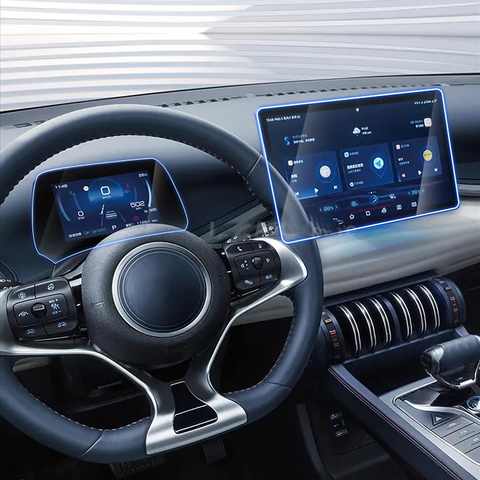
Audi A6 GPS Navigation Tempered Glass
Enhance your Audi A6 inventory with our premium accessories. We offer wholesale options on Audi A6 screen protectors and other interior upgrades.
How to Put in a Screen Protector?
By following these guidelines, you can apply a screen protector perfectly and keep your smartphone safe from damage.

O que é a máquina de corte de película e a sua aplicação
As máquinas de corte de película têm desempenhado um papel crucial na evolução da produção cinematográfica e de vários processos industriais, permitindo o corte e a união precisos de materiais de película.

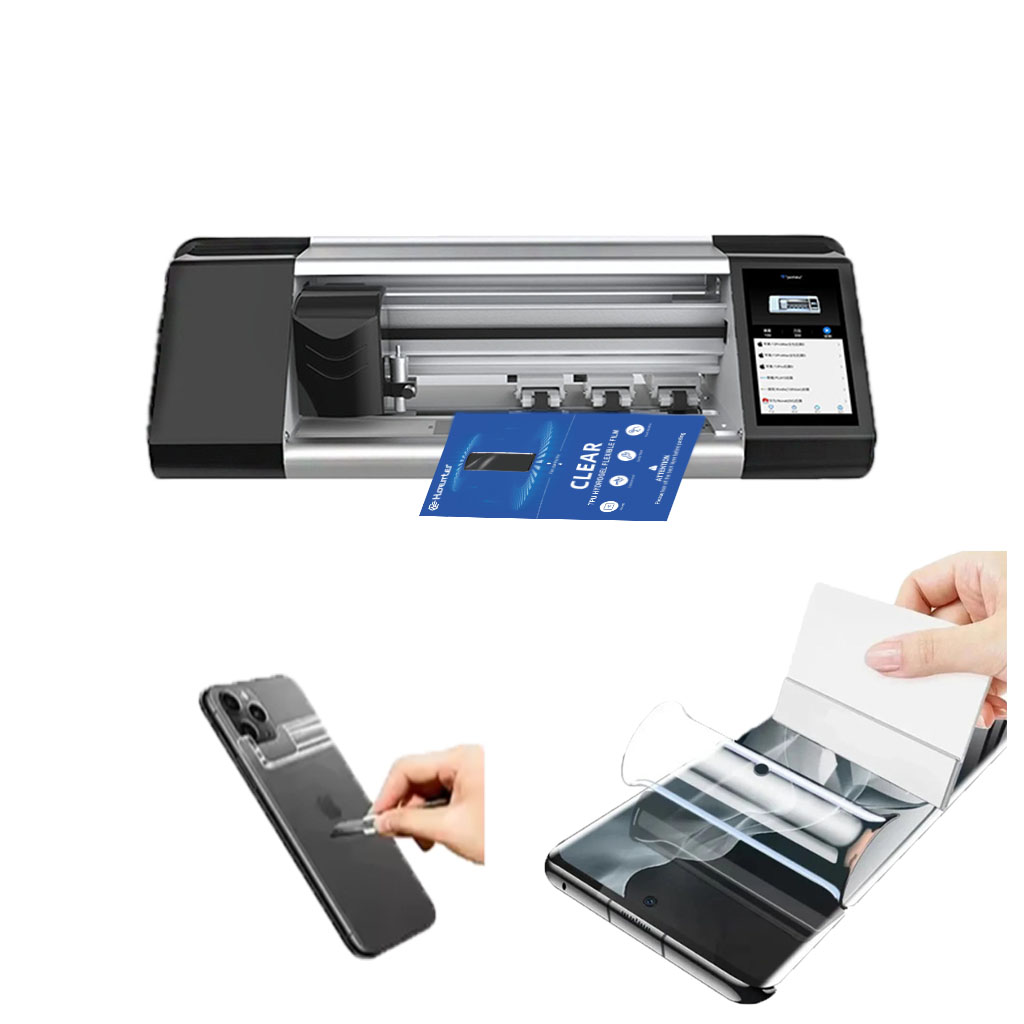
O que é uma máquina de corte de protectores de ecrã?
Uma máquina de corte de protectores de ecrã é um dispositivo especializado concebido para produzir protectores de ecrã personalizados para vários dispositivos electrónicos, incluindo smartphones, tablets, smartwatches, computadores portáteis e monitores.

Como funciona a máquina de corte do protetor de tela do telefone móvel?
Uma máquina de corte de protectores de ecrã de telemóveis é um dispositivo sofisticado concebido
para produzir protectores de ecrã personalizados para vários dispositivos digitais com elevado preço
ção e eficiência.

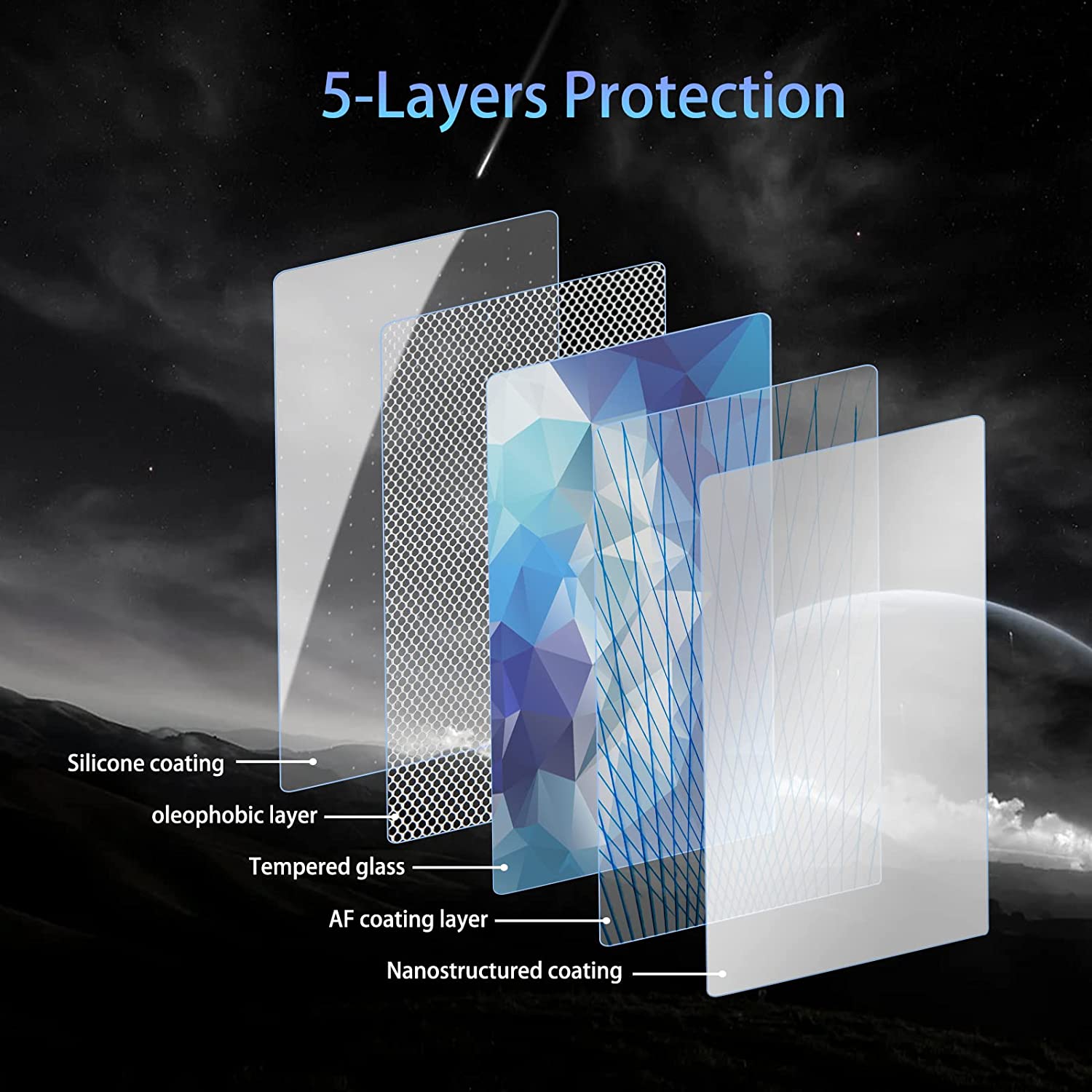
Caraterísticas do vidro temperado para telemóveis e do protetor de ecrã TPU para telemóveis
Os protectores de ecrã em poliuretano termoplástico (TPU) são flexíveis, duradouros e
películas plásticas auto-regeneráveis concebidas para proteger os ecrãs dos dispositivos electrónicos contra
riscos, impactos e outros danos potenciais.

Revolucione a proteção de dispositivos com a máquina de corte de proteção de ecrã
Quer tenha um smartphone, tablet ou smartwatch, esta máquina versátil adapta-se a uma vasta gama de dispositivos. Adapta-se perfeitamente às dimensões do seu gadget, oferecendo um ajuste personalizado que os protectores genéricos não conseguem igualar.

Protetor de ecrã com garantia vitalícia
A garantia vitalícia de um protetor de ecrã é uma garantia fornecida pelos fabricantes que
compromete-se a reparar ou substituir um protetor de ecrã durante o tempo de vida útil do produto, de acordo com termos e condições específicos.
