
1. What Is a Screen Protector and Why Remove It?
A screen protector is a thin layer of material, often tempered glass or plastic, designed to shield your iPad’s screen from scratches, smudges, and cracks. While screen protectors are essential accessories for many users, there are times when you might need to remove them.
Why Remove It?
- Cracks or Damage: A cracked screen protector can obstruct your view and even pose a safety risk with sharp edges.
- Upgrading: You might want to replace your current protector with a newer, more advanced one.
- Zużycie: Over time, protectors can accumulate scratches or lose their adhesive properties, reducing their effectiveness.
2. How to Know When It’s Time to Remove Your iPad Screen Protector
Not sure if it’s time to remove your screen protector? Here are some signs to look out for:- Visible Cracks: If your tempered glass screen protector is cracked, it’s time to replace it to avoid further damage.
- Reduced Sensitivity: If your iPad’s touch screen isn’t as responsive as it used to be, the protector might be interfering.
- Scratches and Smudges: Excessive wear can make your screen look dull and dirty, even after cleaning.
- Peeling Edges: If the edges of your screen protector are lifting, it’s no longer providing full protection.
3. Tools You’ll Need to Safely Remove a Screen Protector
Before you start, gather the following tools to make the process smooth and safe:ToolPurposePlastic Card (e.g., credit card)To gently lift the edges of the screen protector without scratching the screen.Microfiber ClothTo clean the screen after removing the protector.Hairdryer (optional)To loosen adhesive on tempered glass protectors.Masking TapeTo remove any leftover adhesive residue.
Having these tools on hand will make the process easier and reduce the risk of damaging your iPad.
4. Step-by-Step Guide: How to Remove a Screen Protector from Your iPad
Follow these steps to safely remove your screen protector:- Start at the Corner: Use a plastic card or your fingernail to gently lift one corner of the screen protector. Be careful not to scratch the screen.
- Peel Slowly: Once the corner is lifted, slowly peel the protector away from the screen. Pull at a low angle to avoid cracking the protector.
- Use Heat if Necessary: For tempered glass protectors, use a hairdryer on low heat to soften the adhesive. Hold it about 6 inches away from the screen for 15-20 seconds.
- Czyszczenie ekranu: After removing the protector, use a microfiber cloth to wipe away any dust or adhesive residue.
5. What to Do If Your Screen Protector Is Cracked
Removing a cracked screen protector requires extra care to avoid injury or damage to your iPad.- Wear Gloves: Protect your hands from sharp edges.
- Tape the Cracks: Use masking tape to cover the cracks and prevent shards from falling during removal.
- Peel Slowly: Follow the same steps as above, but go even slower to avoid breaking the protector further.
6. How to Remove a Tempered Glass Screen Protector Without Damaging Your iPad
Tempered glass protectors are more durable but can be trickier to remove. Here’s how to do it:- Loosen the Adhesive: Use a hairdryer to warm the edges of the protector.
- Lift the Edge: Insert a plastic card under one corner and gently lift.
- Peel Off Slowly: Pull the protector away from the screen at a low angle.
7. Can You Reuse a Screen Protector After Removing It?
In most cases, screen protectors are not reusable. Once removed, the adhesive layer is often compromised, making it difficult to reapply without bubbles or reduced effectiveness.However, if the protector is still in good condition and you’re careful during removal, you might be able to reuse it temporarily. Just ensure the adhesive side is clean and free of dust.
8. How to Clean Your iPad Screen After Removing the Protector
After removing the screen protector, it’s essential to clean your iPad’s screen to prepare it for a new protector or to use it bare.Steps to Clean Your Screen
- Wipe with a Microfiber Cloth: Remove dust and fingerprints.
- Use a Screen Cleaner: Apply a small amount of alcohol-free screen cleaner to the cloth (not directly on the screen).
- Buff the Screen: Gently buff the screen until it’s clean and streak-free.
9. Tips for Installing a New Screen Protector on Your iPad
If you’re replacing your old screen protector, follow these tips for a flawless installation:- Dokładnie wyczyść ekran: Any dust or smudges will create bubbles under the new protector.
- Align Carefully: Take your time to align the protector with your iPad’s edges and camera cutouts.
- Use a Squeegee: Smooth out bubbles as you apply the protector.
10. Common Mistakes to Avoid When Removing a Screen Protector
Avoid these common pitfalls to ensure a smooth removal process:- Using Sharp Tools: Metal tools can scratch your screen or damage the edges.
- Pulling Too Hard: Forcing the protector off can crack it or damage your iPad.
- Skipping the Cleaning Step: Residue left on the screen can interfere with a new protector.
Jak wybrać najlepszą fabrykę ochraniaczy ekranu dla swojej firmy?
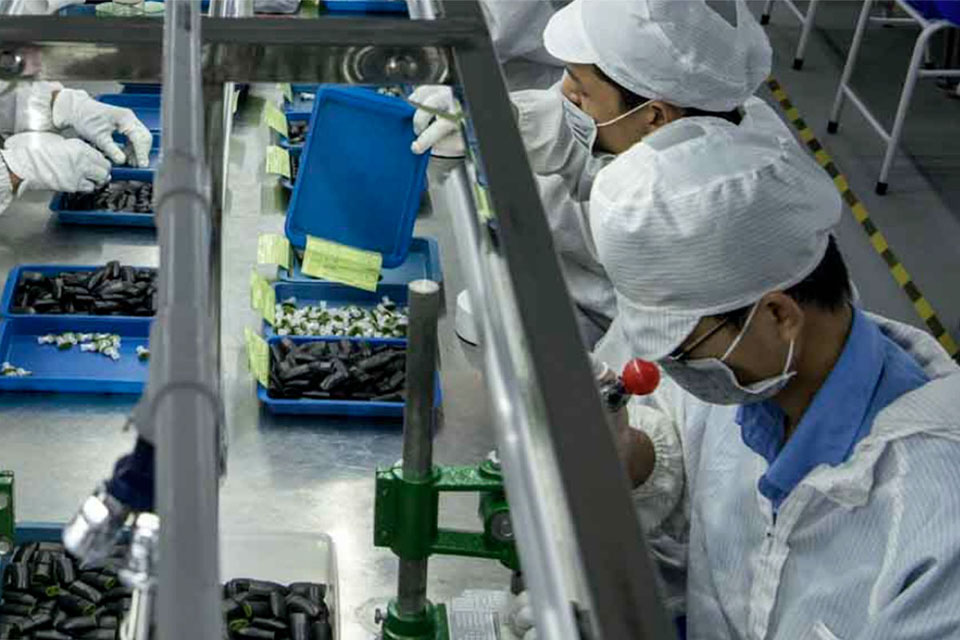
Wybór odpowiedniej fabryki ochraniaczy ekranu ma kluczowe znaczenie dla firmy i może znacząco wpłynąć na jakość produktu, zadowolenie klientów i ogólną rentowność.
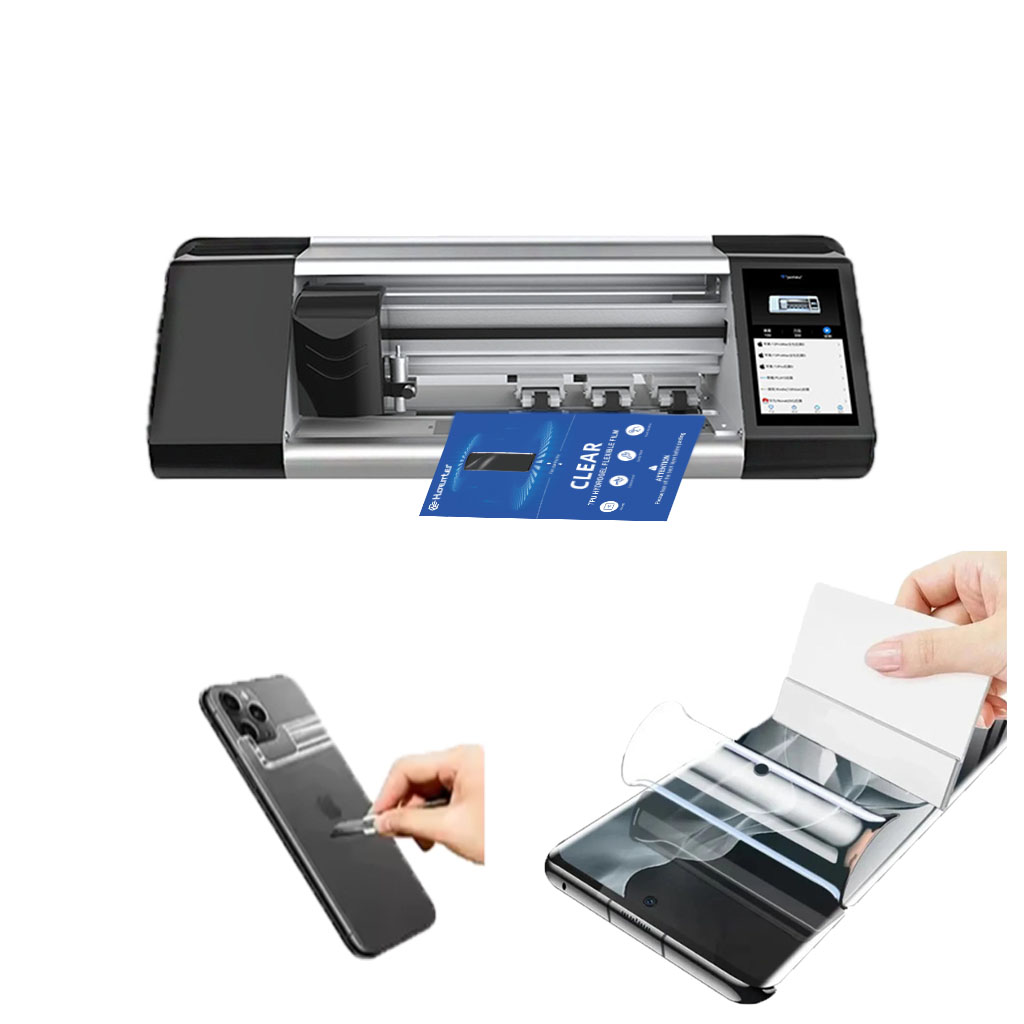
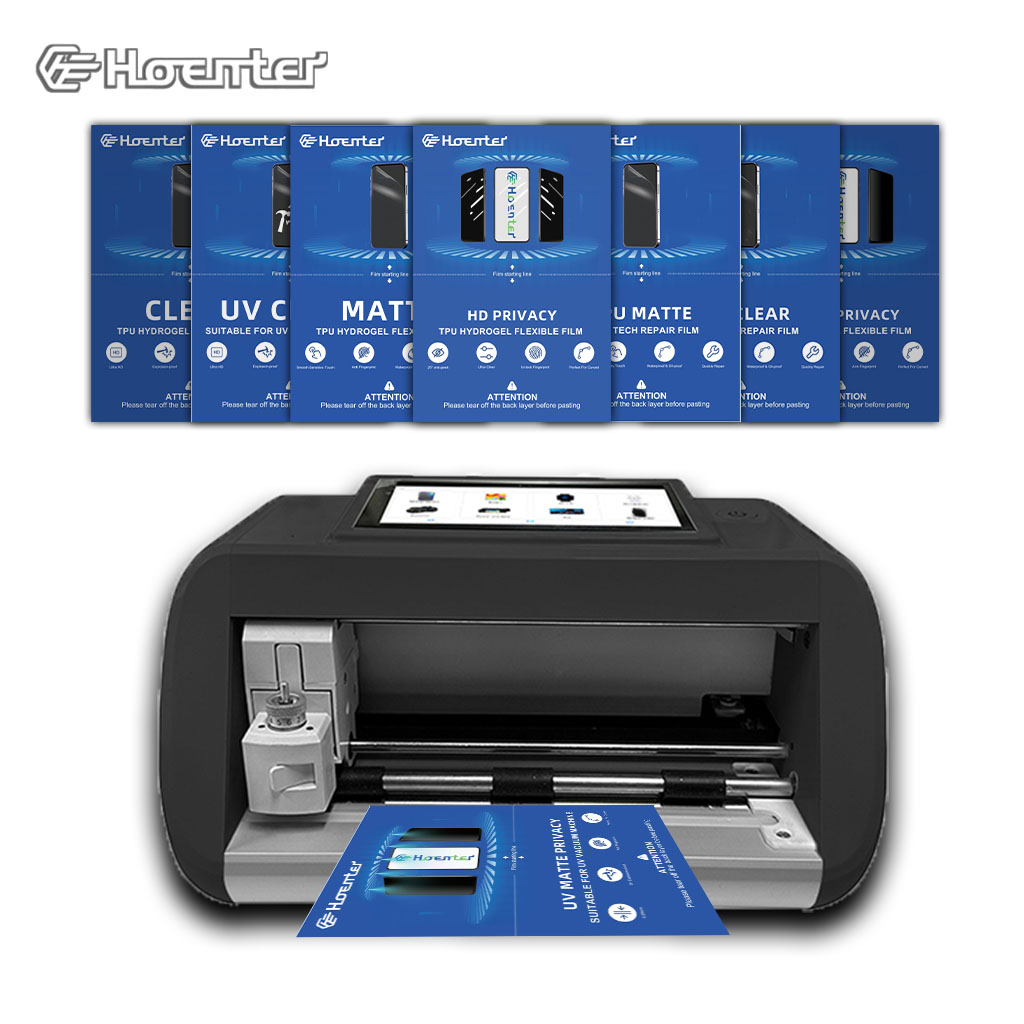
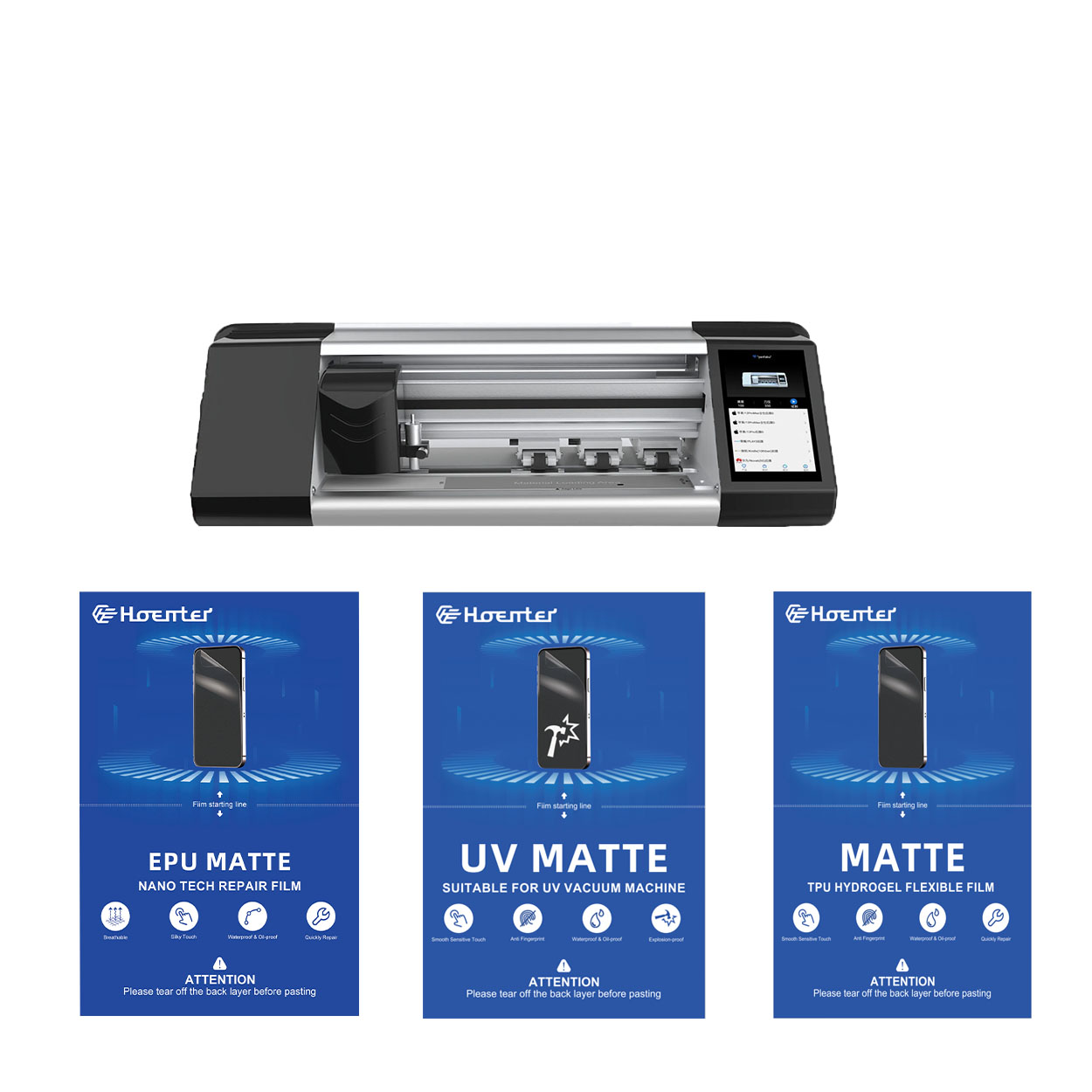
Maszyna do ochrony ekranu
Maszyny do cięcia hydrożelu doskonale radzą sobie z miękkimi, elastycznymi materiałami i są generalnie bardziej opłacalne w przypadku prostych projektów.
Wycinarki laserowe oferują doskonałą precyzję, zwłaszcza w przypadku skomplikowanych wycięć, oraz większą wszechstronność materiałów.
Wybór między cięciem hydrożelowym a laserowym zależy od czynników takich jak wielkość produkcji, rodzaje materiałów i złożoność projektu.
Podejmując decyzję, należy wziąć pod uwagę koszty długoterminowe, w tym koszty konserwacji i zużycia energii.
Obie technologie nadal ewoluują, a przyszłe trendy koncentrują się na integracji sztucznej inteligencji i rozwiązaniach przyjaznych dla środowiska.
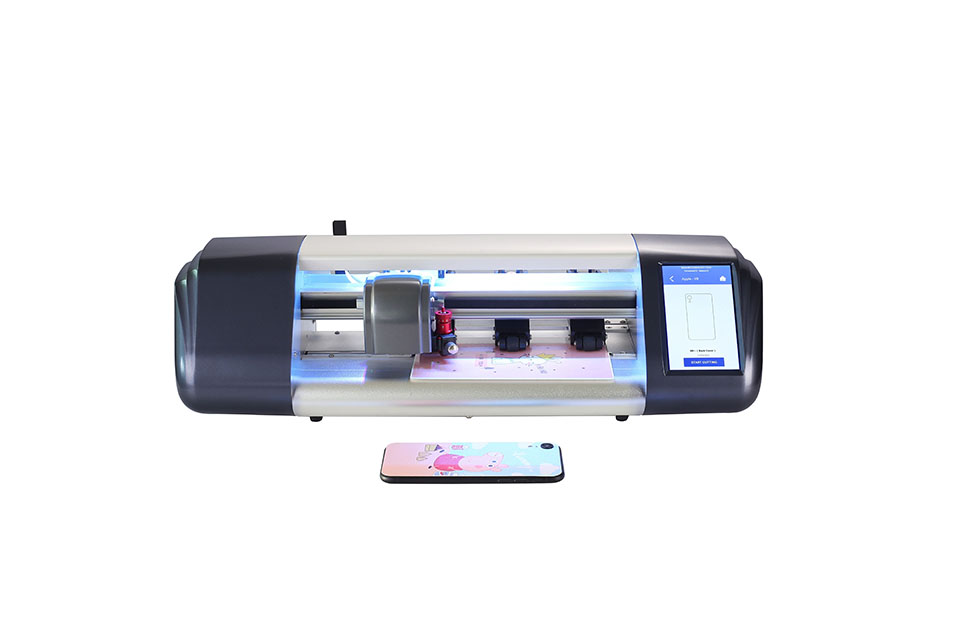
5 największych zalet korzystania z maszyny do cięcia folii w sklepie
Maszyny do cięcia ochraniaczy ekranu zrewolucjonizowały produkcję i zastosowanie ochraniaczy ekranu, oferując znaczące korzyści w zakresie precyzji, wydajności i personalizacji.
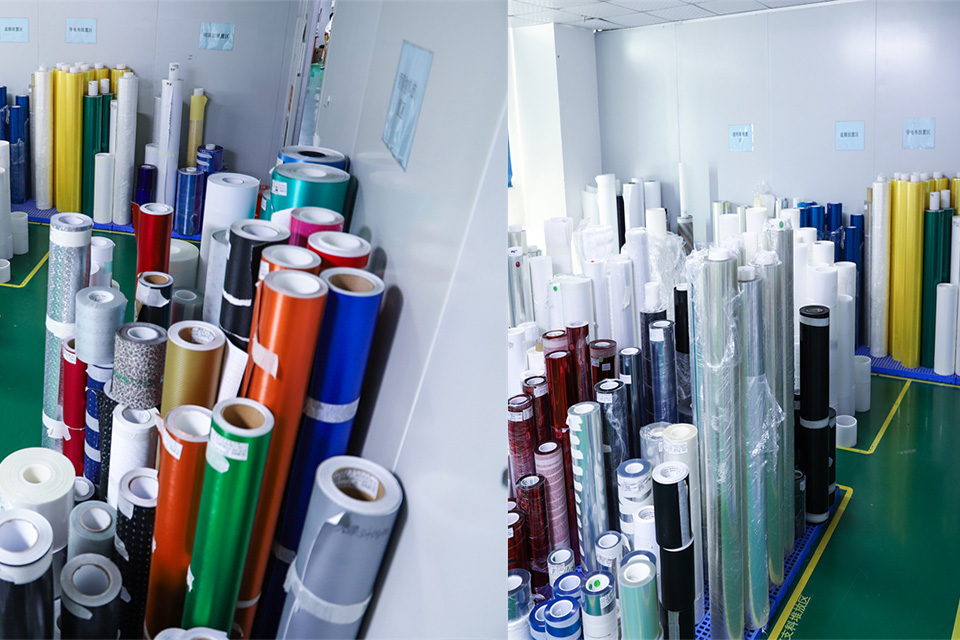
Jak usunąć zabezpieczenie ekranu iPhone'a: Kompleksowy przewodnik
Zmagasz się z porysowaną lub pęcherzykową osłoną ekranu na swoim iPhonie? A może nadszedł czas na aktualizację, ale nie jesteś pewien, jak bezpiecznie usunąć starą. Nie martw się! Ten przewodnik przeprowadzi Cię przez proces usuwania zabezpieczenia ekranu iPhone'a, niezależnie od tego, czy jest to szkło hartowane, czy folia z tworzywa sztucznego. Obejmiemy wszystko, od przygotowania po pielęgnację, zapewniając, że ekran urządzenia pozostanie nieskazitelny przez cały proces.
Ile kosztuje naprawa ekranu telefonu?
Dzięki temu przewodnikowi będziesz mógł pewnie poruszać się po świecie napraw ekranów telefonów i podejmować świadome decyzje dostosowane do Twoich potrzeb i budżetu.

Jaka maszyna do cięcia folii i jej zastosowanie
Maszyny do cięcia folii odegrały kluczową rolę w ewolucji produkcji filmowej i różnych procesów przemysłowych, umożliwiając precyzyjne cięcie i łączenie materiałów filmowych.

Co to jest maszyna do cięcia ochraniaczy ekranu?
Maszyna do cięcia ochraniaczy ekranu to specjalistyczne urządzenie zaprojektowane do produkcji niestandardowych ochraniaczy ekranu dla różnych urządzeń elektronicznych, w tym smartfonów, tabletów, smartwatchy, laptopów i monitorów.

Jak działa maszyna do cięcia ochraniaczy ekranu telefonu komórkowego?
Maszyna do cięcia ochraniaczy ekranu telefonu komórkowego jest zaawansowanym urządzeniem zaprojektowanym
do produkcji niestandardowych ochraniaczy ekranu dla różnych urządzeń cyfrowych z wysoką ceną
i wydajność.

Charakterystyka szkła hartowanego na telefon komórkowy i ochraniacza ekranu TPU na telefon komórkowy
Ochraniacze ekranu z termoplastycznego poliuretanu (TPU) są elastyczne, trwałe i wytrzymałe.
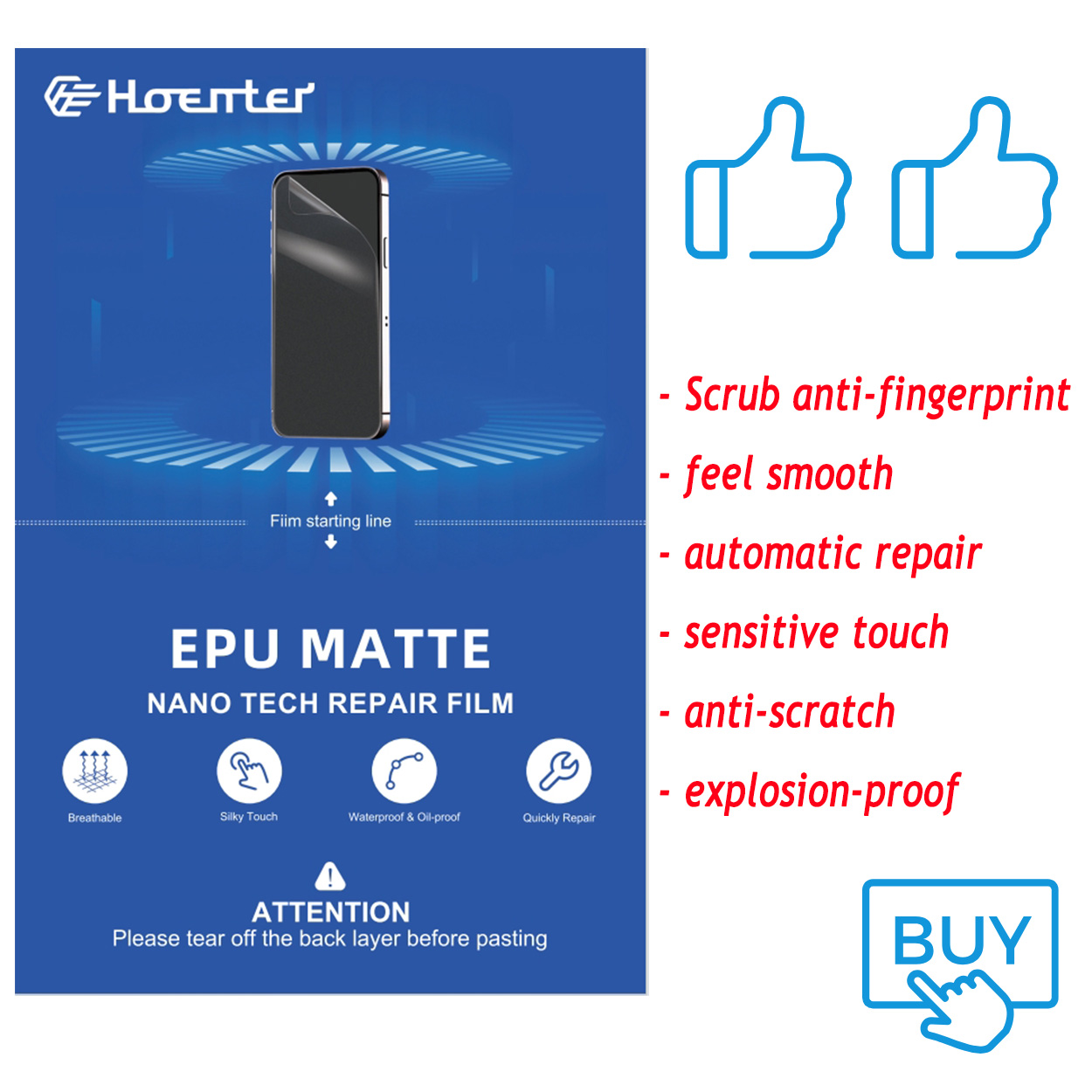
samoregenerujące się folie z tworzyw sztucznych przeznaczone do ochrony ekranów urządzeń elektronicznych przed
zadrapania, uderzenia i inne potencjalne uszkodzenia.

Rewolucja w ochronie urządzeń dzięki maszynie do cięcia osłon ekranu
Niezależnie od tego, czy posiadasz smartfon, tablet czy smartwatch, to wszechstronne urządzenie obsługuje szeroką gamę urządzeń. Płynnie dostosowuje się do wymiarów gadżetu, oferując niestandardowe dopasowanie, którego nie można dopasować do ogólnych ochraniaczy.

Dożywotnia gwarancja na osłonę ekranu
Dożywotnia gwarancja na ochraniacz ekranu to gwarancja udzielana przez producentów, która
obiecuje naprawę lub wymianę osłony ekranu przez cały okres użytkowania produktu, na określonych warunkach.
